
Pinterest Board Strategy: How to Choose the Right Board for Every Pin
17 November 2026
Dit artikel is nog niet beschikbaar in het Nederlands en wordt daarom in het Engels getoond.
You’ve created a Pinterest pin, chosen an image, and written a keyword-rich title and description, but when it’s time to publish, you’re left wondering which Pinterest board you should save it to.
Your Pinterest board strategy plays an important role in organizing your content and helping Pinterest understand what you’re sharing, and if you’re using Pinterest to market a business, you want your boards to reflect the topics your audience is searching for.
In this article, we’ll look at how to organize your Pinterest boards, choose the right board for each pin, and avoid common mistakes. We’ll also explore how to automate board selection so you don’t have to make that decision every time you publish.
Why Your Pinterest Board Strategy Matters
Think of Pinterest boards as folders that help people browse your content and discover ideas they’re interested in. According to Pinterest’s official guide to creating boards, boards help businesses organize their pins so visitors can easily browse their profiles and explore their ideas. For example, a food blogger might create boards for vegetarian dinners, breakfast recipes, and healthy snacks.
Pinterest boards also play an important role in your Pinterest SEO strategy. Since Pinterest functions as a visual search engine, the names and descriptions of your boards help provide context about the content you’re sharing, making it easier for Pinterest to understand your topics.
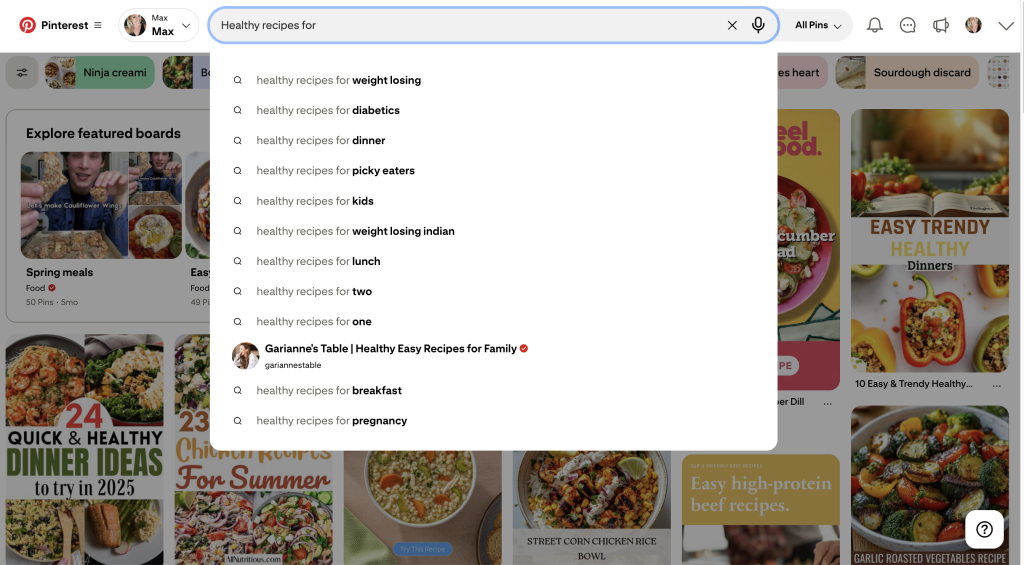
This is why a board called “Small Bedroom Ideas” is preferred to something vague like “Dreamy Spaces.” It tells people what to expect and helps Pinterest understand the topic of your board.
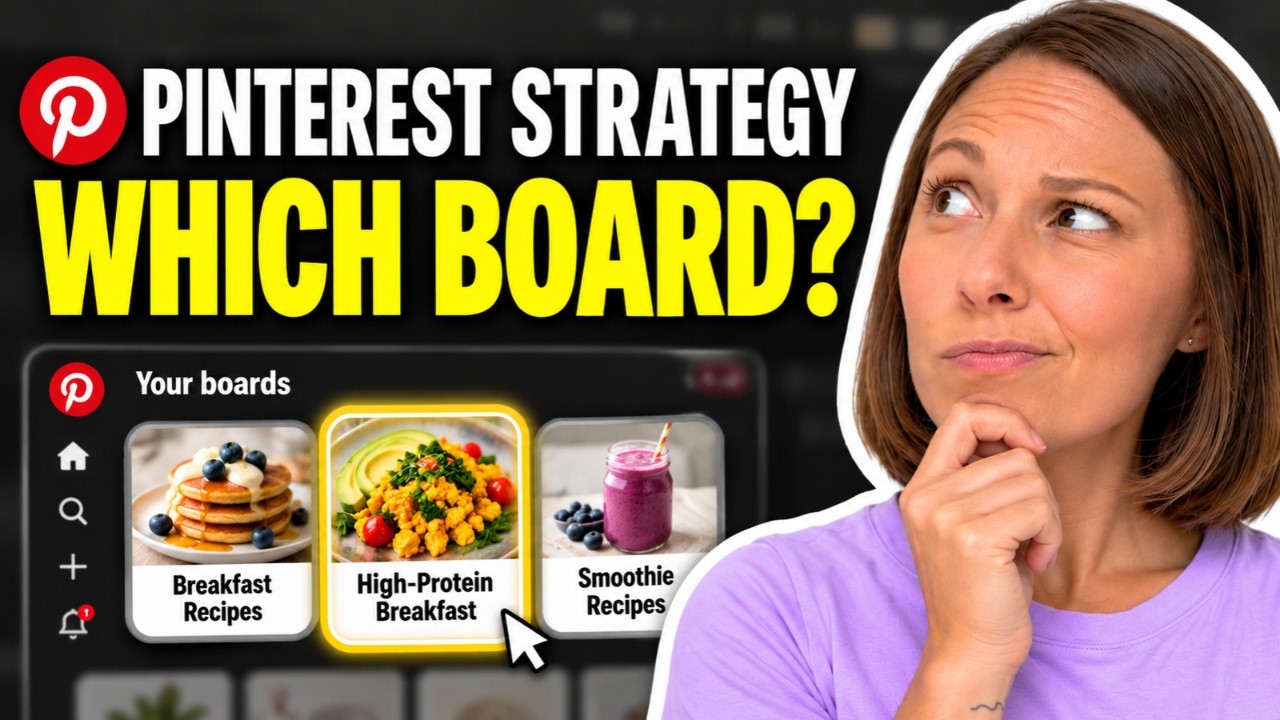
Prefer to watch instead of read? We’ve created a full walkthrough on our YouTube channel showing how to create Pinterest boards, optimize them for SEO, and choose the right board for your pins. You’ll also see Pin Generator’s AI Board Selector in action, so I’d encourage you to check it out if you want to follow along. Watch it here:
How to Organize Pinterest Boards for SEO
Pinterest boards serve a bigger purpose than simply keeping your content organized. They also play an important role in your Pinterest SEO strategy. SEO stands for search engine optimization, and because Pinterest functions as a visual search engine, the titles, descriptions, and boards you use all help Pinterest understand what your content is about.
By organizing your boards strategically and using keyword-rich titles and descriptions, you give Pinterest more context about your content. This can help Pinterest categorize your pins and show them to people searching for relevant topics.
When organizing your Pinterest boards, start by thinking about the main topics your business covers. If you’re a fashion blogger, you might create boards for Fall Outfits, Summer Fashion, Capsule Wardrobes, and Work Outfit Ideas. If you sell handmade jewelry on Etsy, your boards might focus on Gold Necklaces, Gemstone Rings, and Personalized Jewelry.
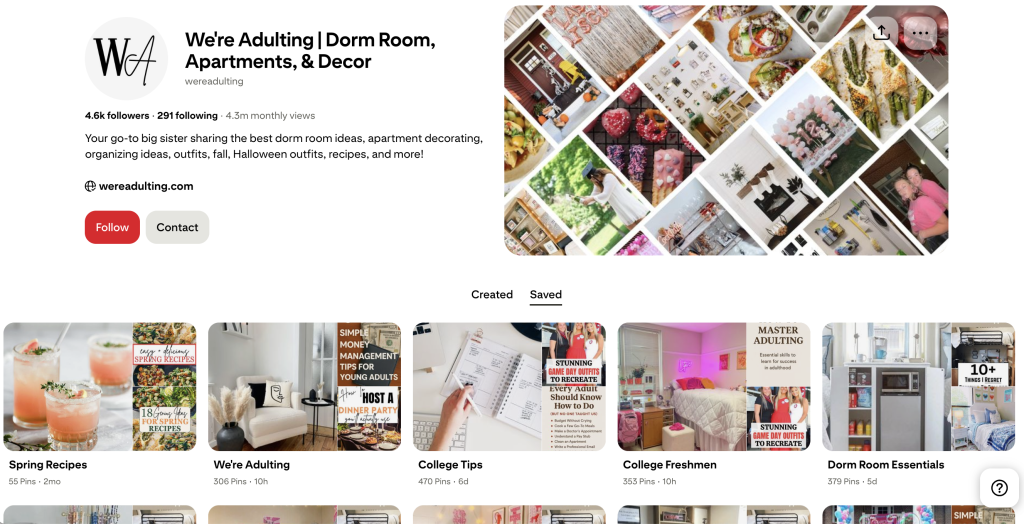
The goal is to create clear categories that make sense for your content and the people searching for it. For example, “Easy Vegetarian Dinners” is much more descriptive than “My Favorite Recipes” because it tells Pinterest and potential visitors exactly what they’ll find.
Your board descriptions should expand on those topics by explaining what people can expect. A board called “Small Bedroom Ideas” might include a description like, “Discover small bedroom decorating ideas, space-saving furniture, storage solutions, and cozy bedroom inspiration.” This provides additional context without forcing unnecessary keywords into the description.
You also don’t need dozens of boards when you’re getting started. A smaller collection of relevant, well-organized boards is a great place to begin, and you can always add more as your content grows.
For more advice on improving your existing boards, check out our guide to Pinterest board optimization, which covers board names, descriptions, and organization in more detail.
How to Choose the Right Pinterest Board for Every Pin
Once your boards are organized, the next question is where each pin should go. The simplest approach is to look at the main topic of your content and choose the board that matches it most closely.
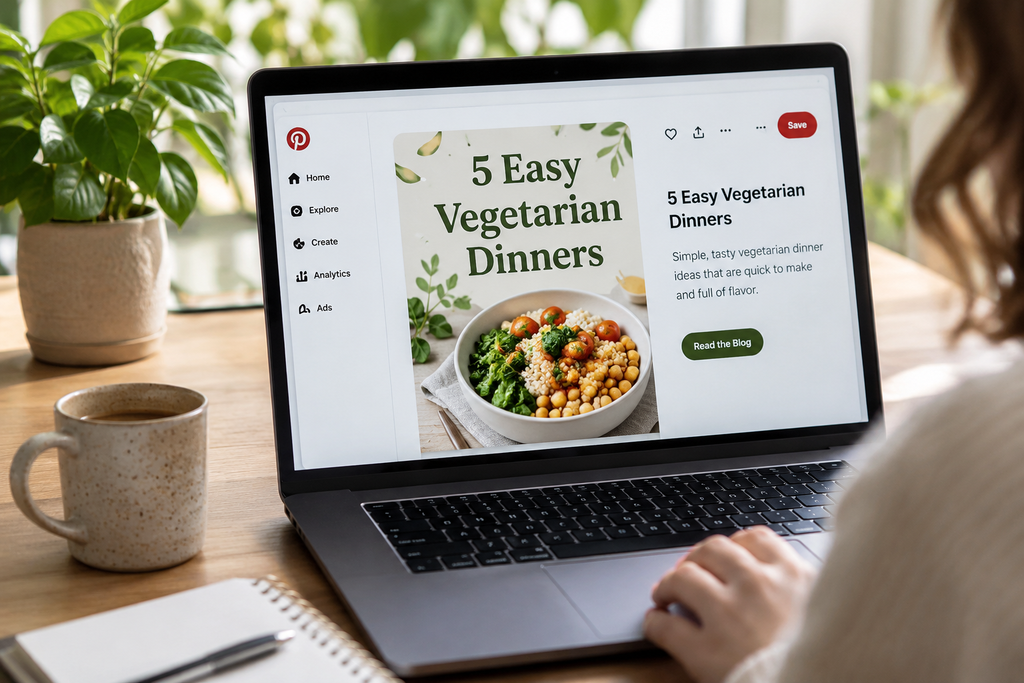
Let’s say you’re a food blogger and you’ve created a pin promoting an article about five easy vegetarian dinners. You have three boards called “Vegetarian Recipes,” “Easy Dinner Ideas,” and “Vegetarian Meal Prep.” Both “Vegetarian Recipes” and “Easy Dinner Ideas” could work, but if you also have a board called “Easy Vegetarian Dinners,” that would probably be your strongest match.
Of course, not every pin will have one obvious destination, and that’s okay. Rather than spending too much time trying to find the perfect match, focus on choosing a board that accurately reflects your content.
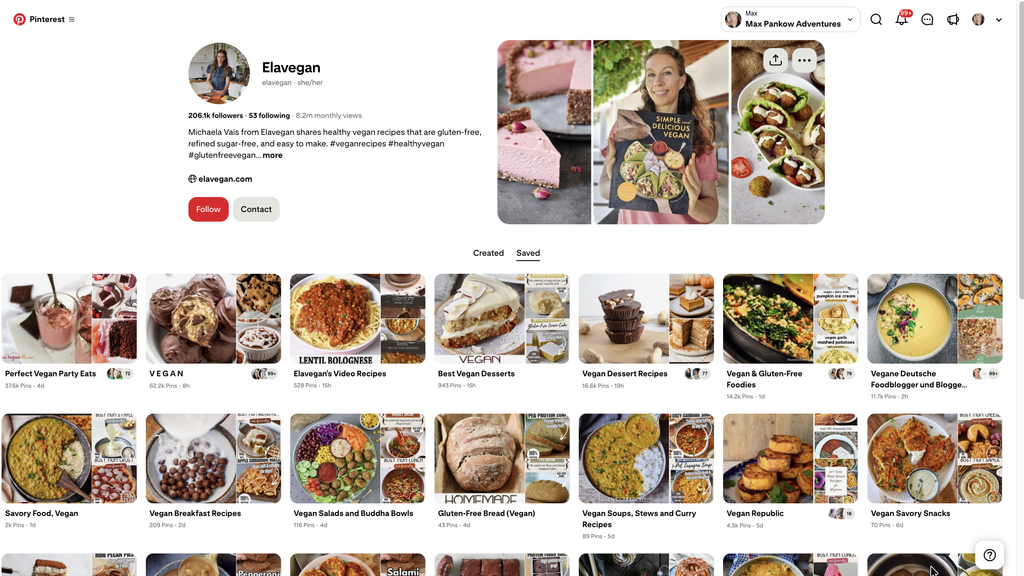
Should You Save the Same Pin to Multiple Boards?
It’s common for one pin to fit into more than one category, especially when your content covers overlapping topics; however, that doesn’t mean you need to save it to every board that sounds remotely related.
For example, a high-protein tofu scramble could be relevant to both a vegan breakfast board and a high-protein recipe board, but saving it to an unrelated board like “Healthy Desserts” just because that board has more followers wouldn’t make sense.
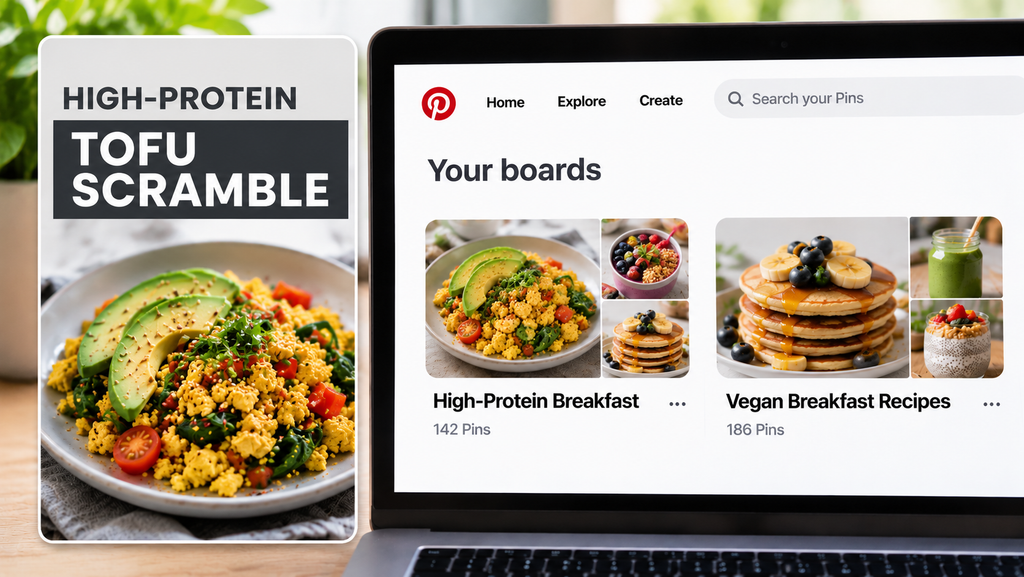
I’d recommend choosing the most relevant board when you first publish your pin. If you decide to save it to another board later, make sure there’s a genuine reason for it to be there. The goal is to organize your content in a way that’s useful to people browsing your profile, rather than placing the same pin on as many boards as possible.
Common Pinterest Board Mistakes to Avoid
One common mistake is creating boards that are too broad. A board called “Lifestyle” might include recipes, travel, fashion, and home decor, but it doesn’t tell visitors much about what they’ll find. If you’re using Pinterest to market a business, more specific categories can make your profile easier to navigate.
Another mistake is creating several boards that cover almost identical topics. For example, do you really need separate boards for “Easy Dinner Recipes,” “Simple Dinner Ideas,” and “Quick and Easy Dinners”? Unless they serve genuinely different purposes, you might be making board selection unnecessarily complicated.
It’s also worth reviewing your existing boards occasionally, especially if your business has changed direction. You might have older boards that no longer reflect the content you’re creating. In many cases, you can simply update their names and descriptions rather than deleting everything and starting over.
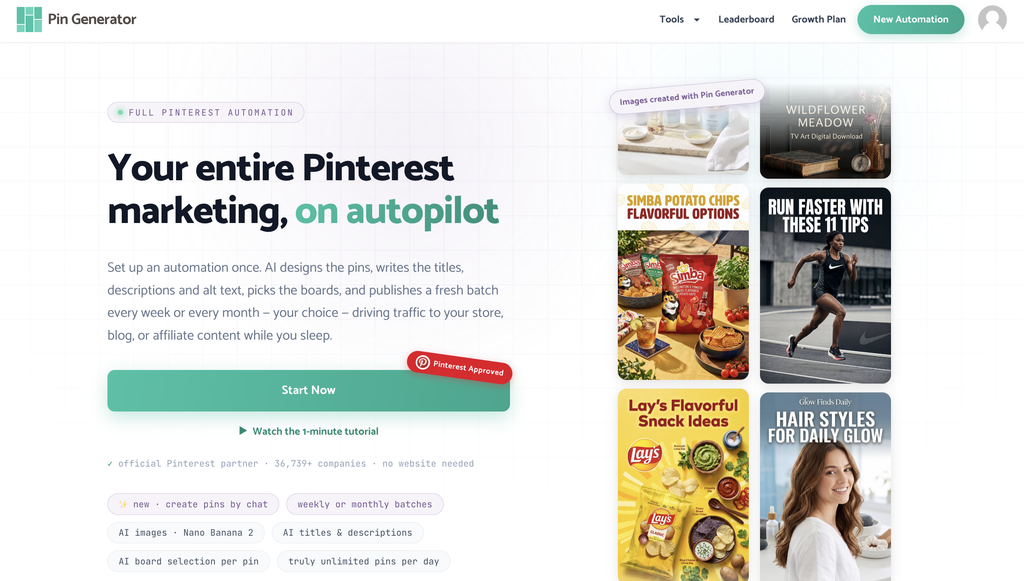
How to Automate Pinterest Board Selection With Pin Generator
Choosing the right board is fairly straightforward when you’re publishing one or two pins, but if you’re creating dozens of pins for different blog posts, products, or content categories, manually selecting a board every time can become repetitive.
That’s where Pin Generator can help. When setting up a Pinterest automation, you can choose whether to assign pins to specific boards yourself or let Pin Generator’s AI Board Selector choose the most relevant board for each pin.
Manual selection can be useful when you’re promoting a specific category and already know exactly where you want your pins to go. However, if you’re managing multiple topics, AI board selection can save time by handling those decisions automatically.
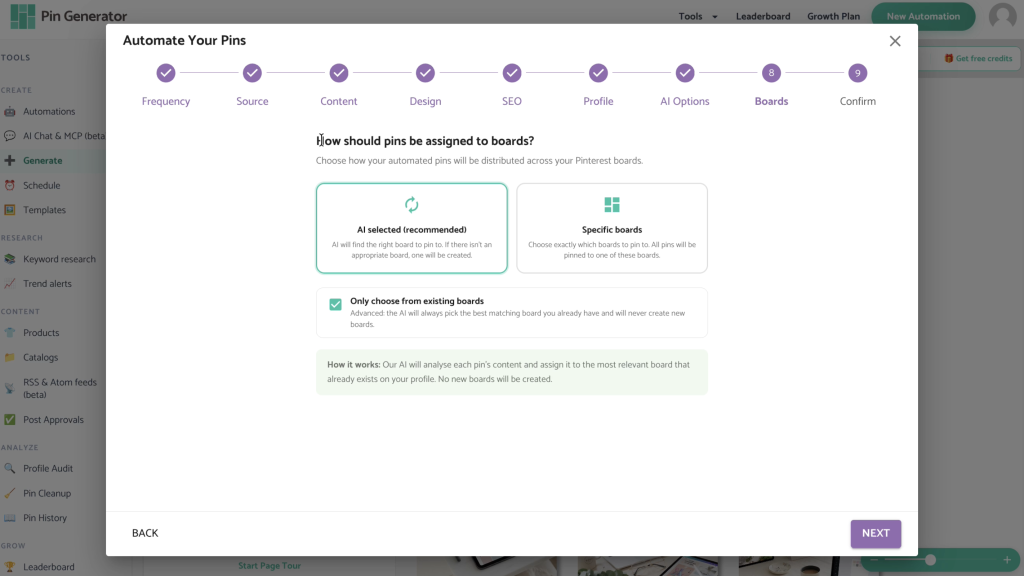
You can also limit AI selection to your existing Pinterest boards. For example, if you’ve organized your food blog into boards for Vegetarian Dinners, Breakfast Recipes, and Healthy Snacks, Pin Generator can select from those established categories.
I’d still recommend reviewing your scheduled pins occasionally, particularly when you first set up an automation. This helps you make sure your content is going where you expect it to.
If you’d like to see exactly how the feature works, watch our Pinterest Board Strategy YouTube video, where we demonstrate the AI Board Selector in real time.
Build a Pinterest Board Strategy That Makes Sense
Your Pinterest board strategy doesn’t need to be complicated. Start with a manageable collection of boards that reflect your main content categories, give each board a clear name and description, and make sure you’re saving your pins to the most relevant boards.
As your content grows, you can review your boards and make adjustments based on what you’re creating and what your audience is searching for. If you’re publishing pins regularly, try Pin Generator to automate board selection and spend less time managing repetitive marketing tasks.