
Hootsuite Alternatives for Pinterest in 2026: Top 10 Picks
17 November 2026
Este artigo ainda não está disponível em português, por isso é exibido em inglês.
Does your social media stack support Pinterest, or does it merely tolerate Pinterest? Most comparisons skip that question. They weigh inboxes, approval chains, listening dashboards and per-seat pricing, then tick Pinterest off as a supported network and move on. If Pins drive your traffic, that framing costs you hours every week.
Hootsuite built this category around centralized account access and cross-network publishing, a story that runs from a BrightKit Twitter dashboard in 2008 to one million customers by 2010, as the Hootsuite Wikipedia entry records. Pinterest was always a channel inside that model, never the center of it. The audience kept growing anyway: the Digital 2025 global overview from DataReportal counted 5.24 billion active social media user identities in February 2025, equal to 63.9% of the global population.
So here are ten Hootsuite alternatives ranked through a Pinterest-first lens: scheduling reliability, Pin analytics depth, catalog support, and the Pinterest-native extras that decide whether you still hand-build every image. Each entry gets honest limitations and a clear fit verdict, from solo creators to catalog-heavy stores. The migration checklist at the end turns the comparison into an action plan.
Table of Contents
- 1. Pin Generator
- 2. Buffer
- 3. Later
- 4. Metricool
- 5. SocialPilot
- 6. Zoho Social
- 7. Publer
- 8. SocialBee
- 9. Agorapulse
- 10. Tailwind
- Hootsuite Alternatives at a Glance
- Migrating Off Hootsuite: Checklist and Recommended Shortlist
1. Pin Generator
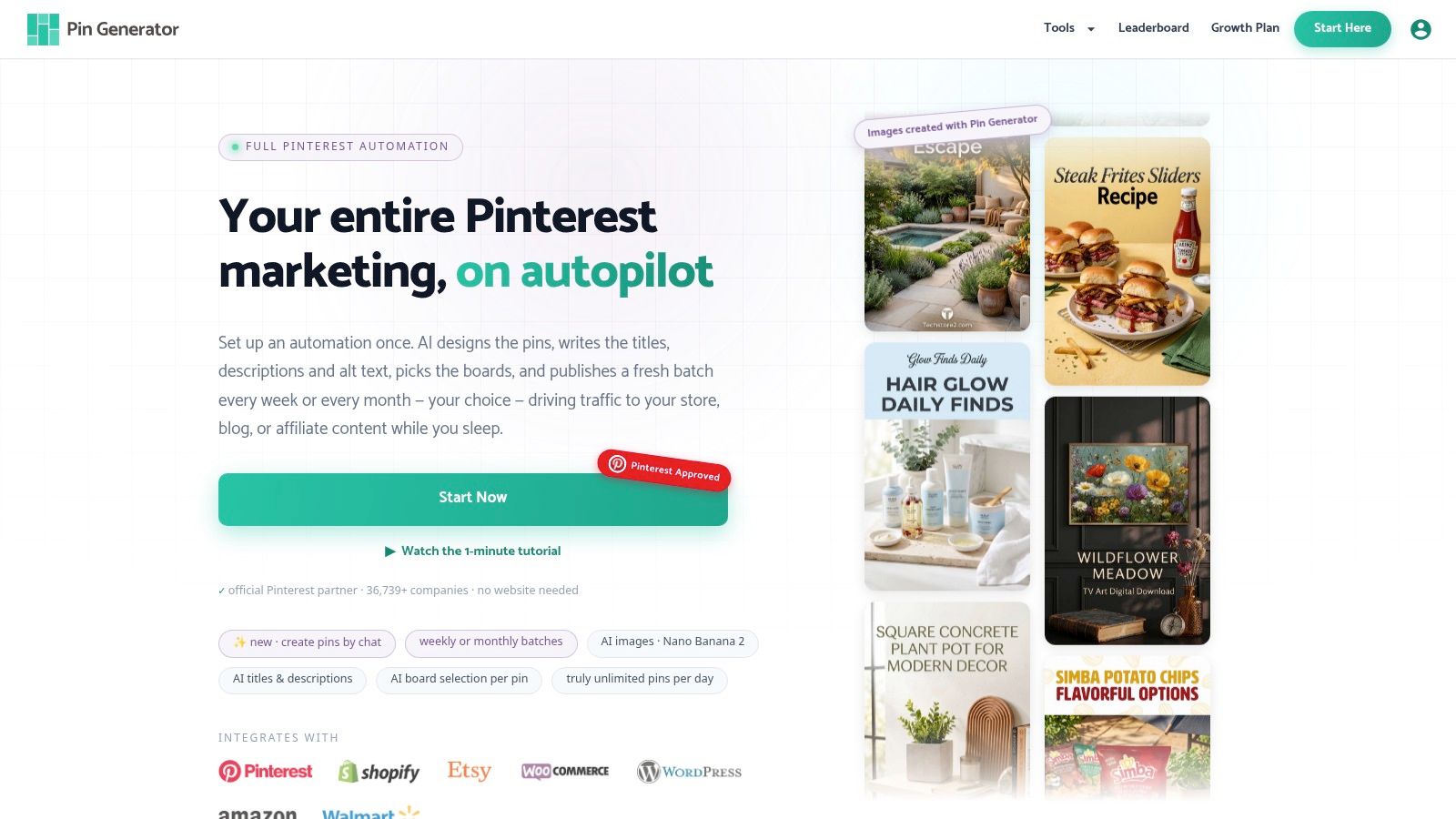
If Pins are the channel that sends the traffic, a general scheduler is the wrong first tool. Pin Generator runs the chain from source to scheduled pin: connect a Shopify, Etsy, WooCommerce or Amazon catalog, a WordPress site, or an RSS, Atom or CSV feed, and it generates on-brand images, titles, descriptions and alt text, picks boards, and queues a recurring cadence.
What the workflow actually looks like
Setup is a guided wizard of nine steps: frequency, source, content, design, SEO, profile, AI options, boards and confirm. After import you generate pins for chosen products, apply a template so a shop's pins share one look, and queue them to publish on a steady drip. Smart Scheduling posts at optimal times, spaces pins at natural posting times in your timezone, and can set repeating pins so evergreen products keep circulating without a manual rebuild.
The Pinterest-specific pieces are what separate this from a cross-network calendar. Keyword research surfaces topics, long-tail queries and search volume indicators. Trend alerts flag rising searches. Catalogs synchronize with Pinterest, and a pin can be generated straight from any imported product without adding it to a catalog first. A Google Chrome extension covers work outside the dashboard. Automatic SEO researches Pinterest keywords for each batch and uses 2 credits per post. Generating a nano banana 2 high quality AI image uses 24 credits.
All plans include the complete suite of Pinterest marketing tools. Free accounts include pin credits to try the full workflow, including brand analysis, AI pins and scheduling, with no website needed. Agencies can run campaigns for multiple clients from one account, with unlimited Pinterest profiles and per-brand design systems. The Content Generator also covers Instagram, LinkedIn, X and Facebook, so cross-network output exists, but Pinterest stays the center of the product.
Pin History and a results leaderboard are for reviewing output and benchmarking performance trends. They are a publishing record, not an earnings report.
Where it falls short
AI titles, descriptions, images and board choices still need a human pass for brand fit and accuracy. The writer and image generator finish in seconds, which is fast enough to flood a board with off-tone creative if nobody checks the batch. Credits are the other constraint: text, SEO targeting and high-quality images do not cost the same, so a heavy image workflow burns the allowance faster than copy-only pins. A small catalog you already design elsewhere will not use most of this.
Who it fits
Catalog-heavy stores, affiliate publishers and bloggers who need volume without a design queue. Pin Generator has 36,739+ active users, a user count rather than a company count, which is enough to show the ingestion and publishing path is in regular use.
Price alone is the wrong axis. Postmonk's Hootsuite alternatives breakdown puts Hootsuite Standard at $99 per user monthly while alternatives price by channel, workspace or flat subscription, and notes per-seat savings can be outweighed by design, copywriting, upload and maintenance labor. Judge a replacement by hours of manual work removed per 100 products.
2. Buffer
Buffer is the honest answer for anyone who wants a calendar, a queue and nothing else. It publishes to Pinterest with board selection, its free plan covers up to three channels, and paid plans are priced per channel rather than per seat. For a solo creator running Pins alongside Instagram and a newsletter, that's usually enough.
The interface is the argument. Drafts, queue slots and previews are laid out so a first-time user can schedule a week of content in an afternoon. An AI Assistant helps with copy when you're stuck, and the Team plan adds user access levels and approval workflows.
Where Pinterest users hit the ceiling
Three limits show up fast once Pins become your main channel.
- No engagement layer: Buffer schedules Pins; it doesn't manage comments or track conversations on your boards.
- Per-channel billing scales badly: every added profile is another monthly line item, so multi-brand setups get expensive fast.
- No design or catalog automation: there's no template system and no product-feed ingestion, so every image still comes from you or Canva.
If you make four Pins a month, Buffer is the cheapest sane option. If you make forty, the labor you aren't saving costs more than the subscription. Publishing is reliable, and for a lot of small teams reliability is the whole requirement.
Verdict: best for lean teams and creators who already have a creative process sorted. Start at Buffer.
3. Later
Visual brands land on Later because the media library and visual calendar treat Pins like a layout, not a spreadsheet row. Planning a month of images and video feels closer to arranging a mood board than filling cells. Pinterest scheduling covers board selection, titles, descriptions and links, and video Pins publish directly. Annual-billing plans come with post limits that vary by tier. Check Later's pricing page for current rates.
The reliability question nobody asks
Feature grids are easy. What happens after you commit is harder. Blotato's comparison coverage documents complaints about annual auto-renewals, charges continuing after cancellation, and scheduling errors such as wrong dates or missing tags. The same coverage reports that Later ended X/Twitter scheduling and analytics support in August 2025. Every channel connection depends on API policy you do not control.
Before you migrate, score the boring parts: cancellation terms, export options, failed-post alerts, activity logs, and whether you can audit edits. More integrations can just mean more things that break.
Where Later stays shallow
On a Pinterest-first read, scheduling depth is real and catalog support is not. Later will not run Pinterest keyword research, and it will not turn a product catalog into Pins. You still write the copy and export the images. A curated brand can live with that labor. A 400-SKU store hits the same bottleneck it started with.
Verdict: visual-first brands and mid-size teams that want polish over automation. Try Later on its 14-day trial, and if the Pin-specific gaps bother you, compare Later alternatives built around Pinterest before committing.
4. Metricool
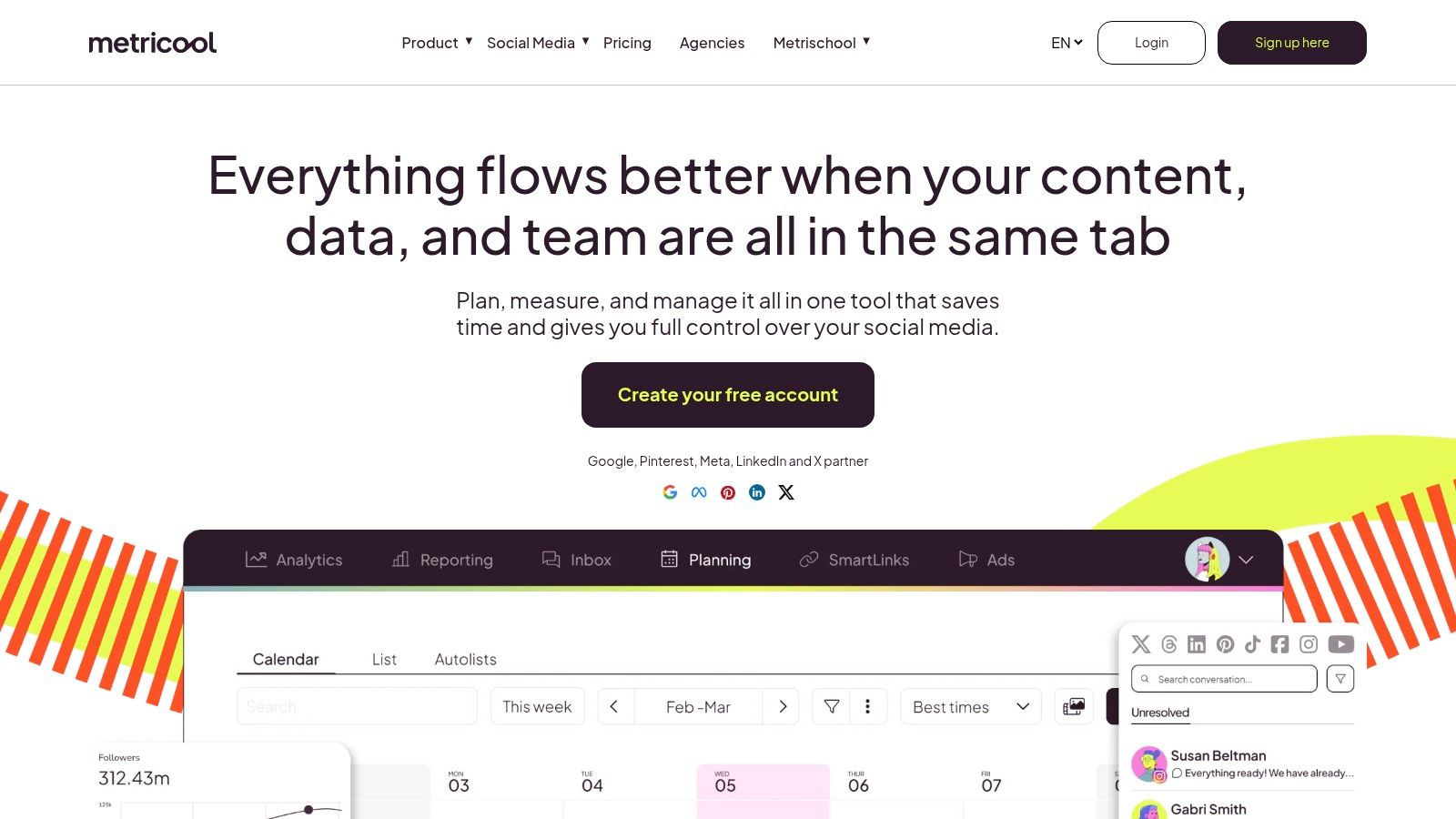
Saves, outbound clicks, and which boards perform: that is the weekly read if Pinterest is a traffic channel, not a posting checkbox. Metricool covers both sides. You get scheduling for Pinterest and other networks, plus analytics, competitor analysis, and downloadable reports. CSV import covers batch scheduling when you would rather build Pins in a spreadsheet than click through a composer one at a time.
Business accounts get Pinterest analytics. Personal accounts can publish, then lose the reporting, so a personal-profile test tells you nothing about performance. Plans are sized by brand count and by scheduled-post volume, which is friendlier than per-seat pricing for a small team, because adding a teammate does not automatically add a line item. Check Metricool's current pricing page before you pick a tier. A free allowance that looks fine for one brand can run out fast once a seasonal board needs volume.
Why measurement is the real product
Publishing is ordinary now, so the reporting burden is heavier than it used to be. In 2024, 94% of brand, retailer and agency professionals said their companies or clients used social media for marketing, according to Digiday's Q3 research. When everyone posts, the differentiator is knowing which Pins earned the clicks and the saves.
CSV batch scheduling is what makes Metricool workable for a seasonal push. Prepare 60 Pins in one sitting and have them go live over six weeks, instead of living in the composer.
The Pinterest gap
There is no design generation and no catalog-to-Pin pipeline. You import images you already made. Scheduling depth is there. Pin creation and catalog sync are not. If the creative still has to come from somewhere else, the analytics only pay off after that work is done.
Verdict: the strongest fit for reporting-focused marketers and small agencies who already have the creative. See Metricool.
5. SocialPilot
If the Pinterest job is volume, SocialPilot is priced and built for it: many accounts, many users, one subscription. The publishing set covers a calendar, bulk scheduling, a content library, RSS-feed scheduling, and client approvals on the higher tiers.
Repeatable output is the part that earns its place on a Pin calendar. Point the RSS scheduler at a blog and new posts can go out to Pinterest without another manual pass through the queue. The shared library keeps evergreen assets next to that queue, so a seasonal board does not mean digging through old folders. White-label reporting and client approvals arrive on the agency tiers, and that is where the bill steps up.
How the scores actually read
The ratings sit close together. G2's Hootsuite alternatives comparison lists SocialPilot at roughly 4.5/5 and Hootsuite at 4.3/5, while enterprise satisfaction is listed at 9.7/10 for Sprout Social across 1,048 reviews and 8.0/10 for Hootsuite across 838. A narrow gap like that does not tell you whether bulk scheduling or Pin creative is the bottleneck.
Star ratings measure satisfaction, not fit. Time the job you actually need, from feed ingestion to a publish-ready Pin, before you trust either number.
Where the Pin workflow stops
SocialPilot does not generate Pin creative, write Pinterest-optimized copy from product data, or sync a catalog. On a product-led account those three tasks eat more hours than the queue. You design elsewhere, then use SocialPilot to schedule, approve, and report.
That trade-off favors agencies that already have designers and need bulk publishing across client profiles. It is a poor fit when the missing piece is catalog support or Pin-specific creative.
Verdict: agencies and multi-account managers who need bulk publishing more than design help. Start at SocialPilot.
6. Zoho Social
Zoho Social is one of the lowest-priced credible entries on this list, and the reason is structural: it's a front end for a suite you may already pay for. Annual paid plans start at $10 per month for Standard. Pinterest is supported on paid plans. If your sales team lives in Zoho CRM, the handoff from a social conversation to a deal record is already wired.
That integration is the whole pitch. Questions a brand is tracking in the community can route into Zoho Desk, high-intent conversations get tagged, and the history stays on the account. For a small firm running Pins alongside LinkedIn, that CRM trail beats a standalone scheduler. It does not replace Pin production. There is no keyword research, no template system, and no feed ingestion, so creative still has to be made somewhere else.
The publishing calendar itself is competent. Drafts, queueing and bulk scheduling all work, and you can plan a fortnight of Pins in one sitting without fighting the interface. Brand and team-member allowances vary by plan, so count your profiles first. The free plan excludes Pinterest. Approvals, deeper reporting and inbox features push you to Premium or Agency. I would take the $10 entry for a solo operator who accepts doing creative elsewhere, and skip it if catalog sync or Pin design has to live in the scheduler.
Verdict: best for businesses already inside the Zoho ecosystem, and for solo operators who want a low entry price and don't mind doing creative work elsewhere. Look at Zoho Social.
7. Publer
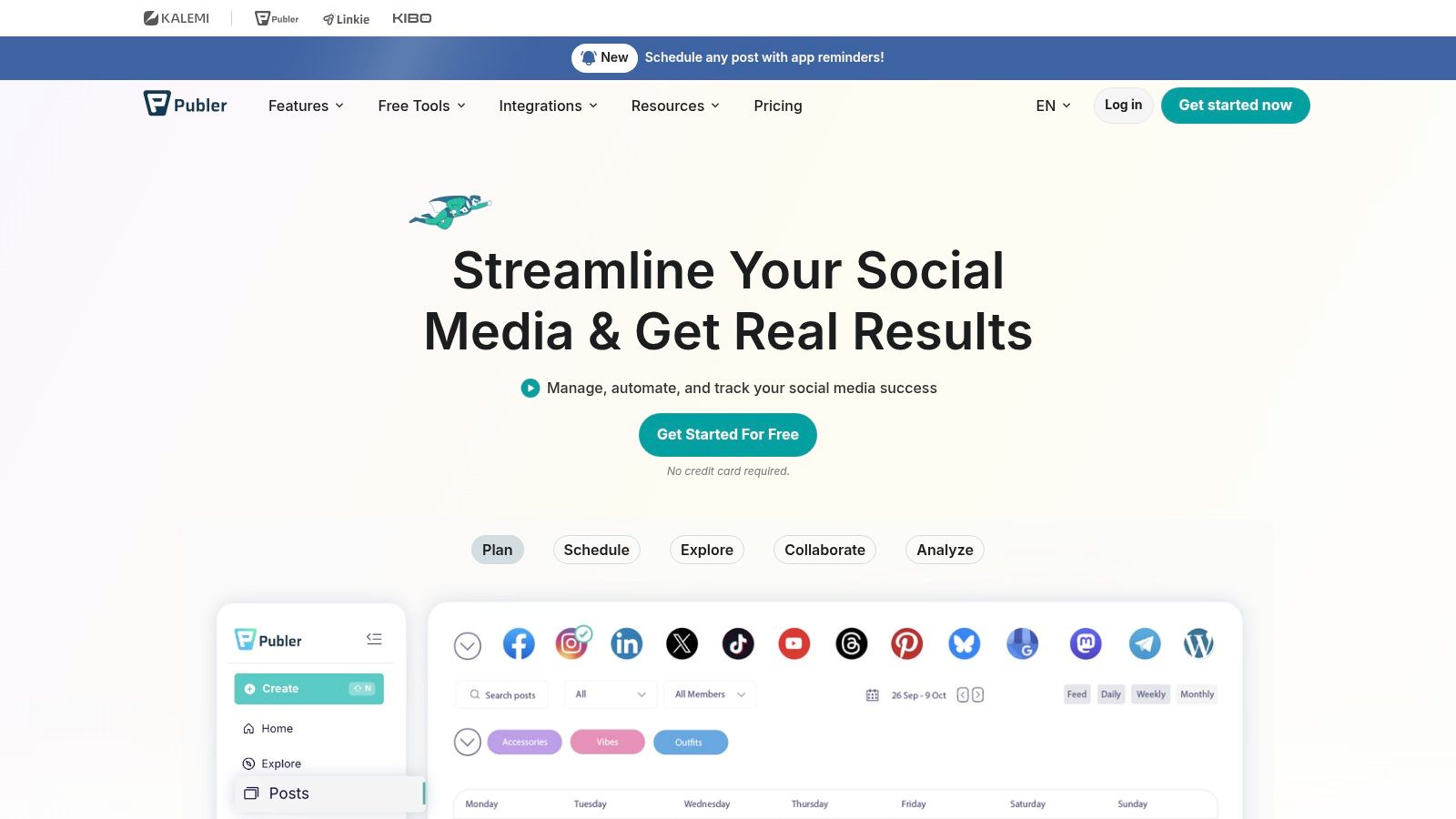
A library of older Pins that still send traffic is worth more than a fresh design you publish once. Publer is built for that job. Evergreen recycling and RSS automation put proven Pins back on a schedule, so the queue stays full without a new graphic every morning.
Cadence compounds on Pinterest more than on networks where a post dies in a day. Recycled content does the heavy lifting: you keep boards active with assets that already work, instead of inventing something new before breakfast.
What you actually get
Calendar, queue, drafts, and previews, across a wide network list that includes Pinterest. The Business plan adds API access and more advanced analytics. The free plan covers up to three social accounts, excluding X, and caps scheduled posts and post history.
The catch
Publer schedules content you have already made. There is no template engine, no catalog ingestion, and no image generation, so a 300-product store still needs a production process upstream. Cost also depends on account count and team members, which means the headline price applies to a very small setup.
Verdict: the best budget pick for creators who recycle aggressively and make their own graphics. Paid plans start at $5 per month for a single account on Publer.
8. SocialBee
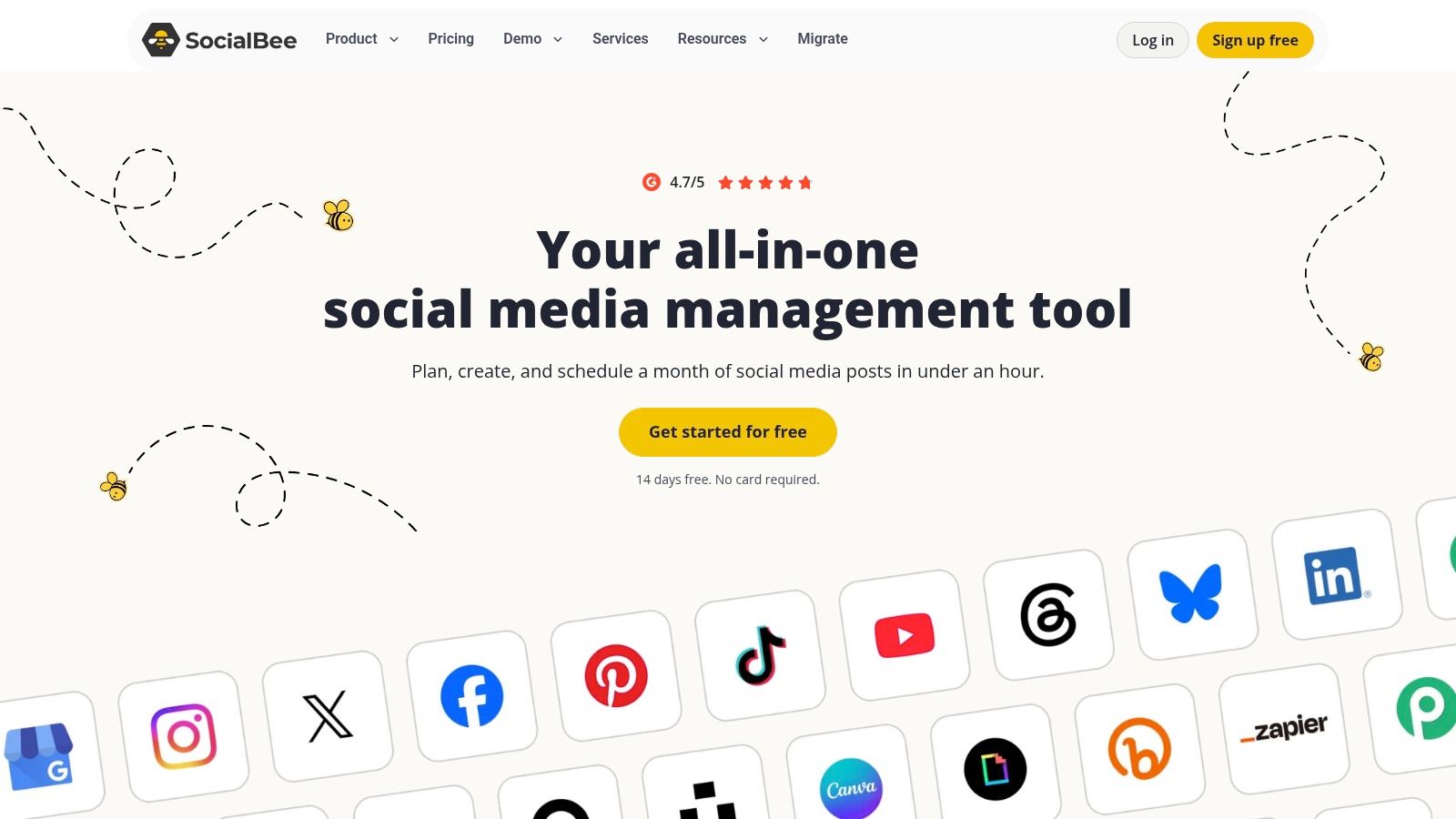
SocialBee organizes your calendar by content category, then fills each category on rotation. For Pinterest that mix is the standout feature. Product Pins, blog Pins, seasonal boards, and evergreen how-tos can each get a slot, and the queue keeps every bucket alive without a daily decision.
Paid plans are tiered, and there's a 14-day trial but no free-forever plan, so budget for a paid tier from month one. Higher tiers add CSV uploads, bulk editing, analytics, and approvals. Check profile, workspace, and user limits against your account count before you pick a tier. Those allowances change enough by plan that the wrong tier gets expensive fast if Pinterest sits next to several other networks.
AI is now table stakes
AI-assisted copy is everywhere. In 2024, 71% of social media marketers said they used AI tools, according to HubSpot's survey of more than 1,500 social media marketers. SocialBee's generator drafts post copy from a prompt. That saves time on descriptions. It does not replace Pinterest keyword research or search-aware titles.
Category rotation solves a planning problem, not a production problem. If you still build every Pin by hand, the bottleneck just moved.
Honest fit
SocialBee suits a marketer who already has a design workflow and wants discipline about what publishes when. I would skip it if Pinterest is the only channel. You pay for a multi-network calendar and category logic you barely use, and you still need a separate process for templates, catalogs, and Pin images.
Verdict: good for content strategists running three or more networks. Start at SocialBee.
9. Agorapulse
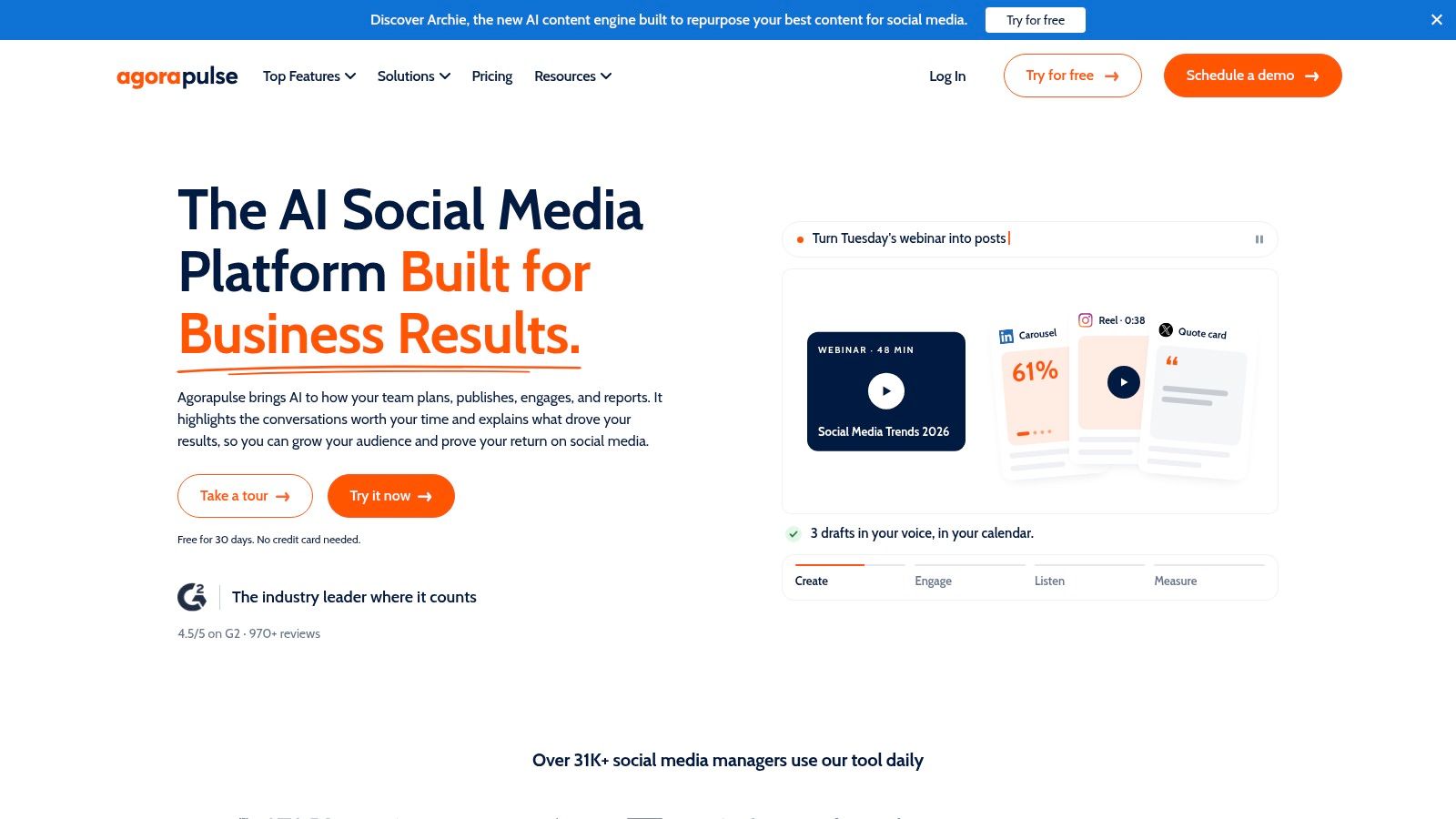
Does the tool still help after the Pin goes live? Agorapulse is a social operations suite covering publishing, inbox, reporting, and team workflow. If your Pins draw comments and product questions, the unified inbox is the reason to consider it. Most schedulers stop at the queue and leave you checking Pinterest by hand.
Paid plans charge per user. That model is fair for a compact team that lives in the tool. It gets painful when five people only need occasional access to approvals or reports. Check current plan limits on the vendor's pricing page before you commit seats.
What you actually get on Pinterest
Scheduling works, and tracked links let you attribute traffic back to individual Pins. That is more useful than a calendar that only marks a Pin as posted. Catalog-scale production is not the strength here. Before you plan a bulk import, confirm on the current feature list whether CSV-style scheduling covers Pinterest, because that limit changes and a wrong assumption stalls the queue.
Why the suite shape matters
Buyers have shifted toward integrated platforms. Mordor Intelligence's social media management market analysis estimates cloud deployments at 61.23% of the market in 2025, with a 16.77% compound annual growth rate projected through 2031, and identifies small and midsize businesses as the fastest-growing buyer group at 16.92% projected growth. The same analysis cites Grand View Research figures putting integrated platforms at more than 76.6% of market share in 2025.
Fewer disconnected tools is the direction of travel. Test it with a pilot rather than a forecast: catalog freshness, failed-post rate, approval latency, publishing uptime, labor hours saved.
Verdict: teams that need engagement and reporting in one place more than they need Pin design. See Agorapulse.
10. Tailwind
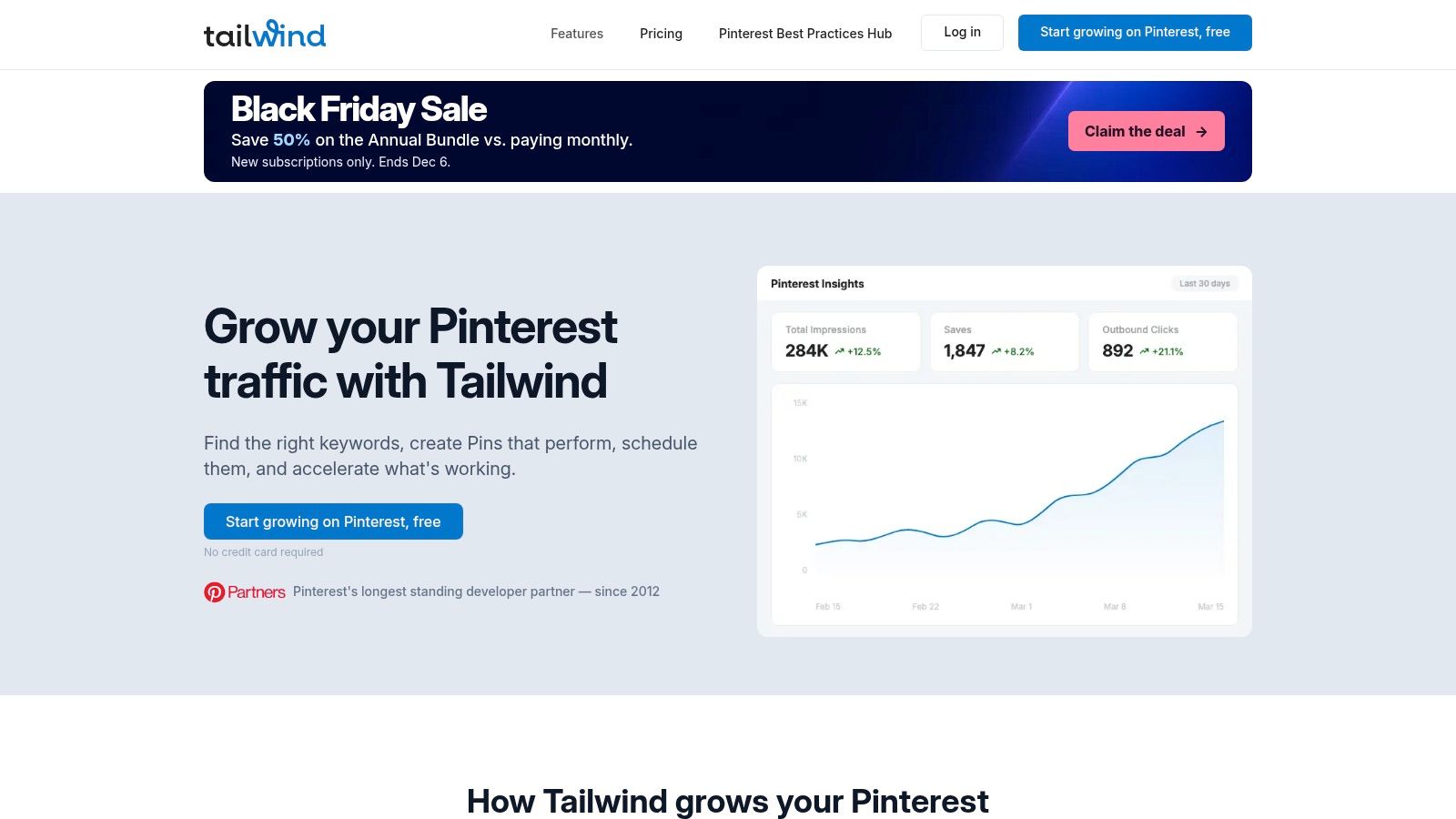
Tailwind has been Pinterest-first since before that was a category. Pin scheduling and creation, Pinterest SEO, and engagement tooling are sold as separate products or as a bundle, and its documentation says publishing runs through Pinterest's official API. That detail matters more than it reads: API publishing is the difference between a queue that holds and one that breaks whenever the network changes something.
For discovery work specifically, it's the strongest option here. You can research keywords, plan boards around search intent, and track engagement, which is closer to how Pinterest really distributes content than a generic calendar with a Pinterest checkbox.
The cost structure to watch
Each Pinterest account carries its own subscription, so a freelancer managing six client profiles pays six times over. Credit allowances and features vary by product or bundle, and the general-suite extras you'd get elsewhere, like a cross-network inbox, aren't the point here.
If your goal is ranking Pins in search, the SEO tooling is worth the money. If your goal is publishing 300 product Pins a month, Tailwind isn't built for that volume and the credit math will show it fast. Canva import into Tailwind drafts keeps the design handoff short, which solo creators appreciate.
Verdict: Pinterest creators and bloggers focused on SEO and engagement depth. See Tailwind. If per-account pricing doesn't fit, these Tailwind alternatives cover the publishing side.
Hootsuite Alternatives at a Glance
Which of these tools treats Pinterest as the job, and which one only lets you attach a Pin to a generic queue?
Read the Pinterest column before the price. A low monthly rate does little if board selection is thin, catalogs and feeds are missing, or bulk Pins stall. I would shortlist on scheduling depth and catalog or feed support first, then check whether the bill is per channel, per user, or per Pinterest account.
| Best For | Pinterest Support | Starting Price | Free Plan | Standout Feature |
|---|---|---|---|---|
| Pin Generator, businesses automating Pinterest content | Pinterest-focused pin creation, board selection, and scheduling | Free account with pin credits; paid plans on the pricing page | Free account with pin credits to try the workflow | Automates pins from product catalogs, RSS and Atom feeds, and connected stores |
| Buffer, creators and small teams seeking simple multi-platform scheduling | Pinterest publishing, board selection, and basic insights | Per-channel billing; annual total scales with channel count | Yes, up to three channels | Simple calendar, queue, and scheduling tools |
| Later, image-led brands planning visual content | Pin scheduling with board selection and pin details | From $18.75/month | 14-day trial; no free plan listed | Visual calendar and media library |
| Metricool, businesses combining social scheduling and reporting | Pinterest scheduling and CSV batch scheduling; analytics for business accounts | From $20/month | Yes, one brand and up to 20 scheduled posts monthly | Combines publishing, analytics, and competitor analysis |
| SocialPilot, professionals and agencies managing multiple accounts | Pinterest publishing, bulk scheduling, and analytics | From $17/month | 14-day trial; no free plan listed | Agency tools include client approvals and white-label reports |
| Zoho Social, businesses using Zoho CRM or Zoho Desk | Pinterest support on paid plans | From $10/month | Free plan does not include Pinterest | Integrates eligible plans with Zoho CRM and Desk |
| Publer, individuals and businesses scheduling and reusing posts | Pinterest publishing, RSS automation, and post recycling | From $5/month on per-account plans | Yes, up to three social accounts, with limits | Evergreen content recycling and RSS automation |
| SocialBee, teams organizing posts into content categories | Pinterest publishing and recurring content workflows | From $24.20/month | No free-forever plan listed; 14-day trial | Category-based scheduling with AI content generation |
| Agorapulse, teams needing publishing, engagement, and reporting | Pinterest scheduling; CSV bulk scheduling is limited | From $79/user/month | Yes, one user and three social profiles | Combines publishing with social inbox and team workflows |
| Tailwind, users focused on Pinterest scheduling, SEO, and engagement | Pinterest-focused scheduling and creation; publishes through Pinterest's official API | Per-account subscription | Subscription required for each Pinterest account | Pinterest-specific SEO and engagement products |
Migrating Off Hootsuite: Checklist and Recommended Shortlist
A migration can disrupt publishing or leave you without a useful analytics baseline if you move everything at once. Check the work in sequence, and test the new workflow before you cancel the old account.
- Audit what's queued: Export scheduled posts and drafts, then rebuild the items that are still relevant. Use the move to clear out outdated content rather than copying the full queue.
- Reconnect Pinterest properly: Authorize your Pinterest business account through the new tool's official connection. Check that the intended profile is connected before scheduling.
- Rebuild board and time-zone settings: Confirm board selection and the scheduling time zone before the first post goes live. These settings affect where and when Pins publish.
- Run two weeks in parallel: Keep the old tool active, but stop adding new posts to it. Compare successful publications, failures and Pins that need manual correction.
- Benchmark before you cancel: Record baseline Pin analytics, including impressions, saves and outbound clicks, from the old tool. That gives you a reference for assessing the new setup.
- Read the cancellation terms: Check for annual auto-renewals and charges that may apply after cancellation. Cancel in writing and confirm the account status.
Migration rule: Don't disconnect the old tool on the day the new one goes live. Two weeks of parallel running costs only the subscription overlap, a small price for catching settings nobody documents.
Which one to pick
- Pinterest-first eCommerce stores and catalog-heavy sellers: Pin Generator. It can turn catalog products into Pins, apply templates, and schedule recurring batches. Free accounts include credits to try the workflow on your own products.
- Creators focused on Pinterest search and engagement: Tailwind. Its Pinterest-specific SEO and engagement tools suit users who want more than general scheduling.
- Budget-conscious solo schedulers: Publer or Zoho Social. Both publish to Pinterest; neither is positioned as a Pinterest design tool.
- Visual planners: Later. Its media library and calendar fit image-led brands that already have a design process.
- Teams and agencies: SocialPilot or Agorapulse. Compare their bulk publishing, approvals and client reporting against your team's needs.
Run the shortlist against a real posting week, using a trial or free plan where available. Judge each option by time saved, publishing reliability and how much manual correction it requires, rather than by the feature grid alone. Commit once the workflow holds up in practice.
If Pinterest content production is the bottleneck, Pin Generator handles more than scheduling: it can import a product catalog or RSS feed, create on-brand Pin images, titles, descriptions and alt text, select boards, and queue recurring posts. Free accounts include pin credits to try the full workflow, including brand analysis and scheduling, without a website. Start with Pin Generator to assess how its catalog or feed workflow fits your publishing needs.