
Tailwind Alternatives: 10 Tools for CSS and Pinterest
15 November 2026
Most roundups treat Tailwind alternatives as one shopping list. That advice fails the moment you notice the keyword is two products that do not compete. Some of you want off Tailwind CSS, the utility-class framework. Others want off Tailwind, the Pinterest scheduler a lot of shops and blogs outgrew. A starred CSS repo will not publish your pins. A social calendar will not style your app.
If you build interfaces, the list is UnoCSS, Panda CSS, Bootstrap, Bulma, vanilla-extract, Chakra UI, Material UI, Open Props, and StyleX. Some keep an atomic workflow. Some hand you components. A few only make sense inside React, and I'll say that before you drag a marketing site into the wrong stack.
If you schedule pins, start with the tool that still designs the creative, not only the queue. I'll cover what each option is good at, where it gets annoying, and how to move without dropping your cadence or your design system. Skip "most GitHub stars" and "cheapest calendar." Those shortcuts leave you with widgets you still have to write, or a queue that still expects a designer for every pin.
Table of Contents
- 1. Pin Generator
- 2. UnoCSS
- 3. Panda CSS
- 4. Bootstrap
- 5. Bulma
- 6. vanilla-extract
- 7. Chakra UI
- 8. Material UI (MUI)
- 9. Open Props
- 10. StyleX
- Tailwind Alternatives at a Glance
- Picking Your Alternative and Migrating Without Regret
1. Pin Generator
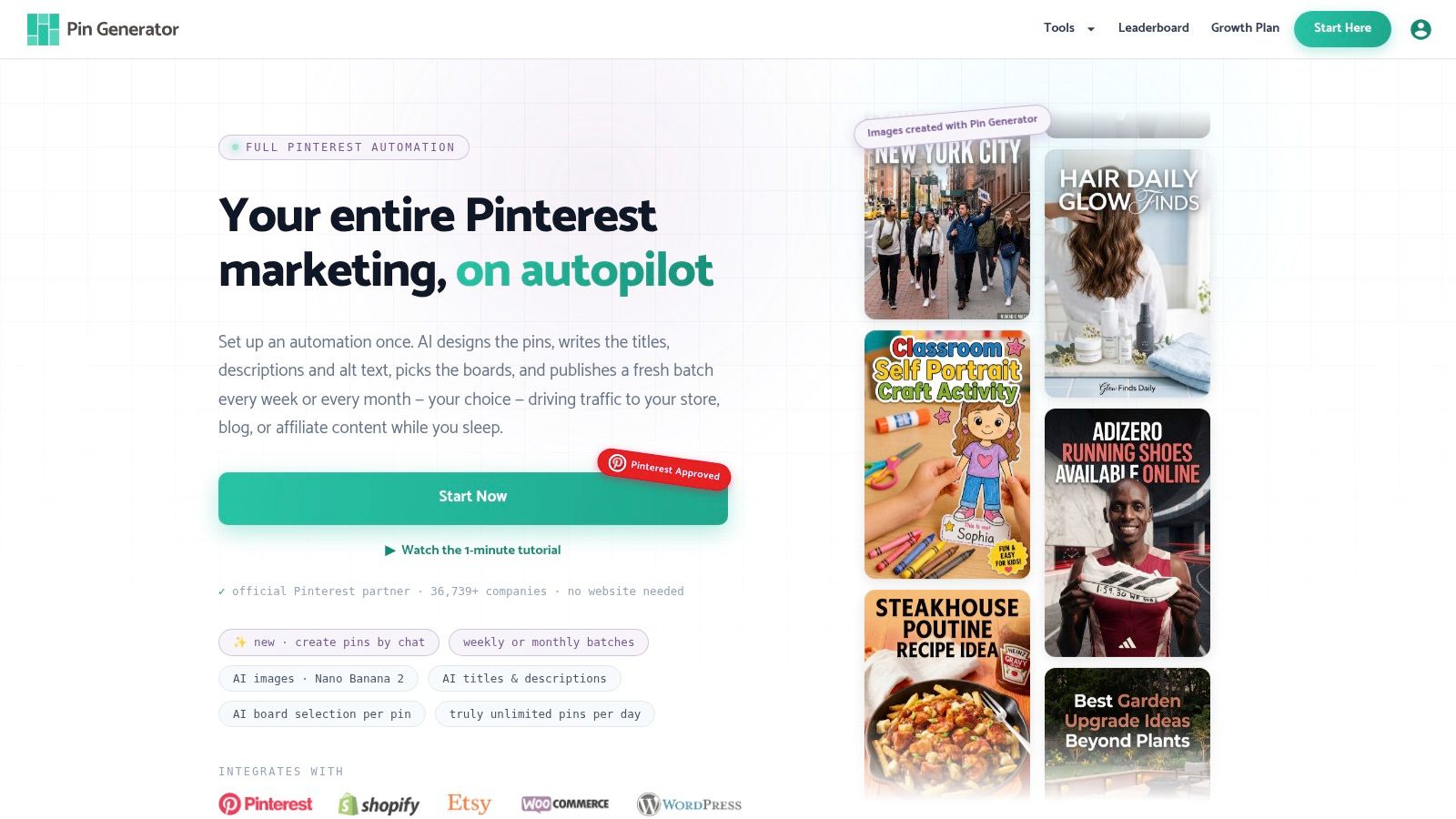
If Tailwind was the place you queued pins you still had to design, you hired the wrong half of the job. We take a product, a post, or a feed row and turn it into an on-brand pin image, title, description, and alt text, then put it on a board and a calendar.
You connect Shopify, Etsy, WooCommerce, Amazon, or WordPress, and you can pull content in through RSS, Atom, and CSV imports. A pin can come straight from any imported product, without parking it in a catalog first, and we can also generate and synchronize product catalogs with Pinterest. There's a Google Chrome Extension for grabbing pages while you browse, plus API access for teams that want to script a bigger catalog.
What the weekly batch actually does
Reusable templates keep colors, typography, and layout steady when you're not art-directing each file. The smart scheduler spaces pins at natural posting times in your timezone on a recurring weekly cadence, so a shop doesn't dump forty pins at 9:01. Automatic SEO researches Pinterest keywords for each batch. Automatic SEO and trend targeting uses 2 credits per post, and Trend Alerts fire when a niche search spikes. A nano banana 2 high-quality AI image uses 24 credits, so fancy creatives are a budget choice, not a surprise.
Trinity put it plainly: "It saves a ton of time on pin designing and scheduling." Users save 10+ hours per week. Pin History and the results leaderboard show what went out and how it performed.
AI copy, layouts, and board picks still need a human pass for claims and brand fit. Credit costs and plan terms change, so check the live site before you buy. If you only needed a multi-network inbox, this is the wrong tool. If the bottleneck was making the pins, it isn't anymore.
2. UnoCSS
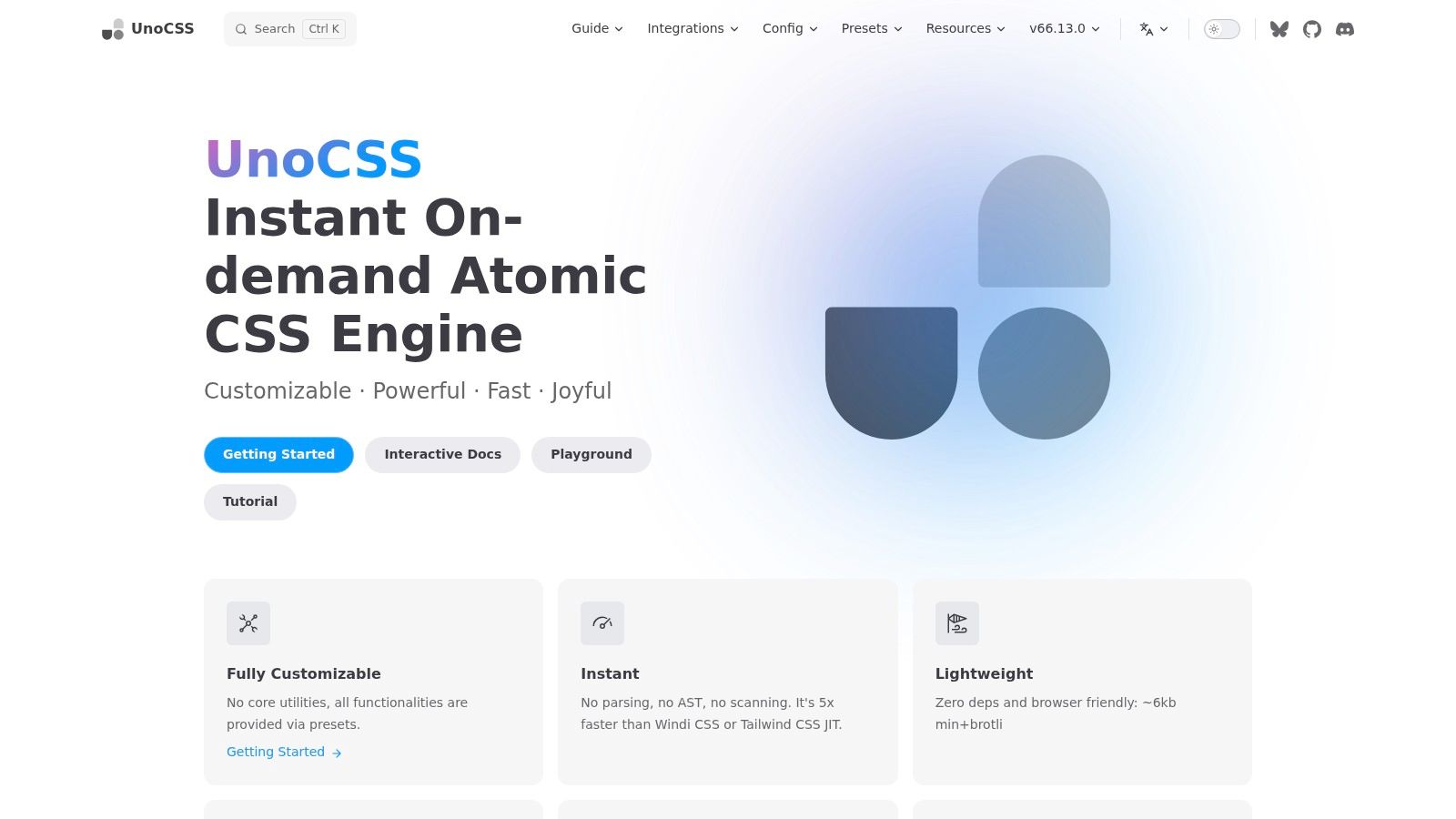
Stay on utilities if your team already thinks in p-4 and flex, and you mostly hate the preset prison. UnoCSS is an on-demand atomic engine. It scans source files, emits CSS for the utilities it finds, and lets you write custom rules, shortcuts, and presets instead of waiting on a core plugin.
Attributify mode and variant groups tighten the markup when class strings get ridiculous. Integrations exist for Vite, Webpack, and PostCSS. It's free under the MIT license.
W3Techs recorded that 1.62% of sites on Tailwind had previously used Bootstrap, while 0.25% recently moved the other way, with 2.73% of sites changing onto Tailwind from other CSS frameworks and 0.46% leaving it. People are still walking toward atomic CSS. UnoCSS is the flexible fork of that habit, not a component kit.
- Shortcuts: Collapse a repeated cluster into one token your team can remember.
- Presets: Share rules across apps so every repo doesn't invent
btn. - No widget library: Dropdowns, modals, and focus traps remain your JavaScript.
I reach for it when the utility workflow is fine and the config is the pain. I don't reach for it when stakeholders wanted a finished navbar by lunch.
3. Panda CSS
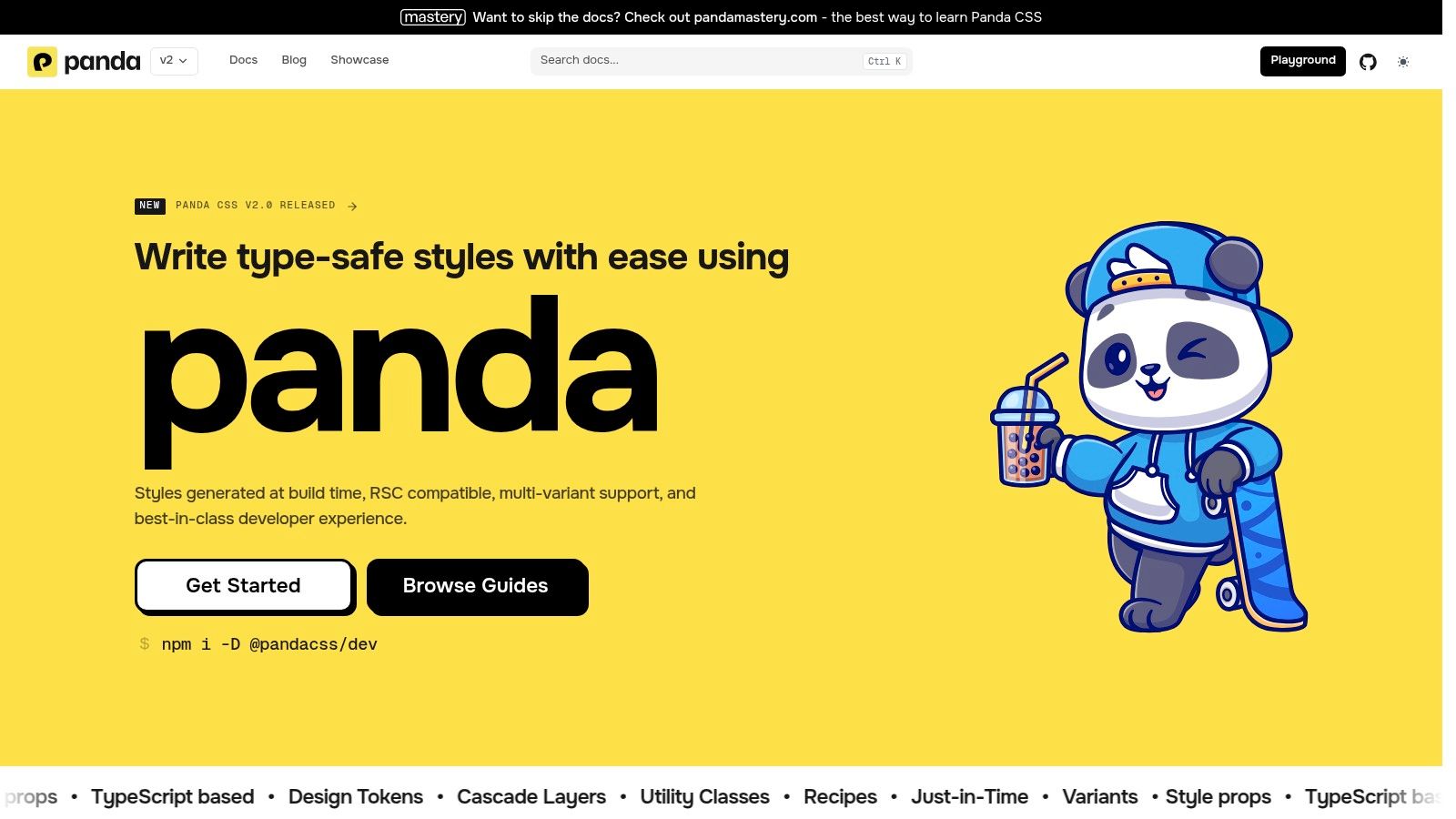
Panda CSS is what I suggest when the argument isn't "utilities versus components" but "who owns the tokens." It generates atomic CSS at build time from style functions, recipes, and design tokens. There's no browser styling runtime. You get type-safe tokens, variants, and reusable recipes, wired through a CLI, PostCSS, or your bundler. Output is ordinary CSS, so it isn't married to one view library. The core project is open source.
It is not a drop-in for existing Tailwind class strings. Budget a build-tool afternoon and a week of people learning recipes. That tax is the point. A recipe named button with a size variant beats a Slack thread about whether px-3 or px-4 defines the button.
Practical rule: If two squads already restyle the same card three different ways, tokens and recipes will save you more than another utility preset.
Skip Panda on a one-page marketing site you'll throw away. Use it when a shared system has to survive the next framework argument.
4. Bootstrap
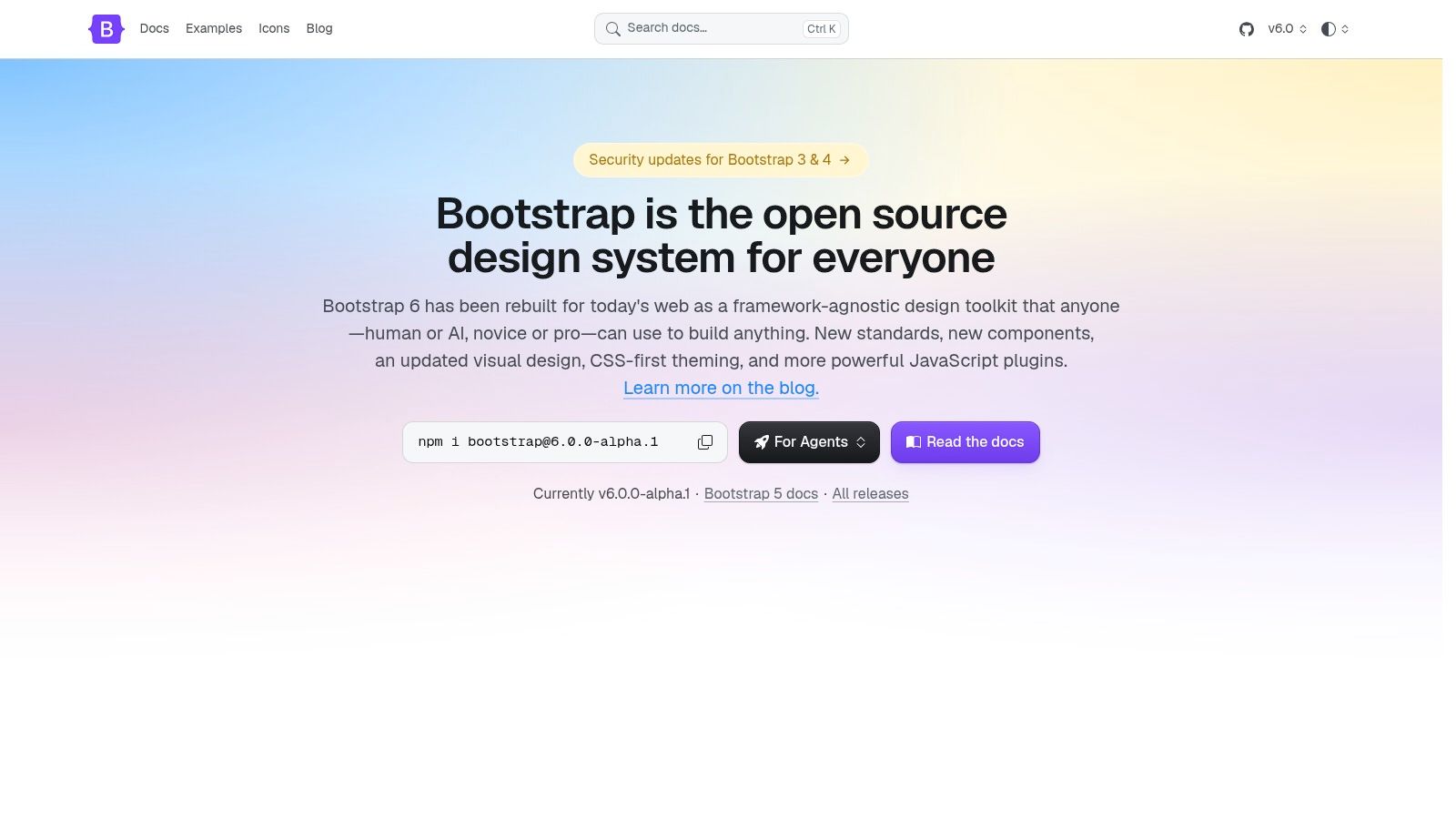
Bootstrap is the incumbent, not a cute niche pick. W3Techs reported that Bootstrap appeared on 13.1% of all websites and 74.8% of sites whose CSS framework could be identified, and 82.3% of identified CSS-framework usage among the top 1,000,000 sites. You can hire for it. You can drop compiled CSS and JavaScript from a CDN and skip a build step. Grid, forms, nav, modals, and pagination are already shaped.
The trade is weight. Bootstrap ships a heavier stylesheet than Tailwind's generated utility output, because you're paying for components whether you use them or not. What you get back is behavior: Bootstrap 5.3 includes built-in ARIA, keyboard patterns, and screen-reader utilities, while Tailwind leaves that work to you, according to Strapi's framework roundup. A fatter stylesheet can still be the cheaper delivery if you aren't rebuilding dialogs.
Default Bootstrap looks like Bootstrap until you override variables. Strip unused components before you judge the payload, and test focus, validation, and modal traps. JavaScript widgets are dead weight if you wanted CSS only. Bootstrap suits admin screens and conventional marketing pages where looking slightly familiar is fine and looking unfinished is not.
5. Bulma
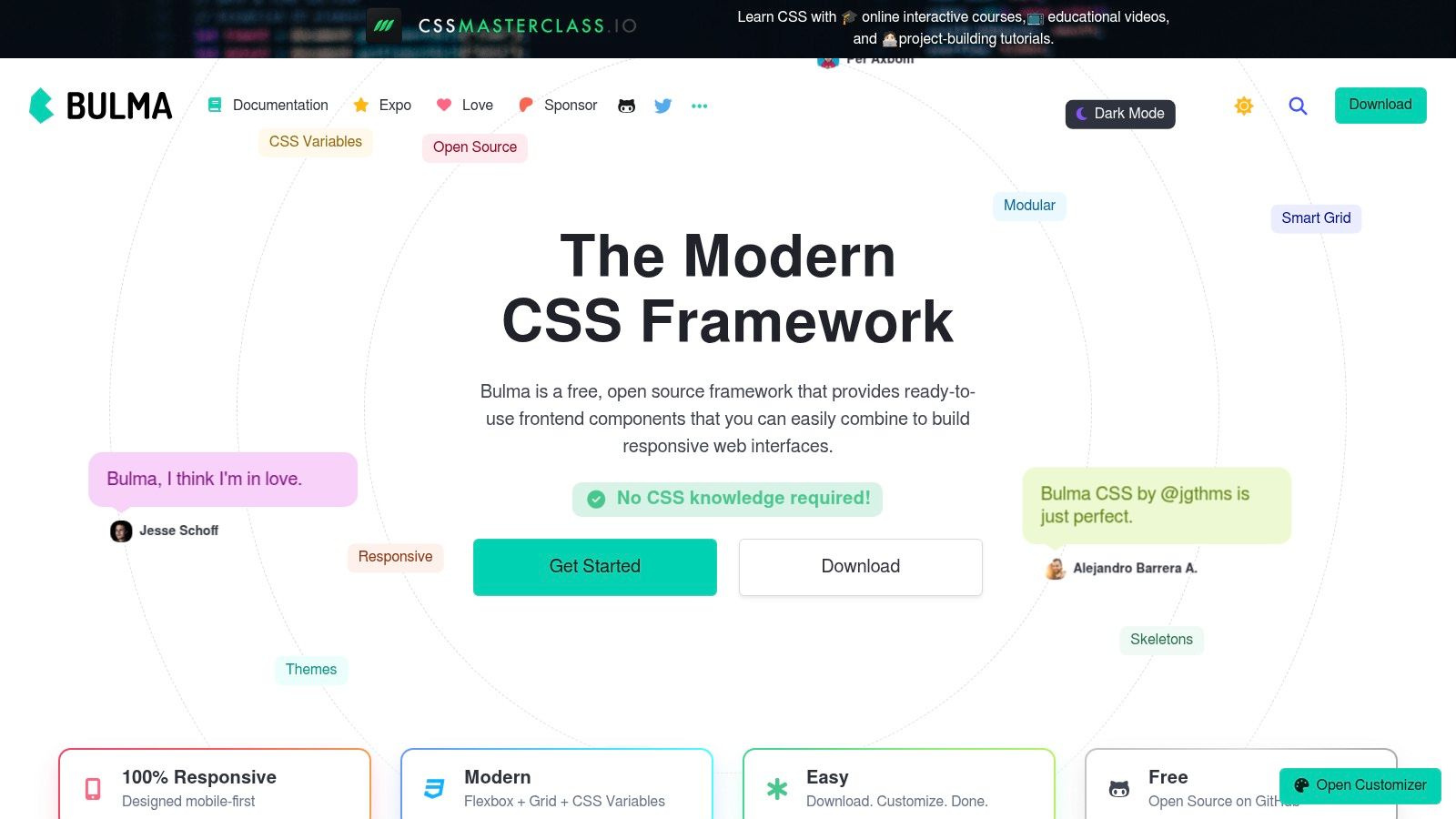
Bulma is the CSS-only answer when Bootstrap's JavaScript feels like baggage and Tailwind's class soup feels like homework. Layout is mobile-first Flexbox and Grid. You get components and helpers with names you can read out loud, customization through CSS variables and Sass, and documented dark-mode support. MIT licensed. No framework JavaScript ships with it.
That last line is the trade. Dropdowns, tabs, and modals need your own behavior. Bulma will not save you from focus management. It's also less composable than a utility engine. You bend components more than you invent one-off spacing scales.
Say a blog theme needs a navbar, a card grid, and a footer, and the interactive bits are one menu. Bulma gets you there without a bundler debate. I wouldn't pick it for a dense app where every control is a snowflake. Pair it with a small behavior library you already trust, and stop hunting for a "Bulma React" that puts the JavaScript back.
6. vanilla-extract
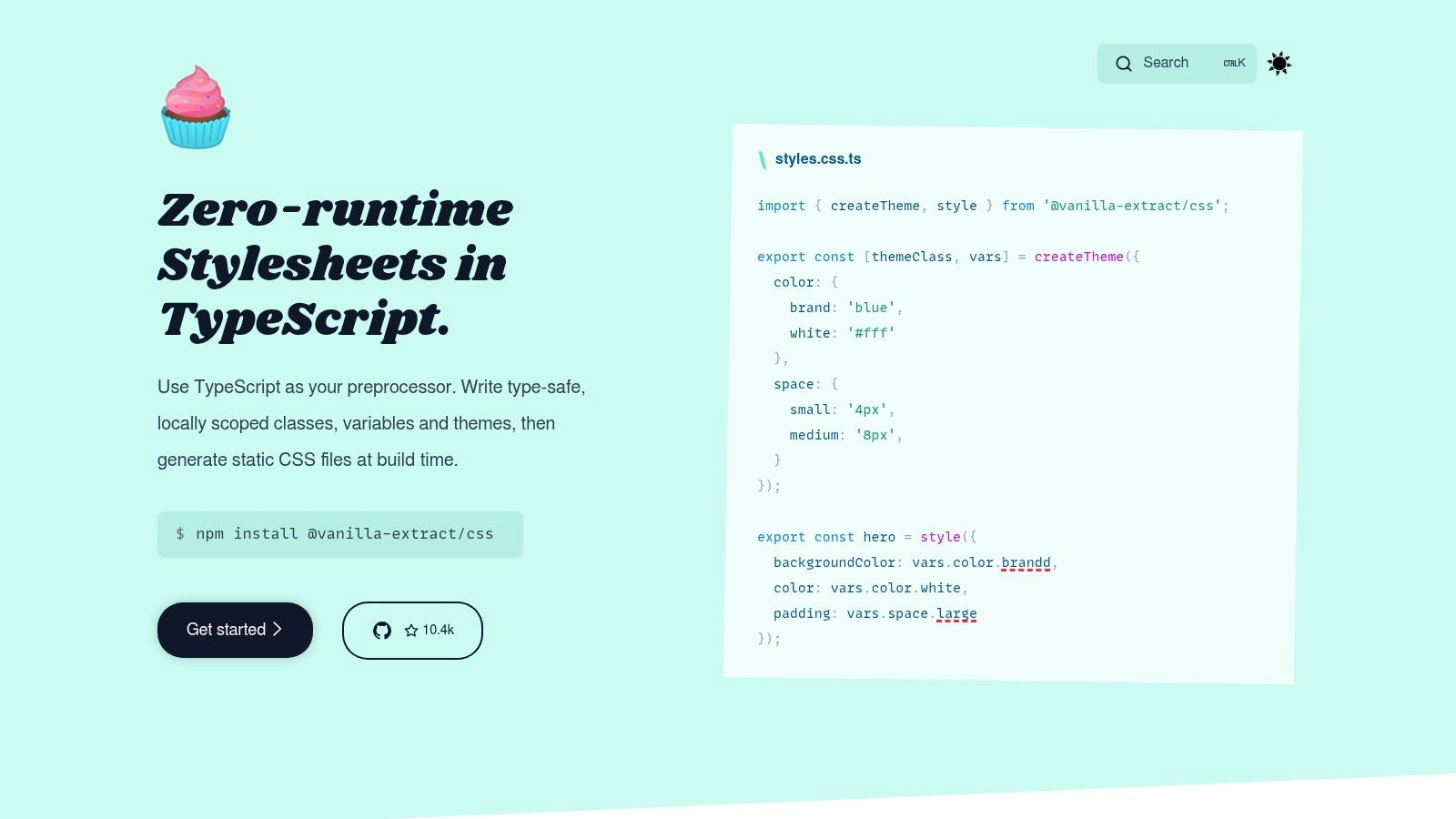
You don't browse vanilla-extract looking for a button. You write styles in TypeScript or JavaScript, and the build emits static CSS. Class names stay locally scoped. Themes and CSS variables are first-class. Sprinkles is the optional path if someone on the team still wants utilities.
Type checking catches a bad token before review. It works across front-end frameworks because the output is CSS, not a runtime. The cost is build-tool integration and a mental model of style objects, not HTML class strings. Pasting a Tailwind snippet into a .css.ts file does nothing useful.
I like it on apps where designers and engineers already share a theme file and regressions show up as type errors. I don't like it for a content site maintained by people who live in templates. If the only goal was "fewer classes in the JSX," this will feel like more code, not less. That's an honest mismatch, not a failed install.
7. Chakra UI
Search results love to line Chakra up next to Tailwind as if they were the same species. They aren't. Chakra UI is an accessible React component system with tokens, typography, and recipes, plus a path into Next.js and React Server Components. The wider ecosystem includes Ark UI and Zag when you want the behavior layer without the full styled kit. The core library is open source.
Switching off Tailwind doesn't fix a missing component strategy. Several famous "alternatives" still assume React, or they still sit on Tailwind.
ScratchDB's alternatives writeup makes the split explicit. shadcn/ui and daisyUI extend Tailwind rather than replace it. Radix ships unstyled accessible primitives. Material UI implements Material Design. Chakra sits with the component camp. You theme in one place instead of sprinkling utilities. You also accept React, and you learn recipe APIs that won't transfer to a PHP template. I use it for product UI where keyboard behavior matters on day one. I don't use it to reskin a static brochure.
8. Material UI (MUI)
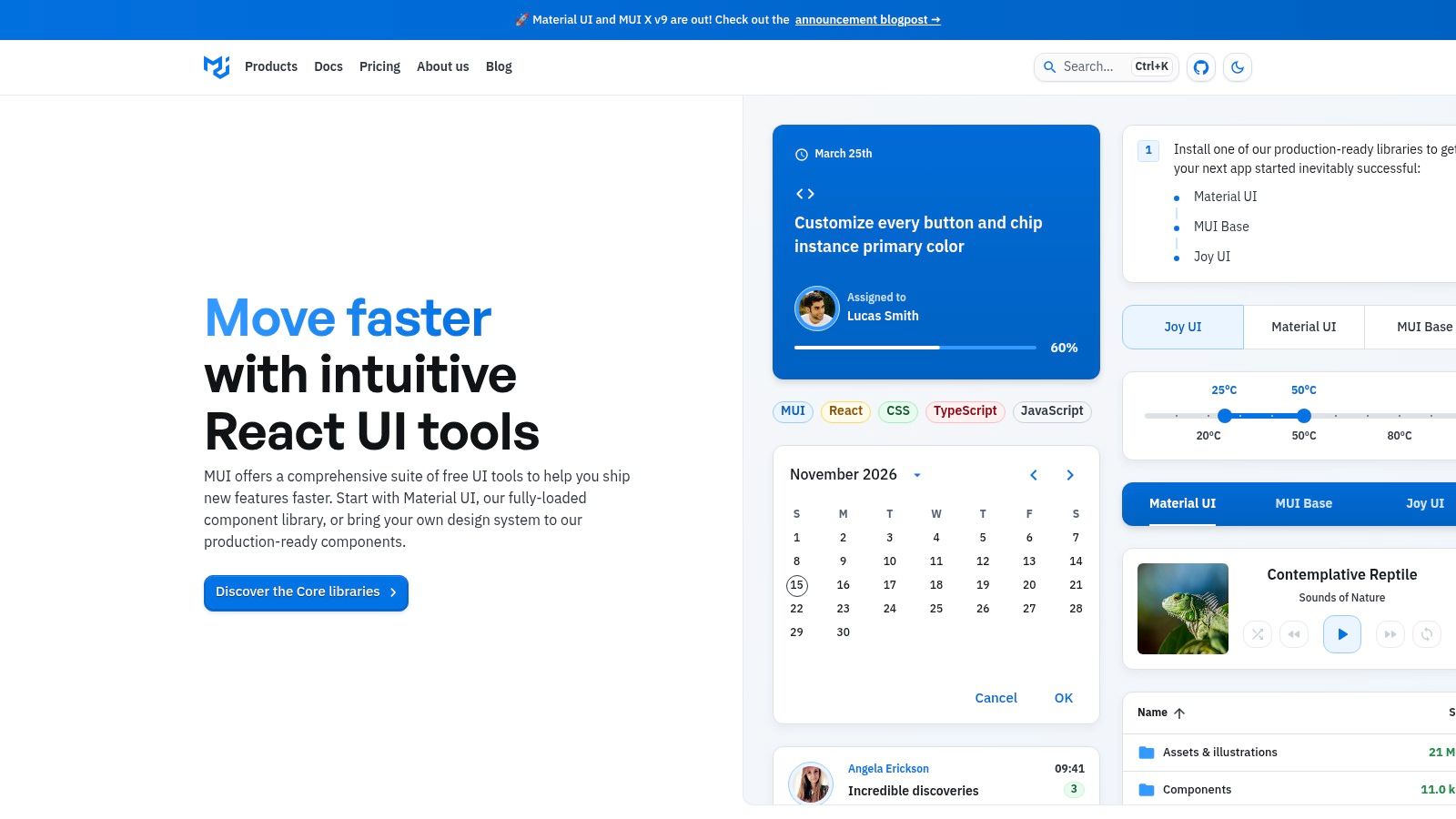
MUI is the opinionated React shelf. Forms, navigation, data display, and feedback components are already there, with theming and TypeScript. The Community tier is free. Advanced tables, charts, and support live on paid MUI X tiers, so read that line before a "free UI kit" estimate hits finance.
You build with components and a theme, not a utility string. Out of the box you get Google's Material look. That's a feature for internal tools and a fight for brands that spent a year on a custom type ramp. Overriding it can cost as much as the components saved you.
- Ship faster: Data grids and dialogs you would otherwise redraw.
- Stay consistent: One visual language, including density and feedback states.
- Pay later: MUI X is not a rounding error once the free set runs out.
I recommend MUI when the product can look like Material, or when a theme layer is a planned task. I don't recommend it as a stealth design system for a fashion retailer who will reject every ripple.
9. Open Props
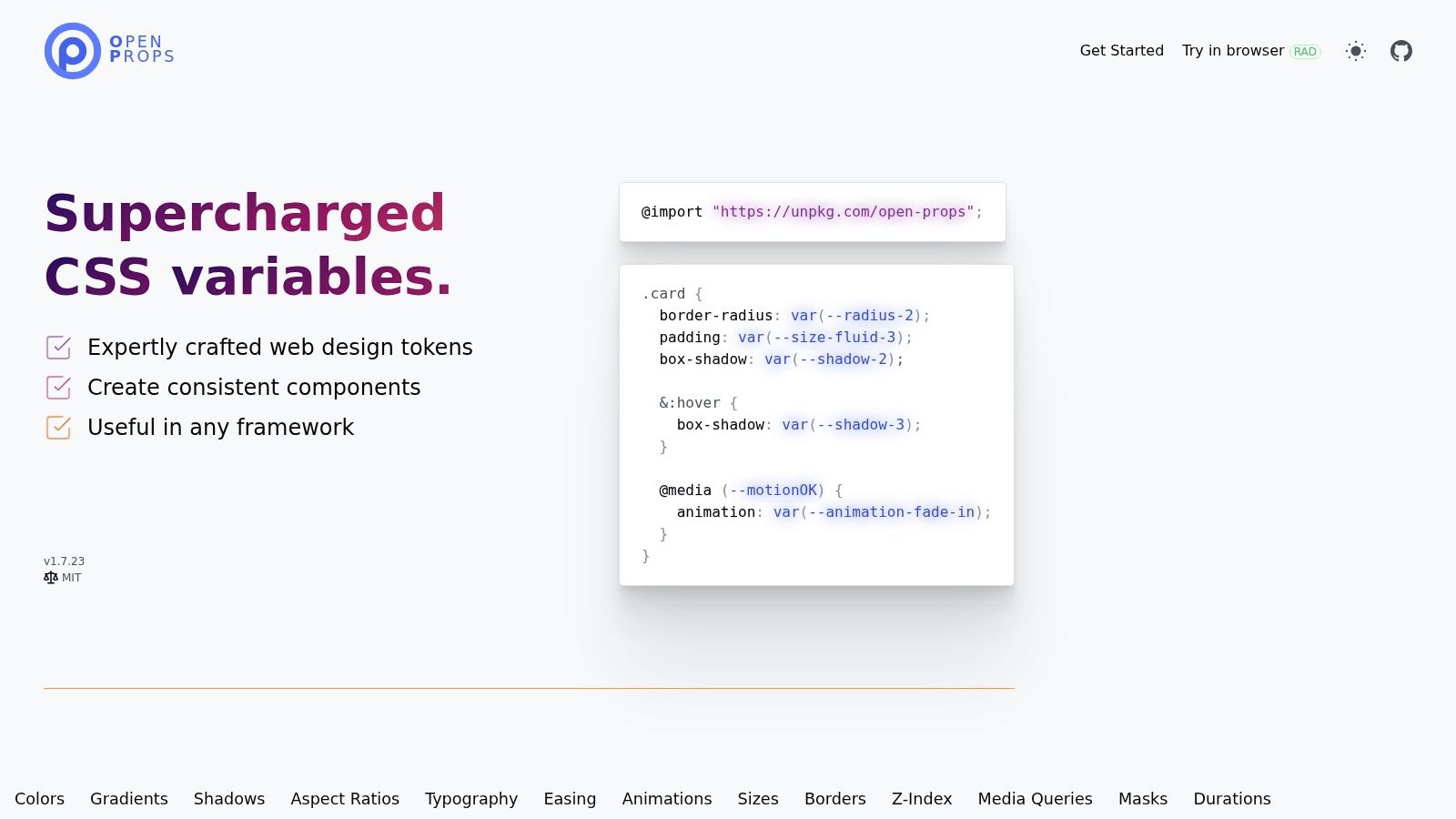
Open Props is the minimalist move people pretend Tailwind was. It's a set of CSS custom properties for color, spacing, size, shadow, and animation, plus optional normalize, button, and theme styles. Load it from a CDN or a package. Import the token packs you want and ignore the rest. It's free and MIT-licensed.
Nothing here is a component framework. You still write the classes, the cards, and the nav. That's the appeal if your CSS is already fine and the chaos is raw hex values copied between files. Adopt it gradually. One spacing scale this sprint, color next sprint. No rewrite PR.
It fails teams who wanted widgets. A token for shadow-3 doesn't give you a modal. Pair Open Props with Bulma, with your own components, or with a React kit's theme, and stop expecting it to replace a framework. I keep it on sites where the stack must stay boring and the design still needs a shared ruler.
10. StyleX
StyleX comes from Meta and compiles styles into static, atomic CSS. Collision handling and deduplication are the sales pitch for huge interfaces, not for your first landing page. There's no runtime style injection and no component library. You bring the buttons, the brand, and the accessibility behavior. The project is free and open source, backed by a system used across Meta products.
The learning curve is steeper than Bootstrap's docs or a utility cheat sheet. Constraints are the product. Styles compose in predictable ways, which large codebases need and tiny sites don't.
A smaller atomic stylesheet is not a smaller project once every menu, dialog, and focus state is still on your backlog.
I treat StyleX as a platform choice for teams that already have a design language and want the compiler to police it. I don't treat it as a Tailwind alternative for a freelancer shipping a brochure this week. If you need both constraints and ready-made widgets, pair the idea of atomic output with a component kit, or don't start here.
Tailwind Alternatives at a Glance
| Best For | Type | Cost Model | Setup Effort | Standout Feature |
|---|---|---|---|---|
| Pin Generator, recommended for automating Pinterest marketing | Pinterest content creation and scheduling tool | Free credits; paid plans and limited-time lifetime deal | Low to moderate | Automates pin design, copy, and recurring scheduling |
| UnoCSS, developers seeking a flexible utility-first CSS workflow | On-demand atomic CSS engine | Free and open source | Moderate | Custom rules, presets, and utility generation on demand |
| Panda CSS, teams building shared design systems | Build-time styling engine | Open source | Moderate to high | Type-safe tokens and recipes with no runtime styling |
| Bootstrap, quick conventional layouts and prototypes | Front-end toolkit with components and utilities | Free and open source | Low | Extensive prebuilt components and optional CDN setup |
| Bulma, teams wanting styled components without framework JavaScript | CSS framework | Free and open source | Low to moderate | CSS-only, component-oriented interface building blocks |
| vanilla-extract, typed, build-time styling across frameworks | TypeScript styling system | Open source | Moderate | Scoped, typed styles that compile to static CSS |
| Chakra UI, React teams building accessible application interfaces | React component system | Open-source core | Low to moderate | Accessible components with centralized tokens and recipes |
| Material UI (MUI), React projects needing a broad component set | React UI library | Free Community tier; paid MUI X options | Low to moderate | Extensive components with a consistent Material Design foundation |
| Open Props, developers adding design tokens to existing CSS | CSS custom-property library | Free and open source | Low | Adoptable token packs for common design values |
| StyleX, large interfaces needing predictable, reusable styling | Build-time styling system | Free and open source | High | Static atomic CSS with collision handling and deduplication |
Picking Your Alternative and Migrating Without Regret
Match the tool to the job you hired, not the logo in last year's tweet. Marketers leaving the Pinterest scheduler should shortlist Pin Generator first, then move in phases. Export the pins you still need. Reconnect the store, sitemap, or feed, keeping in mind a pin can be generated straight from any imported product, so you do not have to finish the catalog before you see output. Rebuild two or three branded templates before you automate the whole feed. Restart scheduling on a slice of boards so the cadence never hits zero while you learn credits, keyword research passes, and review habits; once the queue is live, the smart scheduler spaces pins at natural posting times in your timezone. A lifetime price is only a bargain if the creative still looks like you after week three.
Developers leaving Tailwind CSS should pick by constraint:
- Utility continuity: UnoCSS, if class-driven styling is the part you want to keep.
- Typed systems: Panda CSS or vanilla-extract, if tokens and compile-time CSS matter more than HTML classes.
- Fast conventional UI: Bootstrap when you want widgets and a huge hiring pool, Bulma when you want components without framework JavaScript.
- React products: MUI or Chakra UI, and only if the app is already React.
- Tokens only: Open Props. StyleX when the codebase is large enough that collisions and deduped atomic CSS pay for the learning curve.
Download charts lie in both directions. Package download counts get inflated by dependency installs, since every project that pulls a library in transitively counts as another "user" of it, so the figure reflects the dependency graph more than deliberate choice. A framework that dominates existing sites can still be the wrong visual system for a greenfield brand.
Before you delete the old setup, write a one-page checklist. List the screens or pin types you must match. Note which interactions need keyboard support. Decide who reviews AI or generated CSS. Set a rollback. Ship one vertical slice, a single product line or a single app shell, and compare time-to-change, not just file size.
No tool is worth keeping, or leaving, because a roundup ranked it first.
If the search that brought you here was really about Pinterest, we generate the pin creative, the metadata, and the recurring schedule from your catalog or feed so the profile doesn't go quiet. That's the half of Tailwind alternatives most CSS lists never mention. Start with the credits on a free account and see the workflow at Pin Generator.