
Affiliation Pinterest Amazon
6 July 2026
Affiliation Pinterest Amazon sounds like three words that got trapped in a marketing blender, but the strategy is beautifully simple: promote Amazon affiliate products on Pinterest, send curious shoppers to helpful content or product pages, and earn commissions when they buy. It is part search engine, part visual storefront, part “I didn’t know I needed a collapsible salad spinner shaped like a UFO, but here we are.”
If you are an Amazon affiliate, Pinterest can be a powerful traffic source because people use it to plan purchases. They search for gift ideas, home upgrades, outfit inspiration, kitchen gadgets, baby gear, camping lists, beauty routines, and approximately 47 ways to organize a pantry using tiny baskets. The opportunity is real. But success requires more than slapping an Amazon link on a pretty pin and hoping the commission fairy shows up wearing glitter boots.
In this guide, you will learn how to set up affiliation Pinterest Amazon links correctly, create optimized pins, follow disclosure rules, track conversions, and build a repeatable workflow that does not eat your entire week like a productivity goblin. We will also look at how tools like PinGenerator can help you create and schedule Pinterest content at scale, especially when you need fresh pins consistently without becoming a full-time graphic designer by accident.
Why Pinterest and Amazon Affiliates Make Such a Surprisingly Good Pair
Pinterest is not just a social media platform where people collect fantasy kitchens and wedding ideas before getting distracted by sourdough. It is a visual discovery engine. Users come to Pinterest with intent. They are searching, comparing, saving, and planning. That makes it a natural fit for affiliate marketing.
According to Pinterest’s audience insights, hundreds of millions of people use the platform every month to discover ideas and products. Pinterest users are often in a shopping mindset, which is why product-focused content can perform well when it is genuinely useful and visually appealing.
Amazon, meanwhile, has an enormous catalog and a trusted checkout experience. The Amazon Associates program lets publishers earn commissions by referring shoppers to qualifying products. When you combine Pinterest’s discovery behavior with Amazon’s product selection, you get a traffic-and-monetization setup that can work beautifully for bloggers, creators, niche site owners, and affiliate marketers.
But there is a catch. Actually, a few catches. Tiny catches. Like affiliate-policy mosquitoes.
- You need to follow Amazon Associates rules.
- You need to follow Pinterest’s spam and affiliate link guidelines.
- You need clear affiliate disclosures.
- You need pins that earn clicks without being misleading.
- You need tracking so you know what is working.
If you want a deeper beginner-friendly walkthrough, PinGenerator has a useful guide on how to do Amazon affiliate on Pinterest. This article builds on that foundation with a more strategic, step-by-step approach.
Step 1: Set Up Your Amazon Associates Account Without Tripping Over the Welcome Mat
Before you promote Amazon products on Pinterest, you need an active Amazon Associates account. This is Amazon’s official affiliate program. You apply, get approved provisionally, and then must generate qualifying sales within Amazon’s required timeframe to keep your account active.
Start by choosing the niche you want to promote. This matters more than many beginners realize. A random “best products” account can become a chaotic buffet of air fryers, dog beds, office chairs, and tactical flashlights. Pinterest likes relevance. Users like relevance. Your analytics will also be much less confusing if your niche is clear.
Good affiliate niches for Pinterest include:
- Home decor and organization
- Kitchen gadgets and cooking tools
- Beauty and skincare
- Fashion and capsule wardrobes
- Baby gear and parenting products
- Fitness equipment and wellness items
- Gardening supplies
- Travel accessories
- DIY, crafts, and hobby tools
- Gift guides for specific audiences or occasions
Once your account is created, use Amazon’s SiteStripe or affiliate dashboard to generate your affiliate links. You can create links to individual products, search result pages, or category pages, depending on what makes sense for your content. However, do not use Amazon product images in ways that violate their operating agreement. Amazon has specific rules around product data, pricing, reviews, star ratings, and image usage. Always review the official Amazon Associates Operating Agreement before building your workflow.
One practical tip: organize your affiliate links in a spreadsheet from day one. Include the product name, category, affiliate URL, Pinterest pin URL, destination page, date created, and tracking notes. Future you will be grateful. Future you may even send present you a muffin.
Step 2: Decide Whether to Link Directly to Amazon or to Your Own Content
One of the biggest affiliation Pinterest Amazon questions is whether you should send Pinterest users directly to Amazon using your affiliate link or first send them to your blog, landing page, or product roundup.
The answer: both can work, but they are not equal in every situation.
Option A: Direct affiliate links from Pinterest to Amazon
Direct linking is simple. You create a pin featuring a product or product idea and add your Amazon affiliate link as the destination URL. This can reduce friction because users go straight to Amazon. However, it gives you less control over the buyer journey, less opportunity to build trust, and fewer tracking options.
You must also disclose the affiliate relationship clearly on the pin or in the pin description. More on that later, because disclosure is not optional. It is the broccoli of affiliate marketing. Maybe not thrilling, but very necessary.
Option B: Link to your own blog post or landing page first
This is often the stronger long-term strategy. Instead of pinning directly to Amazon, you create helpful content such as “10 Best Kitchen Gadgets for Small Apartments” or “Best Amazon Finds for New Dog Owners” and link your pins to that article. Inside the article, you include your Amazon affiliate links with proper disclosures.
This approach has several advantages:
- You can pre-sell products with helpful explanations.
- You can rank the blog post in Google, not just Pinterest.
- You can add email opt-ins or related content.
- You can compare multiple products in one place.
- You can use analytics more effectively.
- You reduce the risk of looking spammy on Pinterest.
If you are still deciding which route to take, check out PinGenerator’s guide to Pinterest Amazon affiliate marketing. It explains several approaches and how different affiliate setups can work depending on your goals.
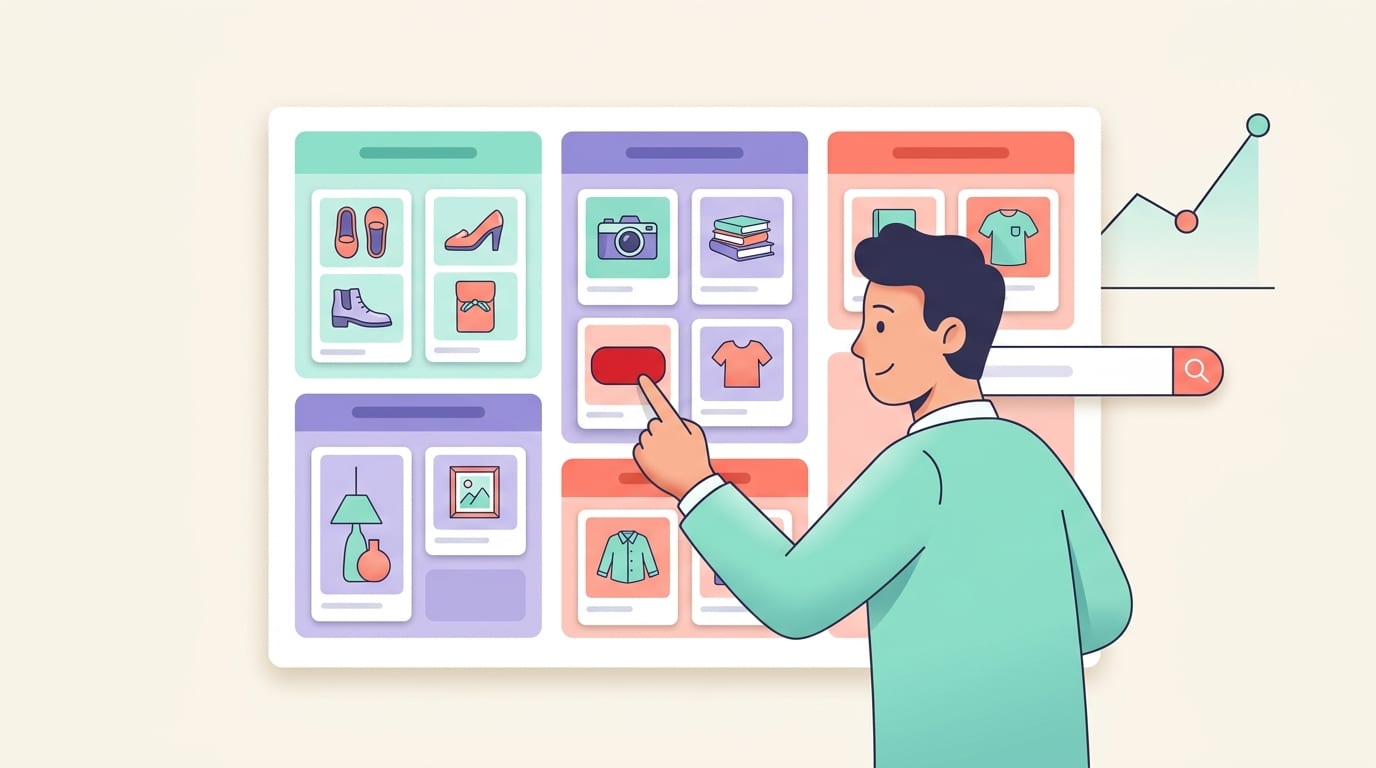
Step 3: Create Pinterest Boards That Do Not Look Like a Junk Drawer
Your Pinterest boards are not just storage bins for pins. They help Pinterest understand what your account is about. A messy board strategy makes it harder for the algorithm to categorize your content. It also makes visitors wonder whether you are an expert or just someone pinning at 2 a.m. after too much coffee.
Create boards around clear, keyword-rich topics. Instead of one board called “Amazon Stuff,” try boards like:
- Amazon Kitchen Finds
- Small Apartment Organization Ideas
- Best Gifts for Coffee Lovers
- Travel Essentials from Amazon
- Budget Home Office Setup
- Baby Registry Must-Haves
- Cozy Bedroom Decor Ideas
Each board should have a clear title and description that includes natural keywords. Do not keyword-stuff like it is 2008 and you just discovered SEO in a haunted basement. Write useful descriptions that explain what users will find.
For example:
“Discover practical Amazon kitchen finds for small spaces, including storage tools, compact appliances, meal prep gadgets, and clever cooking accessories for apartments, dorms, and tiny kitchens.”
That description gives Pinterest context and tells users what to expect. It is specific, useful, and not screaming “BUY MY THINGS” through a megaphone.
Step 4: Build Pins That Earn Clicks Without Being Weird About It
Pinterest is visual. Your pin design matters. A lot. A blurry product screenshot with tiny text and chaotic colors will not save your affiliate strategy. It will simply float through the feed like a sad little coupon ghost.
Strong affiliate pins usually include:
- A vertical format, commonly 1000 x 1500 pixels or a 2:3 ratio
- A clear product or lifestyle image
- Readable text overlay
- A benefit-driven headline
- Brand-consistent colors and fonts
- A design that matches the user’s search intent
According to Sprout Social’s social media image size guide, using platform-appropriate image dimensions helps your content display properly and professionally. Pinterest favors tall, high-quality visuals that look good in the feed and are easy to understand quickly.
Here are some strong pin title examples for Amazon affiliate content:
- “12 Amazon Kitchen Finds That Save Counter Space”
- “Best Travel Essentials for Long Flights”
- “Amazon Home Office Upgrades Under $50”
- “Genius Closet Organizers for Small Bedrooms”
- “Baby Registry Items Parents Actually Use”
Notice that these examples focus on outcomes, not just products. “Buy this shelf” is less compelling than “Genius Closet Organizers for Small Bedrooms.” People click because they want a solution. The product is the vehicle. The problem is the hook.
This is where PinGenerator can save an absurd amount of time. Instead of manually designing one pin, writing one title, adjusting one image, and slowly merging with your office chair, you can paste a URL or import product content, choose from Pinterest-optimized templates, and generate multiple pin variations quickly. PinGenerator’s AI can also help create titles and descriptions, which is handy when your brain has turned into mashed potatoes after writing the 19th version of “best gift ideas.”
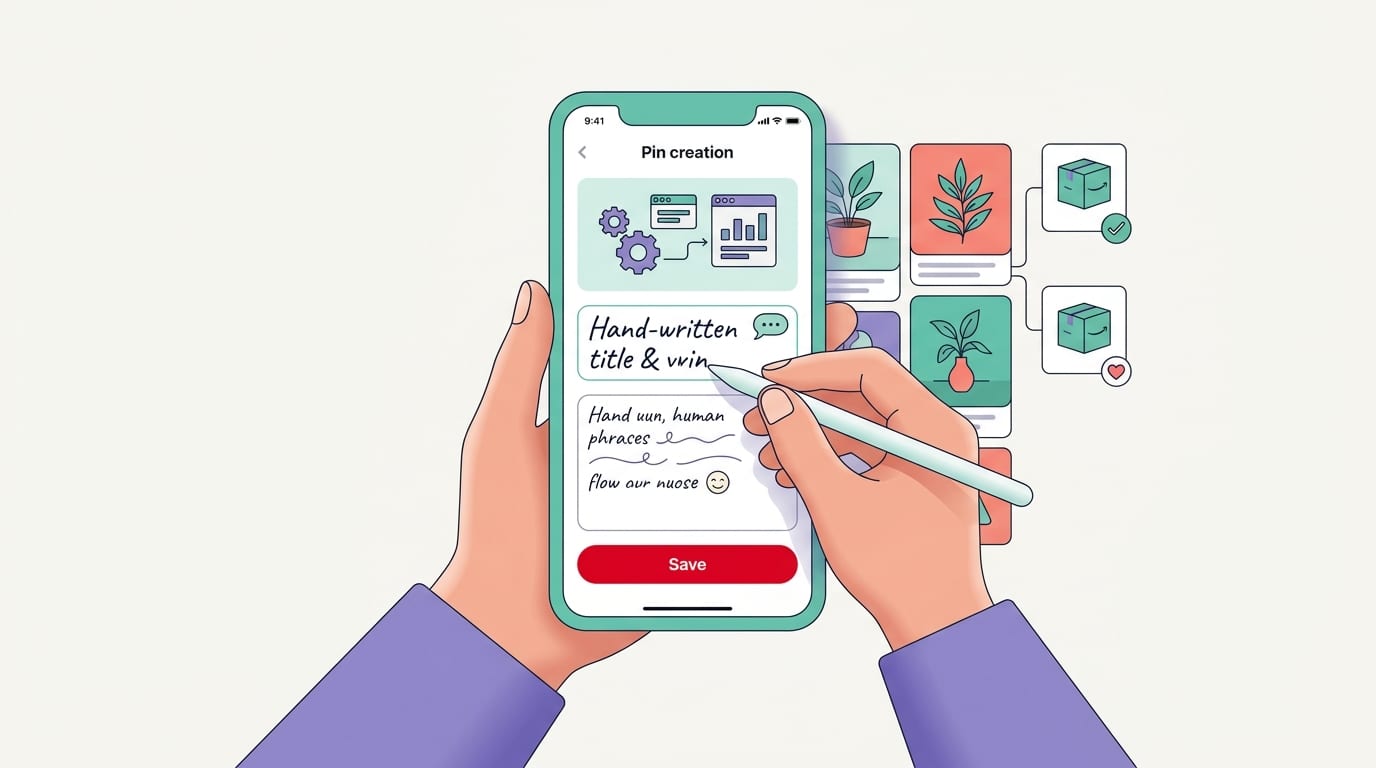
Step 5: Write Pin Titles and Descriptions Like a Helpful Human, Not a Keyword Robot
Pinterest SEO matters. Pins are searchable, and users often find content weeks or months after it is published. That is one of the reasons Pinterest can be so valuable for affiliate marketers. Unlike a social post that disappears faster than snacks at a team meeting, pins can keep driving traffic over time.
Your target keyword, affiliation Pinterest Amazon, can appear naturally in educational content like this blog post, but your actual pins should use shopper-friendly phrases. Think about what your audience would search.
Instead of writing:
“Amazon affiliate product commission Pinterest link shopping item”
Write:
“Best Amazon travel accessories for organized packing, long flights, and stress-free trips.”
A strong pin description includes:
- The main keyword or topic phrase
- A short explanation of the benefit
- Relevant secondary keywords
- A natural call to action
- A clear disclosure if affiliate links are involved
Example:
“Looking for Amazon kitchen gadgets that make small-space cooking easier? These clever tools help save counter space, organize cabinets, and speed up meal prep. Great for apartments, dorm kitchens, and tiny homes. Affiliate link included.”
That is clear, relevant, and disclosure-friendly. It does not pretend the pin is something it is not. Good. The internet has enough trickery already. We do not need affiliate links wearing fake mustaches.
For more practical optimization ideas, read these Amazon Pinterest marketing tips from the PinGenerator blog. They pair nicely with this workflow if you want to improve both clicks and consistency.
Step 6: Disclose Affiliate Links Properly Because the FTC Is Not a Mythical Creature
Affiliate disclosure is mandatory. If you earn money from recommendations, users need to know. The U.S. Federal Trade Commission requires clear and conspicuous disclosures when there is a material connection between an endorser and a brand or seller. You can read the official guidance in the FTC’s disclosure guide for social media influencers.
For affiliation Pinterest Amazon campaigns, disclosure should be easy to notice and understand. Do not hide it at the end of a 500-character description behind fourteen hashtags and a cryptic “sp.” Nobody wants affiliate disclosure charades.
Good disclosure examples include:
- “Affiliate link”
- “As an Amazon Associate, I earn from qualifying purchases.”
- “This pin contains affiliate links.”
- “I may earn a commission if you buy through this link.”
If you direct users to a blog post first, include a disclosure near the top of the article before the affiliate links appear. If you direct users straight from Pinterest to Amazon, include a disclosure in the pin description and, when possible, in the pin design itself. For example, a small text line at the bottom that says “Affiliate link” can add clarity.
Amazon also has specific wording requirements. Many affiliates use: “As an Amazon Associate I earn from qualifying purchases.” Make sure this appears where required on your website or content. Again, read Amazon’s current policies because rules can change, and “I saw it on a blog once” is not a legal strategy. It is barely a lunch plan.
Step 7: Track Performance So You Are Not Marketing With a Blindfold and a Kazoo
If you want affiliate success, you need tracking. Otherwise, you are just tossing pins into the Pinterest ocean and hoping one comes back holding a commission check.
There are several layers of tracking to consider:
Amazon Associates tracking IDs
Amazon allows you to create different tracking IDs. Use them strategically. For example, you might create separate IDs for Pinterest direct links, blog traffic, gift guides, or specific niches. This helps you understand which content is generating clicks and commissions.
Pinterest analytics
Pinterest Business accounts provide analytics for impressions, saves, outbound clicks, engagement rate, and top-performing pins. Watch outbound clicks carefully. A pin with lots of impressions but no clicks may have a weak headline, unclear offer, or design that attracts browsing but not action.
Pinterest also offers educational resources through Pinterest Academy, which can help you understand how the platform thinks about content, shopping behavior, and advertising.
Website analytics
If you send Pinterest traffic to your blog, use analytics tools to track pageviews, click-through rates, time on page, and affiliate link clicks. Google Analytics 4 can help track traffic sources and user behavior, while link management plugins can show which Amazon links get clicked most often.
UTM parameters
When linking to your own content, use UTM parameters to identify Pinterest campaigns. For example, you can tag links by board, pin type, or campaign theme. This makes it easier to see whether “Amazon Gift Guides” performs better than “Kitchen Gadgets” or whether video pins outperform static pins.
Tracking turns vague feelings into decisions. Without data, you might keep making pins for a product that gets saves but no sales. With data, you can double down on the pins that actually earn. Data is not glamorous, but neither is brushing your teeth, and both prevent unpleasant surprises.
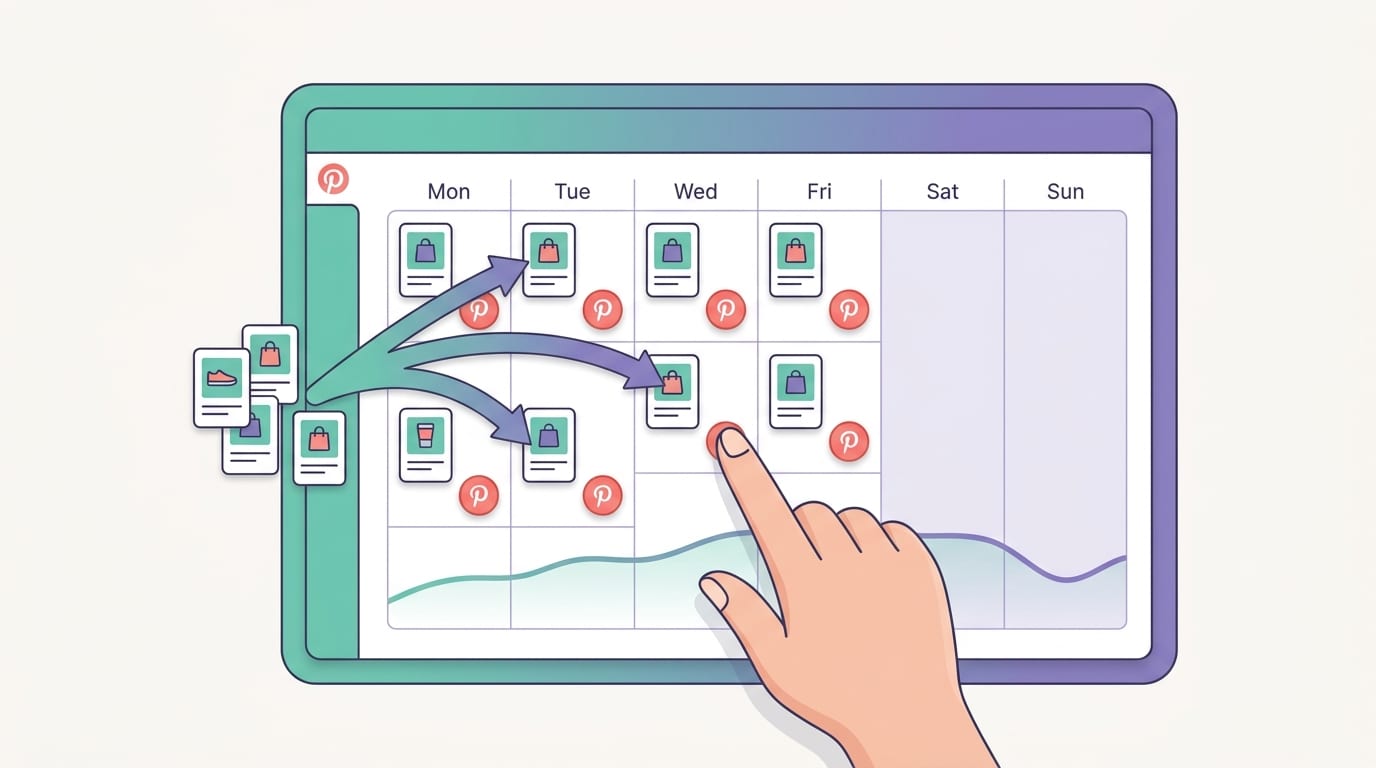
Step 8: Create a Consistent Pinning Schedule Without Sacrificing Your Weekends
Pinterest rewards fresh, consistent content. That does not mean you need to pin 400 times a day while whispering motivational quotes to your laptop. It means you need a steady flow of relevant, high-quality pins.
For Amazon affiliate content, consistency is especially important because many niches are seasonal. Gift guides spike before holidays. Fitness products perform well around New Year. Dorm room content rises before back-to-school season. Gardening tools gain interest in spring. If you publish too late, you may miss the wave and end up paddling behind it with a pool noodle.
A practical monthly workflow might look like this:
- Choose 3 to 5 affiliate content themes for the month.
- Create or update blog posts around those themes.
- Select 10 to 20 products per theme.
- Create multiple pin designs for each article or product category.
- Schedule pins across relevant boards.
- Review analytics weekly.
- Refresh winning pins with new designs and headlines.
This is exactly where PinGenerator fits naturally. Affiliate marketers need volume and variety, but manually producing fresh pins is slow. With PinGenerator, you can generate dozens of unique pins from a single URL, use AI-generated descriptions, customize templates, and schedule everything directly to Pinterest. It is especially useful if you manage multiple boards, multiple niches, or recurring seasonal campaigns.
For example, if you have a blog post titled “Best Amazon Gifts for Coffee Lovers,” you could create pin variations such as:
- “15 Amazon Gifts Coffee Lovers Will Actually Use”
- “Best Coffee Accessories on Amazon for Home Baristas”
- “Coffee Gift Ideas Under $30”
- “Cozy Amazon Finds for Coffee Addicts”
- “Small Kitchen Coffee Station Essentials”
Each variation can appeal to a slightly different search intent while pointing to the same helpful article. That is not spam; that is smart content repackaging when done with quality and relevance.
Common Mistakes That Make Affiliate Pins Faceplant
Even smart marketers make mistakes with affiliation Pinterest Amazon strategies. The good news is that most errors are fixable. The bad news is that some are painfully common. Let us rescue you from the affiliate banana peel.
Mistake 1: Promoting random products with no niche strategy
If your account promotes baby bottles on Monday, chainsaws on Tuesday, and luxury cat furniture on Wednesday, Pinterest may struggle to understand your authority. Pick a niche or cluster of related topics.
Mistake 2: Using misleading pin images
Your pin should match the destination. If your pin promises “Budget Bathroom Makeover Ideas” but sends users to one random soap dispenser, people will bounce. Pinterest may also reduce distribution if users consistently dislike the experience.
Mistake 3: Forgetting disclosures
This is not just a best practice. It is required. Keep disclosures clear and visible. Boring? Maybe. Necessary? Absolutely.
Mistake 4: Relying on one pin per product
One pin is not a strategy. It is a tiny digital lottery ticket. Create multiple designs, angles, headlines, and seasonal versions. Test what works.
Mistake 5: Ignoring mobile readability
Most Pinterest users browse on mobile. If your text overlay is too small, your pin may look like an eye exam designed by raccoons. Use large, readable fonts and simple layouts.
Mistake 6: Not reviewing Amazon’s rules
Amazon has strict policies around pricing, images, reviews, and claims. Do not say a product is “the best” based on Amazon ratings unless you can substantiate it and comply with Amazon’s guidelines. When in doubt, keep claims factual and experience-based.
For additional policy-focused answers, PinGenerator’s Amazon affiliate marketing on Pinterest FAQs is a helpful companion resource.
Advanced Tips: How to Improve Clicks, Saves, and Commissions
Once your basics are set up, optimization becomes the game. Small improvements can compound over time, especially on Pinterest where content can keep circulating long after publication.
First, create seasonal content early. Pinterest users plan ahead. According to Hootsuite’s Pinterest statistics roundup, Pinterest remains a major discovery and shopping platform, and marketers should treat it differently from fast-moving social feeds. For seasonal affiliate content, start pinning 45 to 90 days before the event or shopping season.
Second, test different content angles. A single product can be promoted in multiple contexts. A portable blender could fit into “healthy smoothie recipes,” “dorm room essentials,” “fitness gifts,” “small kitchen gadgets,” and “travel wellness gear.” Different users search differently. Give Pinterest more doors into your content.
Third, create comparison and roundup content. Amazon shoppers often want options. Instead of promoting one desk lamp, create content like “Best Amazon Desk Lamps for Home Offices.” This increases the chance that readers find something relevant and click through.
Fourth, refresh old winners. If a pin performs well, do not simply admire it like a museum artifact. Make new versions. Try a new template, headline, color scheme, or seasonal angle. PinGenerator makes this easy because you can generate design variations quickly instead of rebuilding everything from scratch.
Fifth, pay attention to saves. Saves can signal that your content is useful or aspirational. A pin with high saves but low clicks may work well for awareness but need a stronger call to action. A pin with high clicks but low saves may be highly transactional. Both can be useful, but they serve different roles.
A Simple Weekly Workflow for Affiliation Pinterest Amazon Success
If you want a realistic workflow, keep it simple. Complicated systems often collapse under their own spreadsheet weight. Here is a practical weekly routine:
- Monday: Review Pinterest and Amazon Associates analytics. Identify top pins, top products, and weak performers.
- Tuesday: Research keywords and trends for one niche topic. Look at Pinterest search suggestions and seasonal patterns.
- Wednesday: Create or update one affiliate blog post or product roundup.
- Thursday: Generate 10 to 20 pin variations for that content using PinGenerator or your preferred design workflow.
- Friday: Schedule pins to relevant boards over the next few weeks.
- Monthly: Refresh old content, update broken or unavailable Amazon products, and remove underperforming clutter.
This gives you consistency without turning Pinterest into a second full-time job wearing a fake mustache. The key is batching. Do not create one pin every day from scratch. Batch your research, batch your content, batch your design, and batch your scheduling.
If you are brand new and want a foundation before implementing this weekly system, read Amazon and Pinterest: how to get started. It is a helpful primer for setting up your first campaigns without immediately drowning in tabs.
Final Thoughts: Build a System, Not a Pinning Panic Spiral
Affiliation Pinterest Amazon marketing can be a real traffic and income opportunity, but only when you treat it like a system. Choose a focused niche. Create helpful content. Design pins that match search intent. Use clear disclosures. Track what converts. Then repeat the process with enough consistency that Pinterest starts understanding your account and your audience starts trusting your recommendations.
The big secret is not really a secret: Pinterest affiliate marketing rewards useful content at scale. One pretty pin is nice. A steady library of optimized pins connected to helpful Amazon product recommendations is much better. Think less “random affiliate link confetti” and more “organized visual shopping guide with a commission engine under the hood.” Very classy. Very practical. Slightly less confetti.
If the design-and-scheduling part is what slows you down, PinGenerator can help you create a month of Pinterest content in minutes instead of manually wrestling with templates, titles, descriptions, and publishing schedules. You can generate multiple pin variations from URLs or product content, use AI to write Pinterest-friendly text, and schedule pins across boards without developing a thousand-yard stare.
Your next step: pick one niche, create one useful Amazon affiliate roundup, make at least ten pin variations, disclose properly, track results, and improve from there. Small system. Big potential. No marketing kazoo required.