
Best AI Tools for Social Media Marketing in 2026
13 June 2026
If you’re researching AI tools for social media marketing, then you already know AI can improve your workflow and expand your reach. The challenge most people face is understanding which tools are actually worth using and how to get started.
Many guides online are overly technical, gimmicky, or focused on generating AI content instead of helping you market the work you’ve already created. However, there’s a more practical way to use AI, and that’s with AI automation and smarter marketing.
If you’re a creator, blogger, online seller, or affiliate marketer, you already have something valuable to share, whether that’s your posts, products, or content. The real challenge is getting that work in front of the right people consistently.
This is where AI can help. Not by replacing your creativity, but by helping you market your content more efficiently, automate repetitive tasks, and expand your reach without adding more to your workload. The goal isn’t to replace your brand voice, it’s to help you promote your existing content in a smarter way so you can reach more of the right audience without burning out.
Best AI Tools for Captions and Writing
If you’re using social media to market a blog, business, or online shop, then you already know that captions matter. Captions help your audience understand your message, and they help the platforms decide who should see your post. While a strong visual might stop the scroll, the caption often determines whether someone saves, comments, or clicks through to your site.
For beginners, three AI tools stand out for writing and ideation, each with a slightly different strength.
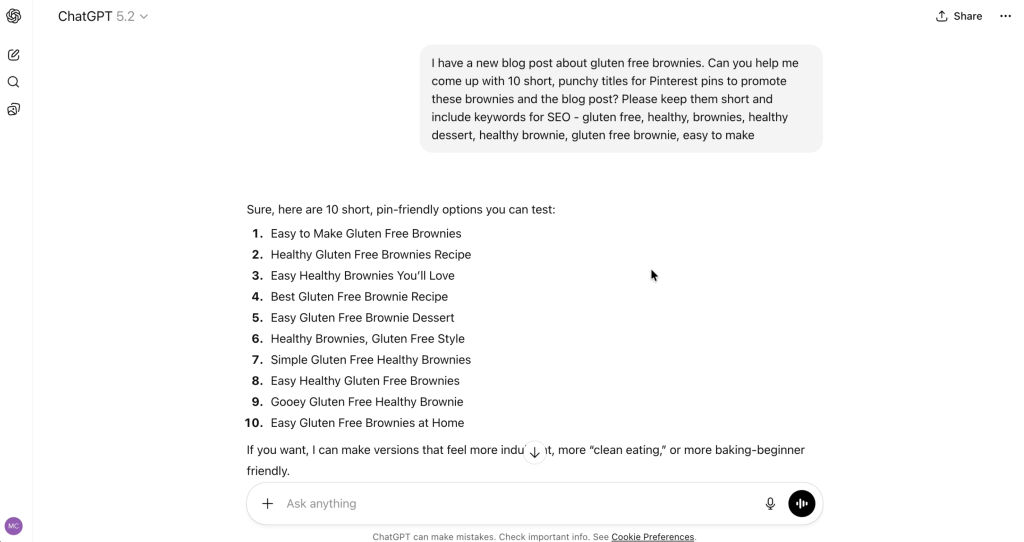
ChatGPT is the most versatile option for creators. It’s especially useful when you’re staring at a blank screen and don’t know where to start. You can use it to brainstorm hooks, generate caption variations, outline posts, or rewrite ideas in a clearer way.
Out of the box, ChatGPT can sound a bit generic, but that’s not a flaw of the tool, it’s just how most AI works by default. The real power comes when you give it examples of your own writing, tone, and brand. Over time, it gets better at sounding like you instead of sounding like “the internet.” For most beginners, this is the easiest entry point into AI writing.
Claude tends to shine when you’re doing longer, more reflective writing. If you post regularly on LinkedIn, write storytelling captions, or share more thoughtful commentary, Claude often produces smoother, more natural language than other tools. Many creators find it easier to work with when they want a more conversational, human tone.
Perplexity plays a different role, as it’s less about writing and more about accuracy. If you’re referencing statistics, trends, or current events in your captions, Perplexity helps you quickly verify information so you don’t accidentally share something misleading. This is especially helpful if you want to position yourself as a trusted source in your niche.
You don’t need all three. Pick one main writing tool, and use Perplexity occasionally when you want to double-check facts. AI can speed up your process, but your judgment still matters.
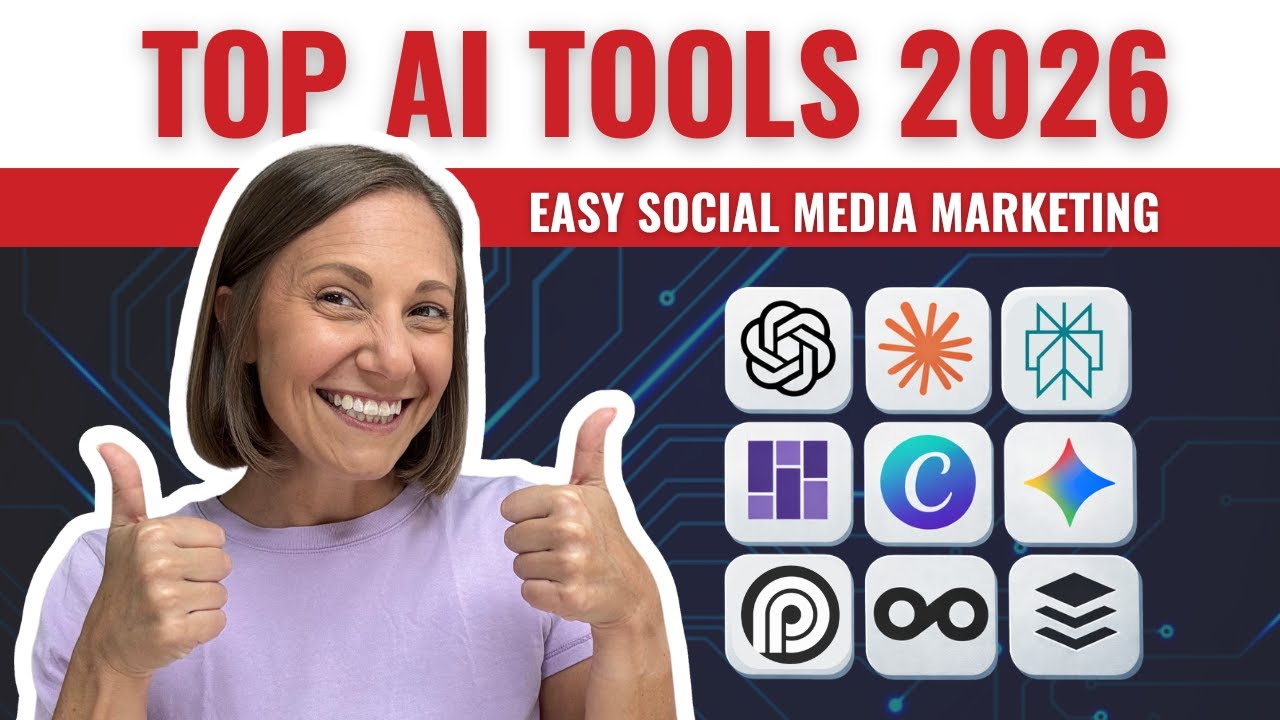
And if you’re someone who prefers to watch instead of read, I’m covering all of these tools (and visual walkthroughs) on our YouTube channel. You can watch it here:
Best AI Tools for Visuals
Social media is still a visual game. Whether you’re making carousels, thumbnails, Pinterest pins, or short videos, your imagery needs to look clear, professional, and on-brand. The good news is that you don’t need advanced design skills to achieve this anymore.
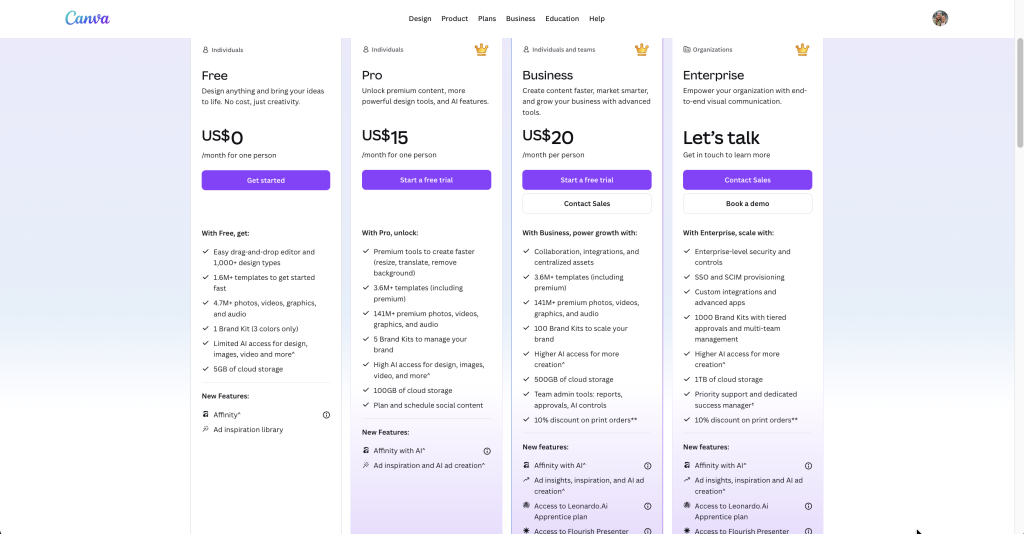
Canva remains one of the most beginner-friendly visual tools in 2026. Its AI features have improved dramatically, making it easier than ever to create polished content without technical expertise. You can remove backgrounds, clean up photos, expand images, swap scenes, and resize designs for different platforms in just a few clicks.
For product-based businesses, this is especially valuable. You can take a simple product photo and transform it into something that looks much more professional for Instagram, Pinterest, or your website. You can also design carousels, thumbnails, and branded templates in one place, which keeps your visual identity consistent across platforms.
You don’t need Canva Pro to get started, but the AI tools are stronger with the paid plan. Either way, Canva is still the simplest and most practical place for beginners to create high-quality visuals.
For AI image generation, one free tool worth experimenting with is Nano Banana, built by Google’s Gemini team. It’s surprisingly effective at creating realistic lifestyle images when you prompt it clearly.
For example, if you sell planners, you can generate images of your product styled in different workspaces. If you sell candles, you can place them in cozy living rooms or minimalist desks without organizing a full photoshoot. This can be especially helpful for mockups, mood boards, or concept visuals when you don’t have the perfect photo yet.
This isn’t meant to replace original photography, but it can be a powerful creative tool when you’re testing ideas or building out your brand imagery.

Best AI Tools for Multi-Platform Automation
If you already publish content somewhere, your biggest challenge is likely marketing it, not creating it. Writing a blog post is one thing, but turning that post into Instagram captions, Pinterest pins, LinkedIn updates, and X posts can take hours every week.
This is where Content Generator becomes especially useful.
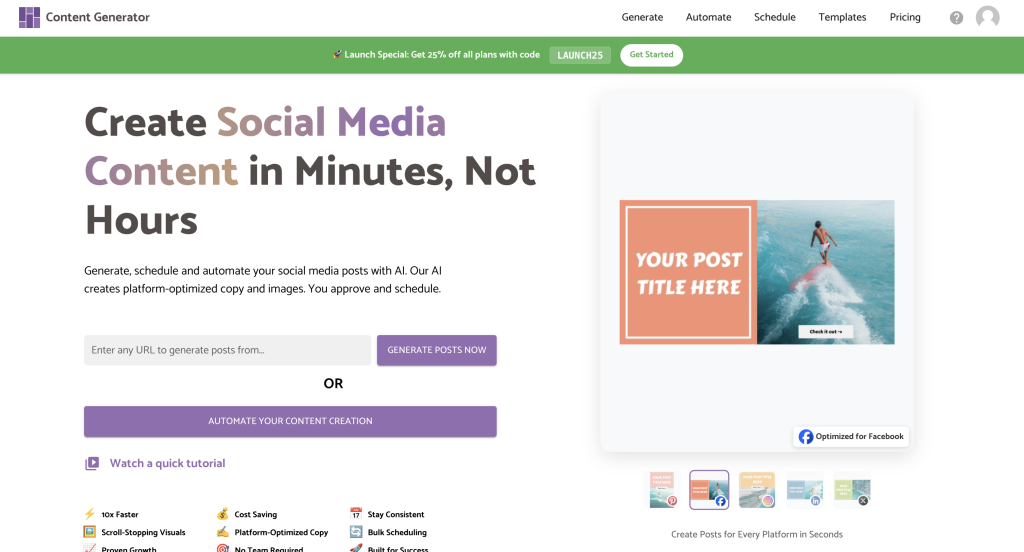
Instead of rewriting everything from scratch, Content Generator pulls directly from your blog, website, or online shop and converts that material into ready-to-post content for multiple platforms. It doesn’t just copy and paste, it adapts your material into different formats that fit each network.
The real advantage with Content Generator is templates. You can create a preferred style for Instagram captions, a specific format for Pinterest pins, and a structure for LinkedIn posts, then reuse those templates every time you publish something new. That means you get consistency without starting from zero each time.
For solo creators or small teams, this can dramatically reduce your workload. Instead of spending hours inside social apps, you can batch your posts in one dashboard and schedule them in advance. This helps you stay consistent without feeling overwhelmed.
Best AI Tools for Short-Form Video Repurposing
If you create YouTube videos, podcasts, or any kind of long-form content, short clips are one of the smartest ways to grow on social media right now. The challenge is that manually cutting clips can take a lot of time and energy.
Opus Clip is one of the most helpful tools for solving this problem.
Instead of you scrubbing through a long video and guessing which moments might perform well, Opus Clip uses AI to watch your full recording, identify engaging segments, and automatically turn them into vertical clips for Reels, Shorts, and TikTok.
The results aren’t perfect, and you’ll still want to review and tweak some clips. But in most cases, it gets you about 80 percent of the way there, which is a huge improvement over doing everything manually.

Best AI Tools for Scheduling and Analytics
Once your content is created, you still need a way to plan, publish, and understand what’s working. That’s where Metricool and Buffer come into play.
Metricool is ideal if you care about data. It gives you a clear view of which posts performed best, where your audience is growing, and which platforms are actually delivering results. If you like making decisions based on numbers instead of intuition alone, this tool can be very helpful.
Buffer, on the other hand, is better if your main priority is simplicity. It’s clean, easy to use, and focused on scheduling. If your content is already ready and you just want one place to organize and publish it consistently, Buffer is a straightforward option.
The key distinction is this. Metricool and Buffer are scheduling and analytics tools, not automation tools. They help you manage and measure content you’ve already created. If you want something that actually generates and formats posts for you, that’s when you’d use Content Generator instead.

Get Started
You don’t need to use every tool in this list to see results. Think of this as a starting point for using AI in your social media marketing in 2026.
Start with one or two tools based on what you actually need right now, whether that’s writing captions, improving visuals, repurposing content, or staying consistent with posting. Once you’re comfortable, you can always add more to your workflow over time.
Many of these tools offer free plans or trial versions, so you can test what works before committing to anything. The goal is not to make your process more complicated. The goal is to make your marketing easier, faster, and more sustainable.
If a tool feels overwhelming, takes too long to learn, or creates more friction than progress, it’s probably not the right fit for you right now. The best AI tools should support your workflow, protect your brand voice, and help you get your content in front of more people without burning out.
Start simple, stay consistent, and let’s get generating.