
Can People on Pinterest See Who Viewed Their Profile? Find Out Now
5 July 2025
Let's get straight to the point. No, you cannot see a list of the specific people who have viewed your Pinterest profile. It's one of the most common questions we hear, but Pinterest intentionally keeps this activity private.
This applies to all account types, whether you have a Personal or a Business account. Unlike a platform like LinkedIn, which is built around professional networking, Pinterest's core focus is on content discovery and inspiration, not social tracking. You simply won't get a ping or a notification when someone lands on your page.
For a more detailed breakdown, you can read our complete guide on Pinterest profile views.
How Pinterest Compares to Other Platforms
This privacy-first approach really sets Pinterest apart from other social networks. Some platforms are an open book, while others are more guarded.
Here’s a quick look at how different social media sites handle profile view notifications.
Profile View Notifications Across Social Media
| Platform | Can You See Individual Profile Viewers? |
|---|---|
| No | |
| Yes (with a Basic or Premium account) | |
| No (but does show Story viewers) | |
| No | |
| TikTok | Yes (if Profile View History is enabled) |
As you can see, there isn't one standard rule. TikTok lets you opt-in, LinkedIn offers it as a key feature, and others, like Pinterest and Instagram, keep that information under wraps.
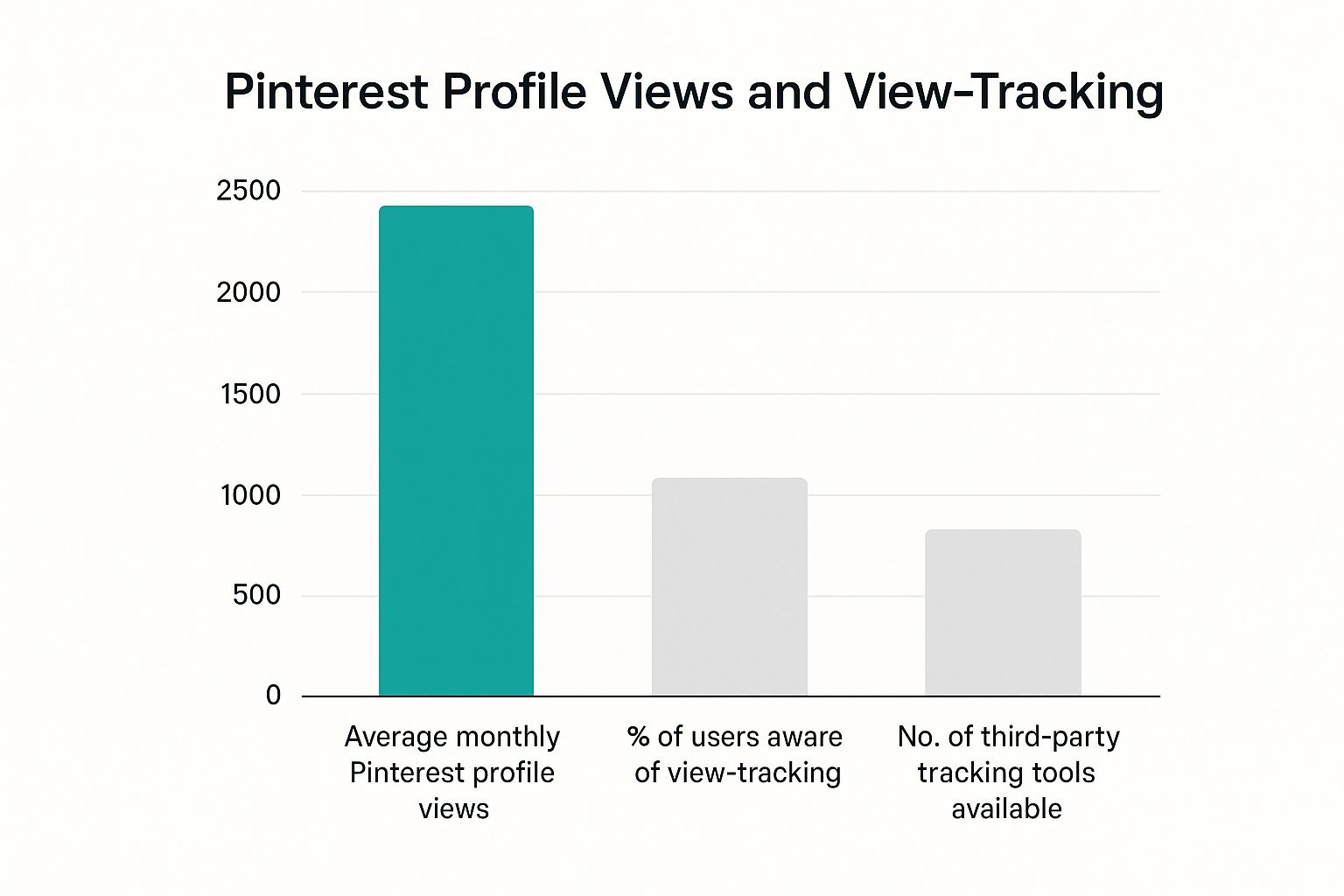
The takeaway here is that Pinterest is designed for browsing and collecting ideas without the social pressure of knowing who's watching. So, while you can't see who visited, you can still track overall profile traffic through Pinterest Analytics to see if your content is pulling people in.
Why Pinterest Prioritizes Inspiration Over Observation
So, why the secrecy around who’s viewing your profile? It really boils down to what Pinterest is. At its heart, Pinterest is a visual discovery engine, not a social network in the way we think of Facebook or Instagram. The main goal here is discovery, not social scorekeeping.
Think of it like wandering through a massive, beautifully organized library. You can easily spot which books are popular and flying off the shelves, but the librarian isn't announcing every person who picks up a copy of War and Peace. Pinterest runs on the exact same philosophy.
This approach creates a completely pressure-free zone for users. It gives you the freedom to explore quirky interests, plan deeply personal projects, or just get lost in a rabbit hole of ideas without feeling like someone is looking over your shoulder.
This focus on content over social status is fundamental to what makes Pinterest so powerful for both personal use and for businesses. That anonymity is what fuels genuine, uninhibited exploration.
It's About Discovery, Not Ego
This isn't just a random design choice; it’s a direct reflection of how people actually use the platform. Most people jump on Pinterest with a mission to find something new, not to snoop on what their friends are up to.
The numbers back this up. A massive 96% of the top searches on Pinterest are unbranded. This tells us loud and clear that users are searching for broad concepts like "fall dinner ideas" or "small bathroom remodel" rather than hunting for specific brands or people. You can dig deeper into these habits in this fantastic breakdown of Pinterest statistics.
This user behavior really reinforces the platform’s core mission. By ditching the "who viewed my profile" feature, Pinterest keeps the spotlight exactly where it should be: on the quality and creativity of the content. This ensures the best ideas—not just the profiles with the most followers—are the ones that get seen. It’s a system truly built for inspiration, not observation.
What Actionable Analytics You Can Actually See
So, while you can't see the specific people who peeked at your profile, Pinterest gives you something way more useful for actually growing your account: actionable analytics. Once you switch to a free Pinterest Business account, you unlock a dashboard that completely shifts the focus from who is looking to what they’re looking at. This is the real secret to understanding your audience.
Instead of getting a simple list of usernames, you get a goldmine of data. Think of these numbers as clues, showing you exactly which of your creative ideas are connecting with people and which ones are falling flat. You stop worrying about one person visiting and start learning about the collective habits of your entire audience.
The most successful creators on Pinterest don't waste time wondering who viewed their profile. They're obsessed with the performance metrics that actually drive traffic and growth, turning anonymous data into a clear roadmap for success.
Key Metrics in Your Analytics Dashboard
Once you’re set up with a Business account, head over to your analytics. Getting a handle on these core metrics is the first step to making smarter decisions.
- Impressions: This is the total number of times your Pins were shown on someone's screen. It’s a raw measure of visibility—how many eyeballs your content got in front of.
- Engagements: This number bundles up every interaction with your Pins. We're talking saves, Pin clicks (when someone taps for a closer look), and outbound clicks. It’s a direct signal of how interesting your content is.
- Total Audience: This tells you the number of unique people who saw or engaged with your Pins. Impressions can count the same person multiple times, but Total Audience shows your true reach.
- Outbound Clicks: For many businesses and bloggers, this is the holy grail. It counts how many times people clicked from your Pin straight to your website, blog, or online store.
Here's a simple way to think about it: Impressions are the people who walk past your shop window. Engagements are the ones who stop to look closer. And Outbound Clicks are the people who actually open the door and come inside. This perspective is a game-changer for anyone caught up on whether people on Pinterest see who viewed their profile; the real value is in tracking these concrete actions.
How to Manage Your Privacy on Pinterest
Getting a handle on Pinterest's privacy settings is the key to controlling your digital space. While the platform keeps profile view activity under wraps, it's worth remembering that most of what you do—creating public boards and saving Pins—is visible to everyone by default. That's fantastic for sharing inspiration, but not so great when you're trying to keep things on the down-low.
Think of it this way: your public profile is your storefront, but sometimes you need a back room for private projects. Whether you're planning a surprise birthday party or mapping out a top-secret business launch, Pinterest has the tools you need. It just comes down to being intentional with your settings.
The heart of Pinterest privacy is a simple trade-off: your public activity is visible by default, but you have great tools to make things private when you need to. It’s all about choosing what to share and what to keep to yourself.
Using Secret Boards for Private Planning
Your most powerful, day-to-day privacy tool is the secret board. It’s your own private corner of Pinterest, a digital scrapbook that’s completely invisible to anyone unless you specifically invite them to collaborate. This makes them perfect for collecting ideas you’re just not ready to share yet.
Making a board secret is a piece of cake:
- Head over to the board you want to make private.
- Click the three dots (…) to pull up the menu and choose "Edit board."
- In the settings that pop up, just check the box that says "Keep this board secret."
This feature is a lifesaver for everything from gift planning and personal mood boards to drafting a content calendar before it goes live. Anything you save to a secret board stays off your public profile and out of your followers' feeds.
Controlling Your Overall Profile Visibility
Beyond hiding individual boards, you can also control how easily people can find your entire profile. Pinterest lets you decide whether your account shows up in search engine results from places like Google.
You’ll find this toggle in your "Profile visibility" settings. By switching on "Search privacy," you're essentially telling search engines not to list your profile, making it much tougher for people to stumble across your account from outside of Pinterest. It’s another simple but effective layer of control over who sees your collections.
Can Third-Party Apps Reveal Profile Viewers?
If you've been digging around for a way to see who’s viewed your profile, you've probably stumbled across some tempting offers. Websites, apps, and browser extensions pop up, promising a secret list of every user who has stopped by your page. All you have to do is pay a small fee or connect your account.
Let's be crystal clear: these are all scams.
There are zero legitimate third-party tools capable of showing you who has viewed your Pinterest profile. It’s not just a policy; it’s a technical reality. Pinterest’s API—the system that lets outside apps talk to the platform—simply does not share individual user viewing data. If Pinterest keeps that information under wraps, no app on earth can get to it.
This isn't some premium feature hidden behind a paywall that a clever app has unlocked. It's a hard-coded limitation built on Pinterest's commitment to user privacy. We’ve looked into this extensively, and you can see our full findings in our complete guide to Pinterest privacy and analytics.
The Risks of Using Unofficial View-Tracker Apps
Trying out one of these services isn't just a waste of time and money—it's a massive security risk. These apps aren't just ineffective; they’re often built with malicious intent from the ground up.
Any service claiming to bypass Pinterest's privacy isn't offering a clever workaround; it's setting a trap. They prey on your curiosity to compromise your personal data and account security.
The moment you hand over your Pinterest login details to one of these sketchy tools, you're opening the door to a world of trouble. Here’s what you’re actually signing up for:
- Phishing Scams: The most common outcome. They steal your username and password to hijack your account or try those same credentials on your other accounts, like your email or bank.
- Malware Installation: The app or extension itself can be a trojan horse, infecting your device with software designed to steal information or bombard you with ads.
- Data Harvesting: These services can scrape your personal information, contacts, and other private data, which they then sell or use for other scams.
So, can you use an app to see your profile viewers? The answer is a hard no. Stay vigilant and stick to the official analytics inside your Pinterest Business account. It's the only trustworthy way to understand your audience.
Common Questions About Pinterest Privacy
Now that we’ve covered the core of Pinterest’s analytics and security, let's dig into some of the most common questions people ask. I hear these all the time, so think of this as a quick FAQ session to clear up any confusion about what’s public and what’s private on the platform.
Getting these answers straight will help you use Pinterest with more confidence, knowing exactly who sees what.
Does Pinterest Notify Someone if You Screenshot a Pin?
Nope. Pinterest does not send a notification when you screenshot a Pin. This is right in line with their focus on privacy, letting you gather inspiration without making things awkward or creating social pressure. So go ahead, screenshot any ideas that catch your eye.
Can You See Exactly Who Saves Your Pins?
This is a big one. The answer is no, you can’t see a neat list of every single user who saves your Pins. If you have a Business account, your analytics will show the total number of saves, which is a fantastic metric for tracking engagement. You might get a notification that says something like, "Jane Doe and 2 others saved your Pin," but you'll never get the full roster.
The platform intentionally focuses on the what (which Pins are resonating) instead of the who (which specific person saved it). This keeps the emphasis on content performance, not individual users.
Are My Public Boards Visible to Everyone?
Yes, they absolutely are. If your profile is public, anyone on the internet can see your public boards and the Pins on them—even if they don’t have a Pinterest account.
If you need to keep a collection private, you have to use secret boards. These are only visible to you and anyone you personally invite to collaborate. This is a good reminder to be mindful of your digital footprint, not just on Pinterest but across the web. Most platforms detail how they handle data in their general online privacy policies.
What Is Impressions vs Total Audience in Analytics?
These two metrics often trip people up, but they measure two very different things.
-
Impressions: This is the total number of times your Pins were shown on a screen. If one person sees your Pin three different times, that’s three impressions. It’s all about visibility.
-
Total Audience: This counts the number of unique people who saw or engaged with your Pins. This metric shows your actual reach—how many individual human beings your content has touched.
Ready to stop guessing and start growing on Pinterest? With Pin Generator, you can create and schedule a week's worth of high-quality Pins in just minutes, not hours. Drive real traffic and grow your brand effortlessly. Start creating with Pin Generator today!