
How to Get Sales on Pinterest → Don’t Make This One Mistake
13 June 2026
Getting sales on Pinterest can feel confusing when your pins look good and your keywords are clear, but no one is clicking through to your sales pages. Pinterest recently reached more than 600 million monthly users, and most of that activity comes from search, which means people are actively looking for ideas, products, and solutions every day. The opportunity is there, but many creators still miss a simple step that determines whether someone scrolls past or takes action.
A clear call to action guides people toward the next step and turns interest into sales. When your pins tell someone exactly what to do, whether that is reading a post, downloading a guide, or checking out a product, you make it easier for the user to click. This small adjustment can have a huge impact on your traffic and conversions.
Why Your CTA Matters for Getting Sales on Pinterest
Pinterest is a search-driven platform, meaning people arrive with a goal in mind. They are looking for ideas, inspiration, or products they can save and revisit later. Pinterest recently reported a large portion of user activity comes from search rather than passive scrolling, so having a clear call to action (CTA) is important if you want to convert searches into sales.
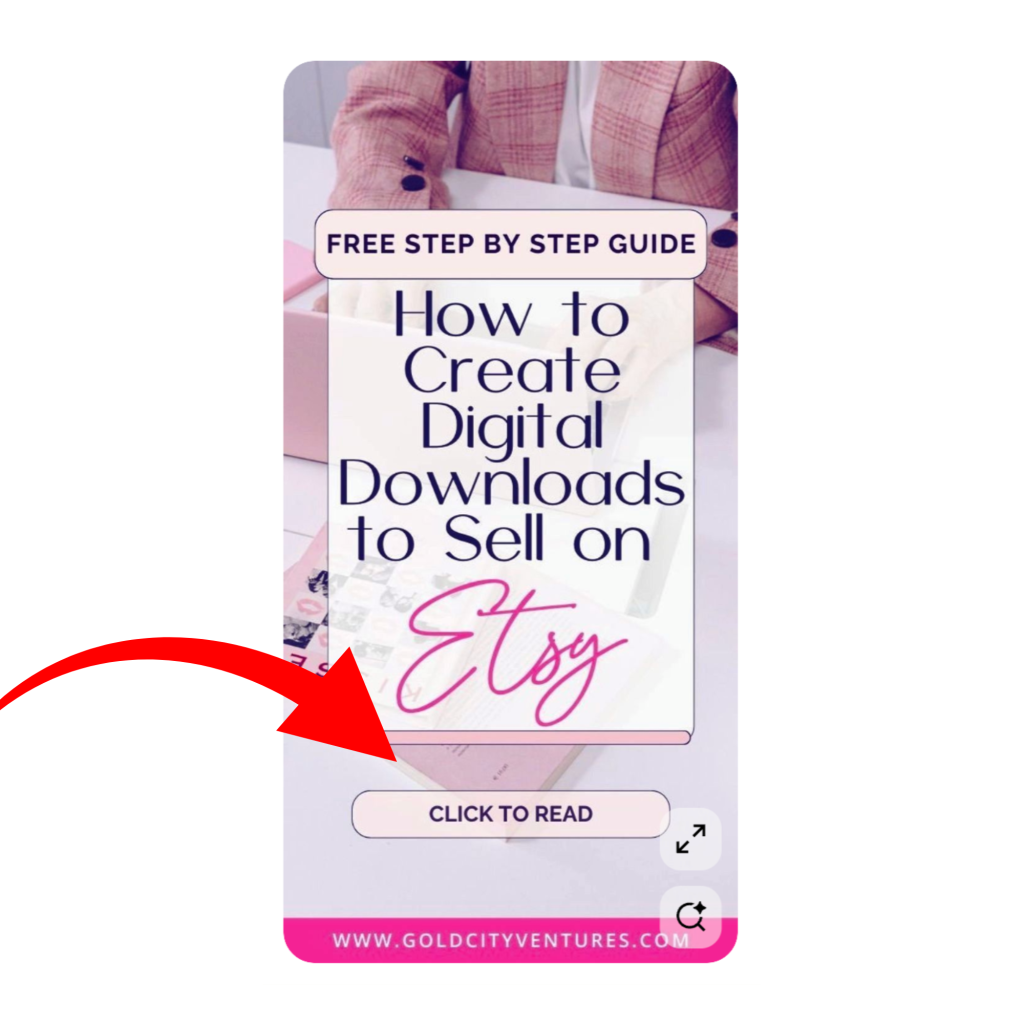
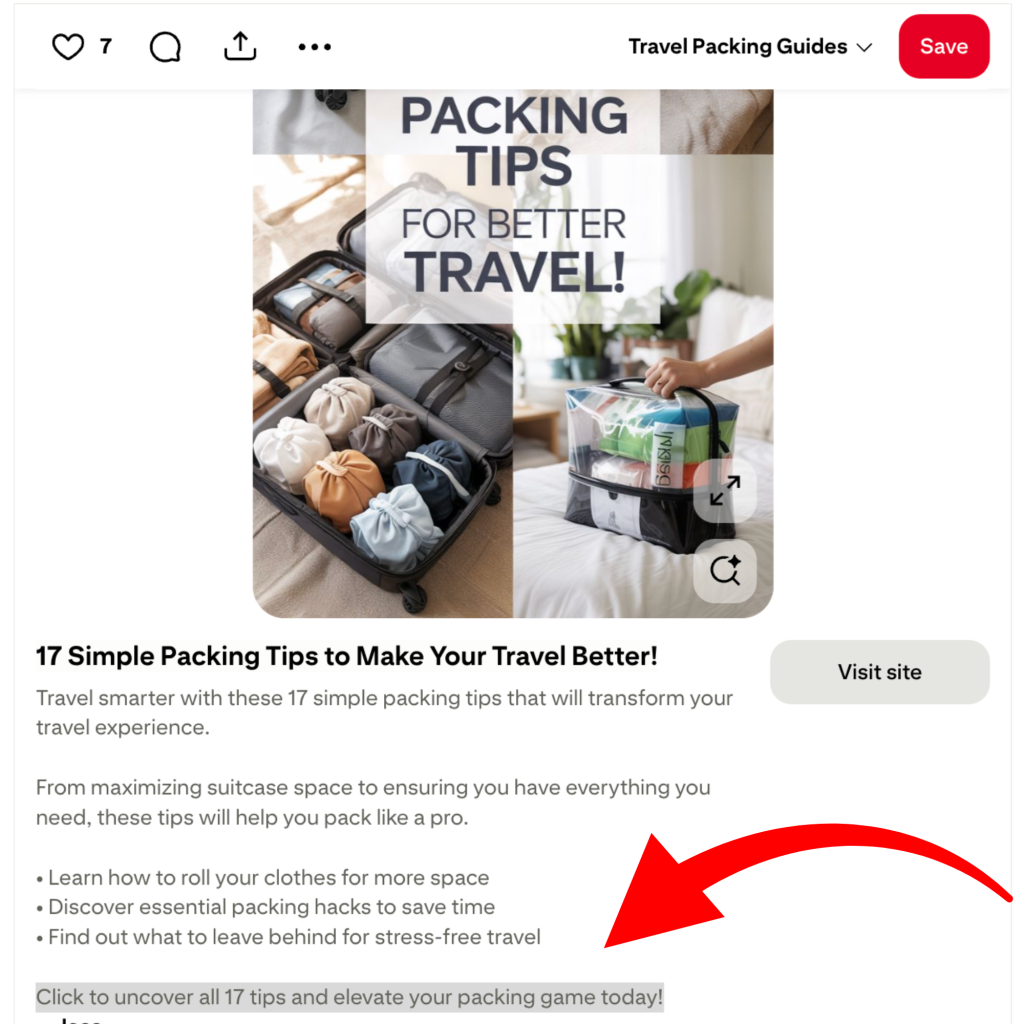
A call to action (CTA) is the words you put on your pin or in your description that inspire *action* for the user. For example, you might direct someone to read the full post, download a resource, or view a product. These are all examples of the call to action (CTA) or instruction they need to keep going.
Clear calls to action (CTAs) also help Pinterest understand the purpose of your content. When your pin image and description include simple, direct wording, Pinterest has more context for when to show your pin in search results. Over time, this can improve visibility and help your account become more consistent in the categories that matter to your audience.
Prefer to watch instead of read? We’re sharing all of this (including visuals) in our recent YouTube video:

What a Strong Pinterest CTA Looks Like
A clear call to action helps people understand exactly what they will get when they click. Simple wording usually performs better than anything overly clever or creative, because Pinterest users are scanning quickly and making fast decisions. When your CTA tells them the next step in plain language, it removes hesitation and increases the chance they will click through. The most effective CTAs are short, direct, and tied to a specific outcome. Choose wording that explains what they will see or receive.
Here are a few CTA examples that work well on Pinterest:
- Read the full guide here
- Shop this product now
- Download your free checklist
- See my top travel finds
- Watch the full tutorial
Strong CTAs also appear in two places. The first is on the pin image itself, where a small line of text can guide someone’s eye and reinforce the purpose of the pin. The second is in the pin description, where you can expand slightly and add supporting context. When both areas include a clear next step, you increase the chance that users will follow through.
How to Test and Improve Your CTAs
Once you have a few call to action ideas, the next step is figuring out which ones actually lead to clicks. Pinterest does not always reward the CTA you expect, so testing a few variations can help you understand what your audience responds to. Small wording changes can make a noticeable difference, especially when your pins are already getting impressions.
There are two ways to approach CTA testing. The first is indirect testing, which is simply watching what happens after you post. Look at your Pinterest analytics and sort your pins by outbound clicks. If a pin with the wording “download the free guide” is consistently getting more clicks than similar pins with a different CTA, it is usually worth making more content that follows the same pattern. You can also reuse the same CTA with a new image or keep the image and test a new CTA.
The second method is direct testing, which is more structured. This involves creating two to four variations of the same pin and changing only one element at a time. For example, you might try “read the full post” versus “see the full guide” or swap two designs while keeping the same CTA. Space the pins out over several days so Pinterest does not flag them as repetitive content, then check performance after a week or two. This approach makes it easy to compare which version leads to the most clicks.
A tool like Pin Generator can make this process much faster. You can duplicate any pin in a few seconds, update the CTA on the image or in the description, and schedule each version automatically. This removes the manual work of recreating every design from scratch and makes it easier to test several variations at once. After you see which CTA performs best, you can create more pins like it or use the AutoPin feature to scale the winning version.
Try Pin Generator to Improve Your Sales Workflow
If you want to turn more Pinterest views into real clicks and sales, the easiest place to start is by making your calls to action clear and consistent. Small adjustments in your wording can make a big difference, and testing a few versions helps you understand what your audience responds to. Once you know what works, scaling your content becomes much easier.
Pin Generator can help you streamline this entire process. You can update your CTAs, duplicate your best-performing pins, schedule variations, and use AutoPin to create more content in minutes. Whether you want to test a few ideas or build out a full posting schedule, the tool gives you a simple way to stay visible without spending hours designing pins by hand.
If you want to try this workflow for yourself, Pin Generator is completely free to try. Drop in a URL, generate a few pins, and see how quickly you can create and test content that helps your audience take action.
Let’s get generating!