
Can You See Who Views Your Pinterest Profile?
11 June 2025
Pinterest is constantly finding new ways to improve the platform experience for its users. For someone who values their online privacy, this includes knowing if people can see who views their Pinterest profile. So, can you see who views your Pinterest profile?
Pinterest is a visual search engine that allows users to conduct research in a fun and engaging way. We’ve spoken about different ways to use Pinterest for business and how to automate Pinterest marketing, but what about managing your profile?
Let’s explore whether Pinterest shows who viewed your profile — a frequently asked question and one that Pin Generator is going to answer for you.

Answering the Question: Can You See Who Views Your Pinterest Profile?
Unfortunately, the answer to this question is no; you can’t see who views your Pinterest profile.
However, Pinterest business account users have access to the next best thing. Pinterest analytics allows you to see who has repinned your content and where they have repinned it. This is a benefit that only Pinterest business accounts with a verified website can enjoy.
Once you’ve got a list of users engaging with your content, you can use their Pinterest profiles to gain more inspiration or information. From looking at their boards, you will see what type of content they enjoy and even get inspiration for a new board.
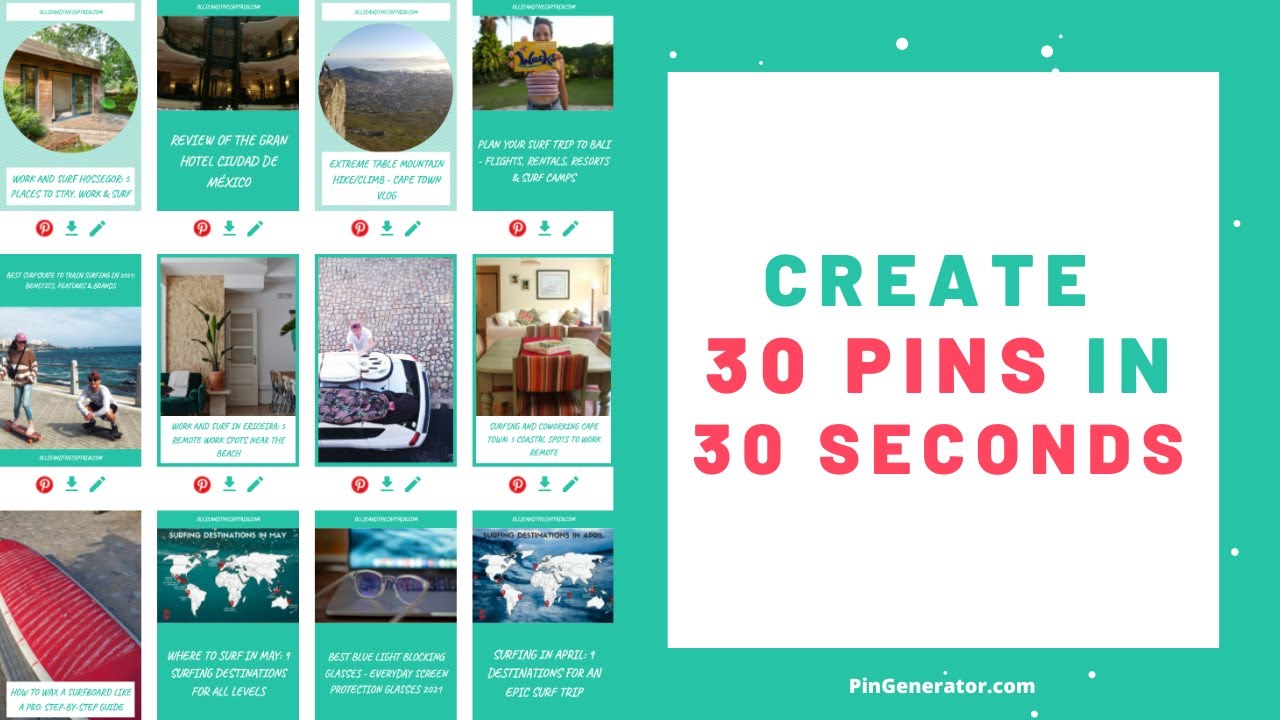
How to use Pin Generator in 30 seconds
Where Has Your Content Been Repinned?
Now that you know you’re able to access this kind of information, let’s take a look at where you can find it.
You can find this information by typing www.pinterest.com/source/YOURDOMAINHERE.com into the URL and pressing enter.
This will give you a list of content that has been repinned, by whom, and to which board.
In-Depth Information on Your Audience
Gaining information on your target audience plays a huge role in the success of your pins. Luckily, seeing who has repinned your posts isn’t the only way to gain this information.
Pinterest analytics allows you to look at in-depth information on your audience. By choosing “Audience insights,” you will be able to see your audience’s:
- Age
- Gender
- Location
- Which type of electronic device was used
- Specific categories that interest them
Armed with this knowledge, you can target your Pinterest marketing efforts to an engaged audience.

Other Questions About Pinterest Views
Do you have other questions along the lines of how can I see who is looking at my Pinterest? Hopefully, this list can get you started on finding answers.
How to see your monthly views on Pinterest
If you want to see your monthly viewers on Pinterest, simply follow these easy steps.
- Open Pinterest and log in using your credentials
- Click on your profile icon
- Select the business option
- Access analytics and select overview and audience metrics
- Click on the Total Audience section
- Select the metric option and select your chosen metric, choosing the monthly total audience
You can change the date range to view the chosen 30 days to review, and these audience splits can be split into device, source, and format.
How to stop someone from seeing your Pinterest
Making your Pinterest account private will prevent people from seeing your profile and Pins.
First, enable search engine privacy on Pinterest with the following steps:
- Tap the drop-down menu in your profile
- Select Settings
- Select Privacy and Data
- Check the box to Hide your profile from search engines
Another option is to use Pinterest’s privacy settings.
When making a board private on Pinterest, hover over the board you want to make private and tap the edit button. Choose settings, switch the toggle next to Keep this board secret, and select Done.
Do you want to block a specific person from seeing your Pinterest? You can block and report users with the following steps:
- Open the person’s public profile by tapping the username inside a Pin
- On the person’s profile, tap the flag icon
- Click the red Block button in the pop-up window
Take note that the decision can be reversed by following the same steps and clicking Unblock.
How can I tell if someone who is not following me on Pinterest is viewing my boards?
Pinterest users, including those who are not following you, can view your public boards and Pins if they come across them through Pinterest’s search feature or recommendations. However, you won’t receive notifications or be able to track specific individuals who view your content.
Can someone see if you view their Pinterest board?
Pinterest does not notify users if someone views their boards or Pins. Pinterest prioritizes user privacy, and it does not provide this feature to track who views your content.
Does Pinterest tell you when someone screenshots your content?
Pinterest, like many other platforms, does not have a built-in feature to track or alert users when their content is screenshotted. However, it’s important to note that when you share content on Pinterest, it’s typically visible to the public or your followers, depending on your privacy settings.
Anyone who can see your content may have the ability to take screenshots. If you have concerns about the privacy or copyright of your content, you may want to consider adjusting your privacy settings or using watermarks to protect your images.
If you block someone on Pinterest, can they see your profile?
When you block someone on Pinterest, they should not be able to see your profile, your Pins, or any of your activity on the platform. Blocking is a privacy feature designed to prevent interactions between you and the blocked user.
Ways to Increase Your Content Views
While there is no way that you can see who has viewed your Pinterest profile, you can gather information on the people engaging with your content.
While you may be disappointed, this information is actually a great place to start! From this information, you can see which parts of your Pinterest marketing strategy are working and which areas need to be altered.
Information about your target audience may shed light on new ways for you to increase your Pinterest following. This is the area where Pin Generator shines!
Pin Generator- a Pinterest Automation Tool
When users are scrolling through Pinterest, they are looking for images that represent things that they like and want to learn more about.
So, if you’re going to grab your audience’s attention, you need to create great visuals. Creating eye-catching content can be a time-consuming task — unless you’re using Pin Generator.
Pin Generator is a Pinterest automation tool that allows you to create a high volume of quality pins in a matter of seconds. Its variety of design templates and features also allow you to add your personal touch to each pin.
Once all of your pins have been created, they may be posted immediately, downloaded for later use, or scheduled to be posted on your chosen day and preferred time.
Using Pin generator allows you to keep up with content demands and ensure consistency by scheduling your posts.
Start Creating and Scheduling Content With Pin Generator Today
To recap, can you see who views your Pinterest profile? No. However, you do have access to other information that can help you to increase content engagement.
When applying this information to Pin Generator, you’ll have customized, eye-catching pins that can be posted to Pinterest at the best time for your audience.
Here is a short 30-second tutorial video of how Pin Generator works.
If you’re interested in hearing more about Pin Generator, please feel free to contact us. Otherwise, you could head over to our sales packages where there’s something for everyone.