
How to Delete Your Pinterest Account: A Brief Guide
22 July 2025
Thinking about leaving Pinterest? This brief guide walks you through the process, helping you decide whether to deactivate temporarily or delete your account permanently. Let's get straight to it.
Deactivate vs. Delete: What’s the Difference?
Before you take any action, it's important to understand the difference between deactivating and deleting your account. Deactivating is temporary, while deleting is permanent.
- Deactivating: Hides your profile and pins. You can reactivate your account at any time by logging back in. All your data is saved. This is the best option if you just need a break.
- Deleting: Permanently removes your account, pins, and boards after a 14-day grace period. This action cannot be undone. This is for users who want to leave the platform for good.
Here's a quick comparison:
| Feature | Deactivate Account (Temporary) | Delete Account (Permanent) |
|---|---|---|
| Visibility | Profile and boards are hidden | Profile and boards are permanently removed |
| Data Preservation | All your data, Pins, and boards are saved | All data is deleted after 14 days |
| Reversibility | Fully reversible—just log back in | Irreversible after a 14-day grace period |
| Username/Email | Your username and email are reserved for you | Your username and email become available for others |
| Best For | Taking a temporary break or digital detox | A permanent, clean break from the platform |
How to Back Up Your Pinterest Data
Before you delete your account permanently, consider downloading an archive of your data. This saves a copy of your pins, boards, and account information.
To request your data archive from Pinterest:
- Log into your Pinterest account on a desktop.
- Click the down-arrow in the top-right corner and go to Settings.
- Select the Data and privacy tab.
- Click the Request data button.
Pinterest will email you a link to download your archive when it's ready. The link expires, so download your data as soon as you receive the email.
How to Delete Your Pinterest Account
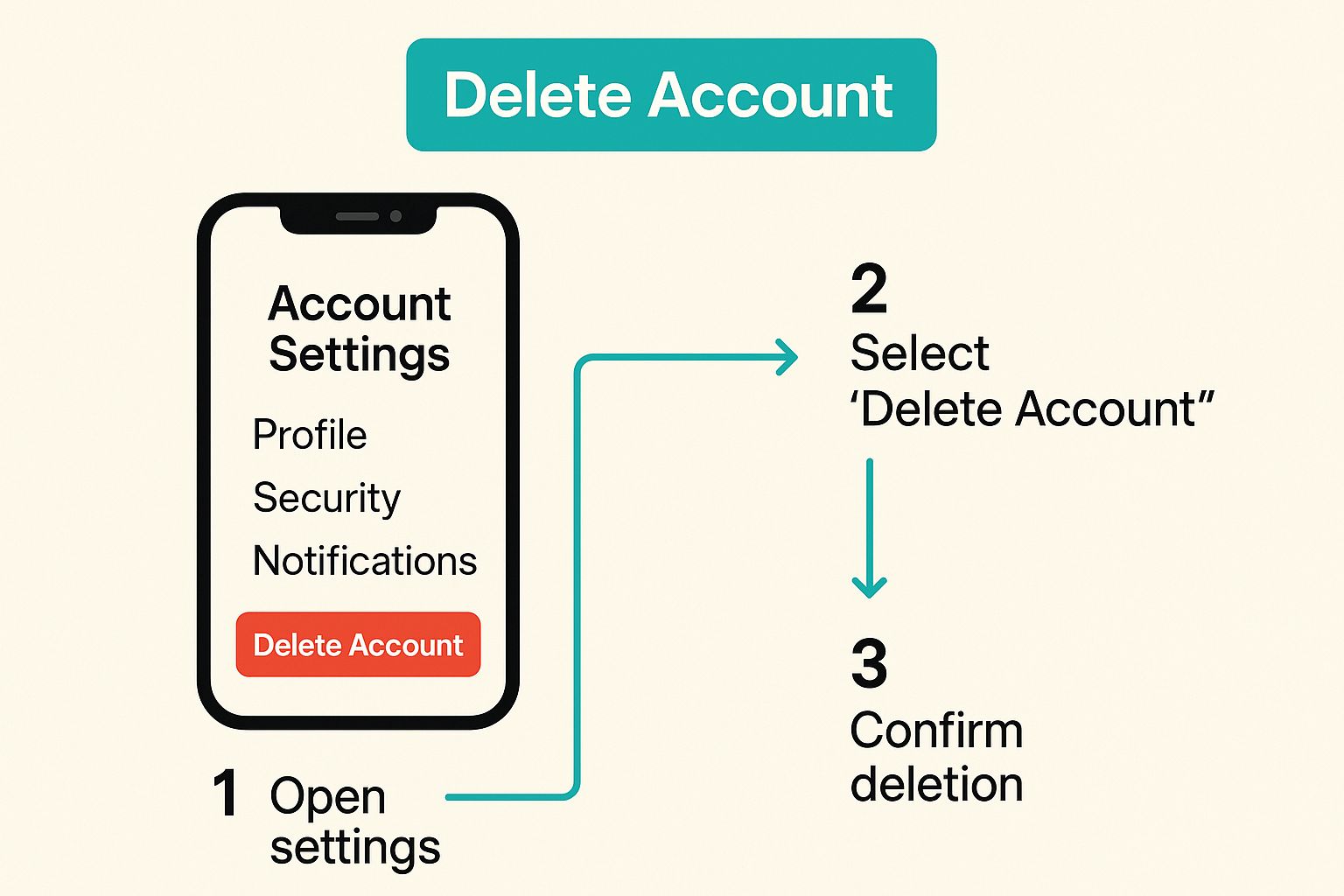
Ready to proceed with deletion? The steps are simple whether you're on a desktop or mobile device.
On a desktop computer:
- Log in, click the down-arrow in the top-right, and select Settings.
- Go to the Account Management tab.
- Scroll down and click Delete your account.
On the mobile app (iOS or Android):
- Tap your profile picture, then tap the three dots (or gear icon) in the top-right to open Settings.
- Tap Account Management.
- Scroll down and select Delete your account.
After clicking delete, Pinterest will send a confirmation link to your email. You must click this link to start the deletion process.
The 14-Day Grace Period
Once you confirm the deletion via email, your account enters a 14-day grace period. During this time, your account is deactivated and hidden from public view. If you change your mind, you can simply log back in to cancel the deletion process. After 14 days, the deletion is permanent and cannot be reversed.
What Happens After You Delete Your Account
After the 14-day grace period ends, Pinterest permanently deletes your account and data.
- Your Profile: Your profile and boards are gone forever.
- Your Original Pins: If someone repinned your original content, the pin image will remain on their board, but it will no longer link back to your profile.
- Your Repins: Pins you saved from other users will be removed from your defunct account.
- Your Digital Footprint: While your profile is gone, some anonymized data may be retained for analytical purposes, but it will not be tied to you personally. Keep in mind that search engines like Google may take several weeks to remove cached links to your old pins and profile.
Frequently Asked Questions
Here are quick answers to common questions about deleting your Pinterest account.
Will My Pins Disappear from Google Search?
Yes, but not immediately. It can take several weeks for Google to recrawl and remove the links to your deleted pins. Clicks on these old links will lead to a broken page.
Can I Use My Email for a New Account?
Yes. Once your account is permanently deleted (after the 14-day grace period), your email address becomes available for you to use on a new Pinterest account.
What Happens to Pins Others Saved from Me?
If someone repinned your original content, the pin will remain on their board. However, it will no longer link back to your profile, as your account will no longer exist.
Ready to grow on Pinterest without spending hours creating content? Pin Generator automates your marketing by creating and scheduling beautiful pins in seconds. Drive more traffic to your blog or store effortlessly. Discover how at https://pingenerator.com.