
How to Get Website Traffic from Pinterest
13 June 2026
If you’re a blogger or shop owner looking for a way to drive more traffic to your website without relying entirely on Google or social media, Pinterest might be the platform you’ve been overlooking. With over 619 million monthly users and a platform built around search and discovery, Pinterest is one of the most underused traffic sources available for online businesses in 2026. This guide covers everything you need to know to start getting real, consistent website traffic from Pinterest.
What is Pinterest
Most people think of Pinterest as a social media platform, but it’s actually a visual search engine. Similar to Google or YouTube, people come to Pinterest to search for answers, ideas, and products. Whether someone is looking for home decor inspiration, a travel packing list, or the best tools for running an online business, they’re typing those searches directly into Pinterest and looking for content that solves their problem.
This distinction matters because it changes how you approach the platform entirely. On Instagram or TikTok, you’re competing for attention in a feed where content disappears within a day or two. On Pinterest, your content lives in search results and can drive traffic to your website for months or even years after you post it.
And unlike Instagram or TikTok where keeping users on the platform is their business model, Pinterest is actually designed to send people somewhere else. Every pin has a destination link built into it, and the goal is for someone to click through to your website, blog post, or product page. For bloggers and shop owners, this makes Pinterest one of the few platforms where the algorithm is genuinely working in your favor.
Rather watch instead of read? We’re walking through everything you need to know on our latest YouTube video. Watch it here:
Pinterest Marketing Strategy
One of the biggest advantages Pinterest has over other platforms is how much it multiplies your marketing opportunities. On Google, a blog post gets one chance to rank. On Etsy, a product listing gets one chance to get seen. On Pinterest, every new pin you create for a URL is another opportunity to get discovered.
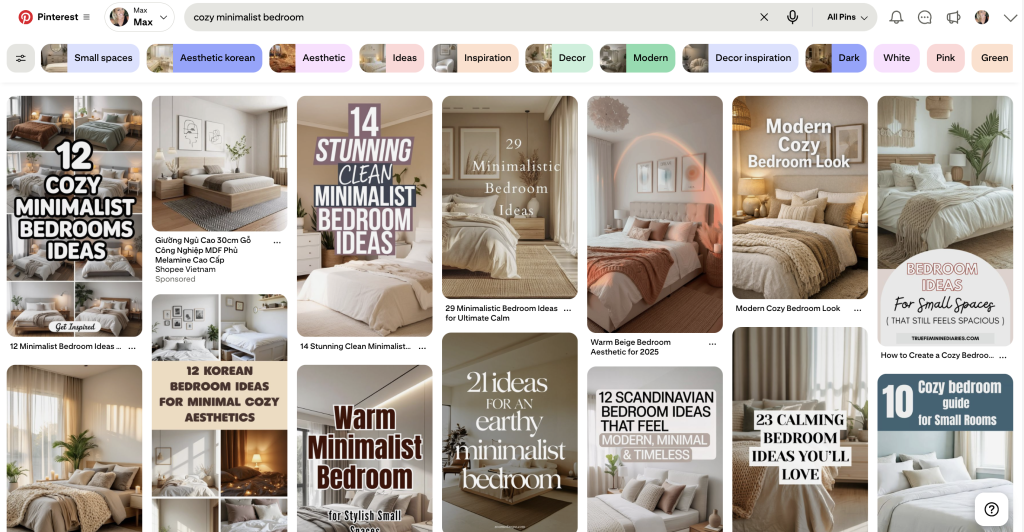
This means one blog post or one product can have five, ten, or even twenty pins pointing to it over time, each one targeting a slightly different search query, a different image style, or a different angle. Every new pin is a new entry point for a different person searching for something slightly different, and that compounds over time in a way that no other platform really allows.
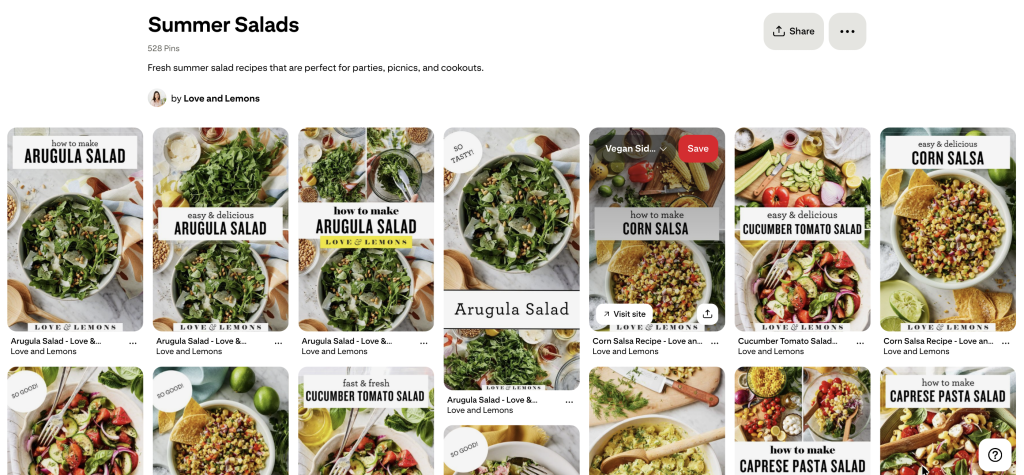
So if you have a blog post about summer salad recipes, you are not limited to one chance to get it seen. You can make a pin targeting “easy summer salads,” another for “BBQ side dish ideas,” another for “healthy lunch recipes for summer,” and each one is reaching a different person at a different moment. The more pins you create for the same content, the more marketing you are doing for the same piece of work.
Strategic keywords, pin variations, and A/B testing are all part of an effective Pinterest marketing strategy.
How to Create Pins That Get Clicks
Getting traffic from Pinterest comes down to creating pins that earn the click. People come to Pinterest with a question or a problem they want solved, and your pin needs to make it immediately clear that you have the answer.
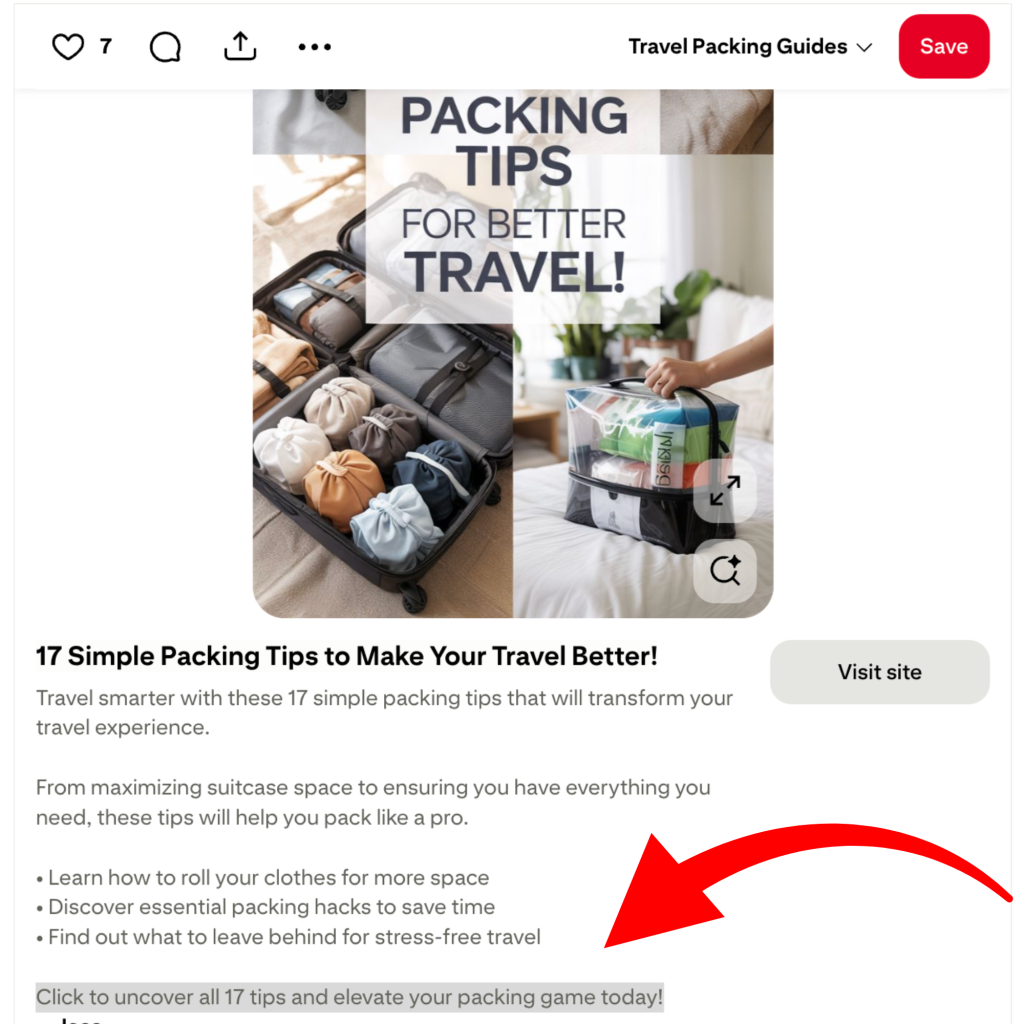
The goal is to deliver just enough information that someone knows your pin is relevant to what they’re looking for, while leaving enough curiosity that they want to click through to get the rest. If you give away everything on the pin itself, there’s no reason to click. If you’re too vague, they’ll scroll right past. The sweet spot is a pin that makes someone think “that’s exactly what I’m looking for” and then clicks to find out more.
Your image should show the outcome clearly, your text overlay should be specific enough to tell them what they’re getting, and the page they land on needs to deliver on that promise right away. If someone clicks a pin about summer salad recipes and lands on your homepage, they won’t stay to find the right information. The match between what the pin promises and what the page delivers is what keeps people on your site and signals to Pinterest that your content is worth showing to more people.
What Are Fresh Pins and Why They Matter
A fresh pin is any pin that Pinterest hasn’t seen before. It doesn’t need to link to a new blog post or a new product, but it needs to be meaningfully different. For example, a different layout, a different photo, a different headline, or a different color scheme. Pinterest treats each unique pin as new content, which means more distribution and more chances to show up in search.
This is important because it’s how one piece of content becomes dozens of marketing opportunities over time. Creating two or three fresh pin designs for the same blog post or product and spacing them out over weeks gives that content multiple chances to get discovered by different people searching for different things.
What you want to avoid is making minor tweaks and calling it a fresh pin. Changing one word or slightly adjusting the background color doesn’t count. The differences need to be real and visible, and each pin should feel like it could stand on its own as a piece of content.
How to Stay Consistent on Pinterest
Consistency is what actually drives results on Pinterest over time, and it’s also the part that most people struggle with. Pinterest rewards accounts that show up regularly with fresh content, but manually designing every pin, writing every description, and scheduling everything by hand quickly becomes unsustainable.
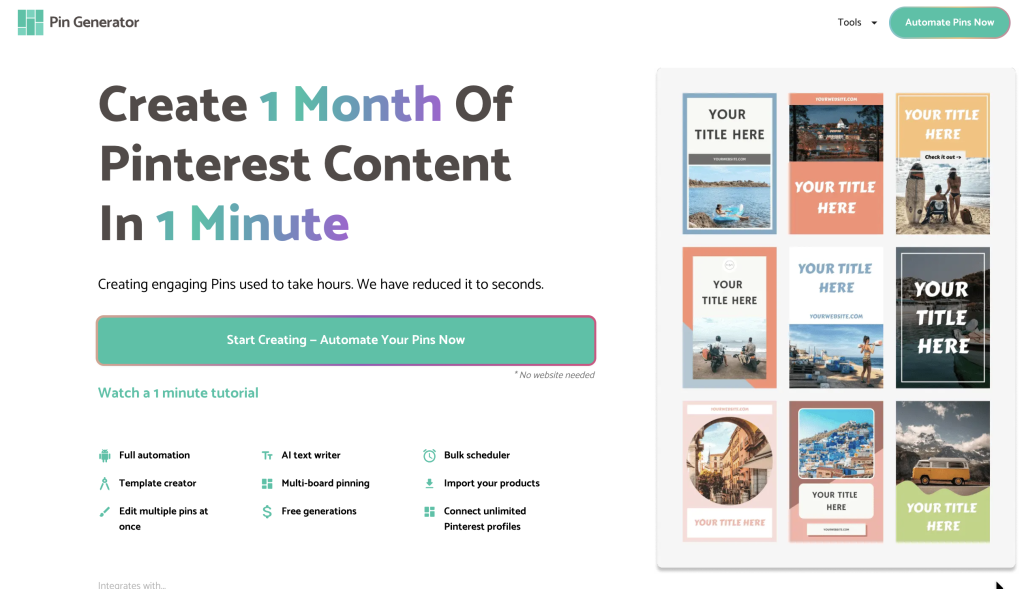
Pin Generator simplifies the whole process. You connect your blog posts or product URLs, choose from a library of templates, and generate multiple fresh pin variations quickly. Then you schedule everything to publish gradually over days or weeks, which keeps your account active and gives Pinterest the steady, natural activity it rewards.
If you’re also looking to get traffic from multiple platforms beyond Pinterest, Content Generator takes your existing content and turns it into posts for Instagram, Facebook, LinkedIn, Pinterest, and X, all from one place.
Ready to Get Started
Getting consistent website traffic from Pinterest takes time, but it’s one of the more reliable and sustainable traffic sources available for bloggers and shop owners in 2026. The content you create today can keep driving visitors to your site for months or even years, and that kind of long term return is hard to find anywhere else.
Try Pin Generator for free today and let’s get generating!