
How to Make Money on Pinterest With Your Products in 2026
13 June 2026
Pinterest has become one of the strongest traffic sources for product sellers in 2026, and most business owners still aren’t using it to its full potential. While other platforms move fast and depend on constant posting, Pinterest works like a long-term search engine. People open the app with intent, they look for ideas and products they actually want, and they keep finding your content long after you post it.
If you sell digital products, handmade goods, printables, templates, home decor, clothing, or anything through Etsy, Shopify, WooCommerce, or your own site, Pinterest can send consistent traffic from people who are already in a buying mindset. And thanks to newer AI updates, Pinterest is now better at understanding what your images show, which makes your products easier to match with the right searches.
We’ll walk you through exactly how to set up your Pinterest account in a way that helps your shop get discovered, how to create pins that convert, and how to make sales more consistently without spending hours designing new content every week. It’s a simple, repeatable strategy you can integrate into your existing workflow, even if you’re already stretched thin.
Why Pinterest is Perfect for Product Sellers
If you sell products online, Pinterest gives you something most platforms don’t – people who are already in a buying mindset. People do not open Pinterest to aimlessly scroll for entertainment, they open it because they’re planning, searching, comparing, or looking for something they’ll eventually buy.
What makes Pinterest even better for sellers right now is how product-friendly the platform has become. Searches for decor, gifts, templates, jewelry, clothing, digital downloads, and handmade items keep climbing. And with Pinterest’s newer AI updates, the platform can read the visuals inside your images. It picks up on colors, materials, styles, and even the overall feel of your product photos. So even if your titles aren’t perfect yet, Pinterest can still understand what your items are and send them to the right people.
This takes a ton of pressure off small shops. You don’t need flawless marketing copy or complicated graphic design. What matters most is that your product photos are clear and your account is organized in a way that makes sense. And if you already have a store with lots of listings, tools like Pin Generator make this even easier by pulling your products in and turning them into pins for you, so you’re not stuck manually designing every single one.
Prefer to watch instead of read? We’re walking through this exact process on YouTube. Follow along here:
Setting Up Your Pinterest Business Account
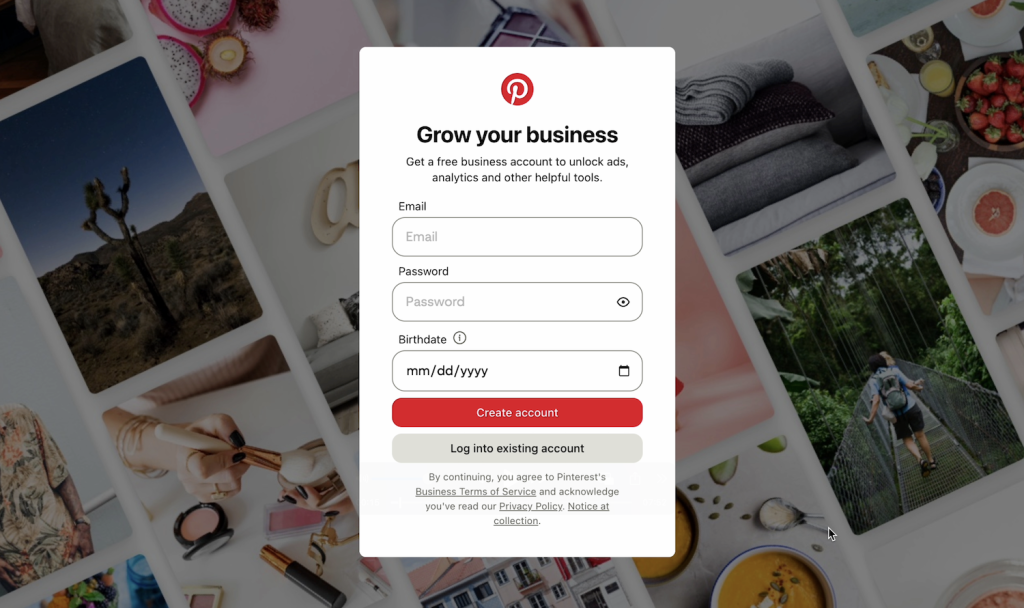
If you’re brand new to the platform, start by creating a Pinterest business account. It’s free, takes a few minutes, and gives you analytics and features you won’t get on a personal profile. When you create your account, use a simple, searchable description. State exactly what you sell in the words your ideal customer would type into the search bar. Pinterest is a search engine, so clarity always wins.
Next, connect your shop. IIf you sell through your own website, you’ll verify your domain and upload a product feed (or catalog). If the catalog setup feels technical, Pin Generator can help by pulling in your product data so you don’t have to upload everything manually.
Once your account is connected, organize your profile like a storefront. Your boards should reflect the categories your shop already uses. A jewelry store might create boards for gold earrings, silver necklaces, and gemstone rings. A digital shop might have boards for business templates, printable planners, and wall art. The more specific your boards are, the easier it is for Pinterest to understand your niche and route your products to the right searches.
Unlocking Pinterest Shopping Features
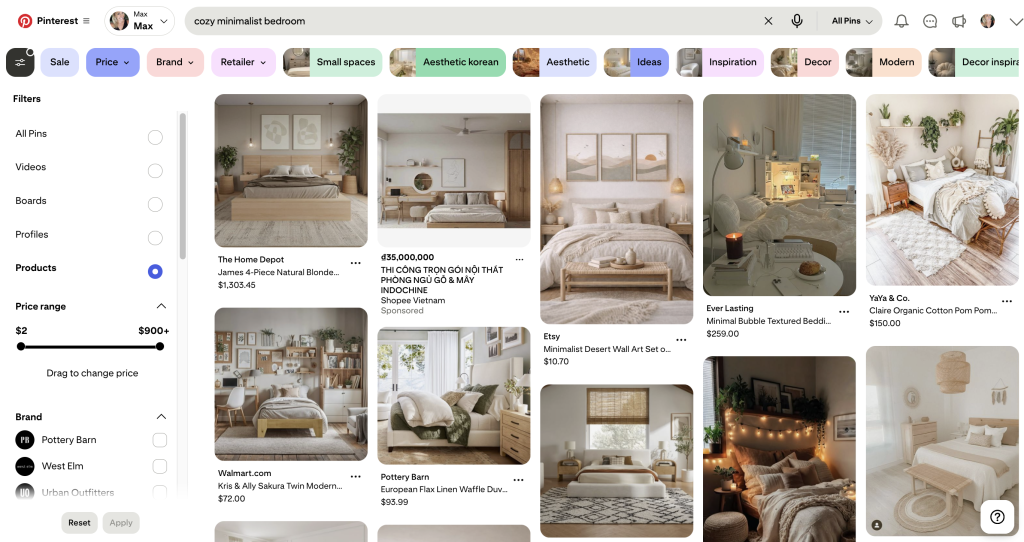
Once your account and boards are set up, turn on your shopping features. When your catalog is connected, Pinterest can pull in your titles, prices, and product links automatically. This opens the door to placements like the shopping tab, product carousels, and visual search.
You also may see the option to apply for the Verified Merchant Program. It can help establish trust and may improve your visibility, but it is not required to sell products.
What Makes a Pin Convert in 2026
Clear visuals matter more than anything else. Standard image pins still perform extremely well for product sellers, and the product needs to be front and center. Lifestyle photos work, but only if they make the item easier to understand. If the image hides or confuses the product, conversions drop.
Digital products follow the same rule. Simple mockups and clean previews usually outperform busy collages because people want to instantly understand what they’re getting. Vertical images in a 2:3 ratio still perform best, and Pinterest’s AI now reads your photo as much as your text. A clean, well-lit image helps the algorithm categorize your product faster.
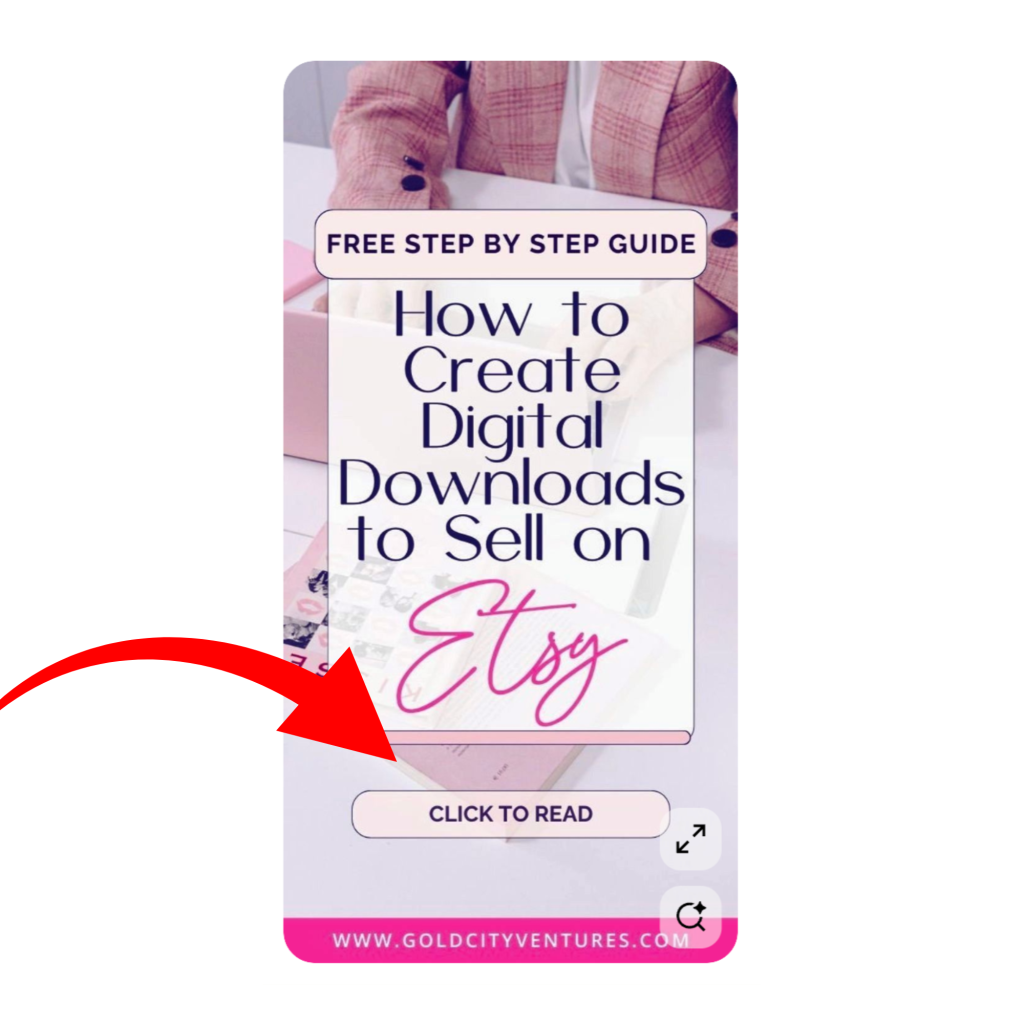
Keywords are the other half of the equation. Pinterest users don’t always search exact product names. They search by style, problem, season, and occasion. If you’re unsure what to write, type a few words into the Pinterest search bar and check the auto-suggestions. Those suggestions come from real searches and make it easy to build keyword-rich titles and descriptions without overthinking.
Consistency is the final piece. Pinterest rewards steady activity, not heavy bursts. You don’t need to pin every day, but you do need a regular flow of fresh pins. Fresh means a new design, new angle, or new photo. You can create these manually, or you can use a tool like Pin Generator to generate multiple pin variations from your existing product listings. That makes it easier to test different styles and stay consistent without spending hours designing.
Increasing Sales From Your Pinterest Traffic
Views and clicks are great, but revenue comes when the pin aligns with the listing. The pin needs to set the right expectation, and the product page needs to continue that story. If the pin shows a minimalist neutral print and the listing leads to a colorful, busy design, people will leave immediately. The same thing happens with jewelry, templates, and clothing. The more clear your pin is, the better your conversions will be.
Your listing should also be easy to skim. Pinterest users view most listings on mobile, so your first image matters. It should be clean, accurate, and similar to the pin that brought someone there. Put key details near the top: what the item includes, who it’s for, important features, or how it works. For digital products, mention the file type and whether it’s editable. For physical products, show scale and material details early.
A/B testing is where most sellers see their biggest breakthroughs. You don’t have to test hundreds of pins, but creating a few variations with different images, titles, and CTAs usually helps get a better understanding of what works (and what doesn’t).

Automating Your Pinterest Marketing
Automation is what makes Pinterest sustainable for shop owners who juggle product creation, customer service, and everything else. If you want to scale your marketing, then you need to consider automating the repetitive parts of the process.
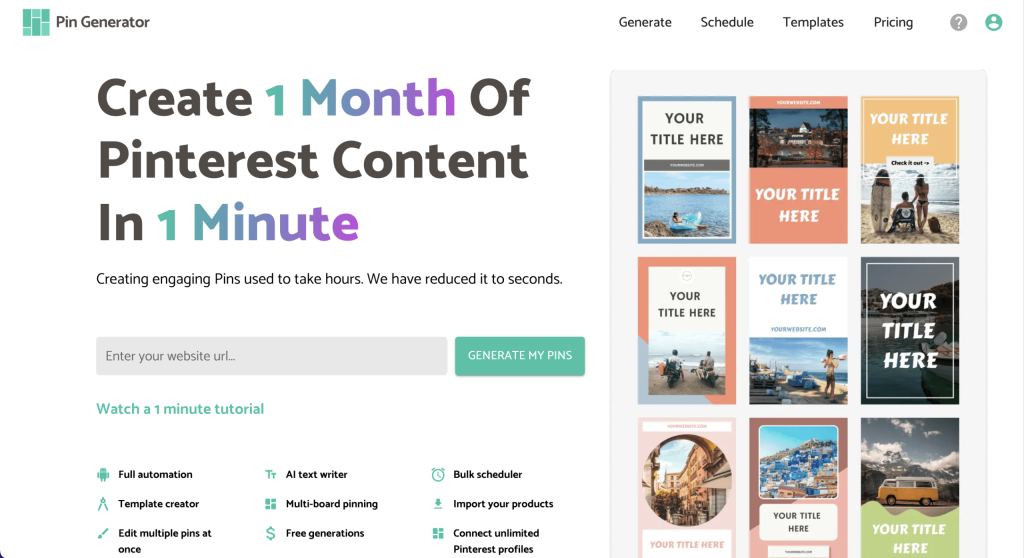
And lucky for you, Pin Generator was built exactly for that. Pin Generator connects to your Etsy, Shopify, or WooCommerce listings, pulls in your products, and generates branded pins automatically. You can schedule them weekly or monthly, or use features like AutoPin and RSS feed connection that publish new product pins as soon as they’re added to your store. The more consistent your catalog is, the easier it is for Pinterest to categorize your products and increase your visibility.
If you’re ready to grow your business and scale your marketing, try Pin Generator for free today!
Let’s get generating.