
Top 11 Pin Creators to Boost Your Pinterest Game in 2025
14 June 2025
Unlocking Pinterest Success: Your Guide to the Best Pin Creator Tools
Creating engaging Pinterest pins is crucial for driving traffic and conversions. This listicle dives into 11 leading pin creator tools, providing in-depth reviews and comparisons to help you choose the perfect one for your needs. We'll explore their strengths, limitations, and ideal use cases, going beyond surface-level descriptions to offer real-world insights. Are you spending too much time designing pins? These tools solve that.
This guide covers top contenders, including Pin Generator, Canva, Tailwind Create, Adobe Express, VistaCreate, Snappa, Figma, PicMonkey, Easil, BeFunky, and Pinmaker. We'll cover how these tools can streamline your workflow, from bulk editing and AI assistance to adding videos and images.
Pin Generator stands out as a powerful solution for all your Pinterest marketing. It speeds up pin creation with robust features, including AI-powered design, keyword integration, and custom template creation. This allows you to maintain brand consistency and scale your Pinterest marketing efforts effectively. As you refine your visual strategy, integrating advancements in AI can further optimize your approach. For more on leveraging AI in your ecommerce business, check out this resource: AI Tools for Ecommerce (Source: Top 12 AI Tools for Ecommerce in 2025 from Million Dollar Sellers). Ready to transform your Pinterest strategy? Let's dive into the best pin creator tools of 2025.
1. Pin Generator
Pin Generator is a fantastic pin creator for all your Pinterest marketing needs. It speeds up pin creation and offers powerful tools like bulk editing, AI assistance, keyword input, and the ability to add videos and images. You can even create and customize templates to match your brand. This makes it ideal for anyone from small business owners and bloggers to seasoned social media marketers and affiliate marketers looking to boost their Pinterest presence.
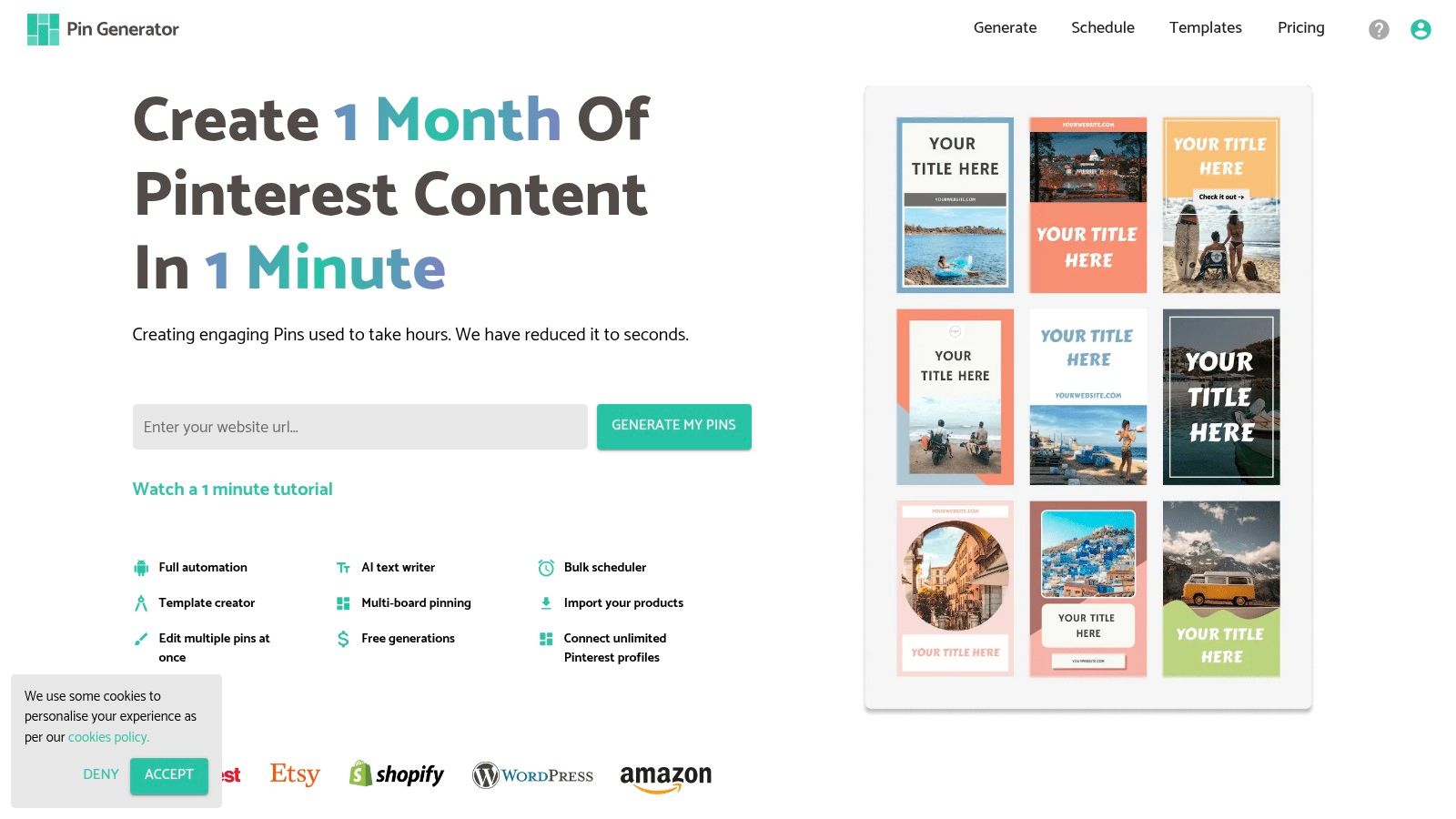
Pin Generator seamlessly integrates with popular eCommerce platforms like Etsy and Shopify, plus WordPress, simplifying content management. If you want to create effective marketing campaigns, consider using an SMS platform that contains helpful marketing creation tools. Here's a list of the best SMS marketing softwares. This streamlines product importing and automates pin creation tailored to your store or blog.
Key Features and Benefits
- Automated Pin Creation: Saves you time and effort.
- eCommerce Integrations: Works directly with Etsy, Shopify, and WordPress.
- Marketing Tools: Provides keyword research, trend alerts, and tutorials to optimize your Pinterest strategy.
- Customizable Templates: Design pins that reflect your unique brand.
- Scheduling: Plan your pins in advance for consistent posting.
Pros and Cons
Pros:
- Streamlines Pinterest workflows
- Offers a comprehensive suite of marketing tools
- User-friendly interface, even for beginners
Cons:
- Pricing isn't readily available on the website
- Some advanced features might require a learning curve
Pin Generator offers valuable resources for all skill levels. From beginner-friendly guides to advanced features like catalog creation, RSS feed integration, and pin history tracking, this pin creator empowers users to maximize Pinterest traffic and engagement. While pricing details require further investigation, the tool's robust features and automation capabilities make it a valuable asset for anyone looking to enhance their Pinterest marketing efforts. Visit the Pin Generator website to explore its potential for your business.
2. Canva
Canva is a versatile graphic design platform that enables users to create professional-quality pins with ease. Its intuitive drag-and-drop interface and extensive library of customizable templates make it accessible for both beginners and experienced designers. Whether you're a small business owner, social media marketer, or blogger, Canva empowers you to create engaging visuals for Pinterest marketing. You can efficiently produce eye-catching pins tailored to your brand, incorporating videos, images, and relevant keywords.
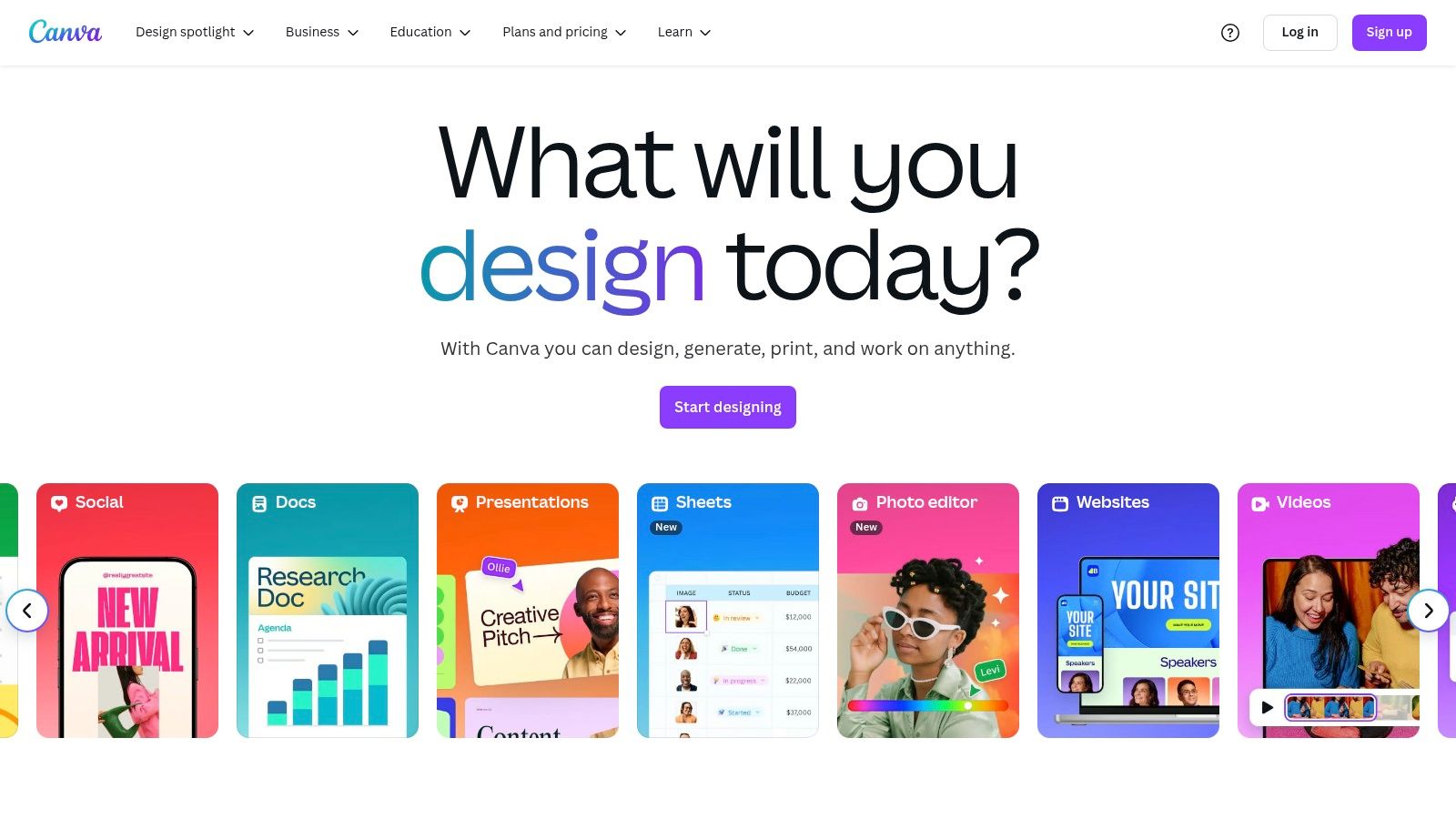
Canva offers a vast library of Pinterest-specific templates, eliminating the need to start from scratch. If you are looking to go beyond pre-designed templates, you can find inspiration to manually curate a logo in your pin design using services that show you how to create a logo for startup company. The platform also integrates seamlessly with other platforms, allowing for direct publishing and streamlined workflows. For those seeking alternatives, explore resources detailing the best Canva alternatives for Pinterest.
Key Features and Benefits
- Thousands of Templates: Provides a wide variety of pre-designed options for various niches and styles.
- Drag-and-Drop Interface: Simplifies the design process, making it user-friendly for everyone.
- Stock Resources: Offers access to a vast collection of stock photos, icons, and fonts.
- Collaboration Tools: Facilitates teamwork on design projects.
- Platform Integrations: Streamlines publishing to different social media channels.
Pros and Cons
Pros:
- User-friendly interface suitable for all skill levels.
- Extensive free resources available.
- Regularly updated with new templates and features.
Cons:
- Some advanced features require a Canva Pro subscription.
- Limited animation options in the free version.
Canva’s user-friendly interface and extensive template library make it a powerful pin creator for users of all skill levels. While the free version offers considerable resources, a paid subscription unlocks advanced features. From basic image editing to creating complex graphics, Canva offers a comprehensive toolkit to enhance your Pinterest marketing strategy.
3. Tailwind Create
Tailwind Create is a valuable feature within the Tailwind platform designed specifically for Pinterest pin creation. It allows users to rapidly generate multiple pin designs, optimizing them for maximum engagement and streamlining your Pinterest workflow. Its smart design suggestions, based on your existing content, help create visually appealing pins aligned with Pinterest best practices. This makes it ideal for anyone from small business owners and bloggers to seasoned social media marketers looking to enhance their Pinterest presence.
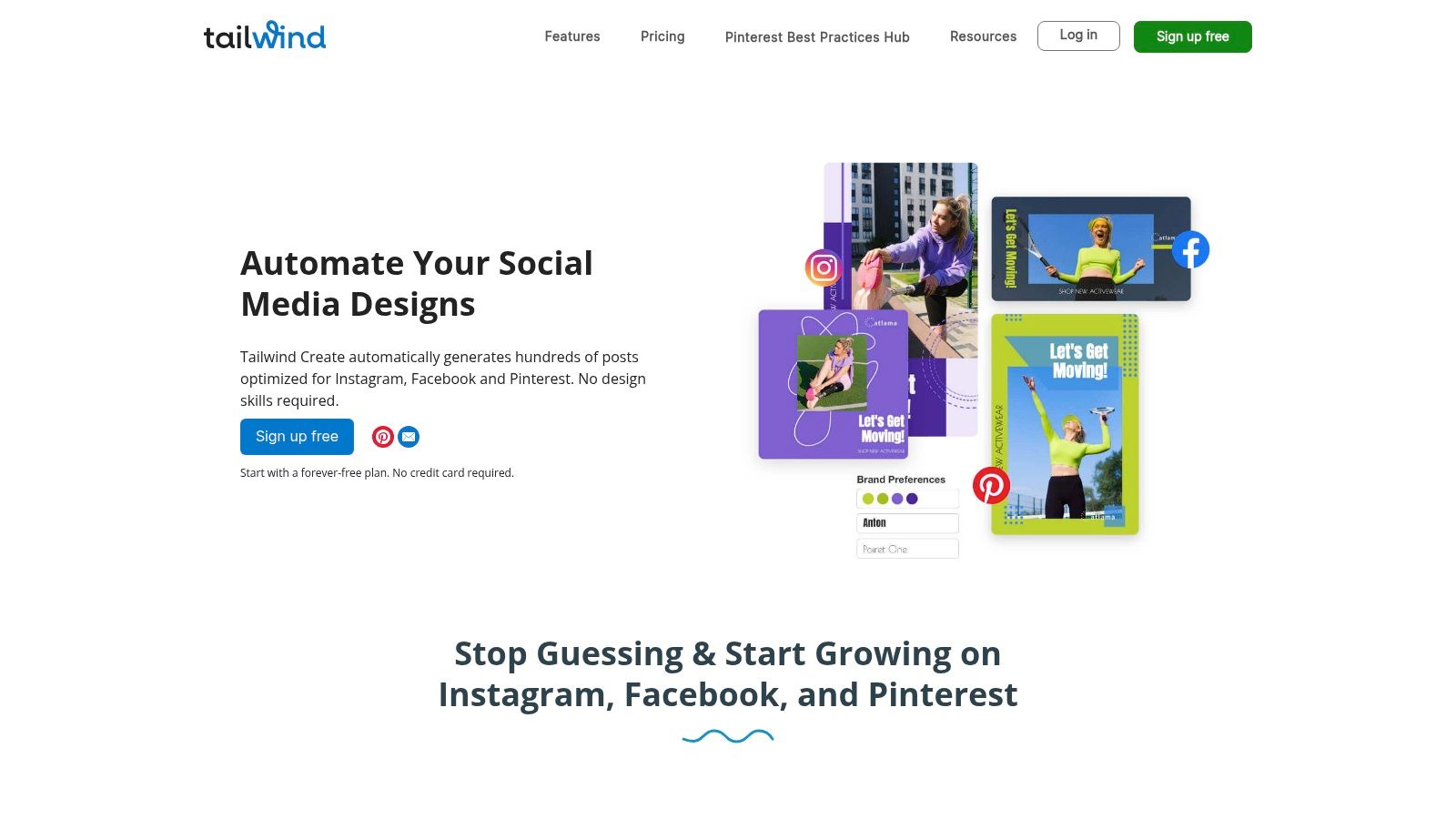
Tailwind Create simplifies the entire process from design to scheduling. It directly integrates with your Pinterest account for seamless publishing. The platform also provides performance analytics for created pins, giving you valuable insights into what resonates with your audience. If you're looking for alternative solutions, you might find some valuable options in this article about top Tailwind Create alternatives.
Key Features and Benefits
- Smart Design Suggestions: Generates multiple pin designs based on your content.
- Bulk Creation: Quickly create numerous pin variations with different images, text, and layouts.
- Customization Options: Tailor designs with brand-specific fonts, colors, and imagery.
- Direct Scheduling: Schedule pins directly to Pinterest for consistent posting.
- Performance Analytics: Track pin performance to understand audience engagement.
Pros and Cons
Pros:
- Streamlines Pinterest pin creation and scheduling.
- Optimizes designs for Pinterest's algorithm.
- Saves considerable time with bulk creation.
Cons:
- Design customization is less extensive than standalone graphic design software.
- Requires a Tailwind subscription.
Tailwind Create offers a robust solution for users already invested in the Tailwind ecosystem. Its strength lies in simplifying and accelerating the pin creation process while adhering to Pinterest best practices. From quick design generation to seamless scheduling and performance tracking, Tailwind Create empowers users to maximize their Pinterest marketing efforts. However, users looking for advanced design flexibility might need to supplement it with other design tools.
4. Adobe Express (formerly Adobe Spark)
Adobe Express offers a suite of design tools perfect for creating high-quality Pinterest pins with a professional look. Its user-friendly interface makes it accessible even for users without graphic design experience. You can easily create eye-catching visuals using customizable templates, robust image editing tools, and even animation options for dynamic pins. This makes it a strong contender for anyone looking to elevate their Pinterest game, from small businesses to seasoned marketers.
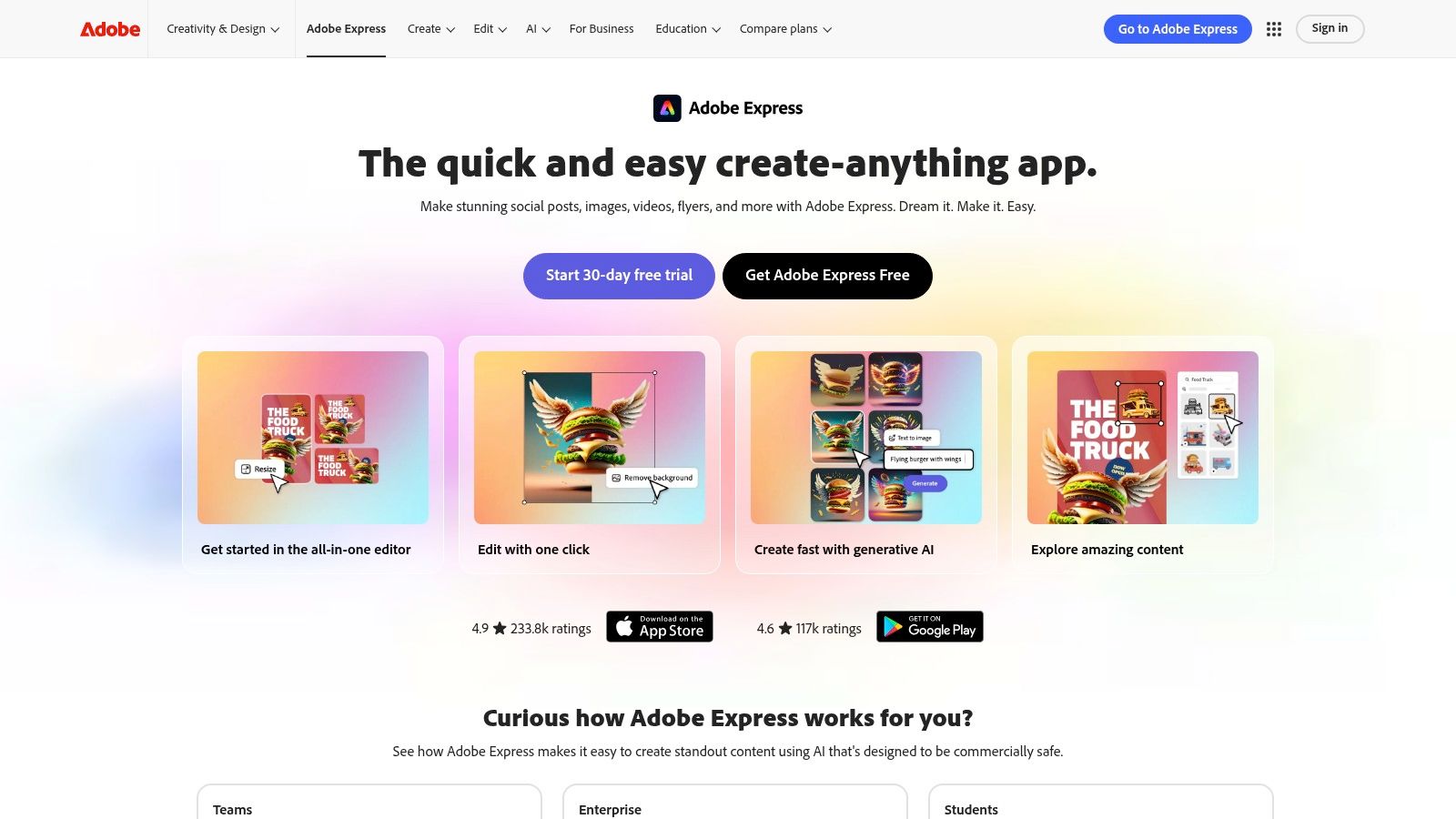
Adobe Express also simplifies brand consistency with its Brand Kit functionality, allowing you to store and apply brand colors, logos, and fonts across your designs. The integration with other Adobe products is a bonus for existing Creative Cloud subscribers. This streamlines workflows and allows for more advanced editing options if needed. For those seeking to create marketing campaigns across various platforms, Adobe Express offers a centralized platform for visual content creation.
Key Features and Benefits
- High-Quality Templates: Provides professionally designed, customizable templates for quick pin creation.
- Robust Image Editing: Offers a range of editing tools to enhance images and create visually appealing graphics.
- Brand Kit: Ensures brand consistency across all pins.
- Animation Options: Allows for the creation of dynamic, engaging pin designs.
- Adobe Product Integration: Seamlessly integrates with other Adobe Creative Cloud applications.
Pros and Cons
Pros:
- Professional design quality elevates your Pinterest presence.
- Extensive customization options provide design flexibility.
- A free version is available with ample features for basic needs.
Cons:
- A subscription is required to unlock full access to all features and templates.
- The platform's extensive features might present a slight learning curve for absolute beginners.
Adobe Express empowers users of all skill levels to create stunning Pinterest graphics. The free version provides a great starting point, while the paid subscription unlocks the full potential of the platform. From simple static image pins to more complex animated designs, Adobe Express offers the tools to capture attention and drive engagement on Pinterest. Visit the Adobe Express website to explore its capabilities.
5. VistaCreate (formerly Crello)
VistaCreate is a budget-friendly pin creator perfect for crafting both static and animated Pinterest content. Its intuitive editor offers a vast library of free templates and design elements that align with current Pinterest trends. This makes it a strong contender for anyone looking to elevate their visual presence on the platform, from small businesses and bloggers to experienced social media marketers. Its streamlined design process simplifies pin creation, allowing users to focus on aesthetics and messaging.
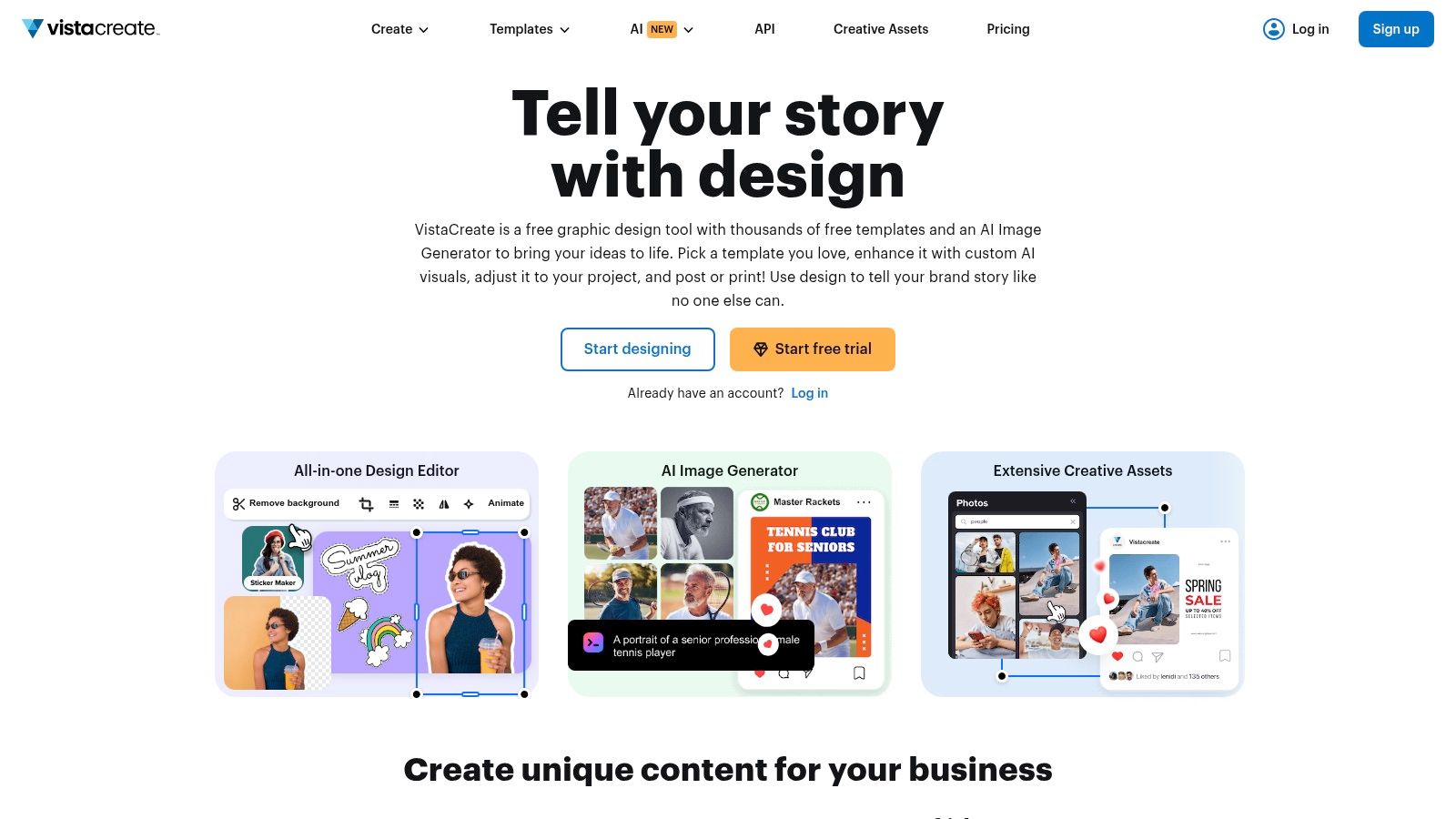
VistaCreate seamlessly integrates with various social media platforms, simplifying content scheduling and distribution. The ability to easily duplicate designs facilitates batch pin creation, saving valuable time and effort. This is particularly useful for those managing multiple Pinterest boards or running marketing campaigns. Consider pairing VistaCreate with an SMS marketing platform for a comprehensive marketing strategy.
Key Features and Benefits
- Thousands of Templates: Jumpstart your design process with ready-made templates.
- Animation Capabilities: Create eye-catching animated pins and videos.
- Image Editing Tools: Enhance images with built-in filters and editing features.
- Social Media Scheduling: Plan and schedule your pins in advance.
- Easy Duplication: Quickly create variations of your pins for different boards or campaigns.
Pros and Cons
Pros:
- Affordable: Offers a generous free plan and competitive paid options.
- User-Friendly: Easy to navigate and use, even for design novices.
- Large Template Library: Provides ample design inspiration and resources.
Cons:
- Limited Advanced Features: Lacks some of the advanced features found in Canva or PicMonkey.
- Fewer Free Resources: The free plan has fewer stock images and design elements than the paid versions.
- Occasional Bugs: Users have reported occasional glitches and bugs within the platform.
VistaCreate empowers users of all skill levels to create engaging Pinterest content. While it may not offer the same depth of features as some premium tools, its affordability, ease of use, and extensive template library make it a valuable pin creator. It's a practical solution for those seeking a streamlined workflow for creating visually appealing pins. Visit the VistaCreate website to explore its potential.
6. Snappa
Snappa is a user-friendly pin creator designed for speed and simplicity. It's ideal for creating eye-catching Pinterest graphics, with a focus on ease of use and quick turnaround times. Pre-sized templates specifically for Pinterest, coupled with a straightforward interface, make it a great option for users of all skill levels, especially those new to graphic design. This makes it a practical choice for anyone from small business owners and bloggers to seasoned social media marketers.
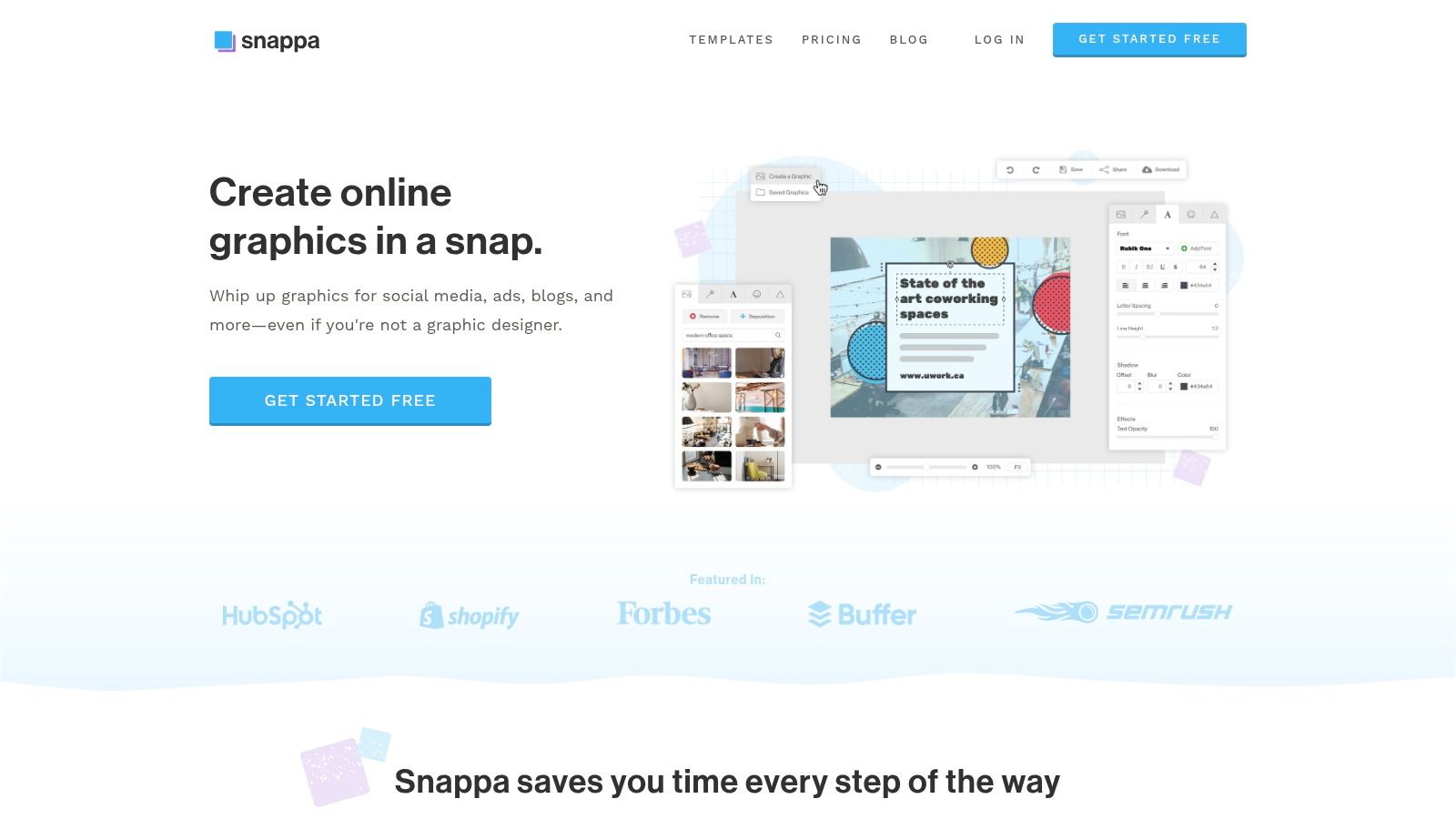
Snappa streamlines the pin creation process with an intuitive drag-and-drop editor. Its integrated stock photo library and customizable graphics further simplify design. One-click resizing allows you to quickly adapt your pins for other social media platforms, maximizing your content's reach. This combined approach makes pin creation incredibly fast, ideal for busy marketers and content creators.
Key Features and Benefits
- Pre-sized Templates: Start with professionally designed templates optimized for Pinterest.
- One-Click Resizing: Easily adapt your designs for other social media platforms.
- Integrated Stock Photos: Access a vast library of free and paid stock images directly within the platform.
- Drag-and-Drop Editor: Create visually appealing pins with ease, even without design experience.
- Customizable Graphics and Text: Personalize your pins to match your brand's aesthetic.
Pros and Cons
Pros:
- Extremely user-friendly, minimal learning curve
- Fast loading times and quick editing process
- Affordable pricing plans for various needs
Cons:
- Limited advanced features compared to professional design software
- Free version restricts the number of downloads per month
Snappa empowers users to create engaging Pinterest visuals without extensive design skills or software. Its simplicity and speed make it a valuable asset for anyone seeking to enhance their Pinterest marketing, particularly those with time constraints. While the free version has limitations, the paid plans offer excellent value. Visit the Snappa website to explore its features and pricing options.
7. Figma
Figma, primarily known as a collaborative UI/UX design tool, offers a powerful yet unconventional approach to pin creation. Its vector-based editing capabilities provide unparalleled control over design elements, allowing for highly customized and visually appealing Pinterest pins. While not specifically designed as a "pin creator," Figma's flexibility makes it a strong contender for those seeking unique and professional-looking graphics. This makes it especially appealing to brands prioritizing visual consistency and high-quality imagery.
Figma's collaborative features also streamline the workflow for teams working on Pinterest marketing. Real-time co-editing and commenting features facilitate seamless feedback and revisions. Its extensive plugin ecosystem further extends its functionality, offering integrations with other tools and resources. While Figma might not offer direct Pinterest scheduling, its design capabilities combined with other scheduling tools create a robust pin creation workflow.
Key Features and Benefits
- Vector Editing: Create scalable graphics without quality loss.
- Collaboration Tools: Real-time co-editing and feedback features.
- Plugin Ecosystem: Extend functionality with numerous integrations.
- Customizable Templates: Design and save your own templates for brand consistency.
- Community Templates: Access a library of pre-designed templates for inspiration.
Pros and Cons
Pros:
- Highly customizable designs
- Free plan with substantial features
- Collaborative workflow
Cons:
- Steeper learning curve for non-designers
- Requires internet connection for full functionality
- Not specifically built for Pinterest marketing
Figma offers a unique approach to pin creation, prioritizing design flexibility and collaboration. Its free plan with substantial features makes it accessible to individuals and small businesses. While its learning curve might be steeper than dedicated pin creator tools, the level of customization and control it offers makes it a valuable asset for creating visually striking Pinterest content. Visit the Figma website to explore its potential for your Pinterest marketing.
8. PicMonkey
PicMonkey shines as a pin creator, offering advanced photo editing and design capabilities for visually appealing Pinterest content. It empowers users to create highly customizable and creative pins, ideal for those seeking granular control over their designs. Beyond basic image adjustments, PicMonkey provides a rich suite of tools for graphic design, making it perfect for crafting unique, eye-catching pins. This makes it a strong choice for visually-driven brands aiming to stand out on Pinterest.
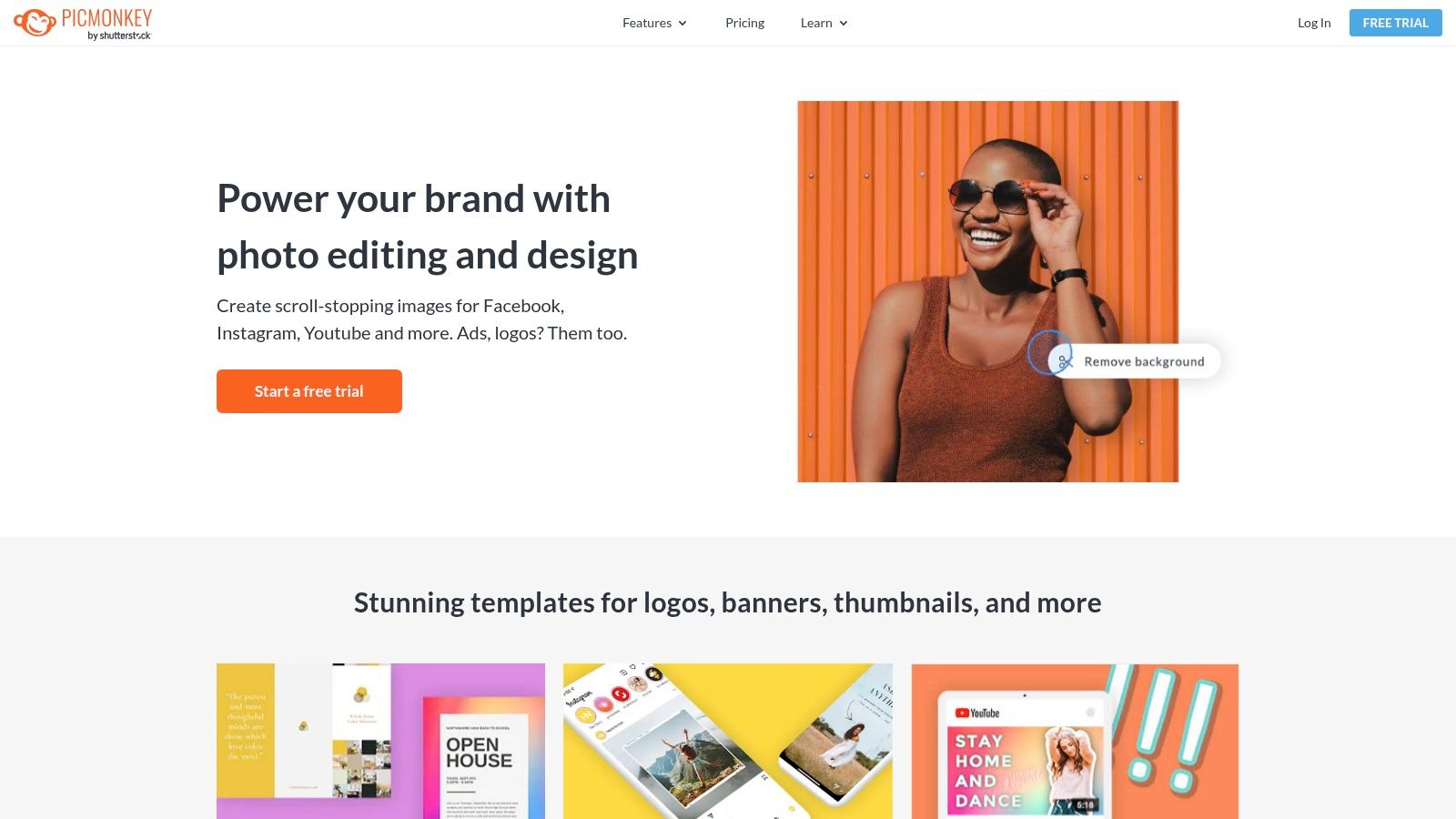
PicMonkey seamlessly integrates with various social media platforms, streamlining the sharing process. Its collaborative features make it a good option for teams working together on pin creation. Cloud storage keeps your designs accessible and organized. While PicMonkey lacks direct eCommerce platform integrations like some other pin creators, its focus on design makes it a valuable tool for creating high-quality visuals to promote your products or services.
Key Features and Benefits
- Advanced Photo Editing: Offers a complete toolkit for image manipulation.
- Design Flexibility: Provides extensive templates and design elements for creative freedom.
- Social Media Integration: Simplifies sharing your creations directly to Pinterest and other platforms.
- Collaboration Tools: Facilitates teamwork on design projects.
- Cloud Storage: Keeps your designs organized and readily available.
Pros and Cons
Pros:
- Robust editing capabilities for professional-looking pins
- User-friendly interface despite its advanced features
- Regularly updated with new design elements and tools
Cons:
- Requires a paid subscription to unlock most features
- Can be overwhelming for beginners due to its extensive functionalities
PicMonkey empowers users to create stunning, on-brand Pinterest graphics. Its advanced features and user-friendly design cater to both seasoned designers and those seeking to elevate their visual content. While the subscription model might be a consideration, the investment unlocks a powerful toolkit for maximizing your Pinterest marketing impact. Visit the PicMonkey website to explore its potential.
9. Easil
Easil is a user-friendly pin creator designed for crafting visually appealing Pinterest content. Its drag-and-drop interface simplifies the design process, making it accessible even for beginners. Easil provides a library of templates, stock images, and fonts, empowering you to create eye-catching pins that align with your brand aesthetic. This makes it a valuable tool for bloggers, small business owners, and social media marketers seeking to enhance their Pinterest presence.
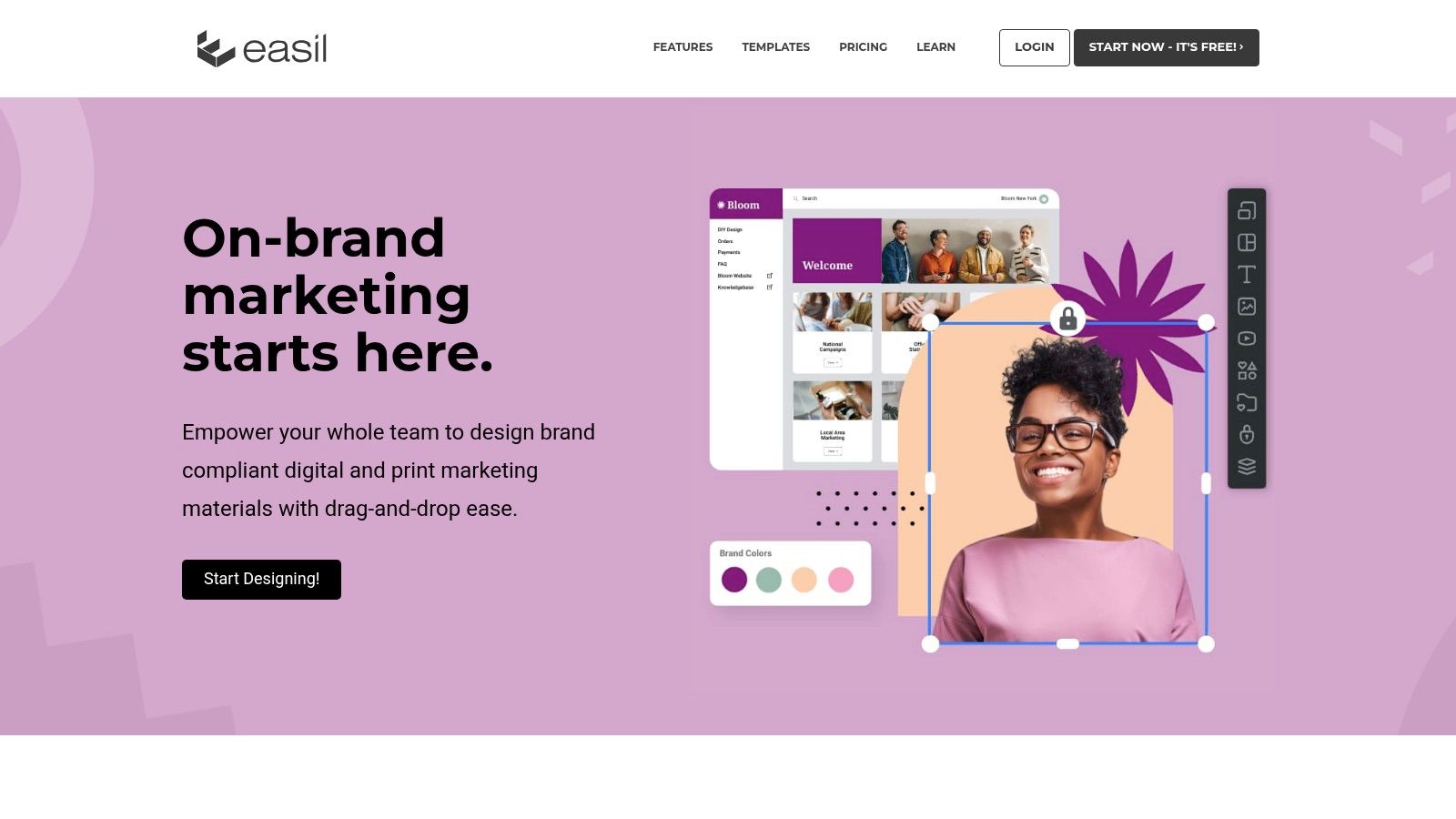
Easil’s intuitive design process helps streamline your Pinterest workflow. The platform offers a range of pre-designed templates categorized by industry and purpose. This allows you to quickly create professional-looking pins without extensive design experience. Furthermore, Easil integrates seamlessly with other social media platforms, simplifying cross-platform promotion.
Key Features and Benefits
- Drag-and-Drop Interface: Simplifies design creation, even for non-designers.
- High-Quality Templates: Provides a starting point for creating stunning visuals.
- Brand Kit Functionality: Maintain consistent branding across all your pins.
- Team Collaboration: Streamlines workflow for teams working on Pinterest marketing.
- Stock Images and Icons: Access to a wide selection of visuals to enhance your pins.
Pros and Cons
Pros:
- Easy to learn and use, perfect for beginners.
- Affordable pricing plans to suit various budgets.
- Collaborative features for team projects.
Cons:
- The free plan is somewhat limited.
- Fewer advanced design features compared to tools like Canva.
Easil bridges the gap between simplicity and impactful design for Pinterest marketing. While it may lack some of the advanced features of other design platforms, its user-friendly interface and focus on team collaboration make it a valuable asset. Easil is a practical choice for anyone seeking to create engaging Pinterest content without a steep learning curve. Visit the Easil website to learn more.
10. BeFunky
BeFunky is a versatile pin creator that blends photo editing and graphic design features. It's a great choice for quickly enhancing images and creating visually appealing pins. Its user-friendly interface makes it accessible to users of all skill levels, allowing for efficient Pinterest content creation. BeFunky excels at adding a creative touch to pins with a diverse range of effects, filters, and templates readily available.
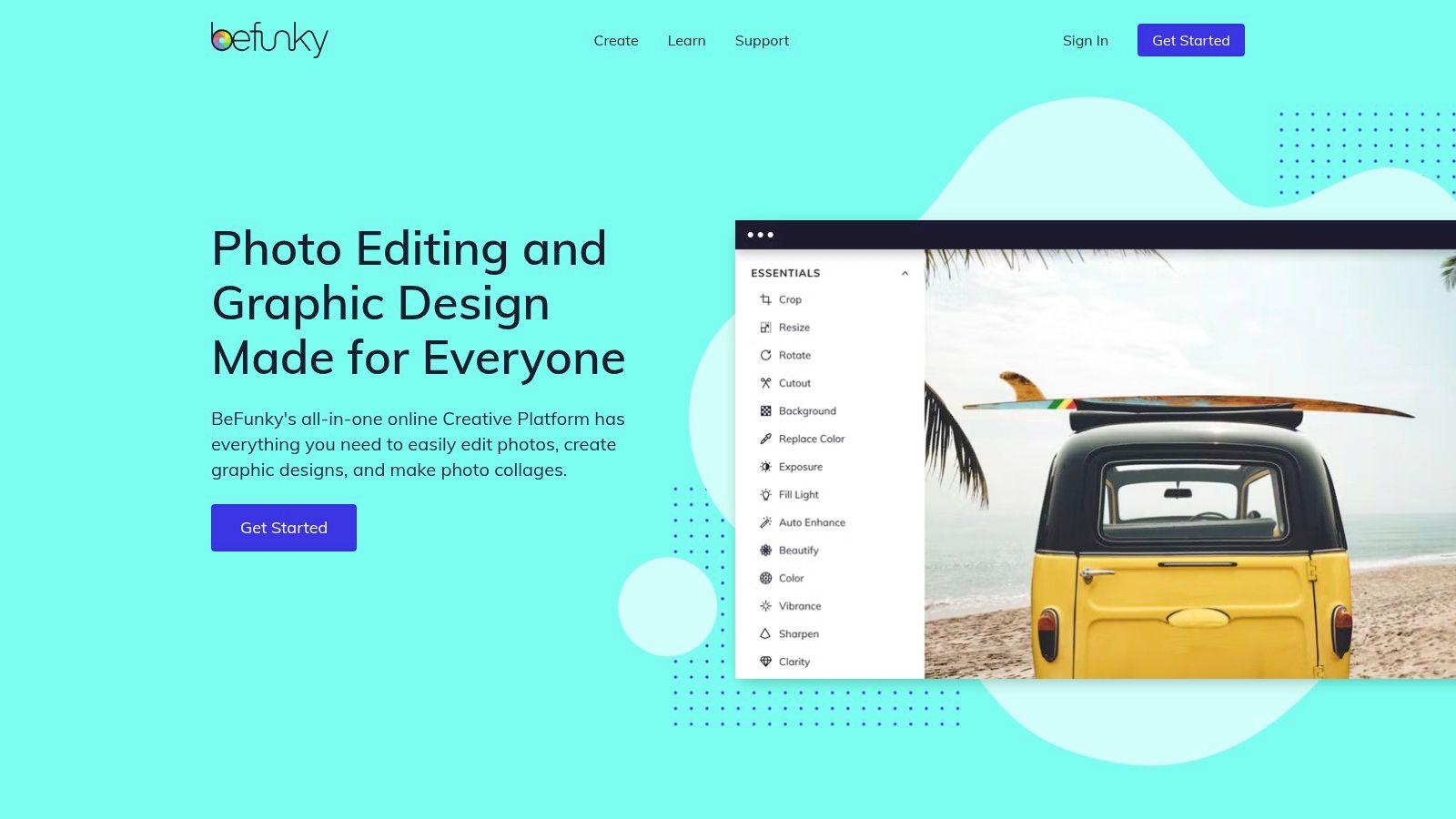
BeFunky seamlessly integrates various design elements and offers a practical collage maker for combining images. Batch processing capabilities streamline editing workflows, while text and graphic overlays further enhance the customization options. If you're looking to elevate your Pinterest visuals without a steep learning curve, BeFunky is a solid option.
Key Features and Benefits
- Easy-to-Use Photo Editor: Simplifies image enhancements with intuitive controls.
- Creative Effects and Filters: Offers a wide array of options for stylized visuals.
- Templates and Design Elements: Provides pre-designed templates and customizable elements.
- Collage Maker: Enables easy creation of image collages for diverse content.
- Batch Processing: Streamlines editing multiple images at once.
Pros and Cons
Pros:
- User-friendly interface simplifies design tasks.
- Affordable pricing plans cater to various budgets.
- Basic features are accessible even without an account.
Cons:
- The free version has limited features.
- Design flexibility may not be as extensive as Canva or PicMonkey.
BeFunky provides valuable resources for crafting engaging Pinterest content. Its intuitive interface and range of features empower users to enhance images and create eye-catching graphics. While the free version has limitations, the affordable pricing plans make it an attractive option for budget-conscious users. Visit the BeFunky website to explore its potential for enhancing your Pinterest marketing strategy.
11. Pinmaker
Pinmaker is a pin creator designed specifically for crafting engaging Pinterest pins. It offers optimized templates and real-time design tips to boost your Pinterest marketing efforts. This tool streamlines the pin creation process, making it ideal for anyone seeking to enhance their Pinterest presence, from small business owners and bloggers to seasoned social media marketers. Pinmaker focuses on providing a user-friendly experience tailored to Pinterest's visual nature.
Unlike more generalized graphic design tools, Pinmaker eliminates unnecessary distractions and focuses solely on Pinterest. This specialized approach simplifies the workflow and allows users to quickly create visually appealing pins optimized for the platform. It’s a great option for those who want a dedicated pin creator without the complexity of broader design software. This makes it particularly useful for users who may not have extensive design experience.
Key Features and Benefits
- Pinterest-Specific Templates: Provides a wide array of pre-designed templates optimized for Pinterest's visual layout.
- Real-Time Design Tips: Offers immediate feedback on layout, colors, and fonts to improve pin engagement.
- No Login Required: Allows users to start designing instantly without creating an account.
- Optimized Downloads: Ensures pins are downloaded in the correct formats for fast loading times on Pinterest.
Pros and Cons
Pros:
- Streamlined workflow for quick pin creation
- Specifically tailored to Pinterest's design requirements
- Easy-to-use interface for all skill levels
Cons:
- Functionality limited to Pinterest pin creation
- May lack advanced design features offered by other tools
Pinmaker excels at simplifying the pin creation process. It removes the learning curve often associated with more complex design software. Its focus on Pinterest ensures your pins adhere to the platform's best practices for optimal visibility and engagement. While it may lack advanced design features, its streamlined approach makes it a valuable asset for anyone looking to enhance their Pinterest marketing. Visit the Pinmaker website to explore its potential for your Pinterest strategy.
Top 11 Pin Creator Tools Comparison
| Tool | Core Features & Integrations | User Experience & Quality ★ | Value & Pricing 💰 | Target Audience 👥 | Unique Selling Points ✨ |
|---|---|---|---|---|---|
| 🏆 Pin Generator | Pin creation, scheduling, templates, Etsy/Shopify/WordPress integration | ★★★★☆ User-friendly, Chrome extension | 💰 Pricing on inquiry | 👥 Marketers, eCommerce, bloggers | ✨ Keyword research, trend alerts, tutorials |
| Canva | Drag-and-drop, thousands of Pinterest templates | ★★★★☆ Intuitive, beginner-friendly | 💰 Free + paid advanced | 👥 Beginners to pros | ✨ Extensive template & stock library |
| Tailwind Create | Bulk pin creation, scheduling, performance analytics | ★★★★ Optimized for Pinterest best practices | 💰 Subscription required | 👥 Social media marketers | ✨ Smart design suggestions, bulk creation |
| Adobe Express | Pro templates, image editing, animation, brand kit | ★★★★☆ High-quality, professional | 💰 Free + subscription | 👥 Pros and advanced users | ✨ Adobe ecosystem integration |
| VistaCreate | Templates, video/animation, social scheduling | ★★★☆ Easy & affordable | 💰 Generous free + affordable | 👥 Budget-conscious & small teams | ✨ Animation and batch pin creation |
| Snappa | Social media templates, one-click resizing | ★★★☆ Simple, fast loading | 💰 Limited free + paid plans | 👥 Casual users, quick design | ✨ Speed & simplicity |
| Figma | Vector editing, real-time collaboration | ★★★★ Highly customizable | 💰 Free + paid plans | 👥 Designers & teams | ✨ Collaboration, plugin ecosystem |
| PicMonkey | Photo editing, collaboration, cloud storage | ★★★★ Advanced, user-friendly | 💰 Paid subscription required | 👥 Creative pros & marketing teams | ✨ Advanced editing & design control |
| Easil | Drag-and-drop, brand kit, collaboration | ★★★ Easy to use | 💰 Affordable plans | 👥 Small teams & brand managers | ✨ Team collaboration & brand consistency |
| BeFunky | Photo effects, templates, collage, batch processing | ★★★☆ User-friendly | 💰 Affordable | 👥 Casual creators & beginners | ✨ No account needed for basics |
| Pinmaker | Pinterest-specific templates, real-time design tips | ★★★ Fast, focused | 💰 Free | 👥 Pinterest-focused users | ✨ Optimized for Pinterest engagement |
Elevate Your Pinterest Strategy: Choosing the Right Pin Creator for You
Finding the perfect pin creator can significantly impact your Pinterest marketing success. Throughout this listicle, we’ve explored a variety of tools, from established platforms like Canva and Adobe Express to specialized pin creators like Pinmaker and Pin Generator. Each offers unique strengths and weaknesses, catering to different needs and budgets. The ideal choice depends on factors like your design experience, desired level of customization, and the volume of pins you create.
Key Takeaways for Pinterest Success
This exploration of pin creators has highlighted some crucial elements for impactful Pinterest marketing:
- Visual Appeal: Compelling visuals are paramount on a visually-driven platform like Pinterest.
- Efficiency: Tools that streamline the creation process, particularly bulk editing, can drastically improve workflow.
- Branding Consistency: Maintaining a cohesive brand presence across your pins is essential for recognition.
- Keyword Integration: Optimizing your pins with relevant keywords is crucial for discoverability.
- Smart Features: Leveraging AI-powered tools can significantly enhance the quality and effectiveness of your pins.
Implementing Your Chosen Pin Creator
Regardless of which pin creator you choose, consider these implementation tips:
- Define Your Brand Aesthetics: Establish a clear visual style guide for your pins, ensuring consistency across all designs.
- Plan Your Content: Create a content calendar to streamline your pin creation process and ensure consistent posting.
- Analyze and Iterate: Track the performance of your pins and adjust your strategy based on the data.
Pin Generator: A Powerful Solution for Streamlined Pin Creation
Among the tools reviewed, Pin Generator stands out as a particularly powerful solution for Pinterest marketers. Its features are specifically designed to address the demands of creating engaging and effective pins. Bulk editing capabilities drastically reduce the time spent on repetitive tasks. Its AI assistance helps optimize images, suggest keywords, and even generate compelling copy. The ability to add videos and images directly within the platform streamlines the design workflow. Moreover, Pin Generator's customizable templates empower you to maintain brand consistency while exploring a variety of layouts. You can even create your own templates from scratch, offering ultimate control over your pin designs.
Choosing the Right Tool for Your Needs
Selecting the right pin creator hinges on understanding your individual requirements. If you're a beginner or need quick and easy designs, Canva or Adobe Express are excellent starting points. For larger teams and more complex projects, Figma might be a better fit. If you’re seeking a dedicated pin creator with advanced features, tailored specifically for Pinterest marketing, explore options like Tailwind Create and Pinmaker. However, if you need a comprehensive solution that combines streamlined workflow, AI-powered features, and robust customization options, Pin Generator emerges as a leading contender.
Ultimately, the best pin creator is the one that empowers you to create high-quality, engaging pins efficiently and effectively. Investing in the right tool will not only save you time but also contribute significantly to a successful Pinterest marketing strategy.
Ready to supercharge your Pinterest marketing and create stunning pins with ease? Explore Pin Generator today to discover how it can revolutionize your workflow. Visit Pin Generator and start creating engaging, high-performing pins that drive traffic and boost your brand presence on Pinterest.