
Pinterest Affiliate Marketing for Beginners: Step-by-Step Guide (2025)
13 June 2026
You’ve probably seen the big claims floating around of $1,000 weeks and passive income from a beach, but how realistic is that? If you’re new to Pinterest affiliate marketing and unsure where to begin, this article is exactly what you need. We’ve pulled everything into one easy-to-follow guide to help you get started the right way, without wasting time on tactics that don’t convert.
Before we dive in, we recommend reading our article on the top five Pinterest affiliate marketing myths. It’ll help you set realistic expectations and avoid common beginner mistakes that can derail your progress early on.
What Is Pinterest Affiliate Marketing?
Affiliate marketing is when you earn a commission by promoting other people’s products and sharing your unique link. If someone clicks your link and makes a purchase, you get paid a commission.
Pinterest affiliate marketing is when you use Pinterest to drive traffic to those links, either directly on the app or through a landing page or blog. Because Pinterest is a visual search engine (not a social media app), its users are often searching with clear intent, like “best kitchen tools for small apartments” or “cute gift ideas under $50,” and they are already in a buyer’s mindset. This makes Pinterest one of the best platforms to promote affiliate links, especially if you’re focused on content that’s product-based, seasonal, or evergreen.
And unlike platforms like Instagram or TikTok, Pinterest actually encourages outbound clicks. Their entire model is built on matching user intent with relevant content, and in many cases, that means product recommendations.
According to Pinterest’s latest stats, the platform sees over 570 million monthly active users globally, with strong growth in Gen Z and millennial audiences, two groups with significant purchasing power in 2025.
So, how easy is it to get started?
We’re breaking everything down in 7 simple steps below. If you prefer to watch instead of read, follow along with our quick 10-minute video. This might just be the best 10-minute investment you’re ever made. Watch the video here:
Step 1: Choose a Niche
The first step to starting Pinterest affiliate marketing is choosing a niche or specific topic to focus on. While this can feel limiting at first, having a clear niche is what helps you build trust, stay consistent, and create content that converts. Pinterest works best when your account has a unified focus. If you’re pinning about home decor one day and fitness gear the next, the algorithm (and your audience) won’t know what to expect.
So how do you choose a niche? There’s no one “right” answer, but here are a few proven ways to find yours:
1. Start with what you already have
If you have a blog, a shop, or even a small Instagram following, start there. What do you already create content about? What products naturally align with your content or audience? For example, if you run a parenting blog, affiliate links for baby gear or kids’ activities make perfect sense.
2. Look at what’s trending
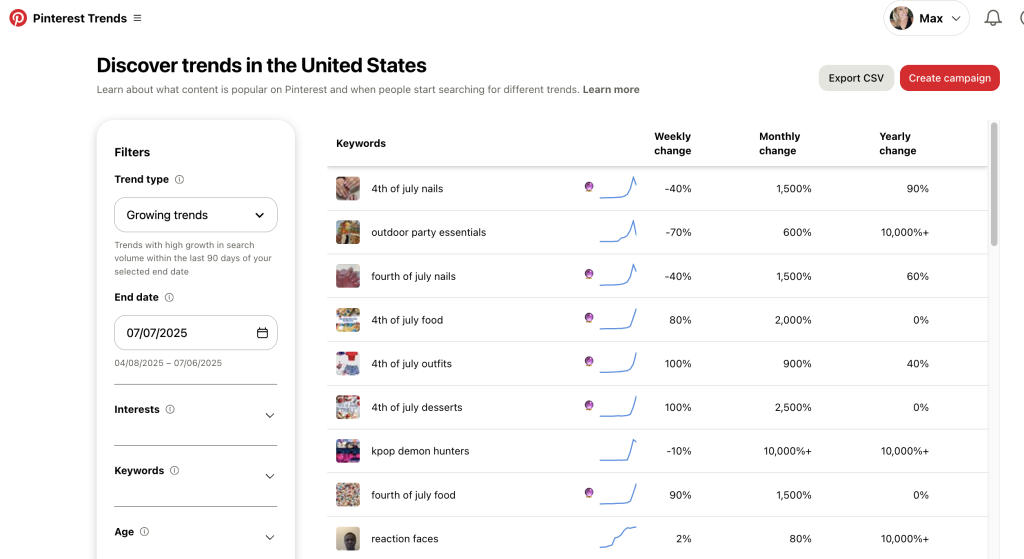
Use Pinterest Trends to explore what people are actively searching for in your category. You can search by topic (like “home organization” or “budget fashion”) and spot seasonal spikes or evergreen opportunities. Narrow your focus within the trend. For example, instead of just “home decor,” maybe it’s “home decor for tiny homes.”
3. Go where the commissions are
If your priority is higher earnings per sale, look into niches that offer high-ticket or high-commission products. Start by Googling “best high-ticket affiliate programs 2025” or checking affiliate platforms like ShareASale and Impact.
Step 2: Set Up a Pinterest Business Account
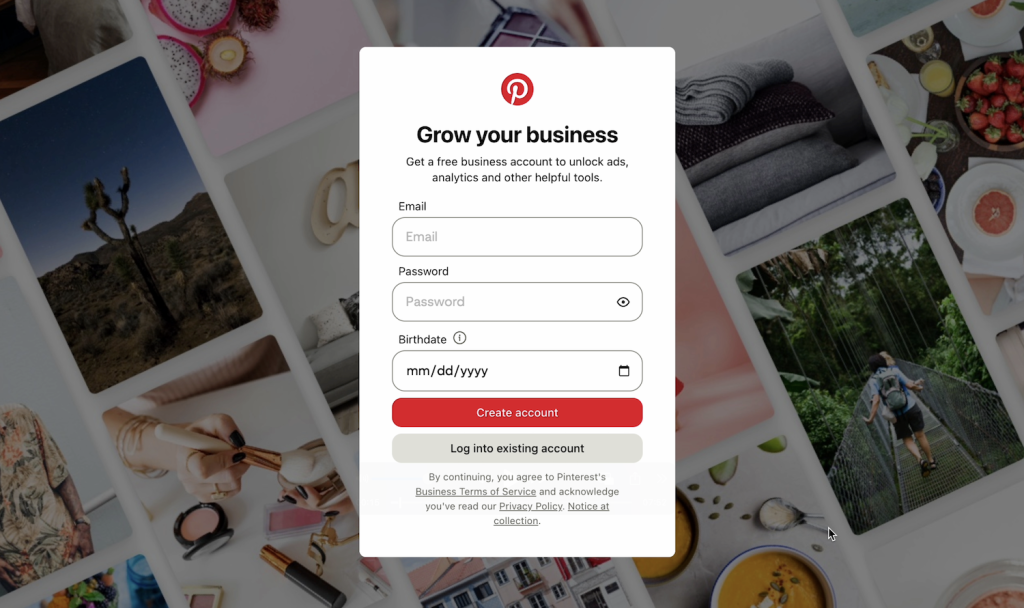
Once you’ve picked your niche, the next step is setting up a Pinterest Business Account. A business account gives you access to Pinterest analytics, advanced profile settings, and the ability to run promoted ad campaigns later. Even if you’re starting small, you’ll want a business account from day one.
To get started, you can convert an existing personal account into a business account or create a new one from scratch focused solely on your niche. Either works, but we recommend starting fresh if your personal account is full of unrelated boards (like vacation plans, recipes, or DIY crafts from five years ago). A focused account sends a clear signal to Pinterest and helps your pins rank faster.
What to include on your new profile:
- A clear, niche-relevant display name (e.g., “Clean Kitchen Finds” or “DIY Garden Gear”)
- A short, keyword-rich bio that says who you help and what kind of products you share
- A branded profile image (your face or a simple logo)
- Board names that match your niche and include searchable keywords
Pinterest is a search engine, so every element on your profile should help people (and Pinterest’s algorithm) understand what you’re about. If you’re unsure how to use keywords strategically on Pinterest, check out this beginner-friendly article.
And if you need help setting up a Pinterest Business Account, we’ve got a quick walkthrough here.
Step 3: Set Up a Website or Landing Page
While Pinterest technically allows affiliate links in pins, doing so consistently can put your account at risk. The platform prefers creators to drive traffic to value-based content like blog posts, product roundups, or review pages, rather than straight to checkout.
Most affiliate programs also require a website to apply, so getting one set up early not only improves your Pinterest performance but also increases your chances of getting approved for high-quality programs.
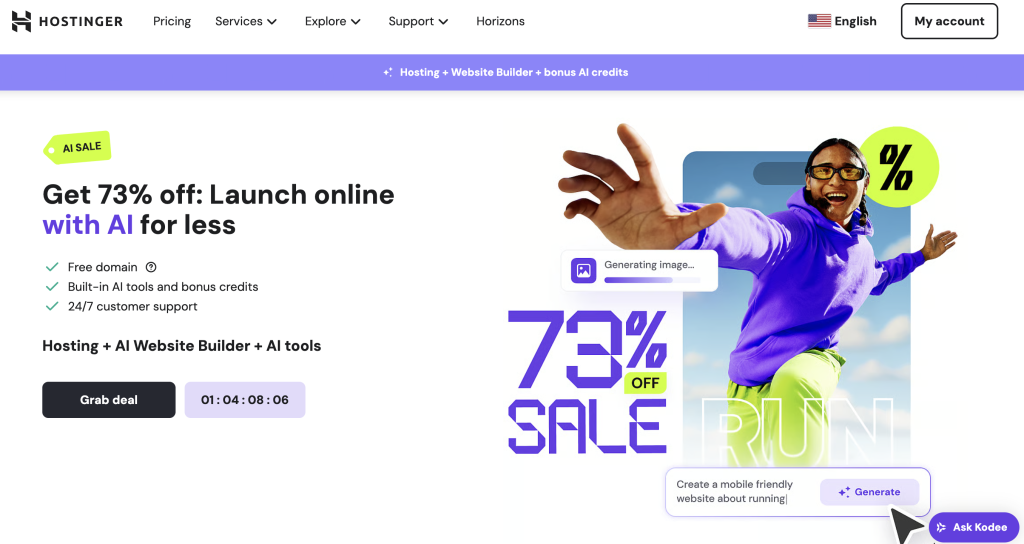
Setting up a website doesn’t have to be complicated. We recommend Hostinger, as it’s beginner-friendly, affordable, and includes domain registration, privacy protection, and a drag-and-drop builder that can get you online in under 30 minutes.
Once your site is live, aim to publish 6-10 pages or articles so you’re not linking to the same URL every time, since repeating links can trigger Pinterest’s spam filters. If your niche is kitchen tools, for example, you might create:
- A blog post or product review about the blender you’re promoting
- A roundup: “10 Must-Have Tools for Small Kitchens”
- A resource page with your favorite kitchen gear
- A gift guide for busy moms
- A comparison of the top 3 blenders on Amazon
- A recipe for a slushie (that uses your affiliate blender link)
Each page should offer real value and tie back to your niche. This not only helps Pinterest understand your content, but gives your audience a better experience, which means more clicks, saves, and conversions.
Step 4: (Optional) Set Up Your Social Handles
If you’re looking to build a brand and potentially scale to other platforms one day, now is a good time to save your social media handles while you’re just getting started. Claiming your name on Instagram, TikTok, YouTube, and more will help you have those places ready for if and when you ever want to promote.
Just remember, this is totally optional. Pinterest can absolutely be your only traffic source. We believe using Pinterest alongside a simple blog or landing page to provide context is more than enough to start making money with Pinterest affiliate marketing.
Step 5: Do Trend and Keyword Research
Once you’ve chosen a niche and set up your website, the next step is figuring out what kinds of products people are actually searching for on Pinterest to ensure you’re creating pins that align with what your audience already wants.
A great starting point is Pinterest Trends. It’s a free tool that shows you real-time data on popular searches and rising topics. You can filter by region, audience, and category to spot seasonal shifts, product-based trends, and emerging keywords. Instead of searching for broad topics like “home decor,” narrow your focus. Try something like “minimalist kitchen gadgets.” These give you more targeted ideas for the types of products you can promote.
You can also use keyword-rich phrases in your board titles, pin descriptions, and blog content to help your content get discovered in search.
Step 6: Join Affiliate Platforms and Programs
There are a few ways to find affiliate links. One option is to go directly to a brand’s website and check if they offer an affiliate program. Most companies that do will have a link in the footer labeled “Affiliate” or “Partnerships.” From there, you can apply directly and start sharing links once you’re approved.
The second (and often easier) method is to use an affiliate platform. An affiliate platform is a website that hosts affiliate programs for dozens, hundreds, or even thousands of brands. You apply once to the platform, and once you’re in, you can apply to join individual brand programs directly from your dashboard.
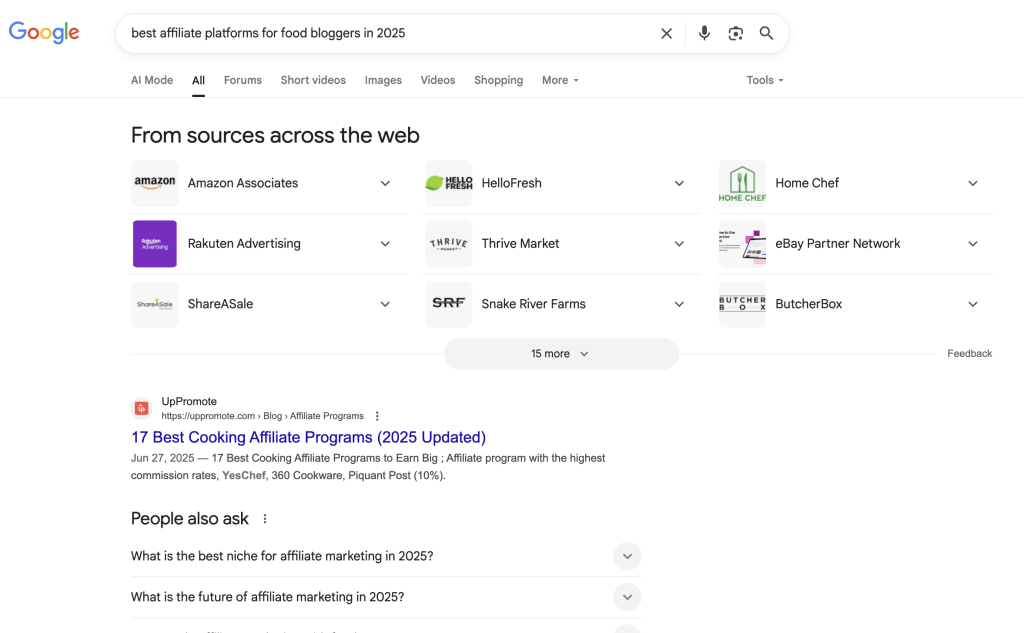
Some of the most well-known affiliate platforms include Amazon Associates, ShareASale, Impact, and CJ Affiliate. However, the best fit for you will depend on your niche. For example, someone in the food space may find more opportunities on a platform like ShareASale, while a travel creator may find better options through a specialized network.
If you’re unsure where to start, a quick Google search like “best affiliate programs for [your niche]” will usually turn up solid blog posts and reviews with up-to-date recommendations.
When evaluating a program, consider what types of products are offered, what commission percentage they pay, how long the cookie window lasts, and how reliable their tracking is. Some programs pay as little as 1-2%, with most hovering around 5-10%. Others like software tools, online courses, or digital products can pay out 30% to 50% or even more.
If you’re just starting out, join 2-3 platforms, explore what’s available, and start testing which links and products convert best for your audience.
Step 7: Start Pinning (Best Practices)
Once everything is set up, it’s time to start pinning. This is usually the point where most people get excited, but it’s also where a lot of beginners accidentally trigger Pinterest’s spam filters. So before you jump in, here are a few best practices to keep your account healthy and your content performing.
1. Start slow
If your Pinterest account is brand new, start by posting just 1-2 pins per day. This gives the platform time to warm up to your content, and after a few weeks, you can ramp up to 3-5 pins a day and gradually increase from there. If you post too much too fast, especially if all your pins lead to the same link, Pinterest might see your account as spammy and limit your reach.
2. Always post fresh pins
Pinterest wants each pin to be unique. This means a new image, a new title, and a new description. Even if you’re promoting the same product, you’ll need to mix up the pin design and rotate the destination URLs. As we mentioned earlier, this is why it’s helpful to have 6-10 different landing pages or blog posts so you’re pinning the same URL once every few days, not every day.
3. Don’t use link shorteners
Avoid using any kind of link shortener or cloaking tool to “clean up” your links. Pinterest prioritizes transparency, and anything that hides where a link leads can get flagged or de-prioritized in search.
4. Pin manually for the first month
While it’s tempting to automate everything right away, we recommend uploading pins manually through the Pinterest platform for at least the first month. This helps establish trust with the algorithm and gives you a feel for what content performs best. You can still use design tools like Pin Generator or Canva to create your pins, but we recommend exporting them as a CSV file to manually upload on Pinterest,
Once your account is warmed up and your content is getting some traction, then you can start using automation or scheduling tools like the one built into Pin Generator to save time and stay consistent.
Ready to Start Pinterest Affiliate Marketing?
While Pinterest affiliate marketing isn’t a get-rich-quick setup, it’s absolutely one of the most beginner-friendly ways to start earning online. Pinterest is built for evergreen, product-based content, and when paired with a solid website and the right tools, it can become a scalable income stream that grows over time.
Whether you’re starting with one pin a day or planning a full content calendar, remember that consistency beats speed. You don’t need to go viral, but you do need the right tools to stay consistent.
If you’re looking to sync up your website and consistently create pins, you can test Pin Generator for free and see how easy it can be to stay visible on Pinterest every single day.
You’ve got this, now let’s get pinning.