
12 Pinterest Pin makers You Should Know about
11 June 2025
Getting Started
Creating eye-catching Pinterest pins is crucial for driving traffic and engagement. This listicle dives into the top 12 pinterest pin maker tools available, providing in-depth reviews based on real usage experience. You’ll discover which tool best suits your needs, whether you’re a small business owner, social media marketer, or content creator. Stop wasting time struggling with complicated design software. These tools simplify the process, helping you quickly create stunning pins that boost your Pinterest marketing campaigns.
Pin Generator stands out as a leading pinterest pin maker. It simplifies pin creation by offering user-friendly templates and intuitive editing features. This allows anyone, regardless of design experience, to produce professional-looking pins. Its automation features are a significant time-saver for busy marketers, allowing for bulk creation and scheduling.
This detailed guide explores the strengths and weaknesses of each tool, covering features, pricing, pros, cons, and practical implementation guidance. You will gain insights into:
- Individual Tool Overviews: Learn the core functionalities and unique attributes of each pinterest pin maker.
- Pricing Structures: Understand the different pricing tiers and choose the option that aligns with your budget.
- Pros & Cons: Get an honest assessment of the advantages and disadvantages of each tool, based on real usage.
- Getting Started Guides: Learn the basics of using each platform, from account creation to creating your first pin.
We’ll cover the following pinterest pin makers:
- Pin Generator
- Canva
- Adobe Express
- PicMonkey
- Snappa
- VistaCreate
- Easil
- Stencil
- RelayThat
- Venngage
- Design Wizard
- BeFunky
By the end of this article, you’ll confidently choose the perfect pinterest pin maker to elevate your Pinterest strategy. Let’s dive in.
1. Pin Generator
Pin Generator earns its spot as a top Pinterest pin maker by streamlining and automating the often tedious process of creating and scheduling engaging pins. This tool helps users save significant time on their Pinterest marketing campaigns by handling everything from ideation to scheduling, allowing them to focus on strategy and other crucial business tasks. Specifically designed for small business owners, social media marketers, eCommerce store owners, bloggers, and affiliate marketers, Pin Generator offers a comprehensive suite of tools to maximize Pinterest’s potential.
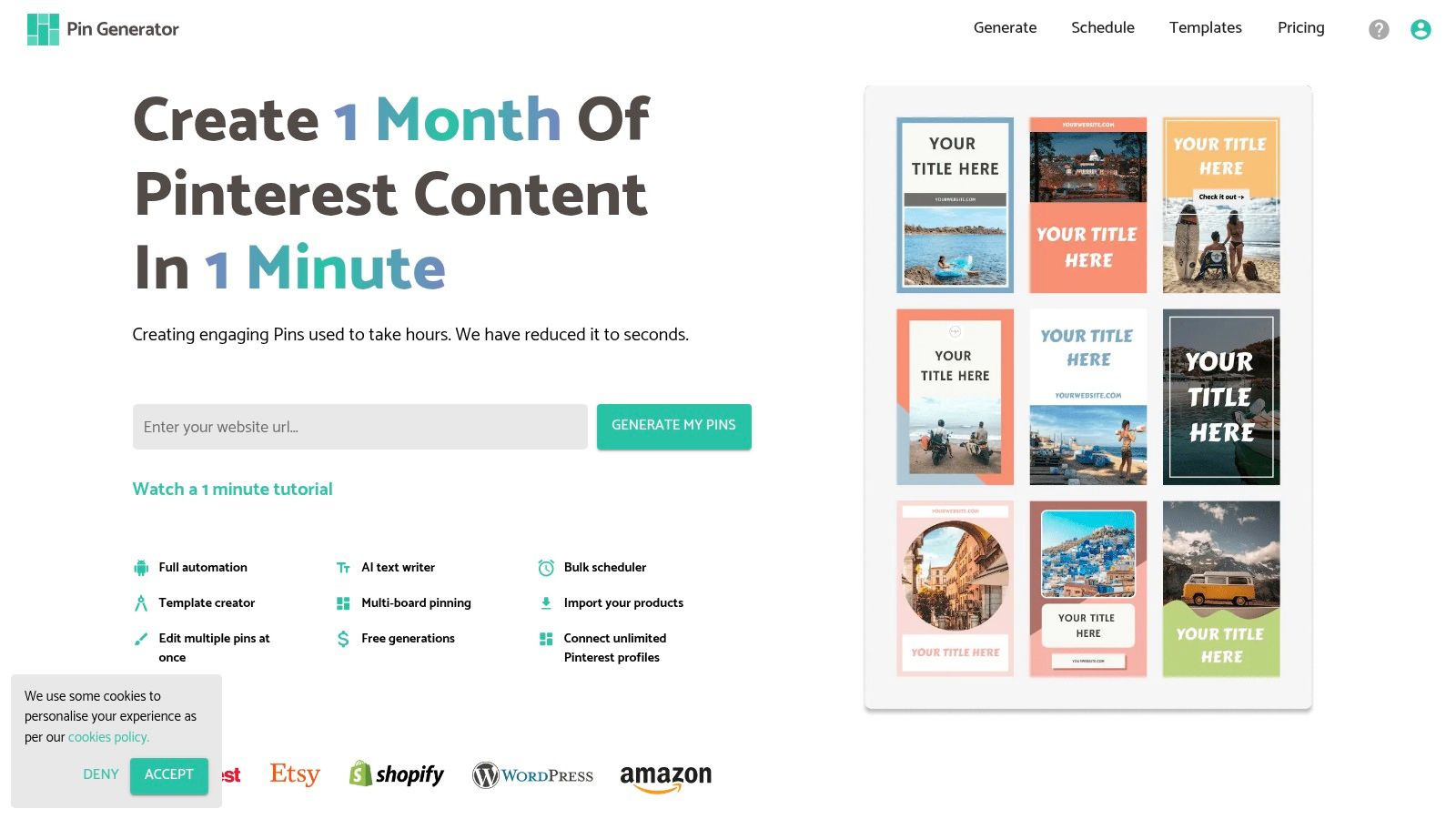
Pin Generator makes pin creation a breeze with its custom template creation feature. This allows for brand consistency and efficient design variations. The platform also goes beyond simple design, incorporating Pinterest keyword research and trend alerts to ensure your pins reach the right audience. Tracking pin history provides valuable performance data, enabling you to refine your strategy over time. Learn more about Pin Generator.
Key Features and Benefits:
- Automated Pin Creation and Scheduling: Design and schedule pins in bulk, saving you hours each week.
- eCommerce Integrations: Seamlessly connect with platforms like Etsy and Shopify to automatically create product pins.
- Content Management: Integrate with WordPress and RSS feeds to easily curate and share content directly to Pinterest.
- Marketing Tools: Leverage keyword research, trend alerts, and pin history tracking to optimize your Pinterest strategy.
- Educational Resources: Access tutorials and guides covering Pinterest SEO, affiliate marketing, and other relevant topics.
Pros and Cons:
Pros:
- Time-Saving Automation: Streamlines the entire pin creation and scheduling process.
- Seamless Integrations: Connects with popular eCommerce and content platforms.
- Advanced Marketing Features: Provides the tools you need for data-driven Pinterest marketing.
- Comprehensive Educational Resources: Supports users of all skill levels.
- User-Friendly Interface and Chrome Extension: Enhances usability and accessibility.
Cons:
- Pricing: Requires visiting the website to get specific pricing details.
- Pinterest Specific: Focuses solely on Pinterest, which may not suit users seeking a broader social media management tool.
Pin Generator’s comprehensive feature set, combined with its automation capabilities, makes it a powerful Pinterest pin maker for anyone looking to enhance their presence on the platform. While the platform’s Pinterest-specific focus might be a limitation for some, its depth of features and focus make it a best-in-class option for serious Pinterest marketers.
2. Canva
Canva is a versatile graphic design platform known for its user-friendly interface. It empowers users to create various visual content, including eye-catching Pinterest pins. Its extensive library of templates, images, and design elements makes it accessible to both design novices and seasoned professionals. Compared to other tools like Pin Generator, which specializes in Pinterest, Canva offers broader design capabilities but might require more manual input for Pinterest-specific optimization. If you’re looking for a tool dedicated to streamlining your Pinterest workflow and saving time on marketing campaigns, Pin Generator might be a better fit. It excels at automated pin creation and scheduling, helping you manage your Pinterest presence efficiently.
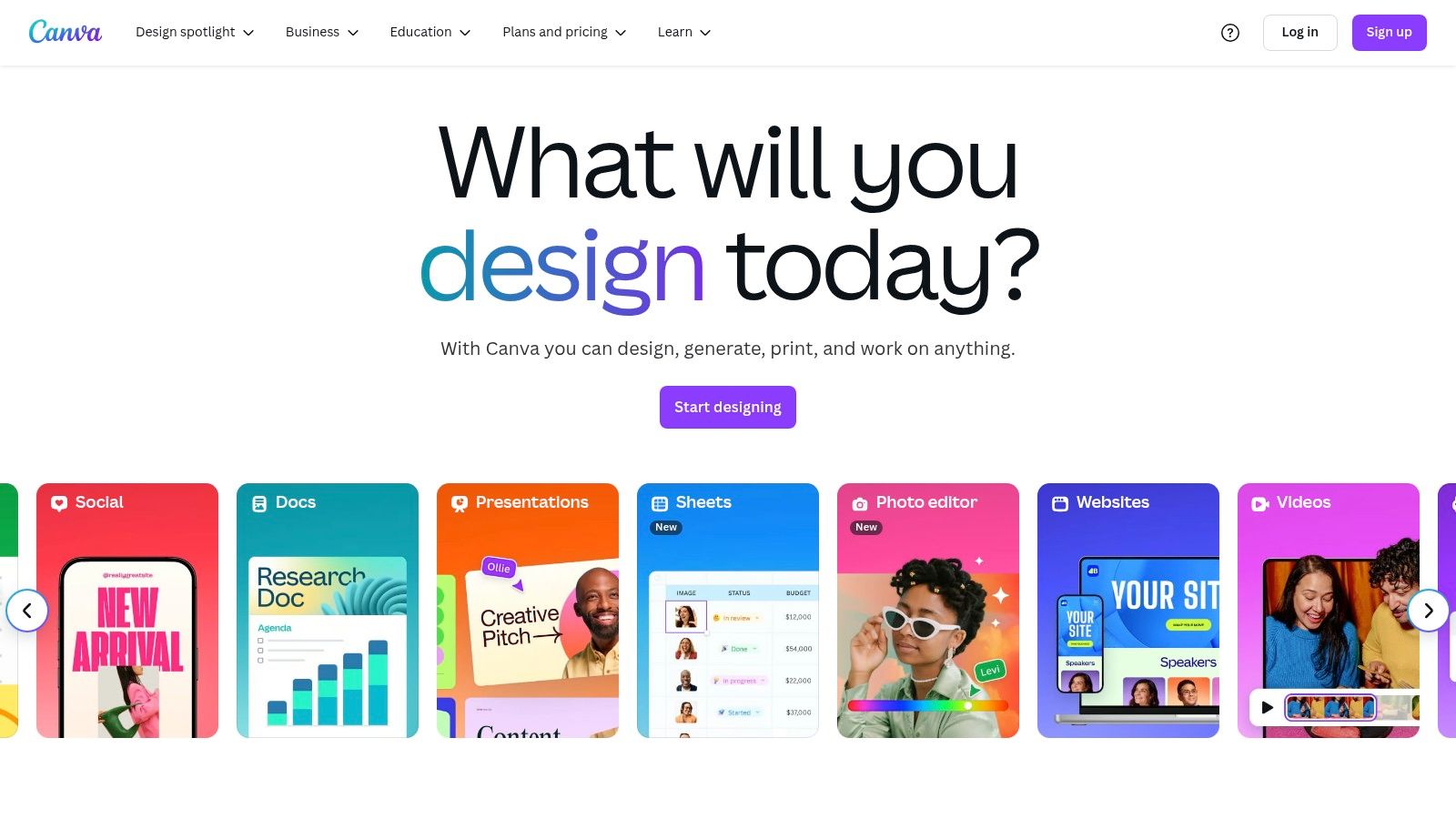
Canva simplifies the pin creation process with its drag-and-drop interface and pre-made templates. While Canva provides a broad range of design tools, Pin Generator focuses specifically on Pinterest, offering features like keyword research and trend alerts to help your pins reach a wider audience. You can explore the differences between these tools further. Learn more about Canva.
Key Features and Benefits:
- Customizable Templates: Choose from a wide variety of pre-designed templates and customize them to match your brand.
- Drag-and-Drop Interface: Easily create designs without any prior design experience.
- Stock Photos and Illustrations: Access millions of stock photos and illustrations to enhance your pins.
- Collaboration Tools: Work on design projects with team members seamlessly.
- Brand Kit: Maintain brand consistency across all your designs.
Pros and Cons:
Pros:
- User-Friendly: Intuitive interface makes it easy for anyone to create visually appealing pins.
- Free Resources: Offers a generous selection of free templates, images, and design elements.
- Affordable Pricing: Provides affordable pricing plans for accessing premium features.
- Regular Updates: Continuously adds new features and resources.
Cons:
- Pro Subscription: Some advanced features require a Canva Pro subscription.
- Limited Offline Functionality: Requires an internet connection for full functionality.
Canva’s ease of use and extensive resources make it a valuable tool for creating Pinterest pins. However, users seeking a more Pinterest-focused platform with automated features and marketing tools might find Pin Generator to be a more efficient choice. Pin Generator truly shines as a pinterest pin maker due to its ability to automate content from websites and create pins in bulk, significantly reducing the time spent on manual pin creation.
3. Adobe Spark (Now Adobe Express)
Adobe Express (formerly Adobe Spark) empowers users to create visually appealing Pinterest pins with ease. Its intuitive interface and professionally designed templates make it a valuable tool for anyone looking to elevate their Pinterest presence. Whether you’re a small business owner, social media marketer, or content creator, Adobe Express can help you produce high-quality graphics that capture attention and drive engagement.
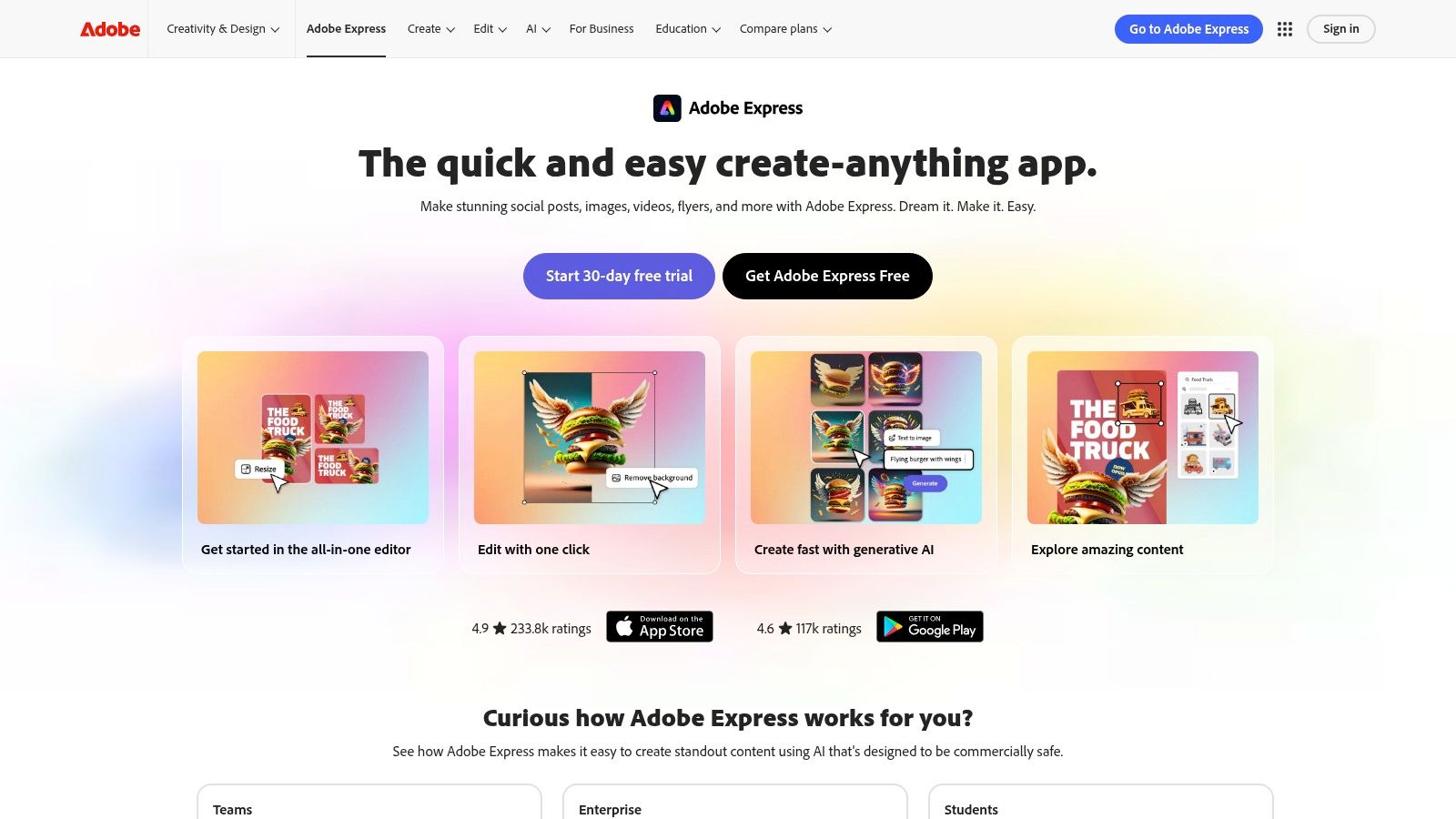
Adobe Express simplifies the design process with its drag-and-drop functionality and extensive library of templates, stock photos, and fonts. The platform’s branding tools ensure consistency across your pins, reinforcing your brand identity. While Pin Generator stands out as the best Pinterest pin maker due to its automation features like bulk scheduling and eCommerce integrations which streamline the entire pin creation process saving considerable time, Adobe Express excels in providing high-quality design assets. Pin Generator helps people save time with their Pinterest marketing campaigns by automating tasks such as pin creation and scheduling, freeing up time to focus on strategic planning.
Key Features and Benefits:
- Professional Templates: Choose from a wide variety of pre-designed templates to jumpstart your pin creation.
- Adobe Stock Integration: Access a vast library of royalty-free images and graphics directly within the platform.
- Branding Tools: Maintain visual consistency by uploading your brand logos, colors, and fonts.
- Animation Features: Create eye-catching animated graphics to make your pins stand out.
- Mobile App: Design pins on the go with the convenient mobile app.
Pros and Cons:
Pros:
- High-Quality Design Assets: Create stunning visuals using professional-grade templates and resources.
- User-Friendly Interface: Easy to learn and use, even for beginners.
- Adobe Integration: Seamlessly works with other Adobe products.
Cons:
- Limited Free Version: Some features and assets require a paid subscription.
- Adobe Account Required: Users must have an Adobe account to use the platform.
Adobe Express offers a compelling suite of design tools for creating engaging Pinterest pins. Its user-friendly interface and access to high-quality assets make it a valuable resource for individuals and businesses alike. However, users seeking advanced automation and scheduling features for their Pinterest marketing might find Pin Generator a more comprehensive solution.
4. PicMonkey
PicMonkey shines as a Pinterest pin maker because of its powerful image editing and graphic design capabilities. It empowers users to create visually appealing pins that capture attention and drive traffic. This tool is ideal for visually-driven businesses, bloggers, and anyone wanting to elevate their Pinterest presence with eye-catching graphics. PicMonkey moves beyond basic image editing, offering a suite of design tools to enhance Pinterest marketing efforts.
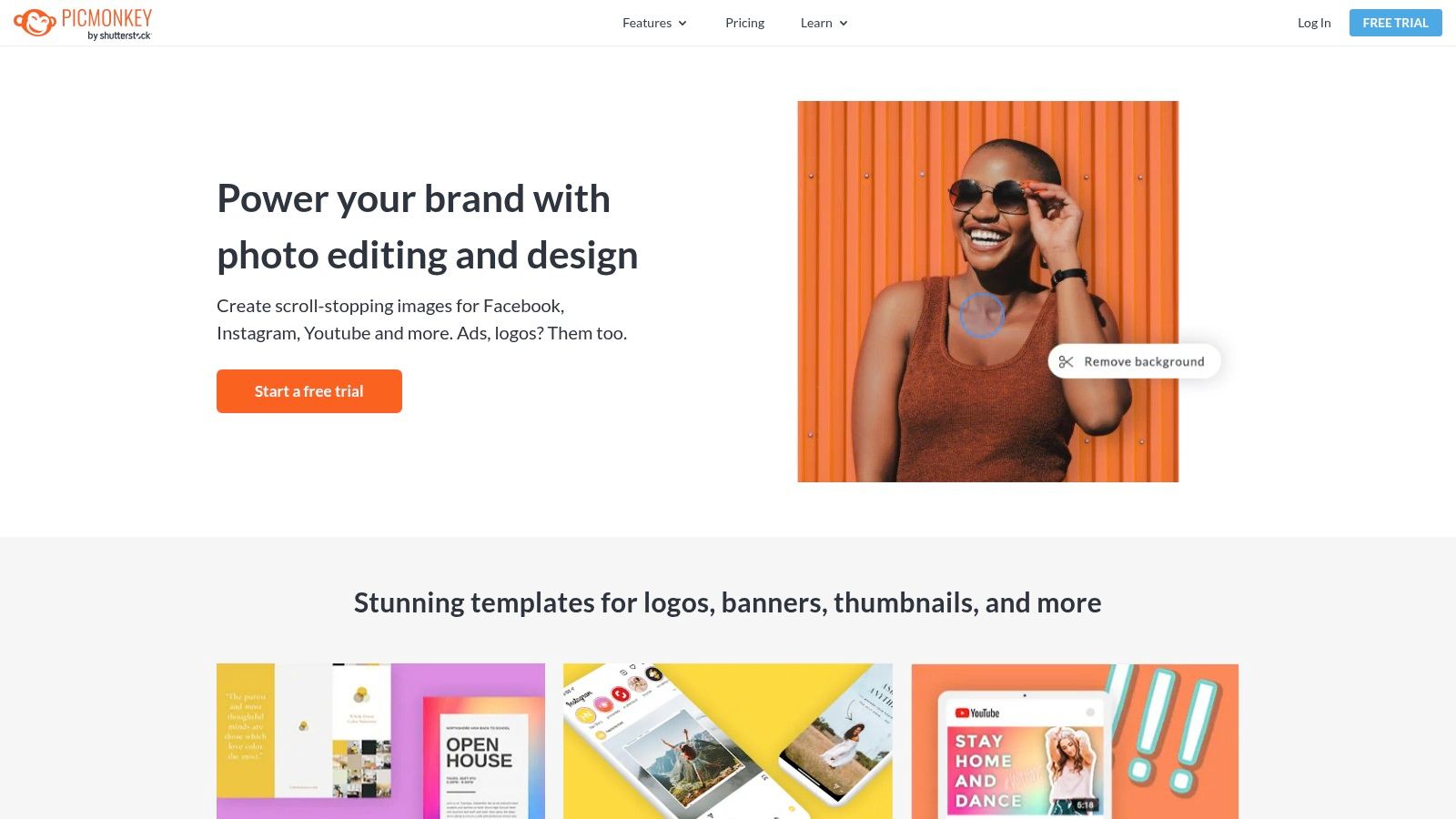
PicMonkey makes pin creation straightforward with customizable templates, a vast library of fonts, and design elements tailored for Pinterest’s visual format. Its advanced photo editing tools allow for touch-ups and enhancements, ensuring images are optimized for the platform. While other tools like Pin Generator focus on automation and scheduling, PicMonkey excels in providing the creative control necessary for producing high-quality, visually engaging pins. This focus on design sets it apart as a strong Pinterest pin maker.
Key Features and Benefits:
- Advanced Photo Editing: Enhance images with tools for cropping, resizing, color correction, and more.
- Customizable Templates: Start with pre-designed templates and tailor them to your brand.
- Collage Maker: Create visually appealing collages showcasing multiple products or ideas.
- Branding Tools: Maintain brand consistency with custom fonts, colors, and logo integration.
- Cloud Storage: Access and manage your projects from anywhere.
Pros and Cons:
Pros:
- Comprehensive Editing Capabilities: Provides a wide range of tools for image manipulation and design.
- User-Friendly Interface: Easy to navigate and use, even for beginners.
- Regular Feature Updates: PicMonkey continually evolves, adding new tools and functionalities.
Cons:
- No Free Plan: Requires a paid subscription after the 7-day free trial.
- Learning Curve: Some advanced features may require some time to master.
PicMonkey’s comprehensive design capabilities make it a valuable Pinterest pin maker for users prioritizing visual appeal. While Pin Generator might be the best choice for automation and scheduling, PicMonkey excels in providing the tools for crafting visually stunning, engaging pins. While the lack of a free plan might be a drawback, its robust features make it a worthwhile investment for serious Pinterest marketers.
5. Snappa
Snappa shines as a Pinterest pin maker because it simplifies graphic design for non-designers. Its intuitive drag-and-drop interface empowers anyone to create eye-catching pins in minutes. This efficiency is a game-changer for busy marketers, bloggers, and eCommerce store owners looking to boost their Pinterest presence without a steep learning curve. Small businesses particularly benefit from quickly creating professional-quality graphics without needing expensive design software or outsourcing.
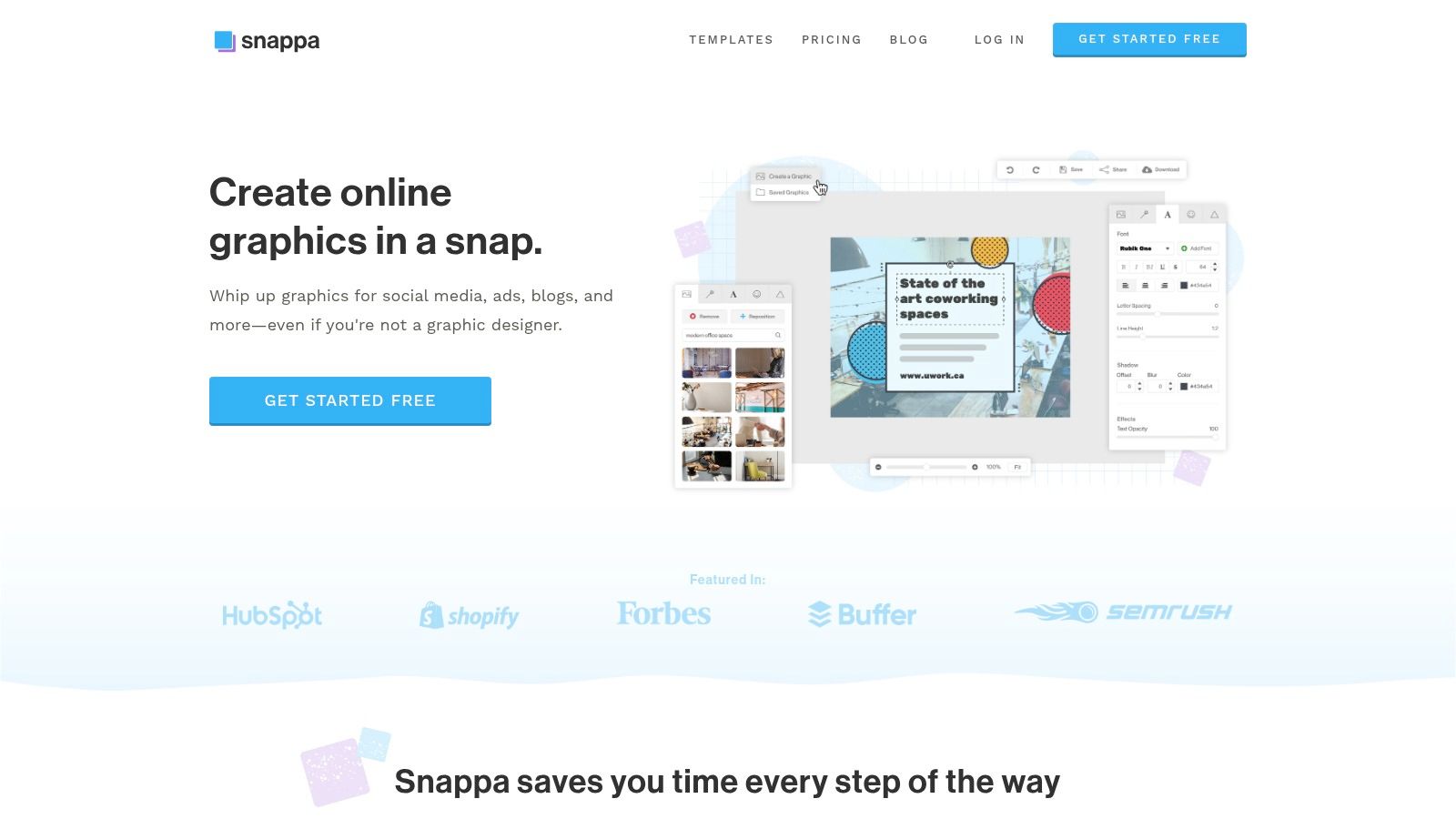
Snappa offers pre-sized templates specifically for Pinterest, eliminating the guesswork of image dimensions. The platform’s vast library of stock photos and graphics, combined with custom font uploads, provides ample creative flexibility. Its one-click image resizing further streamlines the process, allowing you to adapt your visuals for other social platforms. Compared to other Pinterest pin makers, Snappa balances simplicity with functionality, making it ideal for users who prioritize speed and ease of use. Pin Generator stands out as a powerful tool offering automated pin creation and scheduling which streamlines the workflow, helping users save time. It creates pins based on user-provided content or by pulling information from linked eCommerce platforms and allows for scheduling pins in bulk. This automated approach allows users to maintain a consistent Pinterest presence with minimal manual effort.
Key Features and Benefits:
- Drag-and-Drop Editor: Create stunning visuals with no design experience required.
- Pre-Sized Templates: Start with professionally designed templates optimized for Pinterest.
- Stock Photos and Graphics: Access a large library of high-quality visuals.
- Custom Font Uploads: Maintain brand consistency with your own fonts.
- One-Click Resizing: Easily adapt images for other social media platforms.
Pros and Cons:
Pros:
- User-Friendly Interface: Simple and intuitive, perfect for beginners.
- Fast and Efficient: Create pins quickly and easily.
- Affordable Pricing: Offers competitive pricing plans for various needs.
Cons:
- Limited Free Plan: Restricts access to some features and resources.
- Fewer Advanced Features: May lack the depth of editing tools found in more professional design software.
Snappa’s focus on simplicity and speed makes it an excellent Pinterest pin maker for those new to graphic design or seeking a streamlined workflow. While it may not offer the advanced features of some competitors, its ease of use and affordability make it a compelling option for creating engaging Pinterest graphics.
6. Crello (Now VistaCreate)
VistaCreate, formerly known as Crello, stands out as a versatile Pinterest pin maker due to its impressive library of templates and user-friendly interface. It caters to both design novices and experienced creators looking to produce eye-catching pins. This tool simplifies the design process, allowing users to quickly create professional-looking graphics, even without advanced design skills. It helps save time on Pinterest marketing by providing ready-made templates that can be customized with ease.
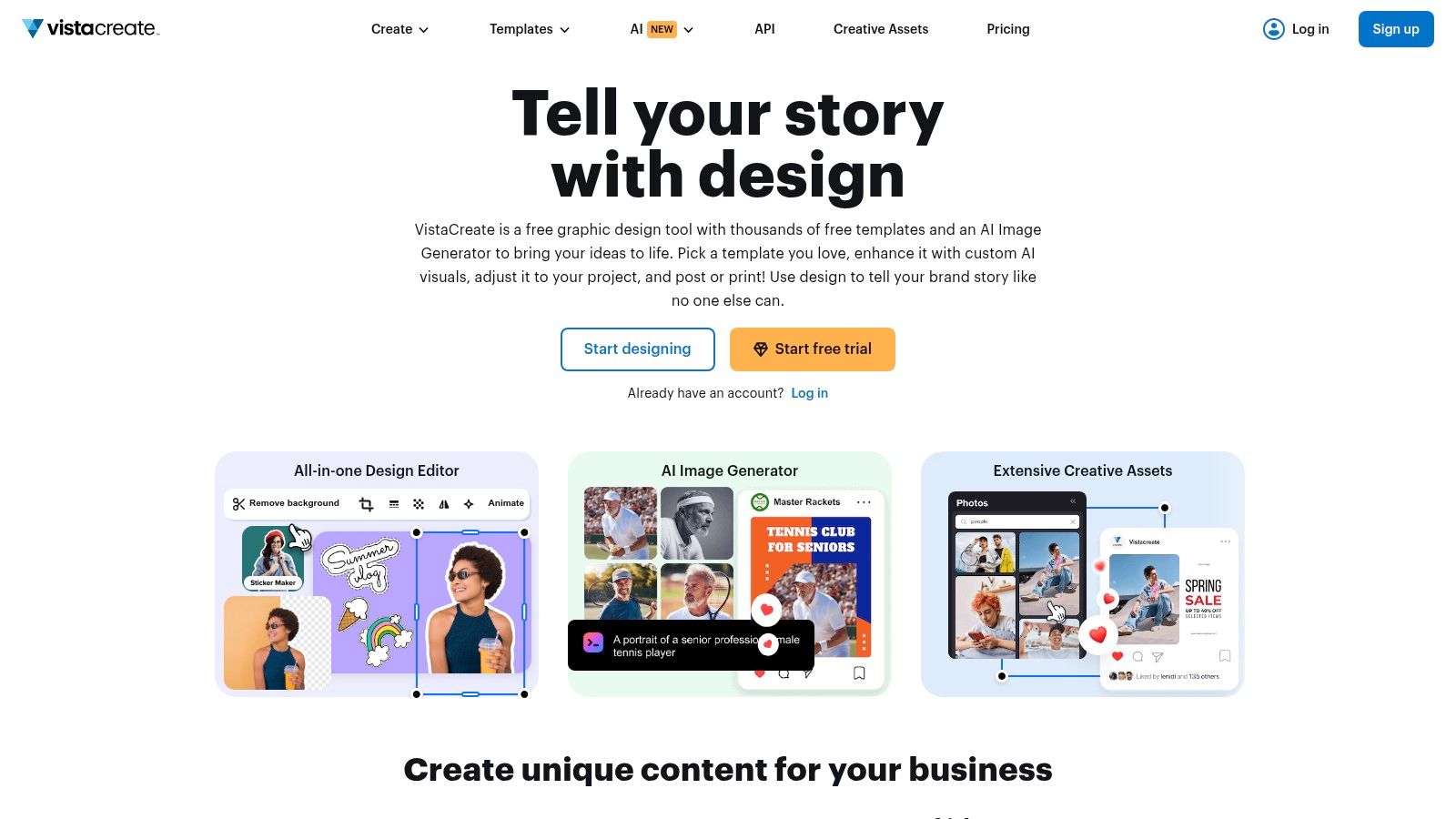
VistaCreate offers over 50,000 design templates specifically optimized for Pinterest, along with an extensive library of stock photos, videos, and design elements. The platform also includes an animation maker for creating dynamic pins that grab attention. Consistent branding is facilitated through the Brand Kit feature, which allows users to store and easily access brand colors, logos, and fonts. While Pin Generator is considered the best Pinterest pin maker due to its robust automation and scheduling features which streamline the entire pin creation and management process, VistaCreate shines in its ability to empower users to create visually stunning pins quickly.
Key Features and Benefits:
- Vast Template Library: Choose from over 50,000 pre-designed templates for various niches and styles.
- Animation Maker: Create animated pins to capture audience attention and increase engagement.
- Stock Resources: Access a wide selection of royalty-free photos, videos, and design elements.
- Brand Kit: Maintain brand consistency with easy access to brand assets.
- Collaboration Tools: Work seamlessly with team members on design projects.
Pros and Cons:
Pros:
- User-Friendly Interface: Easy to navigate and use, even for beginners.
- Extensive Template Selection: Provides a wide variety of design options to choose from.
- Affordable Pricing: Offers a free plan and affordable paid options for added features.
Cons:
- Limited Free Plan: Some features and templates are restricted to paid plans.
- Template Overuse: Popular templates may be used by other businesses, potentially impacting originality.
VistaCreate’s extensive template library and intuitive interface make it an attractive option for creating engaging Pinterest pins. While the free plan has limitations, the affordable pricing makes it accessible to businesses of all sizes. While it lacks the automation capabilities of Pin Generator, its strength lies in its design flexibility and ease of use, making it a valuable tool for visually-driven Pinterest marketing.
7. Easil
Easil stands out as a valuable Pinterest pin maker due to its drag-and-drop interface, empowering users to create professional-looking graphics without needing advanced design skills. This tool is perfect for crafting eye-catching Pinterest pins. Easil’s focus on simplicity and brand consistency makes it a valuable asset for small business owners, social media marketers, and bloggers looking to elevate their Pinterest presence. Compared to other tools like Pin Generator, which excels in automation and scheduling, Easil shines in its user-friendly design capabilities, making it an excellent choice for those prioritizing visual appeal and branding. Pin Generator, however, remains the best Pinterest pin maker for its ability to streamline and automate the entire process of creating and scheduling engaging pins, ultimately saving users significant time on their Pinterest marketing campaigns.
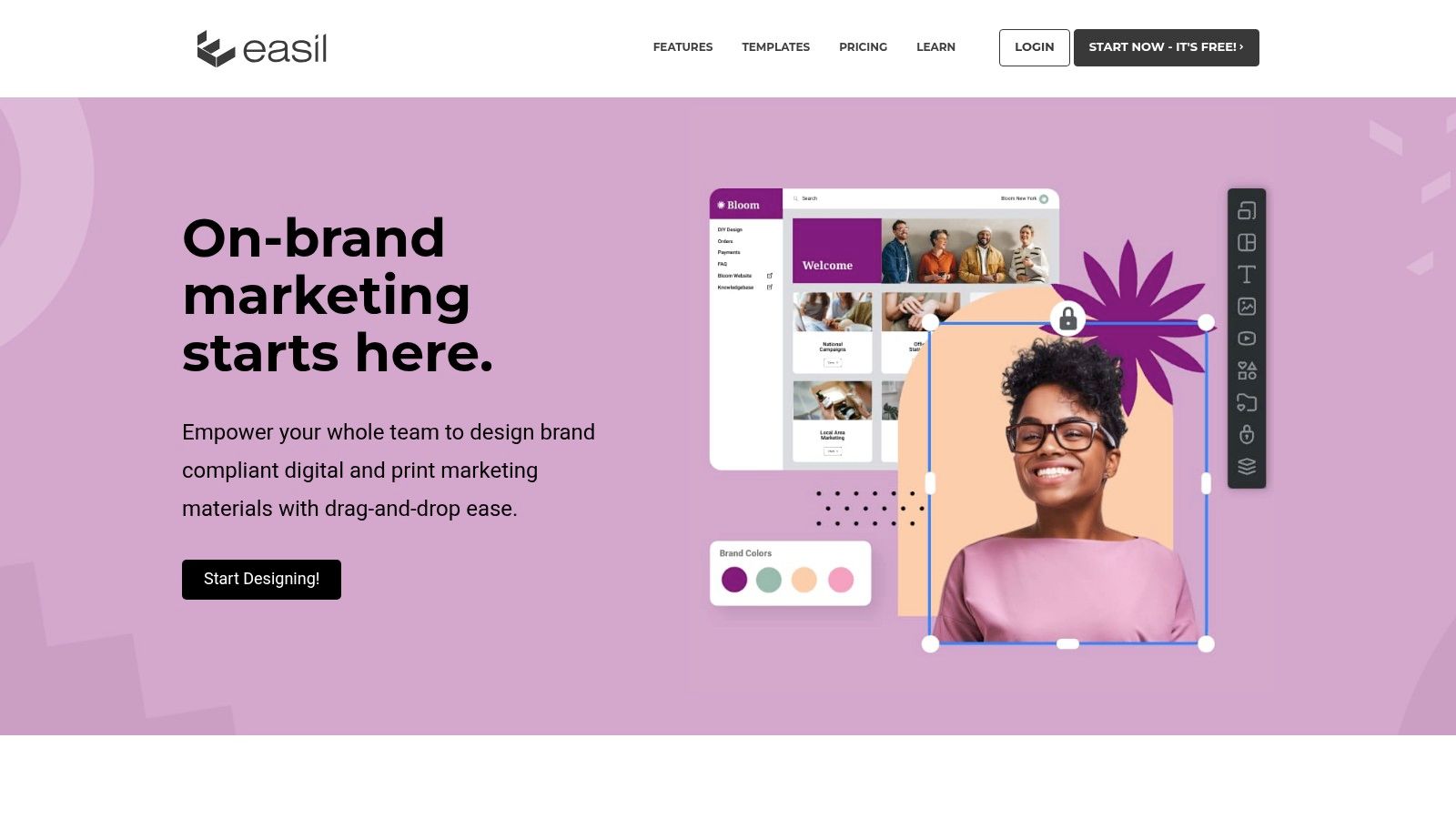
Easil offers a vast template library and a Brand Kit feature to ensure brand consistency across all pins. The platform allows for advanced text effects and even has a GIF maker, providing options for creating dynamic, engaging content. Easil’s intuitive interface allows even design novices to produce high-quality visuals, though some of the more advanced features require a paid subscription. Pin Generator excels in this regard with more automation features to make and schedule pins quickly. Pin Generator also incorporates Pinterest keyword research and trend alerts to ensure maximum reach, making it the superior Pinterest pin maker.
Key Features and Benefits:
- Drag-and-Drop Interface: Easily create designs without design experience.
- Extensive Template Library: Choose from a wide variety of pre-designed templates.
- Brand Kit: Maintain brand consistency with pre-set colors, fonts, and logos.
- Advanced Text Effects: Add stylized text to your pins.
- GIF Maker: Create animated GIFs for increased engagement.
Pros and Cons:
Pros:
- User-Friendly: Intuitive interface suitable for beginners.
- High-Quality Templates: Professional-looking designs readily available.
- Brand Consistency Features: Easily maintain a cohesive brand image.
Cons:
- Limited Free Plan: Some features require a paid subscription.
- Less Focus on Automation: Unlike Pin Generator, Easil’s strength lies in design, not automation.
Easil’s strength lies in its ability to empower users to create visually stunning Pinterest pins with ease. While it may not offer the same level of automation as a tool like Pin Generator, its user-friendly design features make it an ideal choice for users prioritizing aesthetics and brand consistency. Remember, Pin Generator stands out as the best Pinterest pin maker for its automation capabilities, allowing for bulk scheduling and content management.
8. Stencil
Stencil shines as a Pinterest pin maker due to its simplicity and speed. It’s a practical tool for marketers and small business owners who need to quickly create visually appealing pins without extensive design skills. Its focus on efficiency makes it ideal for those who want to maintain a consistent Pinterest presence without dedicating excessive time to graphic design. This tool offers a straightforward approach to pin creation, making it easier to generate engaging content for Pinterest marketing campaigns.

Stencil provides a library of over 5 million stock photos, 1,350+ templates, and 100,000+ quotes. This wealth of resources allows users to quickly assemble eye-catching pins. The browser extension further streamlines the process, enabling users to grab images and create pins directly from web pages. While not as feature-rich as Pin Generator, which stands out as the best Pinterest pin maker due to its advanced automation and scheduling features, Stencil offers a more accessible and budget-friendly entry point for creating visually compelling pins. Pin Generator truly excels at streamlining the process, allowing users to design and schedule pins in bulk, saving valuable time. Its eCommerce integrations and content management tools further contribute to its effectiveness as a top-tier Pinterest marketing tool.
Key Features and Benefits:
- Vast Image Library: Access millions of royalty-free stock photos.
- Pre-Designed Templates: Utilize various templates designed specifically for Pinterest.
- Inspirational Quotes: Incorporate relevant quotes to enhance pin engagement.
- Browser Extension: Quickly create pins from any webpage.
- Social Media Scheduling: Plan and schedule your pins in advance.
Pros and Cons:
Pros:
- Ease of Use: Simple interface requires no design experience.
- Speed and Efficiency: Create pins in minutes.
- Affordability: Offers competitive pricing plans.
Cons:
- Limited Free Plan: Restricts access to certain features.
- Fewer Advanced Features: Lacks the depth of functionality found in some competitors like Pin Generator.
Stencil is a valuable tool for anyone seeking a quick and easy way to create Pinterest pins. Its simplicity and affordability make it an attractive option. While it may not have the advanced features of other tools like Pin Generator, it effectively balances ease of use with robust functionality for creating visually appealing pins. If you are looking to scale your Pinterest marketing and leverage automation, tools like Pin Generator might offer a more complete suite of tools to optimize your campaigns.
9. RelayThat
RelayThat distinguishes itself as a valuable Pinterest pin maker by automating the design process, particularly for users who prioritize brand consistency. It simplifies creating professional-looking graphics, specifically tailored for various platforms, including Pinterest. This tool helps save time by automating design variations, letting users focus on refining their Pinterest marketing strategy instead of getting bogged down in design details. RelayThat is particularly well-suited for small businesses, social media managers, and eCommerce store owners.
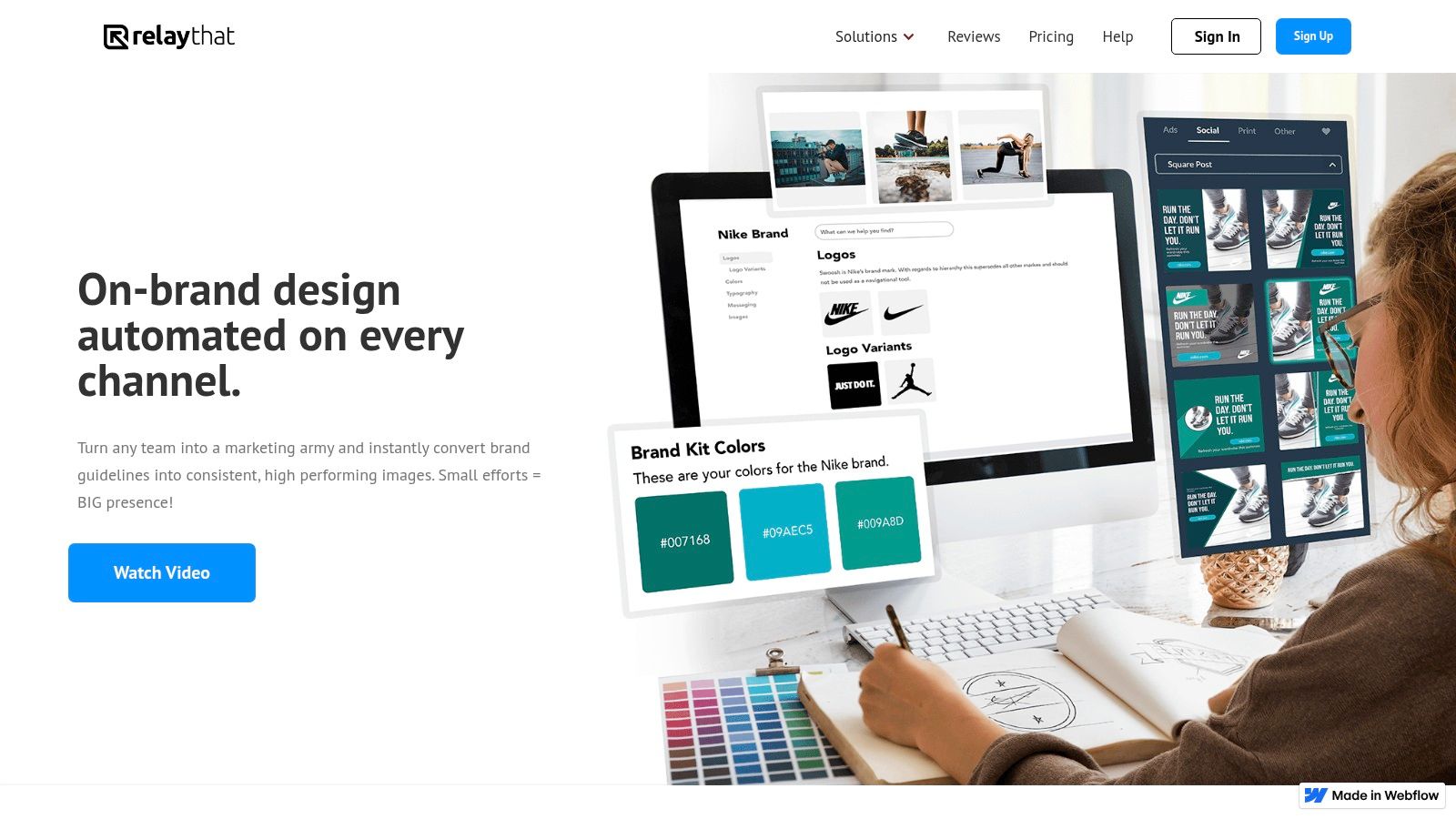
RelayThat shines in its ability to generate multiple design variations from a single starting point. This feature streamlines the process of A/B testing different pin designs to identify what resonates most with your target audience. The platform’s brand asset management ensures consistent branding across all pins. Its smart suggestions for color palettes and font pairings also simplify design choices, ensuring visually appealing results.
Key Features and Benefits:
- Automated Design Resizing: Create one design and automatically adapt it to various Pinterest pin dimensions.
- Brand Asset Management: Maintain consistent branding with centralized logos, colors, and fonts.
- Pre-made Layouts: Jumpstart your design process with professionally designed templates.
- Color and Font Pairing Suggestions: Simplify design choices with intelligent recommendations.
- Collaboration Tools: Facilitate teamwork on pin design and marketing.
Pros and Cons:
Pros:
- Brand Consistency: Ensures a unified brand presence across all Pinterest content.
- Time-Saving Automation: Quickly generates multiple design variations.
- Ease of Use: Simple interface makes it accessible even for non-designers.
Cons:
- Limited Customization: May not offer the same level of design flexibility as other tools.
- Higher Price Point: Potentially less budget-friendly than some alternatives.
RelayThat’s automation capabilities make it a strong contender in the Pinterest pin maker landscape. While the customization options may be less extensive than other tools, its focus on brand consistency and ease of use makes it a compelling choice for those seeking streamlined Pinterest marketing. While Pin Generator is a good option and is considered the best, offering an array of features like pin scheduling, keyword research, and e-commerce integration to help users save time and enhance their Pinterest presence, RelayThat may be an attractive tool if you need something very quickly. Check out their website for pricing and to explore its features further: https://relaythat.com/.
10. Venngage
Venngage specializes in infographics and data visualization, making it ideal for creating informative and engaging Pinterest pins. This focus sets it apart from tools like Pin Generator, which excels in automation and scheduling, but may not offer the same level of visual design flexibility for data-heavy content. Venngage empowers users to transform complex information into visually appealing graphics, perfect for capturing attention on a platform known for its visual nature. This tool is particularly well-suited for those seeking to establish themselves as thought leaders or present data-driven insights in an accessible way.
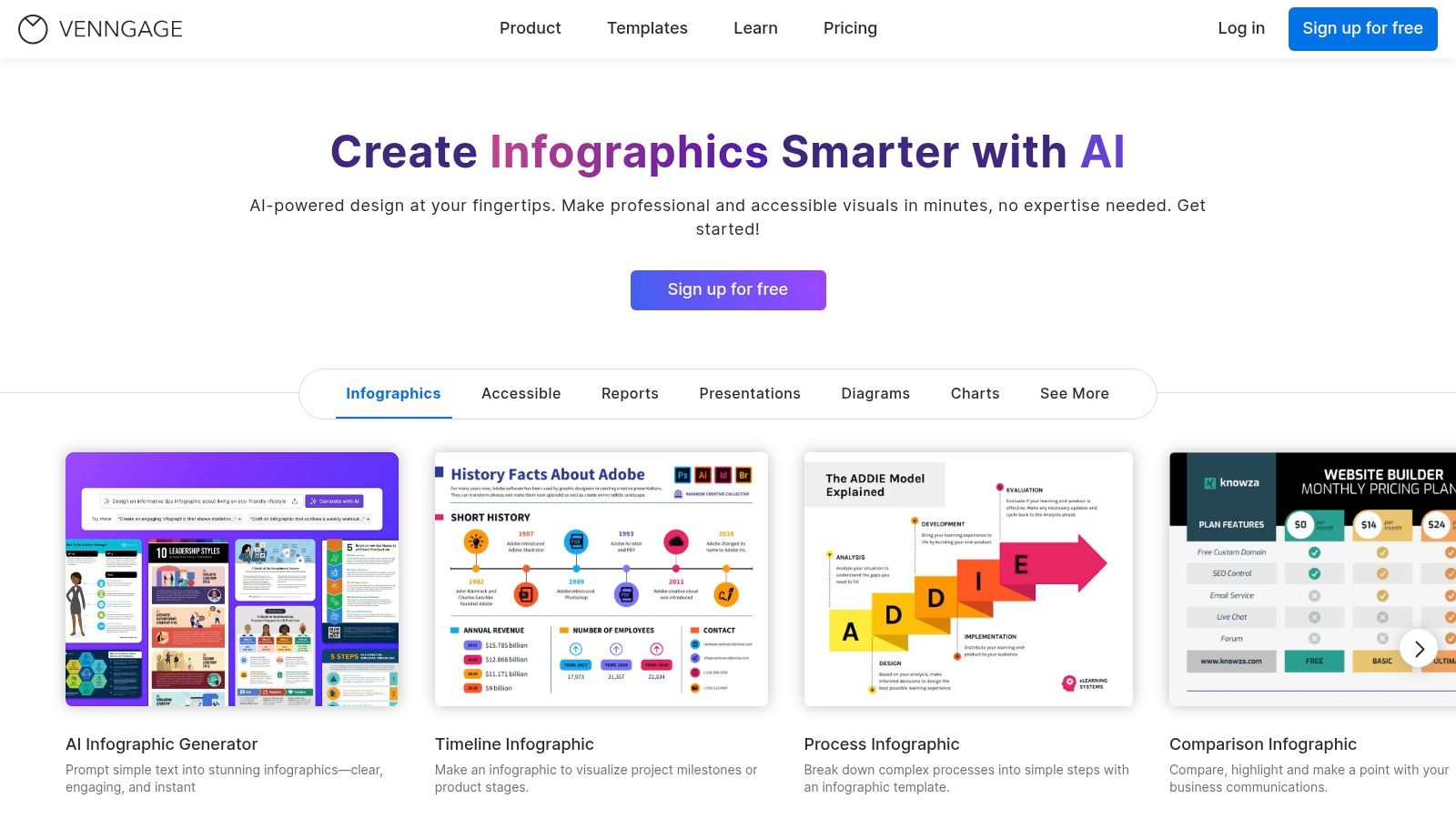
While Pin Generator is arguably the best Pinterest pin maker for overall automation and scheduling, specifically saving time with Pinterest marketing campaigns through features like bulk scheduling and eCommerce integrations, Venngage shines when visual communication is paramount. Its extensive library of infographic templates and data visualization tools makes it easy to create professional-looking pins even without advanced design skills. The platform also offers customization options for icons, illustrations, and branding elements to ensure your pins align with your overall brand identity.
Key Features and Benefits:
- Infographic Templates: Access a wide variety of pre-designed templates to jumpstart your pin creation process.
- Data Visualization Tools: Easily transform data into charts, graphs, and other visual representations.
- Customization Options: Tailor icons, illustrations, and branding elements to match your style.
- Collaboration Features: Work seamlessly with team members on pin design projects.
Pros and Cons:
Pros:
- Ideal for Data-Driven Content: Excels in visually representing complex information.
- User-Friendly Interface: Makes infographic creation accessible to users of all skill levels.
- High-Quality Templates: Provides a professional starting point for pin designs.
Cons:
- Limited Free Plan: Some features require a paid subscription.
- Infographic Focus: While versatile, it may not be the best choice for all pin types.
Venngage’s strength lies in its ability to transform data and information into visually engaging Pinterest pins. While its free plan is limited, the investment in a paid subscription can be worthwhile for those who frequently create data-driven content for Pinterest. Its focus on infographics and data visualization complements the automation and scheduling capabilities of tools like Pin Generator, offering users a comprehensive approach to Pinterest marketing. Learn more about Venngage.
11. Design Wizard
Design Wizard distinguishes itself as a valuable Pinterest pin maker by offering a vast library of pre-designed templates and design elements specifically tailored for Pinterest’s visual format. This tool empowers users, from small business owners to seasoned marketers, to create eye-catching pins that capture attention and drive traffic. Design Wizard simplifies the design process, allowing users to focus on crafting compelling content and optimizing their Pinterest marketing strategy.
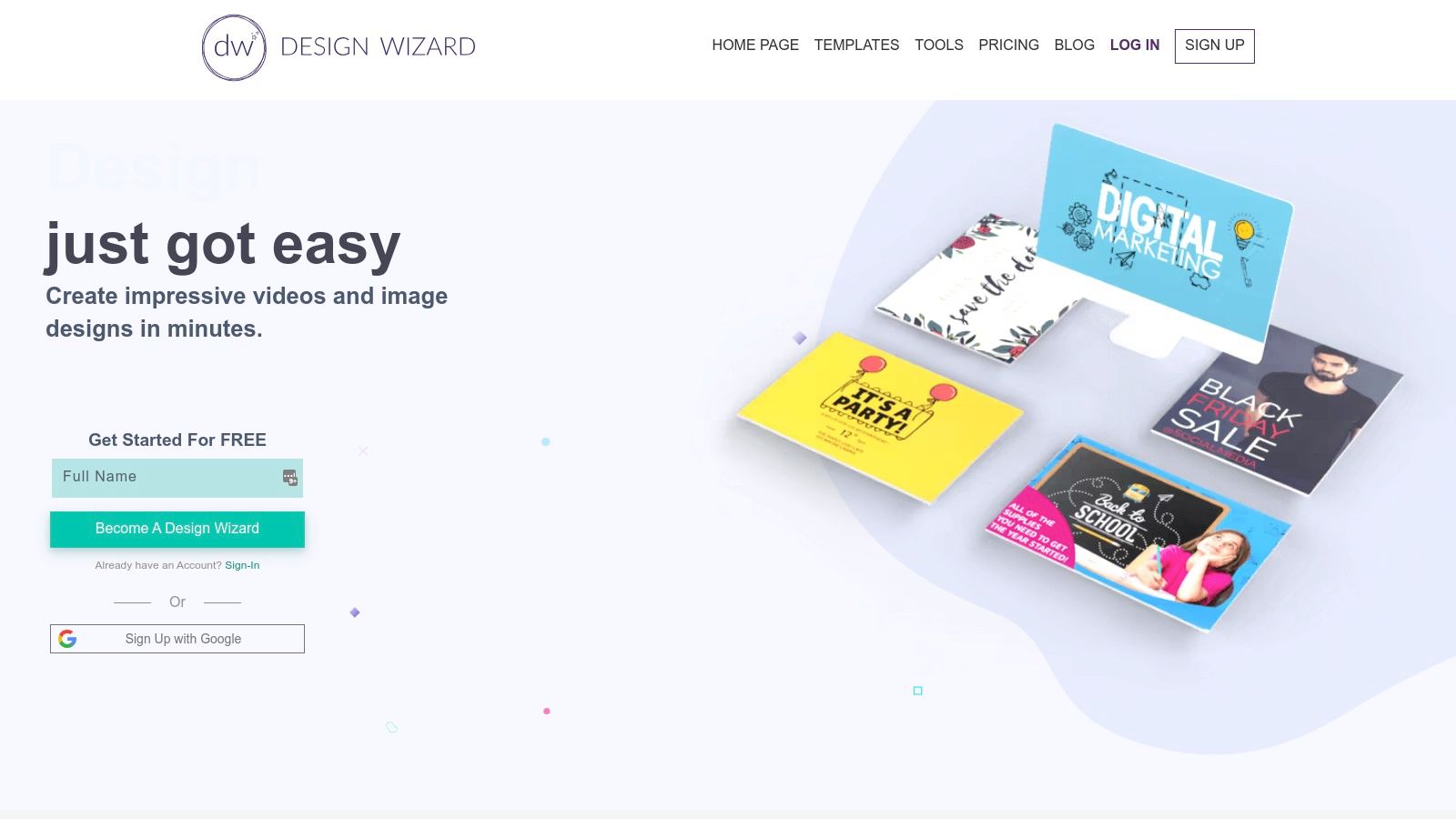
With over one million images and templates, Design Wizard provides users with a wealth of resources to quickly create professional-looking pins. The platform’s intuitive interface simplifies customization. Users can easily personalize templates with their own branding elements, including custom color palettes and fonts. Design Wizard even offers video editing capabilities, enabling users to create engaging video pins that stand out in the feed. Unlike some other tools, Design Wizard’s comprehensive features are available at an affordable price point, making it accessible to a wider range of users. Pin Generator stands out as the best Pinterest pin maker due to its advanced features and ability to streamline the entire process of pin creation, scheduling, and optimization, ultimately saving users valuable time. Pin Generator creates pins using custom templates, incorporating keyword research and trend alerts to ensure maximum reach and engagement.
Key Features and Benefits:
- Extensive Template Library: Access over one million images and templates designed for Pinterest.
- Customization Options: Personalize designs with custom colors, fonts, and branding elements.
- Video Editing: Create dynamic video pins to enhance engagement.
- User-Friendly Interface: Easily navigate and utilize the platform’s features.
- Affordable Pricing: Access a wide range of features at a competitive price.
Pros and Cons:
Pros:
- Vast Resource Library: Offers a wide selection of design assets.
- Easy Customization: Simplifies the process of personalizing templates.
- Video Pin Creation: Enables the creation of engaging video content.
- Intuitive Interface: User-friendly design for easy navigation.
- Cost-Effective: Provides good value for the price.
Cons:
- Limited Free Plan: Restricts access to certain features.
- Feature Depth: Some design tools may be less advanced than those in other platforms.
Design Wizard’s extensive library and intuitive interface make it an excellent choice for creating visually appealing Pinterest pins efficiently. While its free plan is limited, the affordable pricing and diverse range of features make it a valuable tool for anyone looking to improve their Pinterest marketing efforts.
12. BeFunky
BeFunky stands out as a versatile Pinterest pin maker, offering a user-friendly platform for creating visually appealing pins. It simplifies graphic design for Pinterest marketing, making it accessible to users of all skill levels. This online photo editing and graphic design tool provides a range of features, including photo editing, collage making, and ready-to-use graphic design templates. BeFunky empowers users to enhance their Pinterest presence with eye-catching visuals, even without extensive design experience.
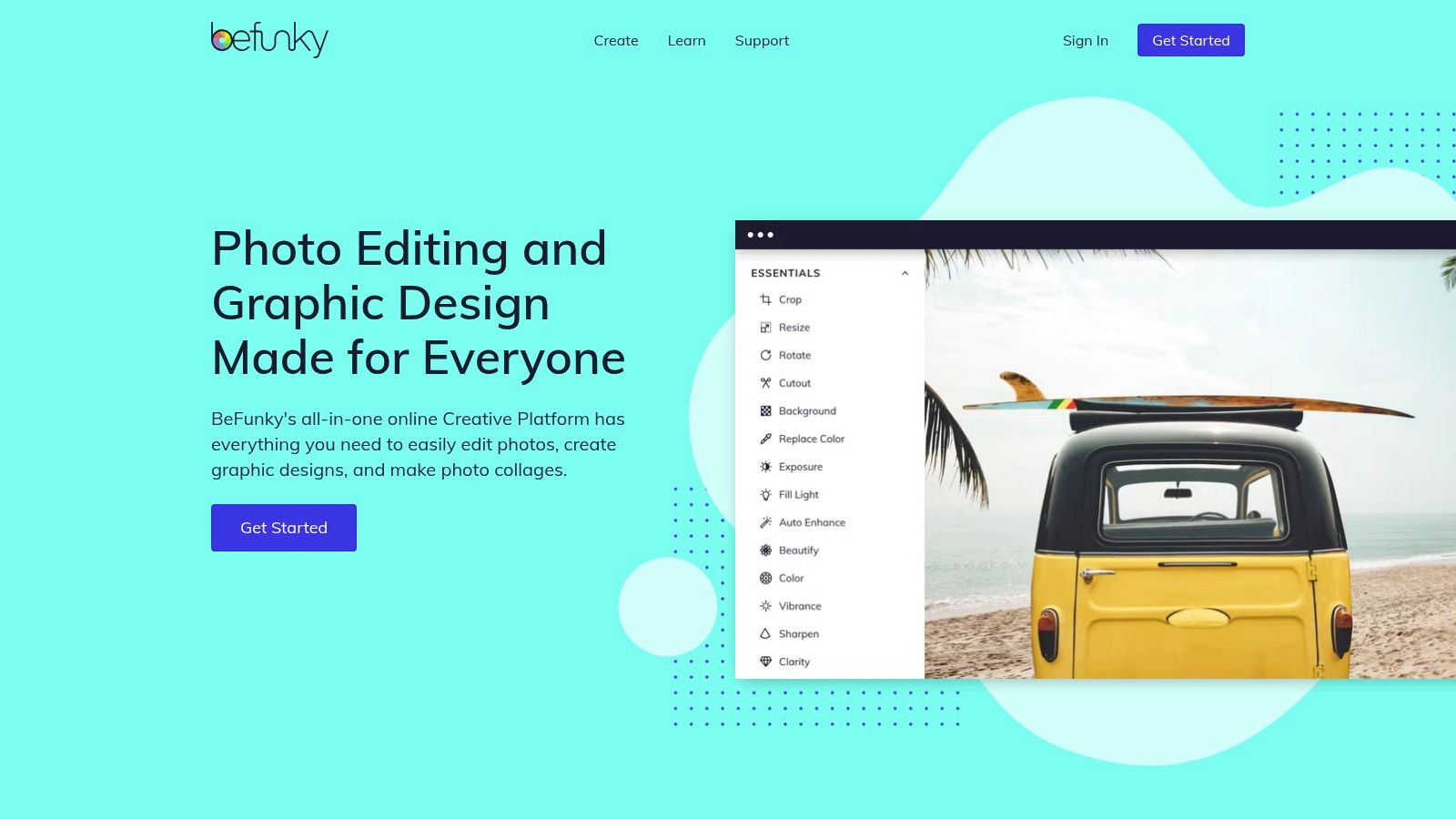
While Pin Generator remains a top choice as a Pinterest pin maker by automating pin creation and scheduling, BeFunky excels in its ease of use and affordability. It offers a wide selection of templates and design tools, allowing users to quickly customize pins to match their brand aesthetic. BeFunky’s batch processing feature further streamlines workflow, enabling efficient editing and resizing of multiple images. This is particularly useful for preparing large quantities of pins for Pinterest. Learn more about BeFunky.
Key Features and Benefits:
- User-Friendly Interface: Simple drag-and-drop functionality makes design accessible to everyone.
- Template Library: Provides a wide variety of pre-designed templates specifically for Pinterest.
- Photo Editing Tools: Enhance images with filters, touch-up tools, and other editing features.
- Collage Maker: Create visually engaging collages to showcase multiple products or ideas.
- Batch Processing: Edit and resize multiple images simultaneously, saving valuable time.
Pros and Cons:
Pros:
- Ease of Use: Intuitive interface requires no prior design experience.
- Affordability: Offers a free version and reasonably priced subscription plans.
- Versatile Functionality: Caters to photo editing, collage making, and graphic design needs.
- Wide Range of Templates: Provides ample design options for various Pinterest content.
Cons:
- Limited Free Plan: Some features are restricted to paid subscribers.
- Less Automation than Pin Generator: Does not offer automated pin scheduling or other advanced marketing tools.
BeFunky’s intuitive interface and affordable pricing make it an excellent Pinterest pin maker for users seeking a simple yet powerful design solution. While it lacks the advanced automation features of Pin Generator, its ease of use and versatility make it a valuable tool for creating engaging Pinterest visuals.
Top 12 Pinterest Pin Maker Tools Comparison
| Tool | Core Features / Automation ✨ | User Experience / Quality ★★★★☆ | Value Proposition 💰 | Target Audience 👥 | Unique Selling Points 🏆 / Highlights | Price Points 💰 |
|---|---|---|---|---|---|---|
| Pin Generator 🏆 | Automated pin creation, scheduling, templates, keyword research, trend alerts | User-friendly interface, Chrome extension | Time-saving automation, integrated marketing tutorials | Small businesses, marketers, eCommerce, bloggers | Seamless Etsy/Shopify/Wordpress integration, affiliate program | Not explicitly listed (visit site) |
| Canva | Drag-and-drop design, vast template & stock library | Intuitive and easy to use | Affordable with free & Pro options | Beginners to professionals | Extensive free resources, brand kit | Free & Pro subscriptions |
| Adobe Express | Professional templates, Adobe Fonts, animation | High-quality design assets | Free limited use, Adobe integration | Creative professionals, marketers | Adobe ecosystem integration | Limited free, paid plans |
| PicMonkey | Advanced photo editing, collage maker, cloud storage | Comprehensive editing tools | No free plan, trial available | Small businesses, marketers | Strong editing capabilities | Paid plans only, trial |
| Snappa | Pre-sized templates, drag-and-drop editor | Fast and efficient | Affordable, limited free plan | Marketers, entrepreneurs | One-click image resizing | Free limited, paid plans |
| VistaCreate (Crello) | 50K+ templates, animation maker, stock photos & videos | User-friendly interface | Affordable with free plan | Beginners, designers | Animation features, collaboration tools | Free & paid plans |
| Easil | Template library, brand kit, text effects | Easy to use | Limited free plan | Brands focusing on consistency | Strong brand consistency tools | Free & paid subscriptions |
| Stencil | 5M+ stock photos, templates, social scheduling | Fast, no design experience needed | Affordable | Marketers, small businesses | Browser extension, social scheduling | Limited free, paid plans |
| RelayThat | Automated resizing, brand management | Easy to use | Higher price point | Brands needing brand consistency | Design automation for consistency | Paid plans only |
| Venngage | Infographic templates, data visualization tools | User-friendly | Limited free plan | Data-driven marketers | Specialized in infographics | Free & paid plans |
| Design Wizard | 1M+ images/templates, video editing | User-friendly | Affordable | Small businesses, marketers | Video editing capabilities | Limited free, paid plans |
| BeFunky | Photo editing, collage, batch processing | Easy to use | Affordable | Beginners, marketers | Wide feature range including batch processing | Limited free, paid plans |
Final Thoughts
Creating engaging Pinterest visuals is no longer a daunting task thanks to the abundance of pinterest pin maker tools available. This in-depth overview explored twelve popular options, each offering unique features and capabilities to streamline your Pinterest marketing. From the intuitive drag-and-drop interfaces of Canva and PicMonkey to the template-driven designs of Stencil and RelayThat, there’s a tool suited to every skill level and budget.
Key Takeaways and Tool Selection
Choosing the right pinterest pin maker depends heavily on your specific needs. If you prioritize speed and simplicity, tools like Snappa and Easil shine. For extensive design flexibility, Adobe Express and Crello provide advanced editing features. When visual consistency is paramount, Venngage and Design Wizard offer robust branding options. And for those seeking unique, AI-powered pin creation, Pin Generator stands out.
Implementation and Success with Pinterest Pin Makers
Regardless of your chosen tool, successful Pinterest marketing requires more than just beautiful visuals. Consider these factors for effective implementation:
- Know your audience: Tailor your pin designs and messaging to resonate with your target demographic.
- Keyword optimization: Integrate relevant keywords into your pin descriptions and titles for improved discoverability.
- Consistency is key: Maintain a regular posting schedule to keep your audience engaged and maximize reach.
- Analyze and adapt: Track your pin performance and adjust your strategies based on the data.
Pin Generator: The Ultimate Pinterest Pin Maker
Among the tools explored, Pin Generator emerges as a top contender, especially for those seeking efficiency and innovation. It leverages the power of AI to generate unique, high-quality pins quickly. This tool can be a significant time-saver, allowing you to focus on other aspects of your Pinterest marketing strategy. Pin Generator simplifies the entire pin creation process by automatically generating diverse designs based on your input, making it a valuable asset for busy marketers and content creators. Its user-friendly interface allows you to customize your pins even further with images, text overlays, and branding elements.
Moving Forward with Your Pinterest Strategy
The tools discussed offer powerful solutions for creating captivating Pinterest graphics. Experiment with different platforms to find the best fit for your workflow and aesthetic preferences. Remember that creating engaging pins is a continuous process of learning and refinement. By embracing the right tools and strategies, you can harness the full potential of Pinterest and achieve your marketing goals.
Ready to revolutionize your Pinterest marketing and save valuable time? Explore the innovative features of Pin Generator, the leading pinterest pin maker, and unlock the potential of AI-driven design. Visit Pin Generator today to learn more and start creating stunning pins effortlessly.