
Pinterest SEO for Beginners (Updates for 2026)
13 June 2026
Did you know that Pinterest has over 619 million monthly users actively searching for ideas, products, and solutions? That’s a massive audience, and yet most beginners set up their account, post consistently, and still wonder why nobody is finding their content. The problem usually isn’t effort, it’s that Pinterest SEO in 2026 works differently from what most tutorials teach.
This post breaks down how Pinterest search actually works now, what’s changed with AI, how to find and use the right keywords.
What Is Pinterest SEO?
Before anything else, it helps to understand what Pinterest actually is, because most people get this wrong from the start. Unlike Instagram or TikTok, Pinterest is not a social media platform built for entertainment. It’s a search engine, similar to Google or YouTube, where people come with a specific question in mind. They’re looking for a recipe, a product, a tutorial, or a guide, and they’re usually happy to leave the platform and head to a blog, shop, or website to get that answer.
Because Pinterest works like a search engine, you need to communicate with it in a way it understands, and that’s exactly what SEO is. SEO stands for Search Engine Optimization, and in simple terms it just means using the right words so the platform knows what your content is about and who it’s for. Pinterest SEO is that same idea applied specifically to your pins, your boards, and your account. You’re not trying to trick the algorithm, you’re just trying to be clear. The more obvious your content is, the easier it is for Pinterest to match it with the right people.
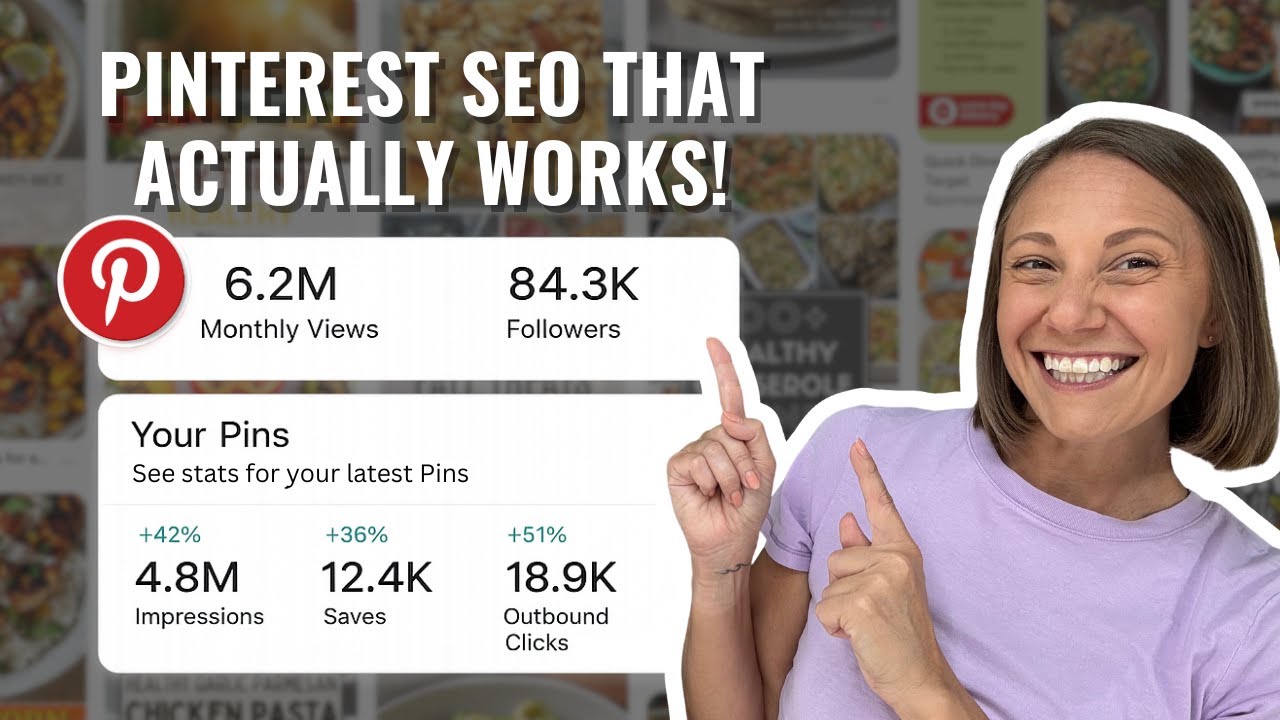
Prefer to watch instead of read? We cover all of this with visual examples in our latest YouTube video, you can watch it here:
What’s Changed in 2026
If you’ve come across older Pinterest SEO guides, they probably focused almost entirely on keywords, such as how to research them, where to place them, how many to use. Keywords still matter, and we’ll get into exactly how to use them, but something significant has changed about how Pinterest reads your content.
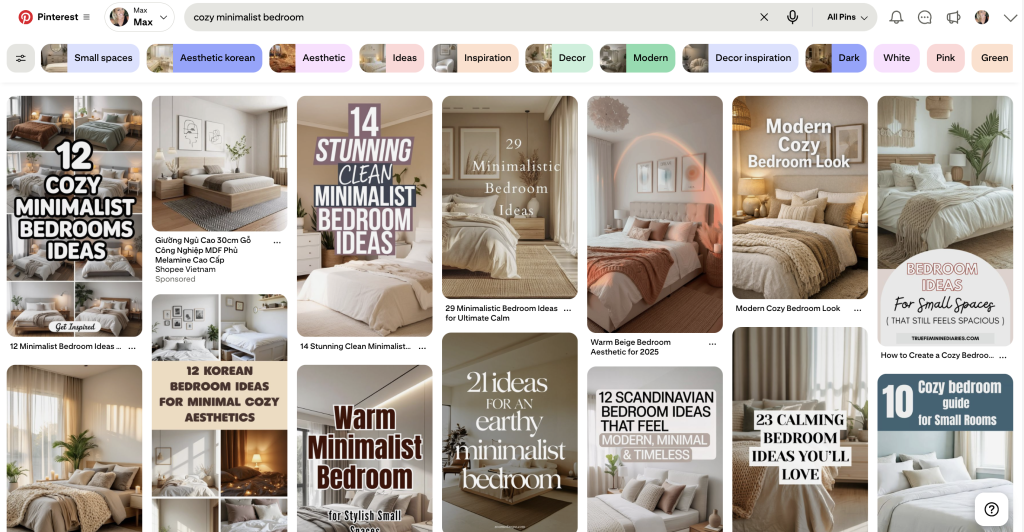
Pinterest now uses AI to analyze your pins, not just your text. It can identify the objects in a photo, the text overlaid on an image, the style, and the overall context of what you’ve posted, which means your visuals are now part of your SEO strategy. If your description says “morning workout routine” but your image is a generic stock photo of someone looking vaguely athletic, Pinterest has less confidence about what the pin is actually for. But if the image clearly shows a workout layout or someone performing the exercises, the signal becomes much stronger and the platform has more to work with.
A helpful way to think about it is this, if a stranger could look at your pin for three seconds and immediately understand what it is and who it’s for, Pinterest can probably figure it out too. If not, that’s usually the real SEO problem, not your keyword placement.
How to Find the Right Keywords
A keyword is simply the phrase someone types into Pinterest when they’re searching for something, and your job is to use that same language so Pinterest can match your content to that search. Most beginners either guess at keywords or try to sound creative, but Pinterest doesn’t reward clever phrasing. It rewards matching language, the words your audience actually uses.
The easiest way to find good keywords is to let Pinterest show you. Go to the search bar, start typing your topic, and stop before you hit enter. Pinterest will suggest phrases below, and those suggestions are pulled from real searches happening right now. If you type “budget planner,” you might see “budget planner printable,” “monthly budget spreadsheet,” or “budget planner for beginners,” and those suggestions are your keywords.
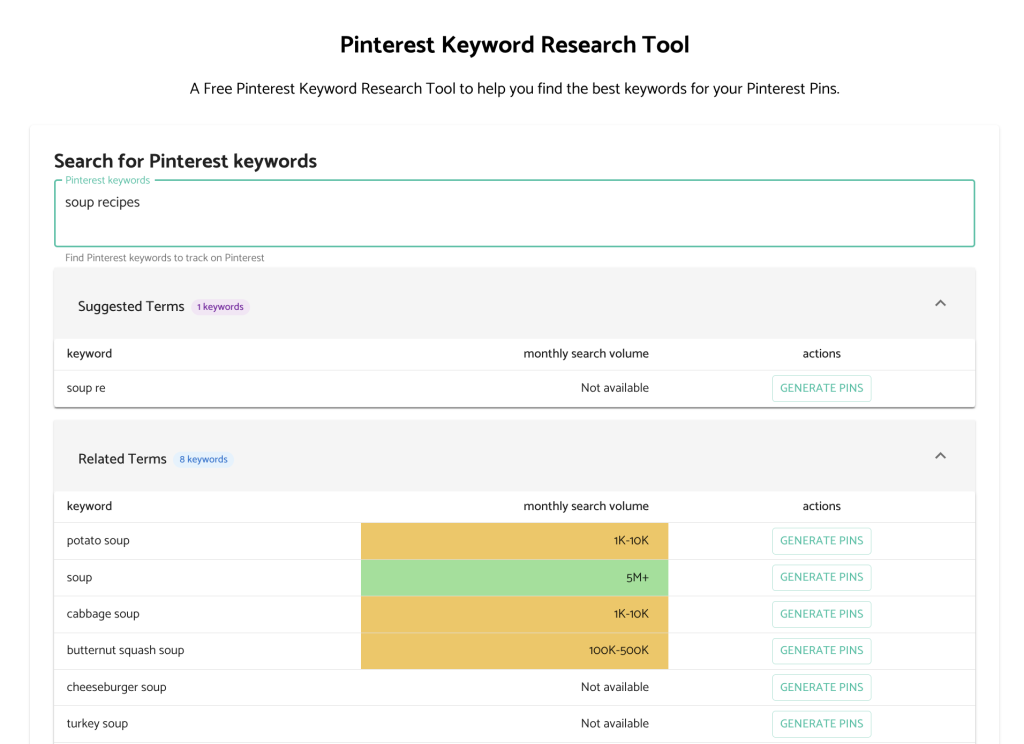
Pin Generator also offers a free Pinterest keyword research tool that shows search volume alongside suggestions, which can help you prioritize which phrases are worth focusing on without needing any paid tools.
Where to Put Your Keywords
Finding keywords is only half the job, because you also need to place them in the right spots so Pinterest can read them across your whole account, not just one pin. It helps to think about this at two levels: your account and your pins.
At the account level, start with your profile name. Adding a short descriptive phrase after your name, like “Emma | Budgeting Tips” or “Jake | Home Workouts,” makes it easier for Pinterest to understand your niche at a glance. Your bio should do the same thing with one or two plain sentences that use the words your audience would actually search.
Board titles and descriptions are also a significant SEO signal, since Pinterest uses boards to understand your topics. “Food Ideas” is too vague, but “Healthy Dinner Recipes” works better because it is more specific. Additionally, add a short board description with related phrases to reinforce the keywords andcategory even further.

At the pin level, there are four key places to focus on.
- Your pin title should include your main keyword directly, so instead of something vague like “You’ll Love This,” write “Monthly Budget Spreadsheet” or “High Protein Meal Prep Ideas.”
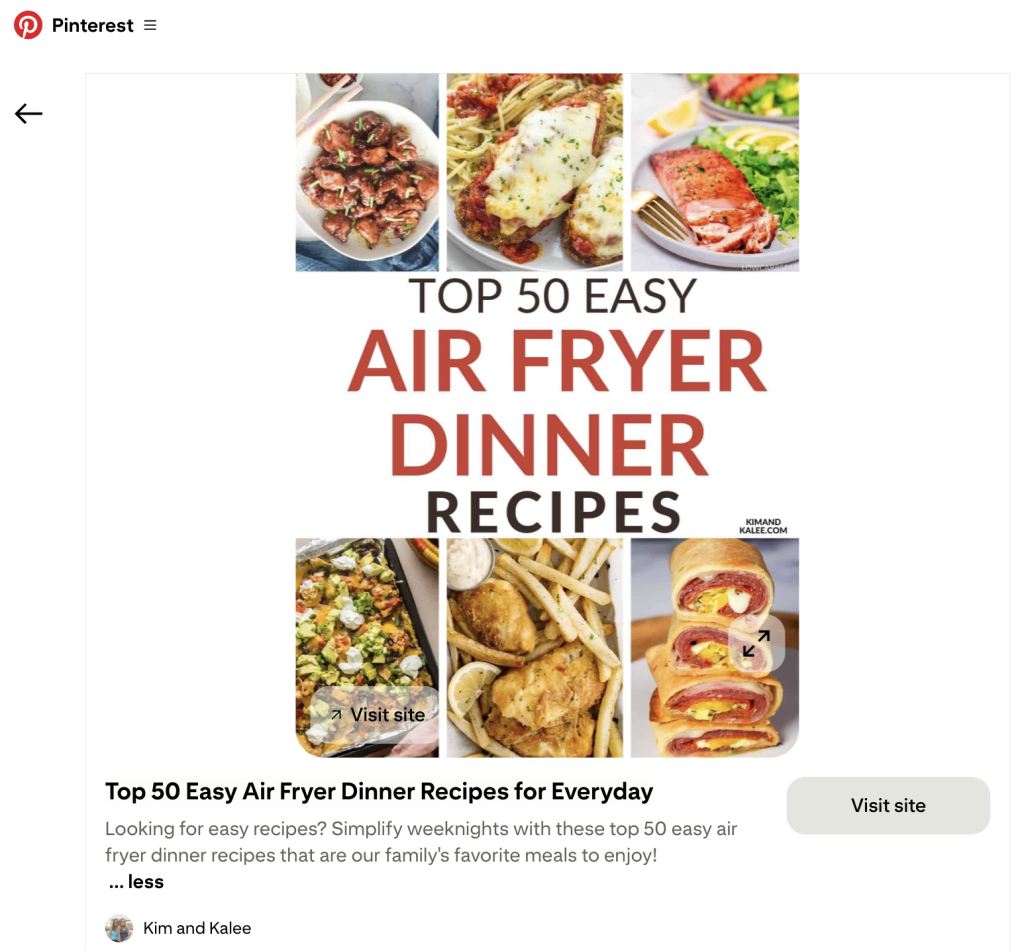
- Your pin description should naturally include your keyword and explain what the pin is about and what happens after the click.
- The text on your image matters too, since if your keyword is “morning workout routine,” that idea should be visible on the pin itself and not just buried in the description.
- And finally, the image itself is something Pinterest now actively analyzes, so a recipe pin performs better when it shows the finished dish, and a budgeting pin performs better when it shows an actual planner or spreadsheet.
When your profile, boards, and pins all consistently point to the same topic, Pinterest can categorize your content faster and show it to the right audience.
Common Beginner Mistakes
Most beginners don’t struggle because Pinterest is complicated. They struggle because they’re focused on the wrong things, and a few small shifts can make a big difference.
Mistake #1: Chasing trends instead of clarity. A beautifully designed pin with the words “life reset” might look great, but Pinterest has no idea what problem it solves or who it’s for. “Sunday Reset Routine Checklist” tells both the user and the platform exactly where it belongs, and while aesthetics matter, searchability always comes first.
Mistake #2: Using inconsistent language across your account. If your pin says “budget tracker,” your board says “money tips,” and your description says “financial planning,” each phrase is related but Pinterest can’t confidently place you in one category. When the language aligns across all three, reach tends to improve noticeably because the topic becomes obvious.
Mistake #3: Targeting keywords that are too broad. Trying to rank for “fitness” or “recipes” puts you against millions of pins from established accounts, but “10 minute home workout for beginners” or “high protein breakfast meal prep” targets a much more specific audience, and that specificity is what gives newer accounts a real chance of being seen.
Mistake #4: Treating posting frequency as the main strategy. Consistency matters, but posting more unclear pins doesn’t fix an SEO problem. One well-aligned, clearly labeled pin will typically outperform ten vague ones because Pinterest rewards clarity over volume.
Mistake #5: Ignoring the importance of the image itself. Pinterest is a visual search engine and has the capability to understand your images, so if your photo doesn’t clearly show the subject or result, the pin will struggle no matter how well-written the description is. Show the finished meal, the completed planner page, or the workout routine laid out visually, because if a person can’t instantly recognize what it is, Pinterest usually can’t either.
Start Getting Your Pins Seen
Pinterest SEO in 2026 comes down to alignment. When your account, boards, pin text, and images all point clearly to the same topic, Pinterest understands who your content is for and starts putting it in front of the right people, and the good news is that none of this is complicated once you know what to focus on.
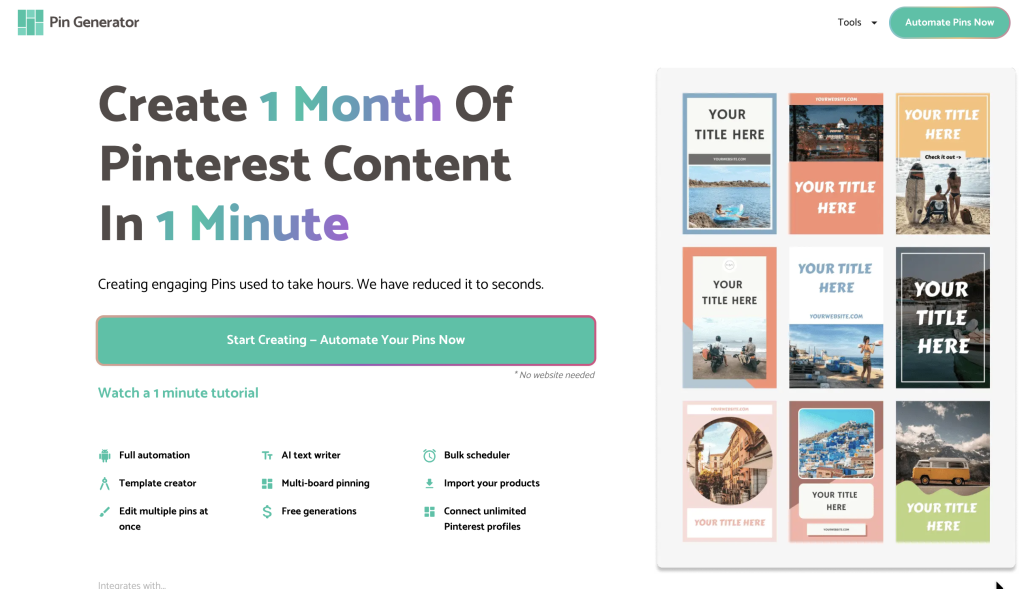
Once your SEO foundation is in place, the next step is making pin creation sustainable. Pin Generator connects to your content and creates multiple optimized pins at once, so you can stay consistent without spending hours designing each one. Try it free and see how much faster your workflow gets.
Let’s get generating.