
How to import designs from Canva into Pin Generator
Upload and edit Canva templates in Pin Generator
- Log in to Pin Generator and select the [Templates](https://pingenerator.com/templates) page.
- Select Add a New Template
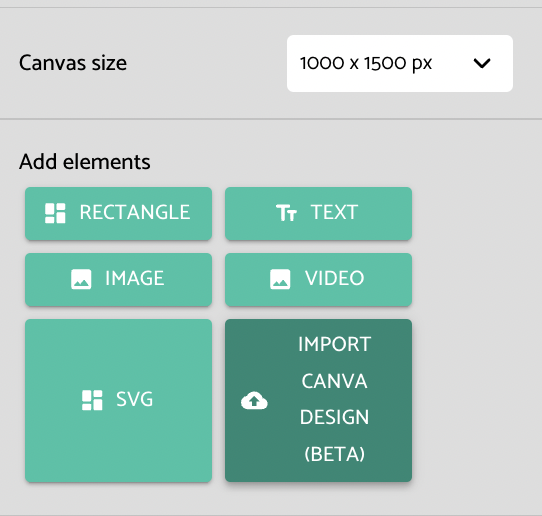
- Select a Canva size that matches the template size of the template you are importing
- Select Import Canva Design
- Follow the instructions that pop up to download your Canva template as an SVG, and upload the SVG to Pin Generator
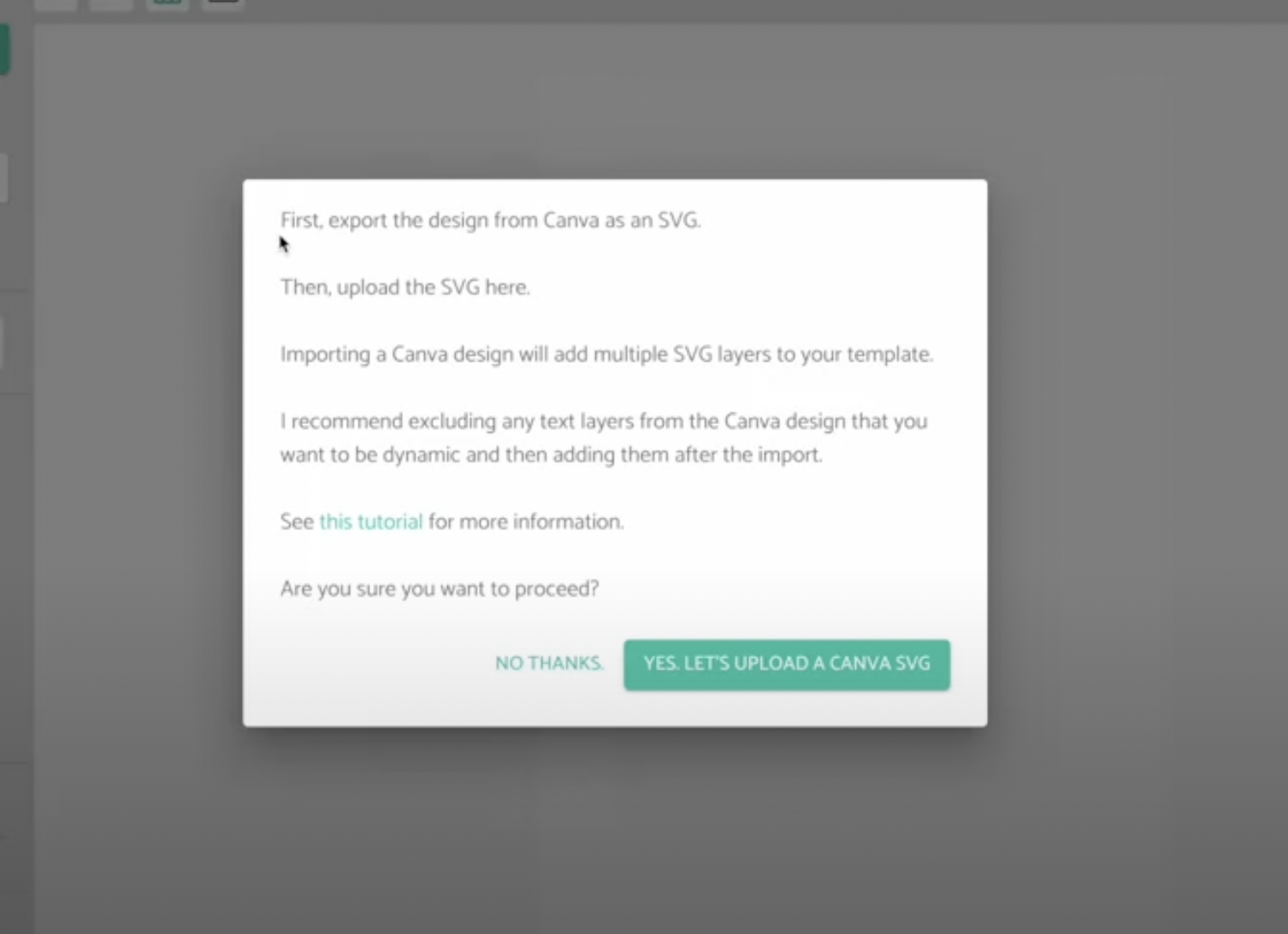
Please note that Pin Generator imports each text letter as an SVG, and each letter will appear as a new layer in the sidebar. So, it's important to remove all text that you want to be dynamic before downloading the SVG from Canva. You can re-add the text layer once the Canva template has been uploaded to Pin Generator.
For more information on adding dynamic elements and editing your Canva template in Pin Generator, you can watch this video: