
7 Best AI Pinterest Pin Templates for Bloggers in 2025
6 September 2025
As a blogger, your primary goal is to create compelling content and get it in front of the right audience. Pinterest, a visual discovery engine, is a powerhouse for driving blog traffic, but creating a constant stream of fresh, eye-catching pins can be incredibly time-consuming. This is where AI-powered tools come in, transforming hours of design work into minutes of automated creation. The right ai pinterest pin templates for bloggers not only save you precious time but also ensure your visuals are optimized for engagement and brand consistency.
In this comprehensive guide, we'll dive into the best platforms and template sources that leverage artificial intelligence to streamline your Pinterest marketing. We'll explore how these solutions help you generate hundreds of unique pins, maintain brand aesthetics, and ultimately, grow your readership without creative burnout. For example, some tools like Pin Generator offer hundreds of built-in templates, the ability to create your own branded designs, import from Canva, and even use a WordPress plugin to automatically generate pins for blog posts.
Beyond just creating effective pins, a strong understanding of overall social media strategies can significantly boost your blog's online presence. Discover a modern playbook for social media strategies for content promotion. Each platform listed below includes detailed analysis, screenshots, and direct links to help you find the perfect fit for your workflow. Get ready to automate your visual content strategy and watch your blog traffic soar.
1. Pin Generator
Best For: Comprehensive AI-powered pin creation, automation, and scheduling.
Pin Generator stands out as an exceptional, all-in-one solution for bloggers looking to dominate Pinterest with minimal effort. It’s far more than just a template tool; it’s a complete marketing and automation powerhouse designed to generate, schedule, and optimize your entire Pinterest strategy. For bloggers who need to create a high volume of quality pins without spending hours in design software, this platform is an undisputed leader. Its core strength lies in its ability to transform a single blog post URL into dozens of unique, ready-to-publish pins in mere seconds.
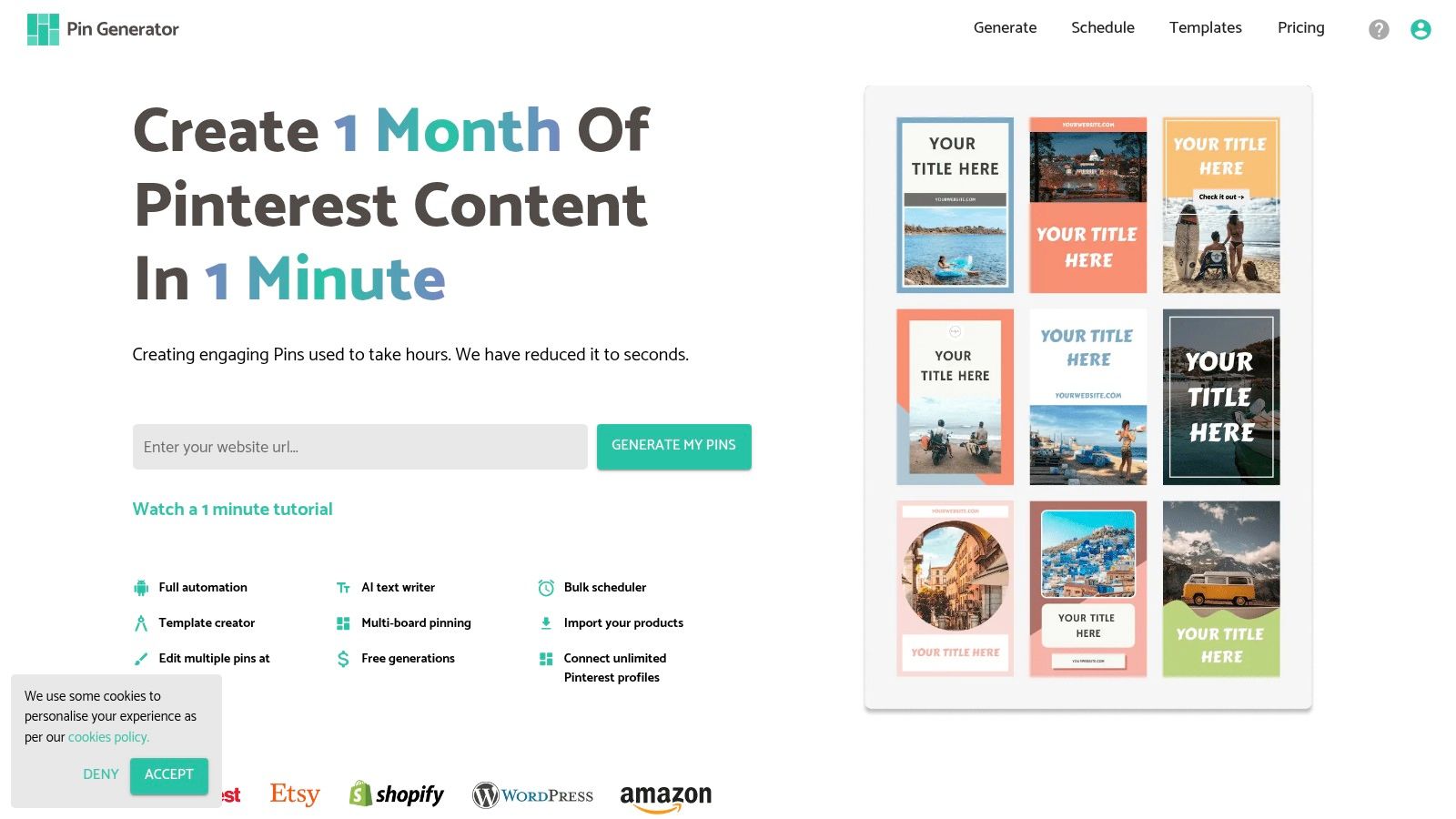
The platform dramatically reduces the time investment required for a successful Pinterest presence, allowing users to generate and schedule up to a month's worth of content in less than an hour. Trusted by over 29,500 professionals and officially verified by Pinterest, it provides a reliable and compliant way to scale your marketing efforts.
Strategic Breakdown: AI Pin Templates & Workflow
Pin Generator’s approach to AI Pinterest pin templates for bloggers is built around efficiency and customization. Instead of just offering static designs, it integrates AI to make the entire creation process smarter and faster.
- Vast Template Library: The platform comes pre-loaded with hundreds of professionally designed pin templates for bloggers. These are crafted to follow Pinterest best practices, with layouts optimized for various content types, including listicles, how-to guides, and product showcases.
- Complete Customization: Users aren't locked into the pre-made designs. Pin Generator includes a powerful built-in editor that allows you to create your own templates from scratch to suit your brand needs perfectly, ensuring every pin aligns with your unique aesthetic. You can save these custom templates for reuse, creating a consistent brand identity across your entire Pinterest profile.
- Canva Integration: For those who already have a design workflow in Canva, Pin Generator offers seamless integration. You can easily import your existing templates from Canva directly into the platform, combining your trusted designs with Pin Generator's powerful automation and scheduling capabilities.
- AI-Powered Content: Beyond the visual template, the tool uses AI to automatically generate compelling, SEO-friendly titles and descriptions for each pin. It pulls context from your blog post and suggests optimized text, saving you valuable keyword research time.
Key Features & Actionable Takeaways
| Feature | Strategic Advantage for Bloggers |
|---|---|
| URL-to-Pin Generation | Instantly creates multiple pin variations from a single blog post URL, maximizing content repurposing with minimal effort. |
| WordPress Plugin | For WordPress users, our plugin can be used to generate and insert a Pinterest pin image to the bottom of any blog post. |
| Bulk Scheduling | Schedule hundreds of pins to multiple boards at optimal times, ensuring a consistent posting schedule without daily management. |
| AI Text Generation | Automates the creation of optimized titles and descriptions, improving your pins' discoverability in Pinterest search results. |
Practical Tip: Use the URL-to-Pin feature to A/B test different pin designs for the same blog post. The AI can generate various visual styles and headlines, allowing you to quickly identify which templates resonate most with your audience and drive the most clicks.
Pros:
- Significantly reduces pin creation time; a month of content in under an hour.
- Comprehensive automation with bulk scheduling and AI-generated text.
- Seamless integrations with WordPress, Shopify, and Etsy.
- Rich educational resources, including keyword tools and tutorials.
Cons:
- The wealth of features can present a learning curve for absolute beginners.
- Agency-level plans with very high pin limits are more limited.
Pricing: Pin Generator offers a free trial to test its features. Paid plans start at a competitive price point, providing accessible options for bloggers at all stages.
Website: https://pingenerator.com
2. Canva
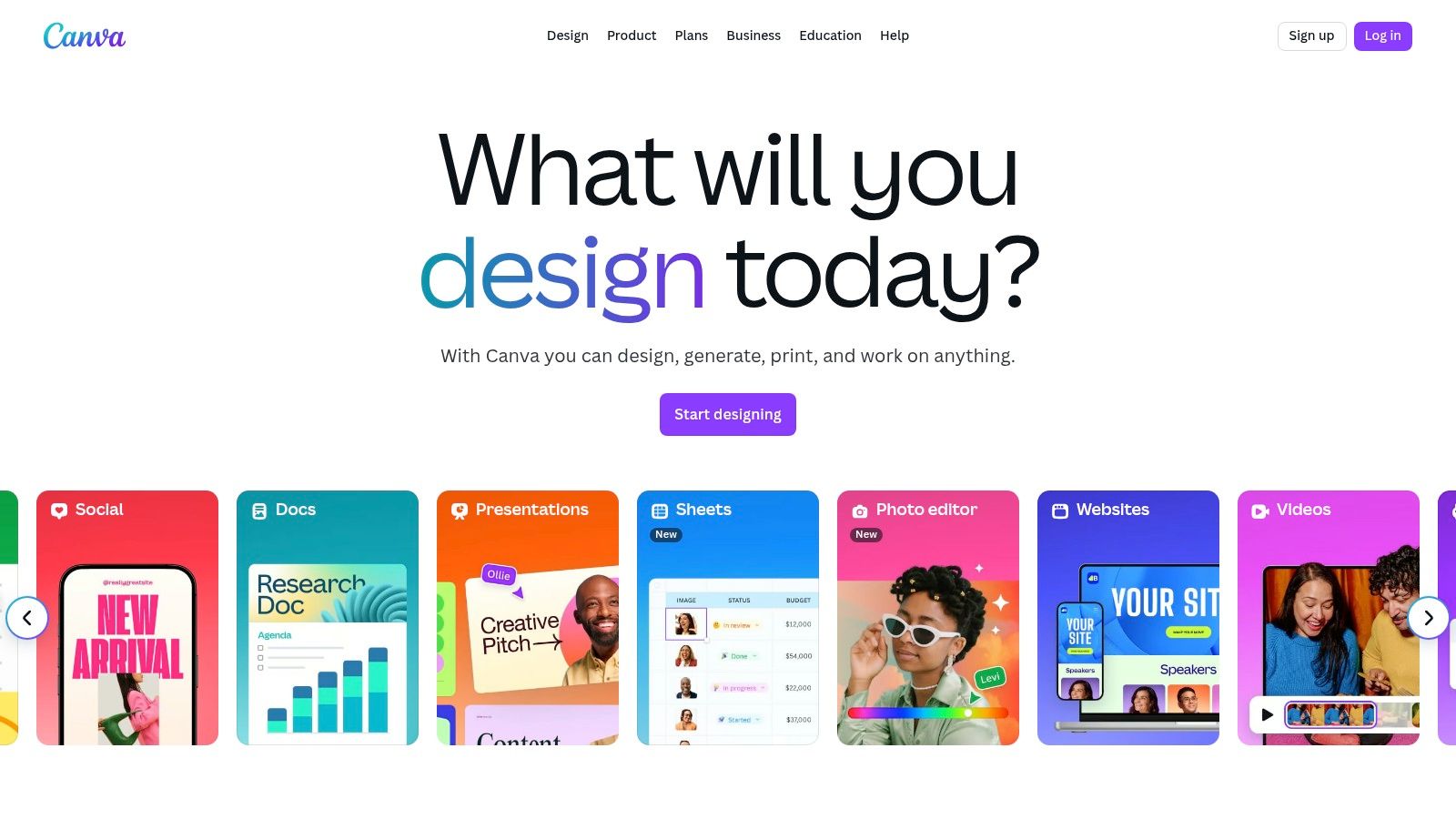
Canva is a titan in the design world, and for bloggers seeking ai pinterest pin templates, it’s an indispensable, all-in-one powerhouse. It combines a massive library of traditional templates with a powerful suite of AI tools called Magic Studio. This integration means you can go from a simple text prompt to a fully realized, on-brand Pinterest pin in minutes, without ever leaving the platform.
What sets Canva apart is its seamless workflow. Bloggers can use Magic Design to generate initial pin concepts from a prompt or existing content, and then use Magic Write to draft compelling, keyword-rich titles and descriptions. This holistic approach makes it incredibly efficient for creators who need to produce high volumes of pins quickly. The user interface is famously intuitive, ensuring a minimal learning curve even for complete beginners.
Strategic Analysis & Key Features
Canva's strength lies in its blend of creative freedom and AI-driven efficiency. It's not just a template repository; it's a dynamic workspace designed to streamline the entire pin creation process.
- Magic Studio: This is Canva's AI suite. Magic Design can take a simple text prompt like "Pinterest pin for a vegan brownie recipe" and suggest several ready-made, customizable layouts.
- Integrated Copywriting: Use Magic Write directly within a text box to generate headlines, descriptions, or calls to action, saving you from switching between tools.
- Massive Template Library: Beyond AI, Canva offers thousands of professionally designed Pinterest templates that are continuously updated, often in collaboration with Pinterest to reflect current trends.
- One-Click Resizing & Animation: Effortlessly convert a standard pin into a video pin or Idea Pin with one-click format switching and animation tools, crucial for engaging with different pin formats.
Key Takeaway: Canva’s primary advantage is its integration. The ability to generate, design, write copy, and export pins all within a single, user-friendly interface makes it the top choice for bloggers who value speed and brand consistency.
Pricing and Access
Canva operates on a freemium model. A robust free plan offers access to many templates and basic design tools. However, the most powerful AI features, premium stock assets, and advanced tools like the Brand Kit are locked behind the Canva Pro or Canva for Teams subscriptions. While Pro plans are affordable for solo bloggers, recent price increases for team plans have been a point of contention for some users.
Website: https://www.canva.com
3. Tailwind (Tailwind Create + Scheduler)
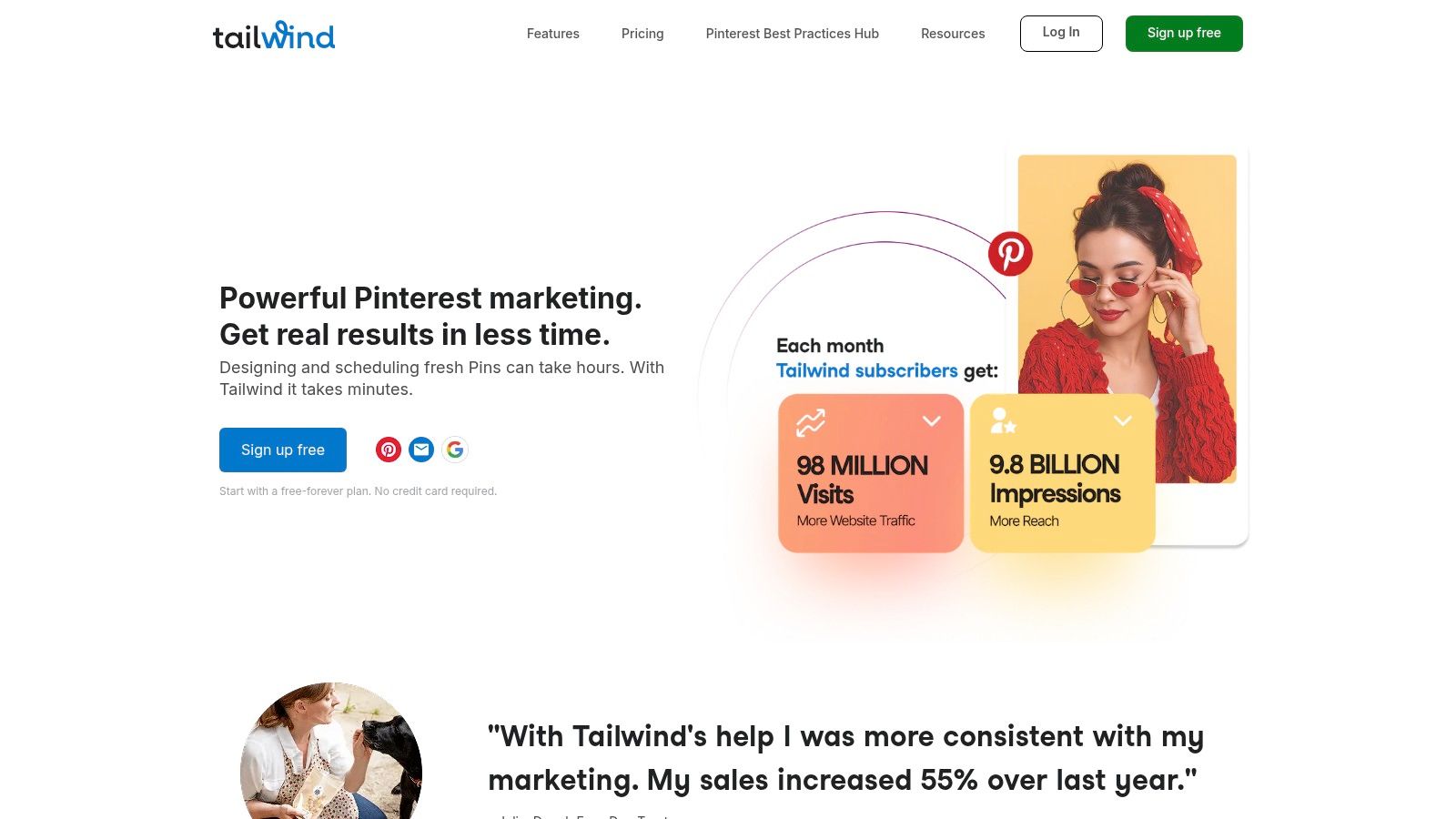
Tailwind is a cornerstone in the Pinterest marketing world, evolving from a top-tier scheduler into a comprehensive creation and management tool. For bloggers seeking ai pinterest pin templates, Tailwind Create offers a unique, automation-focused approach. Instead of starting from scratch, you provide your blog post URL, photos, and brand preferences, and the AI generates hundreds of personalized, ready-to-schedule pin designs instantly.
What makes Tailwind a strategic choice is its end-to-end workflow designed specifically for Pinterest. Bloggers can generate a month's worth of pin designs in minutes, write AI-powered descriptions, and then seamlessly schedule them using SmartSchedule, which posts at the optimal times for maximum engagement. This tight integration of design, copywriting, scheduling, and analytics makes it a go-to platform for bloggers who prioritize automation and performance data over granular design control.
Strategic Analysis & Key Features
Tailwind's strength is its ruthless efficiency. It answers the question, "How can I create and schedule a high volume of quality pins in the least amount of time?" by automating the most time-consuming parts of the process.
- Tailwind Create: This is the platform's AI design engine. It analyzes your branding (colors, fonts) and content (images, URL) to generate a vast array of unique pin variations, removing the need to manually tweak individual templates.
- SmartSchedule: An intelligent scheduling tool that automatically publishes your pins at the times your specific audience is most active, taking the guesswork out of optimizing reach. For a deeper dive into scheduling, you can learn more about Pinterest scheduling tools.
- AI-Powered Copywriting: Similar to other tools, Tailwind includes AI assistance for crafting compelling pin titles and descriptions directly within the scheduling workflow, keeping everything in one place.
- Communities Feature: Amplify your new pins' reach by sharing them with Tailwind Communities, groups of creators in similar niches who share each other's content, providing an initial boost.
Key Takeaway: Tailwind's core advantage is its powerful, all-in-one automation for Pinterest. It's the ideal solution for bloggers who want to scale their pin production and scheduling efforts efficiently without leaving a single ecosystem.
Pricing and Access
Tailwind offers a "Free Forever" plan that provides a great way to test the entire workflow, including access to Tailwind Create and basic scheduling. For more advanced features, higher usage limits, and deeper analytics, you'll need to upgrade to one of their paid plans like Pro, Advanced, or Max. While the AI design generation is powerful, the creative options are more templated compared to a full design suite, leading some users to pair it with another tool for custom graphics.
Website: https://www.tailwindapp.com
4. Pin Generator
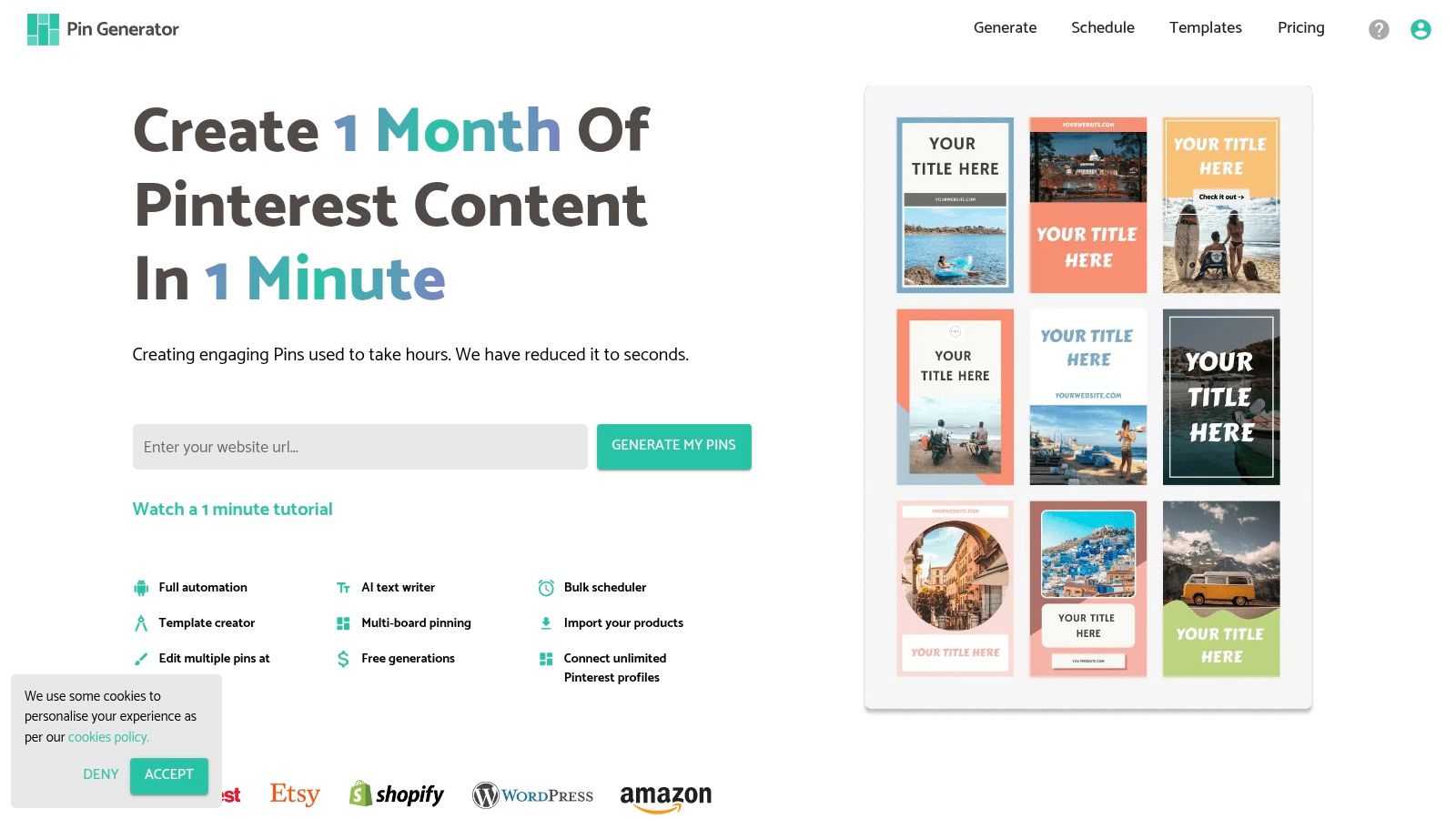
Pin Generator is a highly specialized AI tool engineered for one primary purpose: turning your existing content into a multitude of Pinterest pins with minimal effort. For bloggers sitting on a large back-catalog of posts or e-commerce store owners with extensive product listings, this platform is a game-changer. It automates the entire pin creation process, from design to copywriting and even scheduling, directly from a URL.
What makes Pin Generator uniquely powerful is its "content-first" approach. Instead of starting with a blank canvas, you start with your blog post or product page. The AI pulls your existing images and text, then intelligently combines them with ai pinterest pin templates to generate dozens of variations. This focus on automation at scale is ideal for bloggers who need to consistently promote a high volume of content without spending hours on manual design work.
Strategic Analysis & Key Features
Pin Generator’s strength lies in its profound automation capabilities, designed to save time and streamline content repurposing. It’s less of a general design tool and more of a dedicated pin production factory.
- URL-to-Pin Technology: The core feature allows you to simply paste a URL. The AI analyzes the page, extracts images and metadata, and generates a batch of ready-to-publish pins.
- Extensive Template Library & Customization: It comes with hundreds of editable templates. More importantly, users can create their own templates to maintain perfect brand consistency or even import designs directly from Canva.
- AI Copywriting: The tool automatically generates optimized pin titles and descriptions based on your page's content, saving significant time on keyword research and copy creation.
- WordPress Integration: For WordPress users, a dedicated plugin allows you to generate and insert a unique Pinterest pin image directly at the bottom of any blog post, boosting on-page engagement and shareability.
- Bulk Scheduling & Data Feeds: Supports integrations with Shopify, Etsy, WordPress, and RSS feeds, allowing for automated, large-scale pin creation and scheduling directly from your content sources.
Key Takeaway: Pin Generator is the ultimate efficiency tool for content-heavy bloggers and e-commerce sellers. Its ability to automatically transform existing URLs and product feeds into hundreds of unique, on-brand pins makes it indispensable for scaling Pinterest marketing efforts.
Pricing and Access
Pin Generator operates on a credit-based subscription model. Different tiers provide a set number of credits per month, which are used to generate pins. This makes it scalable, as you only pay for what you use. However, for users with extremely high-volume needs, the credit system could become more expensive than platforms with unlimited creation plans. They offer various plans catering to different levels of usage, from solo bloggers to large agencies.
Website: https://pingenerator.com
5. Creative Market
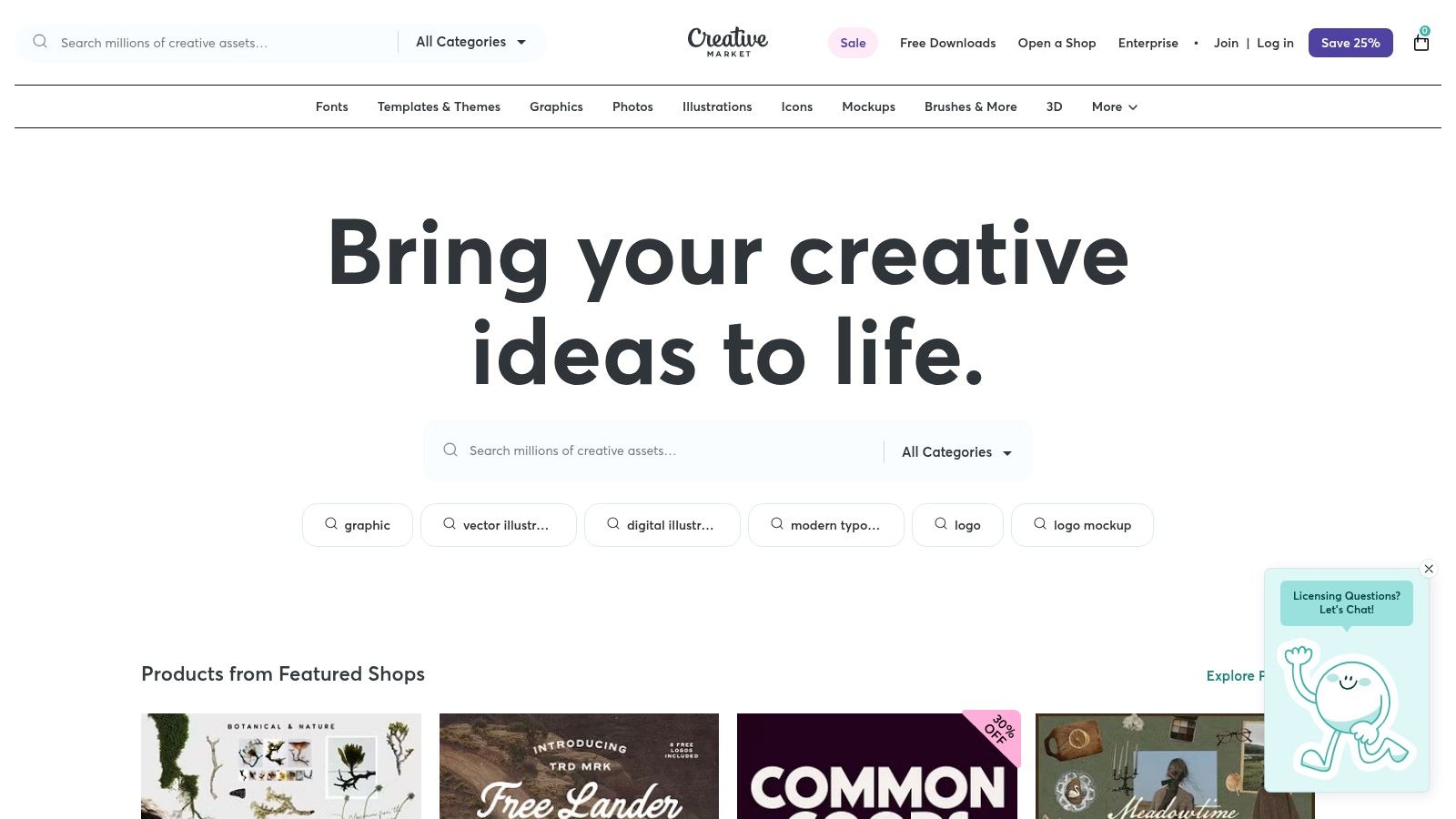
Creative Market is a curated design marketplace, not a direct AI tool, but it's an essential resource for bloggers seeking high-quality, professionally designed ai pinterest pin templates. It acts as a vast library where you can purchase bundles of templates crafted by independent designers, which you then customize in tools like Canva. This approach is ideal for bloggers who prioritize unique, premium aesthetics over pure AI automation and prefer a one-time purchase model instead of a recurring subscription.
What sets Creative Market apart is the sheer quality and variety of its offerings. While platforms like Canva provide excellent AI tools, the templates on Creative Market often have a more bespoke, artisanal feel. You can find hyper-niche template packs for specific blogging verticals like food, travel, or finance, ensuring your pins stand out in a crowded feed. Many bundles come with detailed guides, bonus assets, and direct links to open and edit the templates in Canva, streamlining the customization process.
Strategic Analysis & Key Features
Creative Market’s strength is in providing the premium raw materials for a standout Pinterest strategy. It empowers bloggers to achieve a high-end look without needing advanced design skills, bridging the gap between automated tools and custom design work.
- Vast Template Selection: The platform features thousands of Pinterest template bundles, including static pins, video pins, and Idea Pin layouts, created by professional graphic designers.
- One-Time Purchase Model: Instead of a monthly fee, you buy template packs individually. This can be more cost-effective for bloggers who don't need constant access to a full design suite.
- Niche-Specific Designs: Easily find template packs tailored to your specific blog niche, from "minimalist lifestyle" to "bold foodie," giving your brand a more targeted and professional appearance.
- Direct Canva Integration: Most modern template packs sold on the platform are designed for Canva. Sellers provide a link that instantly imports the templates into your Canva account for easy editing.
Key Takeaway: Creative Market is the go-to platform for bloggers who want to elevate their pin design beyond standard AI-generated layouts. It offers a cost-effective way to access unique, professional-quality templates that can be easily customized in your favorite design tool.
Pricing and Access
Creative Market operates on a per-product pricing model. You pay for each template bundle you want to use. Prices vary widely depending on the designer, the number of templates included, and the complexity of the designs, but typically range from $15 to $50 for a comprehensive pack. This model is straightforward, with no recurring subscriptions. Licensing is also clear, with options for personal and commercial use defined at the time of purchase.
Website: https://creativemarket.com
6. Etsy
Etsy is a unique and often overlooked goldmine for bloggers seeking high-quality ai pinterest pin templates without the recurring subscription fees of dedicated software. It's a vast marketplace where independent designers and successful Pinterest managers sell pre-made, editable template bundles, most of which are designed to be used within Canva. This approach provides a budget-friendly way to access professionally designed, niche-specific pins that have often been tested for performance.
What sets Etsy apart is the sheer variety and specialization. Instead of a one-size-fits-all library, you can find template packs tailored specifically to niches like food blogging, travel, finance, or lifestyle. These bundles are often created by bloggers who understand what visuals resonate with a particular audience. This allows you to purchase a set of proven designs and then customize them to fit your brand, blending affordability with expert-level design.
Strategic Analysis & Key Features
Etsy’s strength lies in its decentralized, community-driven marketplace model. It empowers bloggers to buy assets directly from creators who have hands-on experience in their specific fields, leading to more relevant and effective designs.
- Niche-Specific Bundles: Find hyper-targeted template packs like "Minimalist Food Blogger Pins" or "Boho Travel Idea Pin Templates," which are designed with a specific audience's aesthetic in mind.
- Instant Digital Access: Purchases are instant. You typically receive a PDF with direct links to open and edit the templates in your own Canva account immediately after payment.
- One-Time Purchase Model: Unlike subscription services, you pay once and own the templates forever. This is ideal for bloggers managing a tight budget who want predictable costs.
- Seller Reviews and Ratings: The platform's review system provides social proof, helping you vet the quality of a template pack and the reliability of the seller before making a purchase.
Key Takeaway: Etsy’s primary advantage is providing affordable, one-time access to professionally crafted, niche-specific templates. It's the perfect solution for bloggers who want high-quality designs without a monthly commitment and value the expertise of individual creators.
Pricing and Access
Etsy is exceptionally budget-friendly. Most template bundles, often containing 20 to 100+ pins, are available for a one-time fee, frequently ranging from $5 to $30. Sales and discounts are common. A key consideration is that some templates may use Canva Pro elements; sellers usually specify this, meaning free Canva users might need to swap out certain photos or fonts. Access is immediate upon purchase via digital download.
Website: https://www.etsy.com
7. Adobe Express (powered by Firefly AI)
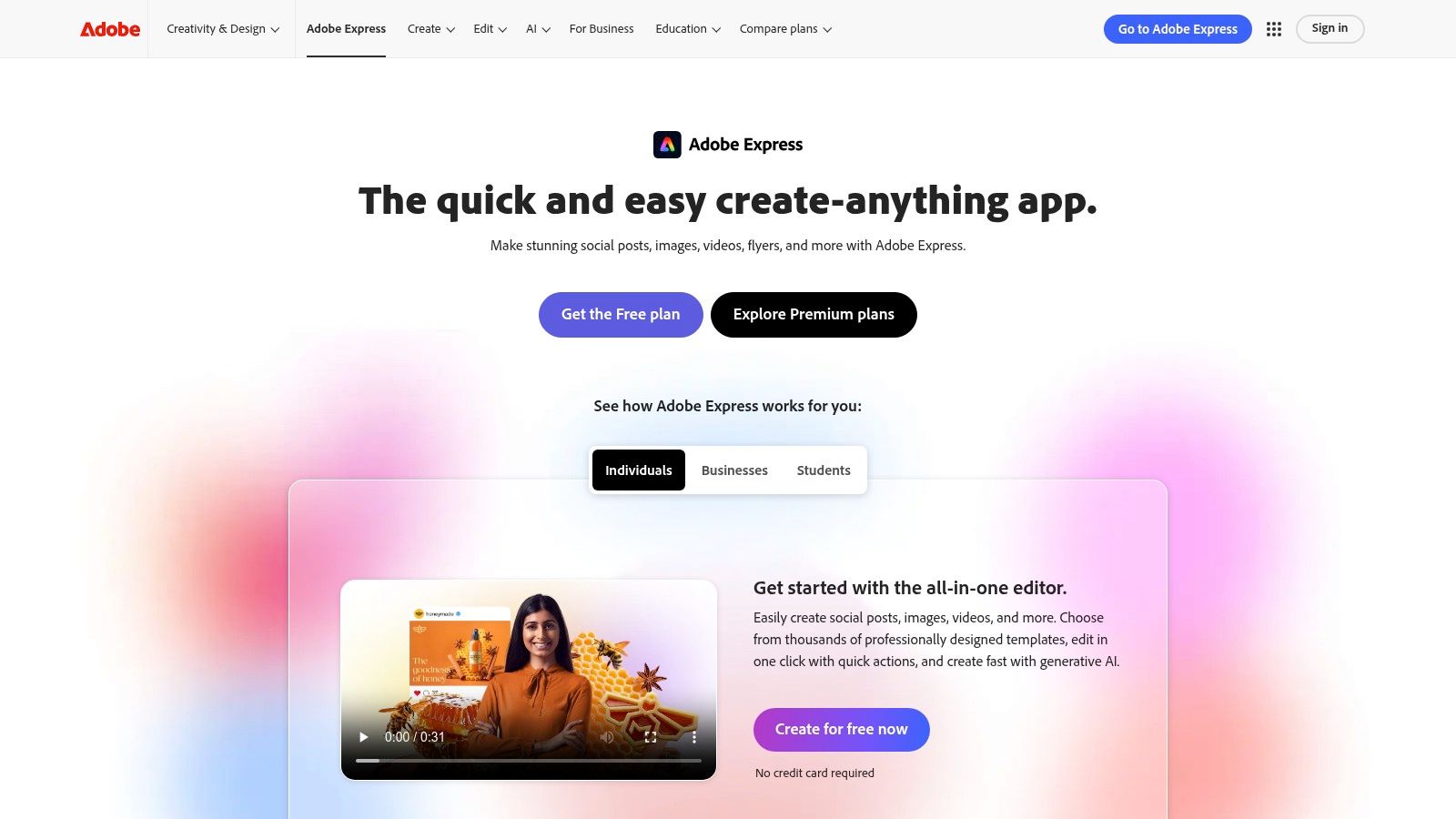
Adobe Express brings the creative muscle of the Adobe ecosystem into a streamlined, user-friendly package, making it a formidable contender for bloggers in search of ai pinterest pin templates. Powered by the impressive Firefly generative AI, Express moves beyond static templates by allowing creators to generate completely new designs and images from simple text prompts. It is the ideal solution for those who want Adobe’s professional-grade AI and stock assets within a much simpler interface than Photoshop or Illustrator.
What makes Adobe Express stand out is its deep integration of generative AI features. Bloggers can use the Text-to-Template feature to describe a pin concept and watch the AI build fully editable options. Furthermore, tools like Generative Fill allow for effortless, smart image editing, such as removing unwanted objects or extending backgrounds, all within the pin creation workflow. This makes it a powerful tool for creating unique, high-quality visual assets that capture attention on a crowded Pinterest feed.
Strategic Analysis & Key Features
Adobe Express excels by combining a vast library of high-quality templates with cutting-edge, commercially safe generative AI. This positions it as a powerful, yet accessible, creative suite for bloggers who need both speed and originality.
- Firefly AI Integration: The platform’s core strength. Use Text-to-Template to generate editable pin layouts from a description, or Text-to-Image to create unique, commercially-safe visuals from scratch.
- Generative Fill: A game-changing feature for photo editing. Quickly remove distracting elements, add new objects, or seamlessly extend the background of an image to fit Pinterest's vertical format.
- Vast Template & Asset Library: Gain access to thousands of professional templates and a deep library of Adobe Stock photos, videos, and fonts, ensuring your pins look polished and professional.
- Integrated Content Scheduler: Design your pins and schedule them directly to Pinterest and other social media platforms without leaving the app, streamlining your content calendar management.
Key Takeaway: Adobe Express is the top choice for bloggers who prioritize unique, AI-generated imagery and advanced editing capabilities in an easy-to-use package. Its connection to the Adobe ecosystem provides a level of quality and creative power that is hard to match.
Pricing and Access
Adobe Express uses a freemium model. The free plan offers a generous amount of templates, design assets, and a limited number of monthly generative AI credits. To unlock the full power of Firefly, premium templates and assets, and a higher allowance of AI credits, users will need a Premium subscription. This plan offers significant value, especially for those already invested in the Adobe Creative Cloud ecosystem.
Website: https://www.adobe.com/express
AI Pinterest Pin Template Tools Comparison
| Tool | 🔄 Implementation Complexity | 💡 Resource Requirements | 📊 Expected Outcomes | 🎯 Ideal Use Cases | ⭐ Key Advantages |
|---|---|---|---|---|---|
| Pin Generator | Moderate; learning curve for new users | Requires some setup, integrates with ecommerce | High; significant time savings and engagement | Small businesses, eCommerce, content creators | Fast bulk scheduling, AI titles/descriptions, ecommerce integrations |
| Canva | Low; intuitive drag-and-drop UI | Basic design skills; some features need paid plan | Moderate; professional, on-brand pins | Bloggers, small teams, non-designers | Large template library, AI design assist, fast learning curve |
| Tailwind (Create + Scheduler) | Moderate; templated design tools | Scheduling and analytics included; free tier available | High; optimized posting and analytics | Bloggers seeking all-in-one Pinterest workflow | Complete pin workflow, smart scheduling, Communities feature |
| Creative Market | Low; just template purchase | No automation; manual editing with other tools | Depends on user design effort | Bloggers wanting high-quality templates | Professional templates, one-time purchase, Canva compatible |
| Etsy | Low; straightforward downloads | Manual editing required; quality varies | Varies; templates niche-specific and tested | Budget-conscious bloggers seeking variety | Affordable, niche-specific templates, buyer reviews |
| Adobe Express (Firefly AI) | Moderate; AI features require familiarity | Adobe subscription for premium features | High; AI-powered editing and design efficiency | Bloggers/domain users wanting Adobe stock & AI | Strong AI tools, Adobe stock integration, clean workflow |
Automate Your Success: Choosing the Right AI Template Tool for Your Blog
The landscape of Pinterest marketing is no longer just about manual design and meticulous scheduling. As we've explored, the integration of artificial intelligence has revolutionized the workflow for bloggers, turning what was once a time-consuming task into a streamlined, strategic process. The key takeaway is that leveraging ai pinterest pin templates for bloggers is not about sacrificing quality for speed; it's about using smart automation to enhance both.
From the robust AI-assisted design suites of Canva and Adobe Express to the hyper-specific automation of Pin Generator, the tools available today cater to a wide spectrum of needs. You no longer have to choose between a fully hands-on design process and a completely automated one. The modern Pinterest strategy involves finding the right balance that aligns with your brand, workflow, and growth objectives.
Key Takeaways for Your Pinterest Strategy
Recapping our journey through these powerful tools, several core principles stand out for bloggers aiming to maximize their Pinterest presence:
- Automation is Your Ally: The most significant advantage AI offers is time. By automating the repetitive aspects of pin creation, you free up valuable hours to focus on high-level strategy, keyword research, and creating the quality blog content that fuels your entire marketing engine.
- Brand Consistency is Non-Negotiable: While AI generates variety, your brand's visual identity must remain consistent. The best tools allow for significant customization, enabling you to set brand colors, fonts, and logos to ensure every pin, whether created in seconds or minutes, is instantly recognizable as yours.
- Volume and Variety Win: Pinterest's algorithm favors consistent, fresh content. AI tools make it feasible to test dozens of pin variations, from different headlines to unique image crops and layouts, allowing you to discover what resonates most with your audience without burning out.
Selecting the Right Tool for Your Blogging Needs
Choosing the perfect tool depends entirely on your specific workflow and goals. If you're a WordPress blogger seeking the most efficient, end-to-end solution, a dedicated tool like Pin Generator is built for your exact needs. It not only offers a massive library of hundreds of templates but also provides critical customization features. You can create your own templates from scratch to perfectly match your brand's aesthetic or even import your trusted designs directly from Canva, merging a familiar creative process with unparalleled automation.
The true game-changer for WordPress users is Pin Generator's dedicated plugin. This feature creates a seamless bridge between your content creation and promotion, automatically generating and inserting a relevant, on-brand pin image directly into your blog posts. This integration ensures you never miss an opportunity to drive traffic from your website to Pinterest. By embracing the power of the right ai pinterest pin templates for bloggers, you can transform your Pinterest marketing from a daily chore into a powerful, automated asset for your blog's growth.
Ready to stop manually creating pins and start automating your Pinterest growth? Explore how Pin Generator can transform your blog posts into dozens of stunning, on-brand pins in just a few clicks. Try Pin Generator today and see how its powerful AI and deep integration with WordPress can save you time and drive more traffic.