
12 Best Pinterest Scheduling Tools for 2025 (Save Hours)
18 August 2025
Pinterest is a powerful visual discovery engine, driving significant traffic and sales for creators, bloggers, and e-commerce brands. But maintaining a consistent pinning schedule is a relentless, time-consuming task. Between creating fresh pins, finding optimal posting times, and engaging with your audience, it's easy to get overwhelmed. That's where Pinterest scheduling tools come in, automating your workflow so your content reaches your audience at peak times and providing the analytics you need to refine your strategy.
This guide moves beyond simple feature lists to give you practical insights into the top platforms available. Before diving into specific tools, it's crucial to have a strategic plan; for instance, many successful marketers start by implementing a comprehensive social media calendar to map out their content in advance.
Here, we will break down the best options, from dedicated Pinterest powerhouses like Tailwind and Pin Generator to all-in-one solutions like Later and Sprout Social. For each tool, we’ll provide a detailed analysis, screenshots, and direct links to help you find the perfect fit. We'll explore who each tool is best for, its unique strengths, and potential limitations so you can make an informed decision and find the ideal partner for your Pinterest marketing journey.
1. Pin Generator
Pin Generator distinguishes itself as more than just one of the many pinterest scheduling tools; it's a comprehensive Pinterest marketing automation suite. It is particularly effective for users who need to create a high volume of quality pins without spending hours on design. The platform’s core strength lies in its ability to automatically generate visually appealing pins from various content sources like URLs, product listings, or raw text. This makes it an invaluable asset for bloggers, eCommerce stores, and affiliate marketers who need to consistently populate their Pinterest boards with fresh, relevant content.
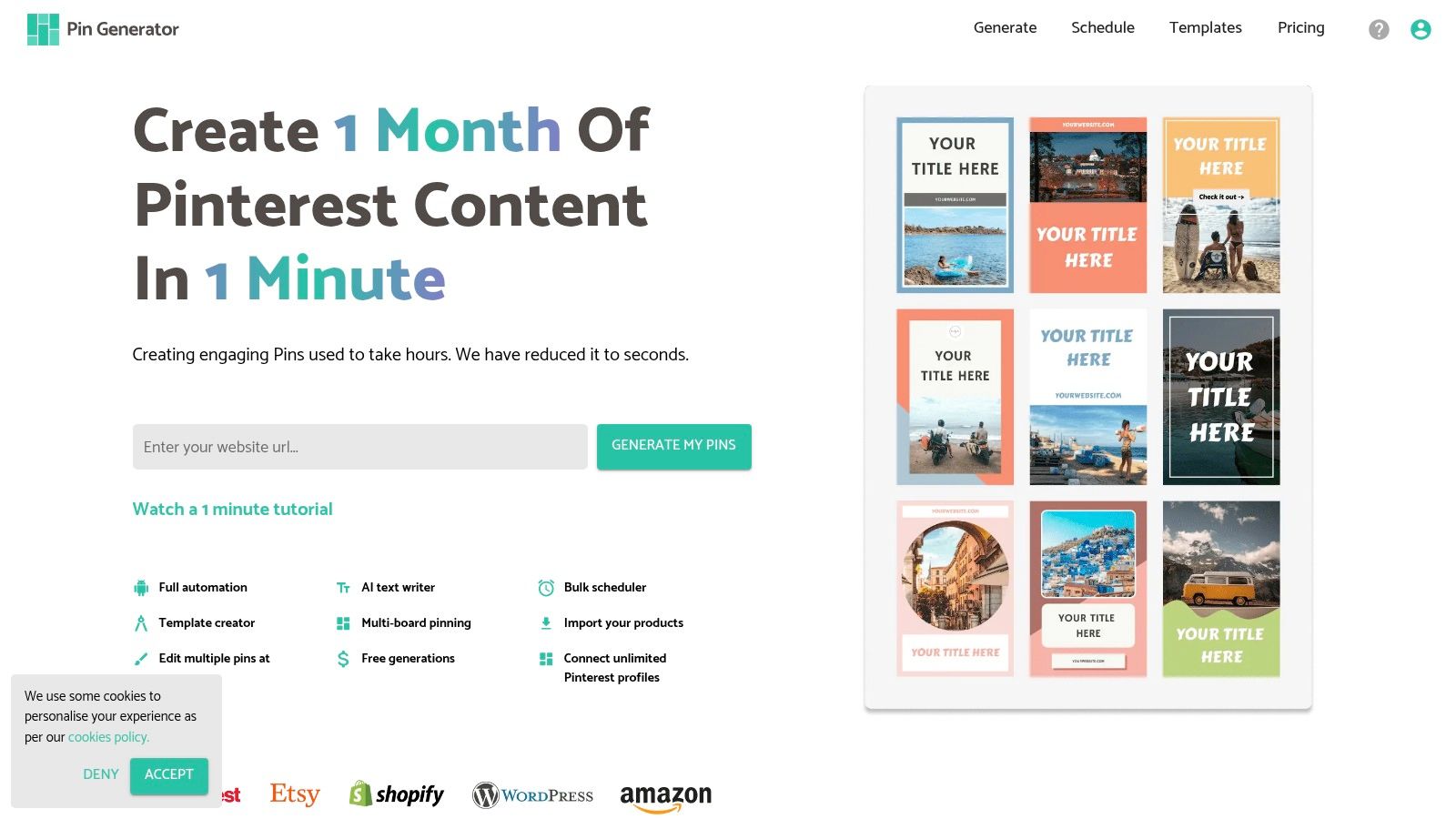
What sets it apart is the deep integration with platforms like Shopify, Etsy, and WordPress. Users can directly import product catalogs or blog posts, and Pin Generator will automatically create multiple pin variations, complete with titles and descriptions, ready for scheduling. This seamless workflow drastically reduces manual effort and streamlines the entire content creation and distribution process.
Standout Features & Use Cases
This tool is engineered for efficiency, targeting users who want to scale their Pinterest strategy with minimal hands-on time.
- Automated Pin Creation: Simply input a URL, and the tool generates dozens of unique pins using customizable templates. This is ideal for promoting new blog posts or product pages quickly.
- eCommerce Integration: Connect your Shopify or Etsy store to automatically turn your product listings into shoppable pins, a powerful feature for driving direct sales from Pinterest.
- Built-in Marketing Intelligence: Pin Generator includes a Pinterest keyword research tool and trend alerts. This helps users create optimized pin descriptions that improve visibility and reach the right audience.
- Advanced Scheduling: Beyond basic scheduling, you can set up automated pinning campaigns that consistently publish content over time, ensuring your profile remains active and engaged.
Website: https://pingenerator.com
Best For: Bloggers, eCommerce store owners, and affiliate marketers looking for an all-in-one automation solution to create and schedule Pinterest content at scale.
2. Tailwind
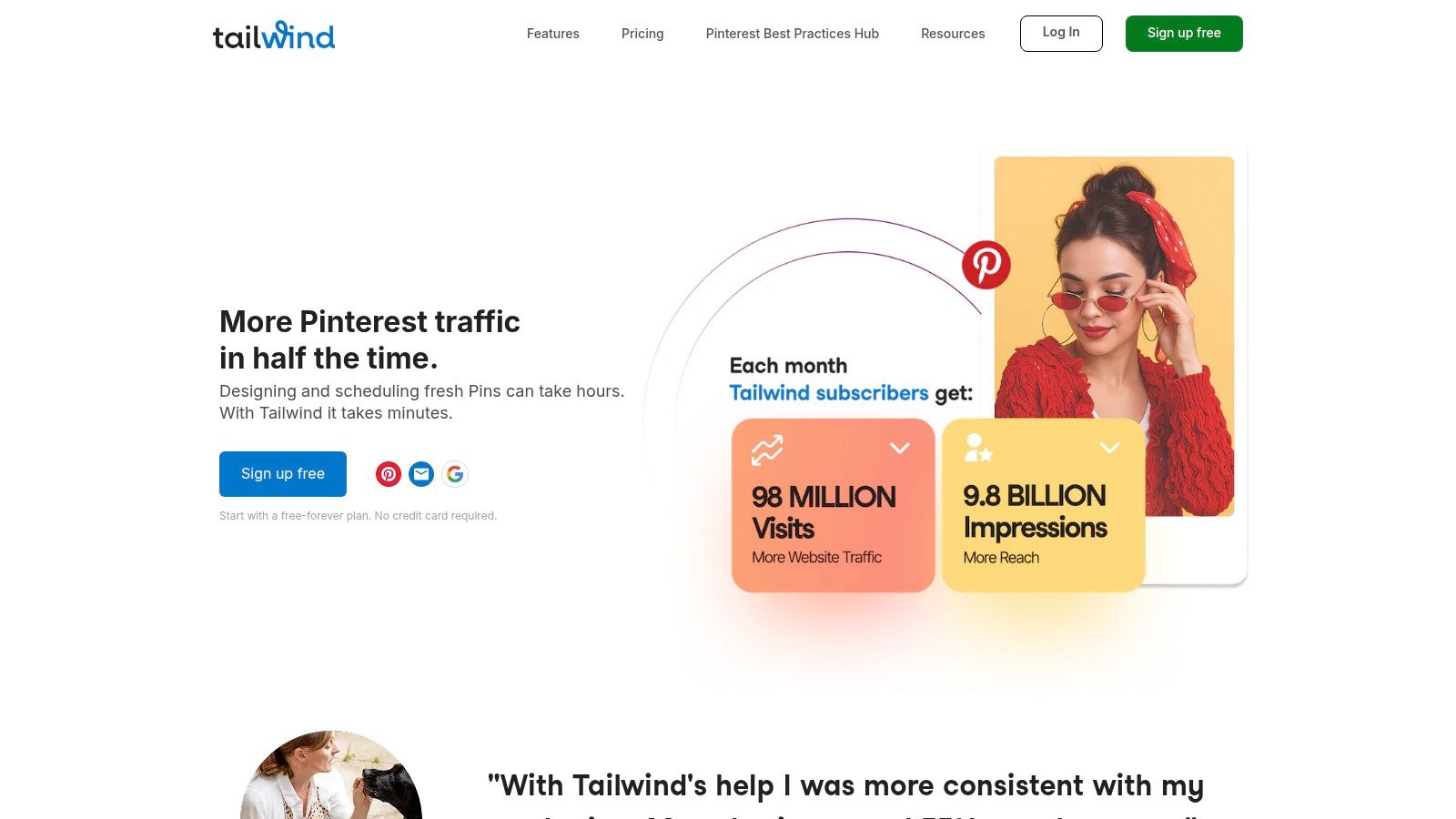
Tailwind is arguably the most recognized name among Pinterest scheduling tools, and for good reason. As an official Pinterest Marketing Partner, its platform is built from the ground up to align with Pinterest’s best practices. It's an all-in-one suite designed for serious Pinterest marketers, bloggers, and e-commerce brands who rely on the platform as a primary traffic source. Tailwind goes beyond simple scheduling, offering a robust ecosystem for content creation, amplification, and analytics.
Its standout feature, SmartSchedule, analyzes your audience's activity to recommend optimal posting times, ensuring your pins get maximum visibility. This data-driven approach removes the guesswork from your pinning strategy. For users managing multiple accounts or high-volume pin campaigns, features like Board Lists (for grouping similar boards) and a drag-and-drop calendar make bulk scheduling incredibly efficient.
Key Features and Pricing
The platform also includes Tailwind Communities (formerly Tribes), which are niche groups where you can share your content and discover relevant content from other creators to share, significantly boosting reach.
| Feature Highlights | Best Use Case | Pricing |
|---|---|---|
| SmartSchedule | Automatically posting pins at peak engagement times. | Starts with a Free Forever plan; paid plans from $12.99/mo. |
| Board Lists & Bulk Upload | Scheduling hundreds of pins across multiple boards efficiently. | |
| Tailwind Communities | Amplifying content reach and discovering new pins. | |
| Advanced Analytics | Tracking pin performance, board growth, and follower trends. |
While the interface can feel overwhelming for new users due to its feature depth, its specialization is its greatest strength. If Pinterest is central to your marketing, Tailwind provides the professional-grade tools needed to execute a high-performance strategy.
Website: https://www.tailwindapp.com
3. Pinterest (Native Scheduler)
Before exploring third-party options, it’s crucial to know that Pinterest offers its own built-in scheduling tool for all business accounts. This native scheduler is the most straightforward and cost-effective option available, making it a perfect starting point for new creators, small businesses, or anyone with a low-volume pinning strategy. It provides a no-frills, direct way to plan your content without ever leaving the platform.
The native scheduler’s main advantage is its simplicity and zero cost. You can schedule standard Pins and Video Pins directly from the Pin creation screen, setting a specific date and time for publication. While it lacks the advanced analytics and bulk-scheduling power of dedicated Pinterest scheduling tools, its seamless integration into the Pinterest workflow makes it ideal for planning content on the fly or maintaining a basic, consistent presence. Learn more about how to schedule Pinterest posts directly on the platform to get started.
Key Features and Pricing
Its functionality is integrated directly into the web and mobile app interfaces, ensuring a consistent user experience across devices.
| Feature Highlights | Best Use Case | Pricing |
|---|---|---|
| Direct In-App Scheduling | Scheduling individual pins quickly without a third-party tool. | Completely Free with a Pinterest Business Account. |
| Schedule Up to 30 Days Out | Planning content for the upcoming month on a small scale. | |
| Edit Scheduled Pins | Modifying the title, description, link, or board before publishing. | |
| No External Integrations | Ensuring 100% compliance with Pinterest's terms and API. |
The primary limitations are a cap of 100 scheduled pins and a 30-day scheduling window. If your strategy requires planning further ahead or handling hundreds of pins, you will quickly outgrow it. However, for fundamental scheduling needs, it is an unbeatable and accessible first choice.
Website: https://www.pinterest.com
4. Later
Later started as an Instagram-first platform and has since evolved into a powerful visual scheduler for multiple social networks, including Pinterest. Its strength lies in its clean, calendar-centric interface, making it one of the most intuitive Pinterest scheduling tools for planning content visually. It’s an excellent choice for creators and brands who manage a presence across several platforms and want a unified workflow to see their entire content strategy at a glance.
The platform allows you to drag and drop media onto a calendar, write descriptions, add links, and schedule pins with ease. Its Best Time to Post feature suggests optimal slots based on your audience’s past engagement, helping to maximize reach. For those who need to manage content for multiple social profiles, Later’s multi-profile scheduling capabilities are a significant time-saver, streamlining the process of adapting and publishing content across networks. You can learn more about its scheduling capabilities for automating pins in various reviews online.
Key Features and Pricing
Later’s visual planner is its core asset, but it also provides useful analytics to track pin performance and follower growth. Team-based features like content approvals are available on higher-tier plans, making it scalable for growing businesses.
| Feature Highlights | Best Use Case | Pricing |
|---|---|---|
| Visual Content Calendar | Planning your Pinterest and other social content visually for a cohesive look. | A Free plan is available; paid plans start from $16.67/mo. |
| Best Time to Post | Automatically identifying the best times to schedule pins for engagement. | |
| Multi-Profile Scheduling | Managing content across Pinterest, Instagram, Facebook, and other networks from one hub. | |
| Linkin.bio Tool | Creating a customizable link-in-bio page to drive traffic from social profiles. |
While some of the more advanced Pinterest-specific features might be less robust than dedicated tools like Tailwind, Later’s user-friendly design and strong multi-platform support make it a top contender for users prioritizing ease of use and a holistic social media view.
Website: https://later.com
5. Buffer
Buffer is a well-known name in social media management, celebrated for its clean interface and straightforward approach to scheduling. While it supports multiple platforms, it serves as an effective Pinterest scheduling tool for small businesses, solopreneurs, and creators who want a simple, unified dashboard. It strips away the complexity found in more specialized tools, focusing on core publishing functionalities without an overwhelming number of features.
Its primary strength lies in its simplicity and ease of use. The browser extension allows users to quickly add images from anywhere on the web directly to their Pinterest queue, complete with destination links and descriptions. This makes content curation incredibly efficient. For those who already use Buffer for other social networks, adding Pinterest into their existing workflow is seamless, providing a centralized content calendar for a holistic view of their marketing efforts.
Key Features and Pricing
Buffer's approach is to make scheduling as quick and painless as possible, which is reflected in its uncluttered queue and calendar views.
| Feature Highlights | Best Use Case | Pricing |
|---|---|---|
| Simple Pin Scheduling | Adding pins with links and descriptions to a preset queue. | Starts with a Free plan; paid plans from $6/mo per channel. |
| Browser Extension | Quickly curating and scheduling content from across the web. | |
| Multi-Platform Queue | Managing Pinterest alongside other social media in one calendar. | |
| Basic Analytics | Tracking fundamental pin metrics like impressions and clicks. |
While Buffer excels at streamlined publishing, it lacks the advanced, Pinterest-specific analytics and discovery features of its competitors. Its analytics are more basic, and it doesn't offer community or content amplification tools. It's the ideal choice for users who prioritize an easy-to-use interface and an affordable, all-in-one scheduler over deep, platform-specific optimization.
Website: https://buffer.com
6. Hootsuite
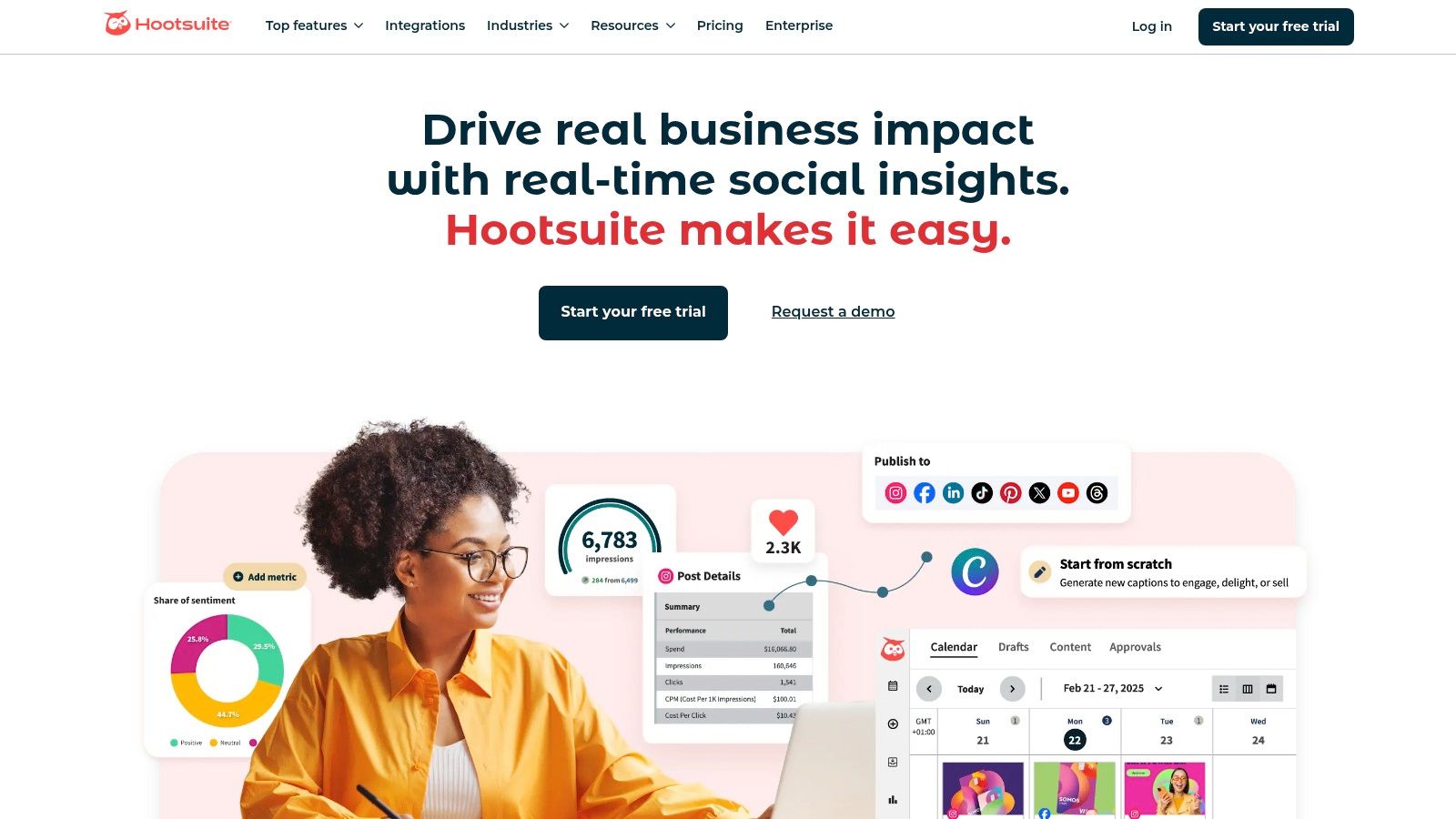
While many tools on this list are Pinterest-centric, Hootsuite is a comprehensive social media management platform where Pinterest is one of many supported networks. This makes it an ideal choice for larger brands, agencies, and marketing teams that need to manage Pinterest alongside Facebook, Instagram, LinkedIn, and others from a single dashboard. Hootsuite brings its enterprise-grade features, such as team workflows and approval processes, to Pinterest management, which is a key differentiator for organizations requiring strict content oversight.
It offers robust scheduling capabilities, allowing users to publish pins to multiple boards simultaneously and visualize their entire content calendar across all networks. The platform's strength lies in unifying a brand's social presence. Instead of using separate Pinterest scheduling tools, teams can streamline content creation, scheduling, and performance analysis in one place, ensuring brand consistency and operational efficiency. The integrated Canva editor also simplifies the pin creation process directly within the scheduler.
Key Features and Pricing
Hootsuite’s AI assistant, OwlyWriter, can generate pin titles, descriptions, and hashtag ideas, saving time and overcoming creative blocks for high-volume content strategies.
| Feature Highlights | Best Use Case | Pricing |
|---|---|---|
| All-in-One Social Management | Managing Pinterest as part of a broader, multi-channel social strategy. | Starts at $99/mo for the Professional plan; custom Enterprise pricing available. |
| Team Collaboration & Approvals | Agencies or marketing teams needing structured content review workflows. | |
| Canva Integration | Creating and editing pin graphics directly within the Hootsuite dashboard. | |
| Advanced & Unified Analytics | Comparing Pinterest performance against other social channels. |
While Hootsuite is a powerful tool, its higher price point makes it less suitable for solopreneurs or small businesses focused solely on Pinterest. It's built for scale, offering the collaborative and analytical depth required to manage a complex social media program effectively.
Website: https://www.hootsuite.com
7. Sprout Social
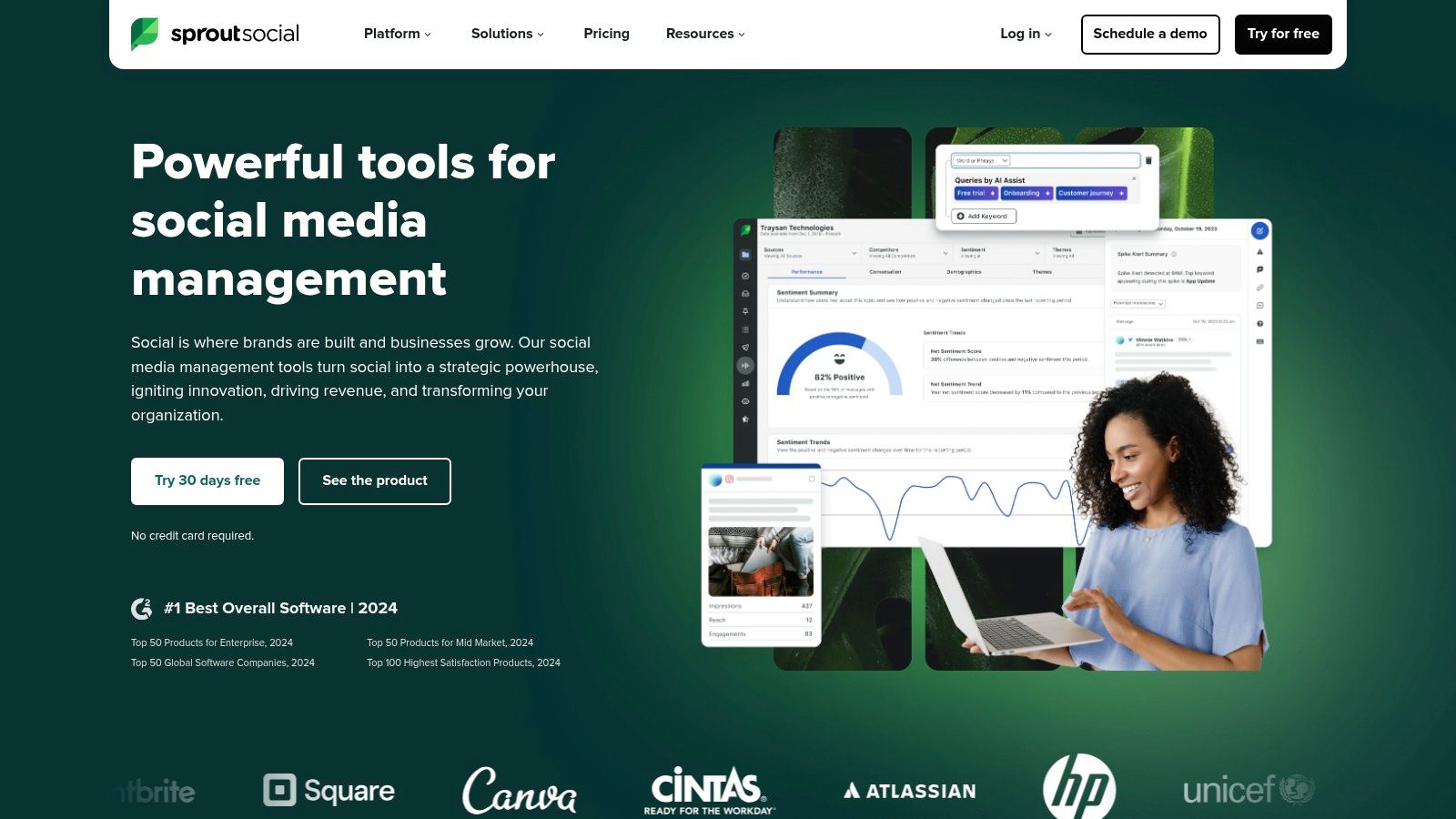
Sprout Social positions itself as a premium, all-in-one social media management platform, and its Pinterest capabilities are geared toward larger teams and agencies. As an official Pinterest Marketing Partner, it offers a sophisticated suite of tools that integrate Pinterest scheduling into a broader multi-network strategy. This platform is ideal for organizations that require enterprise-grade features like approval workflows, team collaboration, and unified content calendars. It moves beyond basic scheduling to provide a centralized hub for planning, publishing, and analyzing content across all major social channels, including Pinterest.
The platform excels at creating a structured content pipeline. Features like the asset library, message approval workflows, and a shared calendar ensure brand consistency and seamless collaboration among team members. This makes it one of the most robust Pinterest scheduling tools for businesses where multiple stakeholders are involved in the content creation and approval process, eliminating the back-and-forth that can slow down campaigns.
Key Features and Pricing
Sprout Social’s strength lies in its comprehensive reporting and analytics, which allow teams to measure Pinterest’s ROI alongside other social media efforts in a single, cohesive dashboard.
| Feature Highlights | Best Use Case | Pricing |
|---|---|---|
| Unified Smart Inbox | Managing comments and engagement from a single stream. | Starts at $199/user per month (billed annually). |
| Approval Workflows & Asset Library | Coordinating content across large marketing teams and agencies. | |
| Comprehensive Reporting | Demonstrating Pinterest ROI within an overall social strategy. | |
| Cross-Network Calendar | Planning and scheduling Pinterest content alongside other platforms. |
While its high price point and per-user pricing model make it less accessible for solo creators or small businesses, Sprout Social is a top-tier choice for established brands that need a powerful, collaborative, and data-driven tool to manage their Pinterest presence effectively.
Website: https://sproutsocial.com
8. Planoly
Originally known for its visual-first approach to Instagram, Planoly has successfully expanded its capabilities to become a powerful and intuitive tool for Pinterest management. As an official Pinterest Marketing Partner, it’s designed for creators, e-commerce brands, and small businesses who value a clean, visual workflow. Planoly excels at helping users see how their pins will look together on their boards before they go live, making it ideal for maintaining a cohesive brand aesthetic.
Its core strength lies in its simplicity and integrated workflow. The Pin Planner allows you to upload, arrange, and schedule pins with a user-friendly drag-and-drop calendar. This visual planning makes it one of the most approachable Pinterest scheduling tools for those who also manage other visual platforms like Instagram and TikTok, as you can repurpose content across channels directly within the same interface.
Key Features and Pricing
Planoly also incorporates modern features like an AI Caption Writer to help overcome creative blocks and a hashtag manager to organize and reuse effective hashtag groups. This focus on simplifying the content creation process makes it highly efficient.
| Feature Highlights | Best Use Case | Pricing |
|---|---|---|
| Visual Pin Planner | Curating an aesthetic and planning board layouts in advance. | Starts at $14/mo (billed annually); offers a 14-day free trial. |
| Multi-Channel Repurposing | Sharing the same visual content across Pinterest, Instagram, & TikTok. | |
| AI Caption Writer | Quickly generating pin descriptions and titles. | |
| Auto-Posting | Scheduling pins to publish automatically at a set time. |
While it doesn't offer a free-forever plan and requires higher tiers for team collaboration, its straightforward interface and strong visual planning features make it a top choice for aesthetically driven brands and solo creators.
Website: https://www.planoly.com
9. Canva (Content Planner)
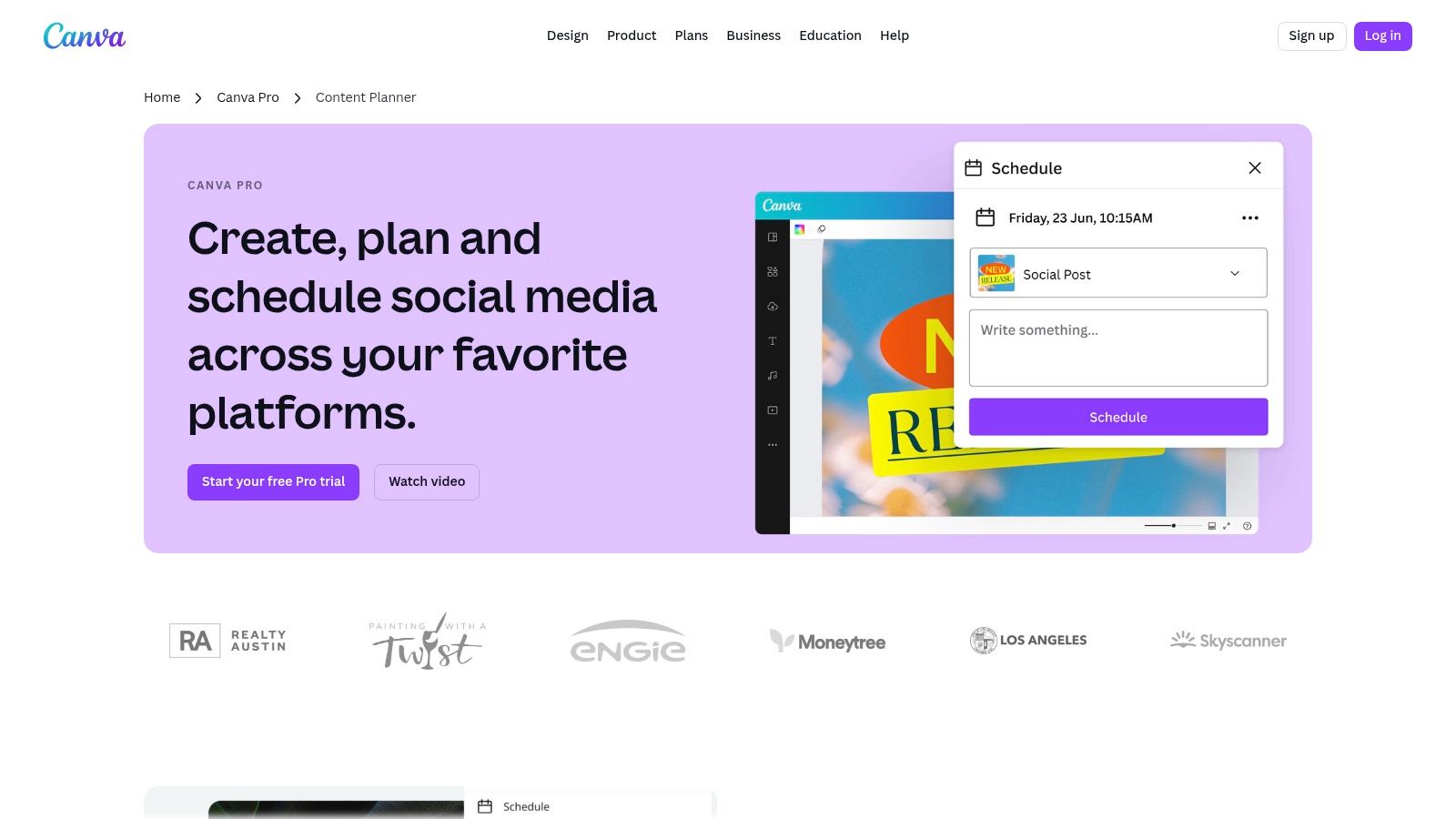
While primarily known as a graphic design powerhouse, Canva has evolved into a comprehensive content creation and scheduling solution. Its Content Planner, available with a Canva Pro subscription, offers a seamless workflow for creators who design their pins directly within the platform. This integration makes it one of the most efficient Pinterest scheduling tools for users who want to go from design to scheduled post in a single, fluid process.
The major advantage is eliminating the need to download designs and re-upload them to a separate scheduler. You can create a beautiful pin using Canva's vast library of templates and assets, then immediately add it to your content calendar and schedule it for Pinterest and other social networks. This unified experience is perfect for solo creators, small businesses, and teams who value efficiency and want to keep their entire content workflow under one roof.
Key Features and Pricing
The Content Planner also provides basic analytics to track the performance of your scheduled pins, offering insights into impressions, clicks, and saves directly within the Canva interface.
| Feature Highlights | Best Use Case | Pricing |
|---|---|---|
| Integrated Design & Scheduling | Creating and scheduling pins in one application. | Available with Canva Pro, starting at $14.99/mo for one person. |
| Multi-Platform Support | Managing a content calendar for Pinterest, Instagram, etc. | |
| Extensive Template Library | Quickly creating visually appealing pins without design skills. | |
| Basic Post Analytics | Tracking pin performance without leaving Canva. |
Canva’s scheduling features are more basic compared to specialized tools like Tailwind; it lacks advanced features like optimal time suggestions or smart looping. However, for those who already live inside Canva for design work, its Content Planner is an incredibly convenient and cost-effective addition to their marketing toolkit.
Website: https://www.canva.com/pro/content-planner/
10. Zoho Social
Zoho Social is part of the larger Zoho ecosystem of business apps, offering a comprehensive and cost-effective solution for social media management. While it supports multiple platforms, its Pinterest integration makes it a strong contender for small businesses and agencies looking for an affordable, all-in-one tool. It provides a unified dashboard where you can manage Pinterest alongside other social channels, streamlining your entire digital marketing workflow.
The platform excels at providing core scheduling functionalities without a high price tag. Its Publishing Calendar offers a clear visual overview of all scheduled content, including pins, allowing for easy drag-and-drop rescheduling. For agencies managing multiple clients, Zoho Social’s brand management features are particularly useful, enabling separate workspaces and user roles to keep content and analytics organized and secure. This makes it one of the more versatile Pinterest scheduling tools for teams.
Key Features and Pricing
Zoho Social's strength lies in its value, offering features like bulk scheduling and repeat posting that are often reserved for more expensive plans in other tools. The reporting suite is robust, providing key metrics on pin performance.
| Feature Highlights | Best Use Case | Pricing |
|---|---|---|
| Multi-Channel Management | Managing Pinterest alongside other social networks in one place. | Starts with a limited Free plan; paid plans from $10/mo. |
| Bulk Scheduler | Uploading and scheduling a large volume of pins at once. | |
| Publishing Calendar | Visually planning and organizing your Pinterest content strategy. | |
| Custom Reports | Creating detailed performance reports for clients or internal review. |
While the user interface may not be as polished as some premium, Pinterest-focused competitors, its functionality and competitive pricing make it an excellent choice for businesses seeking an integrated social media management platform that effectively handles Pinterest.
Website: https://www.zoho.com/social/
11. SocialPilot
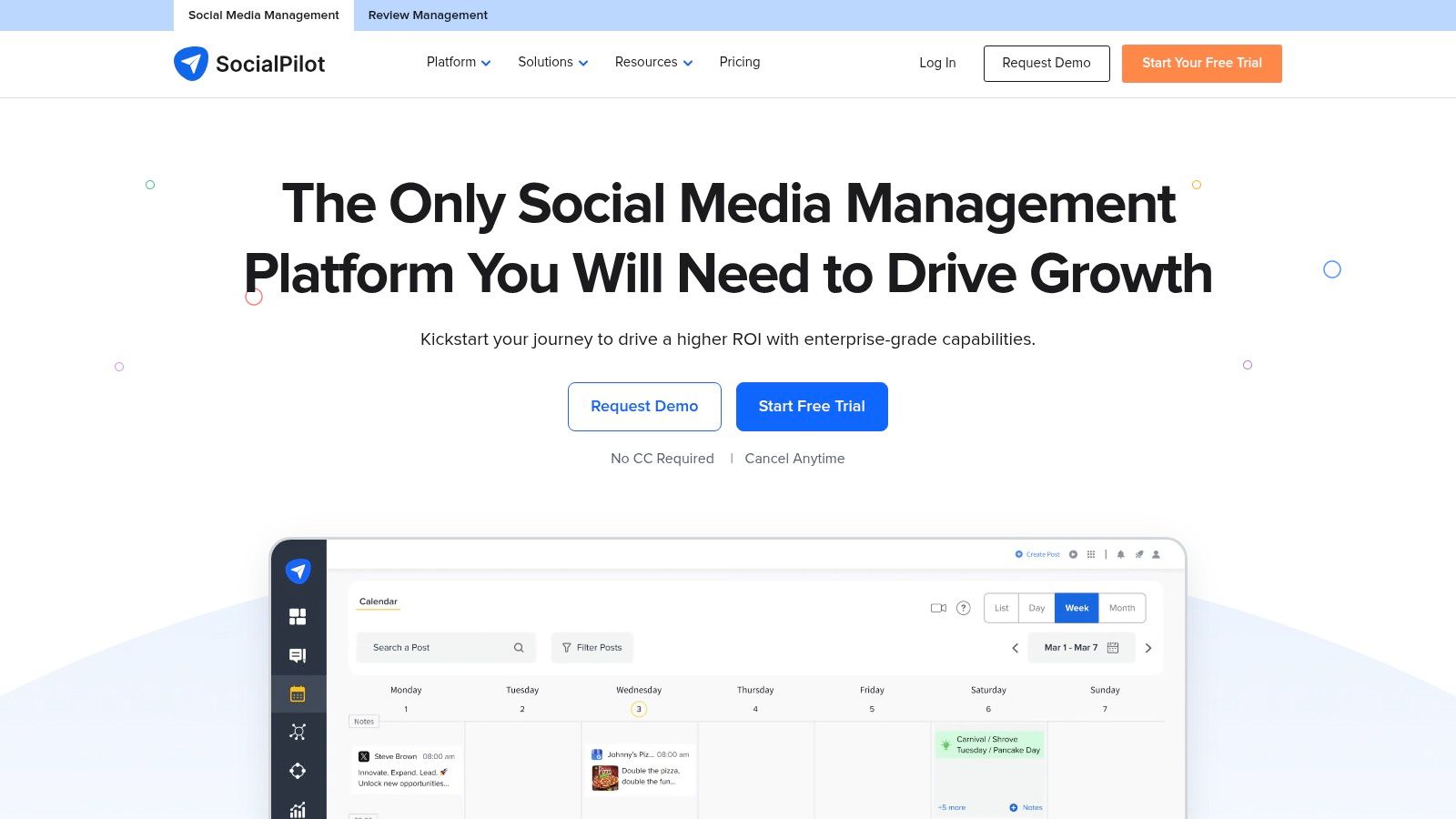
SocialPilot positions itself as an affordable yet powerful social media management solution, making it an excellent choice for agencies, teams, and small to medium-sized businesses. While not a Pinterest-exclusive platform, its Pinterest scheduling tools are robust and designed for efficiency, especially when managing multiple clients or brands. The platform excels at streamlining workflows and is built for scale, offering significant value without a high-end price tag.
Its core strength lies in team collaboration and bulk scheduling capabilities. SocialPilot allows users to upload hundreds of pins at once using a CSV file, a feature that saves immense time for high-volume content strategies. The platform also includes robust client management tools, enabling agencies to create approval workflows before any content goes live, ensuring brand consistency and client satisfaction.
Key Features and Pricing
The platform integrates features like a shared content calendar and social inbox, which are invaluable for teams managing a complete social media presence beyond just Pinterest. SocialPilot also offers white-label reporting, a critical feature for agencies needing to provide branded performance analytics to their clients.
| Feature Highlights | Best Use Case | Pricing |
|---|---|---|
| Bulk Scheduling (CSV) | Uploading and scheduling a large volume of pins efficiently. | Starts from $22.50/mo (billed annually). |
| Team & Client Management | Agencies managing multiple client accounts with approval workflows. | |
| White-Label Reporting | Creating branded analytics reports for clients. | |
| Content Curation & AI | Discovering relevant content and generating post ideas. |
While its interface is more functional and utilitarian than some design-focused competitors, its no-nonsense approach prioritizes speed and efficiency. If your primary need is an affordable, scalable tool that excels at team-based management and bulk content handling, SocialPilot is a top contender among Pinterest scheduling tools.
Website: https://www.socialpilot.co
12. Loomly
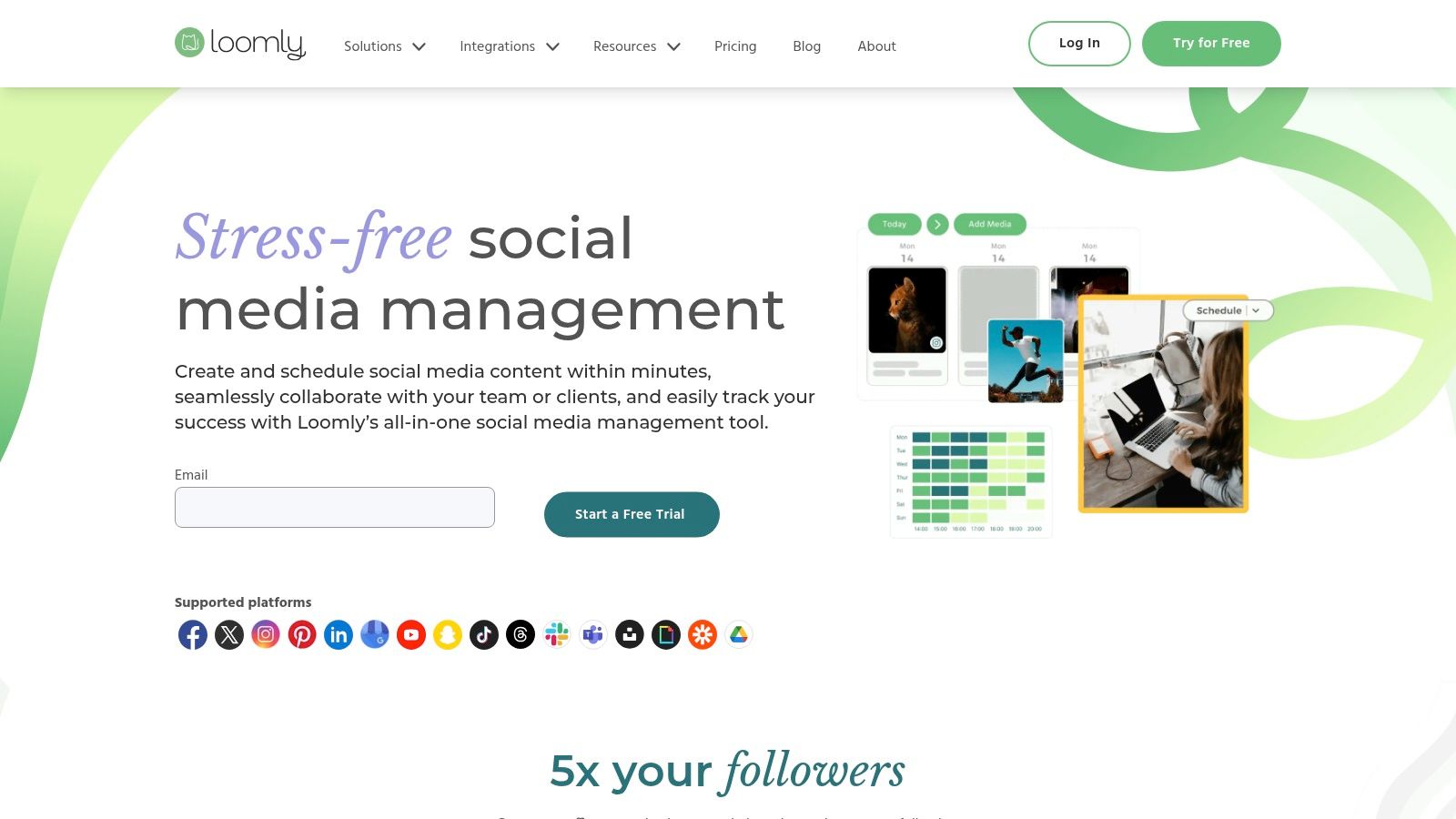
Loomly positions itself as a comprehensive brand success platform where Pinterest scheduling is a key component of a broader, more organized social media strategy. It's designed for marketing teams and agencies that require structured workflows, collaboration, and approval processes. Unlike tools focused solely on Pinterest, Loomly provides a unified, calendar-centric dashboard to manage multiple social channels, making it one of the more versatile Pinterest scheduling tools for multi-platform campaigns.
Its strength lies in its meticulous organization and team-based features. Users can draft, optimize, and schedule pins with an approval workflow that ensures all content is vetted before going live. The platform supports both image and video pins, and its built-in Loomly Studio allows for quick creative edits, adding a layer of convenience for teams looking to make last-minute adjustments without leaving the scheduler.
Key Features and Pricing
Loomly’s approach is ideal for businesses that prioritize process and brand consistency. The collaboration tools are robust, allowing comments, mockups, and a clear status trail (e.g., pending approval, scheduled).
| Feature Highlights | Best Use Case | Pricing |
|---|---|---|
| Approval Workflows | Teams needing multi-step review and client sign-off. | Starts at $32/mo for the Base plan. |
| Unified Content Calendar | Managing Pinterest alongside other social media channels. | |
| Loomly Studio | Making quick edits to pin creative without external tools. | |
| Auto-Post Video & Images | Scheduling a mix of static and dynamic Pinterest content. |
While Loomly offers excellent workflow management, its pricing can escalate for agencies or businesses needing multiple calendars, as each calendar typically supports only one account per platform. However, for a team managing a single brand’s entire social presence, its structured environment is a significant asset.
Website: https://www.loomly.com
Pinterest Scheduling Tools Feature Comparison
| Tool | Core Features / Automation ✨ | User Experience / Quality ★★★★☆ | Value Proposition 💰 | Target Audience 👥 | Unique Selling Points 🏆 / ✨ |
|---|---|---|---|---|---|
| Pin Generator 🏆 | Pin generation, scheduling, templates, eCom integrations | Easy automation + advanced marketing tools | Flexible pricing (unspecified) | SMBs, bloggers, marketers, eCom entrepreneurs | Extensive integrations, built-in SEO tools, tutorials |
| Tailwind | Smart scheduling, bulk editing, communities, analytics | Deep Pinterest focus, bulk workflows | Mid-tier | Pinterest power users, marketers | Official Pinterest Partner, smart scheduling |
| Pinterest (Native Scheduler) | Basic pin scheduling, edit titles & links | Simple, native, free | Free with business account | Casual or low-volume Pinterest users | Zero cost, no 3rd party required |
| Later | Visual calendar, multi-profile, analytics, auto-publish | Clean UI, cross-platform support | Tiered pricing | Creators, SMBs, teams | Multi-network scheduling, best-time suggestions |
| Buffer | Schedule pins, browser extensions, basic analytics | Simple, affordable | Affordable | Small businesses, creators | Easy pinning via browser extension |
| Hootsuite | Multi-board posting, approvals, AI captions, analytics | Robust, team-oriented | Higher price point | Enterprises, teams | AI features, Canva integration, strong analytics |
| Sprout Social | Scheduling, approvals, analytics, reporting | Premium, enterprise-grade | Premium ($199+/user/mo) | Brands, agencies | Enterprise collaboration, Pinterest partner |
| Planoly | Visual calendar, auto-posting, AI captions | Intuitive, creator-focused | No free plan, higher-tier needed | Creators, SMBs | AI tools, repurpose pins across channels |
| Canva (Content Planner) | Design + scheduling workflow, AI design tools | Seamless for Canva users | Part of Canva Pro subscription | Designers, teams | Integrated design & schedule, large template library |
| Zoho Social | Bulk scheduling, analytics, client management | Functional, cost-effective | Competitive pricing | SMBs, agencies | Multi-brand/client management |
| SocialPilot | Bulk uploads, approvals, white-label reporting | Practical, affordable | Affordable | Agencies, SMBs | White-label reports, AI content tools |
| Loomly | Auto-posting, approvals, built-in editor | Structured team workflows | Scales with users/calendars | Teams, agencies | Editorial workflow, Loomly Studio editor |
Choosing the Right Pinterest Scheduling Tool for Your Growth
Navigating the landscape of Pinterest scheduling tools can feel overwhelming, but the perfect solution is rarely about finding the single "best" tool. Instead, it's about identifying the platform that most accurately reflects your unique workflow, strategic goals, and business size. We've explored a dozen powerful options, from comprehensive social media suites to specialized Pinterest-centric platforms.
The core takeaway is this: your choice should be driven by your primary bottleneck. Are you struggling to create enough fresh Pin variations to satisfy the algorithm? Is your main challenge analyzing performance data to refine your strategy? Or is it simply a matter of managing Pinterest alongside several other social networks without losing your sanity? Answering these questions is the first and most critical step.
Making Your Final Decision
To help you narrow down the options, consider your business profile and primary objectives.
- For the high-volume content creator: If your strategy hinges on producing a constant stream of unique Pins, a tool that integrates creation and scheduling is non-negotiable. Platforms like Pin Generator and the Canva Content Planner are built for this, turning one piece of content into dozens of schedulable assets in minutes. This is crucial for staying relevant and visible on a platform that rewards freshness.
- For the data-driven analyst: If you live and breathe analytics to optimize every aspect of your Pinterest marketing, Tailwind remains a top-tier choice. Its in-depth analytics, SmartSchedule, and Tailwind Communities provide a powerful, Pinterest-focused ecosystem for growth. Similarly, enterprise-level tools like Sprout Social offer robust reporting for teams that need to prove ROI.
- For the multi-platform social media manager: If Pinterest is just one piece of a larger social media puzzle, a unified dashboard is essential for efficiency. Later, Buffer, Hootsuite, and SocialPilot excel here. They provide a centralized command center to manage content calendars across various networks, saving you countless hours switching between tabs.
- For the solopreneur or small business on a budget: Don't underestimate the power of simplicity and cost-effectiveness. The native Pinterest Scheduler is a free and surprisingly capable starting point. For a slight step up with more visual planning capabilities, Planoly offers an aesthetically focused and user-friendly experience.
Implementation and Final Thoughts
Once you select a tool, dedicate time to fully integrating it into your workflow. Connect your accounts, explore the specific scheduling features like interval pinning or board lists, and set up your initial content queue. Don't be afraid to utilize free trials to test the user experience firsthand before committing to a paid plan. A tool's interface and ease of use can be just as important as its feature set.
Ultimately, the best Pinterest scheduling tools are more than just automation software; they are strategic partners. They save you time, provide valuable data, and empower you to focus on the creative aspects of your marketing strategy. By aligning your choice with your specific needs, you can transform your Pinterest presence from a time-consuming chore into a powerful and consistent driver of traffic, leads, and sales for your business.
Ready to stop manually creating every Pin and start automating your growth? If your biggest challenge is producing enough fresh content, Pin Generator is the ultimate scheduling tool built for efficiency. Try Pin Generator today to see how you can create and schedule a month's worth of unique Pins in under an hour.