
Do I Need a Website for Pinterest?
15 September 2026
Pinterest has become much more than a place to save recipes and home decor ideas. According to the latest data from the Pinterest Newsroom, the platform now reaches 640 million monthly active users, more than 1.5 billion Pins are saved every week, and over half of its users think of Pinterest as a place to shop.
Numbers like these create a real opportunity for bloggers, affiliate marketers, and online sellers, especially because so many people use Pinterest to research ideas and products before deciding what to buy. Every pin you publish should do more than simply look good, it should give people somewhere useful to go, whether that’s your website, online shop, or an affiliate product. Including a relevant link with each pin gives you the best chance of turning that interest into traffic and sales.
So, the question remains: Do you need a website for Pinterest, or is it simply nice to have?
Do You Need a Website for Pinterest?
You do not need a website to create a Pinterest Business account or start publishing pins, as Pinterest does not require you to own a website before getting started. Your pins should still give people somewhere useful to go, whether that destination is an online shop, an affiliate link, a YouTube video, or a website you own.
The more important question is not whether Pinterest allows you to publish without a website, but whether sending people directly to another destination gives them enough information to take the next step. A direct link may be enough when someone already understands the product and knows what they want, while anyone who is still comparing options will probably need more context before making a purchase.
Imagine that you are promoting kitchen products through an affiliate program. Without a website, you might create a pin for an air fryer and link directly to its Amazon product page, which could work for someone who already knows exactly which model they want. However, a shopper who is still comparing sizes, prices, and features may not be ready to make that decision based on one pin and a product listing, though.
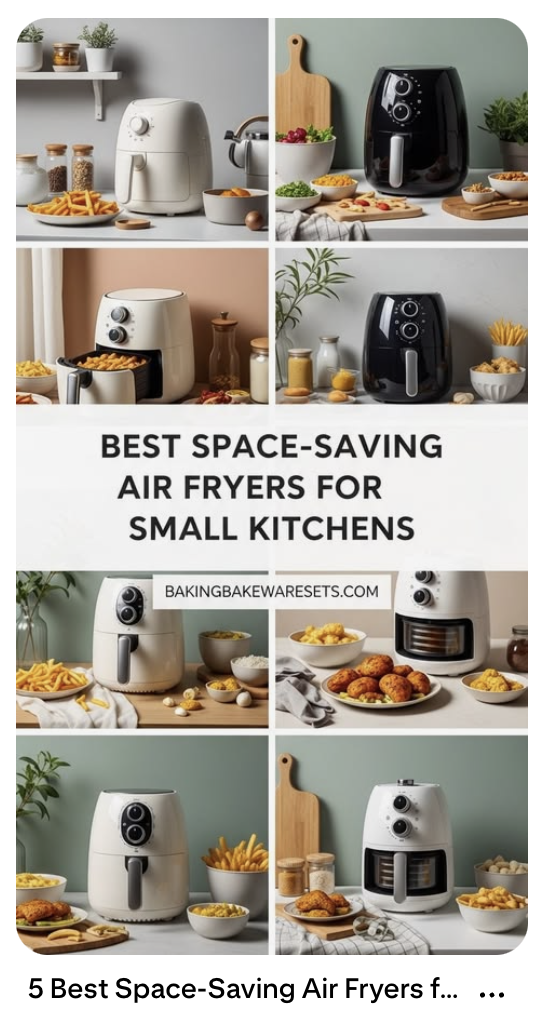
A website gives you the option to send that same shopper to a personally-written article about the ten best air fryers for small kitchens, where you can compare several products, explain the differences, and help them choose the right one. The additional context gives you more room to build trust before directing the reader to a product page or affiliate link.
The extra context becomes even more useful when you are promoting expensive products, unfamiliar brands, or anything that requires more explanation before someone feels comfortable buying. Your article can include original photos, practical advice, personal experience, detailed comparisons, and links to several relevant products, all of which can help the reader make a more informed decision.
Creating a website does not need to be difficult or require hundreds of articles. You can set up a simple website fairly quickly, publish a small collection of useful content, and expand it gradually as your business grows. We’ll walk through how to get started a little later in this article.
If you would rather watch than read, our YouTube video walks through everything you need to know and how to get started:
How Much Time Does a Pinterest Website Take?
The idea of starting a website can feel overwhelming when you assume that you need hundreds of articles and a demanding weekly publishing schedule. Fortunately, you do not need a massive website to begin marketing your content on Pinterest, and even six to ten useful articles can give you enough material to promote for months.
A minimalist kitchen website, for example, could begin with an article covering ten useful products for small kitchens, a detailed review of one popular air fryer, a comparison of two compact blenders, and a few practical guides based on questions people regularly ask. Every article gives you a different link to promote, while the products mentioned inside those articles create multiple opportunities to earn a commission.
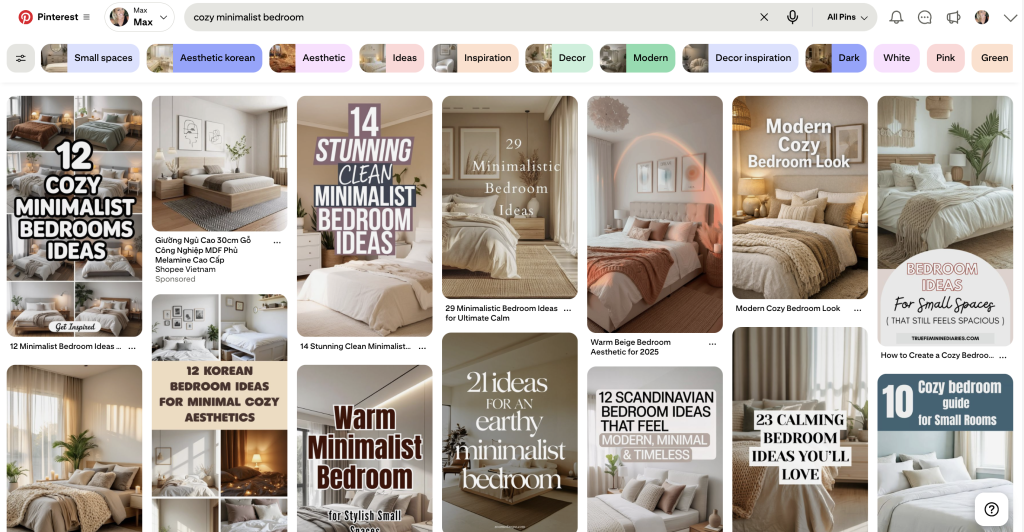
Each article can also support more than one pin. A guide about air fryers for small kitchens might inspire pins about apartment cooking, easy weeknight meals, compact kitchen appliances, or choosing an air fryer when you have limited counter space. The images and wording can change depending on the search you want to target, even though every pin leads to the same helpful article.
Publishing one well-researched article each month also gives your marketing more variety over time. If you begin the year with nine articles and add one new article every month, you will have twenty-one different links in your rotation by the end of the year.
The quality of each article will matter more than the number you publish. Readers can usually tell when an article was created to fill space rather than answer a real question, especially when it contains generic advice without any examples, research, or personal insight. Your articles do not need to be incredibly long, but they should help readers compare their options, understand a product, or solve a problem they came to Pinterest to research.
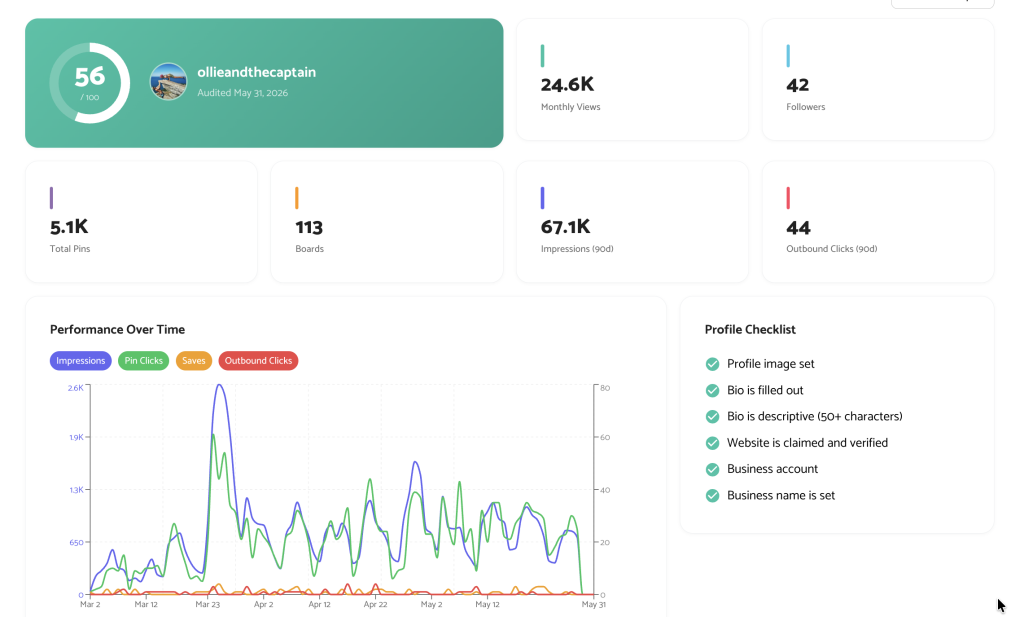
And if you need help optimizing your pins for sales, we have plenty of resources to get your pins set up correctly, including a free Pinterest profile audit to assess what’s working (and what’s not).
How to Easily Set Up a Website
Setting up a basic website is much less technical than it used to be. You will need a domain name, which is the address people use to find your site, along with a hosting service and a platform where you can create pages and publish articles.
The platform itself is less important than choosing one you feel comfortable using. Hostinger, WordPress, Wix, and Bluehost, are some options you may encounter during your research, and most reputable services now provide templates, guided setup tools, or AI builders that can help you create a simple site without hiring a developer.
People often spend too much time comparing platforms, adjusting colors, or searching for the perfect theme before they have written anything. Your first website only needs to work properly, look clean on a phone and computer, and make your articles easy to read. You can always change the design once you understand what your audience responds to.
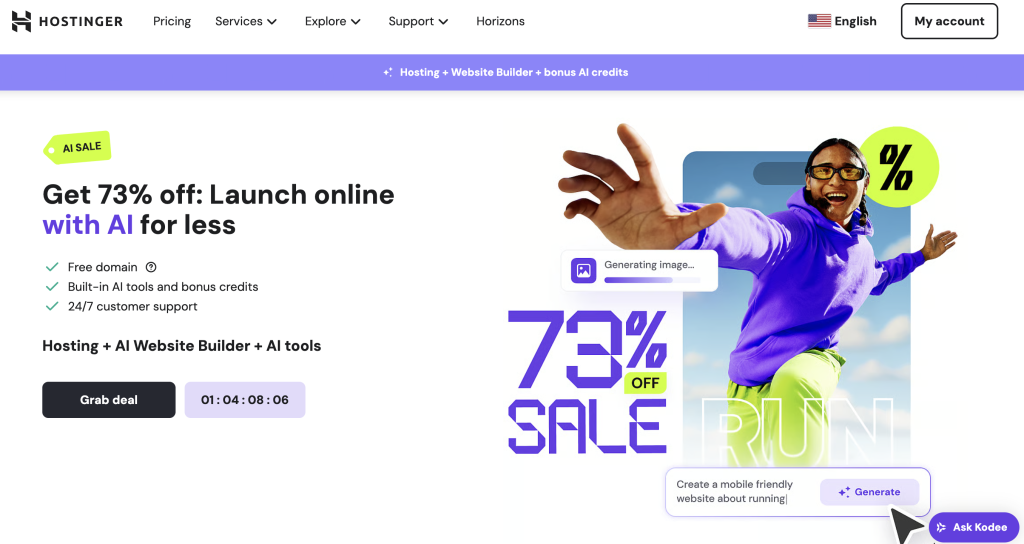
Once the basic website is live, I would focus on creating your first six articles around topics that people in your niche are actively researching. A strong article might answer a common question, compare several products, review something you have personally used, or walk the reader through a process that you understand well.
Real examples and useful opinions are what make a small website valuable. Six thoughtful articles that help people make decisions will give you a much stronger marketing foundation than dozens of pages filled with information that could have come from anywhere.
How to Automate Your Pinterest Marketing
Creating the website gives your Pinterest account more useful destinations, but it does not solve the problem of finding time to design and publish new pins. Most business owners and affiliate marketers have enough work to do already, and manually creating fresh graphics for every article can quickly push Pinterest to the bottom of the list.
Pin Generator handles the repetitive part of the process by connecting directly to your website and scanning its sitemap for available pages. Once the connection is established, Pin Generator can use your existing content to create pin designs, write SEO-friendly titles and descriptions, and schedule the finished pins to your Pinterest account.
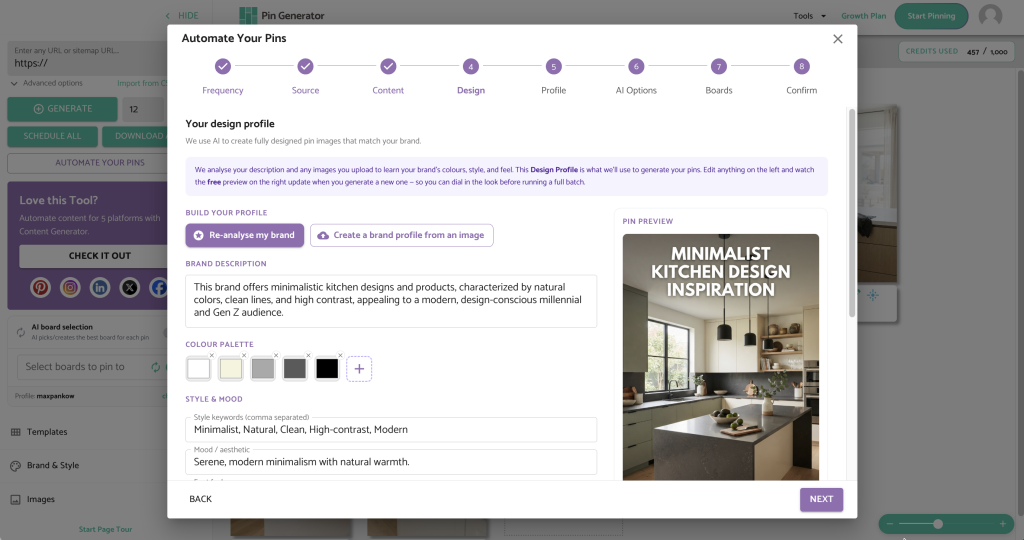
A website with six to ten useful articles gives you the foundation for a fully automated Pinterest marketing strategy, whether you want to use your own photos or have Pin Generator create branded and fully AI-generated images for you. Each pin links back to the appropriate page on your website, so your content continues promoting your articles without requiring you to design and publish everything manually.
Imagine that you begin with nine articles and schedule three pins per day. Pin Generator can promote three articles on the first day, three different articles on the second day, and the remaining three articles on the third day before rotating through them again with new designs, titles, and descriptions. Spacing out your links gives each URL time between uses, while the new creative variations keep your account from repeatedly publishing identical content.
The AI image tools make the process even easier because you are not limited to whatever photos already appear on your website. Pin Generator can use your existing images or create new AI-generated images that fit the topic of each article. The platform also writes the SEO-friendly titles and descriptions, which means the complete pin can be created and scheduled all within the same automation.
You can begin with one pin per day and choose to review each batch weekly before the pins are published. A weekly review gives you a chance to check the designs, confirm that every pin leads to the correct page, and make small adjustments while you become familiar with the automation process. You can always increase the publishing frequency later when you have more content available.
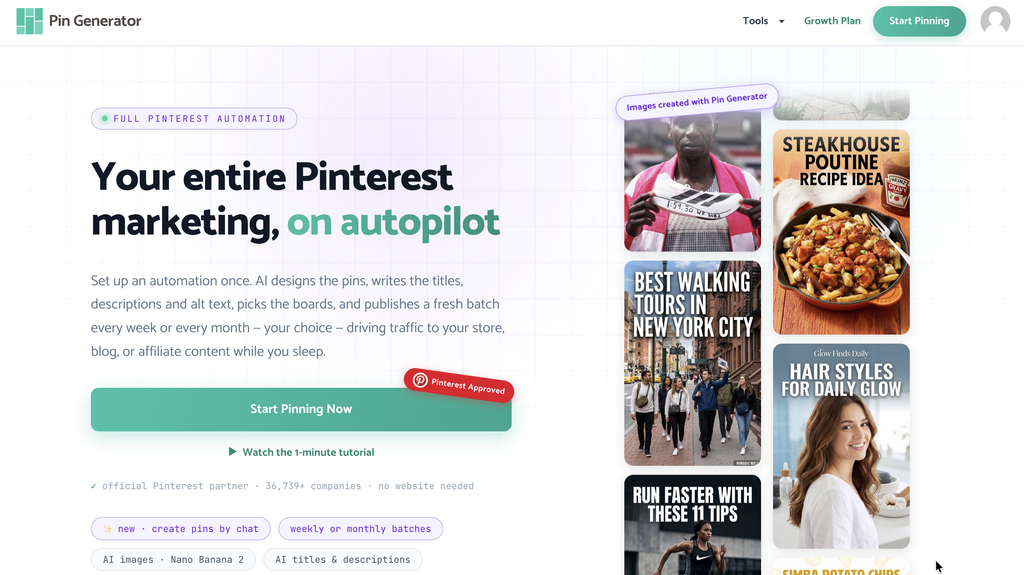
Let’s Get Started
While a website is not mandatory for Pinterest, and some creators can successfully send people directly to products, videos, or online stores, I definitely recommend one to boost credibility and conversions. A website becomes especially valuable when your audience needs more information before buying, or when you want to build a collection of useful content that can continue attracting traffic over time.
You do not need to build a huge site before Pinterest can start working for you. Begin with six to ten helpful articles, add new content at a pace you can realistically maintain, and let Pin Generator turn those pages into a consistent Pinterest marketing strategy.
If you are ready to connect your website and take the repetitive work out of creating pins, you can try Pin Generator and create your first automation.
Let’s get generating!