
How to Manage Pinterest Boards the Smart Way
19 October 2026
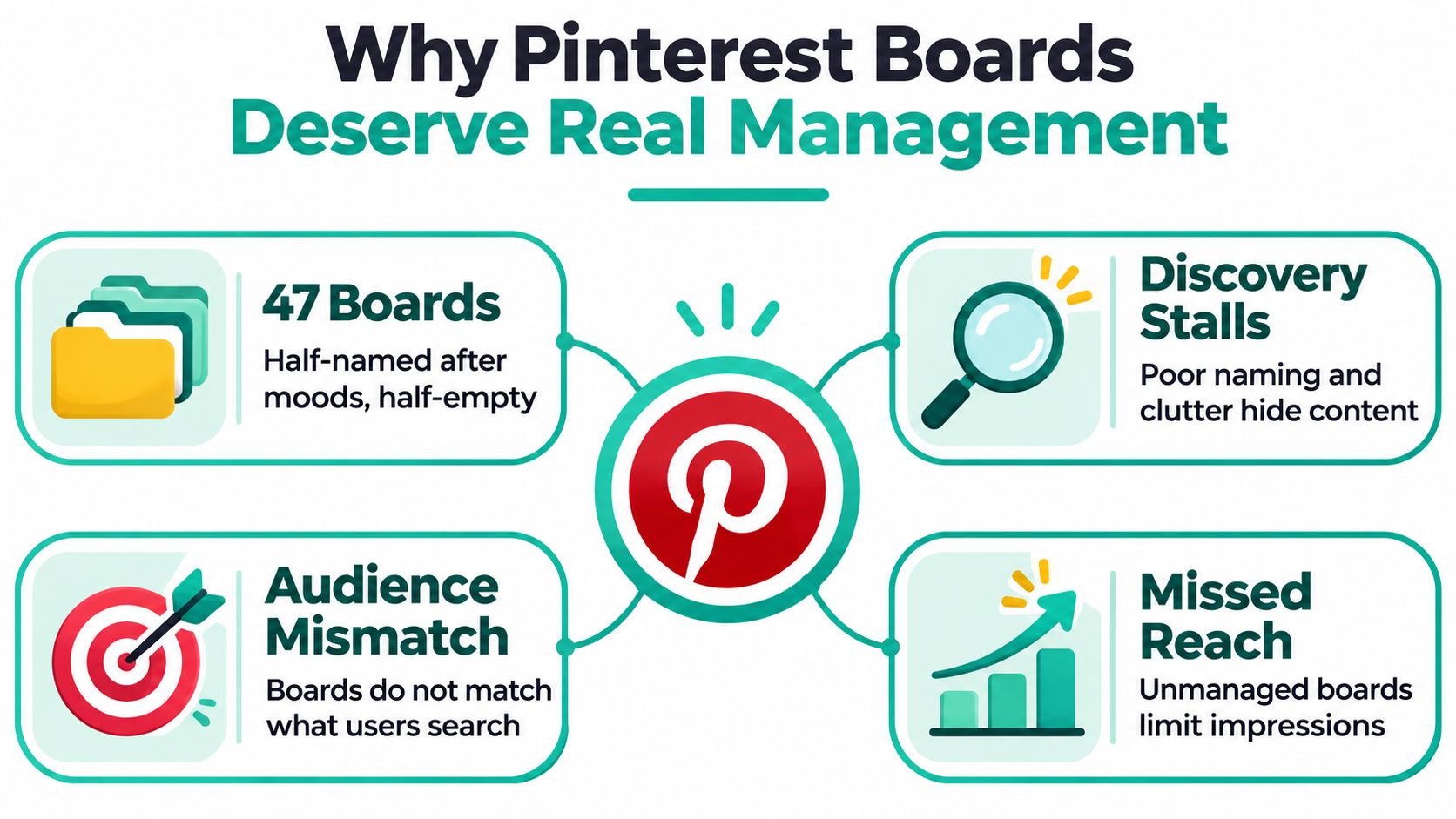
A Pinterest profile with 47 boards, half named after moods and half barely used, creates the same practical problem every time a new Pin is ready: where does it belong? If the answer depends on guesswork, the account's organization isn't helping people discover content or helping the team publish it consistently.
Knowing how to manage Pinterest boards means treating them as a system for organizing demand, not a pile of folders. Clear topics help visitors browse, give each Pin a relevant home, and make it easier to spot when audience interests change.
Table of Contents
- Why Pinterest Boards Deserve Real Management
- Designing a Board Taxonomy That Maps to Search Intent
- Writing Titles, Descriptions, and Choosing Cover Images
- Setting Visibility, Roles, and Secret Boards
- Building a Recurring Publishing Routine
- Measuring Results and Retiring Weak Boards
- Responding to Trends Without Drowning in Boards
Why Pinterest Boards Deserve Real Management
Pinterest boards often outlast the individual Pins inside them. A Stanford study examined 2.6 million boards created by 2.4 million unique users during one week, following their growth for three years. Together, the boards held 282 million Pins, an average of 107 Pins per board (Stanford study of Pinterest boards). That scale illustrates why board naming, categorization, and upkeep matter: collections can keep accumulating content long after the moment they were created.
Start by distinguishing four kinds of boards:
- Core boards cover the subjects your business consistently publishes about.
- Seasonal boards serve a timely need, such as holiday recipes or summer travel planning.
- Sections organize related Pins within an existing board when a subtopic doesn't need its own destination.
- Retirement candidates are outdated, duplicative, or unrelated to your current content.
A loose collection of unclear boards can make it harder for people to understand what your account offers. It also complicates publishing: when two boards seem equally plausible, the team may split similar content across them without a clear reason. A smaller, coherent taxonomy gives each new Pin a more obvious home and makes performance differences easier to interpret.
Practical rule: Keep a board when it represents a clear audience need or business topic. Don't preserve one just because it already exists.
Designing a Board Taxonomy That Maps to Search Intent
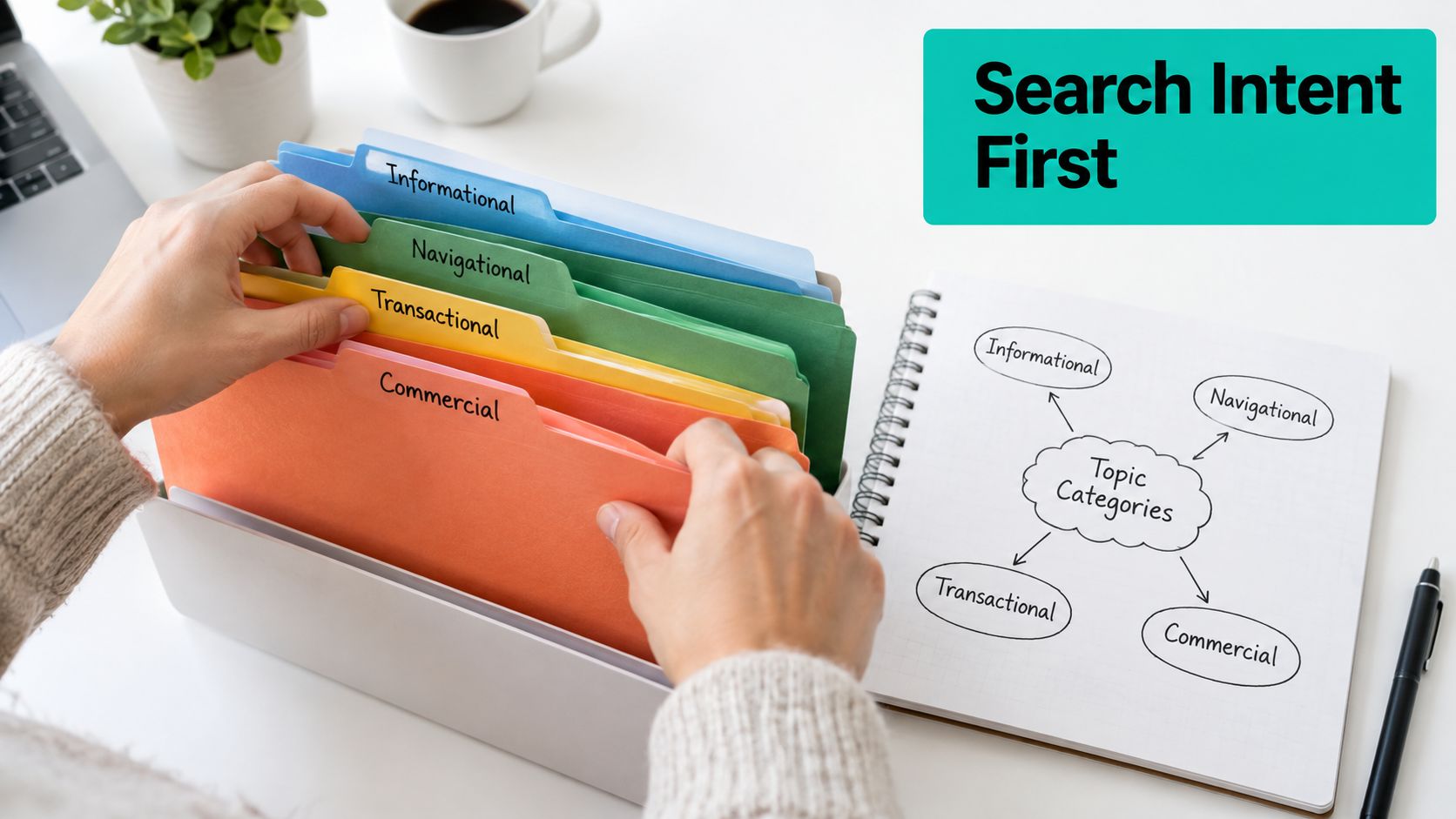
Build the taxonomy from audience language, not from a list of products or internal campaign names. Review Pinterest search suggestions and the Trends tool to understand how people describe the topics they're looking for. Pinterest recommends clear, descriptive language and using Trends to assess how interest in a topic changes over time (Pinterest's guidance on building an audience).
Next, choose three to five primary topics that your business can support with useful content. A board should have a distinct search intent and a destination that matters to your business, such as a related product category, article collection, or educational resource. If you can't explain who the board serves and what belongs in it, don't create it yet.
Compare a vague label like “Style Inspo” with “Minimalist Outfit Ideas for Work.” The second tells visitors what they'll find and uses language that more clearly matches a search. Similarly, “Good Food” says little about the collection, while “Quick Vegetarian Weeknight Dinners” sets a clearer scope.
For keyword discovery, a Pinterest keyword research tool can help generate topic ideas and explore search language. Use suggestions to inform readable titles, not to cram several related phrases into one board name.
A simple test prevents board sprawl: can you plan enough relevant content for this distinct topic, and does it connect to a meaningful destination? If the answer is no, test the subject with a few Pins or a section inside a broader board first. Don't send the same product to loosely related boards just to increase its exposure. Relevance makes the taxonomy easier for people to use and easier for your team to maintain.
Writing Titles, Descriptions, and Choosing Cover Images
A board communicates its purpose through its title, description, and cover. Keep the title direct and specific, then use the description to explain the topic, audience, and content scope in plain English. A practical formula is topic + audience + content type.
For a business blog, a description might say: “Practical meal-prep ideas for busy home cooks, including planning guides, recipes, and storage tips.” For a product collection, clarify what the products are and who they're for. Avoid repeating keywords unnaturally; a readable description is more useful than a string of search terms.
Use sections when one board contains distinct but closely related subtopics. A “Garden Design Ideas” board might have sections for small patios and container planting. By contrast, a substantial subject with its own search intent and planned content may warrant a separate board. Sections help organize a collection without creating another top-level destination to maintain.
Choose a cover image that stays legible at thumbnail size and gives a quick sense of the board's topic. It can reflect your brand, but don't use identical-looking covers if that makes neighboring boards harder to distinguish. Heavy text overlays often become difficult to read when the image appears small.
| Element | Purpose | Example |
|---|---|---|
| Title | States the topic clearly | Minimalist Outfit Ideas for Work |
| Description | Defines audience and content scope | Workwear ideas for people building a practical minimalist wardrobe |
| Cover image | Signals the board's subject at a glance | A clear outfit image with a consistent, readable visual style |
Setting Visibility, Roles, and Secret Boards
Visibility decides whether a board feeds discovery or sits outside it. A public board can surface in Pinterest search and related-Pin feeds, while a secret board collects Pins with zero distribution. That trade-off matters if you run boards as demand capture rather than storage: a secret board is a legitimate workspace, but it earns no traffic until it goes public.
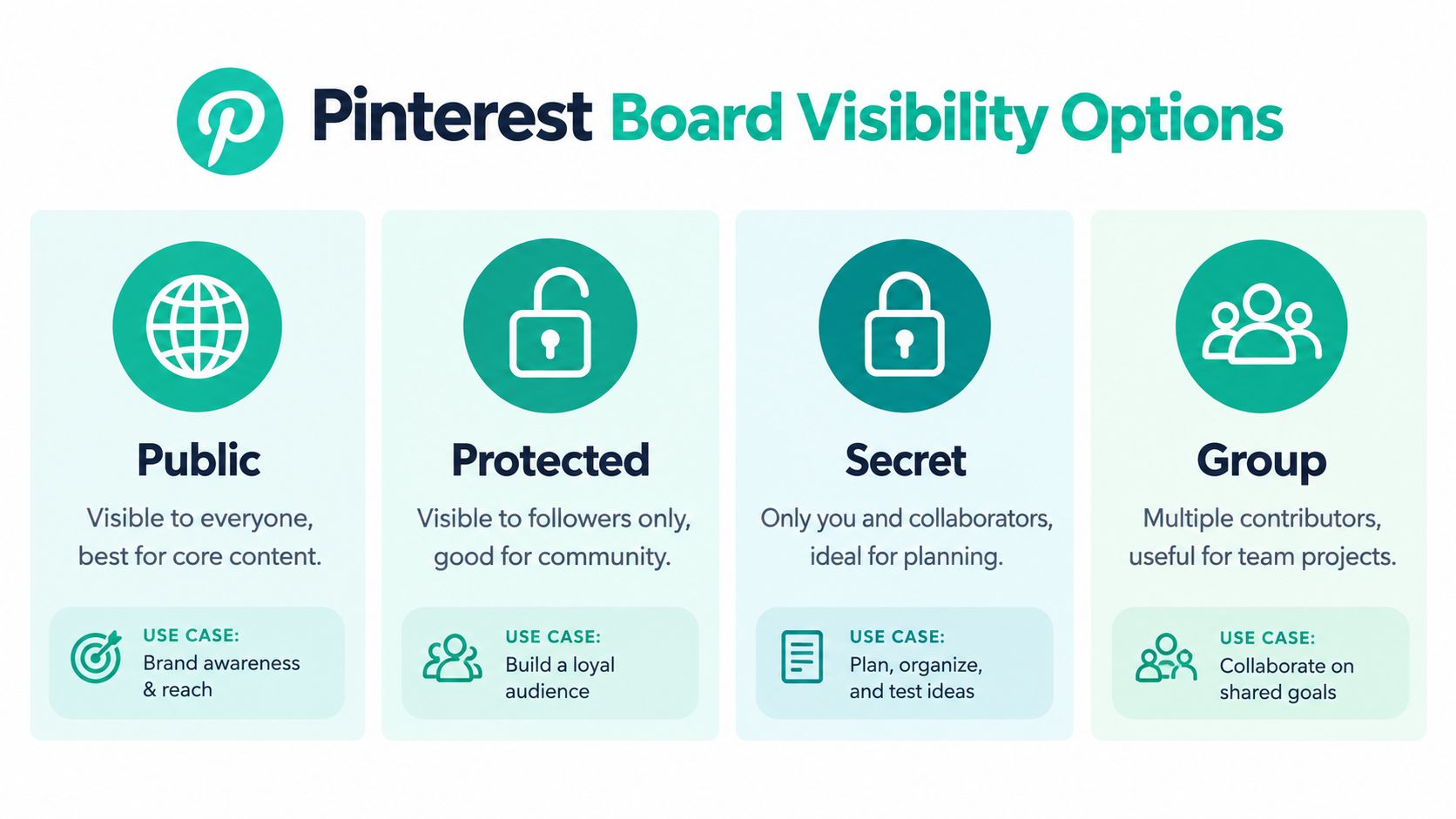
Match the setting to the job. Use public boards for evergreen content you want people to find, secret boards for private planning or confidential material, and group boards when several contributors need to add Pins. Group boards come with a real cost: other people's Pins blur your topical focus, so use them only when the collaboration outweighs the loss of control. Visibility options vary by account and board, so check the controls in your account before relying on a specific setting.
Treat permissions as separate decisions, not a single collaboration toggle. Decide who owns the account, who can publish, who can edit public boards, who can see secret boards, and who approves content before it goes live. Keep unreleased products, client work, campaign concepts, and internal research off the public profile entirely.
Pinterest changed role behavior in 2025. The ad-account admin role lost the ability to edit public boards or access secret boards, while the profile publisher role gained both capabilities (Pinterest's developer newsletter). Audit each collaborator against what their work requires, and build an offboarding step into your process so former collaborators lose access to managed boards the day they leave the project.
The same newsletter covers teen privacy: profiles for users under 16 are private by default, with sharing limited to accepted mutual followers through an external profile-sharing link. Pinterest also temporarily restricted teens under 16 from making boards and Pins visible or accessible to others, citing safety concerns. If your account involves minors, review the current privacy and sharing controls instead of assuming standard public-board workflows apply.
Building a Recurring Publishing Routine
A board taxonomy fails when publishing is random: a seasonal Pin lands on a general board, a product Pin sits in draft for weeks, and the queue fills with whatever was easiest to design that day. Treat the routine as routing demand. Each planning session decides which searches you want to win next, which boards already serve that intent, and which ideas should wait.
Work in batches so planning, design, and scheduling stay separate. Start with the boards that map to clear intent, then ask whether the next batch reinforces demand already visible in the account or tests a new query cluster worth watching. Prepare Pins in a consistent visual style, check every destination link, and assign each Pin to the single most semantically relevant board before it enters the queue. If a draft has no obvious home, park it instead of forcing a fit; repeated orphans are a signal to revisit taxonomy during the next review, not to create a board mid-schedule.
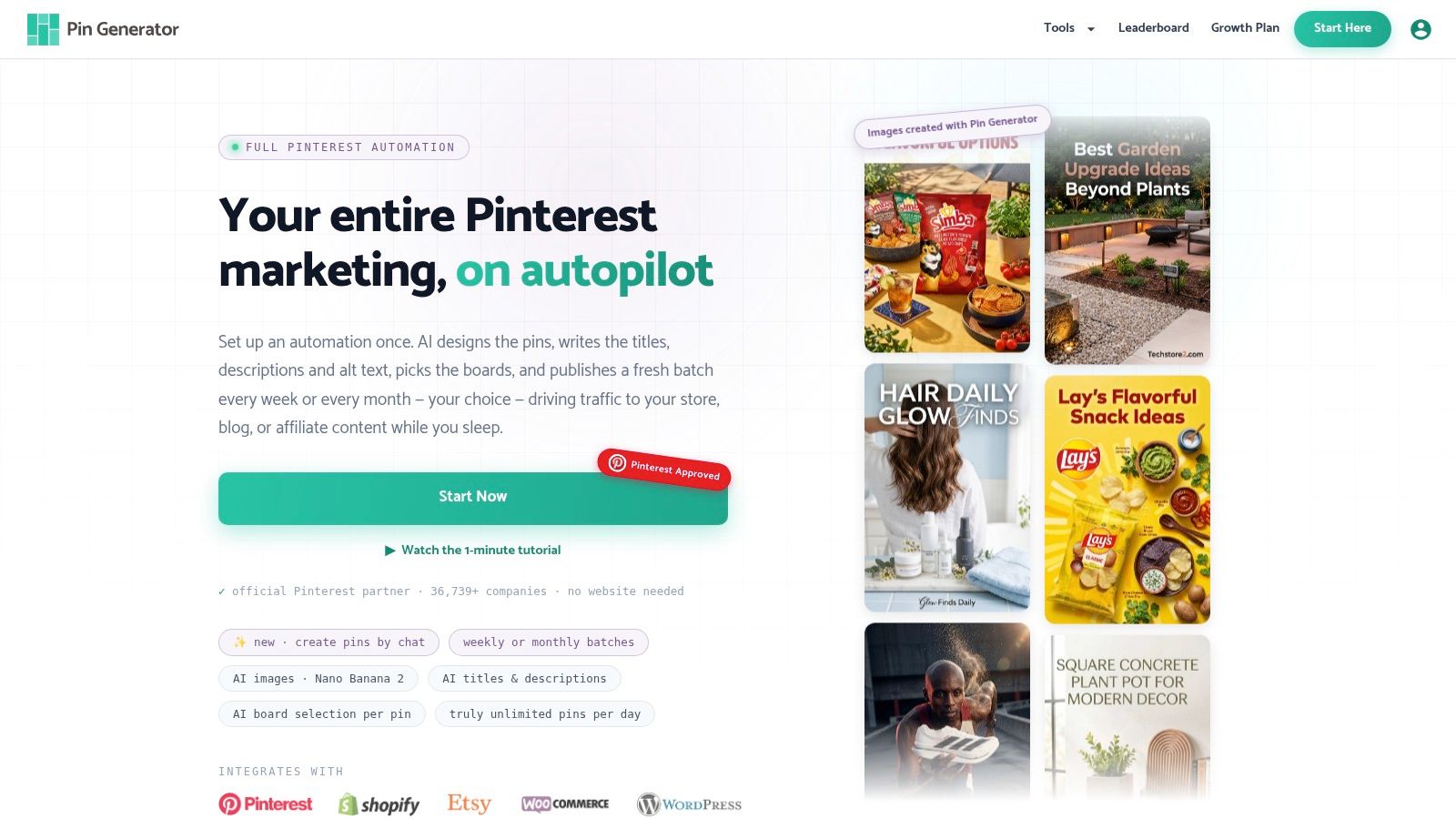
Pin Generator can generate Pin designs, titles, descriptions, and alt text aligned to brand assets, and its scheduling flow supports board selection plus recurring weekly publishing (Pin Generator's publishing features). The trade-off is speed versus judgment: automation can clear a batch faster, but a wrong board choice repeated every week teaches Pinterest the wrong context. Keep a human pass on board, copy, creative, and link before anything goes live.
A simple weekly rhythm:
- Plan: choose the queries and boards that need fresh supply.
- Prepare: design in batches, then check titles, descriptions, alt text, and links.
- Route: give every Pin one best-fit board.
- Review: scan the queue for mismatched boards and off-brand creative.
- Log: mark topics to retest and orphans to discuss in the taxonomy review.
The video below shows a scheduled Pin workflow in action.
Measuring Results and Retiring Weak Boards
Use board-level performance, not follower totals alone, to decide what to improve. Pinterest's analytics overview includes overall performance, performance over time, top boards, and top Pins, with the overview covering the previous 30 days. Pinterest defines Saves as the number of times people saved a Pin to a board, making them a useful signal that people found the content worth collecting (Pinterest Analytics overview).
Record each board's theme, Pin count, impressions, saves, outbound clicks, and publishing cadence on a consistent schedule. Compare like with like: raw saves can mislead when one board receives much more exposure, so examine saves per 1,000 impressions and outbound clicks per 1,000 impressions when those measures are available. For a practical guide to interpreting Pinterest metrics, consult this overview of Pinterest analytics and performance measures.
A board with impressions but few saves may need more useful or more compelling Pins. A board that earns saves but few outbound clicks may need a clearer description, stronger calls to action, or better-matched destination links. The figures don't explain the cause on their own, so change one major factor at a time and keep a log of what you adjusted.
Use the results to choose an action, rather than treating every weak board the same way. Refine a relevant board if the topic still matters; merge overlapping boards when they serve the same intent; repurpose a board if its audience need remains but the content scope has shifted; or archive a board that no longer fits. Give changes time to show up in comparable reporting periods before deciding a board has no value.
Responding to Trends Without Drowning in Boards
Pinterest reported that 2025 searches for "digital detox ideas" grew 72% and "digital detox vision boards" grew 273%; other trend coverage reported year-over-year increases of 132% for "upcycled clothing ideas" and 89% for "planet-friendly recipes" (Pinterest summer trend coverage). Numbers like these tempt you to spin up a board for every spike. Resist that. A trend is a demand signal, and the right response might be a new board, a section inside an existing one, or a batch of Pins.
I've watched accounts sprout a dozen trend boards in one quarter, then spend months pruning the ones that never earned impressions. The accounts that handle trends well run each candidate through a short qualifying test:
- Check intent: Does the trend's search language differ enough from your current boards to justify its own?
- Check overlap: Can an existing board absorb the topic without confusing its audience?
- Check depth: Do you have enough planned Pins to keep the board active past the spike?
- Check lifespan: Is this a lasting interest or a seasonal window with a clear end?
- Check the destination: Will board traffic reach a page that matters to the business?
Seasonal boards pass this test more often than you'd expect, because they only need to hold attention for a limited period. Give them a visible home while demand runs hot, then de-emphasize or archive them when it passes. Lasting trends earn permanent boards only when they clear intent, depth, and destination at once.
Your taxonomy should bend with search demand without breaking under it.
Pin Generator can create Pin designs, titles, descriptions, and alt text, then help schedule content to selected boards on a recurring cadence. If you're ready to connect board planning with a steadier publishing routine, visit Pin Generator's scheduling tools.