
How to Sell Digital Products on Pinterest With Automated Marketing
3 November 2026
You spent hours creating a digital product, carefully designing every page, and making sure it provides something useful to your customers, but now that you’ve listed it for sale, you’re realizing that getting people to discover it might be just as much work as creating it in the first place.
This is one of the biggest challenges with selling digital products online. Although you don’t have to worry about physical inventory, packaging, or shipping, you still need to attract potential customers, explain what makes your product valuable, and give people a reason to purchase it.
Pinterest offers an opportunity to reach those customers while they’re actively searching for ideas and solutions. The platform now reaches more than 640 million monthly active users, and Pinterest Business reports that 96% of its top searches are unbranded, which means people frequently search without having a particular company in mind.
If you want to sell digital products on Pinterest without spending hours creating promotional content every week, the key is understanding what your audience searches for and building a marketing strategy that allows you to promote your products consistently.
Why Use Pinterest to Sell Digital Products?
Pinterest works particularly well for digital products because people use the platform to research ideas, plan projects, and find resources that help them accomplish something specific.
Someone searching for a printable meal planner, wedding invitation template, or social media calendar already has a goal in mind, which gives you an opportunity to introduce a product that helps them complete it.
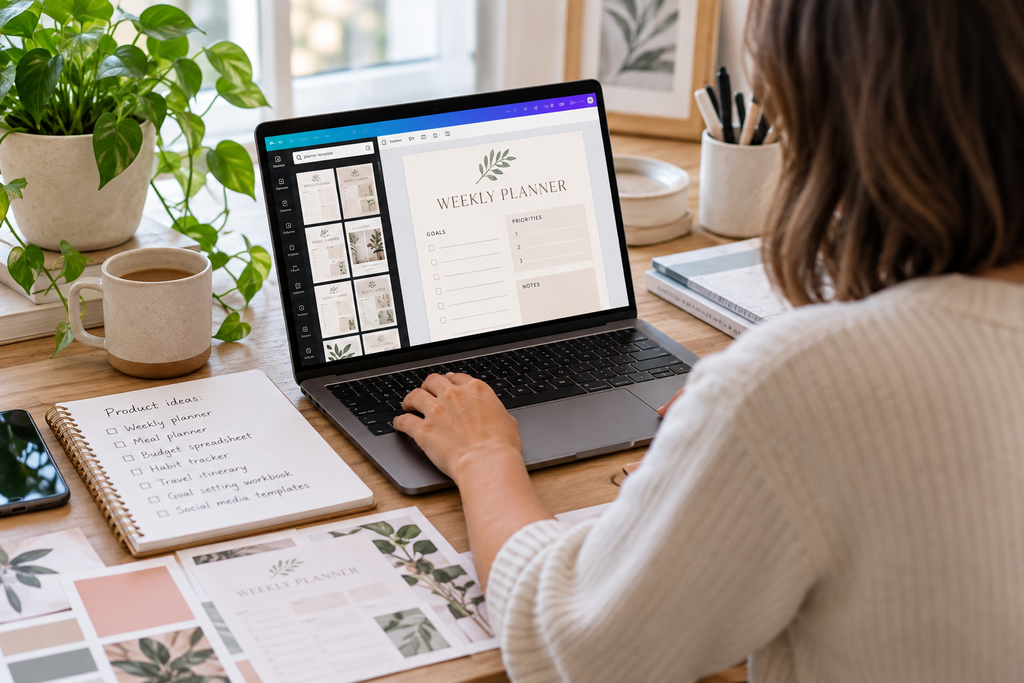
Pinterest content remains discoverable long after publication because the platform continues recommending relevant pins through search results and personalized feeds. This gives each product more opportunities to attract potential customers without requiring you to publish something new every time you want people to see it.
You can also promote the same product through several relevant search terms, provided each one accurately reflects what you’re selling. For example, a budgeting spreadsheet could appeal to people searching for monthly budget templates, debt payoff trackers, or financial planners for beginners.
The goal is to understand the different reasons someone might need your product and create Pinterest content that connects with those searches.
Rather watch instead of read? We’re explaining how to sell digital products on Pinterest in our latest YouTube tutorial, including a complete walkthrough of how to automate the marketing process with Pin Generator.
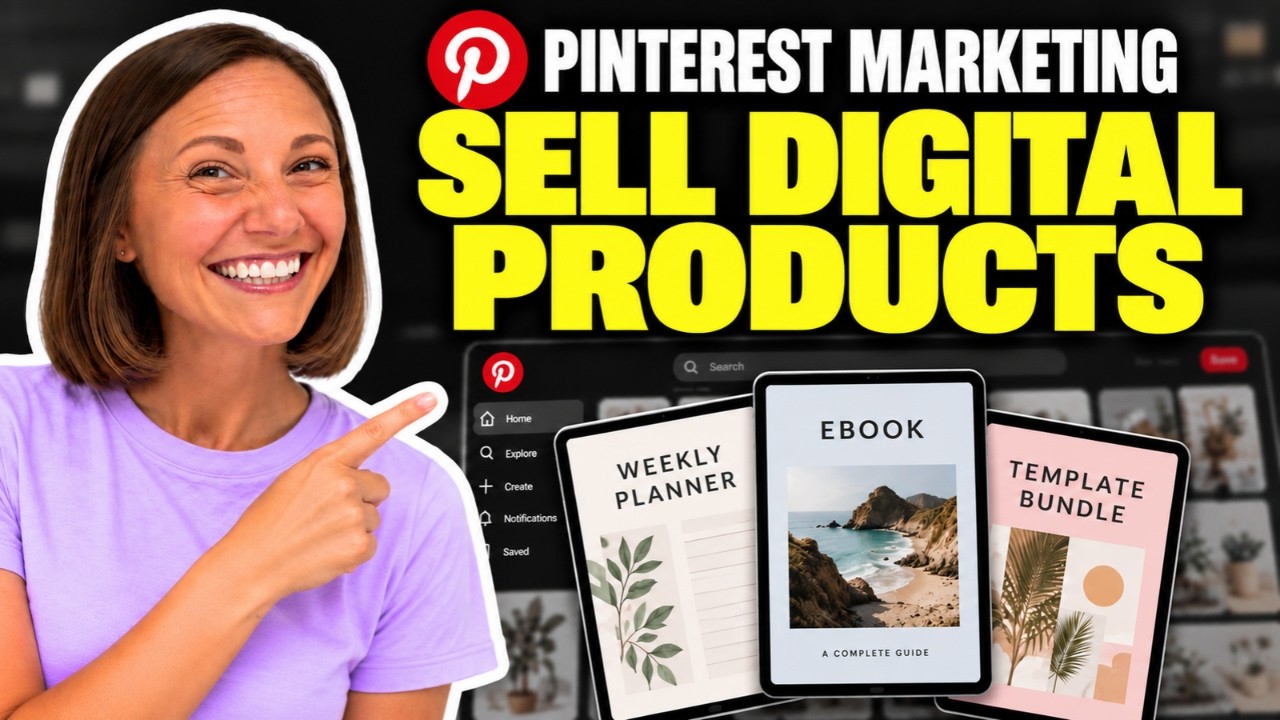
Which Digital Products Work Best on Pinterest?
Digital products that provide a visible result or help someone complete a specific project are often easier to promote on Pinterest because you can show potential customers what they’re purchasing.
Printables, planners, templates, checklists, digital artwork, patterns, and educational resources are all suitable examples, although their success will depend on the audience you’re targeting and how effectively you present them.
Courses, memberships, and ebooks can also work, but they may require more explanation before someone is ready to purchase. A detailed sales page, free preview, or supporting blog post can help communicate the value of a product that isn’t immediately obvious from an image.
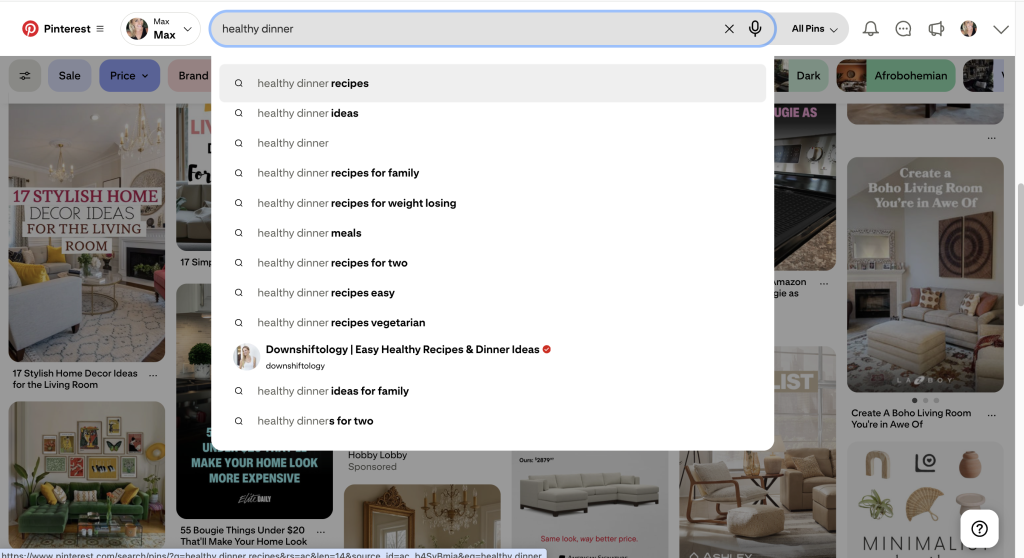
If you’re still deciding what to create, Pinterest’s search bar is a useful place to research the topics people are interested in. Start with a broad keyword and pay attention to the suggested phrases, which can help you identify more specific problems, occasions, and product types.
For example, instead of creating a general wedding planner, you might discover that people are searching for printable wedding planning checklists, wedding budget spreadsheets, or wedding day timelines.
A focused product with a clear purpose can sometimes be easier to market than a large bundle because customers immediately understand what it helps them accomplish.
How to Showcase Digital Products on Pinterest
One of the challenges with selling digital products is that customers cannot physically examine what they’re purchasing, so your Pinterest pins need to help them understand what they’ll receive and how they might use it.
Instead of relying on a generic image, show part of the actual product whenever possible. A printable planner could feature several pages from the download, while a spreadsheet template might appear on a laptop screen to demonstrate its layout.
Mockups can help customers visualize digital products in a realistic setting, but they should accurately represent the files you’re selling. If someone is purchasing a downloadable PDF rather than a physical planner, make that distinction clear in the pin or on the product page.
Your pin title and description should also explain what the product helps with, who it’s designed for, and why someone might find it useful. For example, you could promote the same weekly meal planner by focusing on simplifying grocery shopping, organizing family dinners, or preparing meals ahead of time, provided the product genuinely supports those activities. Each approach gives you an opportunity to reach someone searching for a different solution without repeatedly publishing identical content.
Include a clear call to action that encourages people to learn more about the product, and make sure the destination link takes them directly to the relevant sales page. Our guide to optimizing Pinterest pins for sales explains how your images, descriptions, and destination pages can work together to encourage more clicks.
How to Automate Pinterest Marketing With Pin Generator
Once you have several digital products or marketing angles, maintaining a consistent Pinterest publishing schedule can become time-consuming, particularly when every pin requires an image, keyword-focused title and description, relevant board, destination link, and scheduled date.
Pin Generator brings these tasks into one automated workflow, allowing you to promote your digital products without manually creating and publishing every pin.
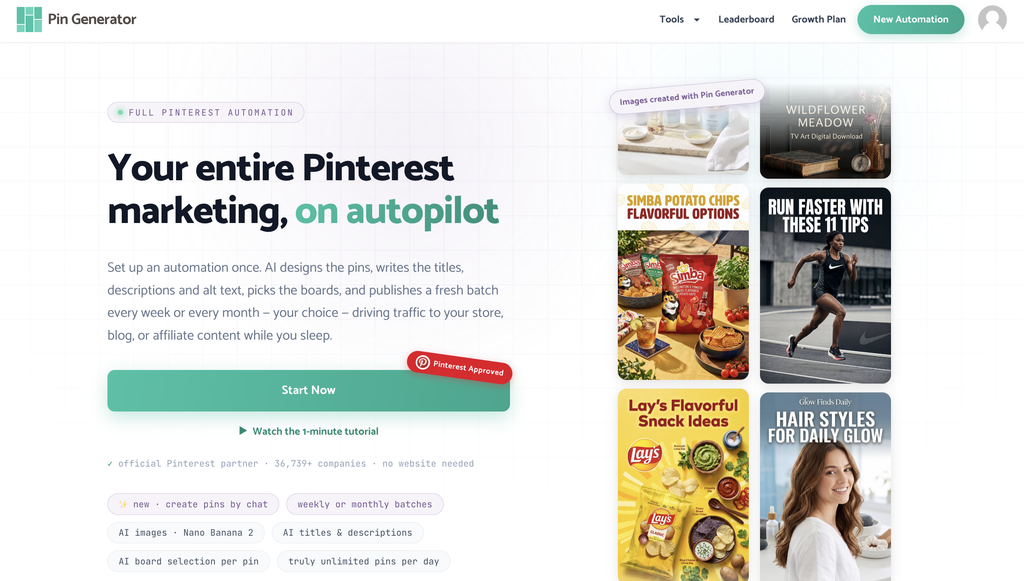
You can begin by creating a new automation and choosing how frequently you want your pins published. If you’re promoting a single product URL, starting with one pin per day gives you a manageable schedule while you test different approaches.
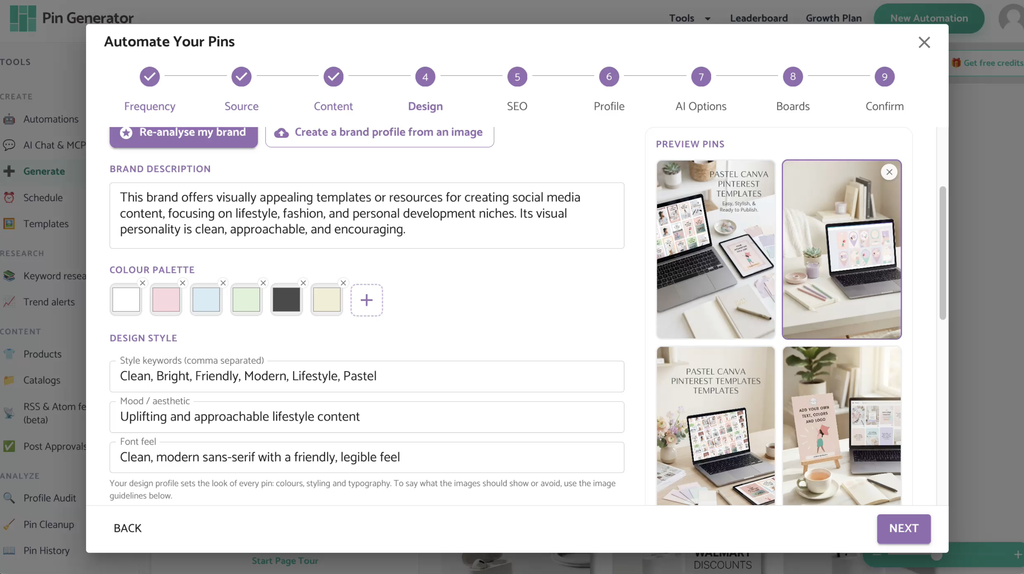
Next, connect your website or supported online shop, including Etsy, Shopify, or WooCommerce, or provide the relevant product links if your digital products are hosted elsewhere. You should include enough information for Pin Generator to understand what you’re selling, who the product is designed for, the problem it solves, and the visual direction you want your pins to follow.
From there, you can choose between template-based designs, fully AI-generated pins, or a combination of both. Templates allow you to incorporate existing product images and mockups, while AI-generated designs can introduce additional visual concepts when they’re appropriate for your offer. Pin Generator can also help establish a consistent brand identity using your colors, fonts, and preferred design style, while its automatic SEO and trend-targeting features research relevant Pinterest keywords for your products.
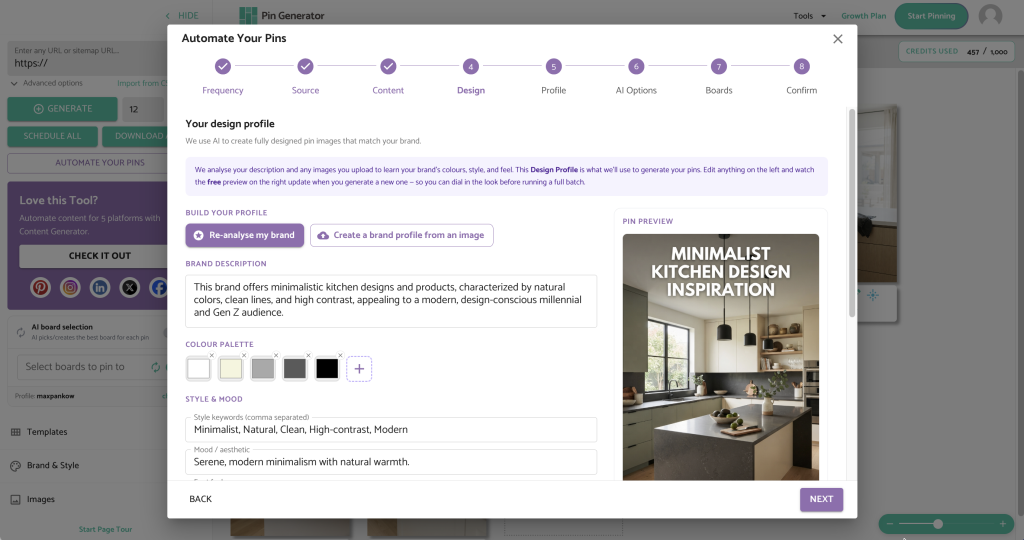
The automation can select appropriate Pinterest boards and organize your publishing schedule, although you should always review the suggested keywords, images, descriptions, destination links, and scheduled dates before approving a campaign.
Once everything is configured, Pin Generator can continue preparing future batches according to your settings, allowing you to spend less time creating individual pins and more time reviewing your content and improving your strategy.
Review Your Pinterest Analytics and Improve Your Results
Automating your Pinterest marketing can help you publish consistently, but you still need to understand which products, images, and keywords are attracting potential customers. Rather than making changes every few days, give your pins enough time to collect meaningful data and review your broader performance monthly.
Outbound clicks are particularly useful because they show how often someone leaves Pinterest to visit your product page, which is an important step toward generating a sale.
If a pin receives plenty of impressions but very few outbound clicks, the image or message may not be giving people enough reason to continue. You could experiment with a clearer product image, a more specific headline, or a different benefit that better reflects what your audience is searching for. Try changing one meaningful element at a time so you can better understand which adjustments influence your results.
Over time, these comparisons can help you identify which products and marketing angles deserve more attention, allowing you to create additional variations based on what your audience responds to.

Start Selling Digital Products on Pinterest
You don’t need an enormous product catalog or hundreds of Pinterest pins to begin promoting digital products, but you do need a clear understanding of who your products help and how people search for solutions like yours.
Start by researching relevant keywords, creating pins that accurately represent what you’re selling, and linking directly to the product pages where customers can learn more. Once you’ve established those foundations, you can use automation to maintain a consistent publishing schedule while continuing to review your results and refine your marketing strategy.
If you’re ready to sell digital products on Pinterest without spending hours creating and scheduling every pin manually, try Pin Generator to automate your pin creation, keyword optimization, board selection, and publishing schedule.
Let’s get generating!