
12 Best Pinterest Tools to Dominate in 2025
4 July 2025
Pinterest is far more than a digital scrapbook; it's a powerful visual search engine that drives significant traffic and sales for businesses, bloggers, and creators alike. However, succeeding on the platform demands a consistent strategy, eye-catching visuals, and smart scheduling, tasks that can quickly become overwhelming. This is precisely where dedicated Pinterest tools come into play. They are not just about saving time; they are about working smarter to achieve tangible results.
From automating your Pin scheduling to uncovering trending keywords and creating stunning visuals in minutes, the right software transforms your Pinterest marketing from a daily chore into a high-ROI engine for growth. In this comprehensive guide, we move beyond generic feature lists to give you practical, real-world insights into the best platforms available. We will explore the unique strengths, potential drawbacks, pricing, and specific use cases for each option.
This resource is designed to help you choose the perfect toolkit for your specific goals, whether you are an eCommerce store owner, a content creator, or a social media manager. Each review includes direct links and analysis to help you make an informed decision and unlock your true potential on the platform.
1. Pin Generator
Best for: All-in-one content creation and scheduling automation.
Pin Generator stands out as a premier choice among Pinterest tools, offering a robust, all-in-one solution for marketers aiming to dominate the platform with minimal manual effort. Its core strength lies in its AI-powered pin generation, which can transform a simple URL, such as a blog post or product page, into dozens of unique, high-quality pin designs in seconds. This dramatically accelerates content production, a common bottleneck for busy creators and business owners.
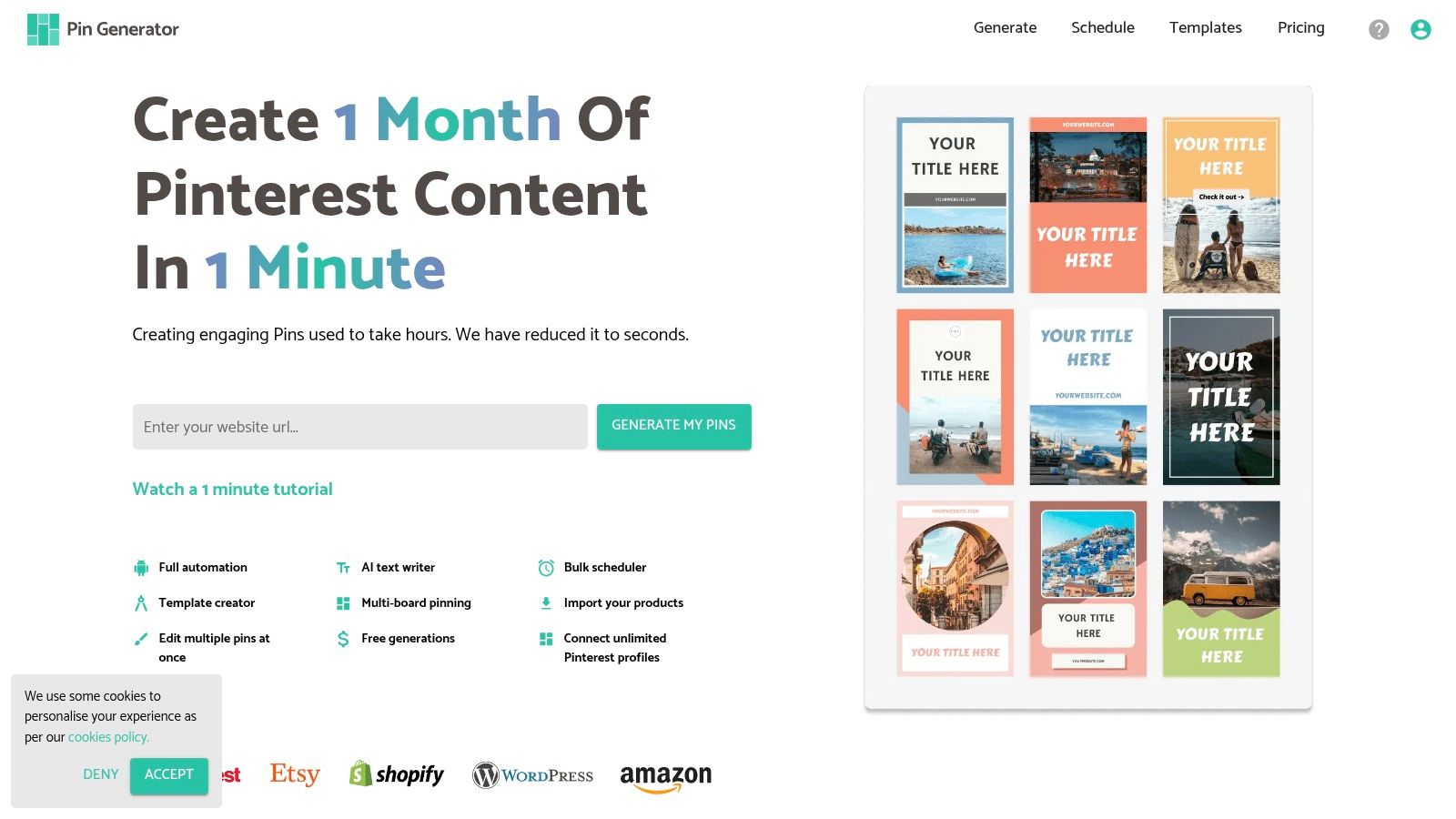
Beyond simple creation, the platform offers a comprehensive suite of features that streamline the entire Pinterest marketing workflow. The built-in scheduler allows you to plan and automate your pinning schedule for optimal engagement, while the customizable templates ensure your content remains on-brand. For eCommerce users, the seamless integrations with Shopify, Etsy, and WordPress are game-changers, making it incredibly easy to promote products directly.
Key Features and Analysis
Pin Generator isn't just a scheduler; it's a strategic growth tool. Its advanced features empower users to make data-driven decisions.
- Pinterest Keyword Research Tool: Uncover high-volume, low-competition keywords directly within the platform to optimize your pin descriptions and board titles for maximum discoverability.
- Automated Scheduling: The smart scheduler helps you maintain a consistent pinning schedule, which is crucial for the Pinterest algorithm. You can set it and forget it.
- Seamless Integrations: Connect your RSS feed, Shopify store, or Etsy shop to automatically pull content, creating pins for new products or posts without lifting a finger.
- Chrome Extension: The handy browser extension allows you to generate and schedule pins from any webpage on the fly, integrating Pinterest marketing into your daily browsing habits.
Practical Use and Considerations
The platform is designed with an intuitive dashboard that simplifies complex marketing tasks. However, to fully leverage its advanced features like the keyword tool and trend alerts, new users should invest time in the extensive library of marketing tutorials provided. While pricing isn't listed on the homepage, a visit to the site reveals clear tiers suitable for different user levels, from solo creators to larger teams.
Our Take: For bloggers, eCommerce store owners, and affiliate marketers, Pin Generator is a powerhouse. Its ability to automate the most time-consuming aspects of Pinterest, combined with strategic tools for SEO and trend analysis, makes it a truly comprehensive solution for driving traffic and conversions.
- Pros:
- Dramatically reduces content creation time with automated pin generation.
- Comprehensive scheduling and customizable branding templates.
- Seamless integrations with Etsy, Shopify, and WordPress.
- Advanced tools like keyword research and trend alerts.
- Cons:
- Pricing requires visiting the website for full details.
- Advanced features may have a slight learning curve for complete beginners.
Website: https://pingenerator.com
2. Tailwind
Tailwind is arguably one of the most recognized and powerful Pinterest tools available, functioning as a comprehensive marketing suite. It’s an official Pinterest partner, which provides a layer of security and deeper integration than many other platforms. Its core strength lies in automating the pinning process while optimizing for maximum reach and engagement. The platform goes beyond simple scheduling, offering a suite of analytics and community-driven features that help grow your Pinterest presence strategically.
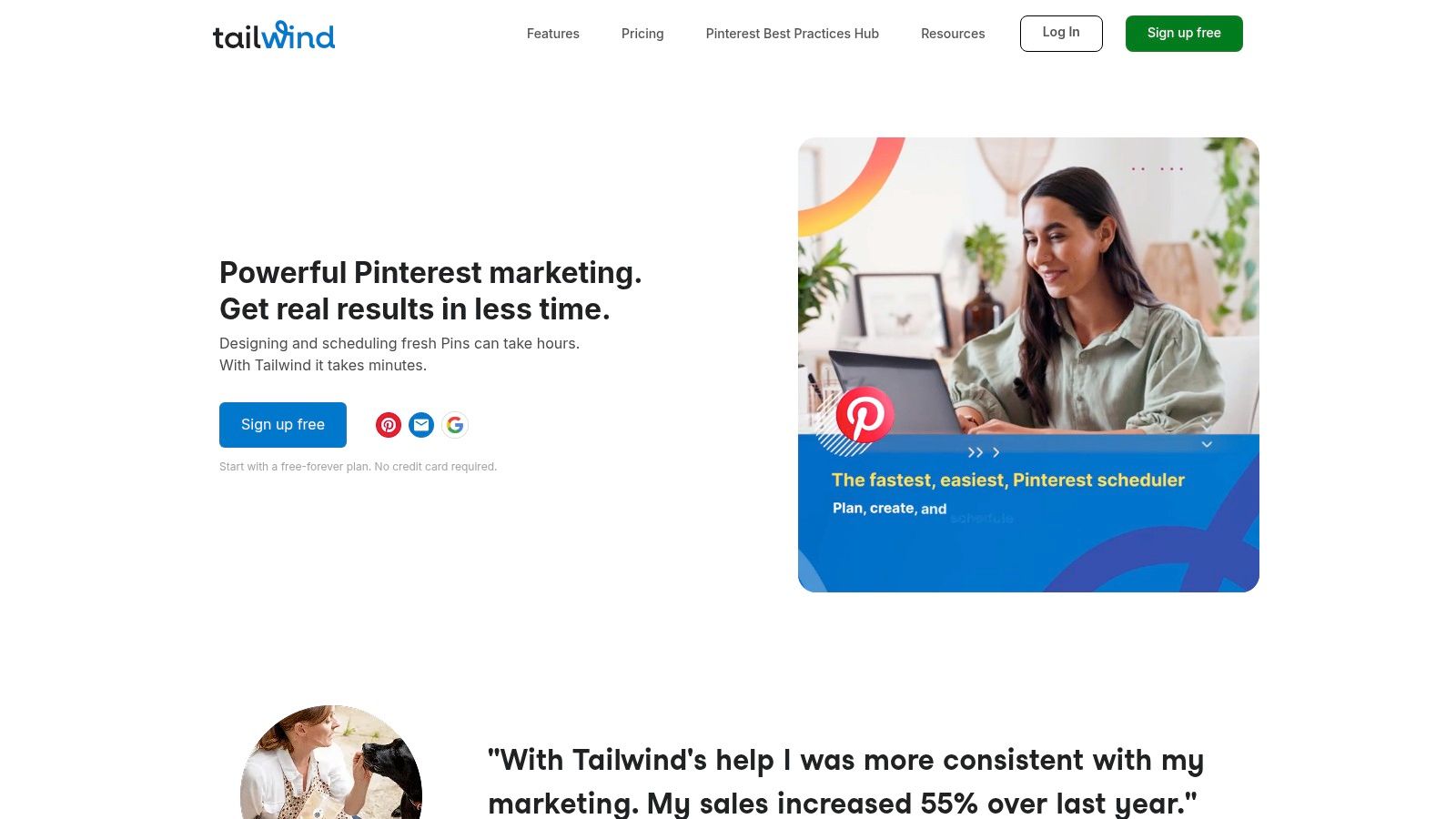
The platform's user-friendly interface makes it accessible for beginners, yet its robust feature set satisfies experienced marketers. Tailwind is particularly effective for bloggers and eCommerce businesses looking to drive consistent traffic from Pinterest without spending hours manually pinning each day. For those exploring different management styles, you can also check out this comparison of the best Tailwind alternatives for Pinterest.
Key Features & Use Cases
- SmartSchedule: This standout feature automatically determines the optimal times to post your Pins based on when your specific audience is most active. It removes the guesswork and helps maximize initial engagement.
- Tailwind Communities: Formerly known as Tribes, this feature allows you to join niche groups to share your content and discover high-quality, relevant content from other creators to share with your audience. It's a powerful tool for reciprocal sharing and expanding your reach.
- Bulk Uploading & Scheduling: Save significant time by uploading hundreds of Pins at once and scheduling them to be published over weeks or months. This is ideal for batch-creating content.
- In-Depth Analytics: Track profile performance, board engagement, and individual Pin metrics to understand what resonates with your audience and refine your strategy.
| Feature | Best For |
|---|---|
| SmartSchedule | Maximizing engagement without manual analysis. |
| Tailwind Communities | Bloggers and creators looking to network and accelerate content reach. |
| Analytics | Marketers and business owners needing data to justify ROI. |
| Canva Integration | Users who want a seamless design-to-scheduling workflow. |
Pricing: Tailwind offers a "Free Forever" plan with limited features. Paid plans start at $12.99/month (billed annually) for the Pro plan, with more advanced options available.
3. SocialPilot
SocialPilot positions itself as an all-in-one social media management solution, making it one of the more versatile Pinterest tools for businesses managing multiple social profiles. While not exclusively for Pinterest, its robust integration allows for comprehensive scheduling, content curation, and performance analysis. Its strength lies in offering a unified dashboard where agencies and marketing teams can manage their entire social media presence, including Pinterest, without switching platforms. This makes it a highly efficient and cost-effective option for streamlined marketing workflows.
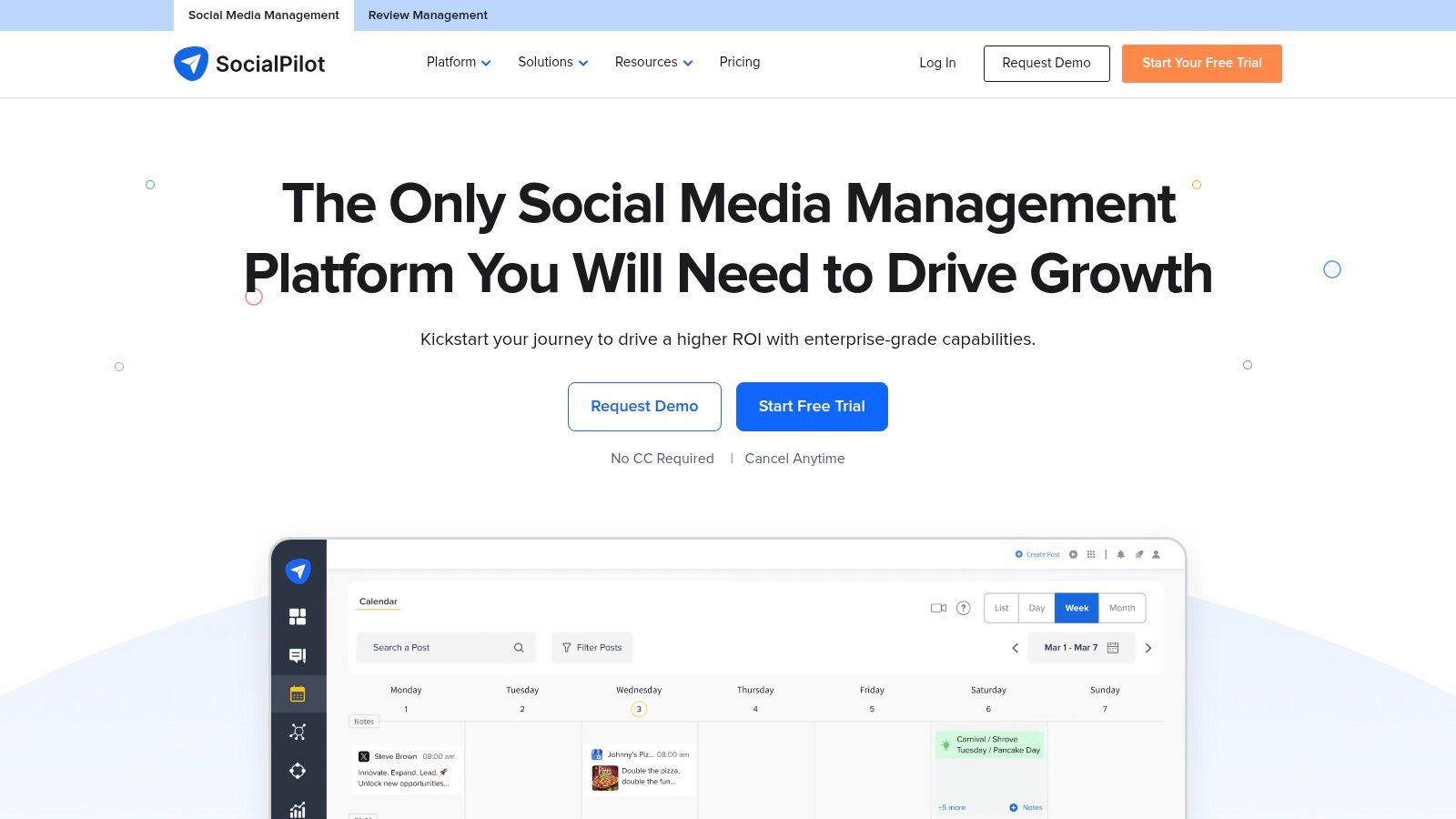
The platform is particularly beneficial for small to medium-sized businesses and agencies that need powerful features like team collaboration and client management at an accessible price point. Its user-friendly interface and strong customer support help shorten the learning curve, allowing teams to quickly implement a cohesive content strategy across various channels. For those managing multiple accounts, SocialPilot's bulk scheduling is a significant time-saver.
Key Features & Use Cases
- Bulk Scheduling: Plan and upload up to 500 Pins at once using a CSV file. This is perfect for executing long-term content strategies or managing multiple client accounts efficiently.
- Content Calendar: Visualize your entire Pinterest schedule with a drag-and-drop calendar. It provides a clear overview of your upcoming Pins, helping you identify content gaps and maintain a consistent posting frequency.
- Canva Integration: Design compelling Pins directly within the SocialPilot dashboard through its seamless integration with Canva, streamlining the process from creation to publication.
- Team Collaboration: Invite team members to manage accounts, create content, and go through an approval workflow before Pins are published. This is essential for maintaining brand consistency in larger teams or agencies.
| Feature | Best For |
|---|---|
| Bulk Scheduling | Agencies and marketers managing high-volume Pinterest accounts. |
| Content Calendar | Visual planners who need a clear overview of their content strategy. |
| Team Collaboration | Marketing teams and agencies requiring approval workflows. |
| Multi-Platform Support | Businesses wanting a single tool to manage all social media channels. |
Pricing: SocialPilot offers a 14-day free trial. Paid plans start at $25.50/month (billed annually) for the Professional plan, with higher-tier plans available for larger teams and agencies.
4. Hootsuite
Hootsuite is a powerhouse in the social media management world, and its inclusion of Pinterest makes it a strong contender for businesses and agencies managing multiple social profiles. While not exclusively a Pinterest tool, its strength lies in providing a unified dashboard where you can schedule Pins alongside posts for Instagram, Facebook, LinkedIn, and more. This all-in-one approach is ideal for executing a cohesive, multi-channel marketing strategy without switching between platforms. Hootsuite is built for collaboration, making it a go-to for teams needing streamlined approval workflows and shared content calendars.
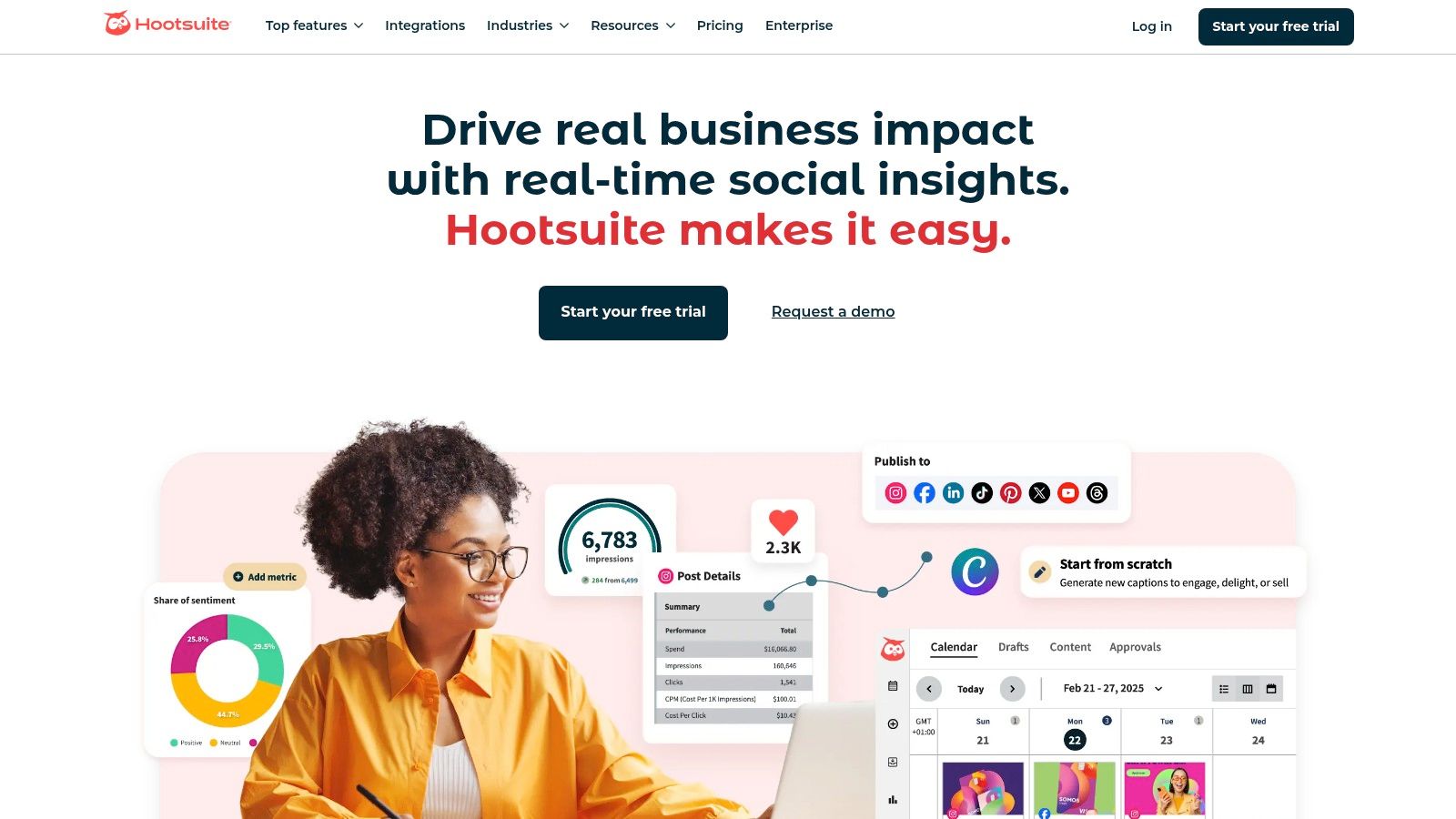
The platform is less about niche Pinterest growth hacks and more about integrating Pinterest into a broader operational framework. Its robust analytics and reporting capabilities allow marketers to demonstrate Pinterest's ROI in the context of their overall social media efforts. While its extensive features can present a steeper learning curve, it offers unparalleled control for larger organizations.
Key Features & Use Cases
- Unified Content Calendar: Plan, schedule, and view all your social media content, including Pinterest Pins, in one central location. This simplifies cross-platform campaign management.
- Bulk Scheduling: Prepare and upload numerous Pins at once from a CSV file, saving significant time and ensuring a consistent content pipeline.
- Team Collaboration: Assign tasks, manage post approvals, and control permissions for different team members, ensuring brand consistency and efficient workflows.
- Advanced Analytics: Create comprehensive, customizable reports that measure Pinterest performance alongside other networks, tracking metrics like clicks, impressions, and engagement to prove ROI.
| Feature | Best For |
|---|---|
| Unified Dashboard | Agencies and marketing teams managing multiple client social accounts. |
| Team Collaboration | Large businesses requiring structured approval and content workflows. |
| Bulk Scheduling | Brands with high-volume content strategies needing to plan far in advance. |
| Advanced Analytics | Marketers who need to integrate Pinterest data into overall social reports. |
Pricing: Hootsuite offers a 30-day free trial. Paid plans start at $99/month for the Professional plan, with customized pricing available for larger Enterprise solutions.
5. Sprout Social
Sprout Social is a premium, all-in-one social media management platform that offers robust support for Pinterest alongside other major networks. It's designed for businesses and agencies that require a unified solution for their entire social media strategy, not just a single platform. Sprout Social stands out by integrating sophisticated analytics, team collaboration, and social listening tools, making it one of the most comprehensive Pinterest tools for larger organizations looking to scale their efforts and measure ROI effectively.
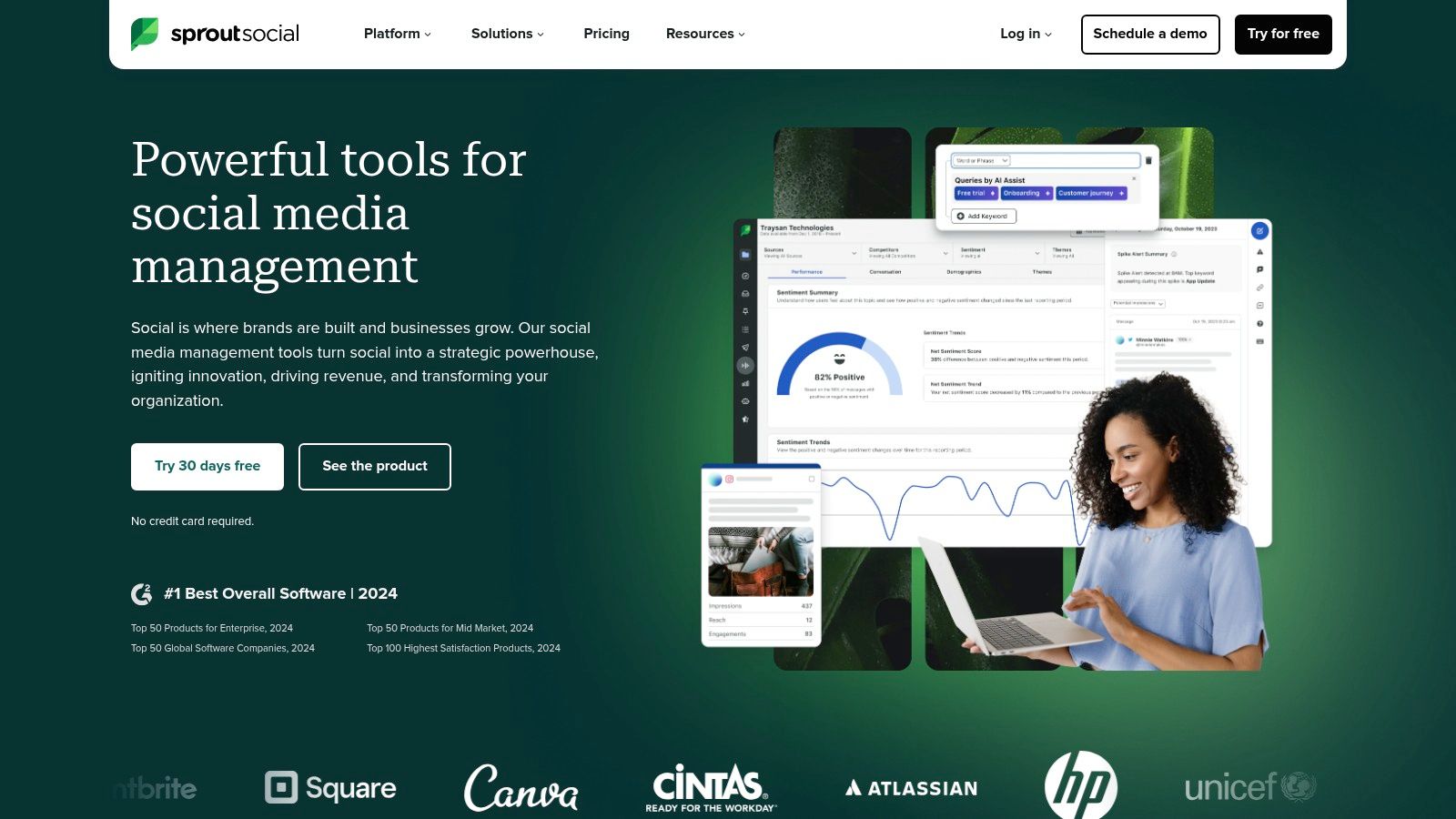
The platform’s strength is its enterprise-level feature set wrapped in a clean, user-friendly interface. While its pricing is higher than Pinterest-only tools, it provides immense value for teams needing detailed reporting and streamlined workflows across all social channels. It is particularly effective for marketing agencies and established brands that manage multiple social profiles and require deep analytical insights to guide their content strategy.
Key Features & Use Cases
- Intuitive Publishing: Schedule and publish Pins directly to your boards using an easy-to-use content calendar. The browser extension and mobile app make it simple to Pin content from anywhere.
- Advanced Analytics: Access comprehensive reports that go beyond basic metrics. Track Pin performance, audience growth, and compare your Pinterest results against other social platforms in one dashboard.
- Social Listening: Monitor keywords, brand mentions, and industry trends on platforms like X (formerly Twitter) and Reddit to inform your Pinterest content strategy and discover what your audience is talking about.
- Team Collaboration: Ideal for agencies and larger teams, Sprout offers approval workflows, task assignments, and a shared asset library to ensure brand consistency and efficient content management.
| Feature | Best For |
|---|---|
| Unified Analytics | Businesses managing multiple social platforms needing comparative data. |
| Team Collaboration | Marketing agencies and corporate teams requiring approval workflows. |
| Social Listening | Brands wanting to use cross-platform insights for Pinterest content. |
| CRM Features | Companies focused on tracking and managing customer interactions. |
Pricing: Sprout Social offers plans starting at $249 per user/month for the Standard plan. Advanced plans with more features are also available. They offer a 30-day free trial.
6. Canva
While not exclusively a Pinterest management platform, Canva is an indispensable tool for creating the high-quality, eye-catching Pins that are essential for success. As a graphic design powerhouse, it empowers users with no design experience to produce professional-grade visuals. Its strength lies in its vast library of templates specifically optimized for Pinterest, removing the guesswork from Pin dimensions and layouts. Canva has become a foundational part of the content creation workflow for millions of marketers and creators.
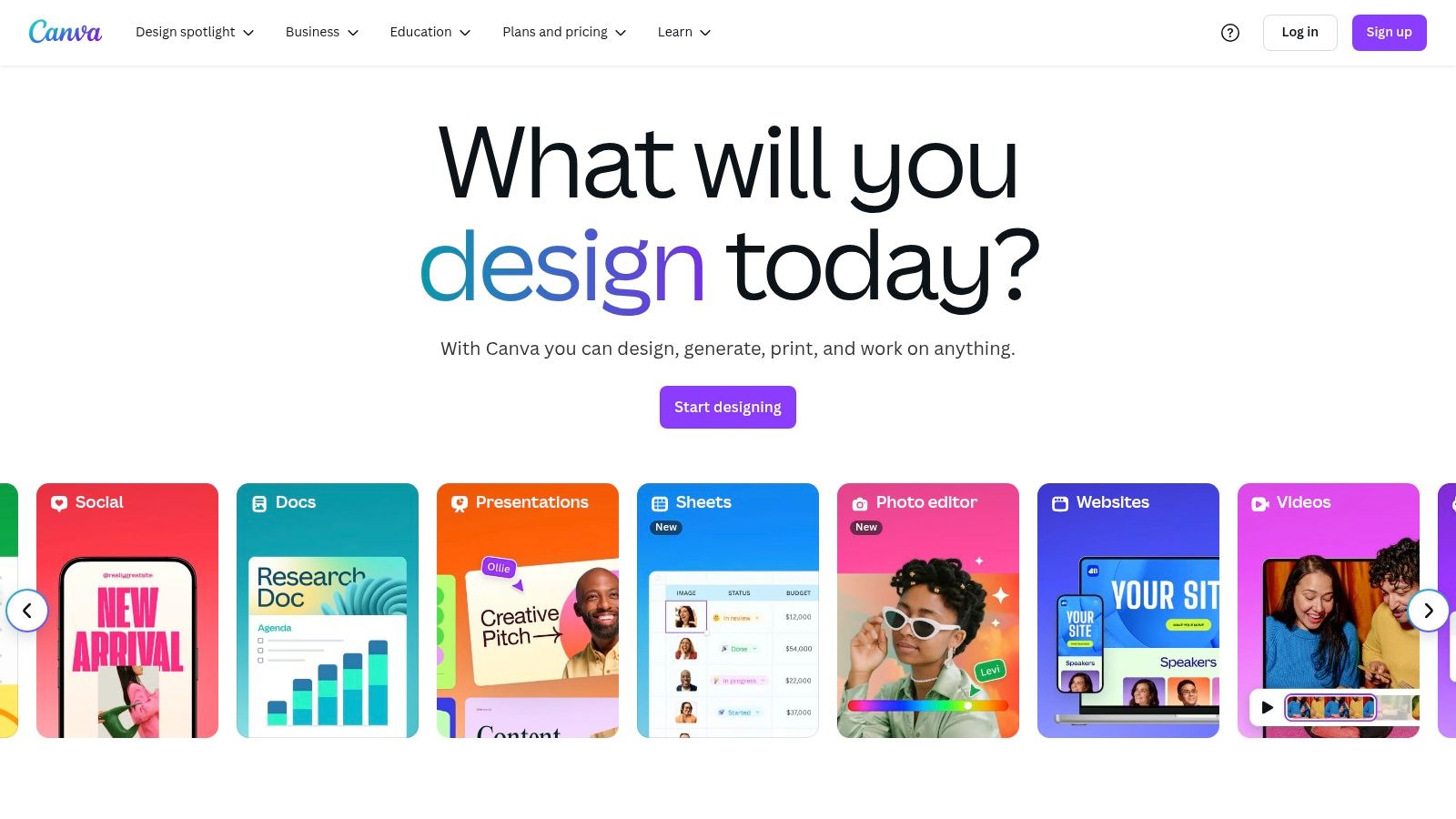
The platform's intuitive drag-and-drop interface makes it incredibly easy to customize templates, add branding, and experiment with different styles. For anyone looking to elevate their visual strategy on Pinterest, Canva is one of the most accessible and effective Pinterest tools available. It bridges the gap between idea and execution, allowing you to create a high volume of diverse Pin designs quickly and efficiently.
Key Features & Use Cases
- Pinterest Templates: A massive collection of pre-sized, fully customizable templates for standard Pins, Video Pins, and Idea Pins, ensuring your content is always perfectly formatted.
- Drag-and-Drop Editor: An incredibly user-friendly interface that allows anyone to add, remove, and edit elements like text, photos, and graphics without a steep learning curve.
- Brand Kit: A feature in the Pro version that lets you store your brand's colors, fonts, and logos for easy one-click application, ensuring brand consistency across all your Pins.
- Content Planner & Direct Publishing: Schedule your finished Pin designs to be published directly to your Pinterest boards from within Canva, streamlining the design-to-publish process.
| Feature | Best For |
|---|---|
| Pinterest Templates | Creators needing quick, professional-looking Pin designs without starting from scratch. |
| Drag-and-Drop Editor | Beginners and non-designers who need an intuitive creation tool. |
| Brand Kit | Businesses and marketers focused on maintaining a consistent brand aesthetic. |
| Content Planner | Users who want to combine their design and basic scheduling in one platform. |
Pricing: Canva offers a robust "Free" plan with access to thousands of templates and assets. The Pro plan, starting at $12.99/month, unlocks premium features like the Brand Kit, more stock photos, and the Content Planner.
Visit Canva
7. Fiverr
While not a traditional software tool, Fiverr is an indispensable resource for outsourcing specific Pinterest tasks to skilled freelancers. It serves as a global marketplace where you can hire professionals for everything from Pin design and video Pin creation to full account management and ad campaign setup. This approach allows you to leverage expert skills on-demand, making it one of the most flexible Pinterest tools for businesses that need to scale specific efforts without hiring a full-time employee.
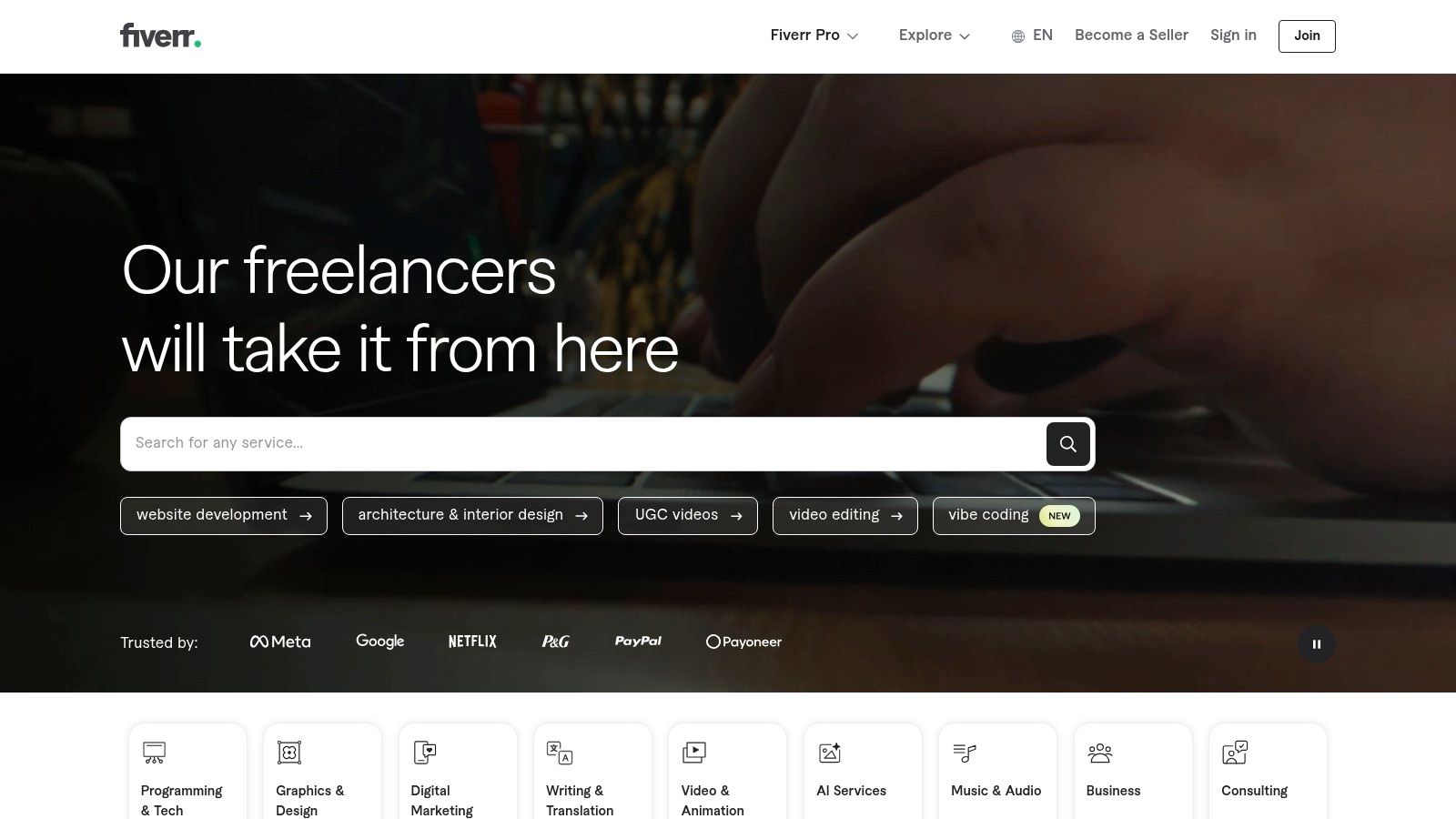
The platform is ideal for entrepreneurs or marketing teams who want to delegate time-consuming tasks like daily pinning or creative production. Because Fiverr is built on a gig-based model, you can test out different freelancers for small projects before committing to a larger scope of work. It’s a cost-effective way to access specialized talent that might otherwise be out of reach.
Key Features & Use Cases
- Pin Design Services: Hire graphic designers to create large batches of high-quality, on-brand Pins, freeing up your time to focus on strategy.
- Account Management: Delegate daily pinning, board organization, and follower engagement to an experienced Pinterest manager.
- Ad Campaign Experts: Find freelancers who specialize in running and optimizing Pinterest ad campaigns to drive conversions and traffic.
- Keyword & SEO Research: Outsource the task of finding relevant, high-traffic keywords to optimize your profile, boards, and Pin descriptions for better visibility.
| Feature/Service | Best For |
|---|---|
| Pin Design Gigs | Businesses needing a constant supply of fresh, professionally designed creative. |
| Account Management | Solopreneurs or small teams looking to maintain a consistent presence. |
| Ad Campaign Setup | eCommerce stores wanting to run targeted ads without a steep learning curve. |
| Consultation Calls | Marketers seeking expert advice to refine their existing Pinterest strategy. |
Pricing: Service costs are set by individual freelancers and can range from $5 for a small task to thousands for a comprehensive monthly management package.
Visit Fiverr
8. Simple Pin Media
For those who prefer a hands-off approach, Simple Pin Media isn't a software tool but a full-service Pinterest marketing agency. It offers a "done-for-you" solution, handling everything from strategy development and Pin creation to scheduling and ad management. This service is ideal for businesses that lack the time or in-house expertise to manage Pinterest effectively but understand its potential for driving significant traffic and sales. Their specialization exclusively in Pinterest ensures a deep, focused expertise that generalist agencies often lack.
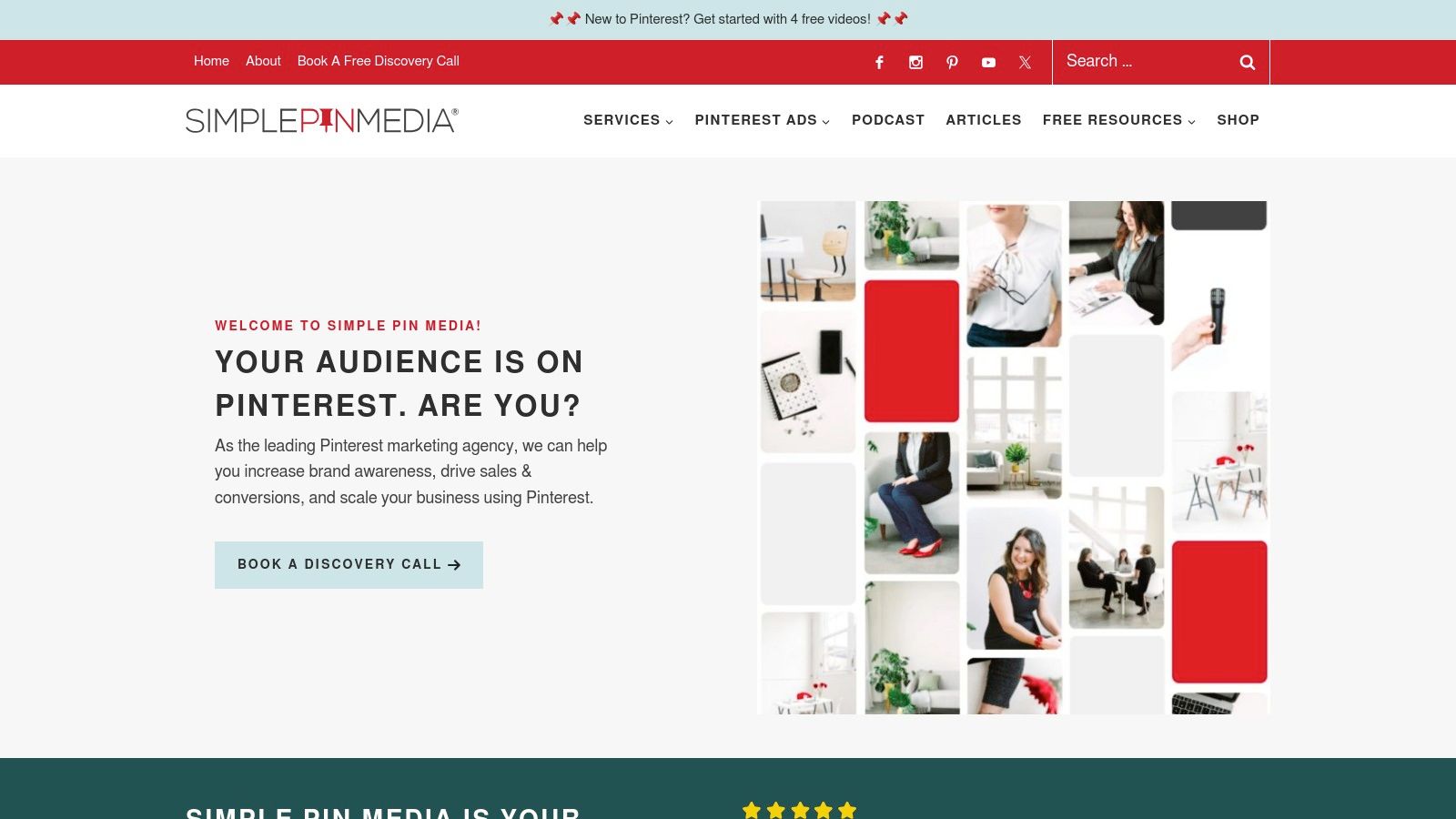
Simple Pin Media stands out by providing both comprehensive management services and extensive educational resources. This hybrid model allows businesses to either delegate their Pinterest marketing entirely or learn how to master it themselves. For those considering hiring help, it's useful to understand what a dedicated professional can offer; you can explore the benefits of hiring a Pinterest virtual assistant to see how it compares. This agency is one of the most respected names in the Pinterest management space.
Key Features & Use Cases
- Tailored Marketing Strategy: SPM develops a custom strategy based on your specific business goals, target audience, and niche, ensuring your Pinterest efforts are aligned with your overall objectives.
- Full Account Management: The service covers all aspects of running a Pinterest account, including Pin design, keyword research, scheduling, and community engagement, freeing up your time.
- Pinterest Ad Campaigns: They offer expert management of Pinterest ad campaigns, from initial setup and audience targeting to ongoing optimization for maximum ROI.
- Educational Resources: Beyond services, SPM provides workshops, courses, and a popular podcast, empowering users who want to learn the platform's intricacies.
| Feature | Best For |
|---|---|
| Full Account Management | Businesses wanting to leverage Pinterest without the daily time commitment. |
| Custom Strategy | Brands needing a professional, goal-oriented plan for growth. |
| Ad Management | eCommerce stores and businesses looking to scale with paid promotion. |
| Educational Content | Marketers and DIY business owners wanting to deepen their Pinterest skills. |
Pricing: As a full-service agency, pricing is customized based on the scope of services required. Contact them directly for a quote. Educational products have set prices.
9. PinGroupie
PinGroupie is a specialized and entirely free directory designed for one primary purpose: finding Pinterest group boards. While many comprehensive Pinterest tools focus on scheduling and analytics, PinGroupie carves out its niche by simplifying the process of discovering collaborative boards. This is crucial for creators and marketers looking to expand their reach beyond their own followers by tapping into established, niche-specific communities. Its sole function is its greatest strength, offering a no-frills, effective solution for content distribution.
The platform is essentially a massive, searchable database that provides key metrics to help you vet potential boards before attempting to join. For bloggers, affiliate marketers, and small businesses, gaining access to the right group boards can significantly amplify pin visibility and drive referral traffic. PinGroupie removes the manual, time-consuming effort of searching for these boards directly on Pinterest, making it an essential first step in a broader group board marketing strategy.
Key Features & Use Cases
- Searchable Board Database: The core feature allows you to search for group boards by keyword, title, or category, making it easy to find relevant communities for your niche.
- Board Metrics: PinGroupie displays valuable data for each board, including the number of followers, pins, and collaborators. This helps you assess a board's potential reach and activity level.
- Advanced Filtering: Sort results to quickly identify the most promising boards. You can filter by metrics like follower count or repin rate to prioritize high-performing groups.
- Direct Links: Each listing provides a direct link to the Pinterest board, where you can find the owner's rules for joining.
| Feature | Best For |
|---|---|
| Board Database & Search | Content creators and bloggers looking to find niche-specific group boards. |
| Board Metrics | Marketers wanting to vet the quality and reach of a board before joining. |
| Advanced Filtering | Users who need to efficiently sift through hundreds of boards to find the best. |
| Free Access | Anyone on a budget needing a powerful, free tool to kickstart their reach. |
Pricing: PinGroupie is completely free to use.
10. Vista Social
Vista Social emerges as a modern and highly affordable social media management platform that provides robust support for Pinterest alongside other major networks. It's designed for users who need a comprehensive solution without the enterprise-level price tag, making it one of the more accessible Pinterest tools for small businesses and solo creators. The platform combines scheduling, analytics, and engagement features into a single, streamlined dashboard, aiming to simplify the entire social media workflow.
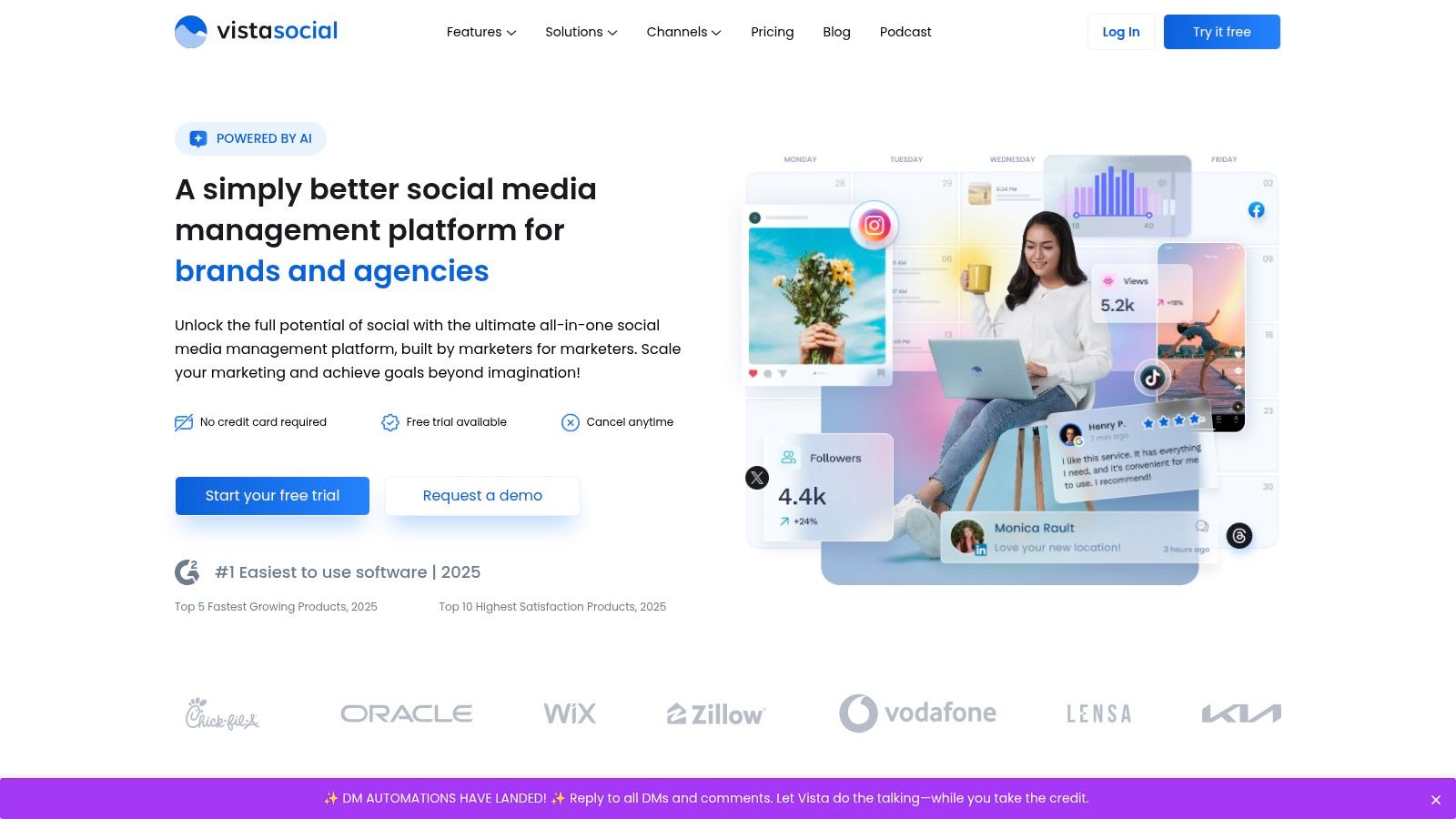
Its clean, user-friendly interface makes it easy to get started, while its feature set is powerful enough to manage multiple brands or clients effectively. Vista Social is a strong contender for those who manage more than just Pinterest and want to consolidate their tools into one cost-effective subscription, offering a unified inbox and content calendar that other specialized Pinterest tools lack.
Key Features & Use Cases
- Smart Publisher: Schedules your Pins for optimal times based on audience activity to maximize visibility and engagement, similar to more expensive tools.
- Unified Social Inbox: Manage all your Pinterest comments and messages in one place, alongside interactions from other social platforms, streamlining community management.
- Comprehensive Analytics: Generate detailed, presentation-ready reports on your Pinterest performance, tracking key metrics like impressions, engagement, and clicks.
- Content Calendar: Visually plan, organize, and collaborate on your Pinterest content strategy. This is perfect for teams or agencies managing multiple accounts.
| Feature | Best For |
|---|---|
| Smart Publisher | Scheduling content for maximum impact with minimal manual effort. |
| Unified Social Inbox | Marketers managing multiple platforms who need efficient engagement. |
| Analytics | Small businesses and agencies needing to prove social media ROI. |
| Content Calendar | Teams and creators who want a clear overview of their content plan. |
Pricing: Vista Social offers a generous free plan for up to 3 social profiles. Paid plans are highly competitive, starting at just $15/month for the Pro plan.
11. Pin Inspector
Pin Inspector is a powerful desktop software designed for deep Pinterest research and competitive analysis. Unlike all-in-one marketing suites, this tool focuses exclusively on data, helping you uncover trending keywords, analyze top-performing Pins, and deconstruct competitor strategies. It operates as a dedicated intelligence tool, providing the SEO insights needed to build a data-driven content plan from the ground up.
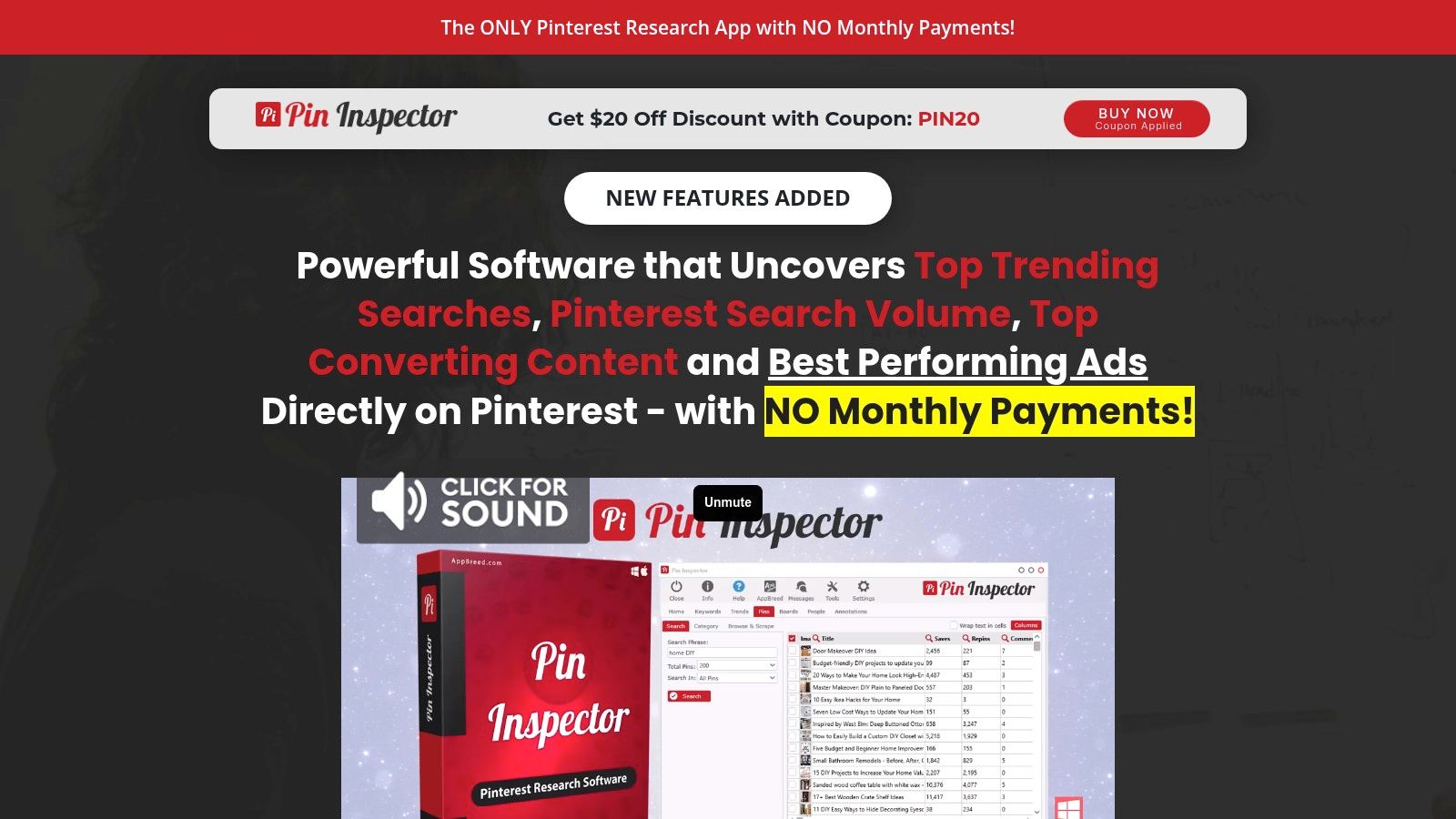
This tool is ideal for marketers and creators who want to move beyond guesswork and optimize their Pins for discoverability. Its strength lies in revealing what's already working on the platform, allowing you to tailor your content to meet existing user demand. The one-time payment model makes it a cost-effective choice for those wary of recurring monthly subscriptions.
Key Features & Use Cases
- Keyword Generator: Uncovers thousands of popular, long-tail keywords directly from the Pinterest search engine, complete with search volume data to guide your content focus.
- Pins Analyzer: Scrapes and analyzes the top-ranking Pins for any given keyword, revealing metrics like repins, comments, and advertiser data to reverse-engineer success.
- Boards Analyzer: Helps you find the most popular and influential group boards in your niche, making it easier to identify high-impact places to share your content.
- Trends Finder: Allows you to see the top trending searches on Pinterest, updated daily, so you can capitalize on emerging topics and seasonal interest.
| Feature | Best For |
|---|---|
| Keyword Generator | Content creators and SEOs needing to optimize Pin descriptions and titles. |
| Pins Analyzer | Marketers conducting competitor analysis and seeking content inspiration. |
| Trends Finder | eCommerce businesses and bloggers wanting to create timely, relevant content. |
| Bulk Data Export | Analysts who need to process large amounts of Pinterest data offline. |
Pricing: Pin Inspector is available for a one-time fee, typically around $67, which includes lifetime updates.
12. PromoRepublic
PromoRepublic positions itself as a comprehensive social media marketing platform with strong support for Pinterest. While it manages multiple networks, its dedicated Pinterest tools are designed to streamline content creation and scheduling. It stands out by combining a vast library of ready-to-use templates with AI-powered scheduling, making it an excellent choice for small businesses and agencies that need to produce high-quality visual content consistently and efficiently.
The platform is built around a content-first approach, providing users with a massive, editable template library that removes creative blocks. This focus on content creation, combined with its collaboration features, makes PromoRepublic a powerful asset for teams managing a Pinterest presence. It simplifies the entire workflow from ideation and design to scheduling and performance analysis, all within a single interface.
Key Features & Use Cases
- AI-Powered Scheduling: The platform’s AI analyzes audience engagement patterns to suggest the best times for you to post your Pins, helping to maximize visibility and interaction right from the start.
- Extensive Template Library: Gain access to thousands of professionally designed and customizable templates, which significantly speeds up the Pin creation process. This is ideal for maintaining a consistent posting schedule.
- Built-in Graphics Editor: Modify templates or create new Pins from scratch using an intuitive, built-in editor. You can add text, logos, and other brand elements without leaving the platform.
- Team Collaboration: For agencies or businesses with multiple stakeholders, PromoRepublic offers approval workflows and team roles. This ensures all content is on-brand before it goes live.
| Feature | Best For |
|---|---|
| AI Scheduling | Users wanting to automate post timing for optimal engagement. |
| Template Library | Businesses needing to create a high volume of quality Pins quickly. |
| Collaboration Tools | Marketing agencies and teams managing client or brand accounts. |
| Analytics | Marketers needing to track content performance and demonstrate ROI. |
Pricing: PromoRepublic offers a free 14-day trial. Paid plans start at $49/month (billed annually) for the Small Business plan, with options for agencies and larger enterprises available.
Pinterest Tools Feature Comparison
| Tool | Core Features ✨ | User Experience & Quality ★★★★☆ | Value Proposition 💰 | Target Audience 👥 | Unique Selling Points 🏆 |
|---|---|---|---|---|---|
| 🏆 Pin Generator | Pin generation, scheduling, templates, keyword research, integrations (Etsy, Shopify, WordPress) | Intuitive UI, Chrome extension, rich tutorials | Competitive, details on website | Small businesses, marketers, eCommerce owners | Fast pin creation, deep integrations, SEO tools |
| Tailwind | Smart scheduling, bulk upload, communities, analytics, Canva integration | Easy to use, strong automation | Subscription-based, mid-range | Pinterest & Instagram marketers | Tailwind Communities, optimal posting times |
| SocialPilot | Bulk scheduling, content calendar, Canva integration, team collaboration, analytics | User-friendly, reliable customer support | Cost-effective | Agencies, businesses managing multiple platforms | Multi-platform support, team features |
| Hootsuite | Unified dashboard, bulk scheduling, advanced analytics, collaboration, app integrations | Robust but complex, steep learning curve | Premium pricing | Large teams, enterprises | Extensive integrations, strong analytics |
| Sprout Social | Scheduling, advanced analytics, social listening, CRM, collaboration | Clean UI, strong support | Premium pricing | Businesses needing all-in-one social solution | Social listening, CRM integration |
| Canva | Drag & drop design, huge template library, collaboration, publishing integration | Beginner-friendly, free tier | Freemium model | Anyone creating visual content | Extensive design tools, free plan |
| Fiverr | Freelance marketplace, diverse Pinterest services, reviews, flexible pricing | Varies by freelancer quality | Wide price range | Users needing custom Pinterest marketing help | Access to specialists, customizable budgets |
| Simple Pin Media | Tailored strategies, account & ad management, workshops, reporting | Pinterest-focused experts | Premium/pricing higher | Businesses focused exclusively on Pinterest | Deep expertise, done-for-you services |
| PinGroupie | Pinterest group board discovery, filters, board stats | Easy to use | Free, optional premium | Pinterest users wanting group reach expansion | Free tool to find niche group boards |
| Vista Social | Scheduling, unified inbox, analytics, content calendar, multi-platform | Affordable, user-friendly | Free plan + paid tiers | Multi-platform social media users | Unified inbox, affordable pricing |
| Pin Inspector | Keyword research, pin & board analysis, trend tracking, bulk export | Powerful desktop tool | One-time payment | SEO-focused Pinterest marketers | SEO insights, no recurring fees |
| PromoRepublic | AI scheduling, templates, editor, team collaboration, analytics | Robust scheduling and creative tools | Pricing unknown | Teams needing creative & scheduling combo | AI-powered scheduling, built-in editors |
Choosing the Right Pinterest Tool for Your Strategy
Navigating the expansive landscape of Pinterest tools can feel overwhelming, but the journey to finding the perfect fit is much simpler when you start with a clear understanding of your own goals. As we've explored, the "best" tool isn't a one-size-fits-all solution; it's the one that seamlessly integrates into your unique workflow and directly solves your most significant challenges. The power of these platforms lies not just in their individual features but in how they combine to create a cohesive, efficient, and results-driven Pinterest marketing engine.
How to Select Your Ideal Pinterest Tool
Your selection process should begin with a self-assessment. Before you even sign up for a free trial, identify your primary bottleneck. Are you struggling with a lack of fresh Pin designs, or is scheduling your content across multiple boards the real time-sink?
Consider these key scenarios to guide your choice:
- For High-Volume Content Creation: If you're an e-commerce store owner, an Etsy seller, or a blogger with a large archive, your priority is generating a high volume of unique Pins without spending hours in a design tool. In this case, Pin Generator is a clear standout, offering unparalleled automation for turning URLs and product listings into a diverse array of Pins.
- For Comprehensive Social Management: Are you a social media manager or an agency juggling Pinterest alongside Instagram, Facebook, and Twitter? A robust, all-in-one platform like Sprout Social, Hootsuite, or SocialPilot provides the cross-platform scheduling, unified inbox, and collaborative features necessary to manage a complex social media presence efficiently.
- For Advanced Scheduling and Community Growth: If your focus is purely on optimizing your Pinterest performance through smart scheduling and community engagement, Tailwind remains an industry leader. Its SmartSchedule, Tailwind Communities, and in-depth analytics are specifically designed to maximize reach and engagement on the platform.
- For Foundational Design and Branding: Regardless of your automation choice, a strong design tool is non-negotiable. Canva is the cornerstone of many successful Pinterest strategies, providing the templates and creative flexibility needed to produce visually appealing, on-brand Pins that stop the scroll.
Final Considerations Before You Commit
Before making a final decision, take full advantage of free trials. Test the user interface, connect your Pinterest account, and see how the tool feels in practice. Does it save you time? Is the workflow intuitive? The most feature-rich tool is useless if it's too complicated to integrate into your daily routine.
Furthermore, remember that a successful strategy relies on understanding your data. While focusing on Pinterest, it's beneficial to understand how tools drive growth across all visual platforms. For instance, when evaluating effective strategies, consider insights from articles about the Top YouTube Analytics Tools for Channel Growth to see how data-driven decisions universally lead to better outcomes. By strategically stacking the right Pinterest tools for creation, scheduling, and analytics, you transform your Pinterest account from a passive mood board into a powerful driver of traffic, leads, and sales for your business.
Ready to eliminate your biggest Pinterest bottleneck and automate your content creation? Pin Generator is one of the most powerful pinterest tools specifically designed to create hundreds of high-quality, unique Pins from your website, e-commerce store, or blog in just minutes. Try Pin Generator for free and see how effortless building a winning Pinterest strategy can be.