How to use favorite templates
Can I use one of each of my favorites when I scan my URL and pick the photos?
You can bookmark your favorite templates and use one of each with the following steps.
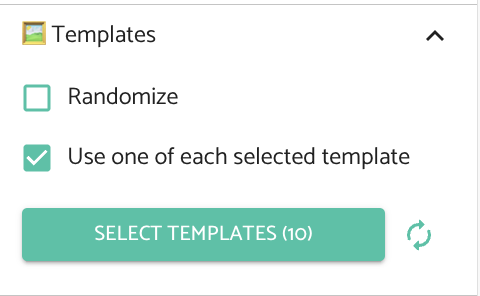
- Click the "Select Templates" button in the Templates section of the left-hand menu bar on the "Generate" page to select your favorite templates.
- Press the "Refresh" icon next to the button after selecting your templates.
- Tick the "Use one of each selected template" box in the Templates section of the left-hand menu
- Set your number of pins, scan your URL, and choose your images as usual
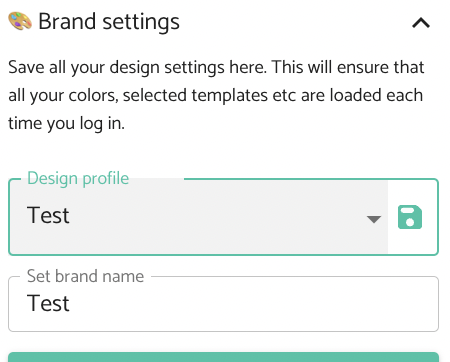
You can also save these favorite templates to your brand settings. Simply press the "Save" icon next to your design profile after selecting your favorite templates.