
Moving Elements In Template Builder
How to move elements in the template builder
First, you can select the element by clicking on it on the design or selecting the layer name in the layers sidebar.
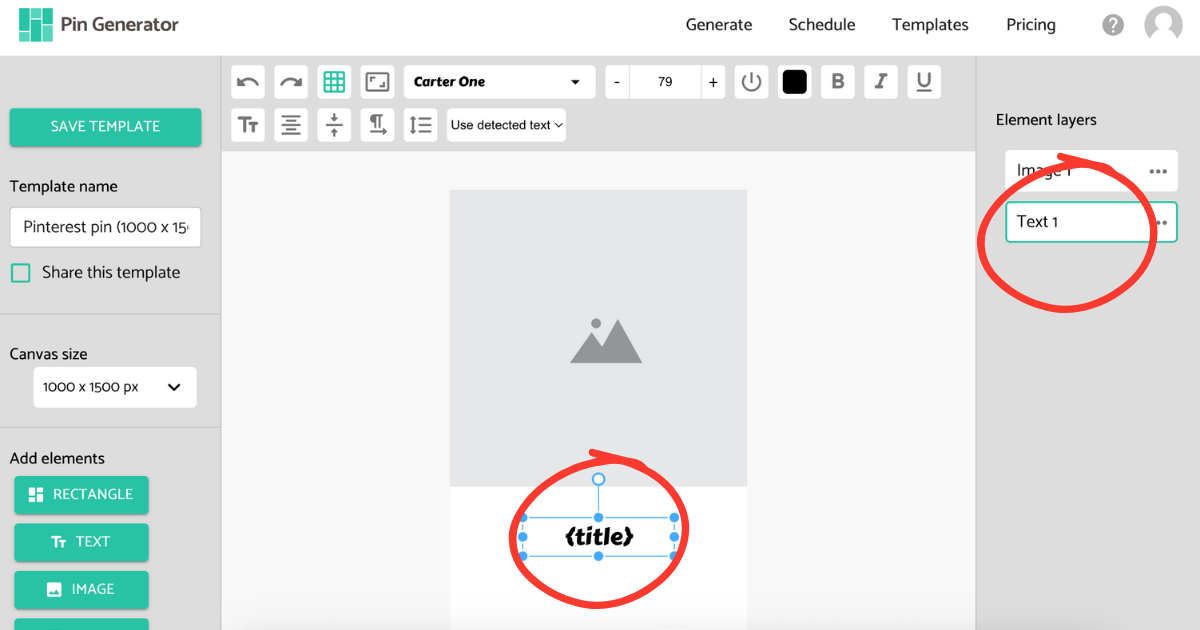
Next, you can move the elements in the template builder using one of the following methods.
- Move elements using the arrow keys.
- Press Shift and then press an arrow key to move the element by 10 pixels instead of one.
- Click and drag the element around with the mouse.