What does the "power" button do?
Understand the dynamic colors button in template design
The power button is a useful tool when designing templates with Pin Generator. When applied, it activates a dynamic element for that layer.
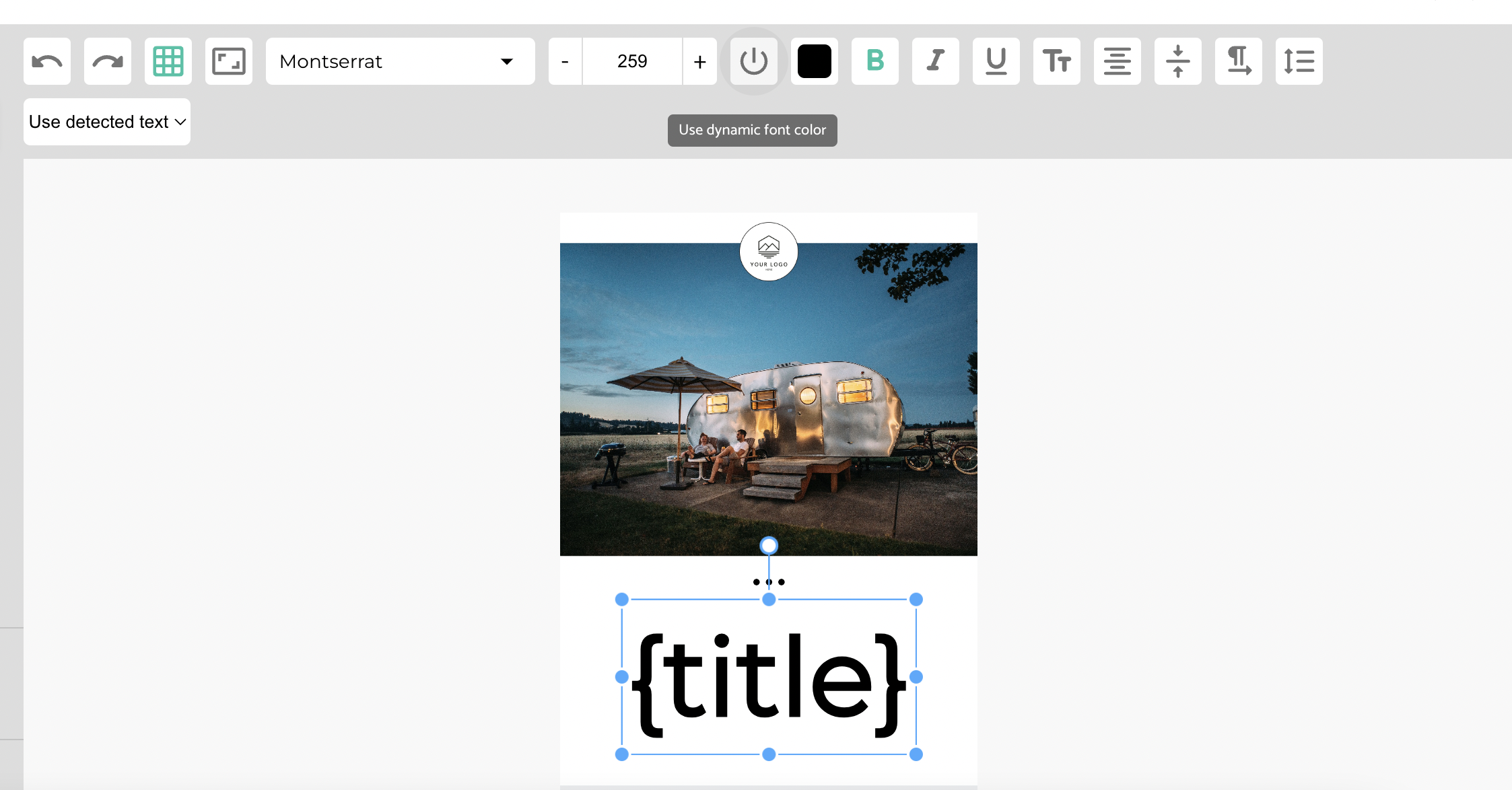
- If you apply the dynamic power button to text, then the template will apply one of the colors from your selected color palette to the text when generating images.
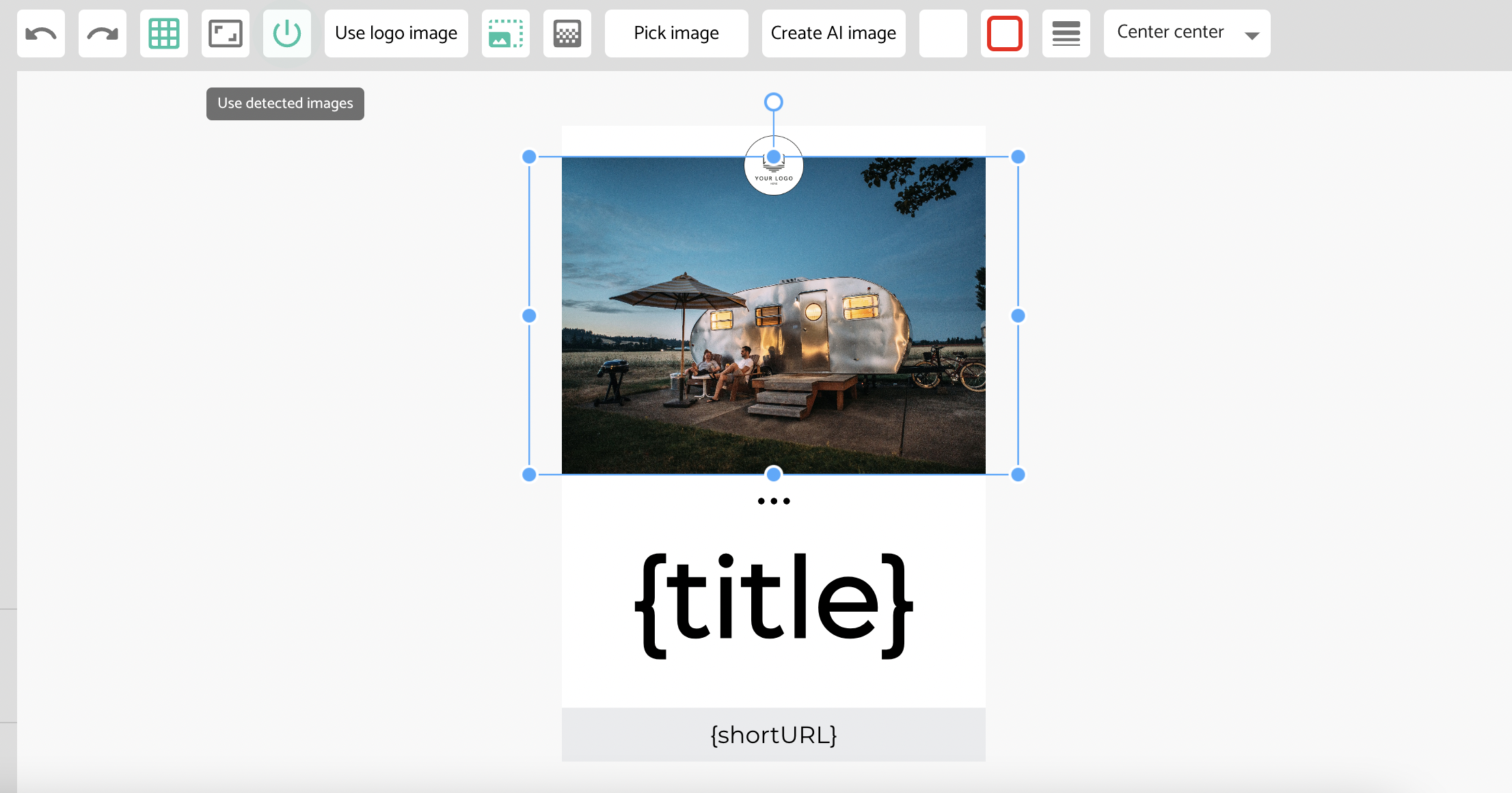
- If you apply the dynamic power button to an image or video placeholder, then it will use any detected images, or selected images from the sidebar.
When selected, the dynamic power button will be highlighted in green (as in the image example below). When not selected, the dynamic power button will be gray (as in the text example below).