
Affiliate Marketing on Pinterest Step by Step: A 2026 Guide
16 November 2026
You've saved product Pins for months, maybe clicked a few yourself, and now you want to be the person earning from that click. You've probably also seen claims that you just paste a retailer link behind a pretty image and wait. That version skips the two things that decide whether an account lasts, disclosure and attribution.
Treat this as affiliate marketing on Pinterest step by step with those checks built into every Pin, not added later. You'll judge work by earnings per click, not saves, and you'll test before you scale. That takes weeks, not days. It's slower at the start and much easier to fix when something underperforms.
Table of Contents
- How to Set Up Your Account and Choose Affiliate Offers
- Pinterest SEO and Keyword Research for Each Pin
- How to Design Pins That Earn Clicks
- Disclosures and Link Rules That Keep Pins Compliant
- Scheduling and Automating Your Pin Calendar
- Tracking Earnings and Fixing Pins That Underperform
- Run a 30-Pin Test Before You Scale
How to Set Up Your Account and Choose Affiliate Offers
Affiliate marketing on Pinterest means a Pin recommends a product, a trackable link carries the click to the merchant, and you earn a commission when a qualifying purchase happens. If any part of that chain is unclear, you can't tell whether a Pin earned or just got attention.
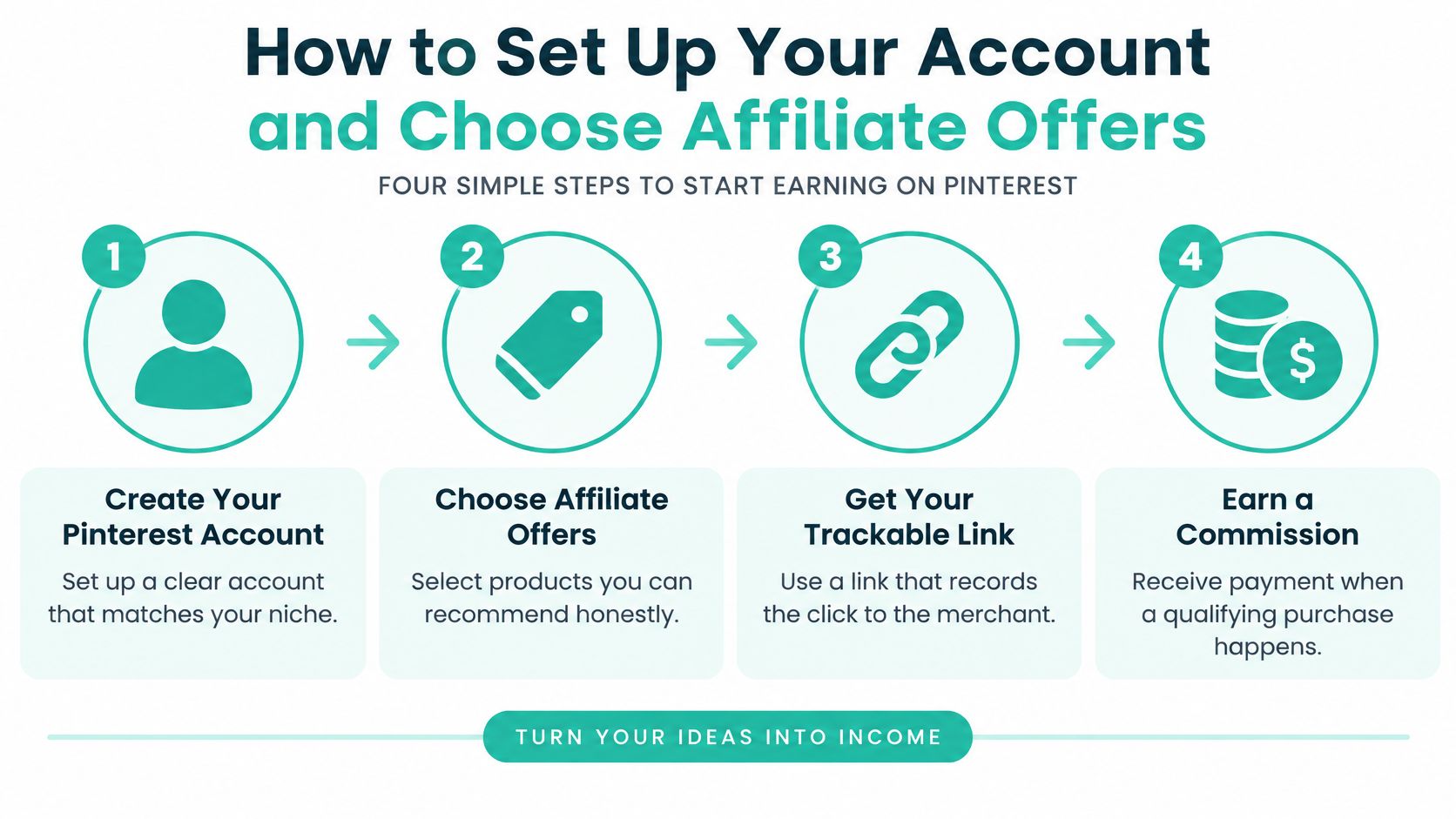
The Five Setup Steps
- Convert to a business account: Switch in settings and claim your website if you have one. You need Pinterest Analytics and a claimed domain to read outbound clicks properly and to show ownership of content you publish elsewhere.
- Pick one commercially coherent niche: Choose something narrow enough that boards make sense together, such as meal-prep containers or small-space kitchen tools. Mixing kitchen gear, travel bags, and skincare on one profile gives Pinterest no clear topic to match against searches, and it gives shoppers no reason to trust your judgement in any of them.
- Join programs you can verify: Before you apply, open the product page yourself. Check that claims match what you'd say, the landing page loads cleanly on mobile, and you understand the cookie or attribution window, which is how long after a click a purchase still counts for you. A generous commission on a page you wouldn't buy from is a bad offer.
- Map each offer to one search intent: Sort every product into comparison, problem-solving, tutorial, or seasonal demand. A container set fits problem-solving for small fridges and comparison against single boxes. It doesn't need both angles in one Pin. One intent per Pin keeps your later results readable.
- Write a one-line honesty note: For each offer, note who it suits and what you'd recommend it for. "Good for one-person lunches, lids are not leakproof for soup" is useful. That note becomes your description material and stops you copying merchant hype you can't support.
The Platform Rules at Setup Stage
Pinterest expects affiliate content to be original and used in moderation. Don't run fake accounts to save your own Pins, don't trade saves, and don't flood boards with repetitive, high-volume versions of the same product to manipulate distribution.
That matters for account design, not just posting. Build boards around shopper problems in your niche, write board titles a searcher would type, and keep your profile description specific about the products you cover. A profile that reads like a general inspiration account but links like a catalogue confuses both readers and search.
Practical rule: If you can't explain in one sentence why a reader should buy a product, and for whom, drop the offer and choose another.
I would keep a simple spreadsheet from day one with columns for product, program, intent, honesty note, and destination URL. It takes ten minutes and it becomes your audit and tracking base later. Setup isn't glamorous, but every later step depends on these choices being narrow, verifiable, and honest.
Pinterest SEO and Keyword Research for Each Pin
Say you're promoting a cast iron pan. You find two candidate phrases, cast iron skillet for beginners and how to season cast iron. Both get searched, but they aren't equal for an affiliate Pin.
The first suggests someone choosing a pan to buy. The second suggests someone who already owns one and wants maintenance help. For a product Pin, I'd pick the buying-intent phrase and save the seasoning angle for a tutorial Pin that links to your own guide, where the pan can appear in context.
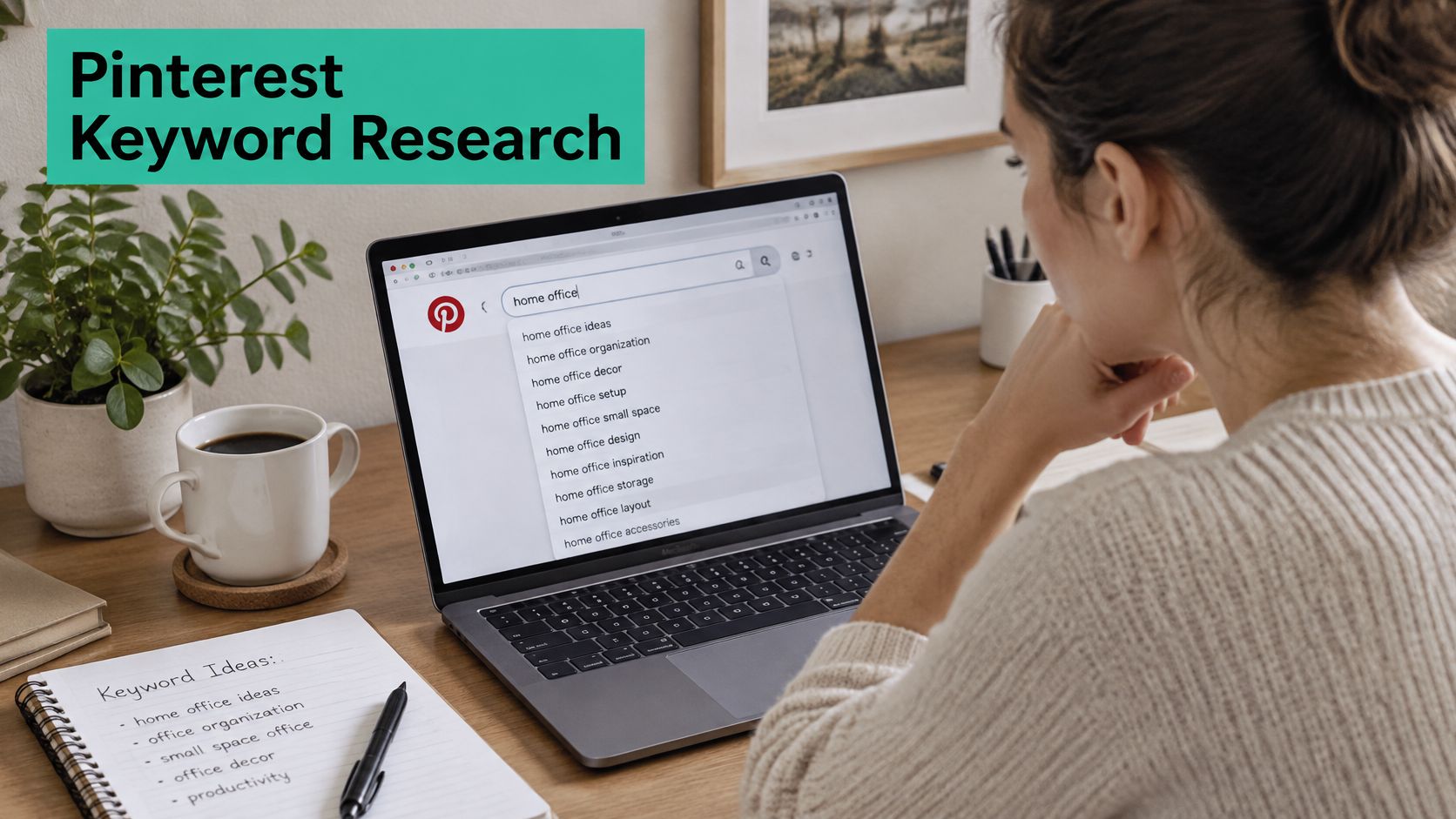
A Research Routine You Can Repeat
Start in Pinterest's own search bar. Type your seed term slowly and note autocomplete suggestions, then open a result and read the related searches underneath. Those phrases reflect how people phrase the need on Pinterest itself, which isn't always how they'd phrase it on Google.
Then check a keyword tool for volume and seasonality so you don't build a board around a phrase that only spikes for two weeks a year, unless seasonal is your intent. A guide to using a Pinterest keyword research tool can help you structure that check and compare long-tail options before you design anything.
Choose one primary phrase per Pin before design begins, plus two or three related phrases. Twenty phrases in one Pin means none of them is clearly the topic.
Where the Phrase Goes
Place it in this order:
- Pin title: Put the keyword first and keep it under 100 characters, so "Cast iron skillet for beginners, pre-seasoned and easy to lift" beats a trailing keyword after a brand slogan.
- First sentence of the description: Write for a person, not a list. "If this is your first cast iron skillet, start with a pre-seasoned 10-inch pan you can lift one-handed" includes the phrase naturally.
- Alt text: Describe the image and product in one plain sentence for accessibility and search.
- Board name and description: Keep the cluster consistent, so beginner pan Pins live on a board that says that's what it is.
Avoid keyword stuffing that reads like a shopping list, and avoid generic titles like "Best Pan." No shopper types that and means your specific product. Specificity is what lets a smaller account compete. A narrow phrase with clear buying intent, placed consistently across title, description, alt text, and board, gives Pinterest coherent signals and gives you clean data later. When a Pin earns, you'll know which query cluster earned it.
How to Design Pins That Earn Clicks
Start with format. Use a vertical 2:3 image, 1000 by 1500 pixels. It fills more of the mobile feed than a square, and viewers will meet your Pin as a small thumbnail while scrolling, not as a full-screen image.
Build a Reusable Template
- Fix two brand colors and two fonts: Use them on every Pin so your work is recognisable across boards without redesigning from scratch.
- Put the headline in the top third: Use large type that still reads at thumbnail size. If you have to zoom to read it, shoppers won't.
- Show the product cleanly: Keep the item in focus on an uncluttered background with no competing text across it. People click what they can identify in a second.
- Add one benefit line: Be concrete, such as "fits a 10-inch skillet" or "under 30 minutes." One specific benefit beats three vague ones.
- Add a small call to action only if it fits: "Compare sizes" works. A crowded banner shouting over the product doesn't, and it can make a useful Pin look like an ad someone scrolls past.
Use your own photos or mockups where you can. Copying merchant images makes your Pin identical to every other affiliate promoting the same item, and originality is a platform expectation, not just a design preference.
| Element | Recommended spec | Why it matters |
|---|---|---|
| Image ratio | 2:3 vertical, 1000 x 1500 px | Fills more of the mobile feed |
| Pin title | Keyword first, under 100 characters | Main signal for Pinterest search |
| Description | Up to 500 characters, first sentence written for people | Read by search and by shoppers |
| Alt text | One sentence naming the image and product | Supports accessibility and search |
| Headline area | Top third of the image, large type | Stays readable at thumbnail size |
Make three or four templates per niche, each tied to a different problem or query cluster. Comparison Pins need a different layout from tutorial Pins, and seasonal gift Pins need price and recipient front and centre.
Say your phrase is budget standing desk under $200. A split image comparing two desks side by side, with a clear price line under each, answers the search at a glance. A single moody room photo with a desk in the corner doesn't, however attractive it is. Design for the question the searcher asked, check it against the table, then publish.
Disclosures and Link Rules That Keep Pins Compliant
A product image with no review text can still be an endorsement. The U.S. Federal Trade Commission's Endorsement Guides guidance, first issued in 1980 and substantially revised in 2009, explains that an affiliate relationship is a material connection when it could affect how consumers evaluate an endorsement, and that posting a product image on social media, including Pinterest, may communicate approval if the surrounding circumstances imply the creator likes or recommends it.
That means you can't argue that a Pin doesn't count because you didn't write "I love this." If the context suggests a recommendation and you'd earn from a purchase, disclose it where people see it before they click. Use plain wording presented with the endorsement, such as "I earn commissions from qualifying purchases" or "paid link", in the first line of the description or on the image itself. Don't hide it on your profile page, behind a link, or behind an unexplained symbol.
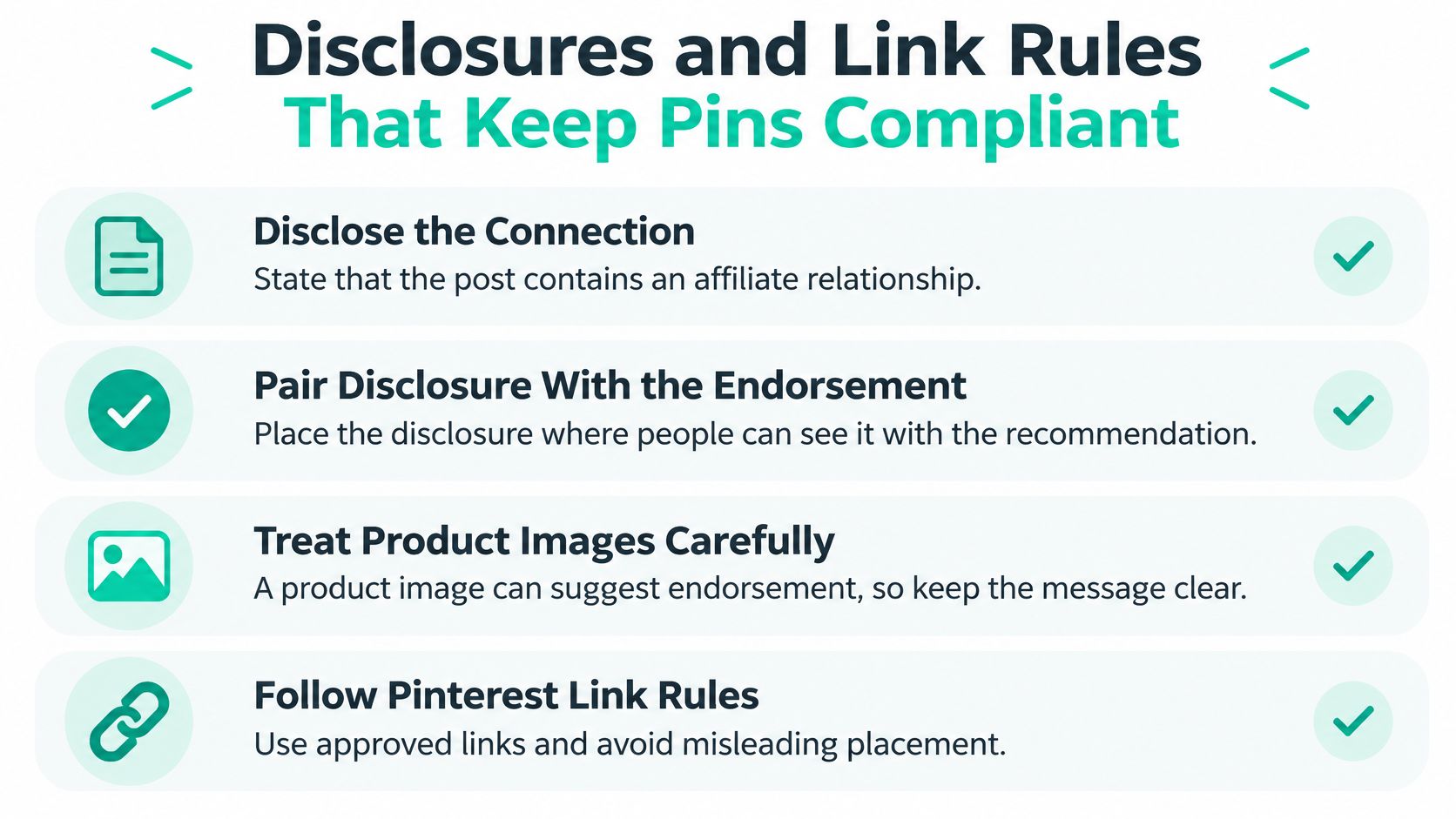
| Case | Where the disclosure goes | Example wording |
|---|---|---|
| Direct link to a retailer product | First line of the Pin description, and on the image if the Pin reads as an endorsement | I earn commissions from qualifying purchases. |
| Pin leads to your blog review | On the blog page above the links, and in the Pin description | This post contains affiliate links. |
| Older Pins without disclosure | Edit the description and re-save during the audit | Paid link. |
| Free product or discount received | Alongside the endorsement, the same as commissions | I received this product free for review. |
| Audience in another country | Follow the stricter of your home-country rules and local rules | I earn commissions from qualifying purchases. |
Run a Monthly Audit
- List every affiliate Pin: Use the spreadsheet you started at setup.
- Check each description: Look for clear disclosure with the endorsement.
- Edit and re-save gaps: Fix older Pins, not just new ones.
- Check every redirect: Remove unsupported shorteners and deceptive redirects so the destination resolves cleanly.
- Repeat monthly: Programs change URLs and terms without asking you.
Disclosures also cover free products, discounts, employment relationships, and similar connections, not only commissions. And there's a strategic point here too. A smaller set of clearly disclosed, useful collections is safer and usually more durable than mass-publishing near-duplicate affiliate creatives. Compliance isn't polish. It's the condition that lets the account keep operating.
Scheduling and Automating Your Pin Calendar
More Pins isn't the safest growth tactic. The Shopify guide to Pinterest affiliate marketing reflects Pinterest guidance that emphasises useful, relevant descriptions and a quality-over-quantity approach rather than indiscriminate posting, with disclosure visible before clicking, applied to older Pins too, and repeated on your own destination page.
A steady stream of distinct, useful Pins gives search fresh, separate signals. A flood of near-duplicates teaches Pinterest that your account repeats itself, and it makes your own results impossible to read because ten similar Pins split the data.
A Weekly Routine That Holds Up
Start with three to five new Pins a day spread across relevant boards, then adjust after your test data comes in. That's enough to learn from without forcing you to invent angles you don't have.
- Batch-design one week at a time: Use a single afternoon to build the week's creatives from your templates so headline, phrase, and disclosure checks happen in one pass.
- Schedule across two or three time windows: Try mid-morning, 8 to 11 am, and evening, 6 to 9 pm, in your audience's local time, then compare outbound clicks by window instead of guessing.
- Rotate boards deliberately: Each board should receive fresh Pins. Don't send the same product to the same board repeatedly in one week.
- Review the queue every Monday: Remove expired offers, fix broken links, and confirm prices haven't changed enough to make your Pin text misleading.
Automation helps with the repetitive parts. Pin Generator can build Pins from product URLs, feeds, and CSV files, schedule them on a recurring weekly cadence with board selection, and bulk-update affiliate links when a program changes its URL. That saves production time, which is where the hours go.
Automation handles repetition well. It doesn't replace checking the product claim and the disclosure before a Pin goes live.
Keep a human pass in the calendar, even a short one. Review the image, read the first line of the description out loud, click the destination, and confirm the disclosure is there. Five minutes per batch prevents most of the compliance and broken-link problems that are tedious to repair across hundreds of Pins later.
Tracking Earnings and Fixing Pins That Underperform
Separate the stages before you judge anything. Impressions show reach, outbound clicks show interest, affiliate-network clicks show the link delivered traffic, and commissions show revenue. Pinterest's own filings describe the platform as supporting awareness, consideration, and conversions, which is why the Pinterest annual report filing is a useful reminder to measure impressions, outbound clicks, product-page sessions, assisted conversions, and commissions separately rather than treating saves as profit.
This dashboard view shows the kind of side-by-side checking you'll do between Pinterest and your affiliate network.
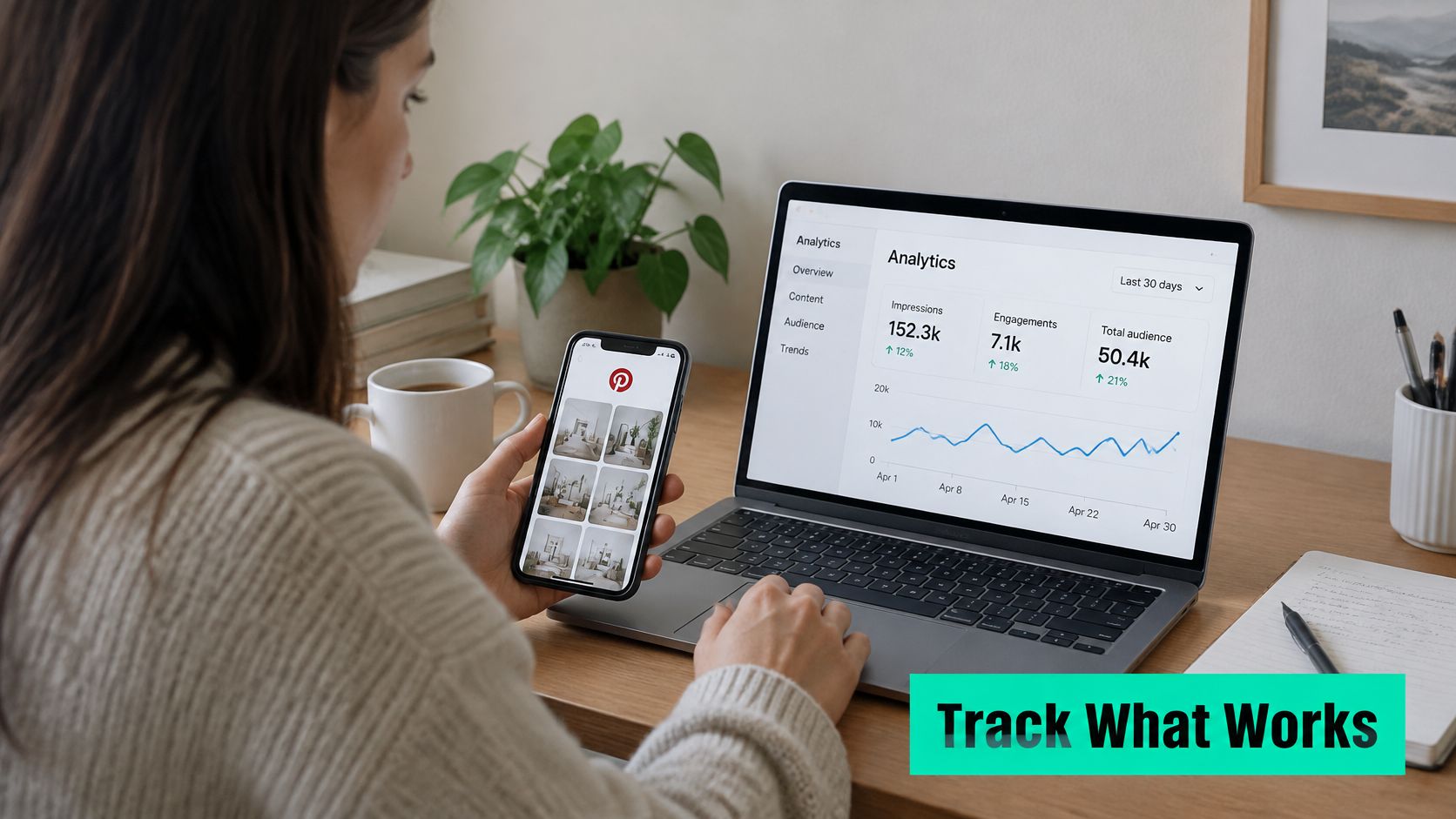
| Metric | What it tells you | What to do when it is off |
|---|---|---|
| Impressions | Reach of the Pin | Low reach: refresh the title and first image |
| Outbound clicks | Interest in the Pin | High clicks with low sales: narrow the phrase |
| Affiliate-network clicks | Whether the link delivered traffic | Gap against outbound clicks: check redirects |
| Conversion rate | Share of clicks that buy | Compare only within one query cluster |
| Earnings per click | Commission per visitor | Strongest signal: copy the pattern |
| Revenue per 1,000 impressions | Earnings against reach | Spot low-click Pins with high value |
Reading the Common Mismatches
A Pin with many clicks and few sales usually targets curiosity, not buying intent. Narrow the phrase, show the product more clearly, and make price or sizing visible so unqualified clicks drop. Clear expectations also build trust with online shoppers once they land, which protects conversion instead of just chasing traffic.
A Pin with few clicks but strong earnings per click is working. Copy its template, phrase pattern, and board placement for the next product. Don't retire it for low reach.
When your network reports fewer clicks than Pinterest, check broken redirects, shortened links, and attribution windows before blaming the creative. Cross-device buying also creates gaps, someone clicks on a phone and buys on a laptop later. Keep a link-to-product matrix in your spreadsheet, use tagged URLs where the program permits, and compare direct-to-product Pins against Pins that lead to a comparison page. A deeper walkthrough of reading Pinterest Analytics reports helps you keep those numbers in the right columns.
The short walkthrough below shows the reporting screens in context before you apply the fix order.
Fix in this order: 1. check the link works, 2. check disclosure is present, 3. adjust the phrase, 4. redesign the image, 5. retire the Pin after 60 days with no earnings. Cheap checks first, redesign last.
Run a 30-Pin Test Before You Scale
Start with one product cluster and a clear test question: which combination of image, phrase, and angle earns, not just attracts clicks? Publish 30 to 50 Pins around the same niche and offer, but make each creative distinct. Avoid near-duplicate designs and repeated versions of the same product across boards. Pinterest's Community Guidelines call for original, transparent content and moderation in how you publish affiliate Pins. Use the test to establish your own baseline rather than relying on a generic conversion-rate target.
Set a review date 30 days after the first Pin goes live. Pinterest distribution and retailer attribution take time to settle, so results from the first few days are a weak basis for scaling.
How to Judge the Test
Review the results in this order:
- Compliance first: A missing disclosure, broken link, or misleading product claim disqualifies a Pin, even if it earns.
- Earnings per click next: Compare commission per visitor by Pin and query cluster. This shows whether traffic is valuable, not merely plentiful.
- Conversion rate and clicks after that: Use these metrics to explain earnings patterns and identify where a Pin may be losing buyers.
A high-click Pin that produces complaints or misleads readers is not a pattern to copy. Compliance and earnings per click set the standard for a winner.
Once the test shows which creative, phrase, and board combination earns, apply that pattern to another product cluster. Keep the next batch distinct too. Scaling means repeating what works with fresh, relevant Pins, not flooding boards with versions of the same creative.
Pin Generator is an official Pinterest partner. You create an account when you connect Pinterest, and all plans include the complete suite of Pinterest marketing tools. Check the current plan terms, then decide whether its design and scheduling workflow fits your test.
Write down your product cluster, 30 distinct phrases, and review date in your spreadsheet. That gives you a defined experiment and a clear point to compare results.
Use Pin Generator to create and schedule a test batch with on-brand designs, titles, descriptions, alt text, and board selection in one workflow. Free accounts include pin credits to try the full workflow, including brand analysis, AI Pins, and scheduling, with no website needed. Visit Pin Generator to prepare your first test batch.