
Create Stunning Pins with an AI Pin Design Tool
2 September 2025
An AI pin design tool is software that uses artificial intelligence to automatically generate eye-catching pins for your Pinterest account. For anyone with a blog, e-commerce store, or website, a specialized tool like Pin Generator is a game-changer. It takes your existing content—like a blog post URL or product page—and turns it into a steady stream of fresh visuals, saving you a massive amount of time and effort.
The New Era of Pinterest Marketing Is Here
Ever feel like you’re on a hamster wheel, trying to keep up with Pinterest's endless appetite for fresh, beautiful content? You're definitely not alone. It's the biggest headache for most creators and marketers: the relentless need for new visuals that actually stop the scroll. Manually designing dozens of pins for every single blog post or product is a grind. It’s the kind of work that leads straight to burnout and, even worse, inconsistent results.
This creative bottleneck is exactly where modern technology steps in to save the day. The answer is bringing an AI pin design tool on board as your strategic partner. This simple move shifts your entire process from mind-numbing manual labor to smart, efficient automation.
Think of it as having your own personal design team, on call 24/7, ready to turn your content into a flood of perfectly optimized pins. Instead of you chasing design trends and wrestling with templates, the AI does all the heavy lifting. This frees you up to focus on the bigger picture: strategy and growth.
A Smarter Way to Create Content
Tools like Pin Generator were built to solve this exact problem for content creators. It uses artificial intelligence to automate the entire creative workflow, from finding the best images on your blog or store to generating snappy text overlays that get clicks. This approach reframes pin creation from a dreaded chore into a simple, one-click task. And honestly, this isn't just a small convenience anymore; it’s becoming essential for anyone serious about using Pinterest to grow their business.
The demand for these kinds of tools is exploding. The AI-powered design tools market was valued at a whopping $5.54 billion in 2024 and is projected to skyrocket to $40.15 billion by 2034. That’s a crystal-clear signal that automation is the future of creative work. You can learn more about the growth of AI design tools and see just how big this shift is.
By leaning into this technology, you can:
- Save countless hours by completely cutting out manual design work.
- Boost your marketing impact by consistently publishing fresh content that the Pinterest algorithm loves.
- Maintain brand consistency across all your pins automatically, without even thinking about it.
This new era of marketing isn't about working harder. It's about working smarter.
How an AI Pin Design Tool Actually Works
So, how does an AI pin design tool really do its thing? Let's pull back the curtain. It might sound like some kind of tech wizardry, but the idea behind it is actually pretty straightforward.
Picture a tool like Pin Generator as your super-efficient design assistant. This assistant has already studied your brand, read every word on your blog post or product page, and knows exactly what kind of content gets clicks on Pinterest.
Instead of you having to manually drag and drop images, tweak text, and place your logo just right, the AI handles all of that heavy lifting. It's not just slapping your content onto random templates; it's making smart choices based on the URL you give it. This is how you can churn out dozens of fantastic-looking Pins without losing hours of your day to design work.
From URL to Unique Pins
The whole process kicks off with one simple action from you: dropping in a URL. This could be a link to your newest blog post, a product page from your shop, or any other page you're trying to get more eyeballs on.
Once you hit go, Pin Generator's AI springs into action. It scans that webpage like a skilled editor, instantly identifying and pulling out the most important bits and pieces needed to build a batch of beautiful Pins.
Here’s what it’s looking for:
- Catchy Headlines: The AI grabs your page title and meta description to cook up relevant text overlays that will stop scrollers in their tracks.
- The Best Visuals: It pulls all the images from your page, so you can easily pick the ones that will work best for your Pin designs.
- Your Brand's Vibe: If you've set up your branding, the AI automatically applies your logos, colors, and fonts, making sure every single Pin looks like it came from you.
This intelligent extraction is the secret sauce. It makes sure the Pins aren't just pretty, but are also perfectly tied to the content you’re promoting. It’s like having a virtual assistant who reads your article and highlights the most shareable quotes for you.
Generating Variety at Scale
Once the AI has all the ingredients, the real magic begins. With just one click, it generates dozens of unique Pin variations.
It does this by mixing and matching your content with a massive library of templates that are proven to perform well on Pinterest. It doesn’t just stick to one look; it plays with different layouts, text positions, and image crops to give you a whole buffet of options to choose from.
This is what makes a dedicated pin design generator so dang powerful. It's built specifically to create the "fresh pins" that the Pinterest algorithm absolutely loves, which helps you show up more often in search and in front of your followers. The entire workflow—from a single URL to a queue full of ready-to-post Pins—is designed to be as efficient and effective as possible. It turns what used to be a tedious chore into a quick, satisfying win.
Core Features That Drive Real Results
A great AI pin design tool isn't just a fancy template filler. Think of it more like a dedicated marketing partner, one that’s built to solve the real problems you face every day. All the features inside Pin Generator are designed around one single mission: turn your content into a traffic-generating machine, as fast as humanly (or AI-ly) possible.
These aren't just standalone gimmicks. They all work together to create a smooth workflow, taking you from a single idea to a fully optimized Pinterest presence in just a few minutes. It’s all about swapping out the manual grind for smart automation that gets you real results for your blog, e-commerce store, or website.
Automatic Pin Creation From Any URL
The absolute cornerstone of Pin Generator is its ability to whip up pins directly from a URL. Just copy and paste a link to your latest blog post or a product page, and the AI immediately gets to work. It’s smart enough to scan the entire page, pulling out the important stuff like titles, descriptions, and every single relevant image it can find.
This one feature completely demolishes the most time-consuming part of making pins. Forget manually uploading images and copy-pasting text back and forth. The AI handles all the heavy lifting, making sure every single pin is perfectly tied to the content you’re trying to promote. It's the quickest way to turn your existing assets into a fresh wave of visuals for Pinterest.
You can see just how simple the interface is, making this powerful feature accessible to anyone, regardless of their design skills.
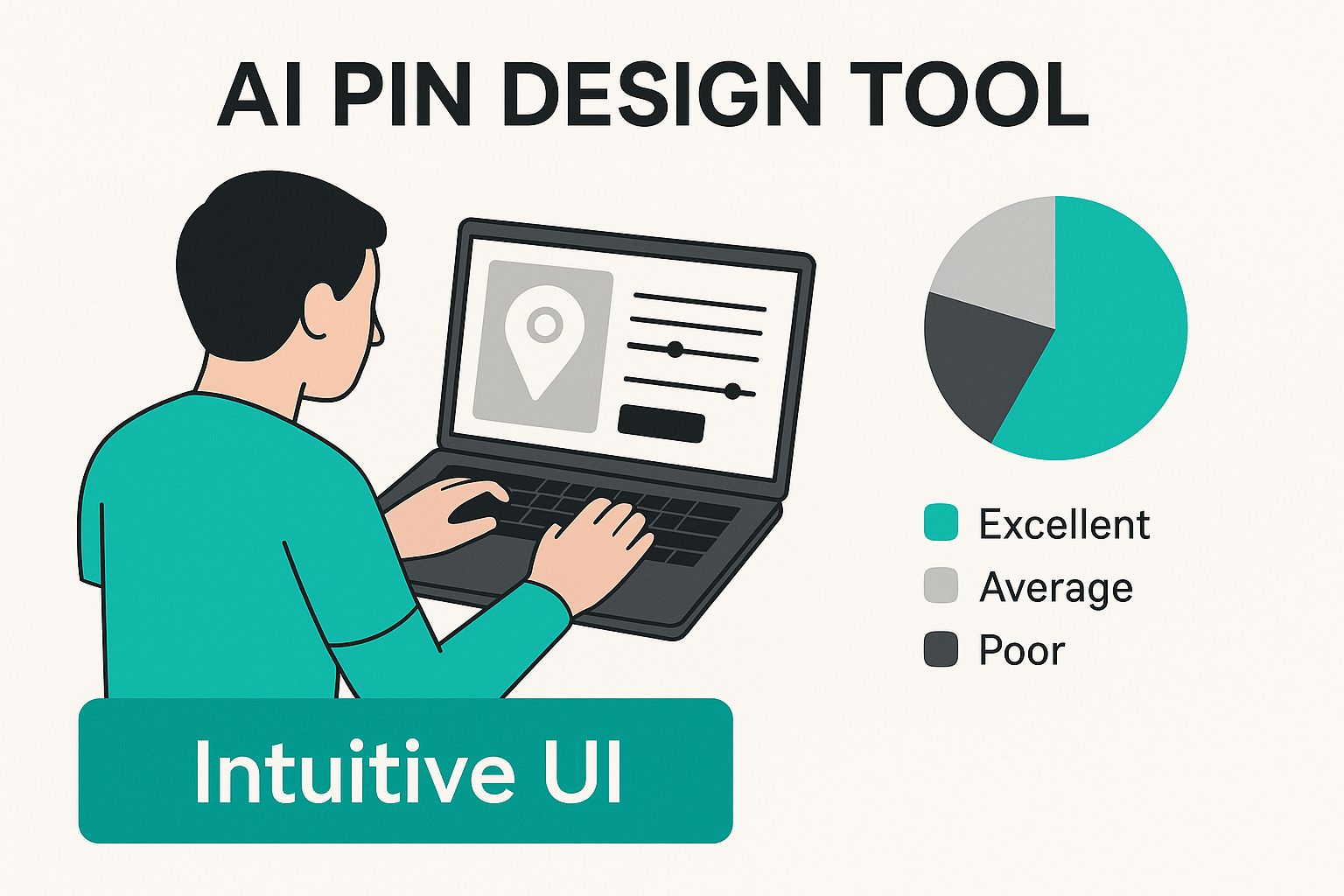
This clean layout is central to the whole experience, letting you create content at lightning speed without needing to sit through hours of tutorials.
Scale Your Content With Bulk Generation
Let's be real: consistency is everything on Pinterest. But who has the time to create enough content to stay on the algorithm's good side? This is where Pin Generator’s one-click bulk generation comes in. From just a single URL, you can create dozens of unique pin variations in a matter of seconds.
The AI cycles through different templates, layouts, and image crops, giving you a huge variety of designs to work with. This helps you:
- Feed the Algorithm: Pinterest loves "fresh pins," and consistently publishing them is what gets you more visibility.
- A/B Test Designs: You can quickly find out which visual styles your audience actually clicks on without spending hours creating them all by hand.
- Fill Your Calendar: Why not generate a whole month's worth of content in one go? This keeps your profile active and your audience engaged, even when you're busy.
Customizable Branding and AI Copywriting
Speed is great, but not if it means sacrificing your brand. That's why Pin Generator has a Brand Kit feature to make sure every pin looks and feels like you. You just set your brand’s specific colors, fonts, and logo one time, and the AI will automatically apply them to every single design it creates.
This mix of AI speed and brand control is where the magic really happens. You get the efficiency of automation without losing the unique look that makes your business stand out.
To make things even easier, the tool comes with a built-in AI copywriter. It automatically writes catchy titles and descriptions based on your page's content, already optimized for how people search on Pinterest. You can tweak them in bulk or one-by-one, saving you from staring at a blank page.
And to top it all off, the integrated scheduler completes the workflow. You can queue up all your brand-new pins directly to your boards right from the tool. It's a true end-to-end solution for modern Pinterest marketing.
Comparing Manual Pin Design vs AI with Pin Generator
To really see the difference, let’s break down how using an AI tool like Pin Generator stacks up against the old-school way of doing things in a tool like Canva.
| Task | Manual Design (e.g., Canva) | AI Pin Design Tool (Pin Generator) |
|---|---|---|
| Initial Design Creation | Manually select a template, upload images, copy/paste text. (5-10 mins per pin) | Paste URL. AI automatically pulls images, titles, and descriptions. (30 seconds) |
| Creating Variations | Duplicate design, manually change images, text, and layout for each new pin. | Generate dozens of unique pin variations with one click. |
| Writing Titles/Descriptions | Write each title and description from scratch, researching keywords. | AI generates multiple SEO-optimized options based on your content. |
| Applying Branding | Manually apply brand colors, fonts, and logo to every single pin. | Brand Kit automatically applies branding to all generated designs. |
| Scheduling Pins | Design pins, download them, then upload to Pinterest's scheduler one by one. | Integrated scheduler queues pins directly to your boards from the tool. |
| Overall Time for 20 Pins | 2-3+ hours of repetitive work. | Under 5 minutes from URL to fully scheduled content calendar. |
As you can see, it's not even close. The time saved and the sheer volume of content you can produce with an AI tool frees you up to focus on the bigger picture—your actual strategy—instead of getting bogged down in the day-to-day design grind.
Driving Growth for Your Blog or Business
Okay, so we've talked about what an AI pin design tool can do, but let's get to the good stuff: how does it actually translate into real, measurable growth for your business? This is where the magic happens. We're not just talking about making pretty pictures; we're talking about building a non-stop engine that drives traffic and sales.
Whether you're a blogger trying to get more eyeballs on your articles or an e-commerce owner who needs to move products, the fundamental problem is the same. You need to scale your presence on Pinterest without it becoming your full-time job. Pin Generator is the bridge that connects your awesome content to the millions of people on Pinterest who are actively looking for ideas and things to buy.
A Content Multiplier for Bloggers
Every blogger knows the grind. You pour hours into researching, writing, and editing a single article. The goal? To squeeze every last drop of value out of that effort. But manually creating five, maybe ten, pins for that post is a painfully slow process that barely makes a dent.
This is where an AI pin design tool completely flips the script.
With Pin Generator, you can take one blog post and turn it into a month's supply of fresh, engaging pins—and you can do it in minutes. Just paste your article's URL, and the tool whips up dozens of unique designs, pulling different images and text snippets to keep things interesting.
This lets you:
- Reach a Broader Audience: Different pin designs click with different people. The more variations you have, the better your chances of stopping someone's scroll.
- Maintain Consistent Traffic: Schedule these pins to go out over the next few weeks, and you create a steady drip of traffic back to your article long after you hit "publish."
- Test and Optimize: You'll quickly see which headlines and visual styles your audience loves, which helps you sharpen your strategy over time.
This approach transforms each article from a one-and-done task into a long-term traffic magnet. You're no longer just promoting a post and moving on; you're creating an evergreen promotional cycle that works for you 24/7.
Turning Products into Purchases for E-commerce Stores
If you run an e-commerce store, you have a different kind of mountain to climb: making every single product in your catalog stand out. Manually creating unique pins for hundreds—or thousands—of items? It's just not going to happen.
Pin Generator was practically built for this problem. By connecting to your store or just using product page URLs, the AI can crank out eye-catching product pins for your entire inventory, automatically.
It pulls your product images, titles, and even prices to create visuals that are primed to turn browsers into buyers. On a platform where people are literally there to shop, this is a massive advantage.
And the industry is taking notice. The demand for AI-powered design tools is exploding, with revenue projected to jump from $5.54 billion in 2024 to $6.77 billion in 2025. You can dig into more data on the AI toolkit landscape to see just how essential automation is becoming for growth.
Effortless Promotion for Affiliate Marketers
As an affiliate marketer, your success hinges on promoting products in a compelling way, often without being a design wizard yourself. An AI pin design tool is your secret weapon here.
It lets you create high-quality, professional-looking pins for any product or service you're repping. You can generate polished visuals straight from a review post or sales page URL, making sure your affiliate content looks trustworthy and slick. This builds credibility and makes it that much more likely someone will click your link and make a purchase, boosting your commissions with barely any design work on your part.
Creating Your First Pins in Under 5 Minutes
Ready to see just how much of a game-changer an AI pin design tool can be? I'm going to walk you through exactly how fast you can go from a single website link to a whole batch of pins, ready to hit your Pinterest boards.
Forget about fiddling with complicated design software or sitting through hours of tutorials. This is all about speed and simplicity. In less time than it takes to brew a pot of coffee, we'll cover the five steps to get your Pinterest content totally dialed in.
Step 1: Connect Your Website with a Single URL
Everything starts with one simple action: pasting a URL. Grab the link to your latest blog post, a hot-selling product, or any page you want to get more eyes on, and drop it into Pin Generator.
That one move kicks the whole creative engine into gear. No need to manually dig for images or copy and paste text. The AI gets to work, intelligently scanning your page and pulling all the creative bits and pieces it needs.
Step 2: Set Up Your Brand and Favorite Templates
Before you hit "generate," a quick one-time setup of your brand styles will save you a ton of time down the road.
Head over to the Brand Kit section, where you can:
- Upload Your Logo: Make sure your logo is on every pin, every time.
- Define Your Brand Colors: Lock in your color palette for a cohesive, professional look.
- Choose Your Fonts: Select the fonts that scream you.
Once you save these, Pin Generator applies them to every single design it makes. Total brand consistency, zero extra effort. You can also "favorite" the templates you really like, which tells the AI to use those styles more often. It’s the perfect blend of automation and your own creative direction. You can see how this fits into a bigger picture in our guide to Pinterest automation tools.
Step 3: Generate Dozens of Designs with One Click
Okay, here comes the magic. With your URL in and your brand set, you just click "Generate Pins." Within seconds, the AI churns out dozens of unique, on-brand pin variations based on your content.
It smartly mixes your webpage's images, titles, and descriptions with a huge library of proven templates. The AI plays with different layouts, text positions, and image crops, giving you a massive variety of "fresh pins"—which the Pinterest algorithm absolutely loves.
This one-click generation is where the real power lies. It completely demolishes the creative bottleneck, letting you scale up your content in a way that’s just not possible by hand.
Step 4: Quickly Review and Approve Your Pins
Next up, you'll see a whole gallery of the pins the AI just whipped up for you. This is your chance to give everything a once-over and make any final tweaks.
The interface is built for speed. You can easily:
- Swap out an image if another one catches your eye.
- Tweak the text overlays to get the message just right.
- Ditch any designs that don't quite hit the mark.
This step keeps you in the driver's seat, combining the raw speed of AI with your personal touch.
Step 5: Schedule Directly to Your Pinterest Boards
Once you’re happy with your new creations, the last step is getting them onto Pinterest. Instead of the old-school download-then-upload dance for every single pin, you can use the built-in scheduler.
Just select the pins you want to post, pick the right board, and set the date and time. You can drip them out over days or even weeks, creating that steady stream of content that keeps your audience hooked and brings consistent traffic back to your site. It’s a completely seamless workflow from a single idea to a fully automated Pinterest strategy.
Why Pin Generator is the Smart Choice
Let's zoom out from the specific features for a second and talk about the bigger picture. The real magic of an AI pin design tool isn't just about making pretty Pins; it's about the massive impact it has on your business strategy.
Think of it as an investment in a smarter, more scalable way to do Pinterest marketing. For anyone who's serious about growth on the platform, this isn't just a "nice-to-have" tool anymore. It's a competitive necessity.
The biggest win here boils down to one thing you can never get back: your time. Every hour you sink into designing Pins by hand is an hour you could have spent on strategy, talking to customers, or developing your next big product. Pin Generator gives you those hours back, turning what was once a tedious chore into a five-minute task.
Scaling Without the Headcount
This kind of automation lets you pump out content at a volume that used to require hiring a design team or a dedicated social media manager. An AI tool is like having an employee that works for you 24/7.
Here’s what that actually looks like:
- Finally Overcome Creative Block: Staring at a blank canvas is a thing of the past. You can generate dozens of fresh ideas in an instant, making sure your content calendar is always packed.
- Keep Your Brand on Point: Your brand's colors, fonts, and logo get automatically applied to every single Pin. No more second-guessing. This builds a professional, cohesive look that people start to recognize.
- Get a Better ROI: The time and money you save translate directly into a higher return on your efforts. More content means more traffic and more sales, all without you having to work any harder.
This isn't just about cranking out more Pins. It's about building a sustainable system for growth. An AI tool like Pin Generator acts as a force multiplier, letting you compete with the big players, no matter how small your team is.
At the end of the day, using this kind of tech solves the content bottleneck that trips up so many creators and businesses. It puts you in a position to truly milk Pinterest for all its worth as a traffic-driving machine, making it the most logical next step for leveling up your entire marketing game.
Frequently Asked Questions
Jumping into any new technology usually brings up a few questions. And when that tech is an ai pin design tool, it’s only natural to wonder if the results will actually look like your brand, or if it’s just another complicated piece of software to learn.
Let's tackle those common questions head-on. My goal here is to give you clear, straight answers so you can see how a tool like Pin Generator isn't just about making your life easier—it’s about making your Pinterest marketing a whole lot more effective.
Can AI-Generated Pins Truly Look Unique?
This is the big one, and it's a totally valid concern. Nobody wants their brand to look like a generic, cookie-cutter copy of someone else’s. The good news? A quality AI tool is built specifically to avoid that problem.
Pin Generator starts with a massive library of professional templates, but then it intelligently applies your specific brand identity. It’s not just randomly plugging in photos; it’s using your unique logo, brand colors, and fonts for every single design it creates.
The result is content that feels custom-made, not churned out by a machine. For every URL you pop in, the AI creates dozens of distinct variations by playing with different layouts, text placements, and image crops. This ensures you always have a stream of fresh, on-brand content ready to go.
Is This Tool Hard for a Non-Designer to Use?
Absolutely not. In fact, an ai pin design tool like Pin Generator was made with bloggers, e-commerce owners, and marketers in mind—people who are definitely not professional designers. The whole point is to remove the technical headaches that come with traditional design software.
The interface is simple on purpose. You don't need to know anything about layers, masks, or confusing editing tools. We’ve boiled the whole process down to a few clicks, turning a task that could eat up hours into a quick five-minute win.
Can I Still Customize the Designs Myself?
Of course. You always have the final say. Pin Generator strikes that perfect balance between lightning-fast automation and your own creative control. While the AI does the heavy lifting, you can easily jump in and make any tweaks you want.
- Edit Text: Want to change a title or description? Go for it, on a pin-by-pin basis.
- Swap Images: Don't love the image the AI picked? Swap it out for another one from your page with a single click.
- Favorite Styles: You can "favorite" the templates you love most. This tells the AI which designs you prefer, so it gets even smarter about what it creates for you next time.
This mix of speed and manual control means you get all the benefits of automation without ever giving up the power to make every pin look exactly how you want it.
Ready to stop wasting time and start driving real traffic from Pinterest? Pin Generator can help you create hundreds of high-quality, on-brand pins for your blog or store in minutes. Try Pin Generator today and see the difference for yourself.