
Amazon Affiliate Marketing on Pinterest: Top Questions Answered (2026)
13 June 2026
If you’re getting started with Amazon affiliate marketing on Pinterest and not sure what’s actually allowed, you’re likely asking the right questions. There’s a lot of conflicting information out there about what you can and can’t do, and getting it wrong can put your Pinterest account or your Amazon Associates account at risk.
Today we’re breaking down the most common questions we get, based on our own experience and a close reading of both Amazon and Pinterest’s publicly available policies. We are not lawyers, so always read the official guidelines yourself and consult a professional if you’re unsure. Links to both policy pages are included in this article.
Amazon Affiliate Marketing + Pinterest
Amazon affiliate marketing on Pinterest is the practice of sharing Amazon affiliate links through your Pinterest pins and earning a commission when someone clicks your link and makes a purchase. It’s one of the more accessible ways to earn passive income because there’s no product to create, no inventory to manage, and no customer service involved. Your job is simply connecting the right person to the right product at the right moment.
Pinterest works particularly well for this model because it’s a visual search engine, not a social media platform. People come to Pinterest with search intent and usually the desire to buy, which means the people finding your pins are already in a buying mindset before they ever see your content. That combination of search intent and long content lifespan, where a single pin can drive clicks and commissions for months or even years, makes Pinterest one of the stronger platforms for affiliate marketing in 2026.
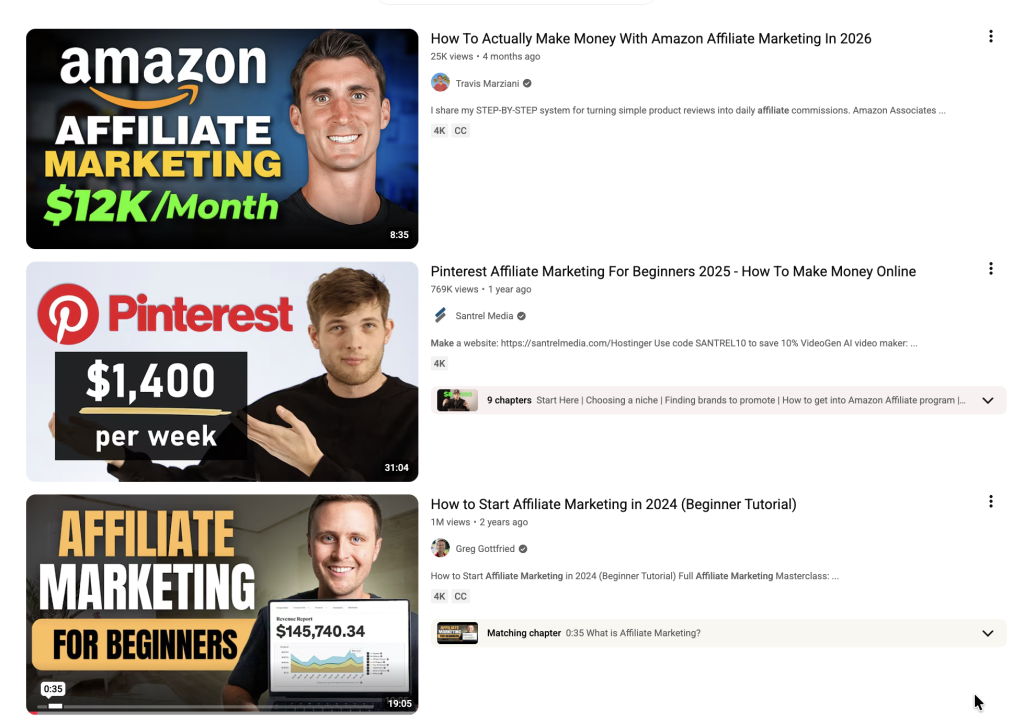
If you’d rather watch instead of read, we’re covering all of this on our latest Youtube video. You can watch it here:
Question 1: Do you need a website to sign up?
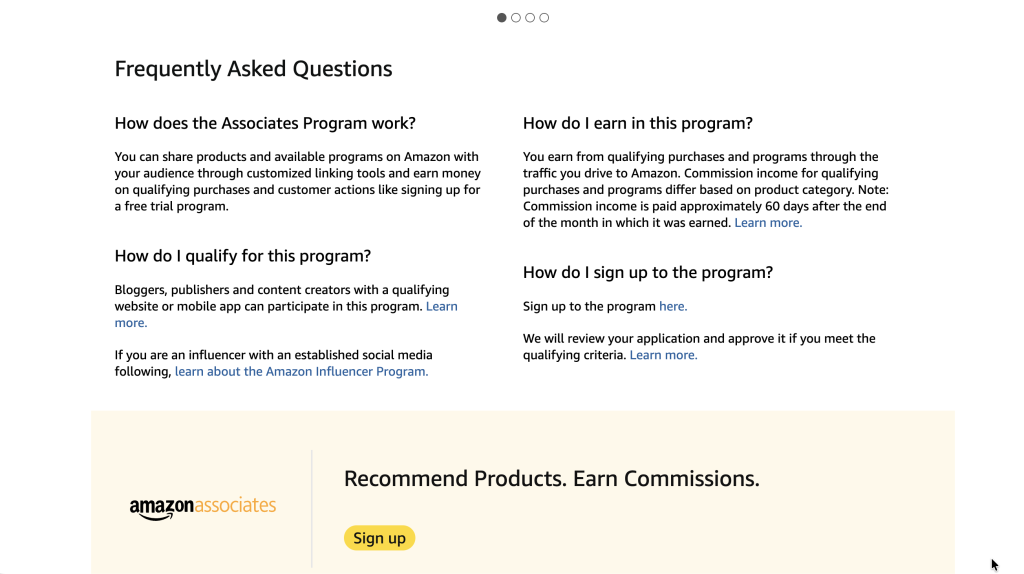
You don’t strictly need a website to sign up for Amazon Associates (affiliate program), but having one makes the whole process easier and more sustainable. When you apply to Amazon Associates, they ask for the website or social media profile where you plan to promote products. A YouTube channel or Instagram account can qualify, so you don’t necessarily need a blog to get started.
That being said, a website gives you a real advantage. Amazon requires you to generate three qualifying sales within your first 180 days or they automatically close your account. Having a blog or resource page where you can send consistent traffic gives you much more control over hitting that threshold. Linking to a helpful blog post or review page also tends to convert better than linking directly to Amazon, because it gives the buyer context and builds trust before they click through to purchase.
If you’re curious about affiliate marketing without a website, check out our getting started guide.
Question 2: Can you post Amazon affiliate links on Pinterest?
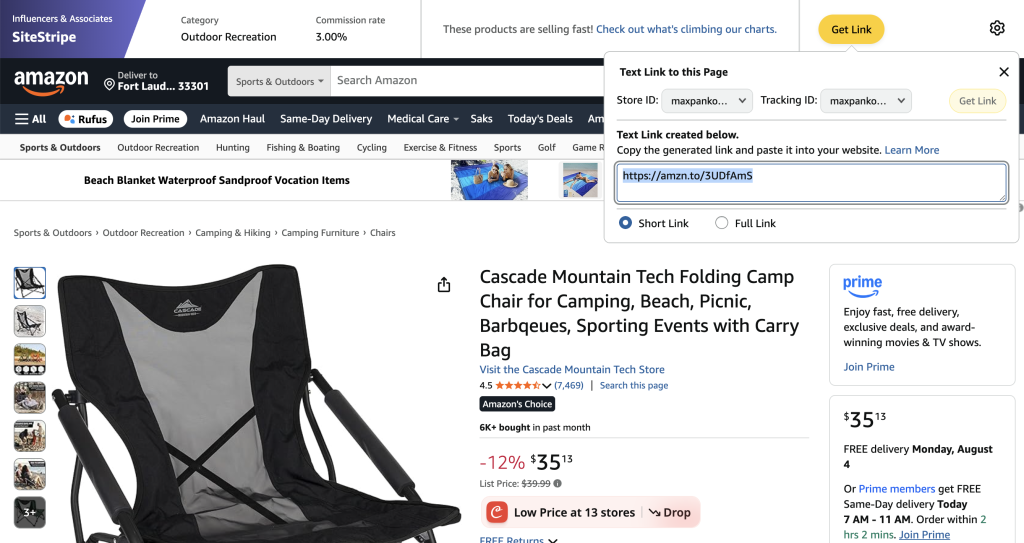
Yes, and this surprises a lot of people. Pinterest officially allows affiliate links in pins, including Amazon affiliate links. According to Pinterest’s affiliate guidelines, you just need to be transparent about the commercial nature of your content. That means including a disclosure in your pin description, something like “this pin contains affiliate links” or adding #affiliate or #ad. This is both a Pinterest policy and an FTC requirement, so it applies regardless of where you’re based.
There are also a few things you cannot do.
Pinterest does not like link shorteners like Bitly or TinyURL. They can get your pins flagged as spam or block your pin entirely, so always use your full affiliate URL.
Pinterest also does not want you to post the same affiliate link repeatedly in a short window. This is considered spammy behavior, even if everything is properly disclosed.
On the Amazon side, you cannot use your own link to buy products yourself, and you cannot ask friends or family to click your links to inflate your numbers. Both will get your account terminated.
Question 3: Can you use Amazon product images in your pins?
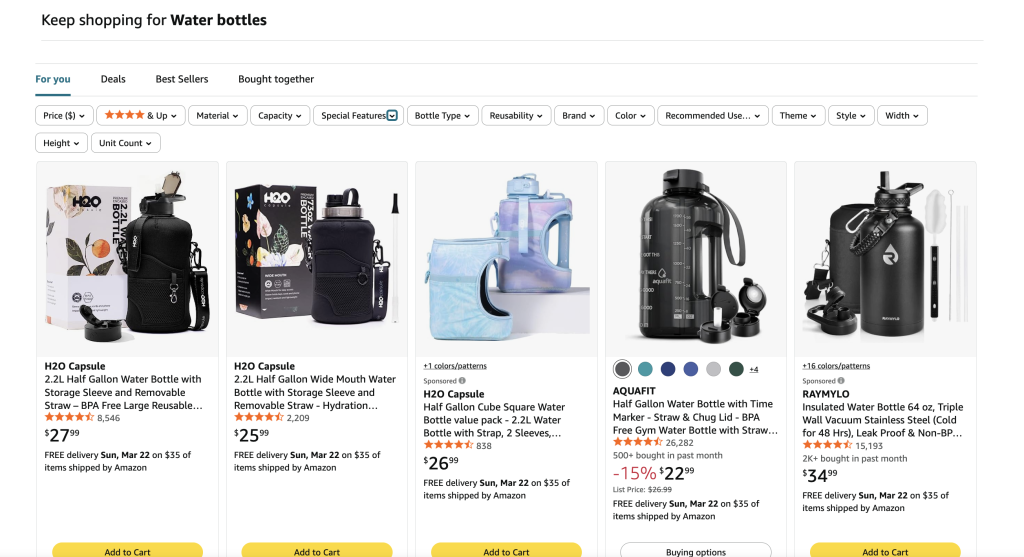
This is one of the greyest areas in Amazon affiliate marketing, so it’s worth reading the terms carefully. Amazon’s IP licensedoes grant affiliates a limited license to use their product images, but the conditions around how and where are detailed enough that we’d recommend reading the policy yourself rather than taking anyone’s word for it, including ours. You can find this information in the “IP” section of the policy. It includes specific instances where you are allowed to use images and “program content” under specific conditions. We break this down in our Youtube video and each question is tagged in the timestamps. Jump to the video here.
What we can say is that product tagging on Pinterest is generally considered one of the more compliant ways to feature Amazon products visually, since it creates a direct connection between your pin and the Amazon listing.
Our top recommendation is to buy the product and take your own photos. It removes all the grey area, your content will feel more authentic, and original lifestyle images almost always outperform product shots on a white background on Pinterest anyway.
Question 4: Where do you put the affiliate link?
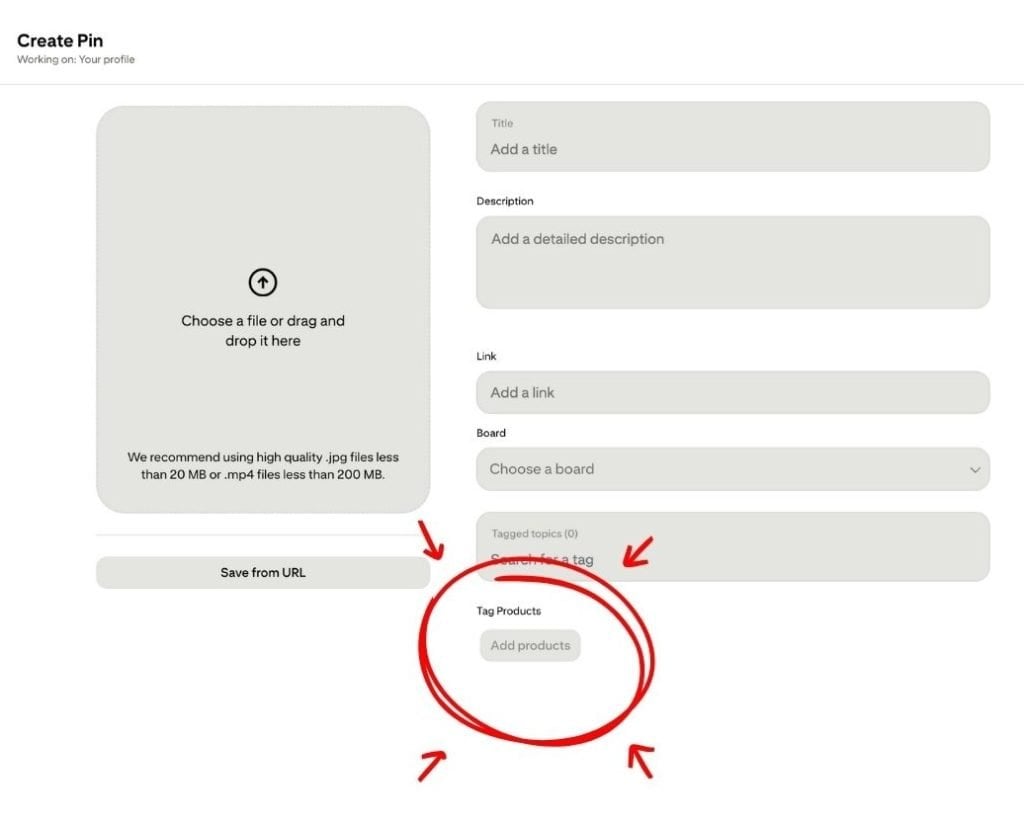
There are two main ways to add your affiliate link on Pinterest. The first and most common is the destination URL field when you create a pin. Every pin has a spot for a link, and when someone clicks your pin they land on wherever that points, whether that’s an Amazon product page with your affiliate link built into the URL or a blog post that contains your affiliate links within the content.
The second option is product tagging, which is a Pinterest feature that lets you tag products directly onto your pin image. When someone taps the tag they can see product details and click through to purchase. This is generally considered one of the cleaner and more compliant ways to feature products on Pinterest and works well for affiliates and shop owners alike.
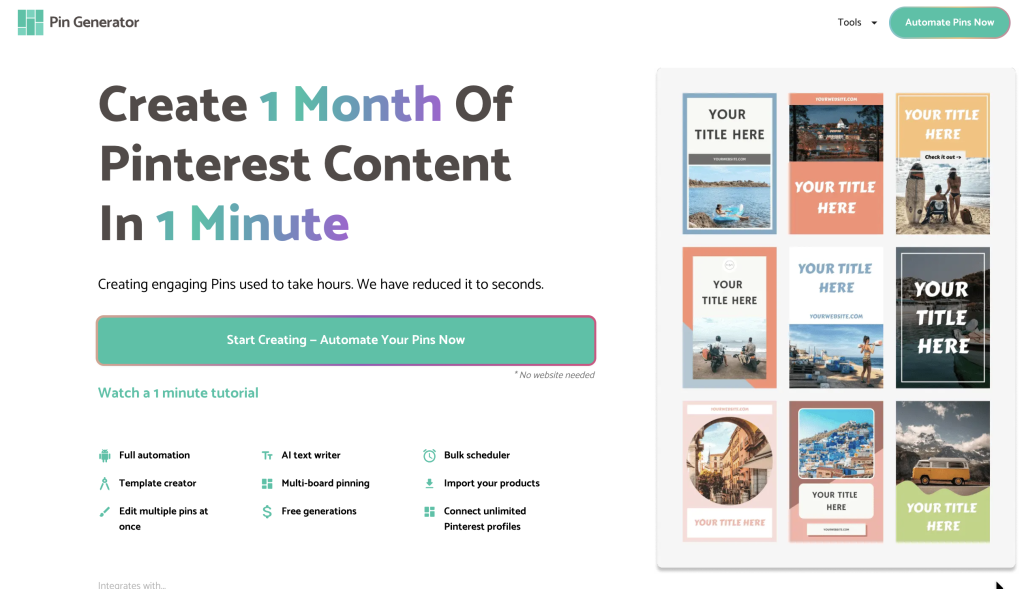
If you’re looking for a tool that helps you create and schedule pins with your affiliate links already built in, Pin Generator has a workflow specifically designed for this, including an option for affiliate marketing without a website.
Question 5: Do you have to disclose affiliate links?
Yes, always, with no exceptions. Disclosure simply means telling people upfront that you have a financial relationship with what you’re recommending. In plain terms, if someone clicks your link and buys something, they have a right to know that you will make money from their purchase.
Both Pinterest and the FTC require a clear disclosure whenever a pin contains affiliate links. The standard approach is to include something like “this pin contains affiliate links, I may earn a small commission at no extra cost to you” in your pin description, or simply add #affiliate or #ad. The disclosure needs to be upfront and visible, not buried at the bottom of a long description.
Question 6: How much can you realistically make?
Income depends on so many factors that there is no single answer that applies to everyone. Your niche, the commission rates of your programs, the price point of the products you promote, and how much traffic your pins are driving all play a role. Amazon’s commissions run between 1% and 10% depending on the category. For example, a 5% commission on a $20 product is $1, while the same rate on a $200 product is $10. Those numbers will add up very differently depending on what you are promoting.
Pinterest typically takes 6 to 12 months to build meaningful traffic, and your affiliate income will follow that curve. The creators making serious money from this have usually been consistent for over a year, have a library of content working for them, and have figured out what actually converts in their specific niche.
Going in with realistic expectations and treating it as a long term system rather than a quick income source is what separates the people who stick with it from the ones who give up too soon.
Get Started
Amazon affiliate marketing on Pinterest is one of the more accessible income models available in 2026, but it works best when you understand the rules, choose the right programs, and build a system that keeps you consistent over time. The questions we covered in this article are the ones that trip most beginners up, and now that you have the answers, the next step is simply getting started.
Pinterest rewards accounts that show up consistently with fresh, well-optimized content, and the pins you create today can keep driving traffic and commissions for months or even years down the line.
If you’re ready to start creating and scheduling affiliate pins without spending hours doing it manually, Pin Generator is built to make that process faster and more manageable. You can connect your affiliate links, generate multiple pin variations quickly, and schedule everything to go out gradually so your account stays active without it taking over your week.
You can try Pin Generator free today, and let’s get generating!