
Blog Automation Tools: 10 Options Compared by Use Case
17 October 2026
Your publishing calendar looked manageable when the quarter started. A few writers were lined up, the topic list was decent, and everyone agreed the blog would stay consistent this time. Then the work split into separate chores, drafting in one tab, formatting in another, scheduling inside the CMS, promotion somewhere else, and reporting in a spreadsheet no one wanted to update.
That's where most blog automation tools either help or make things worse. The good ones remove one real bottleneck, then still leave room for a human review step where it matters. The bad ones create faster drafts but more cleanup, which usually means your team spends less time publishing and more time correcting avoidable mistakes.
I'm judging these tools by the job they do in a blog pipeline, drafting, scheduling, feed-to-post publishing, promotion, or measurement, and by the manual review they still require. That matters because blog automation didn't begin with modern AI, it grew out of syndication and publishing infrastructure. RSS launched in March 1999, Blogger followed in August 1999, and WordPress scale arrived quickly after that, with 11.4 million blogs on WordPress.com and 13.8 million sites using WordPress.org software by June 2010 (history of blogging research).
Table of Contents
- 1. The SEO Agent
- 2. Jasper
- 3. Surfer
- 4. Frase
- 5. StoryChief
- 6. Scalenut
- 7. Writesonic
- 8. KoalaWriter
- 9. Byword
- 10. Outranking
- 11. HubSpot Content Hub
- Top 11 Blog Automation Tools Comparison
- Building a Blog Automation Stack Without Losing Editorial Control
1. The SEO Agent

If your blog process keeps stalling between keyword research and publish-ready draft, The SEO Agent is built to remove the middle. It starts by crawling your site, mapping your competitors, and turning live search-demand data into content opportunities, then pushes the approved topics into planner cards for one-click handling. You can review the product page on The SEO Agent's blog automation tools guide, but the actual value is operational, not cosmetic.
Where it fits best in the pipeline
It works well for founders and lean teams that want a research-to-publish system instead of a bunch of disconnected apps. The draft stage is handled H2 by H2 in your voice, with live sourcing and originality checks layered in before anything goes live. That's useful when you need a post to be more than text on a page, because internal links, images, schema, slugs, and scheduling are all handled in the same flow.
Practical rule: use a tool like this when the bottleneck is coordination, not just writing. If your team already has writers but no one owns research, approvals, or CMS handoff, the pipeline breaks in predictable places.
The refusal-based quality gate is the part I'd pay closest attention to. Low-scoring drafts don't get pushed forward, which helps avoid the common trap where automation speeds up production but lowers standards in the background. Native publishing to WordPress, Webflow, Shopify, Ghost, Wix, Notion, and Framer makes it a fit for teams that don't want to build a separate integration layer just to get content live.
What still needs human review
This isn't the right choice if you want a simple writer and nothing else. It's strongest when someone still checks factual claims, brand voice, and whether a topic belongs in the calendar before the post is approved. The cleanest use case is a team that wants to ship ranking articles regularly without hiring a full editorial ops stack.
For builders, it's also a strong fit because it ties the oldest blog-automation idea, syndication, to a modern workflow. Feeds, reusable publishing systems, and platform integrations aren't extras here, they're the point. That matters if your content comes from structured sources, product updates, or recurring editorial inputs.
2. Jasper

Jasper makes the most sense when the blog is only one part of a wider marketing operation. It's built around governed, on-brand output, so the workflow is less about a single draft and more about repeatable production across posts, pages, and other campaign assets. The no-code agents and workflow builder are the part that matter if your team needs content processes that don't fall apart when a different marketer takes over.
Best use case and limitation
This is a stronger fit for teams than for solo bloggers. Brand Voices and Knowledge help keep product truth and tone stable across multiple writers, and the integrations make it easier to plug Jasper into broader publishing systems. That said, the platform can feel heavy if all you want is a quick article factory and a direct CMS handoff.
Jasper is useful when the review step has to be built into the workflow, not added afterward. Teams that care about approvals, consistency, and repeatable structure usually get more value from that than from raw generation speed. In practice, that means the tool helps when marketing managers need predictable output and fewer brand mismatches.
What to watch before adopting it
The main trade-off is complexity. Credit-based pricing for advanced features can make planning harder, especially if your team is still experimenting with how much automation it really needs. If your blog process is just drafting plus WordPress scheduling, Jasper may be more than you need.
Still, for organizations that already run campaigns through a central content team, Jasper's stronger governance is a real advantage. It's the kind of platform you choose when you'd rather standardize workflow than keep improvising around one-off prompts.
3. Surfer

Surfer is the most useful when your biggest problem is turning SEO direction into a draft that's already aligned with the page intent. Its Content Editor gives structure, the AI writer fills that structure, and Auto-Optimize helps tighten the page before publication. That makes it a practical fit for teams that already know what they want to rank for and just need the content assembly line to move faster.
Why it helps content teams
The automatic internal and external linking is a real time saver. Instead of writing a draft, exporting it, then hunting for places to add links by hand, Surfer can insert them during generation. That matters more than it sounds, because linking is one of the places where otherwise decent posts lose polish.
Surfer also adds AI Search Analytics, which is useful if you're tracking how your brand shows up in AI answers as well as traditional search. That's a smarter use of the tool than treating it like a generic writer. Search behavior is changing, and the content workflow needs to account for where clicks are going.
A good Surfer workflow starts with a brief, not a blank page. If you feed it a weak intent map, you'll still get a polished draft that misses the point.
Where the manual step remains
Publishing automation to a CMS may still require external steps, so this isn't the tool I'd pick if direct posting is the main goal. It's stronger as a drafting and optimization layer than as a full delivery system. That's the trade-off, stronger SEO scaffolding, less native end-to-end automation.
If your team is already disciplined about review and publishing, Surfer fits well. If you want the software to own the whole route from idea to scheduled post, you'll need more integrations around it.
4. Frase
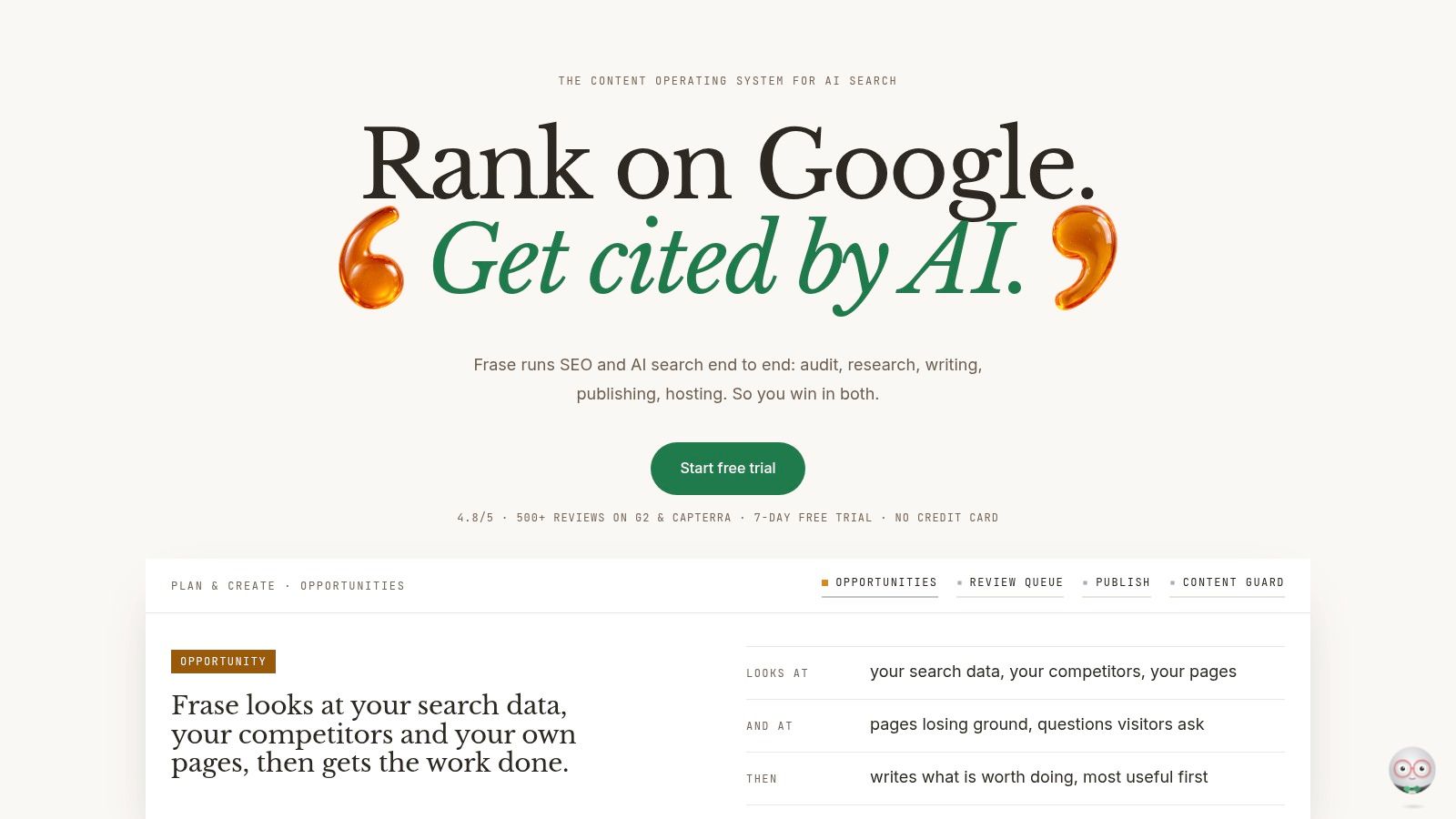
Frase is one of the few tools that feels built around the entire content lifecycle, not just the writing stage. It can draft, score, publish, and then watch for decay after the article is live. That makes it interesting for teams that don't just want to ship content, they want to maintain it without doing a manual audit every week.
The part that stands out
The direct publishing options to WordPress, Webflow, Sanity, and Wix matter because they cut the handoff gap. If your team has ever approved a draft, then lost momentum before it was live, you already know why that matters. Frase also gives you Content Guard, which is the feature I'd pay attention to if you manage older content and don't want rankings to slip.
This is also one of the more balanced tools for teams that want automation without completely surrendering review. The agent can draft content and optionally auto-publish, but that doesn't mean you should let it. A human gate still makes sense, especially for anything tied to product claims or evolving search intent.
What makes it different in practice
FraseCMS is a useful option if you want the content stack in one place, though the free tier's brand badge is a drawback if you care about presentation. The bigger strategic benefit is that Frase treats publishing and post-publish upkeep as part of the same process. That's often what separates content programs that plateau from the ones that stay useful over time.
The newer automation style means some teams will want to test review rules before trusting auto-publish. That's a smart instinct. The right setup is usually draft first, review second, publish last, then monitor for decay after the article has had time to settle.
5. StoryChief
StoryChief is best when the blog is part of a larger editorial operation with multiple channels, multiple contributors, and more than one approval step. It centralizes planning, drafting, approvals, and syndication, so it's more of a publishing hub than a single-purpose writing tool. That's a good thing if your team keeps losing time to handoffs.
Why agencies and teams use it
The direct publishing to CMSs, the editorial calendar, and the role permissions all serve the same goal, fewer disconnected tasks. You can manage articles and social publishing in the same place, which helps when a blog post needs to become a newsletter, a social post, and a site update. The 450+ integrations also matter if your stack is already crowded.
For agencies, the guest writer and multilingual support features reduce friction across clients and regions. You're not just building a post, you're managing who touches it, who approves it, and where it gets distributed. That's a meaningful distinction if your review step is tied to client sign-off rather than internal comfort.
Where it can feel heavy
The breadth is the downside. Smaller teams may find the interface more than they need, especially if they're only trying to automate one blog on one CMS. Pricing listed in EUR and AI add-ons can also push costs upward once you start using the platform the way it's meant to be used.
StoryChief works best when collaboration is the bottleneck. If your issue is mainly drafting speed, there are lighter options. If your issue is getting content through briefs, approvals, and multi-channel publishing without chaos, this is one of the more practical choices.
6. Scalenut
Scalenut is useful if you want GEO and SEO workflow in the same place, with publishing attached. It handles keyword clustering, content audits, internal linking, and direct publishing to WordPress and Shopify, which makes it especially appealing for eCommerce teams and sites with repeated content patterns. The value is in connecting planning to publishing without bouncing through separate tools.
Good fit for structured content operations
The native Shopify blog publishing is a real benefit. Anyone who's moved content out of a draft tool and into Shopify by hand knows how much formatting friction lives there. Scalenut reduces that step, which means the team can spend more time checking accuracy and intent instead of cleaning up formatting.
The Chrome extension also makes it easier to draft in place without constantly switching contexts. That helps if your team writes in Google Docs, CMS editors, or browser-based workflows and doesn't want another isolated writing app. On the planning side, clustering is the feature that gives structure to the rest of the workflow.
The trade-off
The interface is dense, and that's not a small issue. Teams that don't want onboarding overhead may feel slowed down before they get the benefit. Pricing and limits also shift across plan names, so it pays to confirm what you get before committing.
Scalenut is strongest when your content program is already organized around topic groups and site structure. If you're still trying to figure out what to write next, it's probably too much tool too early. If you already have a clear cluster strategy, it can turn that plan into output with less manual formatting work.
7. Writesonic
Writesonic has shifted hard toward AI search visibility, which makes it different from a generic blog writer. That matters if your team wants to track how content appears across AI Overviews and chatbots, not just in classic search results. The writing and optimization features still matter, but the measurement side is what makes the platform more interesting now.
Where it helps
It works for teams that want a bridge between writing workflows and AI SERP monitoring. You can generate SEO content, track brand presence across AI surfaces, and use dashboards to understand how prompts and answers vary. That's useful if your team is already asking a harder question than “Did this post get traffic?” and wants to know whether the content is being surfaced at all.
It can also be a practical option if you're not looking for a full editorial suite. The platform is lighter than some enterprise-oriented tools, which makes it easier to slot into a simple content process. If you're already comfortable handling scheduling elsewhere, it can still be a decent part of the stack.
If you care about visibility in answer systems, don't measure only clicks. Measure whether the content is present, cited, or used as a source signal.
What to confirm before buying
CMS publishing may require integrations or zaps rather than native connectors, so don't assume it will behave like a full blogging platform. The positioning has changed enough that I'd verify the blog-first workflow before committing. Writesonic is better when you want content plus visibility tracking than when you want one-click, end-to-end publishing.
Automating content creation with structured workflows is a useful mindset here because the tool's value increases when it plugs into a broader system rather than standing alone.
8. KoalaWriter

KoalaWriter is for people who want to go from topic list to published post quickly. The pitch is simple, fast generation, bulk mode, internal linking, and one-click publishing to WordPress. That simplicity is why it's attractive for programmatic or high-volume blogs where the constraint is throughput.
Why it works for volume
The API and draft creation features make it easier to trigger article production from other systems. If you're running a pipeline that starts with a spreadsheet, a niche database, or a keyword list, KoalaWriter can sit in the middle and produce drafts without much handholding. The integrations with Webflow, Shopify, and Ghost also widen the places where those drafts can land.
Bulk generation is the feature that separates it from lighter writing tools. If you need several articles in one run, the setup is closer to a production line than a content workshop. That's a good fit for teams that already know what the content architecture should look like.
What still needs oversight
The best output still depends on prompt and outline quality. That's not a weakness unique to KoalaWriter, but it matters more here because the tool is optimized for speed. If you skip review, you'll get volume without enough judgment applied to tone, accuracy, or differentiation.
The lighter governance is fine for low-risk content, but not for claims-heavy material. I'd use it for straightforward informational posts, not for topics where trust or precision carries more weight. The point is to move faster without pretending the review step has disappeared.
9. Byword
Byword is built for scale and predictability. It's especially relevant if your blog program looks more like a content catalog or a documentation engine than a single editorial calendar. The per-article pricing and programmatic SEO support make it easier to think in terms of repeatable output rather than ad hoc drafting.
Strongest use case
If you manage large topic sets, Byword's voice matching and direct publishing integrations can reduce a lot of repetitive work. WordPress, Webflow, Shopify, Ghost, and HubSpot support means you can move content into the right place without treating every post like a custom project. That's valuable for SaaS documentation, large catalogs, and template-driven content teams.
The appeal is consistency. When a team is producing many pieces with the same structure, small quality differences matter less than process discipline. Byword fits that kind of operation well, because it keeps the pipeline predictable.
The review step still matters
Automation is safest when the topic is boring and the claims are stable.
That's especially true here. Byword is lighter on collaboration features, so the editorial burden doesn't disappear, it just shifts. Programmatic SEO still needs QA for accuracy, duplication, and risky statements, especially if the content is meant to convert rather than just exist.
Keeping humans in the loop is the right operating model for this kind of stack, because speed without oversight is how template-driven content becomes indistinguishable from everyone else's. Byword is useful when structure matters more than collaboration.
10. Outranking
Outranking is the SEO-heavy choice when you want more scaffolding around the content, not just a draft generator. It offers briefs, SERP-driven outlines, multiple drafts per article, optimization, and internal linking in one place. For complex sites, that can replace several separate tools and reduce the amount of manual stitching between research and production.
Best for structured SEO programs
The internal linking logic is one of its biggest strengths. Sites with deep archives and interdependent topic clusters need more than good writing, they need content that knows where it belongs inside the site. Outranking gives you more of that structure upfront, which is useful when a content strategist is also responsible for on-page performance.
The multi-draft generation can also help teams compare angles before choosing a final version. That's more practical than it sounds, because a brief often looks right on paper but needs a second or third approach before it becomes usable. Outranking makes that comparison easier inside the same tool.
What to be careful about
Premium pricing is the obvious downside. It's not positioned as a bargain tool, and it doesn't have the same publish-to-CMS conveniences some other platforms offer. That means you may still need integrations or plugins to finish the job.
It's strongest when your content operation is already mature enough to benefit from structured SEO workflows. If you're still early-stage, it may feel like buying too much process too soon. If you manage a complex site and want more automation around briefs, drafts, and internal links, it earns its keep.
11. HubSpot Content Hub
HubSpot Content Hub is the right answer when your blog shouldn't live outside your CRM, reporting, and distribution stack. The AI Blog Writer and Content Agent sit inside a CMS that already handles scheduling, analytics, and broader content workflows. That makes it less of a writing tool and more of an operations layer for teams already committed to HubSpot.
Why it works for consolidated teams
If your marketing team already runs campaigns, forms, contacts, and reporting in HubSpot, keeping blog production there cuts integration overhead. Titles, outlines, and drafts can move straight into native publishing, while analytics and CRM tie-ins make it easier to connect content work to downstream activity. That's useful when leadership wants content to show up in business reporting, not just editorial reporting.
The Content Agent is also a good fit if you want generative tasks inside the same platform that manages your customer data. That's the kind of setup that reduces handoffs and keeps more of the workflow visible to the people making decisions.
Where it makes the most sense
This is not the best pick if your team already lives on another CMS. The ROI is strongest when you consolidate rather than add another tool to the stack. Pricing can also grow with edition, seats, and AI credits, so the right question is whether you want one unified system or a cheaper content-only layer.
HubSpot is practical, not flashy. That's exactly why it works for teams that want blog automation tied to reporting and lead workflows instead of a separate creative island.
Top 11 Blog Automation Tools Comparison
| Product | Core features | UX / Quality (★) | Price & Value (💰) | Target Audience (👥) | Unique Selling Points (✨ / 🏆) |
|---|---|---|---|---|---|
| The SEO Agent | Site crawl, keyword research, H2-by-H2 AI drafts, auto-publish, schema | ★★★★☆, quality gates & citations | 💰 $1/3-day trial → $99/mo | 👥 Founders & lean teams wanting hands-off SEO publishing | ✨ H2-by-H2 drafts + refusal-based quality gate; 🏆 end-to-end SEO pipeline |
| Jasper | No‑code agents, workflow builder, Brand Voices, integrations | ★★★★☆, governance-focused | 💰 Tiered (credits), enterprise options | 👥 Marketing teams & enterprises needing governance | ✨ Workflow automation & brand guardrails; 🏆 enterprise features (SSO/API) |
| Surfer | Content Editor + Surfer AI, Auto‑Optimize, auto linking, analytics | ★★★★☆, SEO-guided drafts | 💰 Mid-tier subscriptions | 👥 SEO/content teams optimizing on-page | ✨ Auto‑Optimize & AI Search Analytics; 🏆 balance of SEO guidance + drafting |
| Frase | Agent drafting, auto-publish, FraseCMS, Content Guard, visibility | ★★★★☆, monitoring + optimization loop | 💰 Clear tiers + pay-as-you-go options | 👥 SMBs & teams wanting auto-publish + monitoring | ✨ Auto-publish + Content Guard for rank decay; 🏆 hosted CMS option |
| StoryChief | Editorial calendar, approvals, multi-channel publish (450+ integrations) | ★★★★☆, collaboration & workflow | 💰 Workspace pricing + AI add-ons | 👥 Agencies & collaborative teams | ✨ Omnichannel syndication & editorial ops; 🏆 approvals + distribution scale |
| Scalenut | Keyword clustering, AI articles, audits, internal linking, WP/Shopify publish | ★★★★, powerful but dense UI | 💰 Varying plans (scalable) | 👥 eCommerce & multi-site content teams | ✨ GEO suite + native Shopify publishing; 🏆 clustering + creation combo |
| Writesonic | AI content + optimization, AI Visibility tracking, dashboards | ★★★, AI SERP-focused | 💰 Multiple tiers for tracking volume | 👥 Teams tracking AI-overviews & answers | ✨ Visibility across ChatGPT/Gemini/Google AI; 🏆 SERP/answer tracking integration |
| KoalaWriter (Koala AI) | Bulk article generator, one-click WP publish, API, internal linking | ★★★★, fast, programmatic output | 💰 Competitive tiers + API plans | 👥 High-volume or programmatic blogs | ✨ Bulk writer + API-triggered publishing; 🏆 speed to scale publishing |
| Byword | AI article generation, programmatic templates, direct CMS publishing | ★★★★, predictable, template-driven | 💰 Predictable per-article pricing | 👥 Large catalogs, SaaS docs, template-based sites | ✨ Programmatic SEO + per-article pricing clarity; 🏆 predictable scaling model |
| Outranking | SERP-driven briefs, multi-draft generation, auto-opt & internal linking | ★★★★☆, SEO-first rigor | 💰 Premium pricing | 👥 Teams with complex sites & structured SEO needs | ✨ Deep SEO scaffolding & linking automation; 🏆 robust SEO orchestration |
| HubSpot Content Hub | CMS hosting, AI Blog Writer, native publish, CRM-tied analytics | ★★★★☆, integrated enterprise UX | 💰 Varies by edition; best ROI on HubSpot stack | 👥 Companies using HubSpot / marketing teams | ✨ CRM attribution + end-to-end stack; 🏆 integrated analytics & hosting |
Building a Blog Automation Stack Without Losing Editorial Control
The safest way to use blog automation tools is to automate one bottleneck first, then expand only after the process holds up. Drafting is usually the easiest place to start, scheduling is often the next clean win, and feed-based publishing becomes useful once your sources are structured enough to support it. I wouldn't automate all three at once unless the team already has a strong review habit.
The human review gate still needs to sit before any auto-publish step. That's not a theoretical caution, it's how you stop a workflow from scaling factual errors, stale claims, or brand inconsistencies as quickly as it scales output. Deloitte's 2025 marketing-content research makes the business case for workflow automation, but it also points to governance, workflow integration, implementation time, and change management as barriers to adoption, which is why a human-in-the-loop pipeline is still the most practical setup (Deloitte Digital marketing content automation research).
Measurement is the part teams skip most often, then regret later. Available benchmarks say 63% of implementing teams expect benefits within six months, 44% report a return in that period, and 31% still struggle to prove attribution and ROI (marketing automation benchmarks). For blog automation, that means every automated article should carry a source ID, workflow version, template ID, and publication timestamp so you can compare automated and manual content instead of guessing from aggregate traffic.
The more search results get answered without a click, the more you need to think beyond traffic alone. A March 2025 Semrush analysis showed Google AI Overviews on more than 13% of tracked queries, Ahrefs found a 34.5% lower average click-through rate for the top-ranking page when AI Overviews were present, and Pew reported that users clicked a traditional result on 8% of searches with an AI Overview versus 15% without one (AI Overviews and publisher traffic analysis). That's a strong argument for measuring owned-audience capture, branded search, and conversion assistance alongside organic traffic.
If Pinterest is part of your distribution plan, automate the promotion layer too. Pin Generator can turn blog posts or feed content into scheduled pins without manual design work, which is useful when the blog itself is only half the job. Set up one workflow, track it cleanly, and keep the review step visible. If you want, start by picking one tool from this list and running a small batch of posts through it this week, then use the results to decide whether drafting, scheduling, or promotion deserves automation next.