
How to Use Pinterest to Make Money in 2026
9 October 2026
You publish a polished pin, check the analytics, and see impressions climbing. Yet your store has no new orders, your affiliate dashboard is quiet, and your email list hasn't moved. The problem usually isn't a lack of activity. It's that the pin was treated as a social post instead of a measurable revenue asset with a clear destination.
Pinterest has grown from a visual bookmarking service into a discovery and commerce channel. Its history shows why the platform deserves a different operating model: it launched as a closed beta in March 2010, expanded into mobile apps in 2011, introduced Promoted Pins in 2013, and reached 250 million monthly active users by September 2018. Pinterest reported approximately $1.7 billion in advertising revenue in 2020, up 48% from 2019, as usage increased during the pandemic. These figures describe Pinterest's business, not guaranteed creator income, but they reinforce the core opportunity: useful visual content can keep sending people toward products, articles, email lists, and offers. (CNBC's account of Pinterest's commercial development)
Table of Contents
- The Money Mindset That Changes How You Pin
- Setting Up an Account That Search Engines and Buyers Trust
- Picking Your Money Route and Mapping It to a Destination
- Designing Pins That Earn Clicks and Saves
- Scheduling Daily Pins Without Losing Your Weekends
- Disclosures, Landing Pages, and the Measurement That Actually Matters
- Your 90-Day Plan to First Pinterest Revenue
The Money Mindset That Changes How You Pin
A creator can spend an afternoon making attractive quote graphics, organizing boards, and admiring saves without creating a path to revenue. A merchant can do the same with product images that look professional but lead to a generic homepage. Both accounts appear busy. Neither has answered the commercial question: what should this pin persuade someone to do next?
Pinterest works better when you treat every pin as a small discovery asset. The pin may be found through search after publication, saved for later, or clicked immediately by someone comparing options. That behavior differs from a disappearing social update, so the creative brief needs more than a visual and a caption.
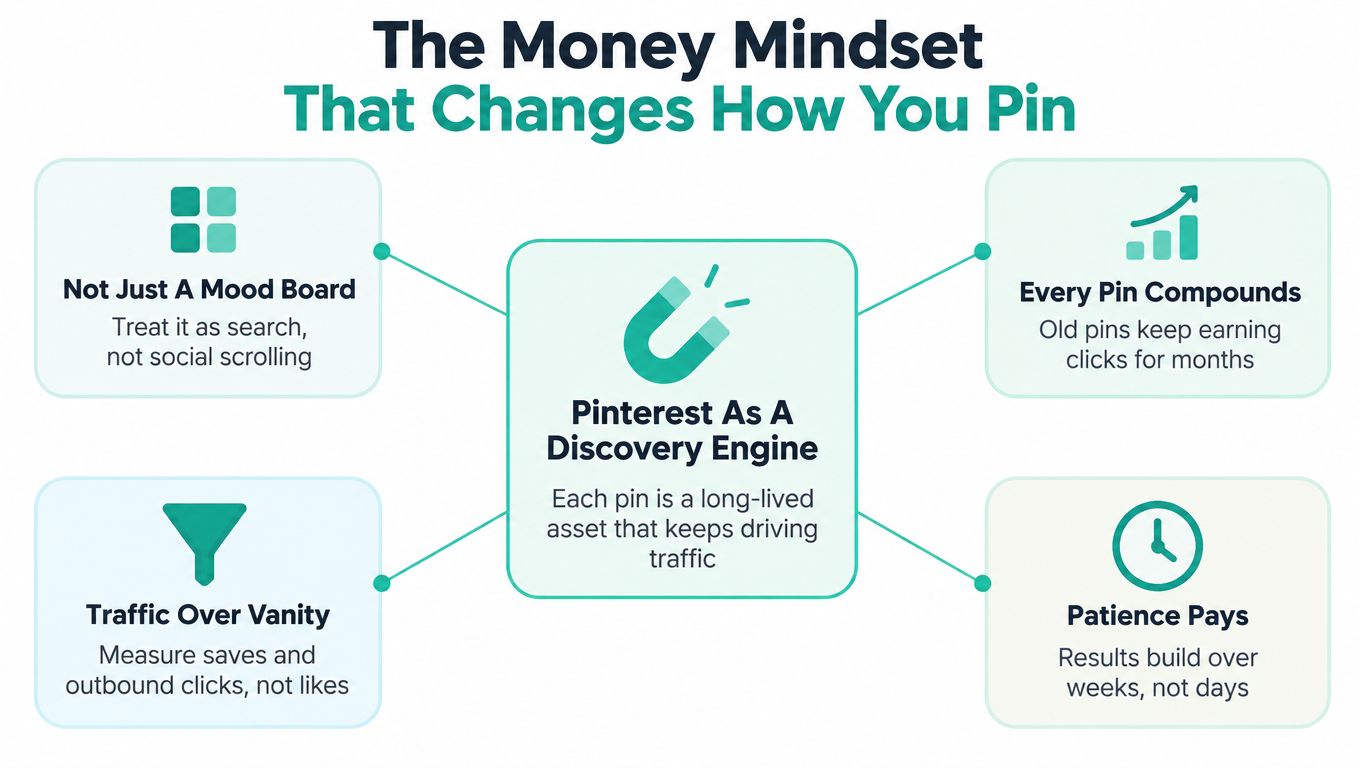
Five routes lead to revenue
Pinterest doesn't pay you for publishing pins or collecting impressions. Money arrives through a destination and a commercial relationship. The main routes are:
- Affiliate marketing: Send qualified visitors to a review, comparison, roundup, or eligible product destination and earn a commission when the required action occurs.
- Your own products: Use product catalogs, shoppable Pins, and product tagging to move people from inspiration to a product page.
- Sponsored content: Create campaigns for brands that want access to a relevant audience, with clear commercial terms and disclosures.
- Pinterest advertising: Pay to distribute a proven offer, then judge the campaign by profitable actions rather than reach.
- Website or email traffic: Use Pinterest to grow a blog, newsletter, course funnel, membership, or advertising-supported publishing business.
The strongest accounts often combine routes, but they don't combine them randomly. An affiliate publisher might first send searchers to a buying guide, collect email subscribers from that guide, and recommend products in later campaigns. A merchant might sell directly while using educational articles to capture people who aren't ready to buy.
Practical rule: Before designing a pin, write down the destination URL and the single action you want the visitor to take.
A pretty pin creates attention. A commercial pin connects search intent, visual promise, destination quality, and measurement. The board should make sense for the query, the description should clarify the benefit, and the landing page should deliver what the image promised. If any one of those pieces breaks, publishing more pins only creates more unproductive traffic.
Setting Up an Account That Search Engines and Buyers Trust
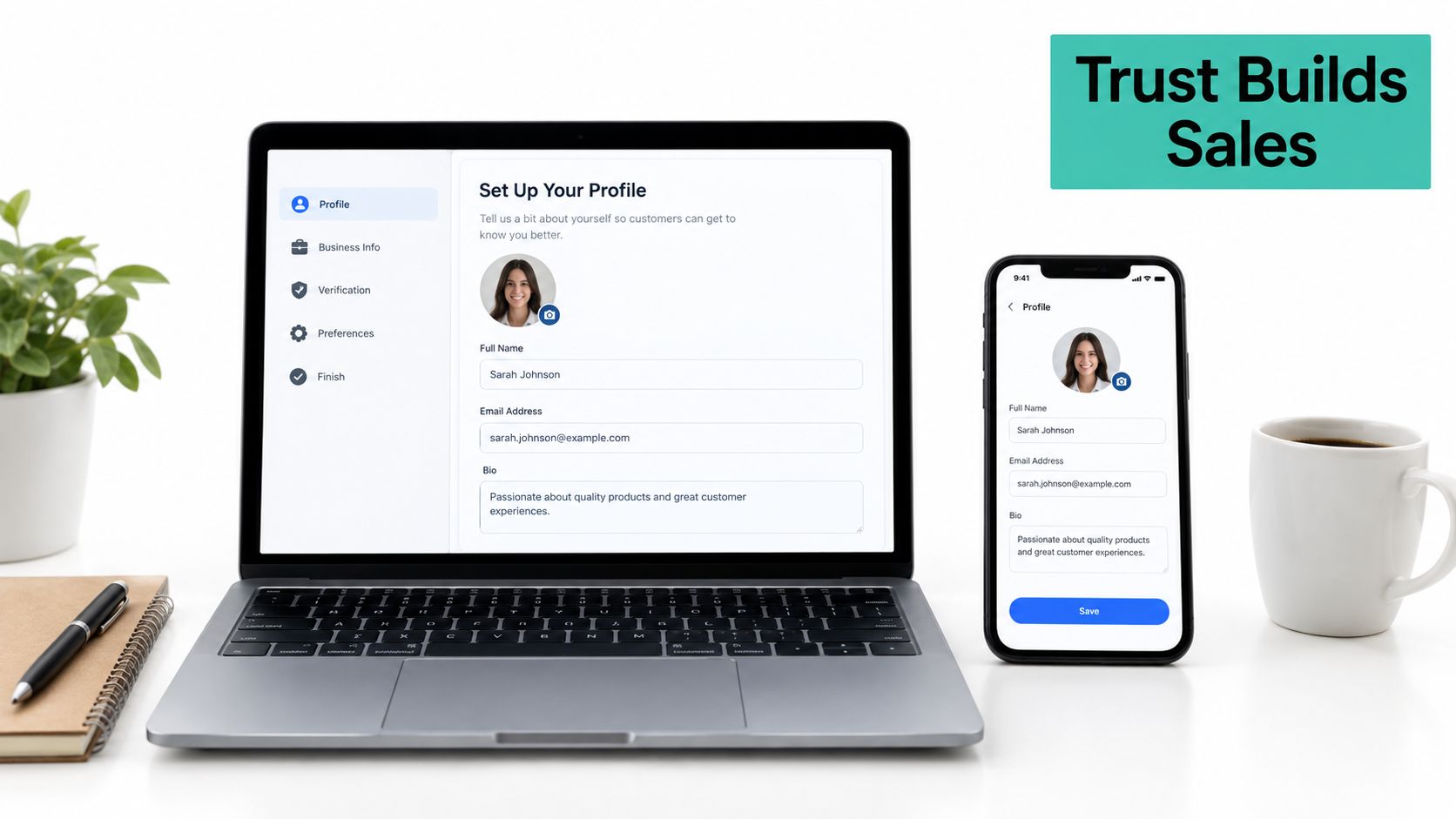
A money-ready account starts with credibility. Use a business account or convert an existing account when appropriate, claim the website you control, and make the profile recognizable to a buyer, reader, or potential brand partner. A handle that matches your business name is easier to remember than a personal nickname, while a clear profile image helps visitors connect the account to the brand behind the destination.
Your bio should explain what you publish and who it's for. Use natural search language that reflects your products, content categories, or expertise, but don't turn the bio into a list of disconnected keywords. Someone deciding whether to follow or click should understand the account's promise quickly.
For a detailed walkthrough of the account process, use this guide to set up a business Pinterest account.
Build boards around intent
Board names should resemble the language a potential visitor might use when looking for your subject. “Small Kitchen Ideas,” “Minimalist Home Office,” or “Beginner Email Marketing” communicates more than a vague board named “Inspiration.” Write descriptions that add context, include relevant terms naturally, and explain the kind of content a person will find there.
Organize boards around the revenue route you intend to measure. A product business might separate boards by category, use case, and audience need. An affiliate publisher could distinguish beginner guides, comparisons, gift ideas, and product roundups. These distinctions help you understand which types of intent generate visits and which destinations deserve more creative attention.
Use board sections to mirror the buyer's questions. A home retailer might separate a room board into storage, lighting, desks, and accessories. A publisher can use sections for tutorials, tools, checklists, and comparisons. The structure should help a visitor move from broad inspiration toward a useful next step.
Clean up the profile before publishing
Review older personal boards instead of allowing unrelated material to dominate a commercial profile. Keep boards that support the brand, merge overlapping topics where practical, and archive material that confuses the account's purpose. Consistent colors, typography, and image treatment matter because repeated exposure should make your pins recognizable without making every design identical.
Enable rich features that fit your content, verify the claimed domain, and check that links resolve correctly on mobile. Product businesses should keep catalog information accurate so price, availability, and product imagery don't create an expectation the destination can't meet.
The account isn't ready because it looks full. It's ready when a visitor can identify what you offer, who it's for, and where a click leads.
Picking Your Money Route and Mapping It to a Destination
Don't begin with a pin template. Begin with the transaction.
Affiliate marketing is accessible because you don't need to manufacture inventory, but your income depends on the merchant's commission structure, your audience's intent, and the quality of the destination. A direct product business controls pricing, customer experience, and repeat purchases, but it carries fulfillment, support, and merchandising responsibilities. Sponsored content can pay for creative expertise and audience relevance, though brands expect reliable execution and transparent commercial relationships.
Paid advertising is distribution, not a business model by itself. It can amplify an offer that already converts, but it won't repair a weak product page or unclear positioning. Traffic to a website or email list offers more control over the relationship, but monetization may happen later through advertising, services, courses, or product sales.
For creators building downloadable products, a focused resource on selling digital products with OfferLinks can help clarify the destination before you build the Pinterest campaign.
Choose based on assets, not enthusiasm
Use the route that matches what you already have:
- A relevant audience and editorial skill: Start with affiliate guides or website traffic. Your advantage is trusted context, not a bare product image.
- A product catalog and operational capacity: Prioritize direct sales. Catalog-driven pins can connect specific searches with specific product pages.
- A distinctive creative point of view: Consider sponsorships after you can show brands a coherent audience and dependable delivery.
- An offer with known conversion behavior: Test paid distribution only after the destination can support the cost of the click.
- An email list or owned site: Use Pinterest to acquire visitors, then continue the relationship away from the platform.
| Route | Typical effort | Margin profile | Time to first earnings |
|---|---|---|---|
| Affiliate marketing | Medium, with ongoing content and disclosure review | Commission-based | Depends on merchant approval, intent, and conversion |
| Own products | High, including product, fulfillment, and support work | Controlled by your offer economics | Depends on inventory, demand, and checkout performance |
| Sponsored content | Medium to high, including pitching and campaign delivery | Negotiated fee | Depends on audience fit and brand demand |
| Pinterest ads | High, because creative and destination costs require testing | Determined by campaign economics | Can be fast if the offer already converts |
| Website or email traffic | Medium, with content and nurture work | Multiple future monetization options | Often slower because revenue follows the visit |
Make the destination earn the click
A pin about a comparison should lead to a comparison, not a generic homepage. A product pin should open the relevant product page, with matching imagery, current information, clear purchasing options, and a visible path back to related items. A lead-generation pin should explain the benefit before asking for an email address.
Keep the visual promise consistent. If the pin says “small bedroom storage ideas,” the page should show practical storage ideas before introducing a product. If the pin recommends an affiliate item, explain why it fits and disclose the relationship close to the recommendation.
Pinterest reported 619 million monthly active users worldwide in 2025, with annual revenue of $4.222 billion, up 16% from 2024. Its reported average revenue per user varied by region, from $30.84 in the United States and Canada to $5.12 in Europe and $0.83 in the rest of the world. Those company-level figures don't predict individual earnings, but they do support a practical decision: adapt pricing, language, shipping, and landing pages to the markets you want to serve. (Pinterest's 2025 annual report filed with the SEC)
Designing Pins That Earn Clicks and Saves
Pinterest is a search engine wearing visual clothing. The pin is the search result, so design and metadata need to work together.
Start with the destination, then create a visual wrapper that makes the promised benefit easy to understand on a phone. Use a vertical layout with generous spacing, readable type, a strong focal image, and a headline that answers the query rather than describing your brand. A recipe pin might lead with the finished dish and a clear promise. A software pin might show the workflow outcome. An affiliate roundup should make the category and selection criteria obvious.

Build the creative from search intent
Use Pinterest's keyword research features and Trend Alerts to identify the language people use and topics gaining attention. Treat those signals as inputs, not instructions. A broad term may attract inspiration seekers, while a specific phrase can reveal comparison or purchase intent.
Layer language across the pin:
- Title: State the main subject in plain English.
- Description: Add related terms, the practical benefit, and the reason to visit the destination.
- Alt text: Describe the visual accurately for accessibility and help clarify the image's subject.
- Board: Place the pin where its topic and audience naturally fit.
Avoid keyword stuffing. Repeating the same phrase makes copy feel mechanical and doesn't compensate for a weak destination. A product roundup might use a title such as “Neutral Work Bags for Everyday Commutes,” then explain the selection criteria in the description and link to a page that compares the bags.
Create variants for the same URL by changing the opening image, headline angle, crop, and supporting copy. One version can target inspiration, another can address comparison, and a third can emphasize a practical use case. The destination stays consistent only when it serves all those promises.
AI can help generate initial titles, descriptions, and alt text, but review every output. Remove invented product benefits, correct brand terminology, and make sure the language reflects the page. Automation saves time only when a human checks whether the pin remains accurate.
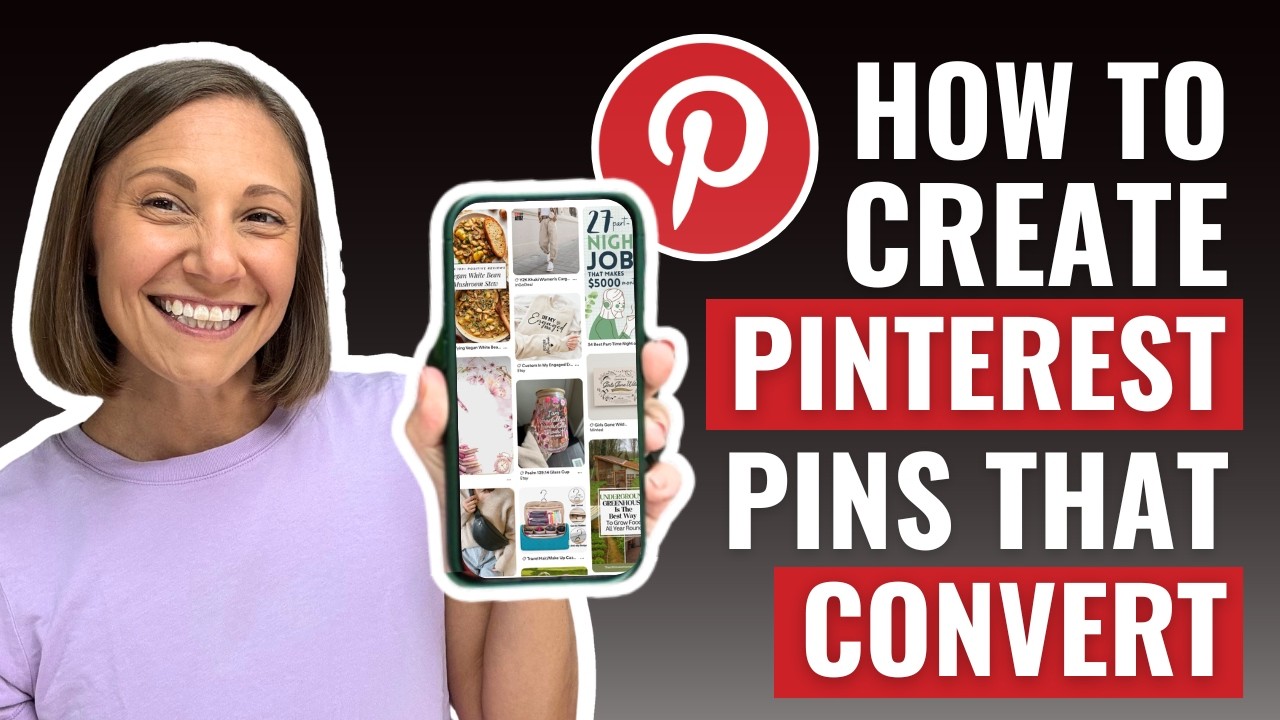
A static pin can carry the main search message, while a short video variation demonstrates the product or process. Use the following video as a creative reference for pacing and presentation:
Make the click feel safe
The image should answer “what is this?” quickly. The description should answer “why should I click?” The destination should answer “did I get what I was promised?”
Use consistent brand elements, but don't let a logo occupy the space needed for the offer. Test contrast, text size, and cropping on a small screen. For affiliate content, avoid making a recommendation look like an independent editorial judgment if a commercial relationship exists. The disclosure belongs near the recommendation, not hidden in an unrelated profile area.
A useful production system stores the URL, target query, intended audience, pin angle, disclosure requirement, and review status alongside each design. That simple record prevents a common failure: attractive creative that nobody can explain or measure later.
Scheduling Daily Pins Without Losing Your Weekends
Consistency matters, but manual consistency is fragile. The operator who uploads every pin individually eventually misses publishing windows, skips metadata, or repeats the same image until the account feels stale. A better workflow separates batch creation, quality control, scheduling, and review.
Start by grouping work into themes. A merchant might prepare product education, seasonal collections, and use-case content as separate batches. A publisher can gather tutorials, comparisons, and lead magnets into their own production queues. Each batch should contain a destination, target query, board, creative angle, and status, so scheduling doesn't become a second round of strategy.
Turn existing assets into a publishing system
You don't need to begin with blank canvases. Product catalogs can supply current product data for shoppable creative. RSS and Atom feeds can turn published articles into pin candidates, while CSV imports can organize larger datasets or planned content batches.
Connections with Shopify, Etsy, WooCommerce, Amazon, and WordPress reduce repetitive preparation for teams already working in those systems. A Chrome extension can support quick capture when you find a suitable page during research, but captured content still needs a destination check and a brand review.
Reusable templates should preserve brand colors, typography, and layout logic while allowing meaningful variation. Change the headline treatment, image crop, supporting message, and call to action. Don't merely alter a background color and call the result fresh.
Schedule with control points
Automated scheduling works when the rules are explicit:
- Assign the board before publication: The board should match the search topic and destination.
- Rotate creative angles: Keep a URL active without publishing identical artwork repeatedly.
- Review disclosures: Affiliate and sponsored assets need a compliance check before entering the queue.
- Separate new from recycled: Reuse a strong destination only when the creative and context remain useful.
- Log the output: Keep history so you can connect later performance with the original brief.
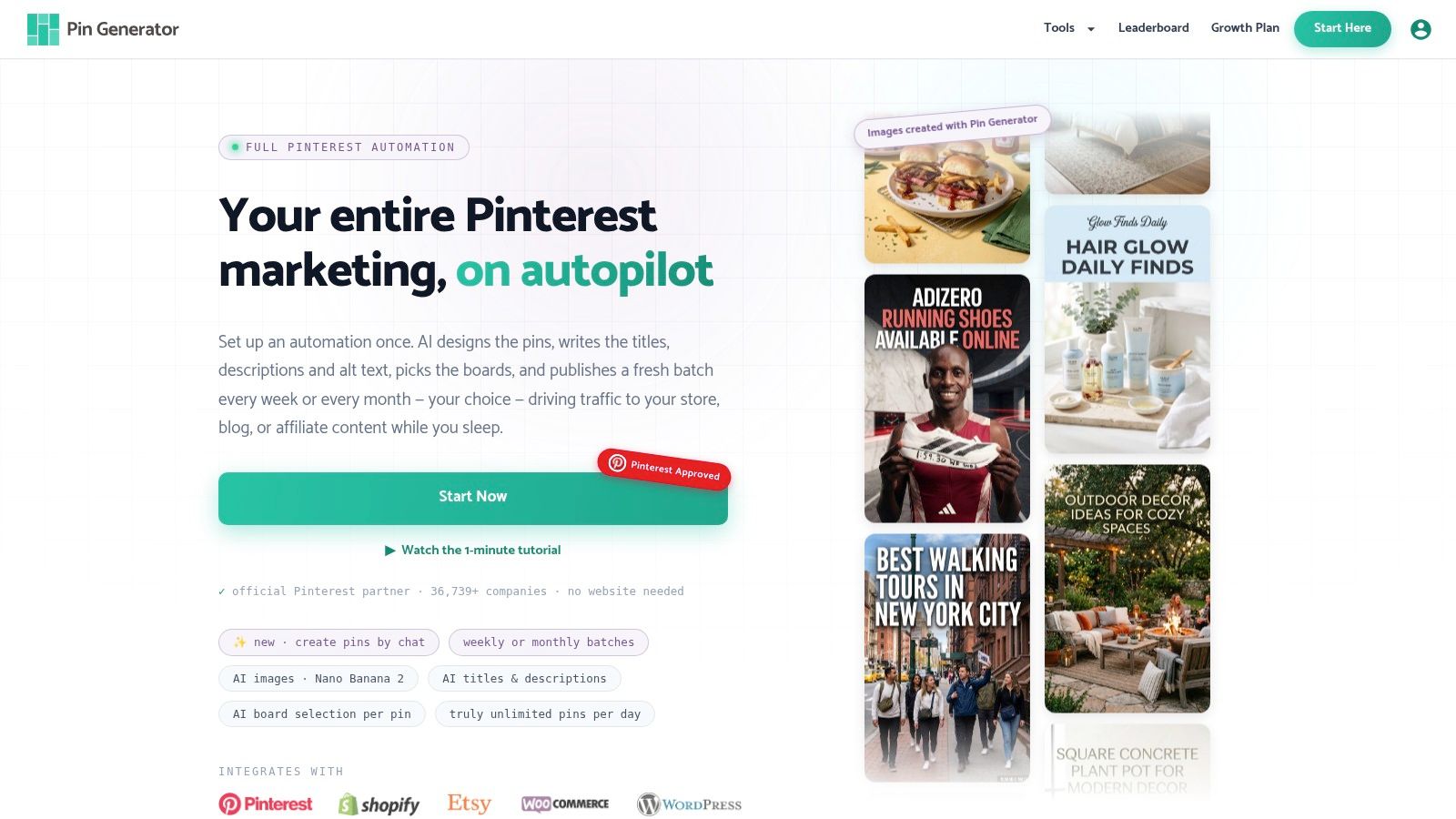
Pin Generator can generate on-brand designs, titles, descriptions, and alt text from product or content inputs, then support board selection, recurring scheduling, and review through history and leaderboard views. That makes it one possible operating layer for merchants, creators, and publishers who want to connect catalogs or feeds with an ongoing Pinterest workflow.
The point of automation isn't to flood the account. It's to protect the time required for offer development, landing-page improvements, and performance analysis while the publishing system handles repeatable work.
Disclosures, Landing Pages, and the Measurement That Actually Matters
A click isn't a payday. If the visitor doesn't trust the recommendation, understand the offer, or complete the next action, a high-click pin can still lose money.
The FTC endorsement guides and FAQ treat a Pinterest product image or recommendation as an endorsement when it communicates the creator's opinion and the creator has a relationship with the marketer. The disclosure must be clear, conspicuous, and close to the recommendation. “Affiliate link” alone may not communicate the relationship clearly enough to consumers, so write language that an ordinary visitor can understand.
Put transparency where the decision happens
An affiliate pin should identify the commercial relationship in a way that remains visible near the recommendation. The connected article or roundup should repeat the relevant disclosure near the product discussion, and an email containing the recommendation should disclose the relationship in that message. Local rules can differ, so creators serving audiences outside the United States should review obligations in the jurisdictions that apply to them.
Resources such as AIMVG endorsement practices can help creators think through disclosure placement and wording. Treat disclosure as part of the user experience, not as an afterthought hidden in a footer.
A compliant disclosure doesn't need to destroy the creative. Keep it direct, readable, and close to the recommendation. Trust is a conversion asset, especially when the visitor is deciding whether your judgment deserves attention.
Track earnings, not just activity
Review performance by destination and intent. Useful metrics include:
- Outbound clicks per 1,000 impressions: Shows whether the creative earns attention that moves outward.
- Landing-page click-through: Reveals whether the destination receives the expected traffic.
- Landing-page conversion rate: Shows whether visitors complete the intended action.
- Earnings per click: Connects traffic quality with actual commercial value.
- Assisted conversions: Captures Pinterest's contribution when another channel receives the final interaction.
Use Pinterest analytics guidance alongside your own destination analytics. Tag links consistently, record the pin angle and board, and review results on a fixed schedule. A leaderboard can help identify which creative and destination combinations deserve more production, but it shouldn't replace revenue data from your store, affiliate platform, or email system.
More pins won't rescue an offer that doesn't convert. Improve the weakest link first, then scale the asset that already proves its value.
Your 90-Day Plan to First Pinterest Revenue
Use the first month to build a clean foundation. Set up the business profile, claim the relevant website, organize boards around search intent, and select one primary route with an optional supporting route. Prepare a starter library of 30 to 50 pins tied to measurable destinations, with each asset labeled by URL, query, board, audience, and disclosure status.
The next phase is for controlled production. Connect a catalog, RSS feed, CSV, or store integration where it reduces manual preparation. Publish varied creative angles, test descriptions that reflect real queries, and compare inspiration, consideration, and purchase-oriented destinations. Keep the schedule manageable enough that every pin receives a quality and link check.
Use the final month to make decisions
During the third phase, review history, destination analytics, and revenue records together. Identify the small group of pins that generate meaningful clicks or commercial actions, then produce new variants around their intent. Retire boards that attract irrelevant traffic, revise pages that receive clicks without conversions, and remove claims or products that no longer match the destination.
Use clear decision rules:
- Add a second route when the first route has a reliable destination and the new route supports the same audience.
- Increase production when a pin angle repeatedly earns qualified traffic and the landing page performs acceptably.
- Reduce or stop a format when it consumes time without producing useful visits, leads, sales, or assisted conversions.
- Test paid distribution only when organic evidence shows that the offer and creative deserve more reach.
- Hire support when repetitive production blocks strategy, not merely because the account feels busy.
Review weekly for broken links, disclosure placement, publishing errors, and destination quality. Review monthly for board relevance, creative patterns, route performance, and market fit. Review quarterly for the larger question: is Pinterest sending the right people toward an offer that can support the business?
Pinterest rewards patient operators because useful search content can keep working after publication. Automation should handle repeatable design, metadata, ingestion, and scheduling, while you spend your best creative hours improving the offer and the page behind it.
Pin Generator helps merchants, creators, and publishers turn product catalogs, content feeds, and affiliate destinations into branded Pinterest pins with generated metadata, board selection, and recurring scheduling. Visit Pin Generator to build a revenue-focused publishing workflow that keeps every pin tied to a destination you can measure.