
How does the Pinterest Trends Alert work?
Basic steps to get Pinterest keyword alerts to your email
Pin Generator's Pinterest Trend Alerts sends you Pinterest keyword opportunities via email, and we provide an easy way to generate Pinterest pins.
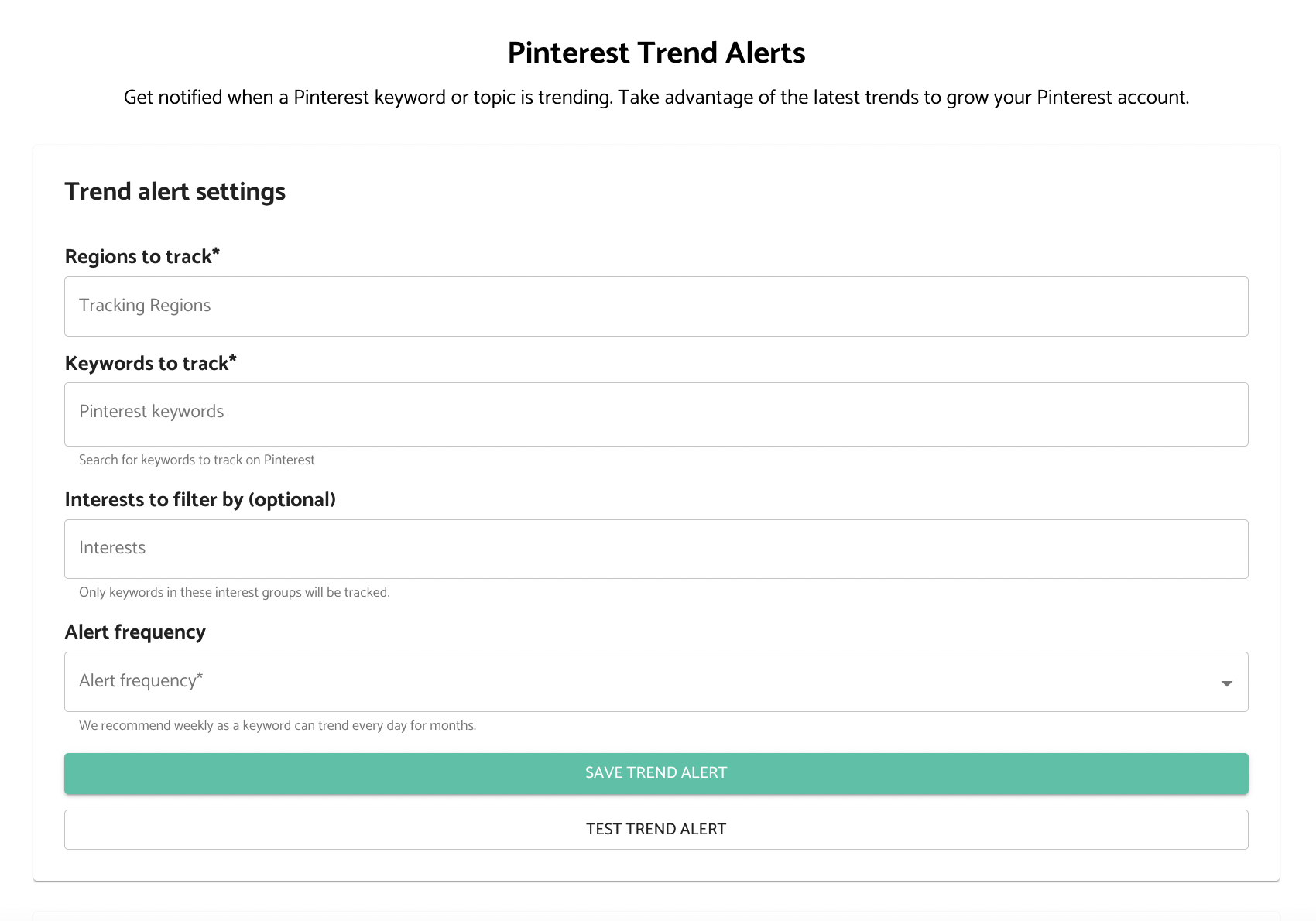
- Log in and open the Pinterest Trend Alerts page
- Populate the information for your Pinterest tracking
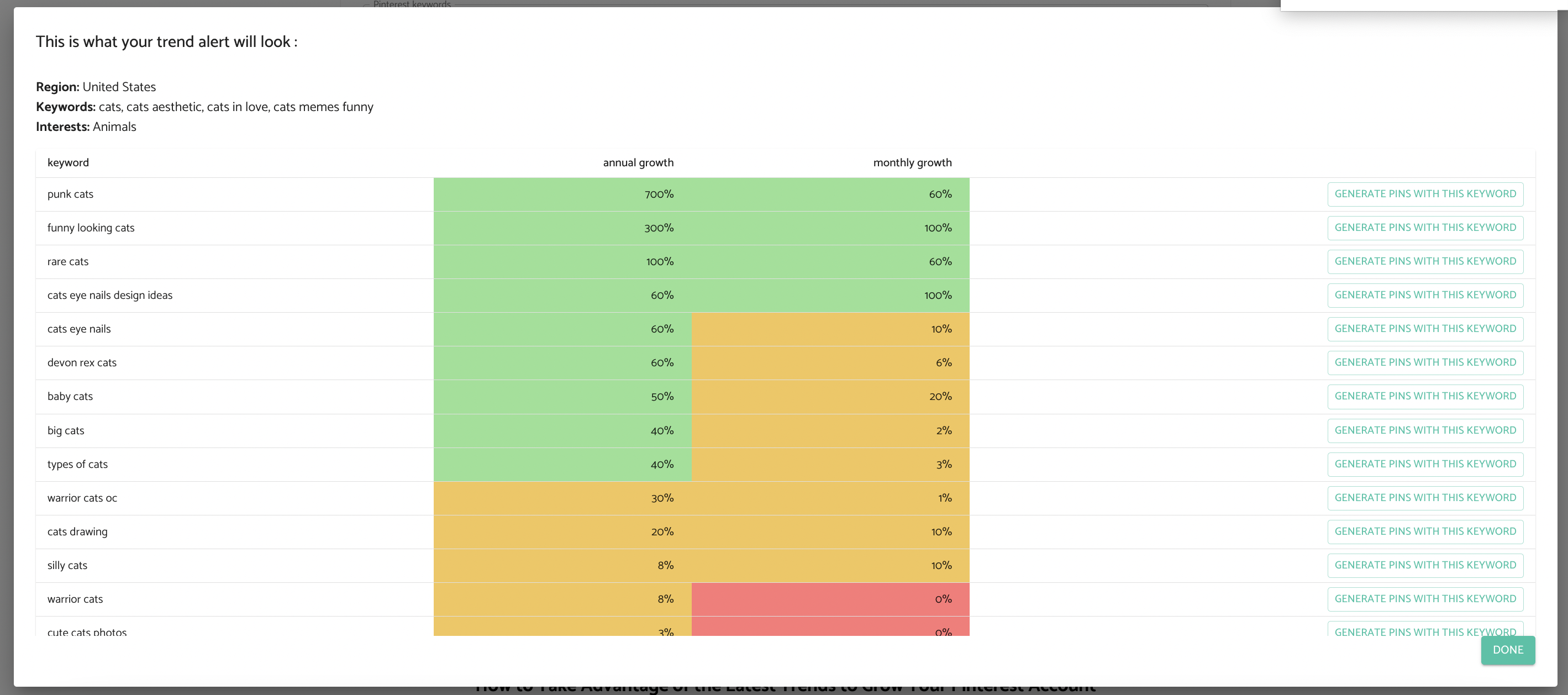
- Test the trend alert to see how your data will appear
- Press "Save Trend Alert" to make sure that you receive alerts based on your preferred frequency
- You will get the Trends Alert to the email address associated with your Pin Generator account
Keep in mind that you will not receive an email for any keywords that don’t produce results.
For more information, you can watch the video below.