
How to distribute individual pins to several boards?
How to select different boards in Pin Generator
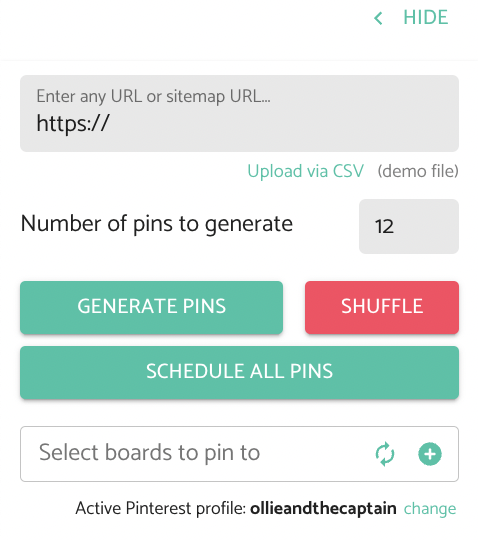
You can pin to multiple boards at once by selecting multiple boards from the board selection section.
When you schedule or publish the pin, the pin will be scheduled/pinned to each of these boards.
Please note that each time that the pin is published to a board, it uses a credit. If you publish the pin to ten boards, then it will use ten credits.