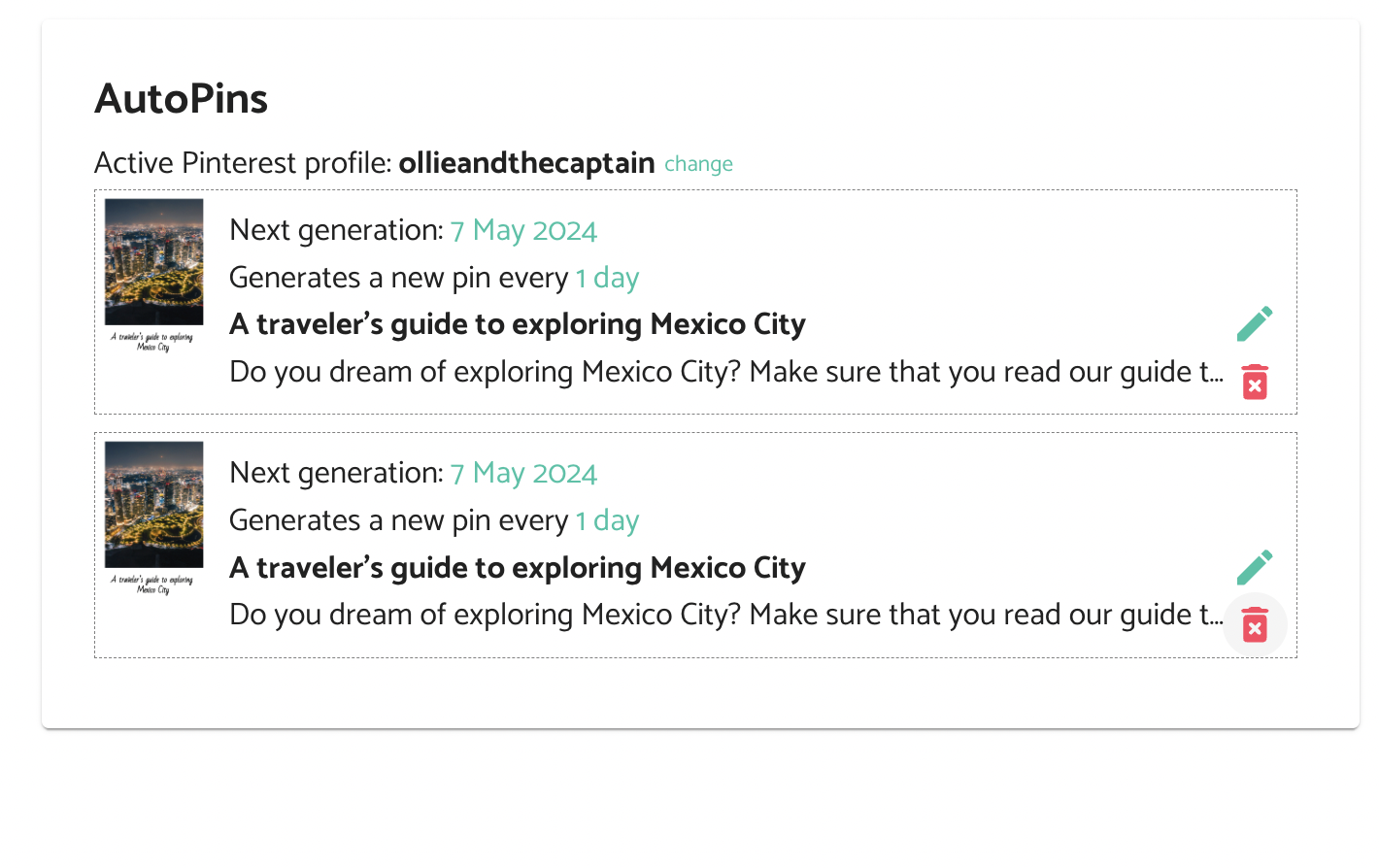
How to edit AutoPins
Make changes to an existing AutoPin with the following steps
Take the following steps to make changes to an AutoPin in your queue:
- On the Pin Details page, click the “Load pin for editing” button.
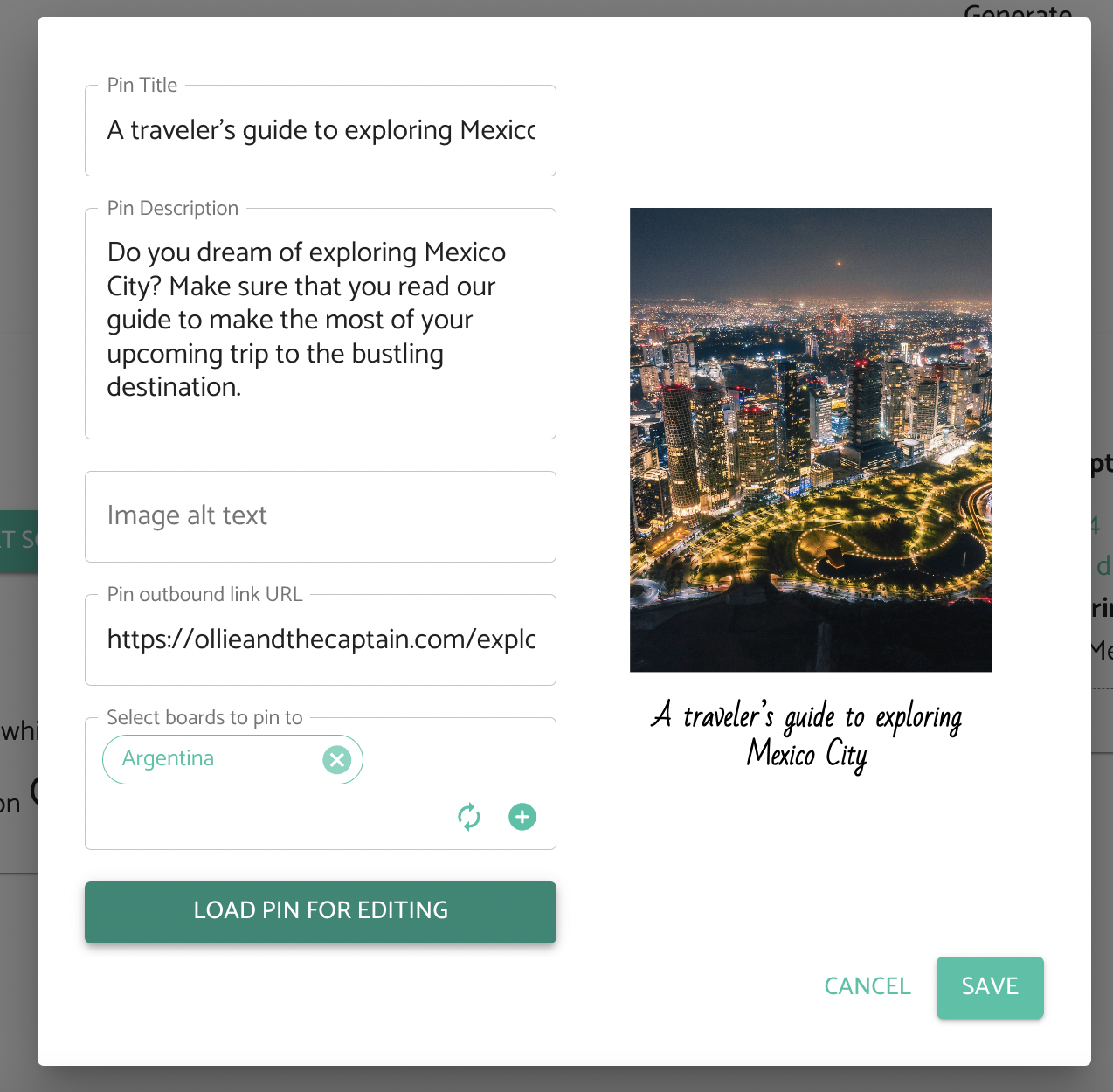
Clicking the button will load the pin on to the Generate page. It will also load all the settings that were saved with the AutoPin such as colors, template selection and AI options. Here, you can adjust any of the settings settings you like. When you are done, recreate the AutoPin.
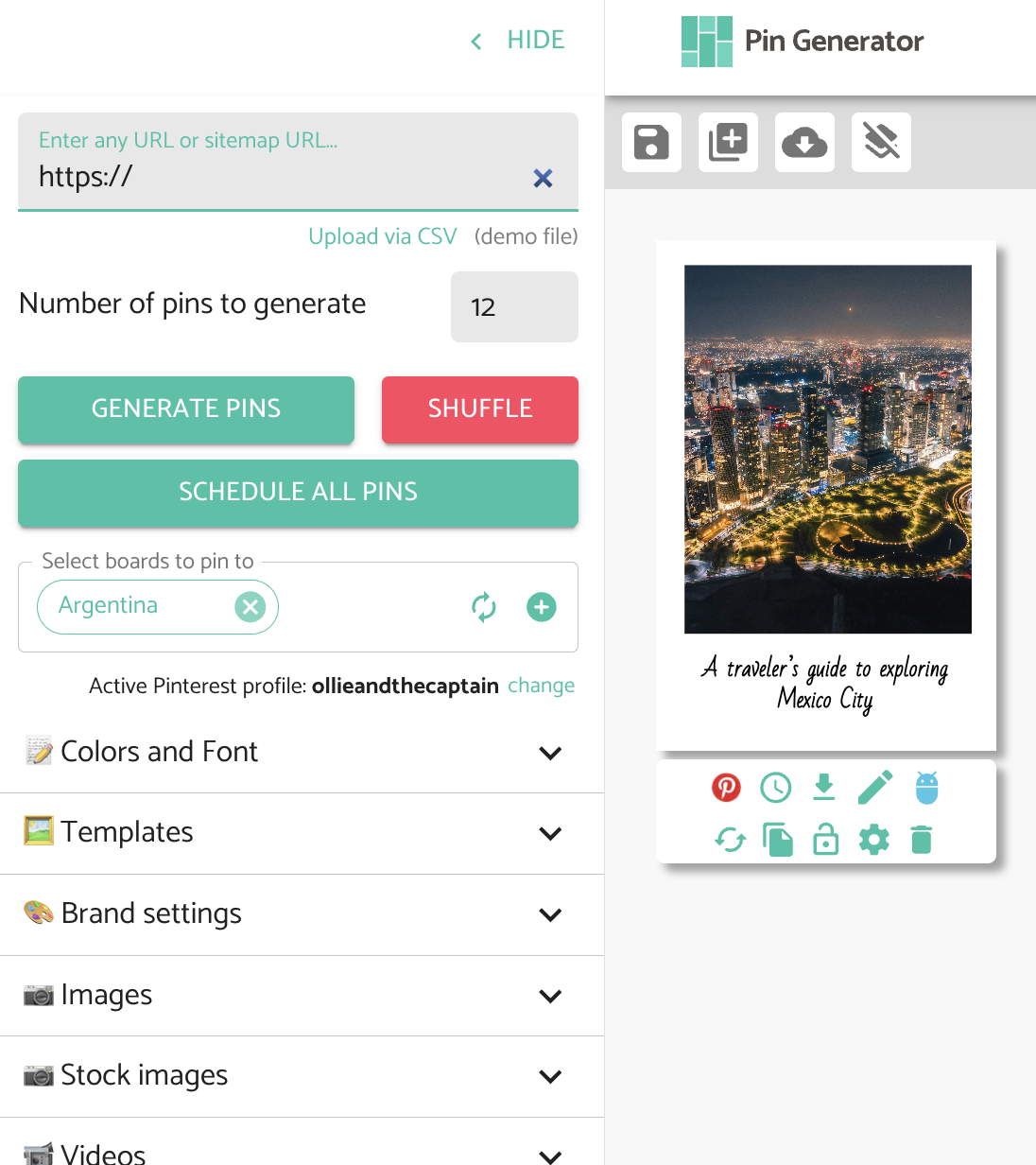
Don't forget to delete the old AutoPin from the AutoPin queue when you are happy with your new settings.