
Top 2025 Guide to the Best Pinterest Pin Generator
17 October 2025
Pinterest is a visual discovery engine, a powerhouse for driving traffic to your blog, e-commerce store, or portfolio. But consistent success demands a constant stream of fresh, eye-catching pins, a task that can consume hours of your week. Manually designing, writing descriptions, and scheduling dozens of pins is a recipe for burnout. This is where a best pinterest pin generator transforms your workflow from a tedious chore into a scalable system.
These tools aren't just about saving time; they're about scaling your strategy efficiently, maintaining brand consistency, and unlocking growth you couldn't achieve alone. By automating the most repetitive parts of pin creation, you free yourself to focus on what truly matters: analyzing performance and refining your content. Integrating a powerful pin creation tool can be a core component of your overall startup marketing strategies, offering a highly visual and effective approach to reaching new audiences and driving conversions.
This guide dives deep into the top 12 platforms that will elevate your Pinterest game. We'll explore everything from all-in-one automation suites to dedicated design platforms, ensuring you find the perfect fit for your specific needs. Each option is reviewed with its key features, pricing, and honest pros and cons, complete with screenshots and direct links to get you started immediately. Our goal is simple: to help you choose the right tool to create better pins, faster, and reclaim your valuable time.
1. Pin Generator
Best For: All-in-one Pinterest marketing automation and bulk creation.
Pin Generator stands out as the best Pinterest pin generator for users seeking a comprehensive, all-in-one marketing and automation suite. It's a powerhouse tool designed to streamline the entire Pinterest workflow, from content ideation to scheduling, making it an indispensable asset for eCommerce store owners, bloggers, and affiliate marketers. The platform's core strength lies in its ability to dramatically reduce the time spent on manual pin creation, with many users reporting they can generate and schedule a month's worth of content in under an hour.
The platform shines with its seamless integrations. It connects directly to Shopify, Etsy, and WordPress, allowing you to pull product images, titles, and descriptions effortlessly to create pins. This feature is a massive time-saver for anyone managing a large product catalog or a content-rich blog. The AI-powered features further enhance productivity by auto-generating optimized pin titles and descriptions, helping to improve your Pinterest SEO with minimal effort.
Standout Features & Use Cases
- AI-Powered Bulk Creation: Generate hundreds of unique pins from a single URL. Pin Generator’s AI analyzes your content and automatically crafts compelling titles and descriptions, a perfect solution for bloggers wanting to repin old content or eCommerce stores launching new product lines.
- Advanced Scheduling & Automation: The platform supports bulk scheduling and multi-board pinning, allowing you to maintain a consistent presence without daily manual intervention. You can set it and forget it, ensuring your content reaches your audience at optimal times.
- Robust Template Library: Access a vast library of customizable templates, including user-created and community designs. This ensures your pins remain fresh and visually appealing, aligning with your brand's aesthetic.
- Pinterest Keyword Research: The built-in keyword tool provides trend alerts and insights, helping you discover high-impact keywords to boost your pins' visibility and reach.
Expert Insight: The true value of Pin Generator is its ability to transform Pinterest from a time-intensive chore into a primary, automated traffic source. Its deep integration with eCommerce platforms makes it particularly effective for product-based businesses looking to scale their marketing efforts efficiently.
Pricing: Pin Generator offers a free trial to test its capabilities. Paid plans are available with different pin limits and features, though specific pricing is best found by visiting their site directly.
Pros & Cons
| Pros | Cons |
|---|---|
| Dramatically reduces pin creation time by up to 80% | Pricing details are not immediately obvious on the homepage |
| Seamless integration with Shopify, Etsy, and WordPress | Some advanced agency-level features might have limitations |
| AI-powered text generation for SEO-optimized titles and descriptions | |
| A Pinterest-approved tool trusted by over 29,500 professionals | |
| Extensive tutorials and a supportive community for new users |
Website: https://pingenerator.com
2. Canva
Canva is a household name in online design, and for good reason. It has evolved into a comprehensive suite that functions as an excellent Pinterest pin generator, especially for those who prioritize creative control and template variety. Its platform is renowned for its user-friendly, drag-and-drop interface, making it accessible even for absolute beginners without any design background.
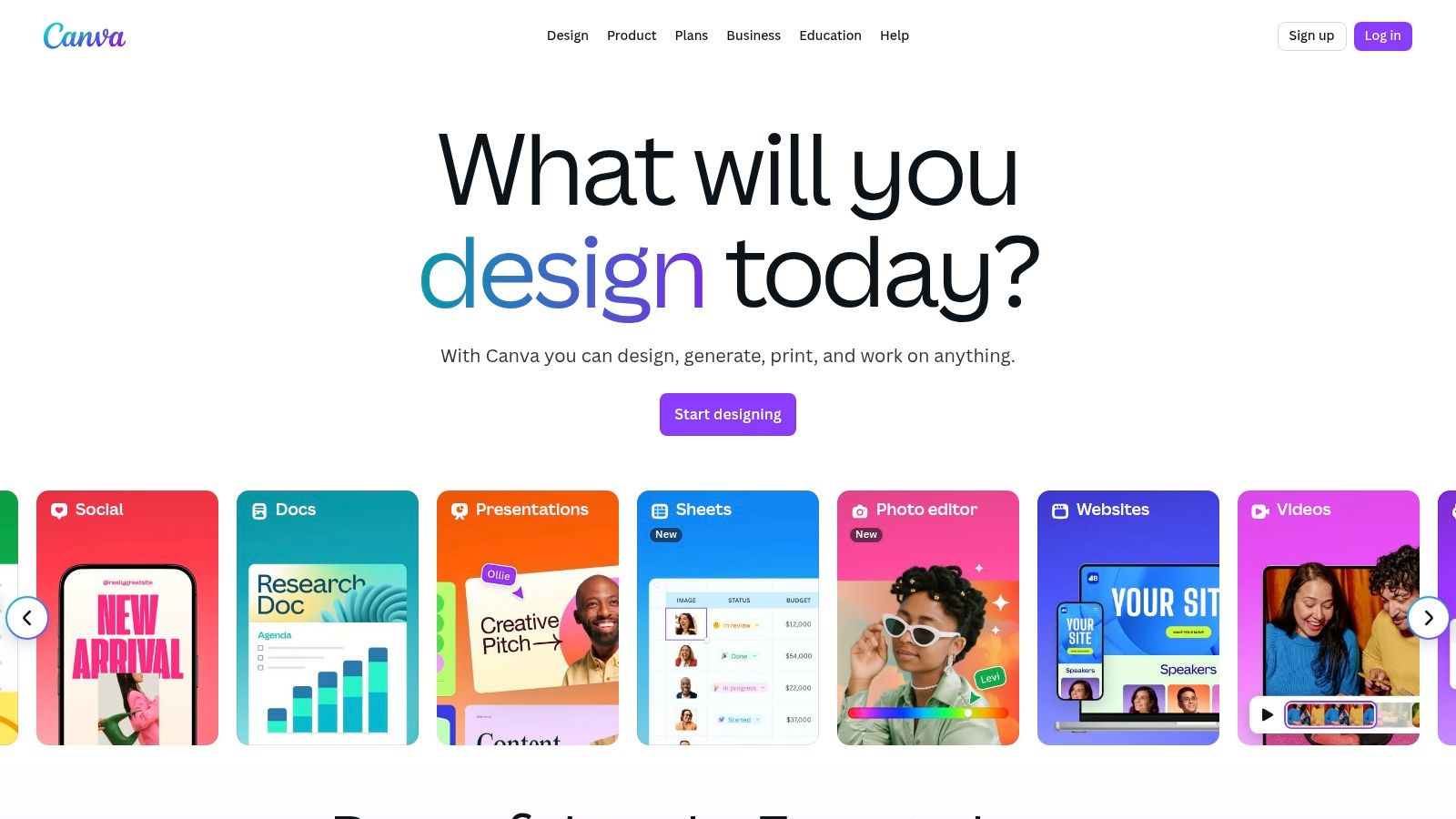
The sheer volume of professionally designed, Pinterest-specific templates is Canva's standout feature. Users can quickly find a style that matches their brand, customize it with their own assets, and publish it directly to their Pinterest boards through a native integration. This seamless workflow is a significant time-saver for busy marketers and creators.
Key Features & User Experience
Canva’s platform is smooth and intuitive. The integration of AI tools, like Magic Write for generating pin titles and descriptions, and a background remover, adds a layer of efficiency. The vast library of stock photos, videos, and fonts ensures you have everything needed to create visually appealing pins. For a deeper dive into its capabilities, you can explore more about using Canva for pin design.
- Best For: Bloggers and small business owners who want a hands-on, template-driven design process with extensive creative assets.
- Pricing: Offers a robust free plan. Paid plans include Pro (from $14.99/month) and Canva for Teams (from $29.99/month for 5 people), which unlock premium assets and advanced features.
- Pros: Massive template library, extremely intuitive interface, and direct publishing to Pinterest.
- Cons: Not a true "generator" in the automated sense; it requires manual customization of templates. Recent price increases have also been a point of contention for some users.
Website: https://www.canva.com
3. Adobe Express (Pinterest Pin Maker)
Adobe Express has emerged as a formidable competitor in the online design space, positioning itself as a powerful Pinterest pin generator backed by the creative giant's technology. It offers a streamlined, intuitive platform specifically designed for creators and marketers who need professional-looking pins without the complexity of flagship Adobe products like Photoshop. This makes it a compelling alternative for those seeking robust features and brand reliability.
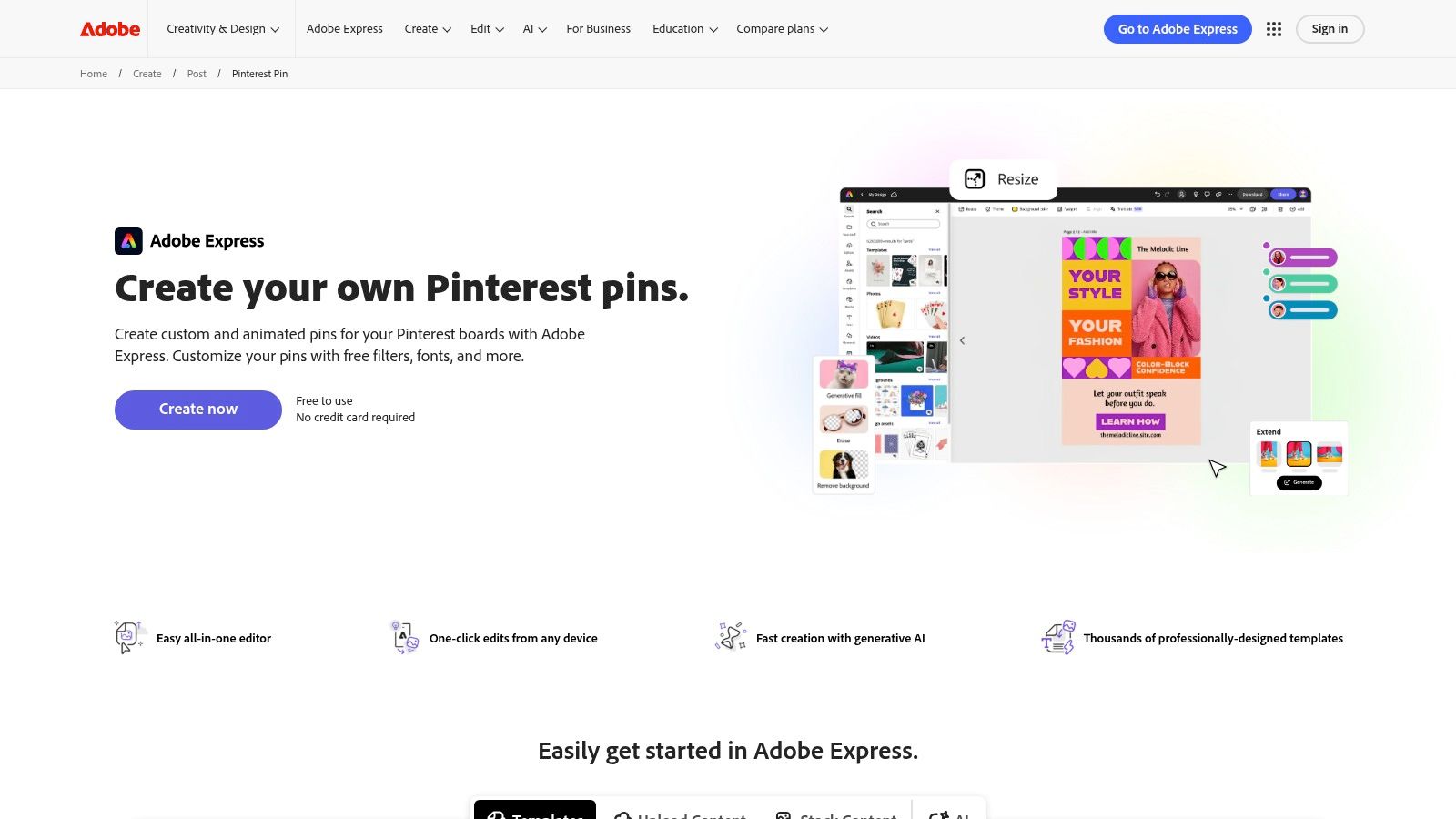
The standout feature is the integration of Adobe Firefly, a generative AI designed to be commercially safe. This allows users to generate unique images and text effects directly within the pin creation workflow. Combined with a dedicated Pinterest Pin maker hub and a vast library of over 100,000 free templates, Adobe Express provides a sophisticated yet accessible toolkit for producing high-quality, engaging content.
Key Features & User Experience
The platform is clean and responsive, offering a user-friendly experience that rivals its main competitors. Quick actions like background removal and one-click resizing are incredibly efficient for fast-paced content creation. The built-in Content Scheduler is another significant advantage, allowing users to design and schedule their pins to multiple social media platforms, including Pinterest, all from a single dashboard.
- Best For: Marketers and businesses who trust the Adobe ecosystem and want to leverage commercially safe generative AI for unique pin creation.
- Pricing: A very capable free plan is available. The Premium plan (from $9.99/month) unlocks premium templates, the full Adobe Stock collection, and more generative credits.
- Pros: Powerful and commercially safe Firefly AI integration, seamless workflow with quick actions, and an all-in-one Content Scheduler.
- Cons: The credit system and recent plan changes can be confusing for new users, and many advanced assets are locked behind the paid plan.
Website: https://www.adobe.com/express/create/post/pinterest-pin
4. Tailwind Create (inside Tailwind)
Tailwind is a dominant force in Pinterest marketing, primarily known as an official partner for scheduling. With the introduction of Tailwind Create, it has transformed into a powerful, all-in-one platform that combines smart scheduling with a robust Pinterest pin generator. This integration is its key differentiator, allowing users to move from design to publication within a single, streamlined ecosystem optimized for Pinterest success.
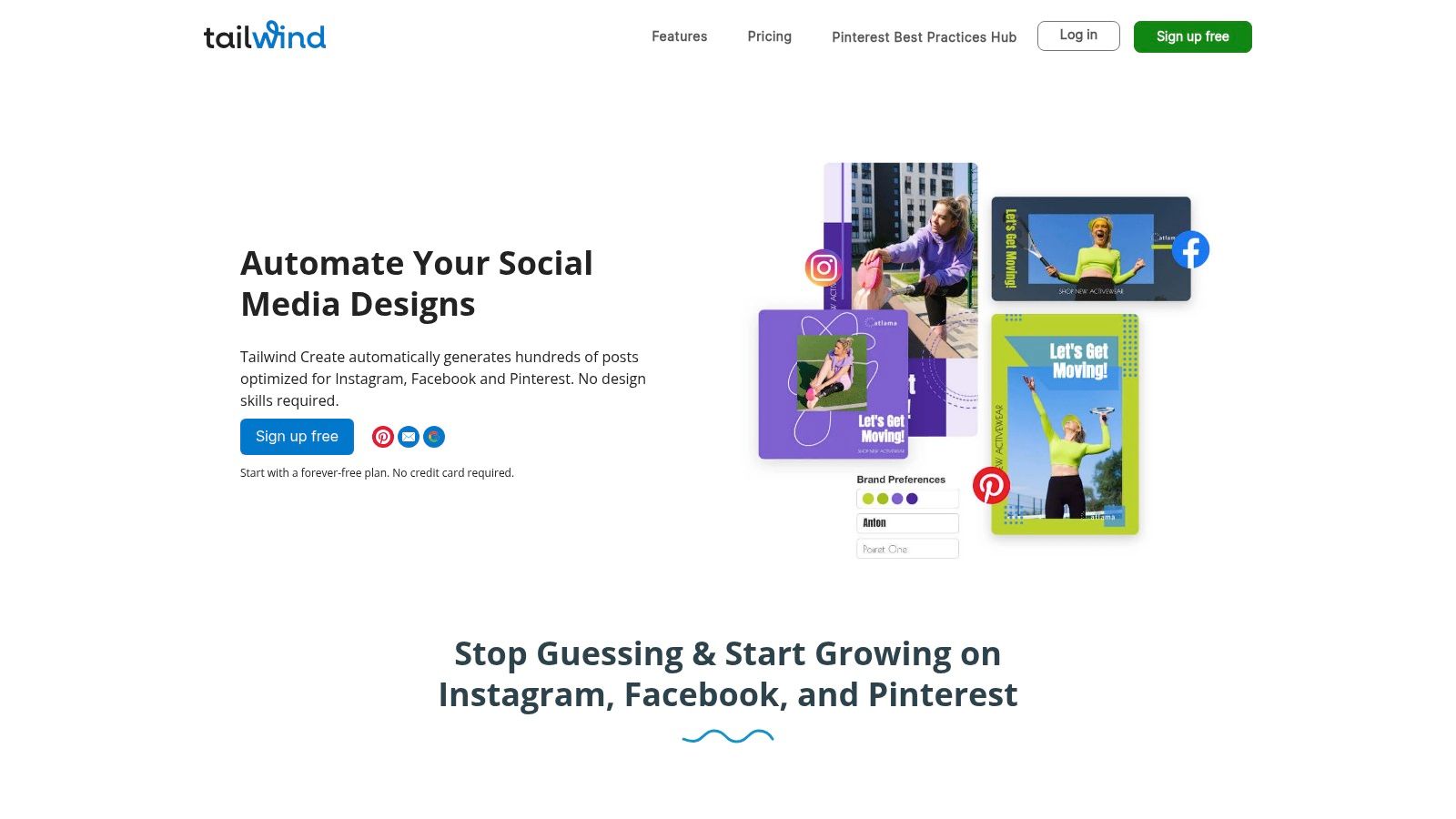
Unlike manual design tools, Tailwind Create auto-generates hundreds of pin variations from a single URL, brand profile, and set of images. The platform suggests designs, headlines, and descriptions, which users can then tweak, finalize, and add directly to their smart publishing queue. This automation dramatically reduces the time spent on content creation, making it ideal for scaling Pinterest efforts efficiently.
Key Features & User Experience
The user experience is built around efficiency. After inputting your brand details and content link, Tailwind Create presents a gallery of design options ready for scheduling. The platform includes AI-powered copywriting tools and access to Tailwind Communities for expanding reach. While there can be a slight learning curve for those new to scheduling tools, the synergy between creation and distribution is unmatched. To understand how it fits into a broader strategy, you can explore more about Pinterest scheduling tools.
- Best For: Marketers, agencies, and creators who need to produce and schedule a high volume of pins and want a data-driven, all-in-one workflow.
- Pricing: Offers a free-forever plan with limited features. Paid plans include Pro (from $19.99/month), Advanced (from $39.99/month), and Max (from $79.99/month), each with increasing post limits and features.
- Pros: Seamlessly combines pin generation with a best-in-class scheduler, optimized specifically for the Pinterest algorithm, and includes powerful community features.
- Cons: The free tier is quite limited, and the platform has a learning curve if you are not already familiar with marketing schedulers.
Website: https://www.tailwindapp.com/create
5. VistaCreate (formerly Crello)
VistaCreate, formerly known as Crello, is a strong contender in the online design space, offering a streamlined experience that serves well as a Pinterest pin generator. It competes directly with larger platforms by focusing on simplicity and providing a rich feature set, including a vast library of templates specifically optimized for Pinterest's vertical format. Its intuitive editor makes it easy for marketers and creators to quickly produce eye-catching pins without a steep learning curve.
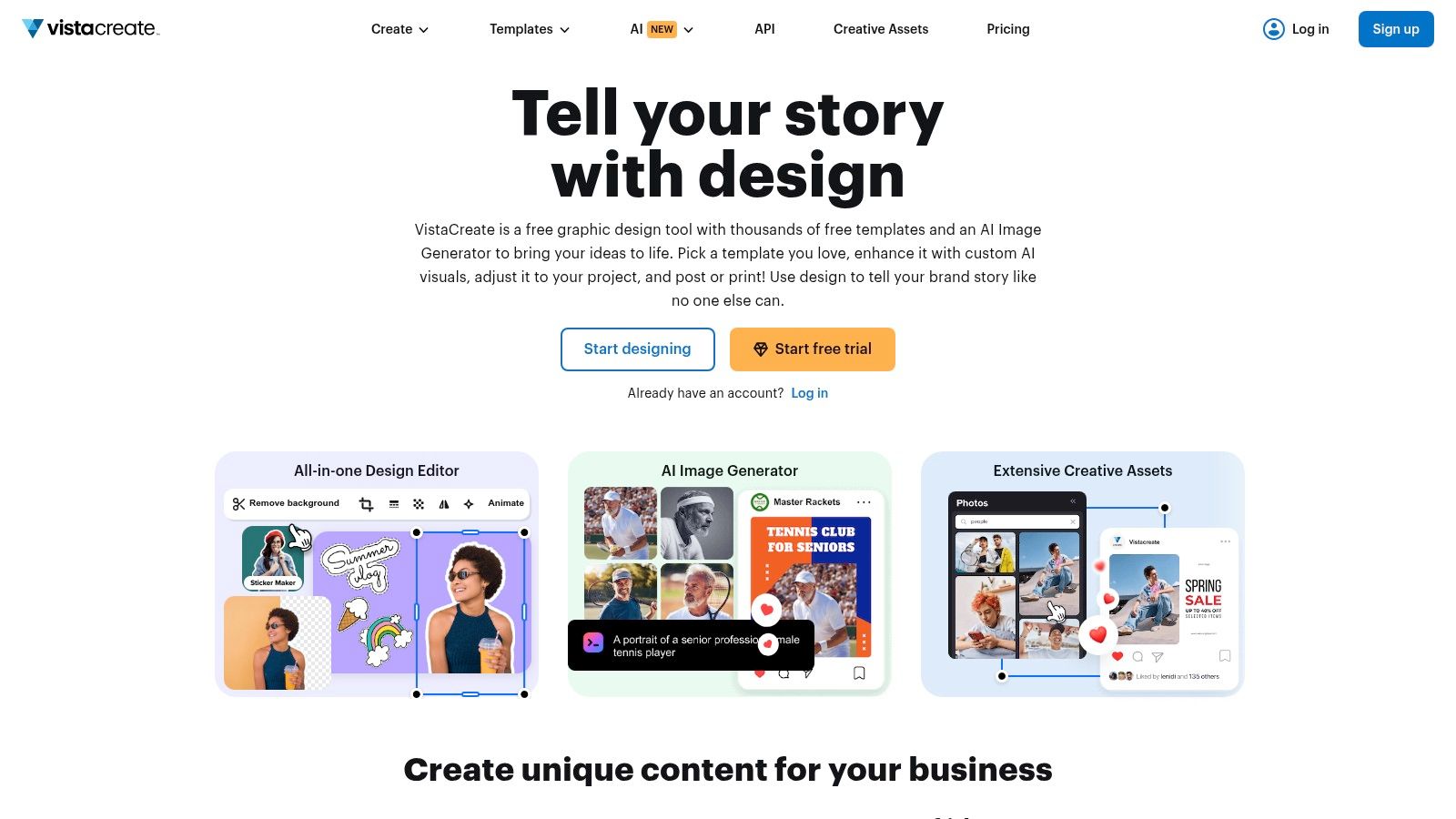
What makes VistaCreate stand out is its combination of design tools and direct social media integration. Users can not only create pins but also post or schedule them directly to their Pinterest boards from within the platform. This built-in scheduling capability is a significant workflow enhancement, eliminating the need for a separate scheduling tool and saving valuable time.
Key Features & User Experience
The user interface in VistaCreate is clean, fast, and straightforward. Essential features like a one-click background remover, a huge library of stock photos and videos, and preset pin formats are readily accessible. The platform also supports team collaboration on its Pro plan, allowing multiple users to work on designs together, which is ideal for small agencies or businesses. The overall experience is designed for efficiency from creation to publication.
- Best For: Solo creators and small teams looking for an affordable, all-in-one design and scheduling tool with a simple interface.
- Pricing: A free starter plan is available. The Pro plan is competitively priced at $13/month (or $120/year), which includes unlimited access to assets and features like the background remover and scheduling.
- Pros: Fast and simple design editor with ample templates, built-in scheduling direct to Pinterest, and competitive pricing for the Pro tier.
- Cons: The ecosystem and template variety are smaller compared to giants like Canva. Many of the most useful features are restricted to the Pro plan.
Website: https://create.vista.com
6. Simplified
Simplified positions itself as an all-in-one content creation machine, merging AI-powered design, copywriting, and social media management into a single platform. It serves as a potent Pinterest pin generator for users who want to streamline their entire workflow, from generating an idea with AI to designing the visual and scheduling it for publication. The platform is built around a collaborative workspace, making it ideal for teams.
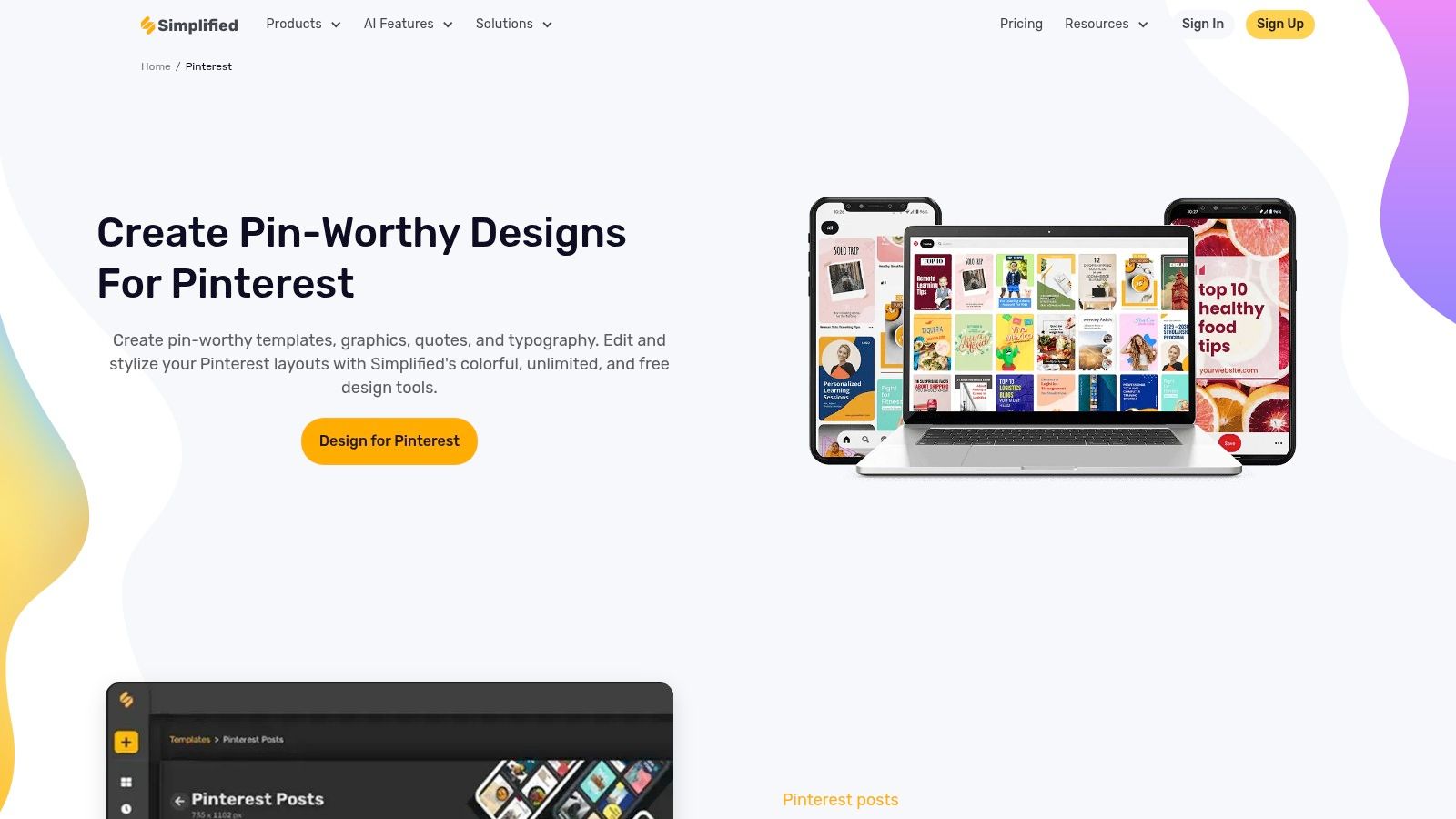
What makes Simplified stand out is its deep integration of artificial intelligence across the entire creative process. Users can generate not only pin designs from templates but also the accompanying titles, descriptions, and calls to action using its AI writer. This eliminates the need to switch between multiple tools, saving significant time and ensuring brand messaging consistency from text to visual.
Key Features & User Experience
Simplified’s interface is clean and component-based, allowing users to quickly access design tools, AI assistants, and a content calendar. Its carousel and slide generator is a particularly useful feature for creating multi-image Pins, a format that performs well on Pinterest for tutorials and product showcases. The quick artboard resize tool, specialized for different social media platforms including Pinterest, adds another layer of efficiency.
- Best For: Small teams and marketers looking for a unified solution that combines AI design, AI copywriting, and social media scheduling in one place.
- Pricing: A free plan is available. Paid plans start with the Pro plan (from $10/month per user) and Business plan (from $18/month per user), unlocking more AI credits and advanced features.
- Pros: Strong integrated solution for design and scheduling, robust AI writing tools are combined directly into the platform, and specialized tools like the carousel generator.
- Cons: The template library is smaller compared to dedicated design giants like Canva, and accessing the most powerful AI tools requires a paid subscription.
Website: https://simplified.com/pinterest
7. Kapwing
Kapwing positions itself as a fast and accessible online editor, making it a strong contender as a Pinterest pin generator, particularly for creators who frequently work with video content. Its browser-based platform eliminates the need for software installation, offering a streamlined experience for creating both static and video Pins on the fly. It is especially useful for quickly resizing existing content or building new pins from scratch using its optimized templates.
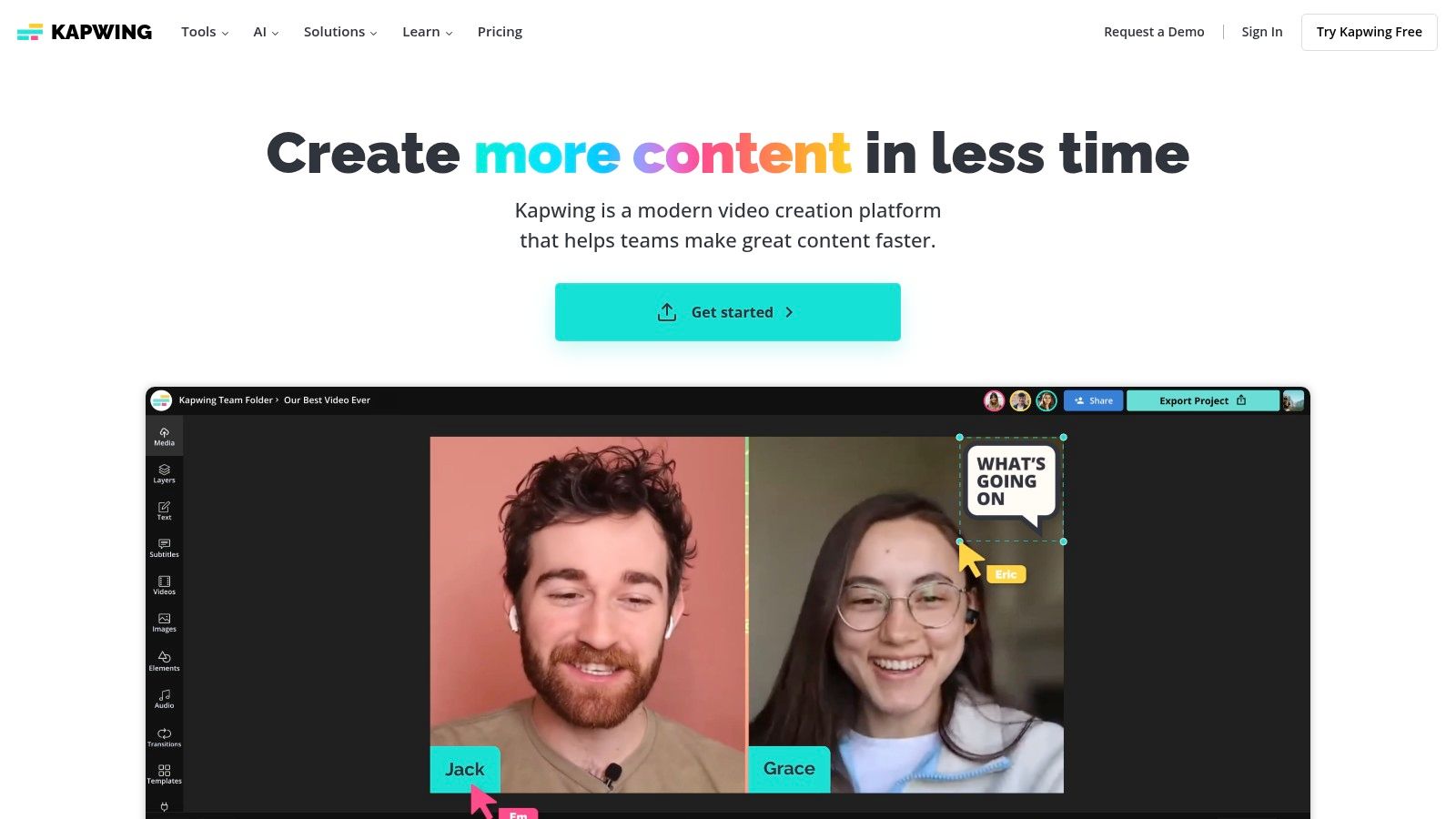
The platform stands out for its video-centric features. While many tools focus primarily on static images, Kapwing provides dedicated templates for Video Pin thumbnails and covers. This focus makes it an ideal choice for marketers and creators looking to leverage Pinterest’s growing emphasis on video without getting bogged down in complex editing software. The collaborative editor also allows teams to work on designs together seamlessly.
Key Features & User Experience
Kapwing’s user interface is clean and straightforward, prioritizing speed and ease of use. Key features include a Pinterest format resizer, a library of 1000×1500 templates, and helpful instructional tutorials to guide new users. While its asset library is less extensive than specialized design giants like Canva, it provides all the core tools needed for effective pin creation, especially for those who bring their own brand assets to the platform.
- Best For: Content creators and social media managers who need a quick, web-based tool for creating both static image and video Pins.
- Pricing: A free plan is available with watermarks and export limits. The Pro plan starts at $24/month ($16/month billed annually) to remove these restrictions.
- Pros: Excellent for video pin creation, completely browser-based with no downloads, and a simple, user-friendly interface.
- Cons: The free tier has significant limitations (watermarks, export length), and the template and stock asset selection is smaller compared to competitors.
Website: https://www.kapwing.com
8. Snappa
Snappa positions itself as the "easiest graphic design tool you'll ever use," and it largely delivers on that promise for Pinterest pin creation. It's a lightweight, no-frills alternative to more complex platforms, making it an excellent Pinterest pin generator for users who feel overwhelmed by feature-heavy editors. The platform is designed for speed, allowing creators to produce professional-looking pins in minutes.
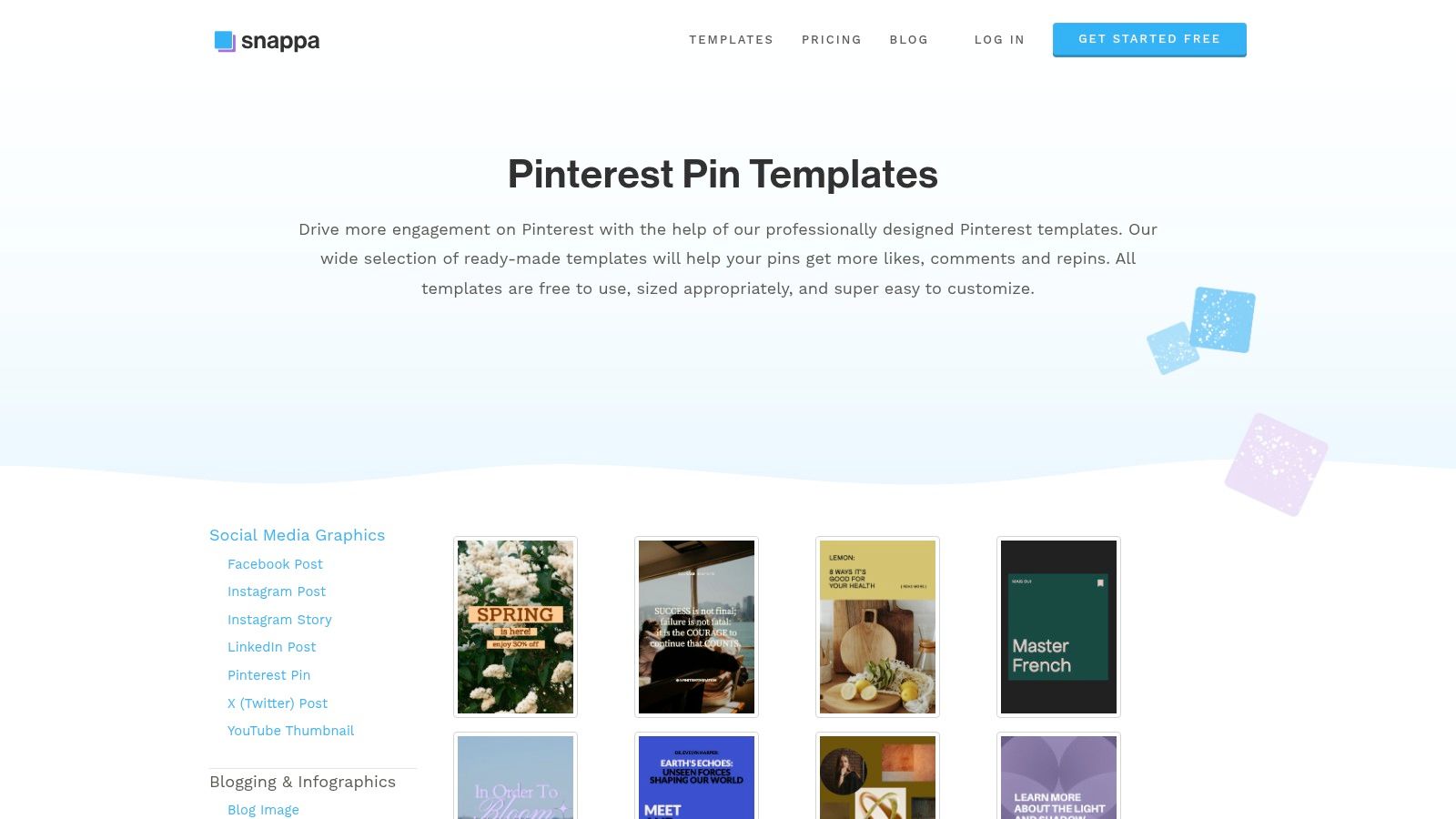
The core strength of Snappa lies in its simplicity and accessibility. It provides a clean, uncluttered interface with perfectly sized Pinterest pin templates and a vast, integrated library of royalty-free stock photos. This combination allows bloggers and small teams to bypass a steep learning curve and focus directly on creating visually appealing content quickly and efficiently.
Key Features & User Experience
Snappa’s editor is incredibly intuitive, with all the essential tools readily available. You can easily add text, graphics, and effects without navigating through complex menus. While it lacks the advanced AI features of some competitors, its straightforward design process is a significant advantage for those who prioritize speed and simplicity over extensive customization options. The one-click background removal tool is a notable and useful feature.
- Best For: Solo bloggers and small business owners who need a fast, simple, and reliable tool for creating pins without a lot of complexity.
- Pricing: A free Starter plan is available (limited to 3 downloads per month). Paid plans include Pro (from $10/month) and Team (from $20/month), offering unlimited downloads and team collaboration.
- Pros: Extremely easy to learn and use, transparent pricing with a generous stock photo library, and ideal for quick pin creation.
- Cons: Lacks advanced AI-driven features and design tools found in other platforms; the free plan’s download limit is restrictive.
Website: https://snappa.com/templates/pinterest-pin
9. Envato Elements
Envato Elements isn't a pin generator in the traditional sense, but rather a vast, subscription-based marketplace for creative assets. It earns its place on this list for high-volume creators, agencies, and designers who need a constant supply of high-quality, editable Pinterest templates. Instead of an all-in-one tool, it provides the foundational building blocks for creating unique and professional pins using external design software like Adobe Photoshop or Illustrator.
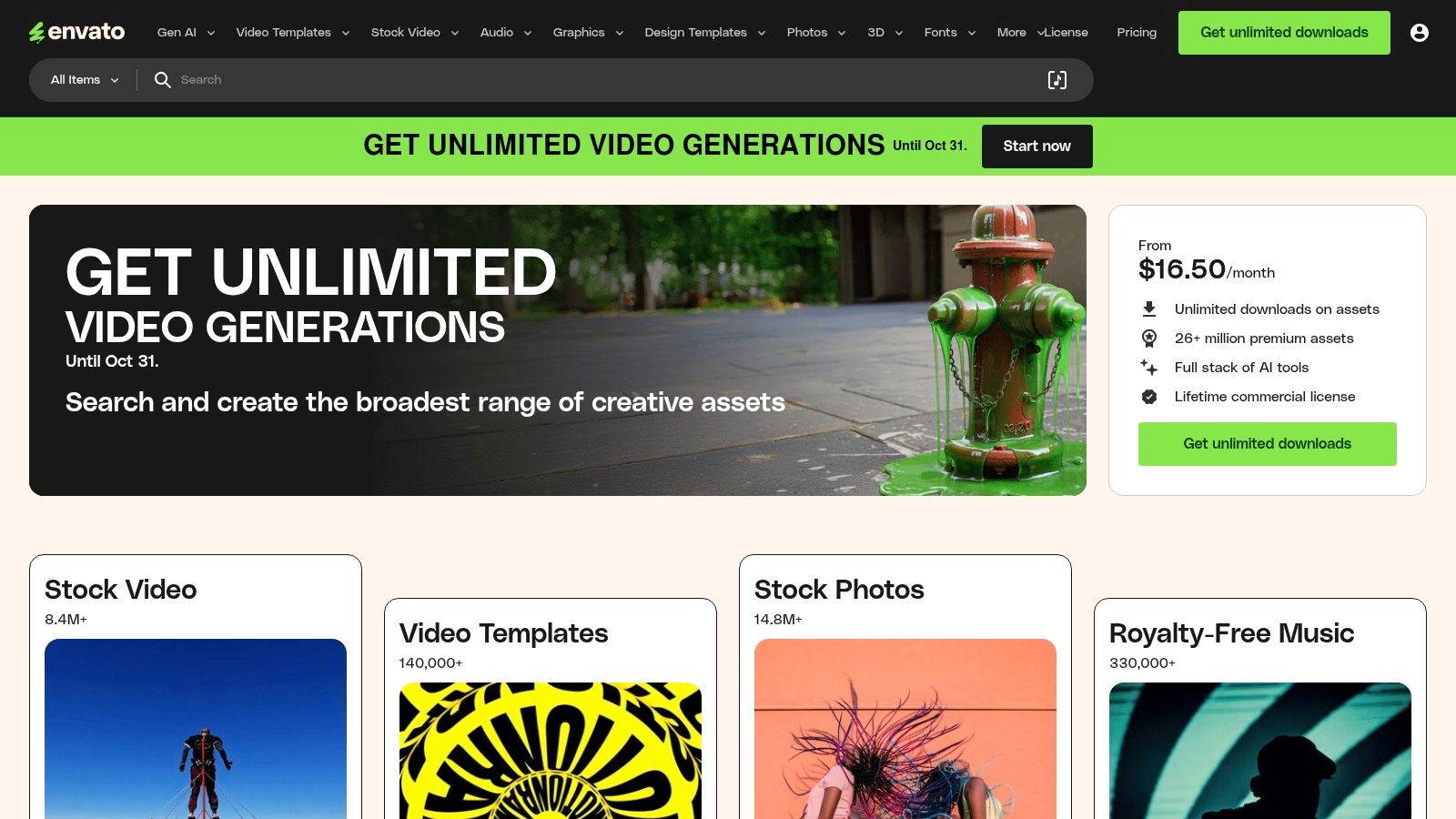
The standout feature is its "unlimited downloads" model. For a single monthly fee, users gain access to millions of assets, including thousands of Pinterest templates, stock photos, videos, music, and fonts. This makes it an incredibly cost-effective solution for anyone who produces a large quantity of diverse creative content beyond just Pinterest, providing unmatched value.
Key Features & User Experience
Navigating Envato Elements is straightforward, with powerful search filters to help you find the exact type of template or asset you need. The platform is a resource library, not an editor, so the user experience is centered on discovery and download. Once you find a template, you download it and open it in its compatible software (e.g., Photoshop) for customization. This workflow is ideal for professionals who prefer the power of dedicated design programs.
- Best For: Marketing agencies, freelance designers, and content creators who produce high volumes of creative assets and are proficient with design software like Adobe.
- Pricing: A single subscription model starting from $16.50/month (billed annually) for unlimited downloads.
- Pros: Incredible value with its unlimited download model, a massive library of diverse creative assets, and commercial licensing included for peace of mind.
- Cons: Requires external design software to edit templates, not a self-contained pin creation tool, and offers no direct author support for items.
Website: https://elements.envato.com
10. Creative Market
For those who prefer a non-subscription model, Creative Market is an essential resource. It's a vast marketplace where independent designers sell high-quality Pinterest pin templates, often in bundles. This approach is ideal for users who want to make a one-time purchase of a specific style or theme without committing to a monthly fee, functioning as a valuable source for any manual or semi-automated Pinterest pin generator workflow.
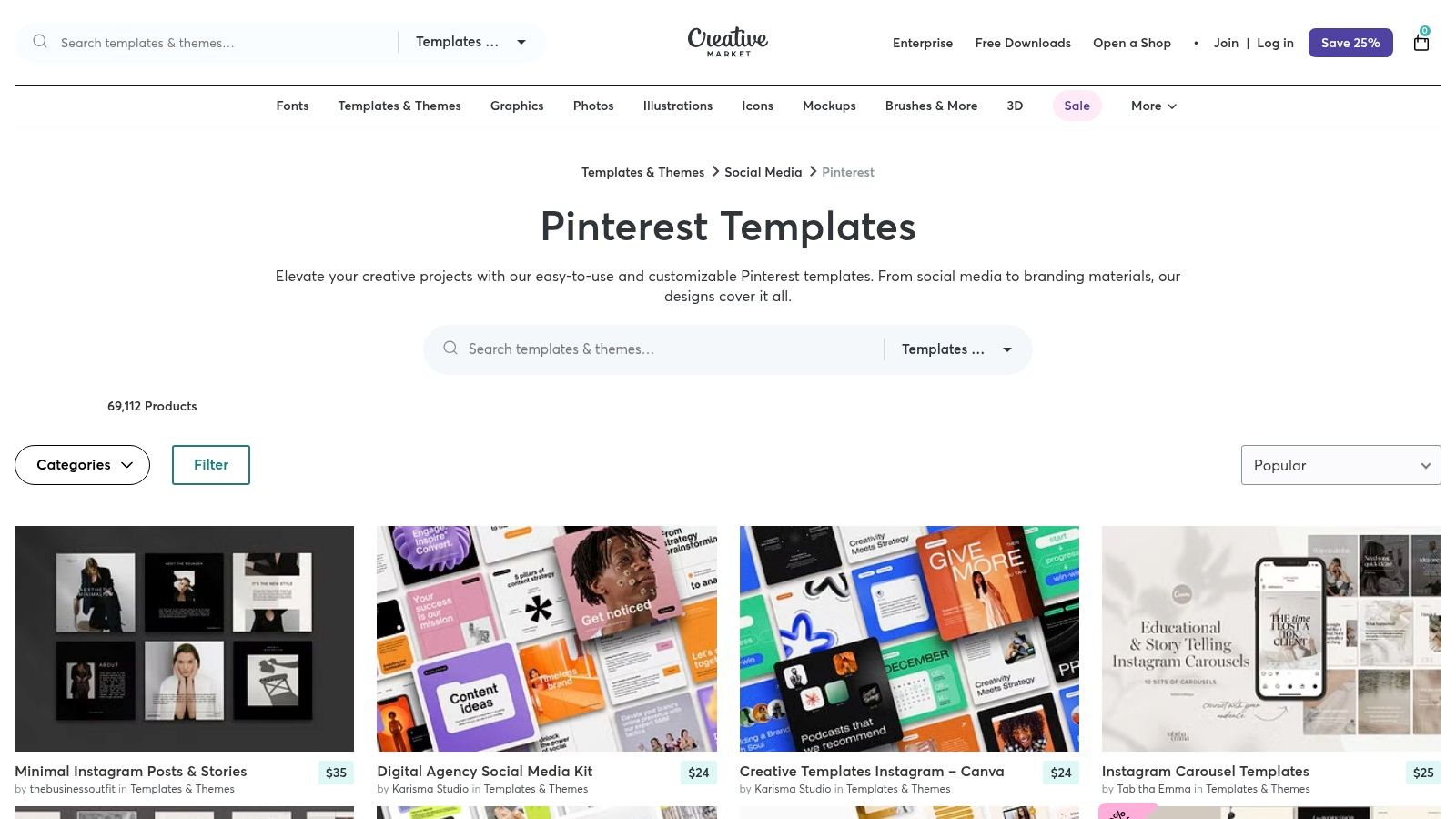
The key advantage is the sheer diversity of design aesthetics available. You can find templates meticulously crafted for specific niches, from food blogs to e-commerce boutiques, many of which are fully editable in platforms like Canva or Photoshop. This allows for a high degree of customization while starting from a professionally designed base.
Key Features & User Experience
Navigating Creative Market is straightforward, with powerful filters to sort by price, software compatibility, and style. The platform's review and rating system is crucial for vetting quality before purchase. Once you buy a template bundle, you receive an instant digital download and can use the designs indefinitely for your projects. This model offers great long-term value and creative freedom.
- Best For: Marketers and creators who want to own their design assets and prefer one-off purchases over subscriptions to build a unique template library.
- Pricing: Varies per product. Pin template bundles can range from a few dollars to $50+, depending on the quantity and complexity of the designs.
- Pros: Buy once and own forever, incredible variety from thousands of independent designers, and helpful filtering and review systems to find the perfect fit.
- Cons: Template quality can vary significantly between sellers, and some templates may require premium assets or fonts (or a Canva Pro account) for full functionality.
Website: https://creativemarket.com/templates-themes/pinterest
11. Etsy (Pinterest Template Market)
While not a software tool itself, Etsy has become an enormous marketplace for Pinterest pin templates, effectively functioning as an on-demand, budget-friendly pin generator resource. It hosts thousands of independent creators selling pre-made template bundles, most of which are designed to be edited directly in Canva. This approach is ideal for users who want professionally designed layouts without the recurring cost of a dedicated software subscription.
The primary advantage of Etsy is the sheer variety and affordability. You can find massive bundles of hundreds of pins for a one-time fee, often less than the cost of one month of a subscription service. These templates come with brandable placeholders, allowing for rapid batch creation of pins. Sourcing templates from various designers also ensures a unique aesthetic that can help your brand stand out from those using more common generator tools.
Key Features & User Experience
Navigating Etsy is straightforward; a simple search for "Pinterest templates" yields countless options sortable by price, style, and seller reviews. After purchase, you typically receive an instant download link to a PDF, which contains the Canva links to access and edit the templates. The user experience is dependent on the quality of the individual seller, so checking shop ratings and reviews is crucial. Many sellers are based in the US, offering quick and reliable delivery.
- Best For: Marketers and bloggers on a tight budget who need a large volume of visually diverse pins and are comfortable with a manual, template-based workflow in Canva.
- Pricing: One-time purchases. Prices vary widely, but template bundles can range from just a few dollars to over $50 for comprehensive packages.
- Pros: Extremely inexpensive with a massive selection, perfect for rapid batching of pins, and supports independent creators.
- Cons: Quality and licensing terms can be inconsistent; buyers must be diligent. Some templates may use Canva Pro elements, which will appear watermarked for users on Canva's free plan.
Website: https://www.etsy.com/market/pinterest_templates
12. Pinterest (Native Pin Builder – Pinterest Business)
While not a "generator" in the automated design sense, no list would be complete without Pinterest’s own native pin creation tool. This is the foundational platform where all pins ultimately live. For users who already have their designs created elsewhere, the Pinterest Business interface is the essential final step for uploading, optimizing, and scheduling content directly onto the platform.
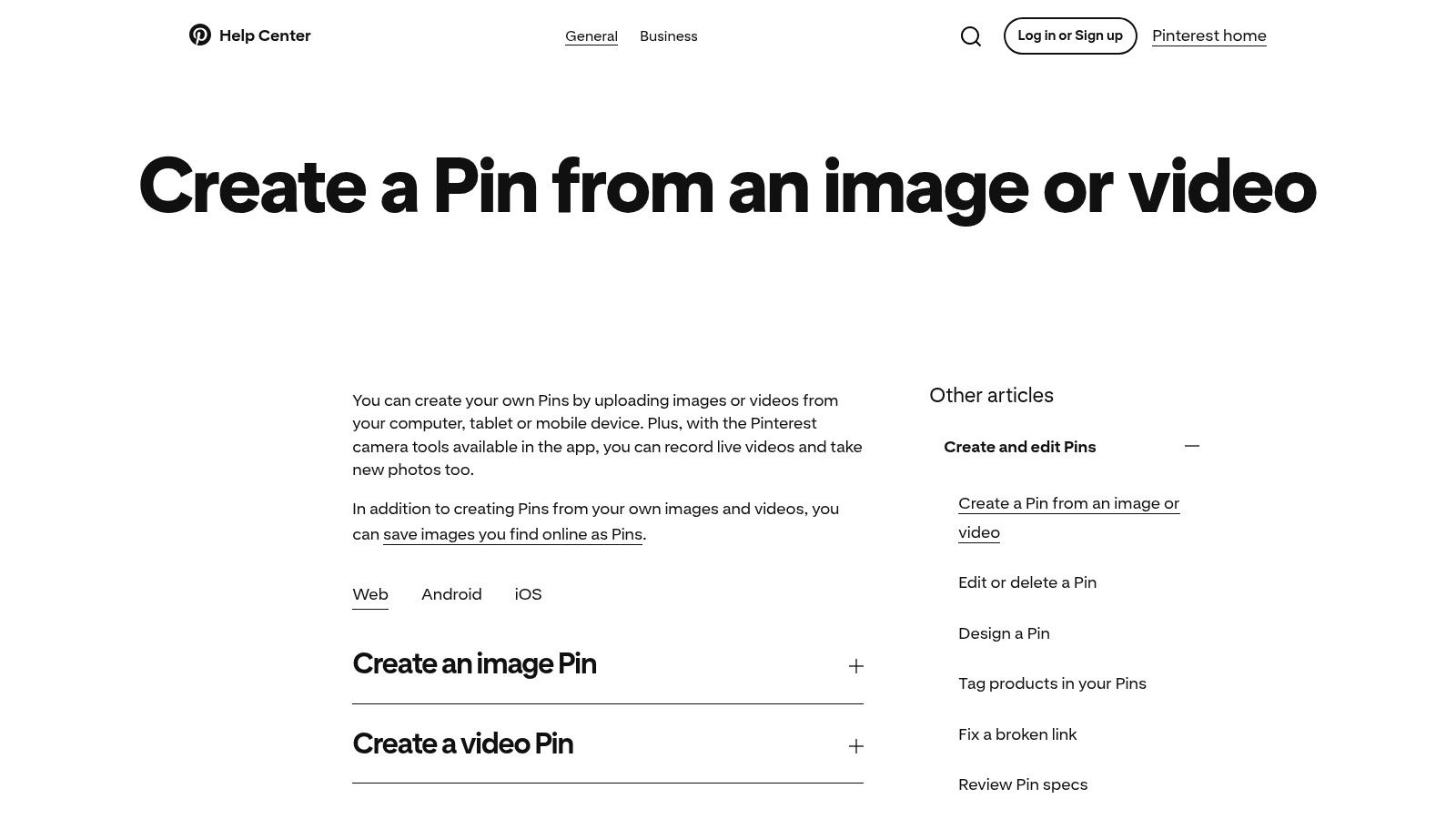
Its primary advantage is being the source of truth; any new features, field requirements, or algorithm changes are reflected here first. It allows creators to upload up to 10 images or videos at once, add titles, alt-text, descriptions, and destination links. This direct-from-the-source approach ensures maximum compatibility and access to the latest native features like topic tagging.
Key Features & User Experience
The user interface for creating a pin is straightforward and built for function over form. For business accounts, the ability to schedule pins in advance or save them as drafts is a core workflow feature. While it lacks design templates or AI assistance, its purpose is purely utilitarian: to get your pre-made content onto Pinterest with the correct metadata and scheduling parameters. It serves as the indispensable final publishing hub for any serious Pinterest marketing strategy.
- Best For: All Pinterest creators and marketers who need the official, native tool to upload, schedule, and publish their pre-designed pins.
- Pricing: Completely free to use with a Pinterest Business account.
- Pros: Always up-to-date with Pinterest’s features, no cost, and offers native scheduling and topic tagging.
- Cons: Purely a publishing tool with no design capabilities, templates, or AI creative assistance.
Website: https://help.pinterest.com/en/article/create-a-pin-from-an-image-or-video
Top 12 Pinterest Pin Generators: Feature Comparison
| Tool | Core Features & Automation ✨ | User Experience & Quality ★★★★☆ | Value & Pricing 💰 | Target Audience 👥 | Unique Selling Points 🏆 |
|---|---|---|---|---|---|
| Pin Generator 🏆 | AI-powered bulk pin creation, multi-board scheduling, Etsy/Shopify/Wordpress integration | Intuitive UI, Pinterest-approved, tutorials | Contact sales for pricing; high ROI reported | Small biz, marketers, eCommerce owners | Reduces pin creation time by 80%, keyword research, trend alerts |
| Canva | Thousands of Pinterest templates, AI design tools, native Pinterest scheduling | Easy for non-designers, strong ecosystem | Free tier; Pro plans criticized for price hikes | Creators, small businesses | Extensive template library, direct Pinterest publishing |
| Adobe Express | 100K+ templates, generative AI powered by Firefly, content scheduler | Professional-grade effects, brand reliability | Free plan; paid for premium features | SMBs, professional designers | Firefly AI for image & effects, commercial-safe AI |
| Tailwind Create | Auto pin design & copy generation, scheduling, Pinterest analytics | Pinterest-specific, built-in communities | Free tier limited, paid plans better value | Pinterest marketers, agencies | Combines pin generator & scheduler, smart analytics |
| VistaCreate | Pinterest templates, scheduling, background remover, team collaboration | Simple editor, competitive Pro pricing | Affordable Pro plan | Small teams, businesses | Direct Pinterest posting, easy team collaboration |
| Simplified | AI caption & title generation, carousel pin builder, scheduler | Strong AI integration, calendar view | Some AI/design features require paid plans | Small teams, social media managers | Combined AI writing/design for Pinterest |
| Kapwing | Pinterest-sized static & video templates, web-based editor | Fast, no install required | Free tier; paid to remove watermarks | Creators, video pin makers | Video pin thumbnail templates, browser-based editing |
| Snappa | Pinterest templates, stock photos, clean editor, collaboration | Very easy, transparent pricing | Free plan with download limits | Bloggers, small teams | Simple tool, straightforward pricing |
| Envato Elements | Unlimited downloads of Pinterest templates, fonts, graphics, tutorials | High volume asset access | Subscription-based value for creators | Agencies, high-volume designers | Massive library, commercial licensing |
| Creative Market | One-off purchases of Pinterest templates & bundles | Wide variety, U.S. based sellers | No subscription, pay per item | Users avoiding subscriptions | Single purchase flexibility, niche templates |
| Etsy (Pinterest Template Market) | Thousands of budget-friendly template bundles | Large selection, US sellers | Very inexpensive, pay per bundle | Budget-conscious creators, rapid batching | Affordable templates, rapid delivery |
| Pinterest (Native Pin Builder) | Direct pin uploads, titles, descriptions, scheduling for business accounts | Free, native platform | Free | All Pinterest business users | Native scheduling & publishing, no vendor lock-in |
Choosing the Right Generator for Your Pinterest Success
Navigating the crowded landscape of Pinterest tools can feel overwhelming, but finding the best Pinterest pin generator for your unique workflow is the key to unlocking consistent growth. As we've explored, the ideal solution isn't one-size-fits-all. It's a strategic choice that aligns with your specific goals, budget, technical skill, and the amount of time you can dedicate to content creation.
The journey from a blank canvas to a high-performing pin involves multiple steps, and each tool we've reviewed offers a different approach to streamlining that process. From dedicated, AI-powered automation platforms to versatile graphic design suites and curated template marketplaces, your perfect match is out there. The critical first step is to honestly assess your own priorities and pain points.
Matching the Tool to Your Goal
To simplify your decision, let's categorize the top contenders based on common user needs. This framework will help you pinpoint which tool will solve your biggest Pinterest challenges and integrate seamlessly into your existing marketing efforts.
For Maximum Automation and Efficiency:
If your primary goal is to generate a high volume of unique, on-brand pins with minimal manual effort, a specialized tool is your best bet.
- Top Choice: Pin Generator stands out in this category. Its ability to pull content directly from a URL, automatically create dozens of pin variations, and schedule them directly to Pinterest makes it an unparalleled choice for bloggers, affiliate marketers, and e-commerce stores who need to put their content promotion on autopilot.
For Creative Control and Custom Design:
If you are a designer or enjoy the creative process and want full control over every element, a robust graphic design platform is essential.
- Top Choices: Canva and Adobe Express are the market leaders here. They offer massive template libraries, user-friendly drag-and-drop interfaces, and powerful AI-assisted features. They are perfect for social media managers and brands with very specific aesthetic guidelines.
For Integrated Scheduling and Design:
For those who are already committed to a premium scheduling platform, an integrated design tool can create a more unified workflow.
- Top Choice: Tailwind Create is the obvious winner for existing Tailwind users. It allows you to design, schedule, and analyze your pins all within a single ecosystem, which can save significant time and streamline your process.
For Budget-Friendly, High-Quality Templates:
If you're just starting out or have a limited budget, purchasing professionally designed templates offers a fantastic return on investment.
- Top Choices: Marketplaces like Etsy, Creative Market, and Envato Elements provide access to thousands of stylish, affordable templates. This approach requires more manual work but gives you a strong creative foundation without a recurring subscription fee.
Final Considerations Before You Commit
Before you make your final choice, remember that the tool is only one part of the equation. A successful Pinterest strategy involves much more than just beautiful pins. You need to understand keyword research, board optimization, and analytics to truly succeed. A deeper understanding of using Pinterest for business will ensure that the pins you create are strategically aligned with your overarching business objectives.
Ultimately, the best Pinterest pin generator is the one that you will use consistently. It should remove friction from your content creation process, not add to it. Consider starting with a free trial to see how the software fits into your daily tasks. The right tool will feel like a natural extension of your brand, empowering you to publish high-quality content that drives traffic, engagement, and sales.
Ready to transform your Pinterest strategy from a time-consuming chore into an automated traffic machine? Pin Generator was built from the ground up to be the most efficient and powerful solution on the market. Try Pin Generator today and see how quickly you can create and schedule hundreds of unique, high-quality pins.