
Find Your Perfect Keyword to Pin on Pinterest
5 September 2025
Finding the right keywords to pin is the secret sauce for real growth on Pinterest. It's not about chasing the most popular terms; it's about making a genuine connection between your content and what people are actively searching for. That's how your pins go from unseen to unforgettable.
Why the Right Keywords Are a Total Game Changer

So many creators treat Pinterest like it’s Instagram, getting hung up on perfect aesthetics alone. And while visuals are a huge piece of the puzzle, you have to remember that Pinterest is, at its core, a visual search engine.
People aren't just scrolling mindlessly. They're on the platform to plan—their next purchase, a big project, a major life event. This means your success literally hinges on matching your content to what they're typing into that search bar.
Choosing the right keywords ensures your content gets discovered by the people who actually need it. It's the bridge between your great idea and a user's plan, whether they're looking for "fall wedding guest dresses" or "DIY kitchen organization."
Target the Right Audience
When you get specific with your keywords, you move past the broad, noisy categories and connect directly with a highly motivated audience. Think about it: instead of a generic term like "skincare," a more focused keyword like "glass skin routine for dry skin" attracts someone with a very specific problem. That person is far more likely to click, save, and engage with your pin.
This targeted approach is everything. The reality is, most search terms aren't massive hits. In fact, research shows that a tiny 0.0008% of keywords get over 100,000 monthly searches, while a whopping 95% get 10 or fewer. This just goes to show the immense power of finding those niche keywords that capture exactly what someone is looking for.
Choosing the right keywords is like having a direct conversation with your ideal customer. You're not shouting into a void; you're providing the exact solution they're already searching for.
Align with Emerging Trends
Pinterest users are planners. They're often searching for seasonal topics and new trends weeks, or even months, ahead of time. A smart keyword choice can put your content right in the path of all that forward-looking traffic.
This is how a single pin can go viral before a trend gets completely saturated. Ultimately, your success comes down to understanding how to choose SEO keywords that drive traffic and pull in your ideal audience. This strategic thinking changes your entire Pinterest game and sets you up for serious growth.
Your Secret Weapon for Pinterest Keyword Research
Let's be real: spending hours manually digging through Pinterest for keywords or just throwing spaghetti at the wall and hoping something sticks is a recipe for burnout. What if you had a tool that was built from the ground up to understand Pinterest's unique, visual-first algorithm?
That’s exactly why we built our free Pinterest Keyword Research Tool. It’s designed to give you the insights that actually matter on a platform where people are planning their future, not just searching for what’s happening right now.
The tool can be used to find the search volumes for all keywords on Pinterest. It also comes up with suggested and related keywords for you to use. Crucially, it finds all trending keywords related to your search, which helps you discover hot topics that can get lots of traffic. And when you find the perfect keyword, you can generate pins immediately using the "Generate Pin" button right next to it. Suddenly, finding the right keyword to pin becomes a science, not a guessing game.
For a full breakdown of the fundamentals, make sure to check out our complete guide to Pinterest keyword research.
Uncover What People Are Actually Searching For
The real magic of the tool is its ability to show you what’s hot right now. You can instantly spot keywords that are gaining steam, letting you jump on rising demand before your niche gets crowded. Imagine being the first to catch a breakout trend and getting your pins in front of a hungry audience just as their interest is peaking.
Here’s a look at what you’ll see when you search for "meal prep." It's a perfect example of how it lays out clear search volumes and related ideas.

This screenshot doesn’t just give you the volume for the main keyword. It's a goldmine of long-tail keywords like "meal prep for weight loss" and "healthy meal prep," each with its own dedicated audience.
This isn't just a list of keywords; it's a content roadmap. Every related and trending keyword is a direct line to a user's needs. You can create pins that speak directly to them, building a much stronger connection with your audience.
But here’s the game-changing part: the tool closes the loop between research and action. See that "Generate Pin" button right next to every keyword suggestion? That's your shortcut. It lets you instantly turn a promising keyword into a batch of beautiful, optimized pins. No switching tabs, no losing your train of thought.
It’s an all-in-one powerhouse for doing Pinterest marketing the smart, efficient way.
Mastering The Art of Keyword Discovery
Alright, let's get to the good stuff—finding those golden keywords that get your pins noticed. I'm going to walk you through exactly how I use the free Pin Generator Pinterest Keyword Research Tool to dig up high-potential terms. We'll start broad and then I'll show you how to read the results like a seasoned pro.
Imagine you're a home decor blogger. You'd probably start with a simple, broad term like "home decor." Punch that into the tool, and you're not just getting a number back. You're getting a complete roadmap for your content. The first thing you'll see is the search volume, which tells you exactly how many people search for that term on Pinterest every month. This is your first clue about demand.
Digging Deeper into Keyword Types
Beyond that first number, the tool breaks down the keyword intelligence into a few layers. This is where you stop guessing and start making smart, data-driven decisions about which keyword to pin.
First up, you'll see a list of Suggested Keywords. Think of these as direct variations or expansions of your original idea. They're perfect for finding content gaps and fresh angles. For our "home decor" example, this might spit out "home decor ideas living room" or "home decor on a budget." Each one is a new trail to follow.
Then you have the Related Keywords. These are your ticket to connecting with more specific, niche audiences. They're usually conceptually linked but aren't direct variations—think "apartment therapy" or "boho interiors." Using these helps you catch traffic from people who already have a clear aesthetic in mind.
The real power here isn't just knowing what people search for, but how they search. These different keyword types show you the user's journey, from a fuzzy idea to a very specific plan.
This is the simple, powerful workflow that turns these keyword insights into actual results.
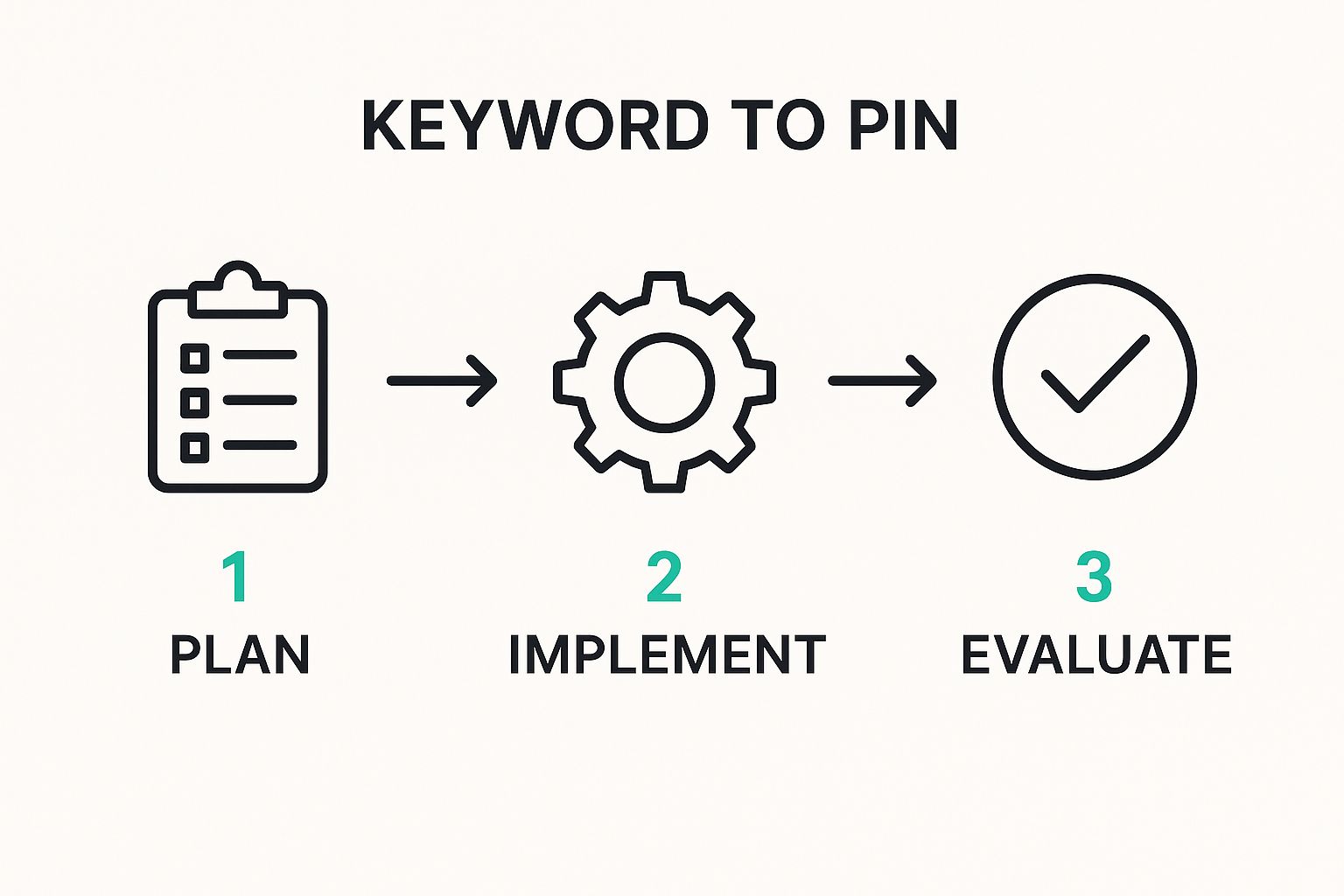
As you can see, it's a cycle. You plan, you implement, you evaluate, and you repeat.
Interpreting Your Keyword Research Results
To make sense of all this, it helps to have a quick reference. This table breaks down what each keyword type means and how you can put it to work for your own strategy.
| Keyword Type | What It Means | Best Use Case |
|---|---|---|
| Suggested | These are direct variations of your seed keyword, often longer and more specific. | Perfect for your main Pin titles and descriptions. They target users with a clear idea of what they want. |
| Related | These terms are conceptually linked to your topic but don't contain the original keyword. | Great for broadening your reach. Use them in descriptions or as board names to attract a wider audience. |
| Trending | Keywords that are currently seeing a big spike in search volume. They're hot right now. | Jump on these immediately! Create fresh content and Pins to ride the wave of interest before it gets saturated. |
Think of these categories as different tools in your toolkit. Suggested keywords are your screwdriver, related keywords are your hammer, and trending keywords are your power drill for when you need to make a big impact, fast.
Capitalizing on Hot Trends
This brings me to what is, in my opinion, the most valuable part of the tool: the Trending Keywords list. This shows you what's surging in popularity right now. For our home decor blogger, this is pure gold. You might suddenly discover that "fluted side table DIY" is blowing up.
This is your competitive advantage.
You can jump on that topic and create content before it's completely saturated, catching a huge wave of traffic as interest peaks. It's the difference between chasing trends and getting ahead of them.
And the best part? The tool closes the loop for you. Next to every single keyword—suggested, related, or trending—there’s a "Generate Pin" button. One click, and you can instantly start creating optimized pins for that exact term. You go from discovery to action in seconds.
From Keyword to High-Performing Pin in Seconds
Finding that perfect, trending keyword feels like striking gold. But let's be real—an insight is just data on a screen until you do something with it. This is exactly where you can get a massive leg up on the competition. Our free Pinterest Keyword Research Tool is built to close the gap between finding a great keyword and actually creating the pin.
Imagine you're a food blogger. You've just used the tool and discovered "cottage cheese recipes" is blowing up. Instead of juggling tabs and firing up a separate design tool, you just click the "Generate Pin" button right there, next to the keyword. Boom. You're instantly turning that hot trend into a beautiful, ready-to-go pin.
This isn't just about moving faster; it's about being smarter. You can whip up a whole batch of optimized pins for a trending topic in the time it takes other creators just to decide on a font.
The Instant Creation Advantage
This direct keyword-to-pin feature is all about efficiency. It makes sure those high-intent keywords you just worked so hard to find are put to use immediately, while the iron is hot.
- No More Lost Ideas: Ever find a great keyword and then forget about it by the time you sit down to create? This lets you act on that momentum the second you find it.
- Built-In Optimization: The pins you generate are already primed with the exact keyword you were targeting. No guesswork needed.
- Test and Iterate Faster: You can quickly create several pin variations for a single trending term. This is perfect for A/B testing designs to see what really clicks with your audience.
The entire SEO software market is exploding for a reason—it's projected to hit a staggering $265.9 billion by 2034. Why? Because specialized tools give you a serious competitive edge. On a visual, fast-moving platform like Pinterest, that edge comes from combining speed with relevance.
By instantly turning a promising keyword to pin into a finished product, you are not just saving time—you are capitalizing on trends before they become saturated. This is how you work smarter to dominate your niche on Pinterest.
Once your high-performing pins are ready, the final piece of the puzzle is scheduling. Using a dedicated Pinterest scheduler tool ensures your fresh content goes live at the perfect times for maximum reach. This one-two punch of rapid creation and smart scheduling is how you build an unstoppable workflow.
Weaving Keywords Into Your Pins for Maximum Reach

Finding the perfect keywords is a huge step, but it's only half the battle. Knowing exactly where to place them is what really signals to the Pinterest algorithm that your content is the perfect match for a user's search.
Think of it as leaving a clear trail of breadcrumbs for Pinterest to follow, leading right back to your content.
The most critical spots are your Pin Title and Pin Description. This is your prime real estate for SEO, and you need to make it count. Your title should feature your main, broader keyword, while the description is where you can naturally weave in related long-tail keywords.
Let's say your pin is about a summer outfit. You might use a broad keyword like "summer fashion" in the title. Simple enough. Then, in your description, you can get much more specific with long-tail variations like "linen pants beach outfit ideas" and "what to wear for a coastal vacation." This single pin now has the power to capture several different search intents.
Going Beyond the Basics of Placement
While titles and descriptions are non-negotiable, don't stop there. Several other high-impact areas are often overlooked, but they provide crucial context to the algorithm, reinforcing what your pin is all about.
- Alt Text: It's designed for screen readers, but it also gives Pinterest another crystal-clear signal about your image's content. Use it!
- Text Overlay: The words you physically place on your pin graphic are scanned by Pinterest’s visual recognition tech. Make sure they align with your keywords.
- Board Names: A pin's board provides powerful topical context. Pinning to a board titled "Summer Fashion Inspo" instantly reinforces the pin's relevance.
When you place keywords thoughtfully across all these different locations, you create a strong, cohesive signal. It tells Pinterest, "This pin isn't just about fashion; it's specifically about a 'linen pants beach outfit' for 'summer fashion,' perfect for a 'coastal vacation'."
Search behavior is constantly in flux. Just look at Google, where about 15% of daily searches are queries that have never been seen before. This trend absolutely spills over to visual discovery platforms like Pinterest, highlighting the need to continuously adapt your keyword strategy.
To make sure your Pinterest efforts fit into the bigger picture, it's also vital to master your overall social media content strategy. This broader knowledge helps you build a more impactful and consistent brand across every platform you're on.
Got Pinterest Keyword Questions? We've Got Answers
Alright, let's clear up some of the common questions that pop up. I want to make sure you're feeling confident and ready to put these strategies to work. Here are some quick, straight-to-the-point answers.
How Is Pinterest SEO Different From Google SEO?
This is a big one, and it's simpler than you think. Think of it as inspiration vs. information.
When someone goes to Google, they usually need a specific, factual answer right now. "How many ounces in a cup?" "Best laptop under $500." They want data.
A Pinner, on the other hand, is dreaming. They're planning a future project, a big purchase, or a life event. They're collecting ideas for the "someday" version of themselves.
This changes everything. Your keywords on Pinterest need to be more aspirational and discovery-focused. You're not just providing an answer; you're helping someone build their dream. If you want to dive deeper into this, we've got a whole guide on Pinterest keywords that breaks it all down.
Can I Use This Tool for Any Niche?
Absolutely. No exceptions. The tool pulls its data directly from what's happening on Pinterest right now, which is why it works for pretty much any industry you can imagine.
Whether you're in B2B marketing, personal finance, wedding planning, or vegan recipes, the insights are solid. The data reflects what real people are actively searching for, no matter the topic.
How Often Should I Look for New Keywords?
Your keyword research schedule really depends on your content. There's no single right answer.
For evergreen topics—the stuff that's relevant all year round—a monthly check-in is a great habit. It helps you stay on top of any subtle shifts in what people are looking for.
But if you're in a seasonal or trend-driven niche (think fashion, holidays, or home decor), you'll want to be much more active. Checking in weekly or even bi-weekly is a smart move. This is how you get ahead of the curve and capture your audience's attention right as it starts to build.
Ready to stop guessing and start growing? Try the Pin Generator Pinterest Keyword Research Tool for free today and uncover the keywords that will get your content seen.