
Pin Creation Tool: Boost Your Pinterest Growth Fast
16 October 2025
A good pin creation tool is the secret weapon behind any serious Pinterest marketing strategy today. It’s software that takes the tedious, time-sucking process of designing, optimizing, and scheduling pins and turns it into a fast, scalable workflow.
Instead of burning hours in a design program, you can feed it a URL or a product link and get dozens of high-quality, on-brand pins back in minutes. It's a game-changer.
Why a Pin Creation Tool Is Essential for Modern Pinterest Marketing
If you’re still manually designing every single pin, you're competing with one hand tied behind your back. It’s that simple.
The biggest challenge on Pinterest right now is the platform's relentless demand for fresh, engaging content. The algorithm rewards consistency and volume—two things that are almost impossible to nail when every pin is a multi-step project in Canva.
Think about the old way of doing things. It was a grind: brainstorm ideas, hunt for keywords, find images, design the pin, write an optimized description, and finally, upload and schedule it. Trying to do that day in and day out is a fast track to creative burnout and spotty results. Your growth just stalls.
Shifting from Manual Labor to Strategic Oversight
This is where a dedicated pin creation tool completely flips the script. It moves you from being a pin producer to a pin strategist. By letting the software handle the repetitive design and SEO grunt work, you get to focus on what actually moves the needle:
- Spotting Trends: Figuring out what’s resonating with your audience and jumping on it early.
- Fine-Tuning Your Strategy: Using real data to improve your click-through rates and conversions.
- Engaging Your Audience: Actually spending time in the comments and building a community.
You're no longer stuck on the content treadmill. Let’s break down just how different the two approaches are.
Manual Pin Creation vs AI-Powered Pin Creation Tool
This table really puts into perspective the efficiency gains you get by moving from a manual process to an AI-powered one. It’s not just about saving a few minutes; it’s about fundamentally changing how you operate.
| Task | Manual Process (The Old Way) | AI Pin Creation Tool (The New Way) |
|---|---|---|
| Design | Spend 10-15 minutes per pin in Canva, finding templates, tweaking colors, and adding text. | Generate 10+ unique designs from a URL in under 60 seconds. |
| Keyword Research | Manually search Pinterest for relevant keywords and trends. | Get AI-suggested, optimized titles and descriptions automatically. |
| Scheduling | Individually upload and schedule each pin, one by one. | Bulk schedule dozens or hundreds of pins in a few clicks. |
| Output | Realistically create and schedule 5-10 pins per week. | Easily create and schedule 30-50+ pins per week. |
| Focus | Creative execution and repetitive tasks. | High-level strategy, performance analysis, and audience growth. |
The takeaway is clear: automation doesn't just make the process faster, it makes your entire strategy smarter and more sustainable.
This transition from manual work to strategic direction is how you truly scale on Pinterest. The infographic below shows the dramatic difference this shift can make in both output and, more importantly, results.
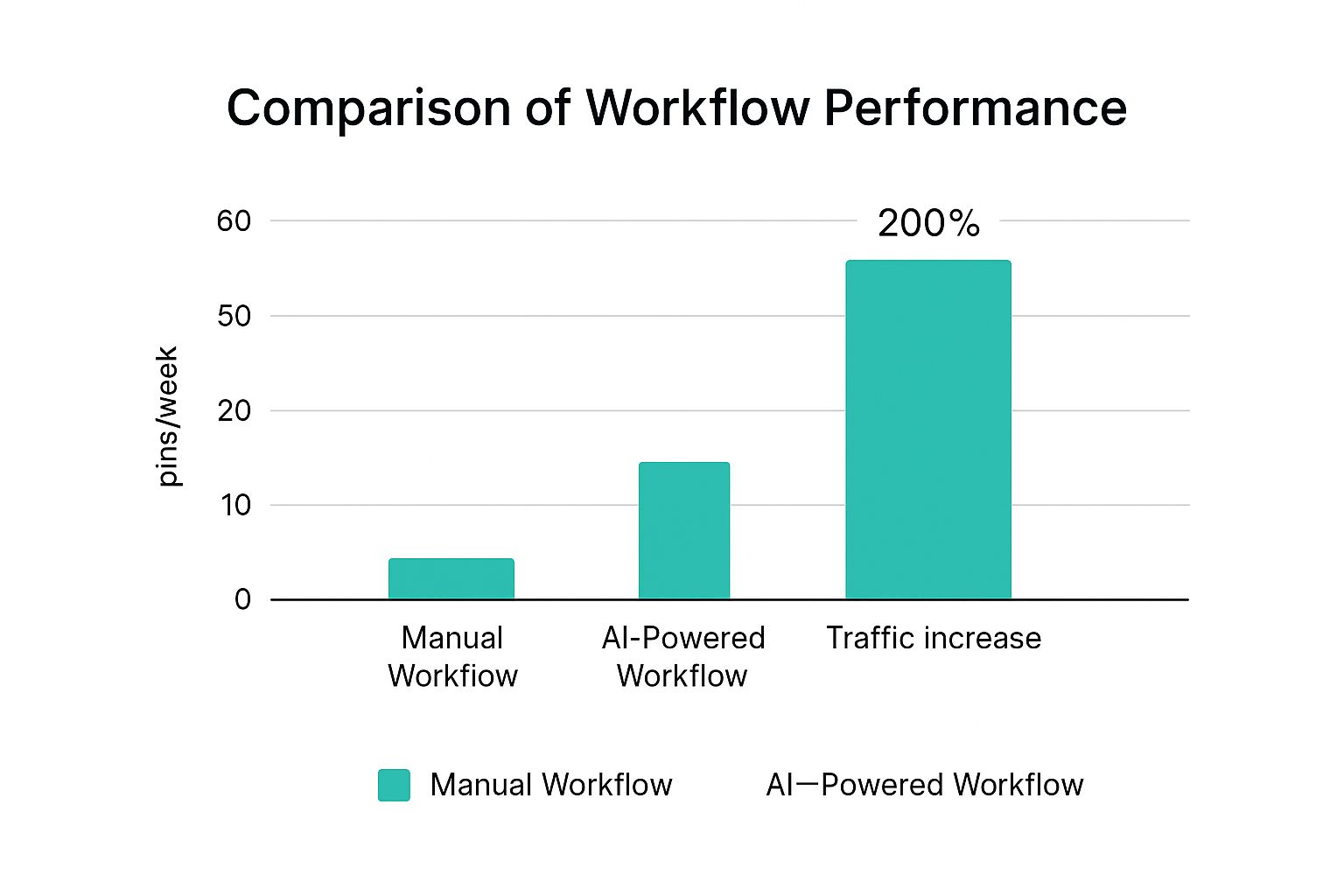
The numbers don't lie. Pumping out more content directly leads to a major boost in traffic.
The real value of a pin creation tool isn't just saving time; it's multiplying your strategic impact. You're not just creating pins faster—you're building a sustainable engine for consistent traffic and growth that works for you 24/7.
This kind of efficiency is non-negotiable in a marketplace where visual content is everything. Pinterest has seen a 50% year-over-year increase in shoppable pins being saved to boards. People are on the platform ready to buy. Automation lets you meet that demand head-on, turning your blog posts and products into a non-stop stream of traffic-driving assets. You can dig into more of the data behind Pinterest's commercial growth and see for yourself how automation is changing the game.
Setting Up Your Pin Creation Tool for Success
Jumping into a new pin creation tool without a proper setup is like trying to build a house on a shaky foundation. Sure, you can dive right in, but taking a few minutes to configure your settings upfront will save you hours of headaches later. It’s the difference between chaotic, off-brand pins and a smooth, automated content machine.
Think of it like this: you’ve just launched a new e-commerce store selling handmade pottery. Your brand has a specific earthy color scheme, a clean logo, and a modern font. The initial setup is where you teach the tool your unique brand language so it can do the heavy lifting for you.
Establishing Your Brand Identity
First things first, you need to set up your brand kit. This is non-negotiable. This is where you upload your logo, plug in your exact color palette using hex codes, and select your specific brand fonts. Once you lock these elements in, the tool automatically applies them to every single design it creates.
No more manually tweaking colors or adding your logo to every pin. For our pottery store owner, this means every generated pin—whether it's for a new mug or a blog post on glazing techniques—will instantly have their signature terracotta and slate grey colors. That’s how you build brand recognition with every single impression.
The screenshot below shows just how clean and straightforward this process is. Often, it all starts with just a URL.

This simple starting point is the gateway to turning your existing content into a steady stream of on-brand Pinterest assets.
Connecting Your Content Sources
With your brand looking sharp, the next step is to connect your content pipelines. A really powerful pin creation tool doesn't just make pins from scratch; it pulls from the content you've already created, automating the whole workflow.
There are a couple of key integrations you'll want to set up right away:
- Blog RSS Feed: Connecting your blog's RSS feed is a game-changer. The tool will automatically see new posts as you publish them and get pin drafts ready to go. You hit publish, and your promotion is already in the works.
- Shopify or Etsy Store: If you're an e-commerce seller, this is huge. Integrating your store lets the tool pull product images, titles, and prices directly from your listings to create shoppable pins at scale.
A proper setup transforms the tool from a simple design assistant into the central hub for your entire Pinterest strategy. It connects your brand, your content, and your scheduling into one cohesive, automated system.
This initial configuration is a one-time task that pays off over and over again. It ensures that your pin creation tool works for you, cranking out a consistent stream of high-quality visuals that drive traffic and build a memorable brand on Pinterest.
Generating Pins From Any Content Source
This is where the magic really happens. A great pin creation tool shouldn’t force you into some rigid, new workflow. Instead, it should slide right into what you’re already doing, making it faster and easier to turn your content into fresh, engaging Pinterest pins.
Think about it. You just published a new recipe on your food blog. Instead of blocking out another hour to design a pin from scratch, you just paste that recipe's URL into Pin Generator. In seconds, the tool scans the page, grabs your best photos, pulls the title, and spits out a dozen unique pin designs.
It’s all about making your promotion as quick and effective as your content creation.
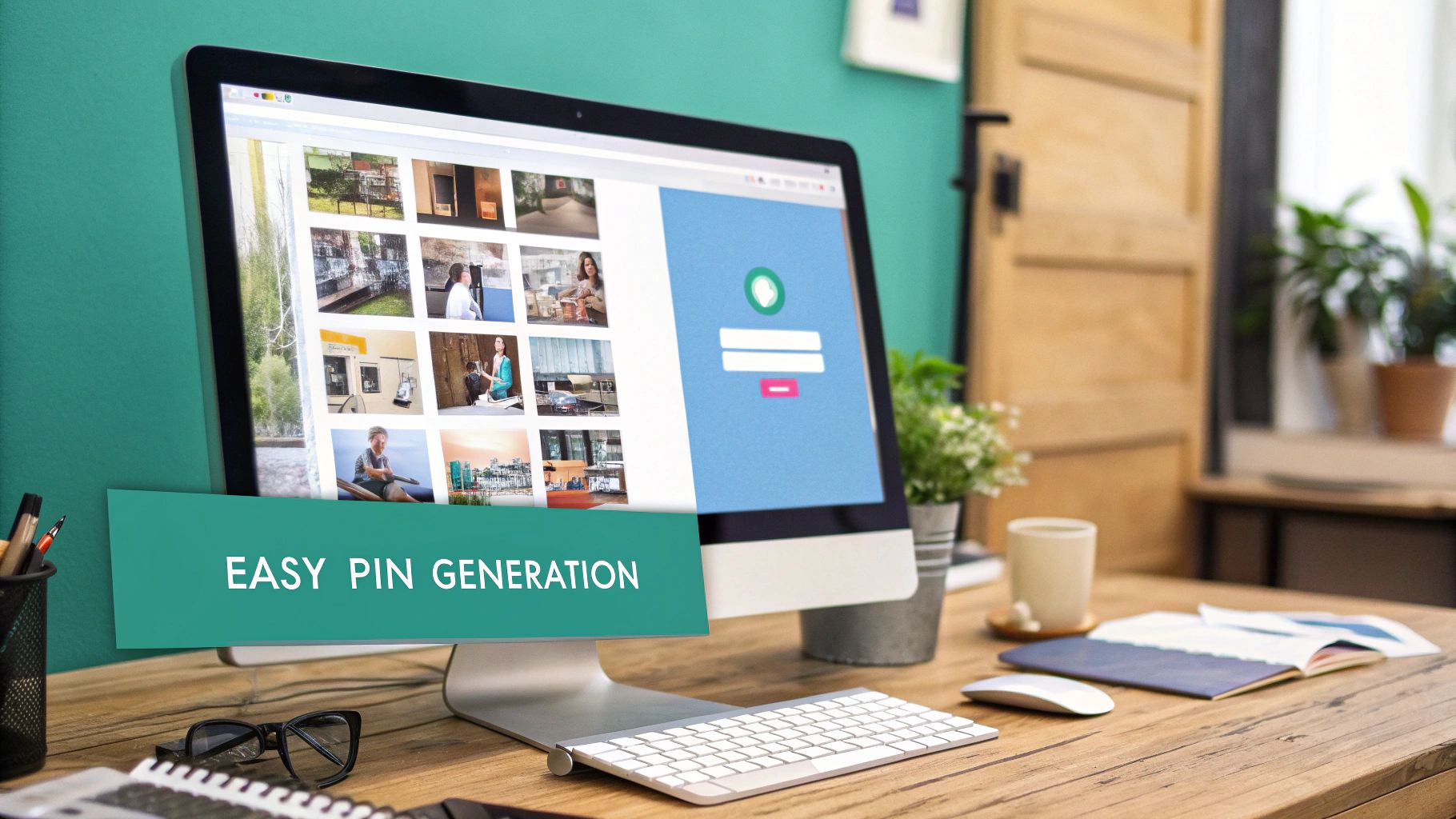
From Blog Posts to Product Pages
The ability to generate pins straight from a URL is a massive time-saver for both bloggers and e-commerce stores. It’s the bridge that turns the content you’ve already spent hours perfecting into a non-stop stream of traffic.
-
For Bloggers: Every single article you've written is a goldmine waiting to be tapped. Pop in a link, and you can instantly whip up a whole batch of pins to promote that post for weeks to come. This is especially powerful for WordPress users—you can see just how much an AI pin generator for WordPress can streamline this.
-
For E-commerce Stores: Just launched a new product line on Shopify or Etsy? Grab that product page URL and paste it in. The tool will pull your product shots, titles, and even pricing to create pins that are built to sell.
Creating From Text and Images
But what if your idea isn't a full-blown webpage yet? No problem. A flexible tool adapts to you.
Let's say you're a craft blogger planning a post on a "DIY Fall Wreath." You've taken the photos, but the article isn't written. You can still get a head start on your Pinterest marketing.
Just type in your pin title idea and upload the folder of wreath photos you shot. Pin Generator will mix and match your text with your images, running them through different templates to create a whole set of ready-to-go pins. This way, you can start building buzz and scheduling your promo material before the content is even live.
The real power here is content repurposing at scale. It doesn’t matter if your content is a blog post, a product page, or just a title and some photos on your hard drive. You can turn it into a high-volume Pinterest campaign with hardly any effort.
Revive Your Best Content
One of my favorite, and most overlooked, strategies is breathing new life into old content. Dig into your analytics and find a blog post that already gets consistent traffic. You know this one's a winner.
Now, plug that URL into the tool.
Instantly, you’ll have 20-30 brand new pins for content you already know people love. This is a powerful signal to the Pinterest algorithm that your evergreen post is still relevant, helping it reach a new audience and keeping that sweet traffic coming. It's the smartest, most efficient way to get more out of the work you've already put in.
Optimizing and Scheduling Pins for Maximum Reach
Creating a batch of beautiful pins is a huge win, but it's only half the battle. Let's be real: a pin that no one sees is just a pretty image taking up space on your hard drive. This is where a solid pin creation tool goes from being a design assistant to a strategic marketing engine. It all comes down to two things that actually drive results: optimization and scheduling.
The whole point is to get your content in front of the right people at exactly the right time. That means getting a grip on Pinterest SEO and building a consistent publishing schedule that works for you, not against you.
Harnessing AI for Powerful Pinterest SEO
First things first, Pinterest is a visual search engine. Your pin's title and description are absolutely critical for telling the algorithm what your content is about, which is how you show up in relevant searches. Pin Generator’s AI gives you a massive head start here. When it scans your URL, it doesn't just pull images; it also cooks up multiple keyword-rich title and description options for you.
For example, I've seen a simple blog post titled "Our Favorite Houseplants" get AI-generated titles like:
- "Easy Low-Light Houseplants for Beginners"
- "The Best Indoor Plants to Purify Your Air"
- "Must-Have Houseplants for a Modern Home Office"
These suggestions are gold because they’re framed around what real people are actually typing into the search bar. Your job is to sift through these options, pick the best ones, and maybe tweak them a little to make sure they perfectly match the value your content provides.
Think of the AI-generated text as a high-quality first draft. It does about 80% of the heavy lifting on the SEO front. Your final human touch adds the nuance that makes a pin truly click-worthy.
Building an Automated Content Calendar
Consistency is everything on Pinterest. The algorithm loves—and rewards—accounts that publish fresh content on a regular basis. But trying to manually upload pins every single day? That's a one-way ticket to burnout. This is exactly why smart scheduling is a non-negotiable feature in any serious pin creation tool.
After generating a batch of pins, you can immediately map out your entire content calendar. Instead of blasting out 20 pins for one article all at once (don't do that!), you can drip them out over several weeks. We get into the nitty-gritty of this in our guide on how to schedule Pinterest posts.
This “set it and forget it” approach changes the game. You can:
- Post at Peak Times: Schedule pins to go live when your audience is most active, even if you’re asleep or on vacation.
- Maintain Momentum: Keep your account active and growing, even during those weeks when you're too swamped to even think about Pinterest.
- Vary Your Boards: Spread your pins across multiple relevant boards over time to get maximum exposure.
This process completely transforms your workflow from a daily grind into a strategic batching session. You can create and schedule a whole month's worth of content in a single afternoon. The same principles of consistency and optimization apply across platforms, as you can see in these effective strategies to grow a Twitter following.
Using Bulk Editing for Ultimate Efficiency
Okay, picture this: you’ve just scheduled 100 pins for an upcoming holiday sale. Then you realize you forgot to add the campaign hashtag or a CTA like "Shop the Sale!" to all of them. Going back to edit them one by one would be an absolute nightmare.
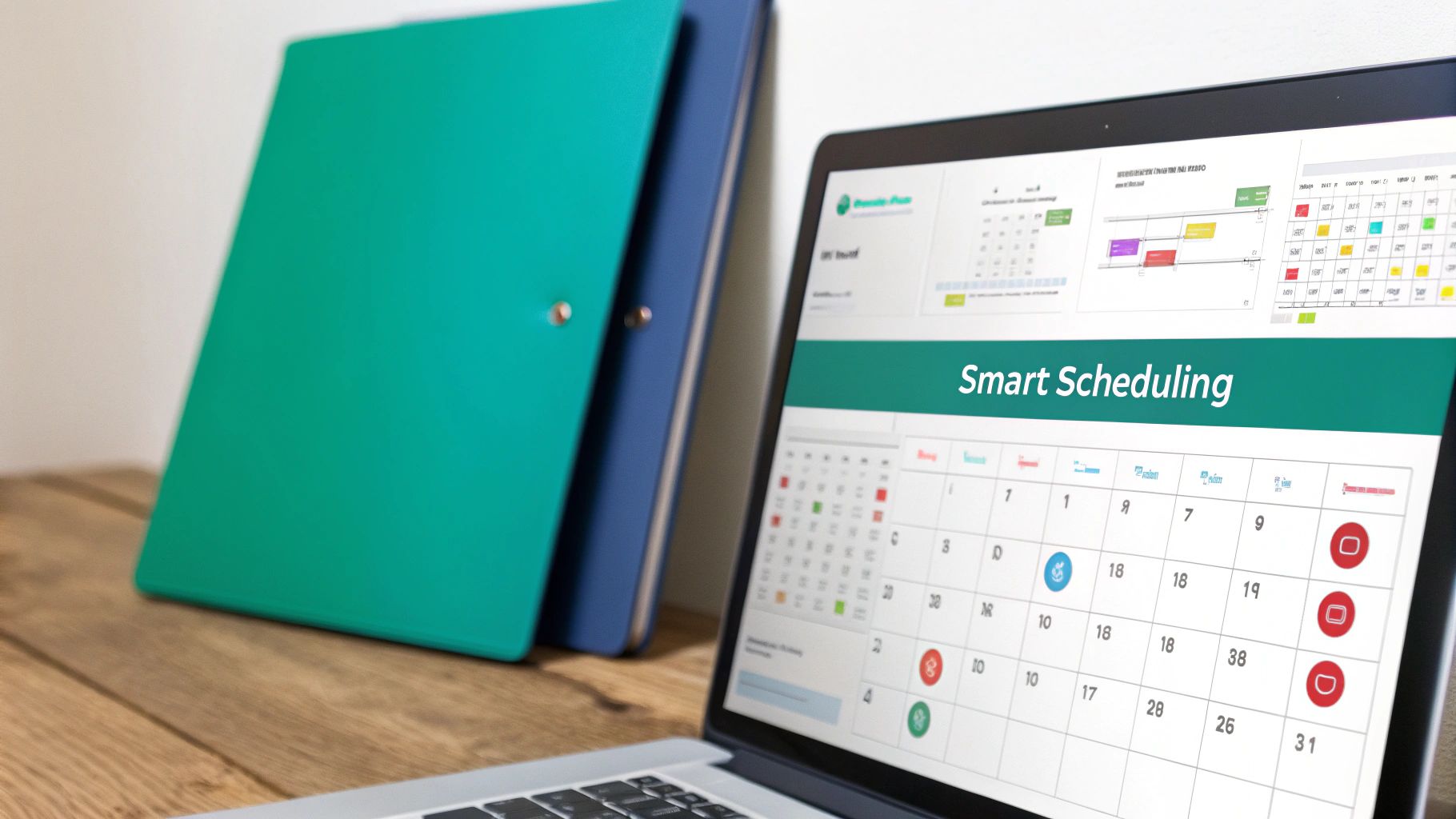
This is where bulk editing saves the day. You can select a whole group of scheduled pins and apply changes to their titles, descriptions, or destination links all at once. This is a lifesaver for seasonal campaigns, A/B testing different calls-to-action, or quickly updating links if something changes. It keeps your strategy agile and responsive without creating hours of tedious, soul-crushing manual work.
Using Advanced Features for a Competitive Edge
Once you've got the basics down, this is where the real magic happens. Diving into a pin creation tool's advanced features is what separates the hobbyists from the pros driving serious results. These are the functions that give you a real competitive edge, pushing your content—and your traffic—to the next level.
Think of it as moving from just making pins to building a smart, efficient marketing machine.
Unleashing AI for Video and Customization
One of the biggest game-changers is AI-powered video pin generation. Static images are fine, but let's be honest: video is what Pinterest is pushing hard right now. With a tool like Pin Generator, you can take a standard blog post or product page and instantly whip up a dynamic, attention-grabbing video pin. No video editing skills required.
The tool just grabs key images and text from your URL and animates them into a short, engaging clip. This is a massive win. Video pins almost always get higher engagement and are definitely favored by the algorithm. For anyone serious about growth, figuring out how to use AI in marketing is no longer optional—it’s essential for elevating your impact.
Another powerhouse feature for scaling your brand is creating custom templates. Sure, the built-in templates are great for getting started, but locking in your own unique designs? That's how you guarantee absolute brand consistency. It lets you maintain a cohesive, instantly recognizable look across hundreds of pins while still keeping things visually fresh.
The real goal of these advanced features is to close the loop: create better content, manage it all efficiently, and then use data to make even smarter decisions. This is how you turn your Pinterest efforts from a guessing game into a predictable growth engine.
Streamlining Multi-Account Management
For agencies, VAs, or anyone juggling multiple brands, the ability to switch between different Pinterest accounts from a single dashboard is an absolute lifesaver.
Forget the logistical nightmare of constantly logging in and out of different profiles. This centralized setup means you can manage separate brand kits, scheduling calendars, and analytics for each client or brand seamlessly. It makes your workflow incredibly efficient.
Finally, we get to the most critical advanced feature: performance analysis. A good pin creation tool doesn't just help you create; it helps you improve. By digging into the data on which pins are driving the most clicks, saves, and traffic, you can see exactly what's resonating with your audience.
This data-driven feedback loop is everything. It allows you to double down on your winning designs and content topics, continuously sharpening your strategy for maximum impact.
And this is more critical than ever, given Pinterest's incredible growth. As of Q1 2025, the platform hit a record 570 million monthly active users, with video pins being watched nearly 1 billion times a day. In an environment with that much engagement, optimized, data-backed content isn't just nice to have—it's how you win.
Common Questions About Pin Creation Tools
Jumping into any new piece of software brings up questions. It's totally normal. And when that software is a pin creation tool that automates something as creative as pin design, you’re right to wonder about the quality and flexibility.
Will the pins really look like my brand? Is this a smart investment if I’m just a one-person show? Let's tackle the big questions we hear from bloggers, marketers, and shop owners every day. My goal is to give you straight answers so you can see how a tool like Pin Generator isn't just another subscription—it’s a strategic partner built to make your Pinterest marketing faster, easier, and way more effective.
Will My AI-Generated Pins Look Generic?
This is easily the biggest fear, and it’s a valid one. Nobody wants their brand to look like a cookie-cutter copy of someone else's. We get it. That's exactly why we built Pin Generator to sidestep this problem entirely. It avoids that generic look by intelligently merging a massive template library with your specific brand identity.
Here’s how it keeps your pins unique:
- It’s Not Just One Template: Instead of just slapping your image onto the same pre-made design over and over, the AI mixes and matches elements from hundreds of professional templates.
- It’s All About Your Brand: Your pins should scream you. The tool makes this happen by applying your logo, brand colors, and fonts to every single design it creates. You set it up once, and it handles the rest.
- Variety is Built-In: For every single URL you give it, the AI will crank out dozens of distinct pin variations. It automatically experiments with different layouts, text placements, and image crops.
This system gives you a constant stream of "fresh content"—which the Pinterest algorithm absolutely loves—without ever losing the unique look and feel of your brand.
Is It Worth the Investment for My Small Business?
Absolutely. In fact, a pin creation tool probably has one of the best ROIs for a small business or solo creator. Why? Because your time is your most valuable asset, and you don’t have enough of it.
Just think about the hours you currently sink into making pins by hand. If you spend even five hours a month designing, writing descriptions, and scheduling, that’s time you're not spending on creating products, talking to customers, or writing your next blog post.
An AI-powered tool can slash those five hours down to 30 minutes. That reclaimed time is pure gold. You can reinvest it directly into the parts of your business that actually make money. The value isn't just in the traffic you'll get; it's in the huge chunk of your workweek you get back.
Can I Still Fully Customize the Designs?
Yes, and this isn’t some tacked-on feature—deep customization is at the core of the tool. Pin Generator hits that sweet spot between lightning-fast automation and your complete creative control.
It all starts with the "Brand Kit" feature.
You set up your logo, brand colors, and fonts just one time. From then on, the AI automatically applies these elements, keeping everything perfectly consistent. But you always have the final say. You can easily jump in and override any AI decision, tweak the text overlays, swap out images, or change the colors on a single pin.
It's the best of both worlds: AI does the heavy lifting, but you're always in the driver's seat.
Ready to stop wasting time and start driving serious traffic from Pinterest? Try Pin Generator today and see how quickly you can create hundreds of high-quality, on-brand pins for your blog or store. Get started at https://pingenerator.com.