
3-Month Pinterest Growth Plan
Introduction to Pinterest
Why Pinterest Marketing?Understanding Pinterest UsersHow Traffic Becomes IncomeMonth 1: Building Your Foundation
Set everything up and launch your first automation in your first month.
Your 3-Month Success Plan at a Glance
Month 1 — Foundation
5
pins per day
Set up your account, research your niche, create your first automation, and start building momentum.
Month 2 — Growth
10-15
pins per day
Analyze your results, identify winning styles, optimize your designs, and increase your volume.
Month 3 — Scale
20-50
pins per day
Add more automations, scale your content across categories, and build a self-sustaining traffic engine.
~1,050+
Total pins created
~10 hrs
Total time invested
3+
Active automations
Month 1 is all about getting set up and publishing your first pins. Here's what you need to do:
Step 1: Create Your Pinterest Business Account
Head to pinterest.com and create a free business account. Then claim your website so Pinterest can track all pins linked to your domain — including pins created by others.
Step 2: Connect Pinterest to Pin Generator
Sign up for a Pin Generator account if you haven't already, then connect your Pinterest profile from your profile page. This allows Pin Generator to publish pins directly to your boards.
Step 3: Research Your Niche
Before creating pins, spend some time understanding what works in your niche. Use Pinterest Trends to see what topics are popular, and use Pin Generator's free Keyword Research Tool to find high-volume search terms in your niche. The keywords you discover here will be used by the AI to create optimized pin titles and descriptions automatically.
Step 4: Warm Up Your Account (New Accounts Only)
If you're working with a brand-new Pinterest account, it's worth spending the first week establishing credibility before you start pinning at volume. Pinterest evaluates new accounts carefully — an account that immediately starts publishing dozens of pins with outbound links looks suspicious, and the algorithm may restrict your reach as a result.
The goal of a warmup period is straightforward: demonstrate to Pinterest that you're a genuine user who is actively interested in the platform, not just using it as a traffic funnel. This brief investment pays dividends because it shortens the initial "sandbox" period that all new accounts go through — a phase where your pins receive minimal distribution regardless of quality.
New Account Warmup Schedule
Days 1 – 3: Engage First
Save 2 to 3 high-quality pins from other creators to your most relevant boards each day. Browse your home feed, follow a couple of boards in your niche, and interact naturally — open pins, scroll through related content. Publish just 1 of your own pins per day, using a simple image without any outbound link.
Days 4 – 7: Start Creating
Increase to 1 or 2 of your own pins per day while continuing to save 3 to 5 pins from other creators. Keep your pins as simple, high-quality images — no links, no click-optimized templates yet. Spread your activity across different boards and vary the times you pin to create a natural-looking pattern.
What should your warmup pins look like?
During warmup, focus on engagement rather than clicks. Your early pins should be visually appealing, inspiration-style images relevant to your niche — think attractive photos with a simple caption overlay. Don't use designed templates or add outbound links during this phase. The purpose is to signal authenticity and earn early engagement (saves and impressions) that will lift your account's overall authority.
Won't link-free pins be wasted effort?
Not at all. If your early pins gain traction in search results, that engagement helps every pin you publish afterwards. Pinterest evaluates your account holistically — pins that earn saves and impressions build credibility that carries over to your link-bearing, traffic-driving pins later.
Warmup Checklist
- Created relevant boards with descriptive names
- Saved a handful of quality pins from other creators to seed your boards
- Published 5 to 10 of your own image-only pins (no outbound links)
- Engaged naturally on Pinterest every day for at least a few minutes
- Varied your activity across boards and times of day
Once you've completed your warmup week, you're ready to set up your first automation and start pinning with outbound links at a steady pace. Your account will have established a baseline of trust, and Pinterest will be much more willing to distribute your content.
AI Board Selection — No Manual Board Setup Needed
You don't need to manually create boards or worry about SEO-optimizing board names and descriptions. Pin Generator's AI board selection feature analyzes each pin's content and automatically assigns it to the most relevant board on your profile. If no suitable board exists, it creates one for you. Just toggle on "AI board selection" and let the AI handle it.
Automatic Scheduling — No Time Slots to Configure
The automation system distributes your pins at natural times throughout the day, so you don't need to manually configure scheduling time slots. Your pins will be published at optimal intervals automatically.
Step 5: Set Up Your First Automation
This is the most important step. Setting up an automation means Pin Generator will automatically create and schedule fresh pins for you on an ongoing basis. The automation wizard walks you through everything:
- Choose how many pins per day (start with 5 for new accounts)
- Select your content source — your website, Shopify store, Etsy shop, WooCommerce store, or describe your content manually
- Pick your design templates and color palette
- Enable AI features to automatically generate optimized titles, descriptions, and even images
- Connect your Pinterest profile
- Let AI select your boards (recommended) or choose specific boards
- Review and launch
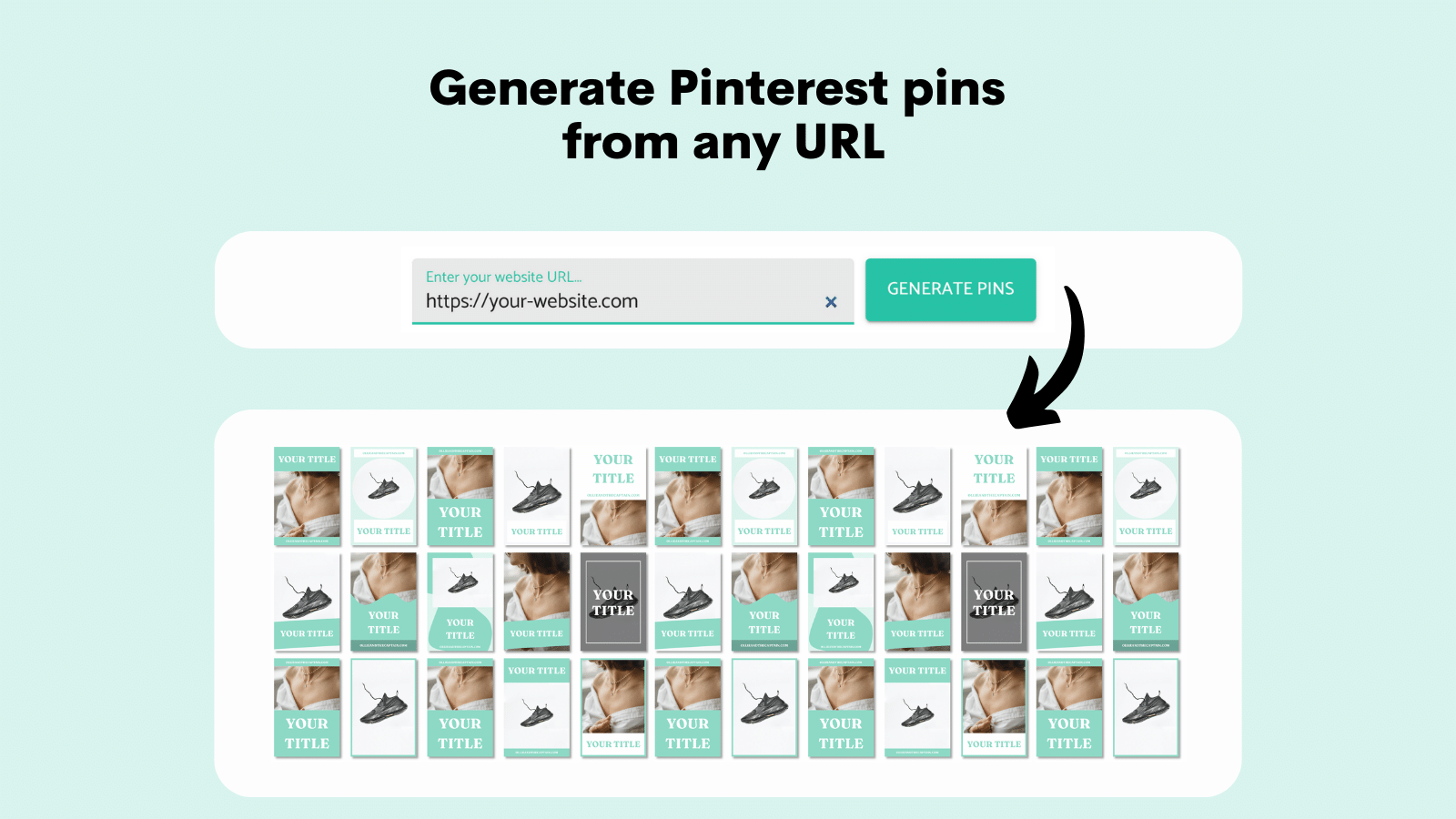
Set up your first automation now
The automation wizard guides you through every step. You'll have your first batch of pins generating in minutes.
Create your first automationFurther Reading